 ProMapRanker
Best Refiner Alternatives in 2026


Targeted on-site and in-app surveys · Pricing starts at: $19.99 per month
Key takeaways
- Qualaroo and Survicate suit teams that want targeted surveys across web, app, and email without an enterprise contract.
- Hotjar and Typeform suit teams that pair surveys with behaviour data or with a more conversational form style.
- Userpilot and Pendo suit teams that want surveys inside a wider product adoption or analytics platform.
- Canny suits teams that want a public board for feature requests, which is a different job from a scored survey.
Quick comparison
| Pick | Great for | Pricing starts at | Free tier | |
|---|---|---|---|---|
| Qualaroo | Targeted on-site and in-app surveys | $19.99 per month | Yes | Visit |
 Survicate | Multichannel surveys with analysis | See website | Yes | Visit |
 Hotjar | Surveys plus behaviour context | See website | Yes | Visit |
 Typeform | Conversational surveys and forms | See website | Yes | Visit |
 SurveyMonkey | General surveys at scale | See website | Yes | Visit |
 Userpilot | Surveys inside product adoption | $299 per month | Free trial | Visit |
 Canny | Public feedback boards and roadmaps | See website | Yes | Visit |
 SatisMeter | Simple NPS and satisfaction tracking | $199 per month | Yes | Visit |
 Pendo | Analytics, guides, and surveys together | See website | Free trial | Visit |
The best refiner alternatives
Refiner is built for in-product microsurveys, the short questions that appear inside a SaaS app after a user takes an action. The alternatives below cover the same job, plus wider feedback work such as website surveys, email surveys, and public request boards. We left Refiner itself off this list, and we compared official pricing and feature pages. Prices vary by monthly active users or by responses, so a tool that looks cheap for a small app can become costly as usage grows, and that maths matters more than the headline rate.
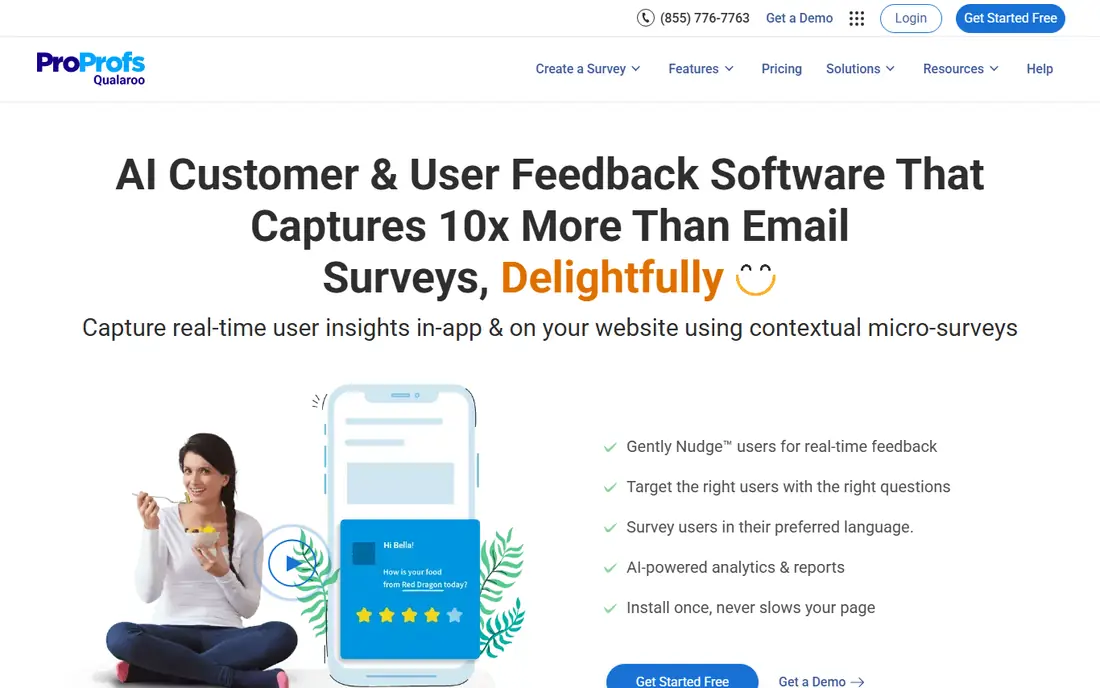
Qualaroo fits small and mid-size teams that want short, well-timed questions on a website or inside a product, without paying for a full experience platform. Its Nudge surveys can appear on exit intent, after an action, or for a named user segment, and the free plan covers a small monthly response volume for testing.
The catch is scale and depth. Larger response volumes and deeper analysis need paid plans, and teams that need long research questionnaires will find a dedicated research tool a better fit. For quick, contextual questions, Qualaroo is a strong and affordable start.
- Targeting by behaviour, page, and user traits
- Free plan for small volumes
- AI-assisted survey creation
- Advanced reporting and volume limits sit on higher plans
- Design control is narrower than a full form builder
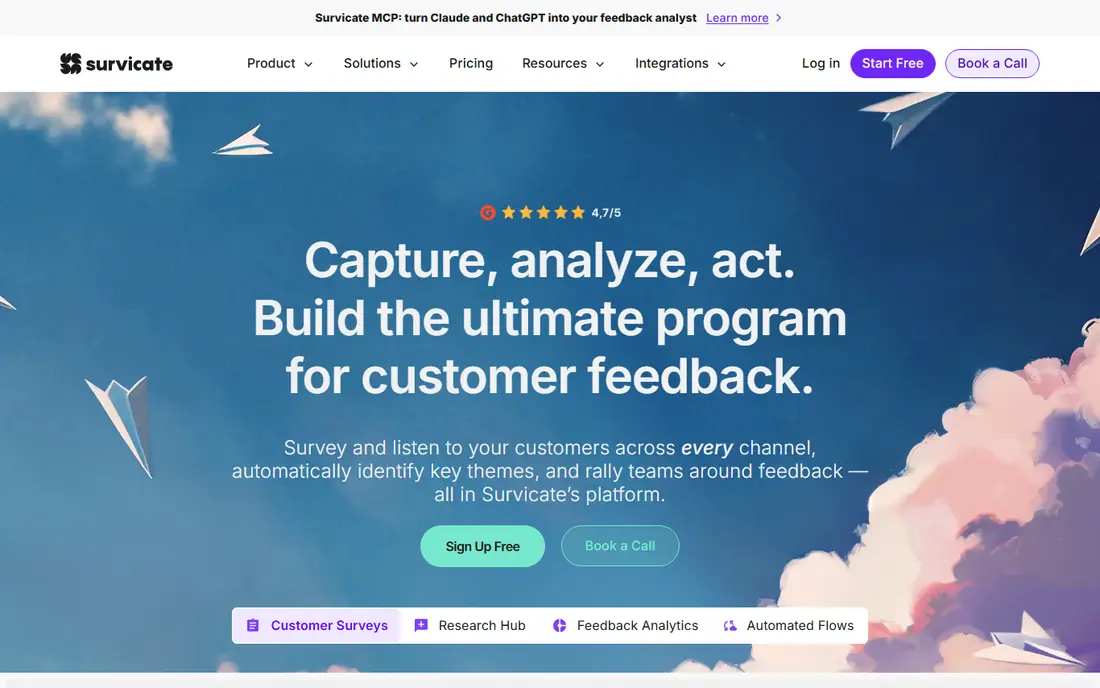
Survicate fits SaaS and web teams that want one survey tool across channels, with responses flowing into a central research hub for analysis. Teams can trigger short surveys on customer actions, send email surveys, and share link surveys, then use AI summaries to find themes in open-text answers without reading every reply by hand.
The catch is volume pricing. A survey programme that grows quickly can move into a higher tier sooner than expected, so model response counts, not just user counts, before signing. Check trial terms too, since plan features differ between tiers.
- Surveys across web, app, email, and link
- AI analysis of open answers
- Integrations with CRM and support tools
- Pricing rises with response volume
- Some advanced features need higher tiers
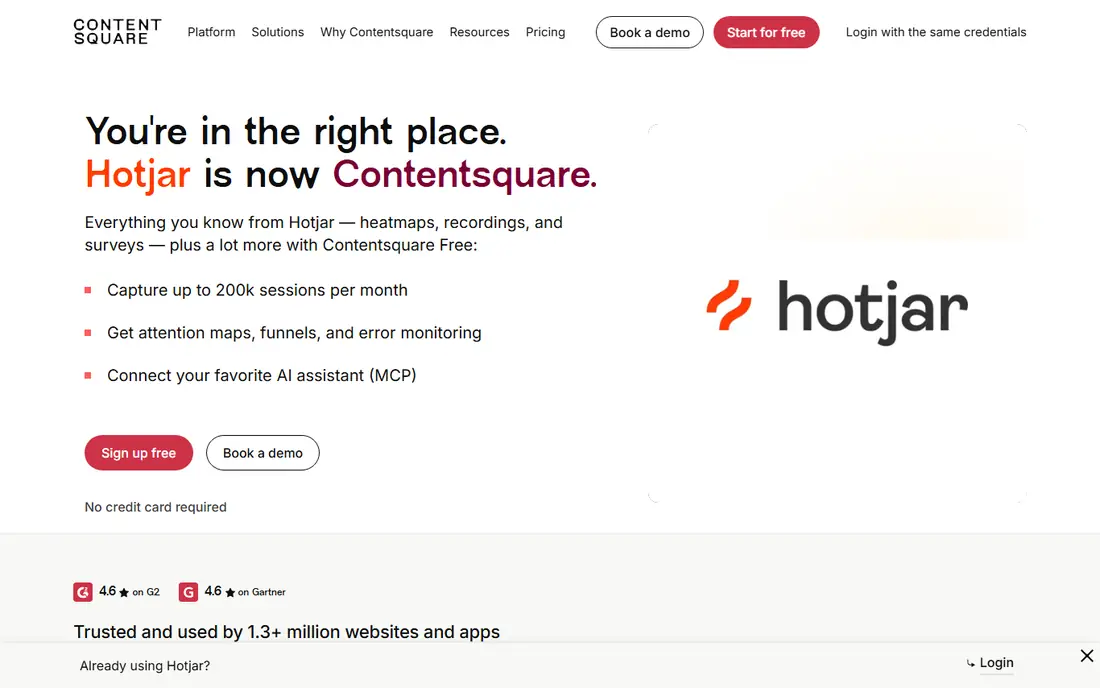
Hotjar fits UX and product teams that want to know not only what users say, but what they did just before they said it. Surveys sit next to heatmaps and recordings, so a team can pair a low score with the page behaviour behind it, which often explains a result that a score alone cannot.
The catch is that Hotjar is a behaviour tool with surveys, not a survey specialist. Teams that need advanced targeting, complex logic, or large-scale survey programmes will outgrow it, while teams that need context will find the pairing hard to give up.
- Surveys alongside heatmaps and session recordings
- Easy setup
- Feedback widgets
- Survey features alone are lighter than a dedicated survey platform
- Pricing scales with traffic and responses
Typeform fits teams that need high completion rates on link or embedded surveys, where the form itself should feel easy and human. Its one-question-at-a-time style, logic branching, and design controls make longer surveys feel shorter, and integrations send responses to CRM, sheets, and support tools.
The catch is targeting. Typeform is a form builder first, so in-app, behaviour-triggered surveys need extra setup or another tool. If your main need is a survey link in email or on a page, Typeform shines, but for in-product microsurveys, a tool like Qualaroo or Survicate fits better.
- Pleasant, conversational form style
- Strong logic and design options
- Wide integrations
- Not built for in-app targeting by default
- Pricing rises with responses and seats
SurveyMonkey fits teams that run many kinds of surveys, from customer satisfaction to employee and market research, and want one familiar platform for all of them. Its templates, question bank, logic, and reporting cover most general survey needs, and respondents already know the format, which helps completion.
The catch is fit for in-product work. SurveyMonkey is strongest for link and email surveys, and teams that need precise in-app triggers will need to pair it with a product tool. It is a safe generalist pick, not a Refiner clone.
- Huge template library
- Strong logic and analysis
- Familiar to respondents
- In-app targeting is limited
- Enterprise features and pricing need a quote
Userpilot fits SaaS teams that want surveys as part of a wider product adoption plan, with guides and onboarding flows in the same tool. A team can survey new users, show a checklist, and guide them to a key feature from one platform, with segmentation that targets surveys by plan, behaviour, or lifecycle stage.
The catch is price for a survey-only job. At its starting tier, Userpilot costs far more than a survey specialist, so it only makes sense when adoption flows are also on the roadmap. If surveys alone are the need, a cheaper specialist will serve you better.
- In-app surveys plus guides, checklists, and onboarding flows
- User segmentation
- Analytics
- Starting price is high for survey-only needs
- Smaller teams may pay for adoption features they do not use
Canny fits product teams that want customers to suggest features, vote on them, and see what shipped, in public or in private. Boards collect requests with votes and comments, and the changelog closes the loop by showing users when a request becomes a release, which builds trust over time.
The catch is that Canny is not a survey replacement. It does not run scored NPS or satisfaction surveys, so teams that need scores will pair Canny with a survey tool. Use Canny for what customers want next, and a survey tool for how they feel now.
- Public request boards
- Voting and changelog
- Private boards for internal feedback
- Not a survey tool
- No scored NPS or CES programme on its own
SatisMeter fits teams that want a simple, focused score programme: NPS, satisfaction, or effort, delivered in-app or by email, without a large platform. It keeps setup close to the survey itself, with targeting by user traits and straightforward reports that show scores and comments together.
The catch is volume. Pricing follows responses and active users, so a fast-growing app can hit the next tier sooner than planned, and surveys pause when limits are reached on some plans. For a small, steady programme, SatisMeter is clean and predictable, but model growth first.
- Focused NPS, CSAT, and CES surveys
- In-app and email delivery
- Simple reporting
- Pricing is response-based and can rise with volume
- Feature range is narrower than a full platform
Pendo fits larger SaaS teams that want product analytics, in-app guides, and surveys in one platform, with data to explain why a score moved. Teams can see feature use, guide users to new features, and survey the same segments, so feedback and behaviour stay in one place for product decisions.
The catch is scope and price. Pendo is an enterprise product platform, and full pricing is quoted, so a small team that only needs surveys will find it costly and heavy. It earns its place when analytics and guides are already on the roadmap alongside surveys.
- Product analytics plus in-app guides and surveys
- Segmentation
- Enterprise controls
- Quote-based pricing for full plans
- Heavy for teams that only need surveys
How we picked these
We compared official feature pages, pricing pages, and app store listings, and we checked public documentation for each product before including it. We kept only products that exist and work now, that fit the topic directly, and that a reader could sign up for or buy without guessing at the cost. Where a price was not published clearly, we wrote See website instead of filling in a number we could not confirm.
We also weighed the trade-offs that show up after signup, such as limits on the free plan, per-user or per-location billing, and how hard it is to move data out later. A product that looked cheap at first glance did not stay on the list if its limits made it a poor fit for ordinary use. We did not claim hands-on testing that did not happen, and we left out the named product itself from its own alternatives list.
How to choose a Refiner replacement
Start with where the question must appear. An in-app microsurvey needs product targeting, an email survey needs contact lists, and a website survey needs page and behaviour triggers. A tool that covers only one channel will force a second purchase, so list your channels before you shortlist.
Then check how you will be charged. Some tools bill by monthly active users, some by responses, and some by seats. A small app with many responses and a large app with few responses will rank these tools in opposite order, so run your own user and response counts through each model.
Finally, decide what happens after the answer. A score alone rarely changes a product. Check whether the tool sends responses to your CRM, support, or analytics system, whether it supports follow-up, and whether open-text answers can be analysed without exporting everything to a spreadsheet.
Frequently asked questions
What are the best alternatives to Refiner?
Qualaroo suits affordable targeted surveys, Survicate suits multichannel programmes, Userpilot suits surveys inside adoption flows, and Pendo suits larger teams that also need analytics. Canny suits feature requests rather than scored surveys.
Is there a free alternative to Refiner?
Qualaroo, Survicate, Typeform, SurveyMonkey, and Canny all offer free plans or trials, but free tiers limit responses, users, or features. They are good for testing a survey style, and most growing programmes will need a paid plan.
What is the difference between Refiner and Typeform?
Refiner focuses on short, behaviour-triggered surveys inside a product, while Typeform focuses on conversational link and embedded forms. Typeform feels better for a survey link, while Refiner-style tools feel better for a question inside the app at the right moment.
How much do Refiner alternatives cost?
Entry prices range from about $19.99 per month for Qualaroo to $299 per month for Userpilot, with many tools priced by users or responses. Quote-based tools such as Pendo need a sales conversation, so budget time for that step.
Can I run NPS surveys with these tools?
Yes, Qualaroo, Survicate, SatisMeter, Userpilot, and Pendo all support NPS-style surveys, though delivery and targeting differ. Check whether NPS is included on the plan you intend to buy, not just on the highest tier.
Sources
See where you really rank - block by block
ProMapRanker scans Google Maps across a grid of your service area. Simple monthly plans from $19, white-label on every plan.
Start freeKeep reading
 zscaler alternatives
Best Zscaler Alternatives in 2026
Looking for zscaler alternatives? We compare 9 SASE and zero trust platforms on architecture, data protection, pricing, and fit for your network and team.
Read → zapier alternatives free
Best Zapier Alternatives Free in 2026
Nine automation tools for zapier alternatives free in 2026, all with genuinely free tiers, plus free plan limits, starting prices and upgrade paths explained.
Read → which platform is best for online reputation
Which Platform Is Best for Online Reputation in 2026
Wondering which platform is best for online reputation? We compare 8 review, listing, and response tools for small and multi-location businesses and agencies.
Read →