 ProMapRanker
Best Redstor Alternatives in 2026

Key takeaways
- Redstor is a cloud backup service for businesses and IT providers, so replacements split into enterprise platforms, MSP tools and simple cloud backup.
- Veeam and Commvault suit larger hybrid estates, while Acronis and Cove suit MSPs and smaller businesses that want one console.
- Backblaze and Comet suit teams that want simpler cloud backup or control over where backups are stored.
- Test a full restore, not just a backup job, before you trust any replacement with production data.
Quick comparison
| Pick | Great for | Pricing starts at | Free tier | |
|---|---|---|---|---|
 Veeam Data Platform | Hybrid enterprise backup | See website | Free trial | Visit |
 Acronis Cyber Protect | Backup plus endpoint security | $85 per year | Free trial | Visit |
 Datto | MSP backup and recovery | See website | Free trial | Visit |
 Backblaze | Simple unlimited cloud backup | $99 per year | Free trial | Visit |
 Druva | Cloud native SaaS backup | See website | Free trial | Visit |
 Commvault Cloud | Large enterprise data protection | See website | Free trial | Visit |
 Cove Data Protection | MSP cloud first backup | See website | Free trial | Visit |
 Comet Backup | Flexible backup destinations | See website | Free trial | Visit |
The best redstor alternatives
We compared official product and pricing pages for backup tools that cover servers, workstations, virtual machines and Microsoft 365. Redstor itself is not listed, since this guide is about replacements.
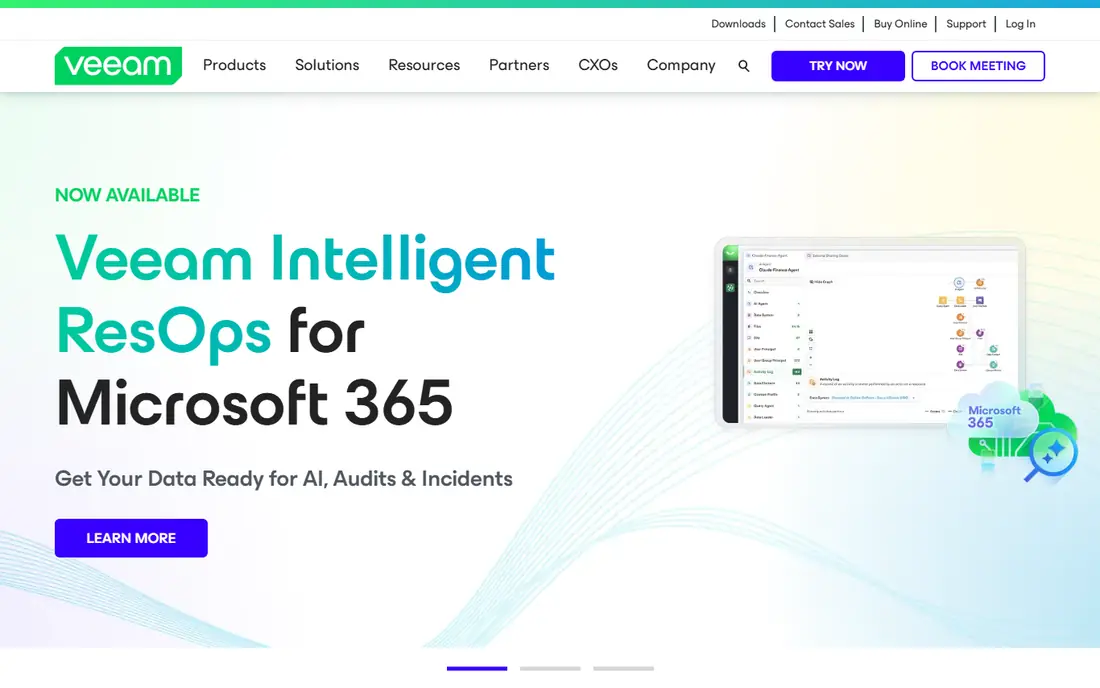
Veeam is the most common enterprise replacement for a business backup service, because it covers virtual machines, physical servers, cloud workloads, NAS and Microsoft 365 from one platform. Recovery options include instant VM recovery, file level restore and hardened repositories for immutability, which help after ransomware or hardware failure. A free Community Edition covers a limited number of workloads for labs and small sites.
The catch is complexity and cost planning. Licensing, editions and add ons need a careful quote, and a large deployment benefits from trained admins. Small teams may find the platform more than they need. For hybrid estates with many workload types, Veeam is our pick for most people.
- Broad workload coverage across VMs, servers and cloud
- Strong ransomware recovery features
- Free Community Edition for small use
- Pricing is complex at scale
- Full platform needs planning and training
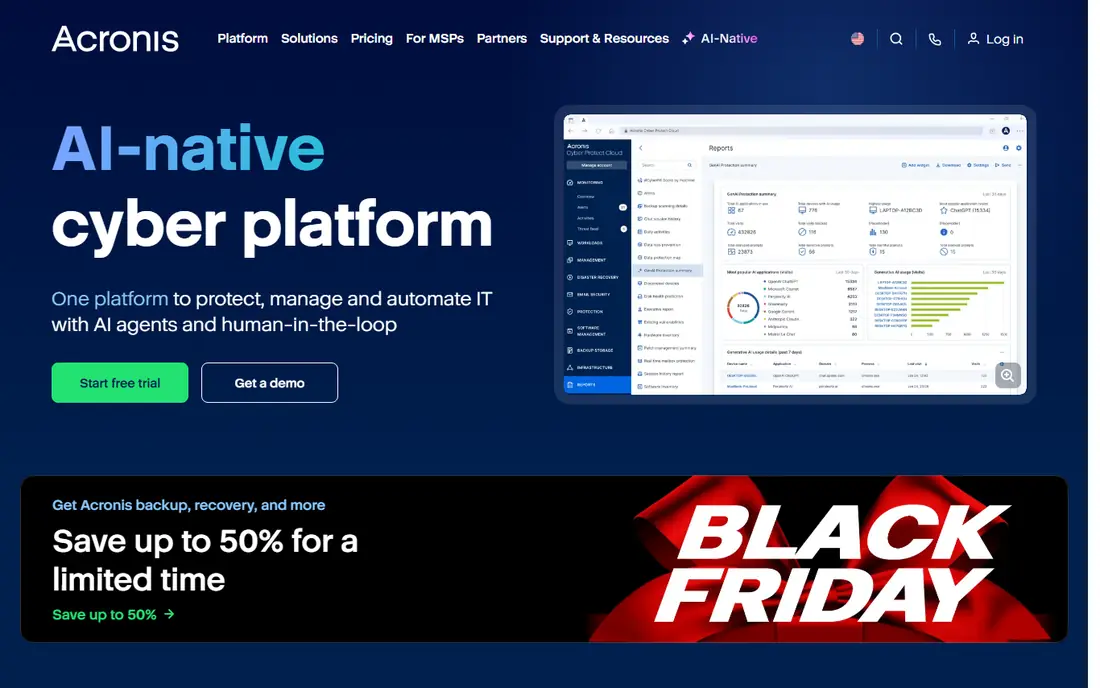
Acronis combines backup with endpoint security, patch management and remote management in a single agent, which appeals to MSPs and smaller businesses that want fewer consoles. It backs up workstations, servers, virtual machines and Microsoft 365, and its cloud console suits multi tenant MSP work. The $85 per year figure cited in public comparisons is a workstation starting point, so check the plan for your workload mix.
The trade-off is that breadth is not free. Advanced security and management features add cost, and very large or AWS native disaster recovery designs may suit a specialist platform better. For endpoint heavy environments that want backup plus security in one place, Acronis is a practical replacement.
- Backup, anti malware, patching and management in one agent
- Cloud and on premises options
- Strong MSP console
- Feature breadth can raise cost
- Large scale cloud recovery needs planning
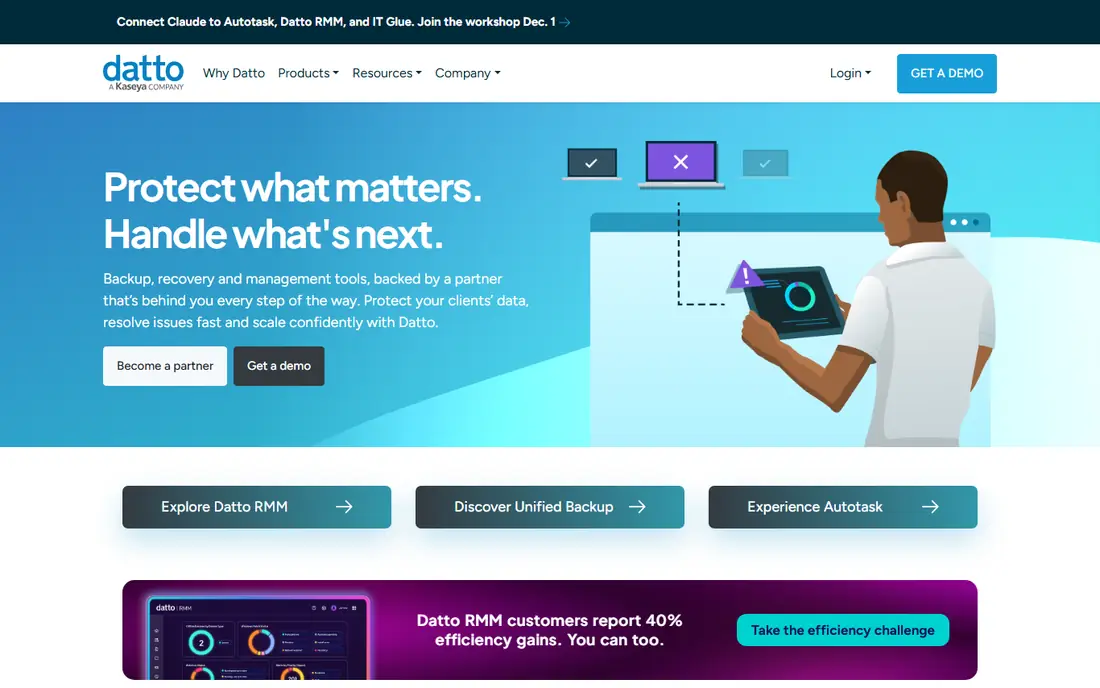
Datto is built for MSPs that need reliable backup for many small business clients from one dashboard. Its business continuity products combine local and cloud recovery, while SaaS Protection covers Microsoft 365 and Google Workspace data that native recycle bins do not fully protect. That MSP focus shows in multi tenant management and alerting.
The weakness is pricing transparency and ecosystem fit. Quotes are needed for most plans, and teams outside the Datto stack may get less value from its integrations. For MSPs already using Datto tools, it is a natural replacement. For a single business, compare it against a simpler direct backup product first.
- MSP focused backup and disaster recovery
- Cloud and local recovery options
- SaaS protection for Microsoft 365 and Google Workspace
- Pricing is quote based
- Value is highest inside the Datto and Kaseya ecosystem
Backblaze is the simplest option here for computers, with unlimited backup per computer on its computer backup plans and a hands off client that runs in the background. It suits small businesses and remote workers who need file backup without managing servers or complex policies. Business plans add admin controls and group management for teams.
The limit is scope. Backblaze computer backup is not a replacement for a full virtual machine, database or SaaS backup platform, and its B2 storage product is a separate service for custom backup designs. For workstation backup, its simplicity is a strength. For servers and SaaS, pair it with a platform built for those workloads.
- Simple unlimited backup per computer on its personal and business computer plans
- Hands off setup
- Clear per computer pricing
- Not a full server or virtual machine platform
- Restore of very large sets needs planning
Druva takes a cloud native approach, so there is no backup server to patch and maintain in your data centre. It covers endpoints, SaaS apps such as Microsoft 365 and Google Workspace, and cloud workloads, with central policies and reporting. That design suits cloud first companies that want to remove backup infrastructure entirely.
The catch is quote based pricing and fit for older on premises systems. Teams with many legacy physical servers may find a hybrid platform more direct. For cloud first businesses and distributed workforces, Druva removes a layer of operations that other platforms still require.
- Cloud native design with no backup servers to run
- SaaS, endpoint and cloud workload coverage
- Central policy management
- Pricing is quote based
- On premises legacy workloads may suit another platform better
Commvault Cloud is aimed at large organisations with petabyte scale data across on premises, multi cloud and SaaS systems. Its Command Center gives central policy, SLA and capacity views, and its recovery tools include isolated clean room environments for safe ransomware recovery. Compliance reporting helps regulated teams prove retention and recovery.
The downside is scale of effort. Pricing is quote based, implementation takes planning, and small teams will not use most of the platform. For a large enterprise replacing Redstor at scale, Commvault is a credible long term platform. For a small business, a simpler MSP or cloud tool will be cheaper and faster.
- Very broad workload and cloud coverage
- Compliance and recovery reporting
- Clean room recovery options for ransomware
- Enterprise pricing and implementation effort
- Overkill for small teams
Cove Data Protection, from N-able, is a cloud first backup service aimed at MSPs, with servers, workstations and Microsoft 365 covered from one multi tenant dashboard. Cloud storage is included in the service, with data centres in several regions to keep backups in region and isolated from the local network. That model suits MSPs that do not want to manage storage separately.
The limit is buying route. Cove is mainly sold through MSP channels, so a direct business buyer may need to go through a provider. Pricing also requires a quote. For MSPs looking for a cloud first Redstor replacement, Cove is a strong shortlist option.
- Cloud first backup for servers, workstations and Microsoft 365
- Single multi tenant dashboard
- Storage included in the service model
- Pricing is quote based through MSP channels
- Direct business buyers may find access indirect
Comet Backup appeals to IT providers who want control over where backups live. You can back up to your own storage, SFTP, FTP or cloud providers such as Wasabi, AWS, Google Cloud, Azure and Backblaze B2, plus other S3 compatible targets. Client side deduplication, compression and encryption help keep transfers and storage efficient, and backups stay incremental after the first full run.
The trade-off is responsibility. Storage is not bundled in the same way as a fully managed service, so you must price and manage it yourself. Setup also asks more questions about retention and destination than a one click service. For providers that want destination freedom, Comet is a flexible replacement.
- Choose your own storage destination
- Client side deduplication and encryption
- Supports many cloud and local targets
- You manage storage costs separately
- Setup needs more decisions than a bundled service
How we picked these
We compared official product and pricing pages and public comparisons of Redstor rivals, and we favoured tools still offered in October 2026. We looked for a mix of enterprise platforms, MSP services and simple cloud backup, so readers can match the tool to estate size. We did not claim hands-on testing, and we used See website where pricing was quote based.
What to check before you switch
Define what a restore must prove. List every workload, from servers and virtual machines to Microsoft 365 mailboxes, and test a file restore, a full machine restore and a SaaS restore during the trial. Check retention, immutability, encryption key control and data residency, since those controls matter after ransomware or a compliance audit.
Price the full system, not the agent licence alone. Add storage, egress for restores, extra workloads, support tiers and any security add ons. Ask how long a large restore takes, whether backups can be tested without overwriting production, and how support is reached during an incident. A backup that has never been restored is only a hope, so make the trial restore the deciding test.
Frequently asked questions
Can I replace Redstor with Backblaze alone?
For computer file backup, yes. For servers, virtual machines, databases and SaaS apps, you will usually need a platform such as Veeam, Acronis, Datto or Cove alongside or instead of Backblaze computer backup.
Does Microsoft 365 backup itself?
Microsoft 365 keeps deleted items for a limited time, but it is not a full backup service for long term retention, ransomware recovery or point in time restore. A dedicated SaaS backup product covers mailboxes, SharePoint and OneDrive with its own retention.
What is immutable backup?
Immutable backup means stored backup copies cannot be changed or deleted for a set period, even by an attacker with admin access. It helps after ransomware, but it needs to be set up correctly and tested, since a policy error can also block a legitimate deletion.
How often should backups run?
It depends on how much data you can afford to lose. Many businesses run daily full or incremental backups for servers and continuous or frequent backups for critical files and SaaS data. Set the schedule from your recovery point goal, not from a vendor default.
Should I keep a local copy as well as cloud backup?
A local copy can speed up large restores, while a cloud copy protects against site loss, fire and theft. Many teams keep both, with the cloud copy isolated from the local network so ransomware cannot reach both at once.
Sources
- https://www.veeam.com
- https://www.acronis.com
- https://www.datto.com
- https://www.backblaze.com
- https://www.druva.com
- https://www.commvault.com
- https://www.n-able.com/products/cove-data-protection
- https://www.cometbackup.com
- https://www.g2.com/products/redstor-backup-for-microsoft-365/competitors/alternatives
See where you really rank - block by block
ProMapRanker scans Google Maps across a grid of your service area. Simple monthly plans from $19, white-label on every plan.
Start freeKeep reading
 zyte alternatives
Best Zyte Alternatives in 2026
These zyte alternatives cover managed scraping APIs, proxy networks and no code tools for lawful collection from your own or consented sources only in 2026.
Read → zerto alternatives
Best Zerto Alternatives in 2026
Compare the best zerto alternatives for disaster recovery and replication, with recovery targets, cloud options and honest trade-offs for teams in 2026.
Read → zerofox alternatives
Best ZeroFox Alternatives in 2026
We compared 9 zerofox alternatives for brand protection, phishing takedowns, dark web monitoring, and social impersonation, with clear coverage notes.
Read →