 ProMapRanker
RDP Alternatives in 2026


General remote access · Pricing starts at: $24.90 per user per month
Key takeaways
- TeamViewer and AnyDesk are the best-known general replacements, with broad platform support and strong security controls.
- Splashtop and RemotePC offer better value for small teams that need unattended access to their own computers.
- Zoho Assist and ConnectWise ScreenConnect suit IT support teams that charge per technician, not per device.
- Chrome Remote Desktop and RustDesk are the free and open-source options, with simpler features and, for RustDesk, self-hosting.
- Parsec and RealVNC suit specialist needs: low-latency creative work for Parsec, and cross-platform VNC access for RealVNC.
Quick comparison
| Pick | Great for | Pricing starts at | Free tier | |
|---|---|---|---|---|
| TeamViewer | General remote access | $24.90 per user per month | Yes | Visit |
 AnyDesk | Fast lightweight sessions | $28.90 per month | Yes | Visit |
 Splashtop | Affordable business access | $5 per user per month | Free trial | Visit |
 RemotePC | Cheap unattended access | $2.95 per month | Free trial | Visit |
 Zoho Assist | Small support teams | $12 per technician per month | Yes | Visit |
 ConnectWise ScreenConnect | MSP and IT support teams | $27 per month | Yes | Visit |
 Chrome Remote Desktop | Free personal access | Free | Yes | Visit |
 RustDesk | Open-source self-hosted access | Free | Yes | Visit |
 RealVNC Connect | Cross-platform VNC access | $8.25 per month | Free trial | Visit |
The best remote desktop alternatives
We compared official pricing pages and recent remote desktop comparisons for tools that replace the Remote Desktop Protocol for remote access and support. These tools work across the internet without opening RDP ports directly, and they cover personal access, small business access, and IT support. The list focuses on tools you can use now, with pricing models that differ by user, technician, or device, so we note the model for each tool.
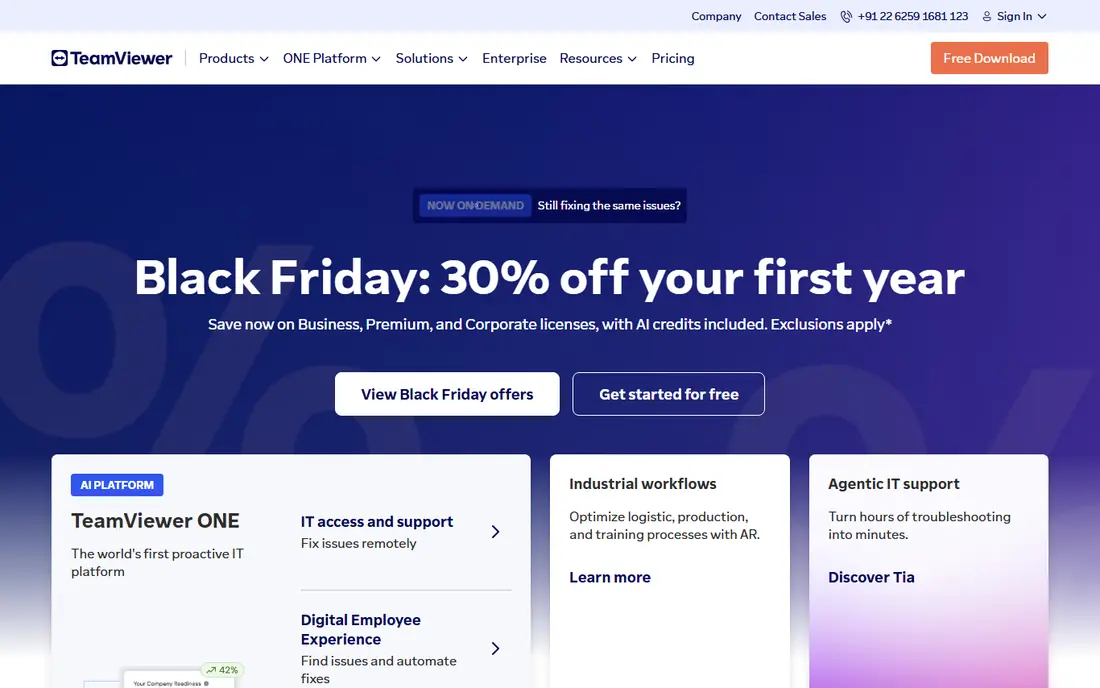
TeamViewer is the best-known remote desktop tool, and it suits IT teams that need a proven, compliance-ready platform. It supports Windows, Mac, Linux, iOS, and Android, with file transfer, session recording on higher plans, and two-factor authentication. For a business that needs to support many users and prove security controls, TeamViewer is a safe, widely accepted choice.
The price is the main drawback. Entry plans cost more than Splashtop or RemotePC, and higher business plans cost much more. Free personal use is also strict, with sessions flagged if the system suspects commercial use. We recommend TeamViewer for IT teams and enterprises that value recognition, compliance, and support. For a small team on a budget, Splashtop or RemotePC will usually be better value.
- Broad platform support
- Strong security and compliance features
- Well-known for IT support
- Higher price than value rivals
- Free personal use can be flagged for suspected commercial use
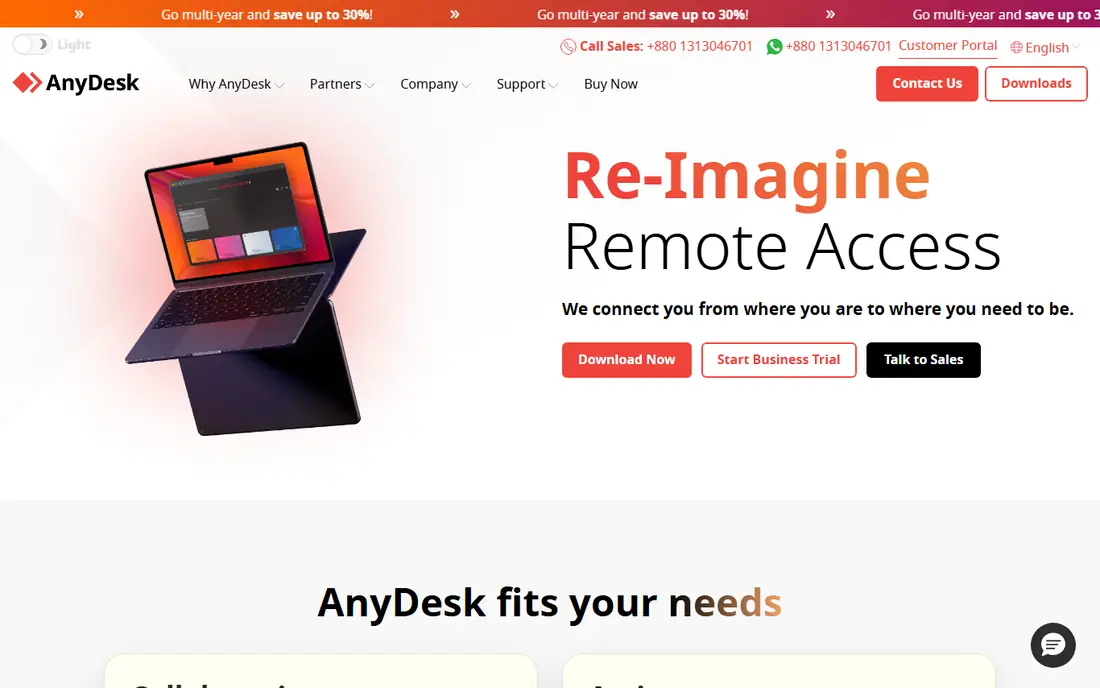
AnyDesk suits users who want fast, lightweight remote sessions. Its DeskRT codec is designed for low-latency performance, even on slower connections, and the client is small and quick to install. That makes it a good pick for support teams that need to connect quickly to a user's machine without a heavy install, and for users on limited bandwidth.
Pricing needs a careful check, because AnyDesk has moved some plans to per-connection pricing, which can be less transparent than per-user pricing. The list price for the Solo plan is also higher than some rivals. We recommend AnyDesk for speed-first use, especially on low-bandwidth connections, and we suggest confirming the exact plan model and price on the vendor site before you commit.
- Lightweight client
- Fast performance on low bandwidth
- Simple session setup
- Pricing model has changed to per-connection in some plans
- Higher list price than some rivals

Splashtop is the value pick for many small businesses. Its Business Access plan starts at a low per-user price, with strong streaming quality, multi-monitor support, and apps for major platforms. For a team that needs unattended access to office computers, or support access to staff machines, Splashtop covers the core job at a fraction of TeamViewer's price.
Advanced features, such as session recording and some compliance controls, need higher SOS or Enterprise plans, so check the plan that includes the features your IT policy requires. Name recognition is also lower than TeamViewer, which can matter in corporate environments that approve only well-known tools. We recommend Splashtop first for small businesses that want reliable remote access without a high monthly bill.
- Low per-user pricing
- Strong streaming quality
- Multi-monitor support
- Advanced compliance features need higher SOS or Enterprise plans
- Less name recognition than TeamViewer
RemotePC is the cheapest way to reach your own computers unattended. Its consumer and small business plans start at a low monthly price for a single computer on annual billing, with a simple setup that suits owners who work from home and need to reach an office PC. File transfer and remote printing cover the common tasks for personal and small business use.
It is less suited to large support teams that need technician management, session queues, and integrations, where ScreenConnect or Zoho Assist are stronger. We recommend RemotePC for individuals and small businesses that mainly need to access their own machines, not to support many customers. For support work, compare Zoho Assist and Splashtop SOS first.
- Very low price for unattended access
- Simple setup
- Good for own computers
- Less suited to large support teams
- Fewer advanced IT features than ScreenConnect
Zoho Assist suits small support teams that charge per technician. You pay for each technician who runs sessions, not for each device they support, which keeps costs predictable for a helpdesk with a few staff and many customers. It offers unattended access, file transfer, and session tools, plus a free plan for basic use that lets a small team test the workflow.
Enterprise features and integrations are less deep than ConnectWise ScreenConnect, and some features need higher plans. We recommend Zoho Assist for small businesses and Zoho users who need affordable support sessions. If you are a managed service provider with many technicians and clients, ScreenConnect will likely scale better.
- Per-technician pricing
- Free plan for basic use
- Works well with Zoho apps
- Fewer enterprise features than ScreenConnect
- Some features need higher plans
ConnectWise ScreenConnect, often called ScreenConnect, is built for managed service providers and IT departments that support many endpoints. It charges per concurrent technician, offers a free single-technician option in some comparisons, and provides session management, unattended access, and integrations with ConnectWise tools. For an MSP, that model and toolset are hard to beat.
The price rises as more technicians work at the same time, so a team with overlapping shifts should price concurrent seats, not total staff. Setup also takes more time than a simple personal tool. We recommend ScreenConnect for MSPs and IT teams that support many clients, and for small IT departments that plan to grow. For personal access, Chrome Remote Desktop or RemotePC will be simpler and cheaper.
- Per-technician pricing for MSPs
- Free single-technician option
- Strong session management
- Price rises with concurrent technicians
- Setup takes more time than simple tools
Chrome Remote Desktop is the simplest free replacement for personal remote access. It uses a Google account, works on Windows, Mac, Linux, iOS, and Android, and lets you reach your own computers from a browser or app. For an individual who needs to reach a home PC from a laptop, or help a family member with a quick session, it is hard to beat on price and simplicity.
It lacks the management, reporting, and advanced security controls that IT teams need, and it is not designed for commercial support at scale. We recommend Chrome Remote Desktop for personal use and for very small teams with simple needs. If you need unattended access for a business, or support for many users, choose a paid tool with proper controls.
- Free for personal use
- Simple Google account setup
- Cross-platform access
- Basic features only
- No advanced IT management or session controls
RustDesk is an open-source remote desktop tool that you can self-host, which suits privacy-conscious teams that want control over their data and infrastructure. It works across major platforms, offers remote access and file transfer, and the core software is free. For a technical team that can run its own relay server, RustDesk removes vendor lock-in and ongoing per-user costs.
Self-hosting is the trade-off. It needs someone comfortable with servers, security, and updates, and that time has a cost. Some Pro features and support options need a paid subscription. We recommend RustDesk for technical teams that value open source and data control, and that have the skill to host and secure it. Teams without that skill will move faster with Splashtop or TeamViewer.
- Open-source with self-hosting
- No vendor lock-in for hosted data
- Cross-platform
- Self-hosting needs technical setup
- Paid Pro features need a subscription for some teams
RealVNC Connect is based on the VNC standard and suits teams with mixed device fleets that need reliable cross-platform access. It supports Windows, Mac, Linux, Raspberry Pi, and mobile devices, with cloud and direct connection options. For a business with varied hardware, including Linux or Pi devices, RealVNC is a practical, long-established choice.
Support workflows are less polished than TeamViewer or ScreenConnect, and team features need higher plans. We recommend RealVNC for cross-platform access, especially where VNC compatibility matters, and for teams that already use VNC tools. For a helpdesk that needs session queues and technician management, Zoho Assist or ScreenConnect will be stronger.
- Cross-platform VNC standard
- Good for mixed device fleets
- Cloud and direct connections
- Less polished for support workflows than TeamViewer
- Higher plans needed for team features
How we picked these
We compared official pricing pages and recent remote desktop comparisons, and we favoured tools that are live in October 2026, that work across the internet without exposing RDP directly, and that fit a clear use case: personal access, small business access, or IT support. We did not claim hands-on testing. We noted pricing models, because per-user, per-technician, and per-device models give very different totals, and we used See website only where a tool does not publish a simple starting price.
What to check before you choose
Start with who you support. Personal access to your own computers, support for staff, and support for many customers need different tools and pricing models. A per-user plan suits a small team, a per-technician plan suits a helpdesk, and a per-device plan suits a large fleet. Price the model that matches your team, not just the headline price.
Next, check security. Use strong passwords, two-factor authentication, and unattended access controls, and limit who can connect to each machine. Avoid exposing RDP directly to the internet, and use a tool with encryption, device authentication, and session logging. For business use, check whether the tool meets your IT policy for compliance, recording, and access reviews.
Finally, test performance on your real connection. Low-latency tools like Parsec and AnyDesk matter for creative work, while a simple tool may be enough for office apps. Test file transfer, multi-monitor support, and mobile access with your actual devices, and confirm that the tool works on every platform your team uses. The best remote tool is the one your team can connect with quickly, every time.
Frequently asked questions
What are the best remote desktop alternatives to RDP for personal use?
Chrome Remote Desktop is free and simple for personal access, while RemotePC offers cheap unattended access to your own computers. RustDesk is a free open-source option for technical users who want to self-host. For personal use, start free, then pay only if you need more features or business controls.
What are the alternatives to RDP for IT support teams?
Zoho Assist and ConnectWise ScreenConnect are strong picks, because both use per-technician pricing built for helpdesks. TeamViewer and Splashtop SOS also suit support teams, with broader platform support and compliance features. Choose ScreenConnect for MSP scale, Zoho Assist for small teams, and TeamViewer for enterprise recognition.
Is it safe to use RDP alternatives instead of RDP?
Yes, if you choose a tool with encryption, two-factor authentication, and device controls, and you avoid exposing RDP directly to the internet. Use strong, unique passwords, enable unattended access controls, and review who can connect. For business use, pick a tool with session logging and admin controls that match your IT policy.
Which RDP alternative is cheapest for a small business?
RemotePC is among the cheapest for unattended access to your own computers, while Splashtop Business Access offers low per-user pricing for teams. Chrome Remote Desktop is free for personal use, and RustDesk is free if you self-host. Price the full team and the features you need, not just one seat.
Can I use an RDP alternative on Mac, Windows, and Linux?
Yes. TeamViewer, AnyDesk, Splashtop, Chrome Remote Desktop, RustDesk, and RealVNC Connect all support major desktop platforms, with mobile apps for iOS and Android in most cases. Check the vendor page for the exact platforms and features you need, because mobile and Linux support varies by plan.
Sources
- https://www.teamviewer.com
- https://anydesk.com
- https://www.splashtop.com
- https://www.remotepc.com
- https://www.zoho.com/assist/
- https://www.connectwise.com/software/screenconnect
- https://remotedesktop.google.com
- https://rustdesk.com
- https://www.realvnc.com/en/connect/
- https://rankite.com/blog/best-remote-pc-software
- https://rankite.com/blog/best-remote-control-software
See where you really rank - block by block
ProMapRanker scans Google Maps across a grid of your service area. Simple monthly plans from $19, white-label on every plan.
Start freeKeep reading
 zscaler alternatives
Best Zscaler Alternatives in 2026
Looking for zscaler alternatives? We compare 9 SASE and zero trust platforms on architecture, data protection, pricing, and fit for your network and team.
Read → zapier alternatives free
Best Zapier Alternatives Free in 2026
Nine automation tools for zapier alternatives free in 2026, all with genuinely free tiers, plus free plan limits, starting prices and upgrade paths explained.
Read → which platform is best for online reputation
Which Platform Is Best for Online Reputation in 2026
Wondering which platform is best for online reputation? We compare 8 review, listing, and response tools for small and multi-location businesses and agencies.
Read →