 ProMapRanker
Best Railway Alternatives in 2026

Key takeaways
- Render is the closest like-for-like Railway replacement for managed apps with managed databases.
- Fly.io suits developers who want Docker control and many regions, while Vercel and Netlify suit front-end-first projects.
- Coolify gives a Railway-style dashboard on your own server, but you own security, updates and backups.
- Free tiers are useful for learning, but always-on apps and managed databases are where the real monthly cost sits.
Quick comparison
| Pick | Great for | Pricing starts at | Free tier | |
|---|---|---|---|---|
 Render | Closest Railway replacement | $7 per month | Yes | Visit |
 Fly.io | Docker apps in many regions | See website | Free trial | Visit |
 Heroku | Simple managed PaaS | $5 per month | No | Visit |
 Vercel | Front-end and Next.js apps | Free | Yes | Visit |
 Netlify | Static and front-end apps | Free | Yes | Visit |
 DigitalOcean App Platform | Managed PaaS on DigitalOcean | $5 per month | Yes | Visit |
 Coolify | Self-hosted PaaS dashboard | Free | Yes | Visit |
 Koyeb | Global container hosting | See website | Yes | Visit |
The best Railway alternatives
Railway made it easy to deploy an app, a database and background workers from Git. These eight cover the same ground in different ways, from fully managed platforms to a self-hosted dashboard.
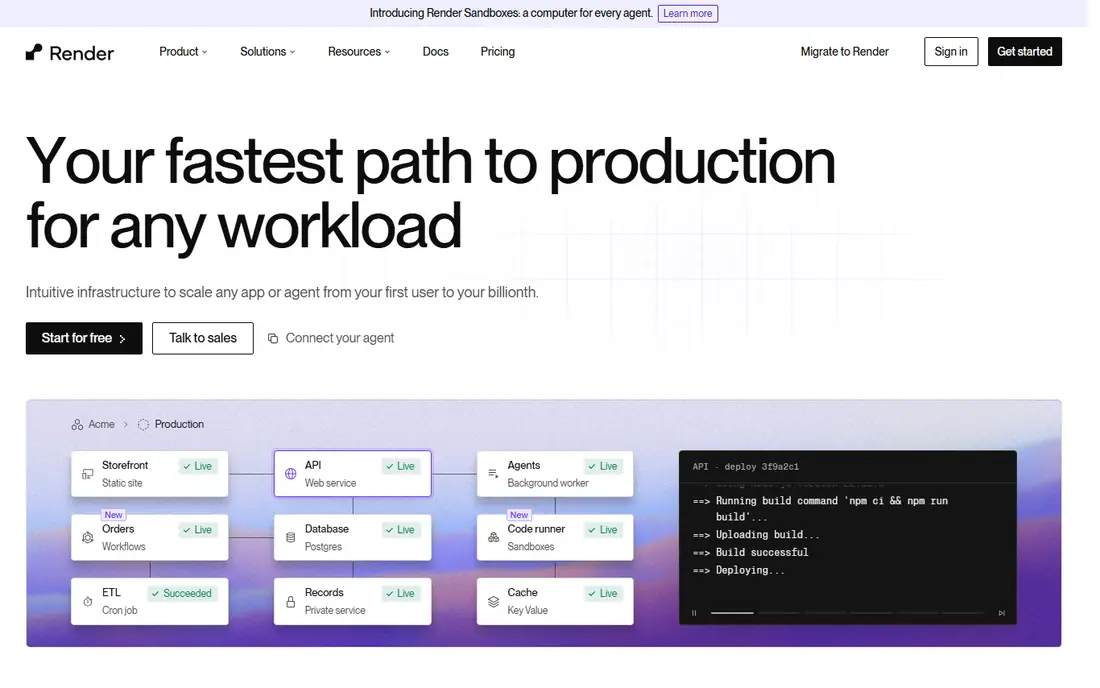
Render is the most direct move from Railway for many teams. You connect a repo, pick a web service, worker or static site, and add managed Postgres or Redis beside it. Preview environments for pull requests help teams review changes before they reach production.
The limits are on the free tier. Free web services sleep after idle time, and free Postgres expires, so a production app needs a paid service and a paid database. Fixed instance pricing is predictable, but it does not fall when traffic is quiet.
We would pick Render first for a standard full-stack app that needs managed hosting without deep infrastructure work. It keeps the Railway workflow while giving clearer control over instance size.
- Managed web services and Postgres
- Git deploys and preview environments
- Clear fixed instance pricing
- Free web services spin down when idle
- Free Postgres has a limited lifetime
Fly.io suits developers who are comfortable with Docker and want explicit control over regions and machine size. Apps run as small machines around the world, with Anycast routing and volume storage for stateful work. That design fits latency-sensitive apps and services that need to sit near users.
The trade-off is operational load. You manage machines, volumes and scaling choices yourself, and managed Postgres adds a large cost compared with running Postgres on a machine. Teams that want a fully managed database should price that part first.
We would pick Fly.io for a container app where region placement and low latency matter. Teams that want a managed database included should compare Render and DigitalOcean first.
- Runs containers close to users in many regions
- Per-second billing for machines
- Good for stateful apps
- Managed Postgres is costly
- More operational detail than a simple PaaS
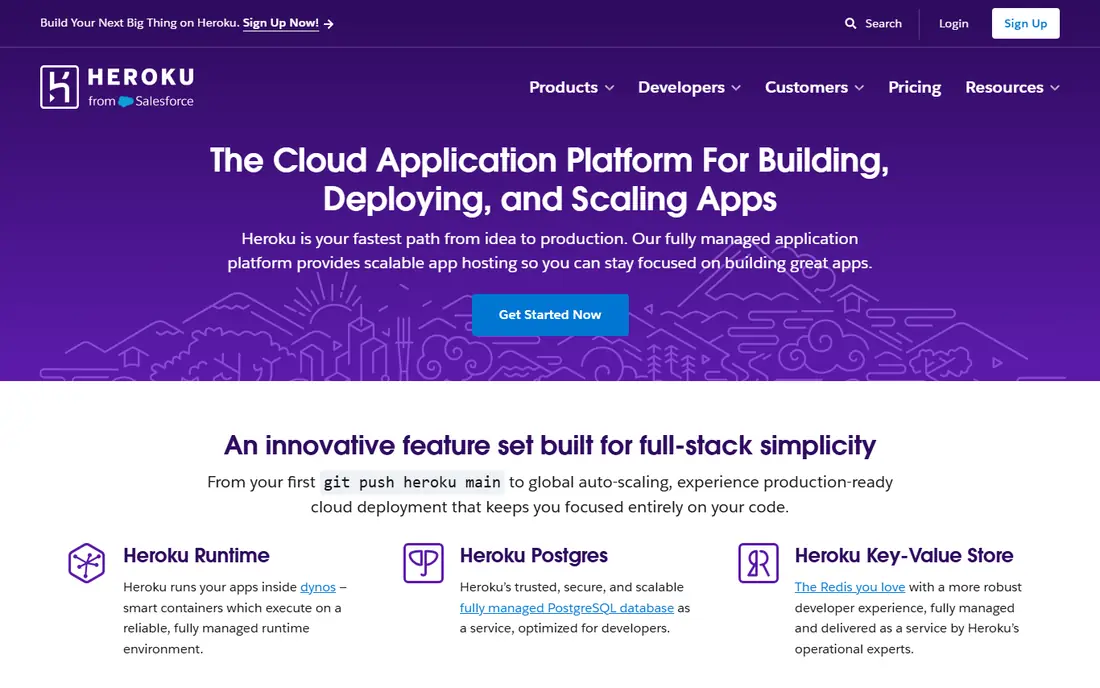
Heroku is the original simple PaaS, and its workflow still feels calm: push to Git, scale dynos, add Postgres or Redis from the marketplace, and use pipelines for staging and production. Teams that know Heroku can move fast without learning a new platform.
The catch is price and age. There is no free tier, and a real app with a web dyno, a worker and a database adds up quickly. Some newer platforms also offer faster builds, better previews or lower usage-based pricing for the same workload.
We would pick Heroku for a team that already knows it and values stability over novelty. New projects on a tight budget will usually find Render or Fly.io cheaper to start.
- Long-running, simple PaaS workflow
- Large add-on marketplace
- Git deploys and pipelines
- No free tier
- Costs rise with dynos and add-ons
- Fewer modern features than newer platforms
Vercel is the best fit when the app is front-end first. It detects frameworks, builds from Git, and gives every pull request a preview link, with a global edge network for fast delivery. Next.js apps get the smoothest path, including server components and edge functions where they fit.
The limit is backend shape. Vercel runs backend code as functions, so a persistent Node service with long-lived workers or a traditional server model does not map cleanly. Commercial projects also need to check Hobby plan terms before relying on the free tier.
We would pick Vercel for a marketing site, docs site or front-end app, especially with Next.js. Full-stack teams with persistent backends should pair it with a separate backend host, or choose Render instead.
- Excellent Next.js and front-end deploys
- Preview for every pull request
- Fast global edge delivery
- Not a direct replacement for persistent backends
- Commercial use needs a paid plan
Netlify made Git-based front-end hosting simple, and that core still works well. Connect a repo, set a build command, and every push deploys while pull requests get preview links. Forms, redirects and serverless functions cover many small-site needs without a separate backend.
The change to watch is billing. Free plans now use credits across bandwidth, builds and functions, so a busy site can use its allowance faster than the old fixed limits suggested. Persistent backends also sit outside Netlify's main strength.
We would pick Netlify for static sites, landing pages and front-end apps with light functions. For a persistent API and database, Render or DigitalOcean App Platform is a closer Railway replacement.
- Simple Git deploys and previews
- Forms and serverless functions built in
- Free SSL and custom domains
- Usage is now credit-based on free plans
- Not built for persistent backend services
DigitalOcean App Platform gives a managed path inside DigitalOcean's wider cloud. You deploy from Git or a container image, add a managed database, and scale components without managing servers. Pricing starts low for a basic app container, which suits side projects and small products.
The trade-off is ecosystem size. DigitalOcean does not match the largest clouds for managed services, and some newer PaaS conveniences arrive later here. Teams that need a wide service catalogue may still prefer a larger cloud for parts of their stack.
We would pick App Platform for a team already on DigitalOcean or wanting a simple managed host with a known bill. It is a steady, practical middle ground between a VPS and a large cloud.
- Git and Docker deploys
- Managed databases available
- Predictable pricing and clear docs
- Smaller ecosystem than larger clouds
- Some advanced features trail newer PaaS tools
Coolify is the self-hosted answer to Railway pricing. Install it on your own VPS, connect Git repos, and deploy apps, databases and services from a dashboard that feels familiar to PaaS users. Software costs are free, and a paid cloud option exists if you want hosted management while bringing your own servers.
The cost is responsibility. You own server patching, firewall rules, backups, certificates and incident response. That work is fine for a skilled solo developer, but a team without ops time can lose more in labour than it saves in hosting fees.
We would pick Coolify for developers who want control and low software cost and can run a server safely. Teams that want someone else on call should stay with a managed platform.
- Free self-hosted software
- Railway-style dashboard for Git deploys
- You keep full server control
- You run security, updates and backups
- Support depends on community and docs
Koyeb deploys containers globally from Git or a container image, with a simple model for services, scaling and domains. It suits teams that already think in containers and want a managed host without building Kubernetes themselves. A managed Postgres option keeps the database beside the app.
The catch is database cost for small projects. Managed Postgres can dwarf the price of a small web service, so teams should compare running Postgres on Koyeb infrastructure against a managed option. The community and add-on range is also smaller than older platforms.
We would pick Koyeb for a container-first team that wants global deploys with modest ops work. Small apps that need a cheap managed database should check Render's pricing first.
- Global container deploys from Git or images
- Managed Postgres option
- Simple scaling controls
- Managed database pricing is high for small apps
- Smaller community than Render or Fly.io
How we picked these
We compared official pricing and docs pages, plus current migration guides that price the same reference app across platforms. We kept only hosts that are live in October 2026, deploy from Git or containers, and can run a real production app. We left out App Runner for new customers, since it stopped accepting them in April 2026, and we used See website where pricing depends on usage or region.
What to check before you choose
Start with the app shape, not the brand. A static front-end, a persistent API with a database, and a Docker service in many regions each point to a different winner. Write down the services you run today, including workers, queues and scheduled jobs, before comparing prices.
Next, price the whole system. A cheap web service with an expensive managed database can cost more than a slightly dearer platform with a cheaper database. Include backups, bandwidth, build minutes and any idle or sleep behaviour on free tiers.
Finally, plan the move in stages. Back up the database, rotate secrets that lived on the old platform, deploy to the new host beside the old one, and switch traffic only after a staging test passes. That order avoids a rushed cutover with missing data.
Frequently asked questions
What is the closest alternative to Railway?
Render is the closest like-for-like option for most teams, with managed web services, workers and Postgres from Git. Fly.io is closer if you want Docker control and many regions, while Coolify is closer if you want a self-hosted dashboard.
Is there a free Railway alternative?
Render, Vercel, Netlify, DigitalOcean App Platform, Coolify and Koyeb all offer free tiers or free self-hosted use. Free tiers usually sleep, limit databases or cap usage, so they suit learning and side projects more than always-on production apps.
Can I host a database on these platforms?
Yes, most platforms here offer managed Postgres, Redis or similar services, and Coolify and Fly.io let you run databases on your own machines or volumes. Always check database price, backup policy and retention before choosing, since that part often dominates the bill.
Do I need Docker to use these alternatives?
No for Render, Heroku and DigitalOcean App Platform, which deploy from Git directly. Fly.io, Koyeb and Coolify work well with containers, and Vercel and Netlify focus on front-end builds rather than long-lived Docker services.
How hard is it to migrate from Railway?
Migration is straightforward for a standard app: export the database, recreate environment variables, connect the repo on the new host, and test in staging. Allow extra time for background workers, scheduled jobs and any Railway-specific templates or plugins.
Which Railway alternative is cheapest for a small app?
For a small always-on app, Fly.io and Coolify on a cheap VPS often give the lowest cash cost, while Render gives the lowest managed cost for a simple web service plus database. Price your exact app and database together, since the cheapest web tier alone can mislead.
Sources
See where you really rank - block by block
ProMapRanker scans Google Maps across a grid of your service area. Simple monthly plans from $19, white-label on every plan.
Start freeKeep reading
 zyte alternatives
Best Zyte Alternatives in 2026
These zyte alternatives cover managed scraping APIs, proxy networks and no code tools for lawful collection from your own or consented sources only in 2026.
Read → zerto alternatives
Best Zerto Alternatives in 2026
Compare the best zerto alternatives for disaster recovery and replication, with recovery targets, cloud options and honest trade-offs for teams in 2026.
Read → zerofox alternatives
Best ZeroFox Alternatives in 2026
We compared 9 zerofox alternatives for brand protection, phishing takedowns, dark web monitoring, and social impersonation, with clear coverage notes.
Read →