 ProMapRanker
Quicken Alternatives Free in 2026


Free net worth and investment tracking · Pricing starts at: Free
Key takeaways
- Empower is the best free starting point for net worth and investment tracking in the US.
- GnuCash, HomeBank, and Money Manager Ex are fully free desktop tools, with no subscription to lose.
- Rocket Money and NerdWallet cover spending and subscription visibility, but they are not full Quicken replacements.
- This is not financial advice. Check bank sync, export options, and security practices before linking accounts.
Quick comparison
| Pick | Great for | Pricing starts at | Free tier | |
|---|---|---|---|---|
| Empower Personal Dashboard | Free net worth and investment tracking | Free | Yes | Visit |
 GnuCash | Serious home accounting without a subscription | Free | Yes | Visit |
 HomeBank | Simple desktop budgets and charts | Free | Yes | Visit |
 Money Manager Ex | Lightweight offline tracking | Free | Yes | Visit |
 Actual Budget | Envelope budgeting with local control | Free | Yes | Visit |
 Firefly III | Self-hosted personal finance for technical users | Free | Yes | Visit |
 KMyMoney | Desktop double-entry finance on Linux and Windows | Free | Yes | Visit |
 Rocket Money | Spending and subscription visibility | Free | Yes | Visit |
 NerdWallet | Free spending and credit overview | Free | Yes | Visit |
The best free Quicken alternatives
Quicken charges a yearly subscription, and many former Mint users also want a free replacement. The tools below are free in different ways: some offer a free cloud dashboard, while others are open-source desktop programs with no paid tier at all. None of them is Quicken, and each covers a different part of Quicken's job.
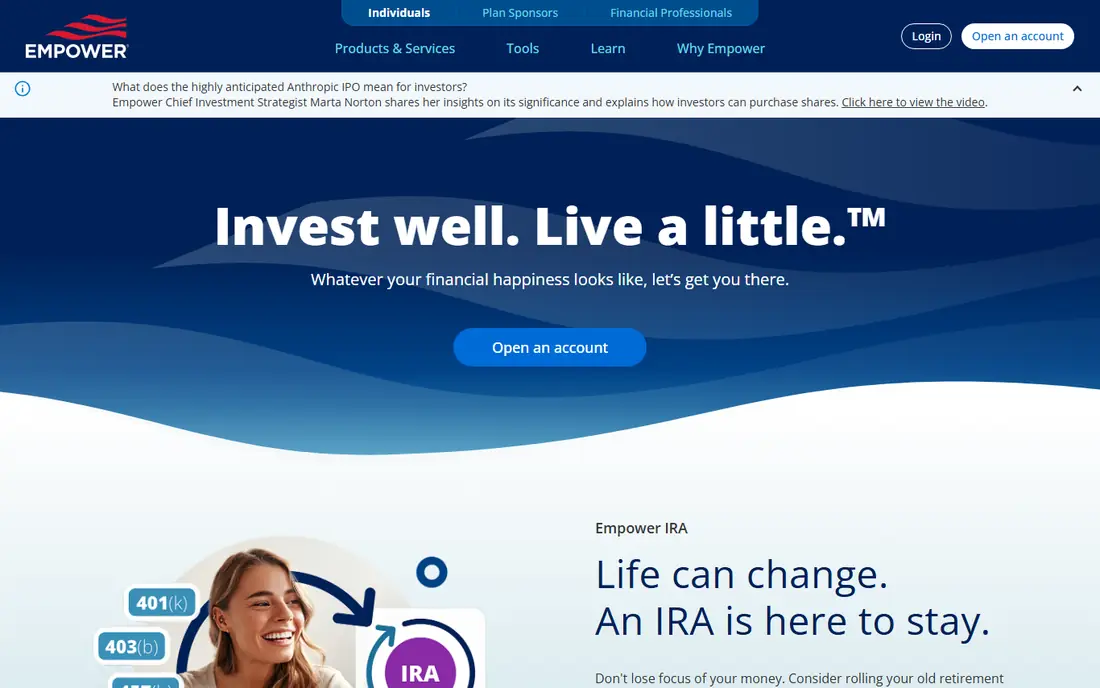
Empower, formerly Personal Capital, offers a free dashboard that links bank, credit card, and investment accounts and shows net worth in one place. Its investment and retirement tools are stronger than its budgeting tools, which makes it a good fit for people who mainly want to see where they stand, not to manage every daily expense.
The business model matters. The dashboard is free, and Empower earns money from optional advisory services, so expect outreach if your balance grows. You can decline and keep using the free tools. Empower is US-focused, so non-US users should check account support first.
- Free dashboard for accounts and investments
- Retirement planning tools
- US bank and investment sync
- Budgeting is weaker than Quicken
- Advisory sales outreach is common for larger balances
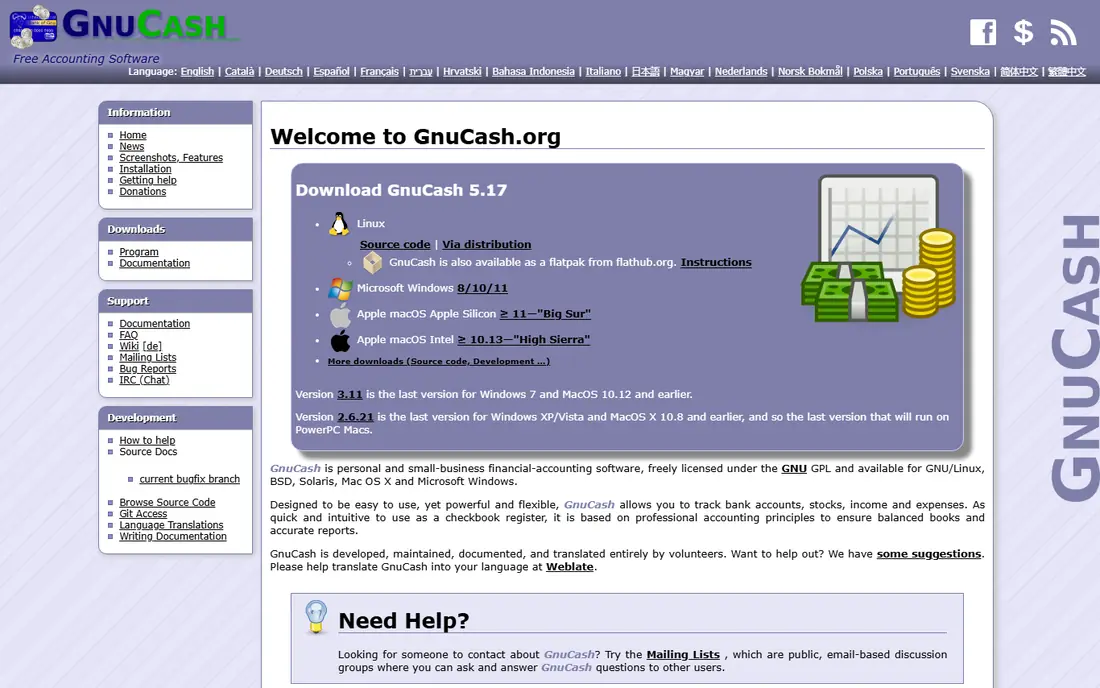
GnuCash is the closest free tool to Quicken's accounting side. It uses double-entry bookkeeping, lets you reconcile accounts against statements, and produces balance sheets and income reports. It runs on Windows, Mac, and Linux, and it is open source, so there is no subscription and no vendor lock-in on your data file.
The trade-off is manual work. You import transactions from bank files or enter them yourself, rather than relying on automatic sync. That suits people who want control and accuracy, and it frustrates people who want a live feed with no effort. If you like Quicken's register and reports, GnuCash is worth the learning curve.
- True double-entry bookkeeping
- Reports and reconciliation
- No account or renewal
- Accounting-style interface takes learning
- No managed bank sync
HomeBank sits between a spreadsheet and full accounting software. You set up accounts, import QIF, OFX, QFX, or CSV files, assign categories, and view spending as charts and reports. It is free and open source, and it feels lighter than GnuCash for everyday budgeting.
It has no managed cloud sync or mobile app, so your data lives on your computer. That is a privacy plus for some users and a hassle for others. HomeBank suits households that want clean reports without paying yearly, and that are happy to import bank files on a regular schedule.
- Easy account and budget setup
- Clear charts and reports
- Imports common bank file formats
- No mobile app or cloud sync
- Desktop-only workflow
Money Manager Ex is a lighter ledger tool that tracks accounts, spending, assets, and budgets without a subscription. It runs on Windows, Mac, Linux, Android, and iOS, and it can run from a portable install, which helps if you use more than one computer. It is a good middle ground between HomeBank's simplicity and GnuCash's depth.
Sync is not managed for you. You move the data file yourself, for example through a cloud folder you control. That keeps costs at zero and control with you, but it needs a routine. If you want automatic bank feeds, pair it with regular CSV imports, or choose a cloud dashboard instead.
- Free and open source
- Runs on desktop and mobile
- Net worth and budget views
- Sync is bring-your-own, not a managed service
- Interface looks dated
Actual Budget follows envelope budgeting, where every dollar gets a job before you spend it. That method helps people who overspend in specific categories, since the budget shows exactly what is left in each envelope. The software is open source and local-first, so your data stays under your control.
The free path is self-hosting, which needs some technical setup. A paid hosted version exists for people who want it managed. If you like the envelope method and you are comfortable with setup, Actual Budget is a strong free Quicken alternative for budgeting. If you want bank sync with no setup, Empower or Rocket Money fit better.
- Open-source envelope budgeting
- Local-first data
- Clear month-by-month budget views
- Self-hosting is technical
- Hosted version is paid, so free means doing setup yourself
Firefly III is a self-hosted web app for personal finance, with accounts, budgets, transactions, and reports. It suits technical users who already run a home server and want a private finance tool with no subscription and no third-party account access. Rules can categorise recurring transactions, which reduces manual entry over time.
The cost is maintenance. You handle installation, updates, security, and backups, and hosting may cost money depending on your setup. Firefly III is not a good first pick for a non-technical user, but it is a strong free option for people who value privacy and control above convenience.
- Open source and self-hosted
- Budgets, reports, and rules
- Full data control
- You maintain the server, updates, and backups
- No managed bank sync
KMyMoney is another open-source double-entry tool, with accounts, budgets, investments, and reports. It is well established on Linux and also runs on Windows, and it suits users who want proper accounting without a yearly fee. Its reports help at tax time, when you need totals by category across a full year.
Like GnuCash, it relies on imports rather than managed sync, and its interface feels like desktop accounting software, not a modern mobile app. Choose KMyMoney if you want double-entry records and you are happy on a desktop, and choose GnuCash if you want the larger community and documentation around it.
- Double-entry accounting
- Budgets and reports
- Free and open source
- Desktop-first
- Less polished on some platforms
- Manual imports
Rocket Money's free tier helps you see spending and subscriptions in one place, which is the job many Quicken users actually care about day to day. Linking accounts shows recurring charges, spending by category, and upcoming bills, so you can spot subscriptions you forgot about. That visibility alone can save money without a full budgeting system.
It is not a Quicken replacement for detailed accounting, investments, or reports. Paid plans add bill negotiation, autopilot savings, and premium features, so check what the free tier covers before you rely on it. Use Rocket Money for spending awareness, and pair it with a desktop tool if you also need ledgers and reports.
- Free tier for spending and subscriptions
- Bill and subscription views
- US bank linking
- Full features sit behind a paid plan
- Not a full accounting replacement
NerdWallet offers free tools that link accounts, show spending, and track credit scores, alongside its well-known guides and comparisons. For a casual user who wants a free overview without learning accounting software, that combination is approachable. You can see cash flow and credit in one place, and read guides when a question comes up.
Budgeting depth is limited compared with Quicken, GnuCash, or Actual Budget, and the site earns money from product recommendations, so treat those as ads to evaluate, not as advice. NerdWallet suits a light-touch free alternative, especially for people who mainly want monitoring rather than detailed books.
- Free account linking and spending views
- Credit score monitoring
- Financial education content
- Budgeting is basic
- Product recommendations sit alongside the free tools
How we picked these
We compared official product pages, free-tier terms, and current availability, and we kept only tools that are free in October 2026, either as a free cloud tier or as open-source software with no paid tier. We favoured distinct jobs, from net worth tracking to envelope budgeting to desktop accounting, and we left out paid-only tools and discontinued products.
What to check before you switch from Quicken
First, decide which Quicken job matters most: net worth, budgeting, bill tracking, investments, or tax reports. No free tool covers all of them as well as Quicken, so pick the tool that leads on your main job. Second, check bank sync. Cloud dashboards link accounts automatically, while desktop tools need regular file imports.
Third, test export. Before you commit months of data to any tool, export a sample and confirm you can read it elsewhere. Fourth, review security. For linked accounts, check encryption, two-factor authentication, and how the provider uses your data. This is not financial advice, and for tax or investment decisions, talk to a qualified professional.
Frequently asked questions
What are the best free alternatives to Quicken?
Empower leads for free net worth tracking, GnuCash and HomeBank lead for free desktop accounting, and Actual Budget leads for free envelope budgeting with self-hosting. Rocket Money and NerdWallet suit lighter spending monitoring.
Is there a free Quicken alternative with bank sync?
Yes. Empower, Rocket Money, and NerdWallet link US bank and card accounts on free tiers. Desktop tools such as GnuCash and HomeBank use file imports instead of live sync, so choose by how much manual work you accept.
What happened to Mint, and what replaces it for free?
Mint was discontinued, and many former users moved to Empower for net worth tracking, Rocket Money for spending and subscriptions, or open-source desktop tools for full control without a subscription. No single free tool matches Mint and Quicken on every feature.
Can I use GnuCash or HomeBank instead of Quicken?
Yes, for accounting, budgets, and reports, especially if you are happy importing bank files. You will lose automatic sync and some Quicken-specific features, but you gain freedom from yearly fees and full control of your data file.
Is Empower really free?
The Empower Personal Dashboard is free, and Empower earns money from optional advisory services. You can use the dashboard without buying advice, though you may receive outreach about advisory services.
Which free alternative is best for budgeting?
Actual Budget suits envelope budgeting if you can self-host, HomeBank suits simple desktop budgets, and Rocket Money suits spending awareness with linked accounts. Try the method first, since the budgeting style matters more than the brand.
Sources
See where you really rank - block by block
ProMapRanker scans Google Maps across a grid of your service area. Simple monthly plans from $19, white-label on every plan.
Start freeKeep reading
 zscaler alternatives
Best Zscaler Alternatives in 2026
Looking for zscaler alternatives? We compare 9 SASE and zero trust platforms on architecture, data protection, pricing, and fit for your network and team.
Read → zapier alternatives free
Best Zapier Alternatives Free in 2026
Nine automation tools for zapier alternatives free in 2026, all with genuinely free tiers, plus free plan limits, starting prices and upgrade paths explained.
Read → which platform is best for online reputation
Which Platform Is Best for Online Reputation in 2026
Wondering which platform is best for online reputation? We compare 8 review, listing, and response tools for small and multi-location businesses and agencies.
Read →