 ProMapRanker
QuickBooks Payroll Alternatives in 2026


Small businesses that want payroll plus HR · Pricing starts at: $49 per month plus $6 per person
Key takeaways
- Gusto is the easiest all-round replacement for most small businesses, combining payroll, benefits, and onboarding in a friendly system.
- OnPay offers the simplest pricing model, with one plan that includes its full feature set instead of tiered upgrades.
- Patriot Payroll is the cheapest full-service option in this list for very small teams that need the basics done well.
- Rippling, ADP RUN, and Paychex Flex suit growing or complex teams that need HR, IT, benefits, or compliance depth beyond payroll.
- Square Payroll is the natural pick if you already run payments or point of sale through Square.
Quick comparison
| Pick | Great for | Pricing starts at | Free tier | |
|---|---|---|---|---|
| Gusto | Small businesses that want payroll plus HR | $49 per month plus $6 per person | No | Visit |
 OnPay | Simple, transparent full-service payroll | See website | No | Visit |
 Rippling | Payroll inside a full HR and IT platform | $8 per user per month | No | Visit |
 Square Payroll | Businesses already using Square | $35 per month plus $6 per person | No | Visit |
 Patriot Payroll | Budget full-service payroll | $17 per month plus $4 per worker | Free trial | Visit |
 SurePayroll | Small teams that want simple payroll | See website | No | Visit |
 ADP RUN | Growing businesses that want big-brand support | See website | No | Visit |
 Paychex Flex | Compliance-heavy and growing businesses | See website | No | Visit |
The best quickbooks payroll alternatives
QuickBooks Payroll works well if you already live inside QuickBooks accounting, but it is not the only payroll option, and it is not the cheapest or the most flexible for every business. Some owners want simpler pricing, some want stronger HR tools, and some want payroll that works well without QuickBooks at all. The eight options below all provide full-service US payroll, and none of them is QuickBooks itself. Prices are monthly base prices plus per-person fees where vendors publish them.
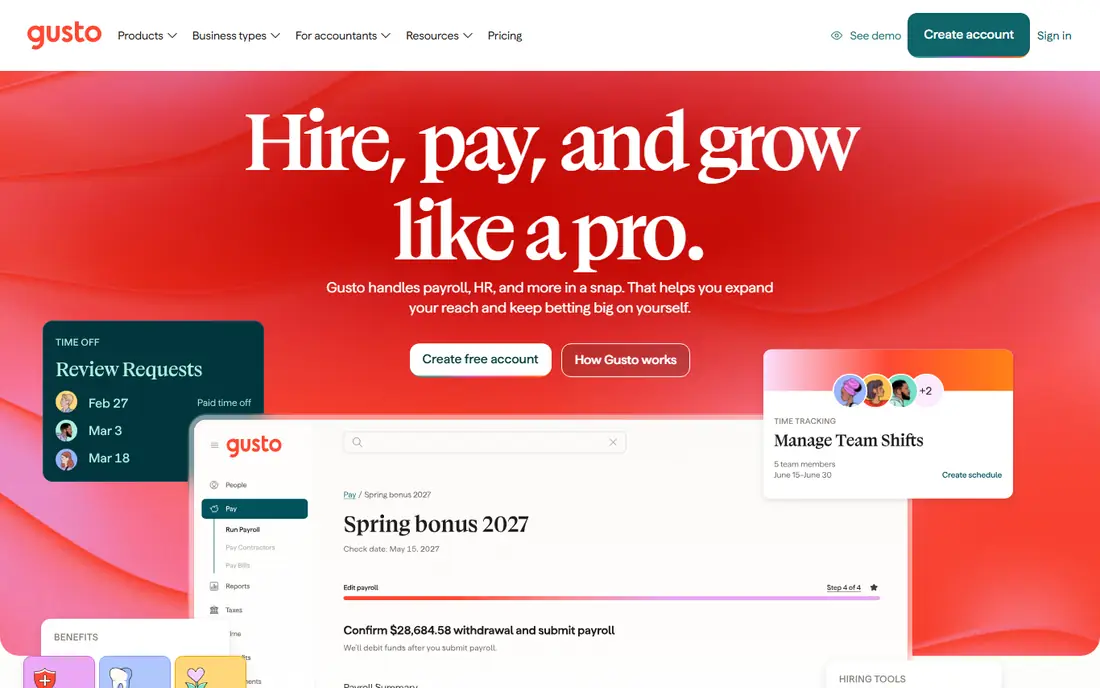
Gusto is the default recommendation for a typical US small business, and it earns that spot through ease of use. Employees enter their own tax and bank details during onboarding, payroll runs with federal and state tax filing handled, and contractor payments and benefits can be added without a second vendor. The interface is clear enough that owners without payroll experience can run it confidently.
The weakness is at the smallest end. A two-person company pays 61 dollars a month at the starting tier, which feels steep for a tiny payroll run, and international payroll is limited compared with Rippling. For domestic teams of roughly five to one hundred people, though, the combination of polish, transparent pricing, and HR depth is hard to beat.
- Friendly onboarding and employee self-service
- Full-service tax filing
- Benefits and time tracking add-ons
- Costs add up for very small teams
- International payroll is limited
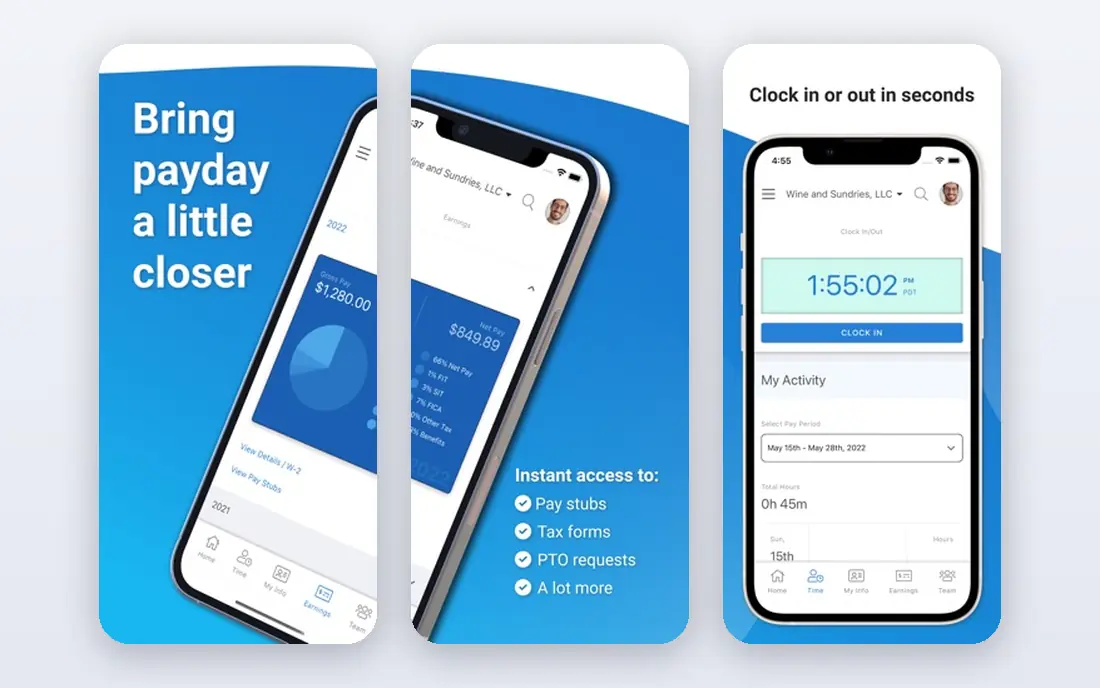
OnPay appeals to owners who dislike tiered pricing. Instead of locking HR tools, time off, and onboarding behind higher plans, OnPay includes its full feature set in one plan, so the price you see is the feature set you get. Multi-state payroll is a particular strength, which helps remote teams spread across states, and phone support is included rather than reserved for higher tiers.
The drawback is breadth. OnPay covers payroll and core HR well, but it does not match Gusto benefits depth or Rippling HR and IT automation. Pricing has also shifted in recent listings, so confirm the current monthly base and per-person fee in writing before comparing it with Gusto. For owners who value one simple price and solid payroll, OnPay remains a strong pick.
- Single plan with all features included
- Strong multi-state payroll
- Phone support on all plans
- Fewer HR extras than Gusto or Rippling
- Pricing has changed, so confirm the current figure
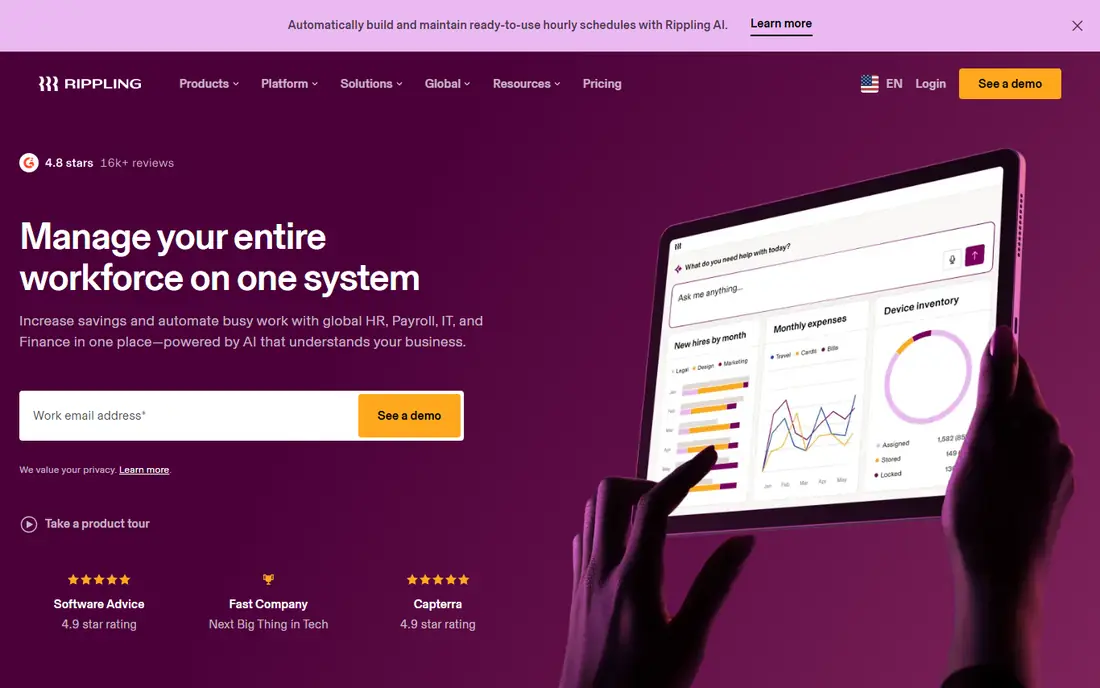
Rippling suits businesses that want payroll as part of a wider system, not as a standalone tool. It combines payroll with HR, benefits, device management, and app access, so a new hire can be onboarded, paid, and given the right tools in one workflow. Automation and a large integration list help growing teams avoid manual work as headcount rises.
The catch is total cost. The starting figure of 8 dollars per user per month covers a module, not the full platform, and adding payroll, HR, benefits, and IT modules raises the total fast. Rippling totals are also quote-based by setup, so budgeting takes a sales conversation. For a growing team that needs HR and IT together, it is worth that conversation. For payroll alone, Gusto or OnPay will cost less.
- Payroll, HR, and IT in one system
- Strong automation and integrations
- Scales well as teams grow
- Module pricing can climb quickly
- Quote-based totals vary by setup
Square Payroll is the natural choice for cafes, shops, salons, and other businesses that already take payments through Square. Hours and tips flow from Square point of sale into payroll, which cuts manual entry for hourly teams, and tax filing is handled as part of the service. For a retail or hospitality team, that connection saves real time every pay period.
Outside Square, the appeal fades. Square Payroll offers fewer HR and benefits tools than Gusto, and it is less suited to salaried professional teams with complex benefits. If Square is already your payment system, the fit is excellent. If it is not, there is little reason to choose Square Payroll over a more general payroll platform.
- Tight fit with Square payments and point of sale
- Good for hourly and retail teams
- Simple payroll runs
- Thinner outside the Square ecosystem
- Fewer HR tools than Gusto
Patriot Payroll is the budget pick for very small businesses. Its basic plan starts at 17 dollars per month plus 4 dollars per worker, undercutting every other option in this list, and its full-service tier adds tax filing for businesses that want payroll fully handled. The interface is simple, which suits owners who want payroll done without learning a large HR platform.
The trade-off is depth. The basic tier requires owners to handle tax deposits and filings themselves, and Patriot offers fewer integrations and HR extras than Gusto or Rippling. For a tiny team with straightforward payroll, that simplicity is a virtue. For a growing team that needs benefits, time tracking, and onboarding depth, Gusto is a better long-term fit.
- Lowest starting price in this list
- Full-service tax filing on the higher tier
- Simple interface
- Basic plan requires self-service tax filing
- Fewer integrations and HR extras
SurePayroll, from Paychex, targets small businesses and solopreneurs who want payroll handled without a large platform. It covers full-service tax filing, direct deposit, contractor payments, and employee self-service in a straightforward system. For a small team that finds Gusto or Rippling more than it needs, SurePayroll offers a calmer alternative.
The drawback is pricing transparency and breadth. SurePayroll does not publish a single clear starting price across its plans, so comparison takes a quote, and its HR features are thinner than Gusto or Rippling. It suits owners who want simple, reliable payroll from a large payroll brand, not owners who need a full HR suite.
- Simple payroll for small teams
- Full-service tax filing
- Mobile access for owners and employees
- Pricing is not published clearly
- Fewer HR features than larger platforms
ADP RUN is the big-brand pick for businesses that are growing past the small-team stage. It brings deep payroll tax expertise, compliance support, and reporting that suit companies with complex state rules, multiple locations, or larger headcounts. Dedicated support and a long track record in payroll give owners confidence when payroll gets complicated.
The costs are opacity and feel. ADP RUN prices by quote, so small businesses cannot compare it easily without a sales conversation, and its interface can feel dated next to Gusto or Rippling. For a business with straightforward payroll and under twenty staff, that trade rarely pays off. For a growing company where compliance mistakes carry real risk, ADP RUN is a serious contender.
- Deep compliance and tax expertise
- Strong reporting
- Dedicated support for growing teams
- Quote-only pricing
- Interface can feel dated next to newer rivals
Paychex Flex combines payroll with HR, benefits administration, time tracking, and compliance tools in one platform. Its support reputation, including round-the-clock help, appeals to owners in regulated or shift-based industries who cannot wait until Monday for a payroll answer. As teams grow, Paychex Flex scales without forcing a platform change.
The trade-off is complexity and pricing. Paychex Flex prices by quote, and setup can feel involved for a very small team that only needs basic payroll. Owners should request a written quote for their headcount and modules, and compare the total with Gusto or OnPay before committing. For compliance-heavy or growing businesses, the depth justifies the effort.
- Payroll plus HR, benefits, and compliance tools
- 24/7 support reputation
- Scales to larger teams
- Quote-only pricing
- Setup can feel complex for very small teams
How we picked these
We compared official vendor pricing and feature pages with recent payroll comparisons, focusing on full-service US payroll products live in October 2026. We excluded QuickBooks Payroll itself, since this article covers alternatives to it, and we used "See website" where vendors price by quote or where published figures conflict. We did not claim hands-on testing, and we treated tax filing and compliance features as vendor claims to confirm for your state and business type.
How to switch payroll providers without missing a pay run
Start by listing what your current payroll must carry over: employee details, pay rates, time off balances, tax history, benefits deductions, and year-to-date totals. Ask each new vendor how it migrates that data, who checks it, and what happens if a figure does not match. A vendor that offers a dedicated migration check is worth more than one with a lower headline price.
Next, run a parallel test if you can. Enter a real pay period in the new system, compare every payslip and tax figure with your current system, and confirm direct deposit timing and filing dates. Time the test so it finishes well before a live pay date, and keep your old system available until the first live run clears without errors.
Finally, confirm the ongoing total cost. Add the base fee, per-person fees, benefits administration, time tracking, and any filing or year-end fees into one monthly figure. Ask about contract length, price rises, and support hours, and get the quote in writing. Payroll mistakes cost trust with staff, so a careful switch beats a rushed one every time.
Frequently asked questions
What are quickbooks alternatives with payroll for small businesses?
Gusto, OnPay, Patriot Payroll, and Square Payroll are the strongest small-business alternatives, each offering full-service payroll without requiring QuickBooks accounting. Gusto suits payroll plus HR, OnPay suits simple pricing, Patriot suits tight budgets, and Square suits Square users. Compare them on headcount and benefits needs.
What are alternatives to quickbooks payroll for growing companies?
Rippling, ADP RUN, and Paychex Flex suit growing companies that need HR, benefits, compliance, or IT alongside payroll. Rippling suits tech-forward teams, ADP RUN suits compliance-heavy growth, and Paychex Flex suits HR and benefits depth. Request quotes on the same headcount and modules to compare fairly.
How much does payroll software cost per month?
Starting prices in this list range from 17 dollars per month plus 4 dollars per worker for Patriot Payroll to 49 dollars per month plus 6 dollars per person for Gusto, with Rippling from 8 dollars per user per month per module. ADP RUN, Paychex Flex, and SurePayroll price by quote. Always compare the total monthly cost, not just the base fee.
Can I switch from QuickBooks Payroll mid-year?
Yes, most vendors support mid-year migration with year-to-date payroll data, but the transfer must be checked carefully. Confirm how tax history, pay rates, and time off balances move across, and run a parallel test before your first live pay run. Keep your old system available until that run clears.
Does payroll software handle taxes and year-end forms?
Full-service payroll providers handle federal and state tax filing, deposits, and year-end forms such as W-2s and 1099s, though the exact scope varies by plan. Patriot basic plan is an exception, since owners handle filings themselves on that tier. Confirm filing scope, state coverage, and year-end fees in writing before signing.
Sources
- https://www.gusto.com
- https://www.onpay.com
- https://www.rippling.com
- https://www.square.com
- https://www.patriotsoftware.com
- https://www.surepayroll.com
- https://www.adp.com
- https://www.paychex.com
- https://rankite.com/blog/best-automated-payroll-software
- https://rankite.com/blog/best-small-business-payroll-software-for-startups
See where you really rank - block by block
ProMapRanker scans Google Maps across a grid of your service area. Simple monthly plans from $19, white-label on every plan.
Start freeKeep reading
 zscaler alternatives
Best Zscaler Alternatives in 2026
Looking for zscaler alternatives? We compare 9 SASE and zero trust platforms on architecture, data protection, pricing, and fit for your network and team.
Read → zapier alternatives free
Best Zapier Alternatives Free in 2026
Nine automation tools for zapier alternatives free in 2026, all with genuinely free tiers, plus free plan limits, starting prices and upgrade paths explained.
Read → which platform is best for online reputation
Which Platform Is Best for Online Reputation in 2026
Wondering which platform is best for online reputation? We compare 8 review, listing, and response tools for small and multi-location businesses and agencies.
Read →