 ProMapRanker
QuickBooks Alternatives Free in 2026

Key takeaways
- Wave and Zoho Books lead for cloud accounting with a genuine free tier and an upgrade path.
- GnuCash, Manager.io, and Akaunting suit users who want free desktop or self-hosted double-entry books.
- Free tiers always have limits, so check users, invoices, bank feeds, and payroll before you commit.
- Every tool on this list has a real free tier or free edition, not just a short trial.
Quick comparison
| Pick | Great for | Pricing starts at | Free tier | |
|---|---|---|---|---|
 Wave | Cloud invoicing and accounting | Free | Yes | Visit |
 Zoho Books | Microbusinesses that may grow | Free | Yes | Visit |
 Manager.io | Free desktop accounting | Free | Yes | Visit |
 GnuCash | Free open-source double-entry | Free | Yes | Visit |
 Akaunting | Self-hosted online accounting | Free | Yes | Visit |
 ZipBooks | Simple cloud bookkeeping | Free | Yes | Visit |
 Invoice Ninja | Free invoicing and billing | Free | Yes | Visit |
 Odoo | Starting with one free app | Free | Yes | Visit |
The best free QuickBooks alternatives
Free alternatives to QuickBooks range from cloud tools with free tiers to open-source desktop software with no subscription at all. This article lists only options with a genuine free tier, so you can start without paying, while keeping a path to paid features if you grow. This is general information only and is not financial advice; check tax and payroll rules for your business before you rely on any tool for filings.
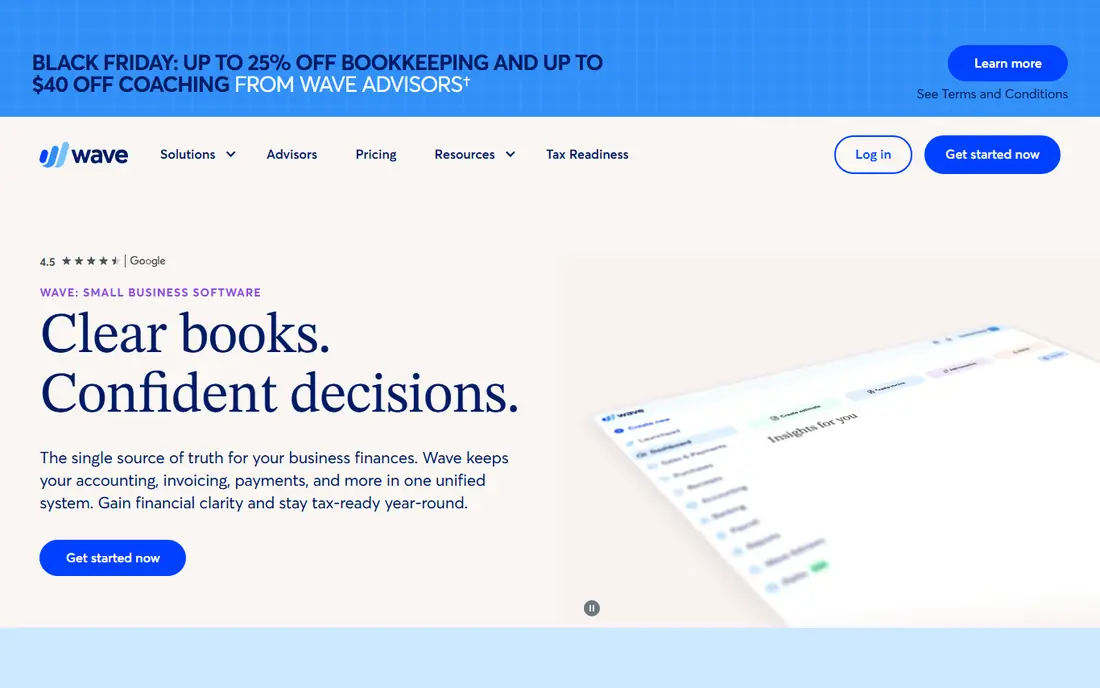
Wave is our pick for most freelancers and small businesses that want a free cloud alternative to QuickBooks. Core accounting, invoicing, and expense tracking are free, with no cap on invoices, and the books use double-entry accounting an accountant can work with. Setup is quick, and the mobile app covers invoicing on the go.
The limits are in automation. Automatic bank imports and receipt scanning sit on paid plans, and payroll costs extra where available. If you can enter transactions by hand or import bank files, Wave gives you a strong free system, but if bank feeds are essential, compare Zoho Books or ZipBooks first.
- Free core accounting and invoicing
- Unlimited invoices
- Double-entry books
- Bank feeds and receipt scanning need a paid plan
- Payroll is a paid add-on
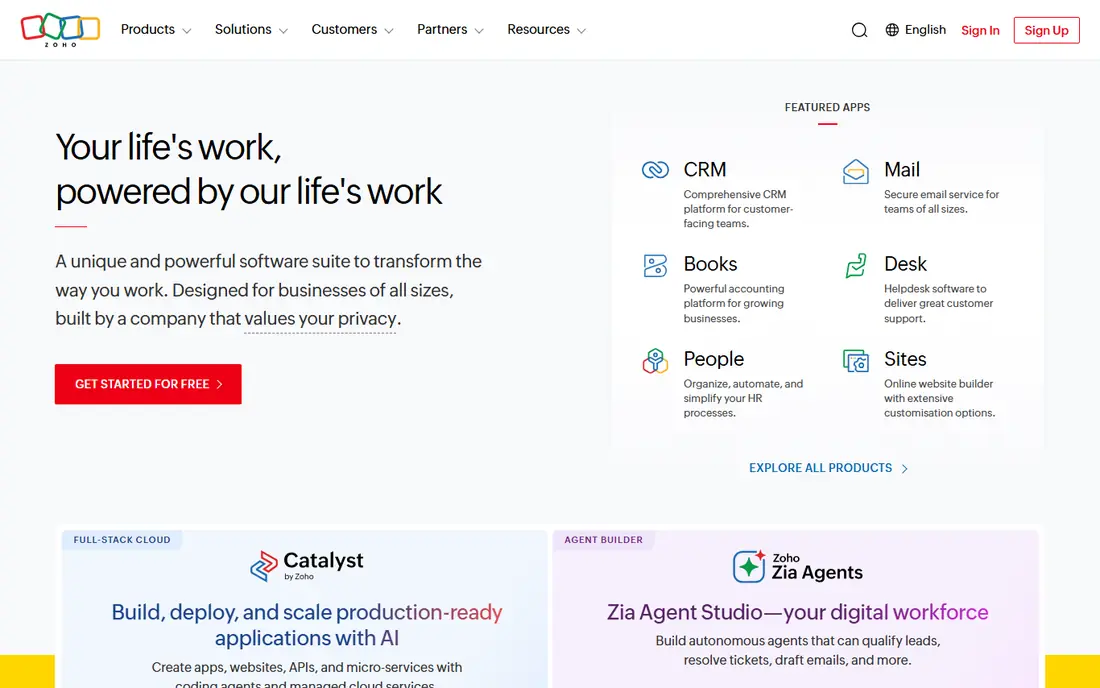
Zoho Books offers a genuine free tier for small businesses under a revenue limit, with invoicing, expense tracking, bank reconciliation, and reports included. That makes it a good choice if you expect to grow, since paid plans add users, automation, and advanced features without a painful migration. It also fits well with other Zoho apps if you already use them.
Check the current free tier limits before you start, including annual revenue, users, and invoice counts, since those terms can change. If you are already above the limit, Wave or a desktop tool may fit better, but for a new microbusiness, Zoho Books is one of the best free starting points.
- Real free tier
- Smooth upgrade path
- Strong reports and invoicing
- Free tier has revenue and user limits
- Some features need paid plans
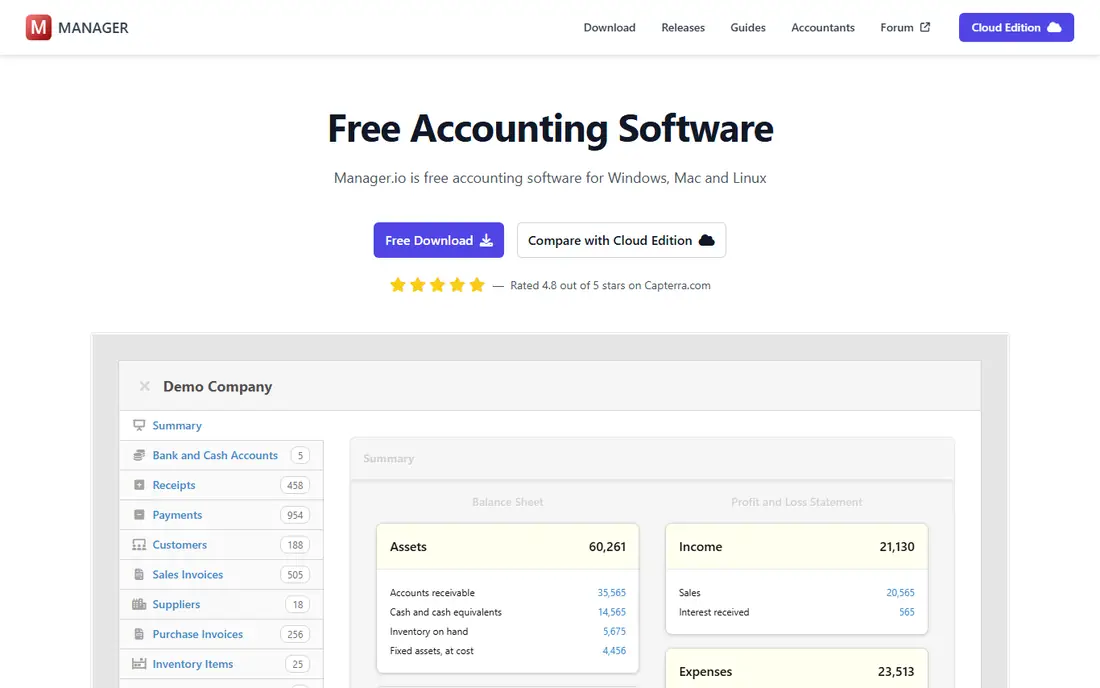
Manager.io, also called Manager, gives you free desktop accounting with no subscription, no user limit on the desktop edition, and full double-entry books. It covers invoicing, expenses, inventory basics, and reports, and it runs offline on your own computer. That makes it a strong choice for businesses that prefer local data control.
The trade-off is access. Cloud hosting and multi-user online access are paid, and the interface is practical rather than modern. If you work alone on one computer and want free books without a cloud account, Manager.io is hard to beat.
- Free desktop edition
- Full double-entry accounting
- No subscription for desktop use
- Cloud access is paid
- Interface is functional rather than polished
GnuCash is free, open-source accounting software for users who want full control of their books. It handles accounts payable and receivable, scheduled transactions, investments, and detailed reports, with no subscription or invoice cap. Accountants and technically confident users often praise its double-entry rigor.
The learning curve is real. GnuCash looks and feels like desktop accounting software, not a modern cloud app, and there is no full official mobile version. If you are comfortable with accounting terms and want a free, powerful desktop tool, GnuCash rewards the effort.
- Completely free and open source
- Strong double-entry and reporting
- Runs on Windows, Mac, and Linux
- Steeper learning curve
- Desktop only with no full mobile app
Akaunting is free, open-source accounting you can run online on your own hosting or use through its cloud service. It covers invoicing, expenses, customers, and reports, and it supports multiple companies, which helps freelancers with side businesses. The interface feels more modern than GnuCash, while still giving you control of your data.
Self-hosting needs some technical setup, including a web host and updates, while the cloud version adds cost. Extra features are sold as apps, so check which ones you need. For users who want online access without a subscription for core books, Akaunting is a strong middle path.
- Free open-source online edition
- Invoicing and expenses
- Multi-company support
- You host it yourself or pay for cloud
- Some features are paid apps
ZipBooks offers a free starter plan for basic bookkeeping and invoicing, with a simple interface that suits freelancers and very small businesses. It covers transactions, invoicing, and basic reports without a long setup, and it has historically included a bank connection on its starter plan, which sets it apart from some free rivals.
Confirm current free plan terms before you commit, since free plan availability and features can change. Recurring invoicing, time tracking, and extra bank connections sit on paid plans. For simple cloud books with minimal fuss, ZipBooks remains worth testing alongside Wave and Zoho Books.
- Free starter plan
- Simple bookkeeping and invoicing
- Bank connection on free tier in past listings
- Advanced features need paid plans
- Free plan terms should be confirmed
Invoice Ninja is best known for invoicing, but its free plan also covers quotes, expenses, and client management, making it a useful free alternative for service businesses. You can accept online payments, send recurring invoices on paid plans, and track time and expenses in the same system. A self-hosted open-source version also exists for users who want full control.
It is not a full accounting replacement for every business. If you need deep general ledger reporting, inventory, or payroll, pair Invoice Ninja with an accountant or choose Wave or Zoho Books instead. For invoicing-led freelancers, it is a clean and genuinely free start.
- Free plan for invoicing
- Quotes, payments, and expenses
- Self-host option
- Full accounting depth is less than Wave or Zoho
- Higher tiers add features
Odoo offers one free app on its online service, which can include accounting for a very small business that only needs that module. That free start, plus a huge app library for CRM, inventory, projects, and sales, makes Odoo attractive if you plan to grow into a wider business system. Invoicing and basic accounting work well at that scale.
The limit is scope. Using several Odoo apps at once moves you to paid plans, and setup for a larger business takes planning. If you only need accounting and want a free start with room to add apps later, Odoo is worth considering, but compare its free app terms with Wave and Zoho Books first.
- One app free on Odoo Online
- Accounting, invoicing, and CRM options
- Upgrade path
- Full accounting suite needs paid plans
- Setup takes care for larger use
How we picked these
We compared official pricing pages, feature descriptions, and public reviews, and we favored tools that are live and supported in October 2026 with a genuine free tier or free edition. We looked for double-entry accounting or solid bookkeeping, invoicing, expense tracking, reports, and data export. We did not claim hands-on testing, and we left out tools that offer only a short trial with no free tier.
What to check before you buy
Start with the real free limits. Check how many users, invoices, bank connections, and companies the free tier allows, and whether payroll, inventory, or multi-currency features cost extra. A tool that is free for invoicing but charges for bank feeds may still be the best choice, but you should know that before you enter months of data.
Next, test with real transactions. Enter a month of invoices, expenses, and bank activity, run a profit and loss report, and export your data. That test reveals whether reports match your accountant's needs and whether leaving later would be easy. Also confirm whether the tool supports your tax forms and local rules, since free tools vary in tax depth.
Finally, plan for growth. The best free tool is one you can leave gracefully or upgrade smoothly. Wave and Zoho Books offer clear paid paths, while GnuCash, Manager.io, and Akaunting offer free long-term use with no upgrade pressure. Choose based on whether you expect to stay small or grow into paid features.
Frequently asked questions
What are the free alternatives to QuickBooks?
Wave, Zoho Books, Manager.io, GnuCash, Akaunting, ZipBooks, Invoice Ninja, and Odoo all offer genuine free tiers or free editions. Wave and Zoho Books lead for cloud use, while GnuCash and Manager.io lead for free desktop accounting.
What are the free QuickBooks alternatives for small business?
Wave suits most small businesses with free cloud invoicing and accounting, while Zoho Books suits microbusinesses that may grow into paid plans. GnuCash and Manager.io suit businesses that prefer free desktop books with no subscription.
Is Wave really free?
Yes, Wave core accounting and invoicing are free, with unlimited invoices and double-entry books. Paid plans add bank feeds, receipt scanning, and payroll, so check whether those extras matter to your workflow before you decide.
Is there a free QuickBooks alternative with bank feeds?
ZipBooks has historically included a bank connection on its starter plan, and Zoho Books free tier includes bank reconciliation, but terms change often. Confirm current bank feed terms on the vendor site, since free bank feeds are one of the most common limits.
Can free accounting software handle taxes?
Free tools can track income, expenses, and reports that help with tax preparation, but tax filing depth varies by tool and country. Check whether your tool supports the reports and forms your accountant needs, and get professional advice for complex tax or payroll questions.
Sources
See where you really rank - block by block
ProMapRanker scans Google Maps across a grid of your service area. Simple monthly plans from $19, white-label on every plan.
Start freeKeep reading
 zscaler alternatives
Best Zscaler Alternatives in 2026
Looking for zscaler alternatives? We compare 9 SASE and zero trust platforms on architecture, data protection, pricing, and fit for your network and team.
Read → zapier alternatives free
Best Zapier Alternatives Free in 2026
Nine automation tools for zapier alternatives free in 2026, all with genuinely free tiers, plus free plan limits, starting prices and upgrade paths explained.
Read → which platform is best for online reputation
Which Platform Is Best for Online Reputation in 2026
Wondering which platform is best for online reputation? We compare 8 review, listing, and response tools for small and multi-location businesses and agencies.
Read →