 ProMapRanker
Best Quick Book Alternatives in 2026

Key takeaways
- This article treats "quick book" as shorthand for quick bookkeeping, so it compares bookkeeping and accounting software, not a single product called Quick Book.
- Xero is our pick for growing teams, because it offers unlimited users and clean bank reconciliation.
- Wave is the best free starting point for solo operators, with free core bookkeeping and paid add-ons.
- FreshBooks suits service businesses that bill by time and want simple invoicing and client tracking.
- Zoho Books is the best low-cost pick for businesses under $50,000 in revenue, with a genuinely useful free tier.
Quick comparison
| Pick | Great for | Pricing starts at | Free tier | |
|---|---|---|---|---|
 Xero | Growing teams, unlimited users | $25 per month | Free trial | Visit |
 FreshBooks | Service businesses and invoicing | $23 per month | Free trial | Visit |
 Wave | Solo operators, free bookkeeping | Free | Yes | Visit |
 Zoho Books | Low-cost accounting | Free | Yes | Visit |
 Sage 50 | Inventory-heavy businesses | $128.67 per month | Free trial | Visit |
 Kashoo | Simple books without complexity | $30 per month | Free trial | Visit |
 Bench | Done-for-you bookkeeping | $199 per month | No | Visit |
 Patriot Software | Accounting plus payroll | $20 per month | Free trial | Visit |
 FreeAgent | Freelancers and small teams | See website | Free trial | Visit |
The best quick book alternatives
Readers searching for quick book alternatives usually want faster, simpler bookkeeping than a heavy accounting suite, so this article compares bookkeeping and accounting software that handles invoices, expenses, bank reconciliation, and reports. We could not verify a single widely sold product called Quick Book that fits this topic, so we do not invent one. Instead, we compare the tools small businesses actually use for quick, reliable books.
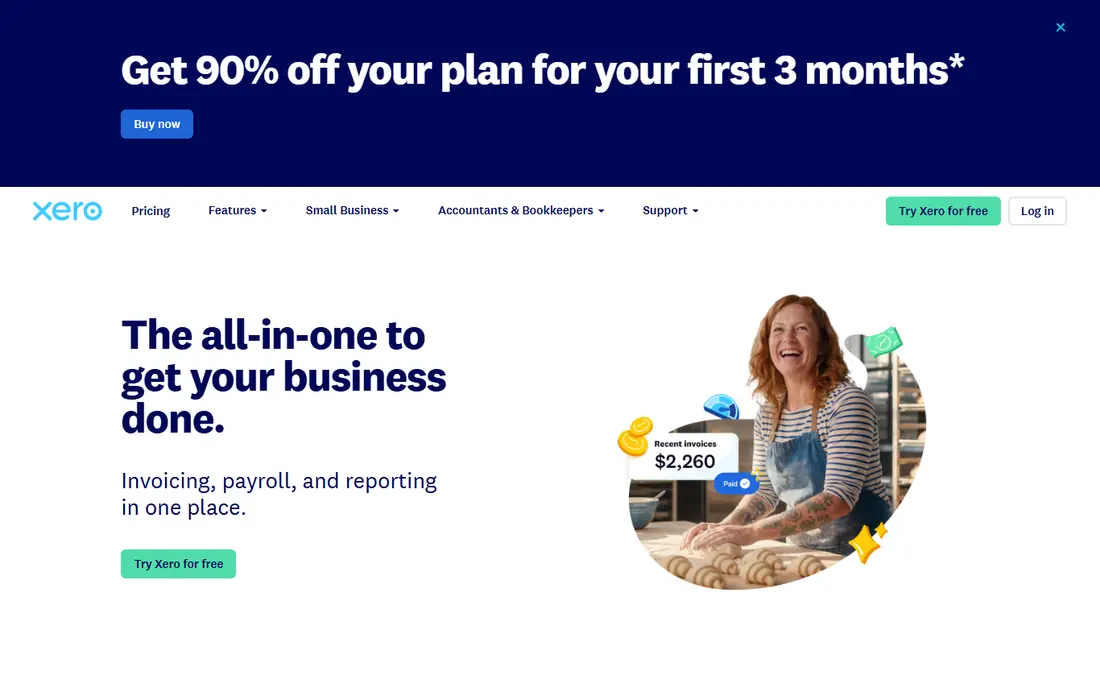
Xero is our pick for teams that expect to add staff, accountants, or bookkeepers. Unlimited users mean you do not pay per seat as the team grows, and bank feeds, reconciliation, and invoicing work in a clean interface that most accountants already know. The app marketplace covers payroll, inventory, expenses, and reporting add-ons.
The Early plan starts at $25 per month in current listings, with caps of 20 invoices and 5 bills per month, so growing businesses should check the Growing or Established plans. US payroll runs through partners rather than a built-in service. If you want a close, full-featured bookkeeping replacement with room to grow, Xero is the first tool to trial.
- Unlimited users on all plans
- Clean bank reconciliation
- Large app marketplace
- Invoice and bill caps on the lowest plan
- Payroll needs add-ons in the US
- Price rises on higher tiers

FreshBooks is the best pick for service businesses where clients, projects, and billable time drive the books. Invoicing is fast, time tracking links hours to clients, and payment reminders help you get paid without chasing. The interface is simpler than a full accounting suite, which suits freelancers and small agencies.
The Lite plan starts at $23 per month for up to five clients, so larger client lists need higher tiers. Pure accounting depth, such as double-entry and bank reconciliation, is lighter than Xero on lower plans. If your work is service-based and invoicing matters most, FreshBooks gives you the simplest daily workflow in this list.
- Excellent invoicing and client tracking
- Time tracking for billable work
- Easy to learn
- Lighter on pure accounting depth
- No double-entry on lower tiers in some comparisons
- Client caps on Lite
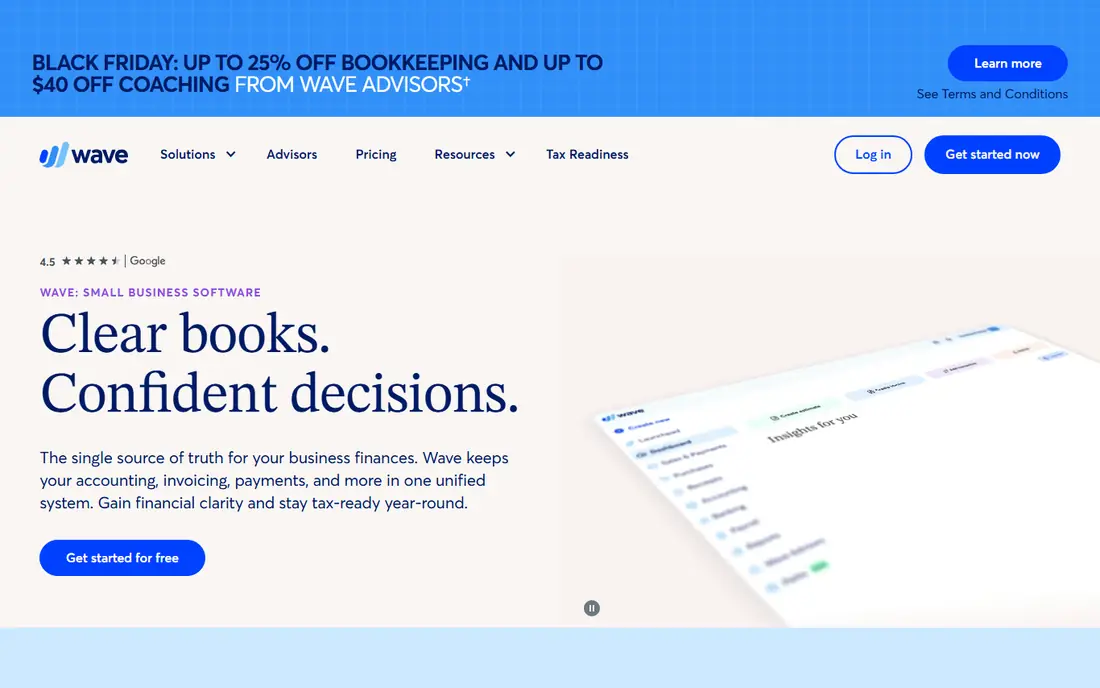
Wave is the best free starting point for solo operators and side businesses. Its Starter plan is free and covers invoicing, expense tracking, and double-entry bookkeeping, which is rare at zero cost. The Pro plan, listed at $19 per month, adds features such as automated bank imports and receipt tools.
Payroll and payment processing are paid add-ons, and advanced reporting is lighter than Xero or Sage. For a pre-revenue business or a freelancer with simple books, Wave lets you keep clean records without a monthly bill. Move to a paid tool when bank automation, payroll, or deeper reporting become daily needs.
- Free core accounting and invoicing
- Real double-entry bookkeeping
- Simple interface
- Automatic bank import needs a paid plan
- Payroll is a separate paid service
- Fewer advanced reports
Zoho Books offers one of the most useful free tiers in accounting: businesses with revenue under $50,000 can use core features free, with a limit of 1,000 invoices per year. Paid plans start at $20 per month for Standard in current listings. Automation, recurring invoices, expense tracking, and client portals make it a real accounting tool, not just a free invoice maker.
The catch is ecosystem fit. Zoho Books works best alongside other Zoho apps, and US payroll runs through integrations rather than a built-in service. For cost-conscious small businesses, especially those already using Zoho, it is the best low-cost pick in this list.
- Free tier for businesses under $50,000 revenue
- Strong automation and workflows
- Good mobile app
- Full value needs other Zoho apps
- Invoice caps on the free tier
- Payroll needs integrations
Sage 50, formerly Peachtree, suits businesses where inventory, job costing, and detailed reporting matter more than simple invoicing. It handles stock levels, purchase orders, and departmental reporting in depth, which helps product businesses, distributors, and contractors. That depth is why it still has a loyal base despite a higher price.
Plans start at $128.67 per month for Pro in current listings, with a one-year minimum commitment noted in some comparisons. The interface is less modern than cloud rivals, and setup takes more time. Choose Sage 50 when inventory and job costs are core to your books, not when you only need simple income and expense tracking.
- Deep inventory and job costing
- Strong reporting
- Long track record for product businesses
- High starting price
- One-year minimum in some listings
- Steeper learning curve
Kashoo is built for founders who want simple books without learning accounting jargon. Invoicing, expenses, bank connections, and basic reports sit in a clean interface, and the learning curve is short. Plans start at $30 per month, or $27 per month billed annually, with a 14-day trial.
The trade-off is breadth. Integrations and reporting are more limited than Xero or Zoho Books, and larger teams may outgrow it. If you want the simplest credible bookkeeping tool that still keeps proper records, Kashoo is a good fit. If you need deep inventory or payroll, look elsewhere.
- Simple, clean interface
- Easy invoicing and expenses
- Good for founders who dislike accounting
- Fewer integrations than Xero
- Reporting is basic
- No free plan
Bench is different from every other tool here, because you buy a service, not just software. A human bookkeeper categorizes your transactions, reconciles accounts, and prepares monthly statements, while you review them in an online dashboard. Plans start at $199 per month for businesses under $250,000 in revenue in current listings.
That service costs more than software alone, and you give up direct control over daily entries. For founders who hate bookkeeping and would otherwise let it pile up, Bench often pays for itself in time saved and cleaner tax records. If you enjoy doing your own books, a software tool will be cheaper.
- Human bookkeeper included
- Monthly financial statements
- Tax-season support options
- You do not use the software yourself
- Higher price than software alone
- Needs clean bank data
Patriot Software is the budget pick for small businesses that need accounting and payroll together. Accounting starts at $20 per month, and full-service payroll is listed at $37 per month in current comparisons, which keeps both jobs under one login at a low total price. That combination is rare in this price range.
Integrations are fewer than Xero or QuickBooks rivals, and the interface is functional rather than polished. Advanced reporting and inventory are limited. For a small US business that wants simple books plus payroll without paying for two separate systems, Patriot is a practical choice.
- Accounting and payroll under one login
- Low prices for both
- US-based support
- Fewer third-party integrations
- Interface is basic
- Advanced reporting is limited
FreeAgent is popular with freelancers and small businesses in the UK, and it also serves US users with invoicing, expenses, bank feeds, and tax estimates. Its dashboard shows profit, tax owed, and cash flow in plain terms, which helps owners who are not accountants. A free trial lets you test it with your own bank data.
US payroll and some local tax features vary by market, so US buyers should check the current feature list before signing. Pricing varies by plan and region, so we list it as See website here. For freelancers who want clear, simple books with tax estimates built in, FreeAgent is worth a trial.
- Built for freelancers and small businesses
- Invoicing, expenses, and tax estimates
- Clean dashboard
- US pricing and payroll features vary
- Fewer integrations than leaders
- Best for smaller teams
How we picked these
We compared official pricing pages, product documentation, and current 2026 bookkeeping comparisons for each tool, and we checked that each one is still offered in October 2026. We favored tools that handle invoicing, expenses, bank reconciliation, and reports for small businesses, and we included free, low-cost, and done-for-you options. Where pricing varies by region or plan, we wrote See website rather than guessing. This is not financial advice, and tax or payroll decisions should be checked with a qualified accountant for your state and business type.
How to pick bookkeeping software that stays quick
Start with your daily tasks, not with feature lists. If you send five invoices a month, invoicing ease matters more than inventory depth. If you sell products, inventory and purchase orders matter more. List your must-have tasks, then trial two tools with real bank data and real invoices for at least two weeks.
Check bank feeds, payroll, and your accountant
Bank feeds save the most time in daily bookkeeping, so test them with your actual bank during the trial. Check whether payroll is built in, an add-on, or a separate integration, and what it costs. Ask your accountant which tools they already use, because a tool your accountant knows will save you fees and errors at tax time, even if another tool looks slightly cheaper.
Plan for growth and tax time
A tool that fits today should also fit next year. Check invoice caps, user limits, and what happens when you move to a higher tier. Keep receipts and records organized all year, not just in April, and reconcile bank accounts monthly. Quick books stay quick only when the system is used regularly, so pick the tool you will actually open each week.
Frequently asked questions
What are the best quick book alternatives?
Xero is the best pick for growing teams, Wave is the best free pick, FreshBooks is the best pick for service businesses, and Zoho Books is the best low-cost pick. Sage 50 suits inventory-heavy businesses, while Bench suits founders who want a human bookkeeper. The right pick depends on your business type, invoice volume, and whether you need payroll.
Is there a product called Quick Book?
We could not verify a widely sold bookkeeping product called Quick Book that fits this topic, so this article treats "quick book" as shorthand for quick bookkeeping and compares accounting software instead. If you meant a specific product with a similar name, check its exact spelling and vendor site before you buy, and compare it with the tools listed here.
What is the best free bookkeeping software?
Wave offers free core bookkeeping and invoicing, and Zoho Books offers a free tier for businesses under $50,000 in revenue. Both cover the basics well, though bank automation and payroll need paid plans or add-ons. For a solo operator with simple books, either free tier is a good starting point.
Which bookkeeping software is best for freelancers?
FreshBooks, Wave, and FreeAgent are strong freelancer picks, because they focus on invoicing, expenses, and simple reports. FreshBooks adds time tracking for billable work, Wave adds free core books, and FreeAgent adds tax estimates. Choose based on whether you bill by time, by project, or by product.
Do I need payroll with my bookkeeping software?
Not every business does. Solo operators without employees can use bookkeeping software alone, while businesses with staff need payroll for wages, taxes, and filings. Patriot Software bundles both at a low price, while Xero and FreshBooks handle payroll through add-ons and integrations. Check your state payroll rules before you choose.
How much does small business bookkeeping software cost?
Prices in this list range from free for Wave and Zoho Books free tiers to $20 to $30 per month for Patriot, Zoho Books Standard, FreshBooks, Xero Early, and Kashoo, and up to $128.67 per month for Sage 50 and $199 per month for Bench done-for-you service. Add payroll, payment processing, and accountant fees to the software price for a full total.
Sources
See where you really rank - block by block
ProMapRanker scans Google Maps across a grid of your service area. Simple monthly plans from $19, white-label on every plan.
Start freeKeep reading
 zscaler alternatives
Best Zscaler Alternatives in 2026
Looking for zscaler alternatives? We compare 9 SASE and zero trust platforms on architecture, data protection, pricing, and fit for your network and team.
Read → zapier alternatives free
Best Zapier Alternatives Free in 2026
Nine automation tools for zapier alternatives free in 2026, all with genuinely free tiers, plus free plan limits, starting prices and upgrade paths explained.
Read → which platform is best for online reputation
Which Platform Is Best for Online Reputation in 2026
Wondering which platform is best for online reputation? We compare 8 review, listing, and response tools for small and multi-location businesses and agencies.
Read →