 ProMapRanker
Best ProofHub Alternatives in 2026

Key takeaways
- Asana and ClickUp give the broadest task, timeline, and automation coverage for teams that outgrow a simple setup.
- Trello and Basecamp suit teams that want a calmer, simpler workspace and are willing to trade depth for clarity.
- Monday.com and Smartsheet work well when visual tracking or spreadsheet style planning matters most to the team.
- Flat pricing is rare in this group, so compare the total monthly cost for your actual team size before you commit.
Quick comparison
| Pick | Great for | Pricing starts at | Free tier | |
|---|---|---|---|---|
 Asana | Goal linked task work | Free | Yes | Visit |
 ClickUp | Custom all in one workspaces | Free | Yes | Visit |
 Monday.com | Visual project tracking | $9 per user per month | No | Visit |
 Trello | Simple Kanban boards | Free | Yes | Visit |
 Wrike | Structured enterprise work | Free | Yes | Visit |
 Basecamp | Calm team communication | Free | Yes | Visit |
 Teamwork | Client facing project work | Free | Yes | Visit |
 Notion | Docs plus task tracking | Free | Yes | Visit |
 Smartsheet | Spreadsheet style planning | $9 per user per month | No | Visit |
The best ProofHub alternatives
These tools cover the same core ground as ProofHub, with tasks, deadlines, files, and team discussion, while each takes a different approach to structure and price. We compared official feature pages, pricing pages, app store listings, and public reviews to build this list.
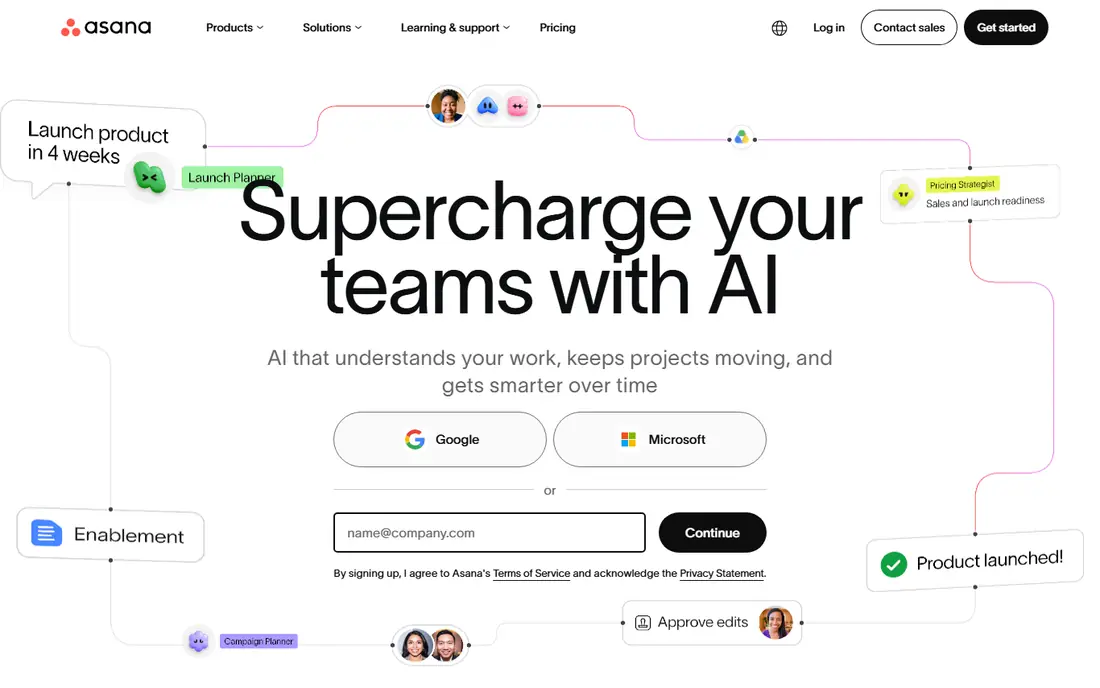
Asana suits teams that want daily tasks tied to larger goals without building a system from scratch. Its list, board, timeline, and calendar views make it easy to switch between personal work and a full project picture. Goals, portfolios, and status updates help managers see progress without asking for extra reports.
The trade-off is price and depth. The free plan covers basic task work, but automation, advanced reporting, and larger portfolio features need a paid plan. Teams that only need simple boards may find Asana heavier than they need, and they should test the free plan with a real project first.
- Clear task, timeline, and portfolio views
- Strong goal tracking
- Wide integration set
- Costs rise quickly on higher tiers
- Some reporting sits behind paid plans
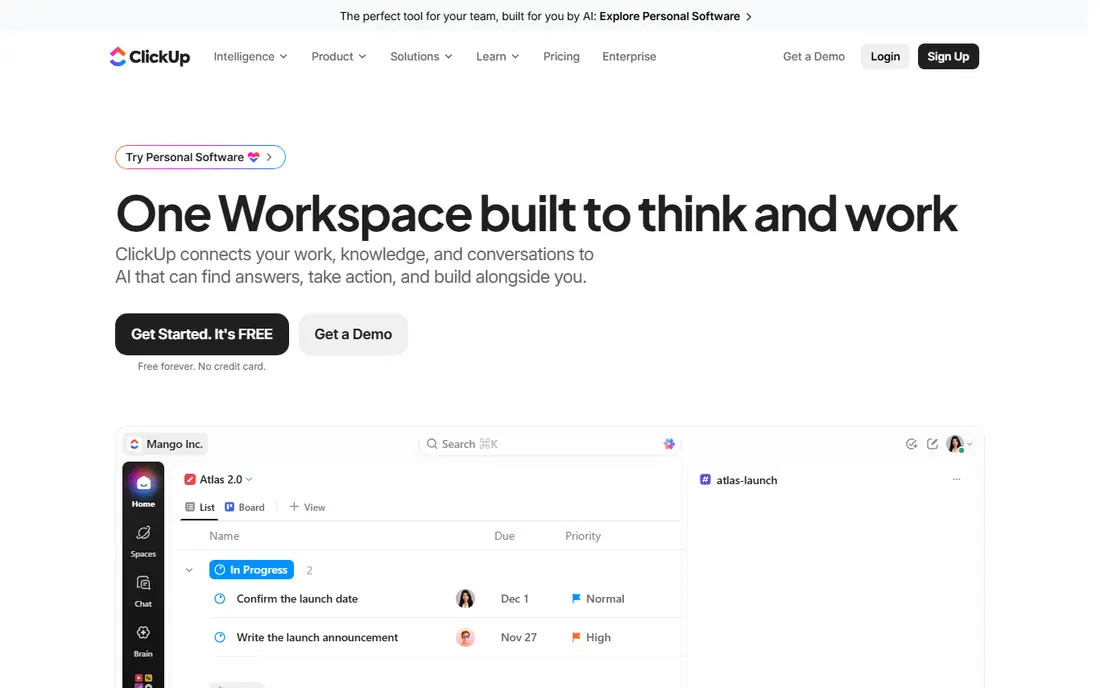
ClickUp is a strong pick for teams that want tasks, docs, whiteboards, and goals in a single workspace. Custom fields, statuses, and views let a team shape the tool around its own process instead of changing the process to fit the tool. That flexibility is useful for mixed teams that handle projects, tickets, and ongoing work together.
The honest catch is choice overload. New teams can spend too long configuring views and automations before any real work moves. Start with one space, a small set of statuses, and a single view, then add structure only when a gap shows up in daily use.
- Very flexible views and custom fields
- Docs, goals, and time tracking in one place
- Generous free plan
- Setup can feel busy at first
- Some teams need time to agree on one structure
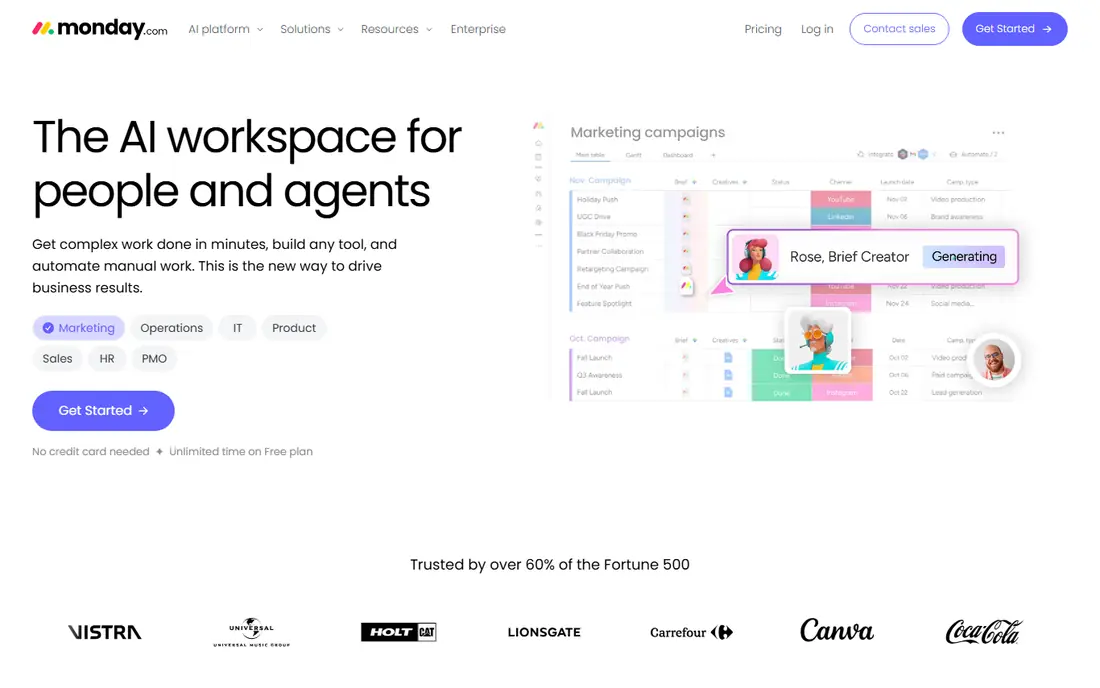
Monday.com works well for teams that think in boards and columns. Status labels, owners, dates, and progress bars give a quick read on a project, and templates cover marketing, operations, sales, and product work. Automations can move items, send updates, and change statuses when a deadline or status changes.
Pricing is the main point to check. The entry paid plan starts at $9 per user per month when billed annually, and a free option is limited to a small number of users. Larger teams should map the full seat cost and test whether the visual style stays helpful once boards hold hundreds of items.
- Bright, visual boards that are easy to read
- Useful automations
- Broad template set
- No lasting free plan for larger teams
- Costs add up as seats grow
Trello is the calmest option in this list, and that is its strength. A board, a few lists, and cards with checklists, dates, and attachments are often enough for small teams and personal projects. New members can start work in minutes, with no training session and no complex setup.
For larger programs, Trello shows its limits. Portfolio reporting, workload views, and deep automation are thinner than in Asana, ClickUp, or Wrike. It still works as a front end for simple work, but teams with many linked projects should plan for a paid plan or a second reporting tool.
- Fast to learn
- Clean Kanban boards
- Useful card checklists and attachments
- Limited depth for complex portfolios
- Advanced reporting needs paid plans or add-ons
Wrike fits teams that need structure, approvals, and clear ownership across many projects. Gantt charts, workload views, and custom workflows help managers spot overload and dependencies before they become missed deadlines. Permissions and audit style controls also suit larger or more formal teams.
Small teams may find Wrike more formal than they need. The interface carries many options, and the value shows up most when a team uses templates, request forms, and reporting in a consistent way. Try the free plan with one real workflow before moving a whole department onto it.
- Strong Gantt charts and workload views
- Detailed permissions
- Good for regulated or large teams
- Interface can feel dense for small teams
- Higher tiers are needed for advanced reporting
Basecamp takes a different route from most project tools. Instead of many views and automations, it groups message boards, to-dos, schedules, docs, and files by project in a single, quiet workspace. That design cuts down on scattered chat and makes it easier to find a decision later.
The limit is depth. Teams that need Gantt charts, workload balancing, or heavy automation will miss those features. Basecamp is best for teams that value clear communication and simple task lists over detailed project analytics, and its paid pricing should be checked for the current flat rate.
- Message boards, to-dos, and schedules in one calm place
- Simple flat style pricing on paid plans
- Easy onboarding
- Fewer task views and automations than rivals
- Not built for complex portfolio reporting
Teamwork is built with agencies and service teams in mind. Client projects, milestones, task lists, time tracking, and billing links sit close together, which helps teams that need to show clients progress and track billable work. Permissions let a team share selected parts of a project without exposing internal work.
The setup takes care, since the settings cover many project and client options. Teams that do not serve external clients may not use the strongest parts of the tool. It is worth a close look when client visibility and time records matter as much as task completion.
- Strong client project features
- Time tracking and invoicing links
- Clear task lists and milestones
- Interface has many settings
- Some advanced features sit on higher plans
Notion suits teams that want project notes, wikis, and tasks in the same place. Pages, databases, and templates can hold a project brief, a task board, meeting notes, and a knowledge base without switching tools. That mix is helpful for small teams and startups that document as they build.
As a strict project management tool, Notion needs deliberate setup. Dependencies, workload views, and time tracking are less direct than in Asana or Wrike. Teams should build one clear database, agree on statuses, and test it for two weeks before replacing a dedicated tracker.
- Flexible docs, wikis, and databases
- Good for notes plus tasks in one place
- Strong templates
- Needs setup to work as a strict project tracker
- Time tracking and reporting need workarounds
Smartsheet appeals to teams that already plan in spreadsheets. The grid view feels familiar, while Gantt charts, card views, forms, and reports add project structure on top. It works well for operations plans, trackers, and schedules that need formulas, dependencies, and shared updates.
It is less of a casual collaboration space than Basecamp or Notion. Discussion and docs are present, but the focus stays on rows, dates, and status. The entry plan starts at $9 per user per month when billed annually, so check which reporting and automation features are included before buying for a large group.
- Familiar grid view with Gantt and card options
- Useful forms and reports
- Good for operations plans
- Less friendly for casual task chat
- Entry plan limits some automation and reporting
How we picked these
We compared official feature pages, pricing pages, app store listings, privacy policies, and public reviews for tools that cover ProofHub style project work. We kept only tools that are live in October 2026, offer real task and collaboration features, and fit ordinary business teams. We left ProofHub itself off the list, since this article covers replacements for it.
What to check before you switch
Start with the work you do most, not the longest feature list. A team that lives in boards will be happier with Trello or Monday.com, while a team that reports to clients or leaders may need Asana, Wrike, or Teamwork. List your must have views, your reporting needs, and the integrations you use every week, then test two finalists with the same real project.
Check the total cost for your team size, including guests, viewers, and any automation or reporting add-ons. Free plans are useful for a trial, but they often limit guests, storage, or history. Also check how easy it is to export tasks and files, since a clean export protects your work if you switch again later.
Frequently asked questions
What is the best ProofHub alternative for small teams?
Trello and Basecamp are strong small team picks because they are easy to learn and keep daily work visible. Asana and ClickUp are better when a small team expects to grow into goals, portfolios, and automation. Test the free plan with a real project before you pay.
Which ProofHub alternative has the best free plan?
ClickUp, Asana, Trello, and Notion all offer useful free plans for basic task work, with limits on storage, history, or advanced features. The best choice depends on your style, since ClickUp favors custom workspaces while Trello favors simple boards. Check the current free plan limits on the vendor site before you rely on them.
Is Monday.com a good ProofHub alternative?
Monday.com is a good fit when visual boards, status tracking, and templates matter most. It is less appealing when a team wants a lasting free plan or very low per user costs. Compare its seat cost with Asana and ClickUp for your team size.
Can I move projects from ProofHub to another tool?
Most tools here support imports from files or common project formats, but the ease varies by tool and by how much history you want to keep. Export tasks, files, and comments from ProofHub first, then test an import with one small project. Keep the old workspace read only until the new one is checked.
Which alternative is best for client work?
Teamwork stands out for client work because it pairs project tracking with client visibility, time records, and billing links. Asana and Monday.com can also work for client projects when permissions and shared views are set up with care. Choose based on how much client access you plan to allow.
Sources
See where you really rank - block by block
ProMapRanker scans Google Maps across a grid of your service area. Simple monthly plans from $19, white-label on every plan.
Start freeKeep reading
 zyte alternatives
Best Zyte Alternatives in 2026
These zyte alternatives cover managed scraping APIs, proxy networks and no code tools for lawful collection from your own or consented sources only in 2026.
Read → zerto alternatives
Best Zerto Alternatives in 2026
Compare the best zerto alternatives for disaster recovery and replication, with recovery targets, cloud options and honest trade-offs for teams in 2026.
Read → zerofox alternatives
Best ZeroFox Alternatives in 2026
We compared 9 zerofox alternatives for brand protection, phishing takedowns, dark web monitoring, and social impersonation, with clear coverage notes.
Read →