 ProMapRanker
Best Prerender.io Alternatives in 2026


Managed drop in prerendering · Pricing starts at: See website
Key takeaways
- Prerender.cloud is our pick for most teams that want a managed drop in replacement for Prerender.io.
- Brombone and SEO4Ajax suit smaller JavaScript sites that need managed rendering without a large contract.
- Browserless and Puppeteer suit engineering teams that want to build and control their own rendering pipeline.
- Next.js, Nuxt, and Astro suit teams that can move rendering into the framework rather than adding a proxy.
- Rendertron and Rendora are archived projects, so we excluded them as live recommendations.
Quick comparison
| Pick | Great for | Pricing starts at | Free tier | |
|---|---|---|---|---|
| Prerender.cloud | Managed drop in prerendering | See website | Free trial | Visit |
 Brombone | Managed rendering for smaller sites | See website | Free trial | Visit |
 SEO4Ajax | Managed prerendering on a budget | See website | No | Visit |
 Browserless | Cloud headless browser infrastructure | $25 per month | Yes | Visit |
 Puppeteer | DIY rendering library | Free | Yes | Visit |
 Next.js | Server rendering for React sites | Free | Yes | Visit |
 Nuxt | Server rendering for Vue sites | Free | Yes | Visit |
 Astro | Static and server rendered sites | Free | Yes | Visit |
The best prerender io alternatives
Prerender.io serves cached HTML to search bots for JavaScript heavy sites. These alternatives replace that job in different ways, from managed services that work like Prerender.io to frameworks that render pages on the server in the first place.
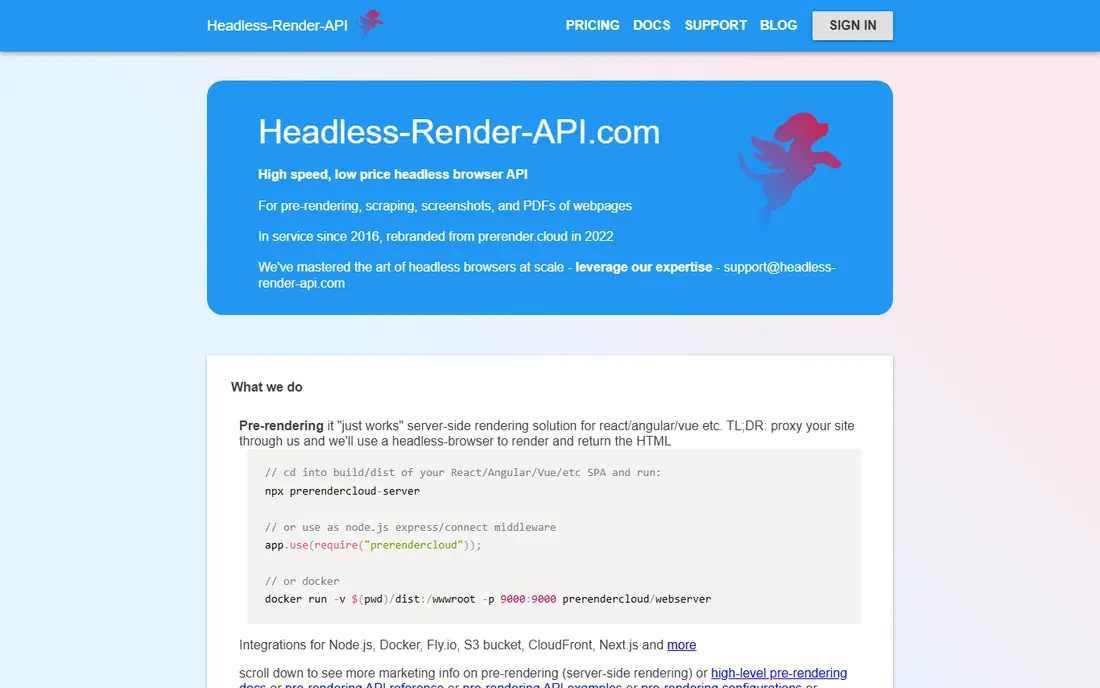
Prerender.cloud is the closest managed match to Prerender.io in this list. It intercepts bot requests, renders JavaScript pages in a headless browser, and serves cached HTML back to the crawler. Middleware and integration guides cover common frameworks and servers, so a team can add it without rebuilding the site.
The cost depends on how many pages you prerender and how often you recache them, so a large site should model that volume before committing. Complex single page apps with heavy authentication or dynamic data may also need extra configuration. For a typical JavaScript site that needs search visibility quickly, it is the simplest switch.
- Managed prerendering service
- Middleware for common frameworks
- Caching and recaching controls
- Pricing depends on page volume
- Custom setup still needed for complex apps
Brombone offers managed prerendering for teams that do not want to run browser infrastructure themselves. It renders JavaScript pages for search bots and serves the resulting HTML, with setup aimed at smaller sites and agencies rather than large enterprises. That focus makes onboarding faster than a platform built for million page estates.
The trade off is vendor size and depth. Brombone does not have the same enterprise reporting and integration breadth as larger rendering platforms, and support capacity should be checked during a trial. For a small or mid size JavaScript site, the simpler service is often enough.
- Managed rendering service
- Simple setup for smaller sites
- Bot detection handling
- Smaller vendor than Prerender.io
- Enterprise features are more limited
SEO4Ajax provides managed prerendering middleware for single page applications that need search engines to see rendered content. It intercepts bot traffic, renders the page, and returns HTML, which lets a team keep its existing JavaScript app while improving index coverage. The service model suits teams that want a managed option at a lower cost than enterprise platforms.
Pricing transparency is the weak point, since plans are not fully public and depend on site size and volume. Teams should request a quote based on their page count and crawl rate, and trial the service on a staging site before routing live bot traffic through it.
- Managed prerendering middleware
- Aimed at single page apps
- Scalable caching
- Pricing is not fully public
- Documentation is thinner than larger vendors
Browserless is not a drop in prerendering service, and that distinction matters. It provides cloud headless browsers through an API, so your team can build a rendering pipeline, run Puppeteer or Playwright scripts, and serve the output to bots. You offload browser management, but you still own caching, bot detection, invalidation, and serving logic.
For an engineering team that wants control over rendering and already runs a backend, Browserless removes the hardest infrastructure job, which is keeping browsers stable at scale. For a marketing team without engineers, it is the wrong choice, because the product layer around the browser is yours to build and maintain.
- Cloud headless Chrome API
- Scales browser fleet without self hosting
- Useful for rendering and automation
- Rendering only, you build caching and bot detection
- Needs engineering time
Puppeteer is a Node.js library that drives headless Chrome, and many DIY prerendering services are built on it. With Puppeteer, a team can render a page, wait for JavaScript to finish, capture the HTML, and serve it to a bot. That control lets you handle custom authentication, waiting rules, and page specific logic that a managed service may not support.
The cost is engineering time. You must host browsers, handle memory and queue pressure, keep Chromium updated, and monitor failures when pages change. Puppeteer suits a team with DevOps capacity and a specific rendering problem, not a team that wants a service that just works.
- Free open source library
- Full control over rendering
- Large community and examples
- You build and maintain the whole service
- Browser upgrades and scaling are your job
Next.js changes the problem rather than patching it. Instead of prerendering a client only React app for bots, Next.js renders pages on the server or at build time, so search engines receive HTML directly. That approach also helps performance for real users, not just for crawlers, because the first paint arrives as HTML.
Migration is the catch. An existing single page app needs real engineering work to move to Next.js, including routing, data fetching, and deployment changes. For a greenfield React project, Next.js is the better long term choice. For a legacy app that cannot be rebuilt soon, a managed prerendering service is faster.
- Server side rendering and static generation built in
- Large React ecosystem
- Strong hosting options
- Requires a React site or a rebuild
- Migration effort for an existing single page app
Nuxt is the Vue equivalent of Next.js. It renders Vue pages on the server or at build time, giving search engines HTML without a separate prerendering proxy. Its conventions for routing, data fetching, and layouts help a Vue team ship a search friendly site with less custom server code than a hand built setup.
As with Next.js, the benefit comes with migration cost for an existing client only Vue app. A team already on Vue will find Nuxt a natural step, while a team on another framework should not switch frameworks just for rendering. Choose Nuxt when Vue is already your stack and server rendering is the goal.
- Server side rendering for Vue
- Static generation
- Structured project conventions
- Requires a Vue site or a rebuild
- Vue ecosystem is smaller than React
Astro suits content heavy sites that do not need a full single page app on every page. It renders pages to HTML at build time or on the server, ships minimal JavaScript by default, and lets you use components from React, Vue, Svelte, and other frameworks where interactivity is actually needed. That model gives search engines clean HTML and gives users fast pages.
Highly interactive applications are a weaker fit, because Astro is optimised for content sites rather than app like dashboards with constant client state. For a marketing site, blog, documentation site, or storefront built on JavaScript components, Astro removes much of the need for a prerendering proxy at all.
- Ships little JavaScript by default
- Static and server rendering options
- Works with many frameworks
- Less suited to highly interactive apps
- Migration needed for a legacy single page app
How we picked these
We compared official product pages, current prerendering guides, and maintenance status, and we kept only options that are live in October 2026 and that solve JavaScript rendering for search in a real way. We included managed services, DIY infrastructure, and server rendering frameworks, because Prerender.io buyers split into teams that want a quick proxy and teams that want a lasting rendering fix. We excluded Rendertron, archived in 2022, and Rendora, archived in 2025, because archived projects should not be recommended as live products.
What to check before you pay
Start with whether you need a proxy at all. If your site can move to server rendering or static generation, that fix lasts longer than any prerendering service and helps real users too. If a rebuild is not possible this year, a managed service is the faster route, and you should trial it on staging first.
Next, check bot handling and cache freshness. Confirm which bots are served prerendered HTML, how often pages recache, and how you force a recache after an important content change. Stale HTML can mislead search engines, while too frequent recaching can raise costs on a large site. Finally, check that bot and user content match. Dynamic rendering must show the same information to bots and users, or it risks being treated as cloaking, so keep the rendered output faithful to the live page.
Frequently asked questions
Is prerendering still needed in 2026?
Sometimes. Modern search engines render JavaScript better than they once did, but large, complex, or slow single page apps still benefit from prerendered HTML, especially for AI crawlers and secondary search engines. Test how your key pages appear in search before you assume rendering is no longer an issue.
What is the difference between prerendering and server side rendering?
Prerendering renders a client side app in a browser and serves cached HTML to bots, while server side rendering generates HTML on the server for every request or at build time. Prerendering is a proxy fix for an existing app, while server rendering is a change to how the app itself works.
Can I build my own prerendering service?
Yes, with Puppeteer or Playwright plus Browserless or your own browser fleet, caching, and bot detection. It gives full control, but you own uptime, Chromium upgrades, and scaling, so most teams without DevOps capacity should prefer a managed service.
Will prerendering hurt my rankings?
Prerendering itself should not hurt rankings when bot and user content match and pages load quickly. Serving different content to bots, serving stale pages for months, or slowing bot requests with a poor cache setup can cause problems, so monitor index coverage after launch.
How do I know if my JavaScript site has a rendering problem?
Check search console coverage, fetch key pages as a search bot, and compare the rendered HTML with what users see. Missing content, empty product listings, or pages that only appear after long delays are signs that rendering needs attention.
Sources
See where you really rank - block by block
ProMapRanker scans Google Maps across a grid of your service area. Simple monthly plans from $19, white-label on every plan.
Start freeKeep reading
 zoro.to alternatives
Best Zoro.to Alternatives in 2026
We compare the best zoro.to alternatives in 2026, listing only legal licensed anime streaming services, from Crunchyroll to free options for fans today.
Read → zip alternatives
Best Zip Alternatives in 2026
We compare the best zip alternatives for buy now, pay later in 2026, covering pay-in-4 plans, fees, spending limits, and credit reporting options today.
Read → yesware alternatives
Best Yesware Alternatives in 2026
Compare the best yesware alternatives for sales email tracking, templates, and sequences, with current pricing and honest tradeoffs for small sales teams.
Read →