 ProMapRanker
Best Poppy AI Alternatives in 2026


Source-grounded research with citations · Pricing starts at: Free
Key takeaways
- NotebookLM is the best free starting point for source-grounded research with citations.
- Notion AI suits teams that already live in Notion and want AI across docs and databases.
- Heptabase is the closest visual alternative for spatial, whiteboard-style thinking.
- Obsidian suits users who want local files, privacy and long-term ownership of notes.
- ChatGPT, Perplexity, Elicit, Capacities and YouMind each cover a different research or creation angle, so match the tool to your main workflow.
Quick comparison
| Pick | Great for | Pricing starts at | Free tier | |
|---|---|---|---|---|
| NotebookLM | Source-grounded research with citations | Free | Yes | Visit |
 Notion AI | Team wikis and databases with AI | $20 per user per month | Free trial | Visit |
 Heptabase | Visual whiteboards and spatial notes | $8.99 per month | No | Visit |
 Obsidian | Local-first private knowledge base | Free | Yes | Visit |
 ChatGPT | General AI research and writing | $20 per month | Yes | Visit |
 Perplexity | AI search with cited answers | See website | Yes | Visit |
 Elicit | Academic literature research | See website | Yes | Visit |
 Capacities | Object-based personal knowledge | $11.99 per month | Yes | Visit |
 YouMind | Multi-model AI creation studio | $20 per month | Yes | Visit |
The best Poppy AI alternatives
Poppy AI is a visual AI workspace where creators and researchers collect videos, documents and notes on a board and chat with that material. The alternatives below cover that job from different angles: source research, team wikis, visual boards, private notes and multi-model creation. Use only your own or licensed voices, videos and content in these tools, and check rights before uploading client or third-party material.
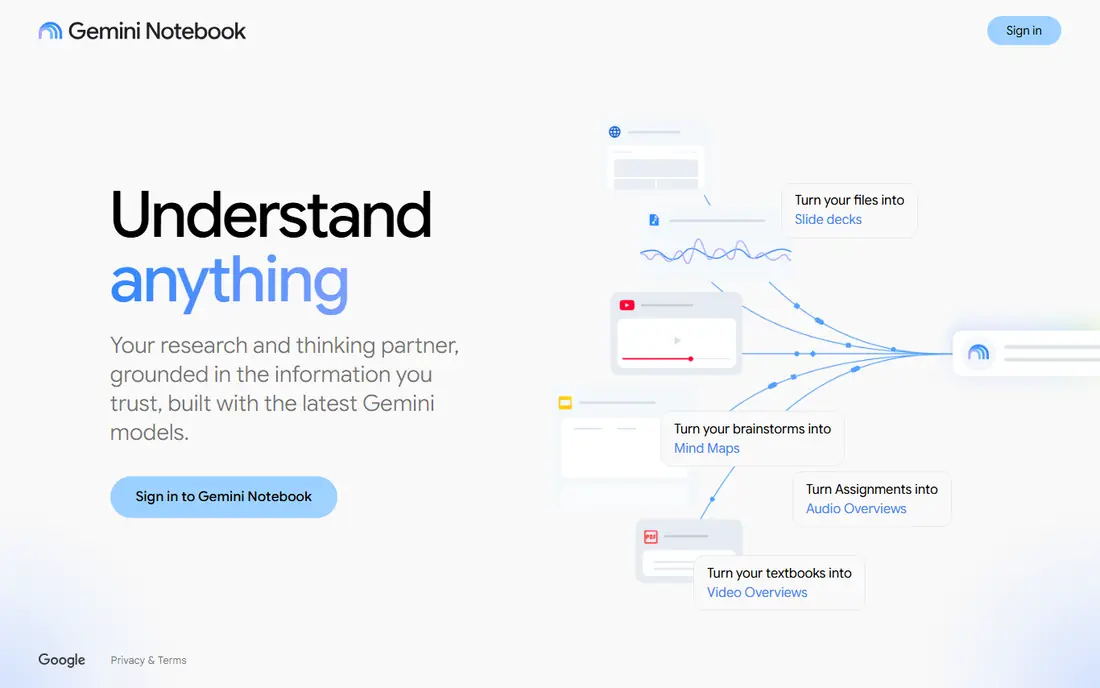
NotebookLM, now presented as Gemini Notebook in some Google AI contexts, is the strongest free research alternative here. Upload PDFs, docs, web sources and transcripts, then ask questions that are answered from those sources with citations back to the text. Audio overviews turn a notebook into a listenable summary, which helps for review on the move.
NotebookLM is not a full workspace. It has no task management, calendar or database system, so action items still need to move into a separate tool. Free use covers a generous notebook and source allowance, with higher limits through Google AI Plus from $4.99 per month and Pro from $19.99 per month in recent listings. For research accuracy on a budget, start here.
- Answers grounded in sources you upload, with citations
- Audio overviews
- Free with a Google account
- No tasks, reminders or full workspace databases
- Higher limits require Google AI plans
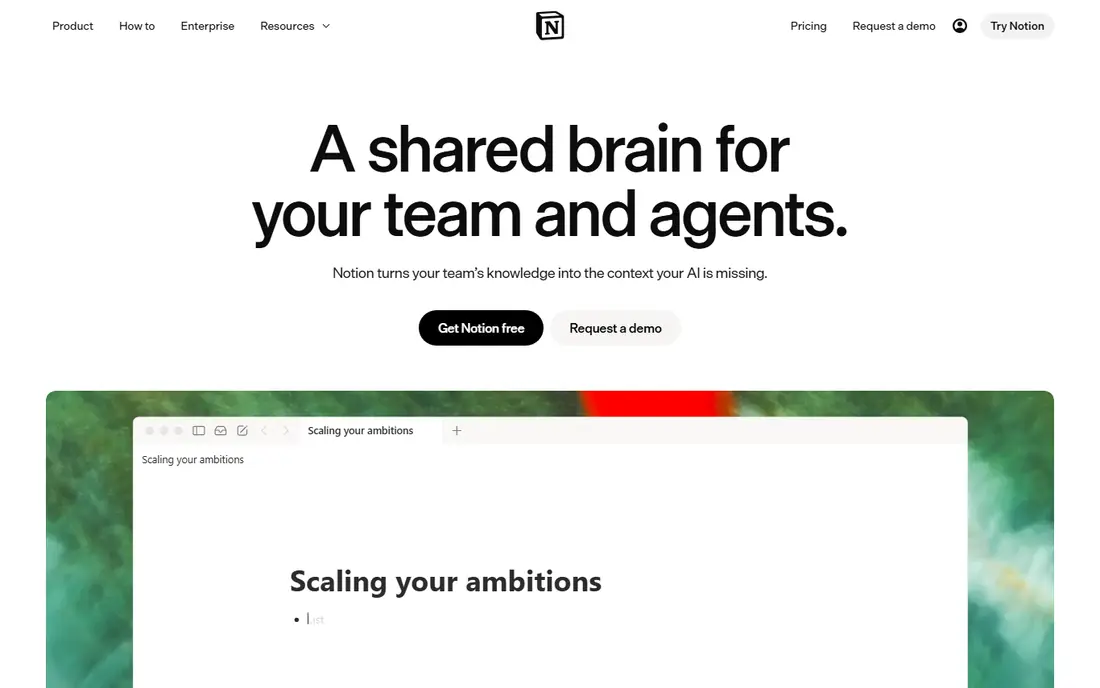
Notion AI suits teams whose work already lives in Notion. AI can summarise pages, answer questions across a workspace, draft content and, on Business plans, run agent workflows that pull action items into task databases. That breadth helps teams that need wikis, projects and docs in one place.
Pricing is the catch. The standalone AI add-on was retired, and full AI now sits in the Business plan at $20 per user per month billed annually, or $24 monthly, with free and Plus plans limited to a trial quota. Solo users who only need research AI will find NotebookLM cheaper. Teams already paying for Notion Business get AI as a natural extension.
- AI across pages, docs and databases
- Strong team collaboration
- Meeting notes and agent workflows
- Full AI requires the Business plan
- Solo users may find the price high for AI alone
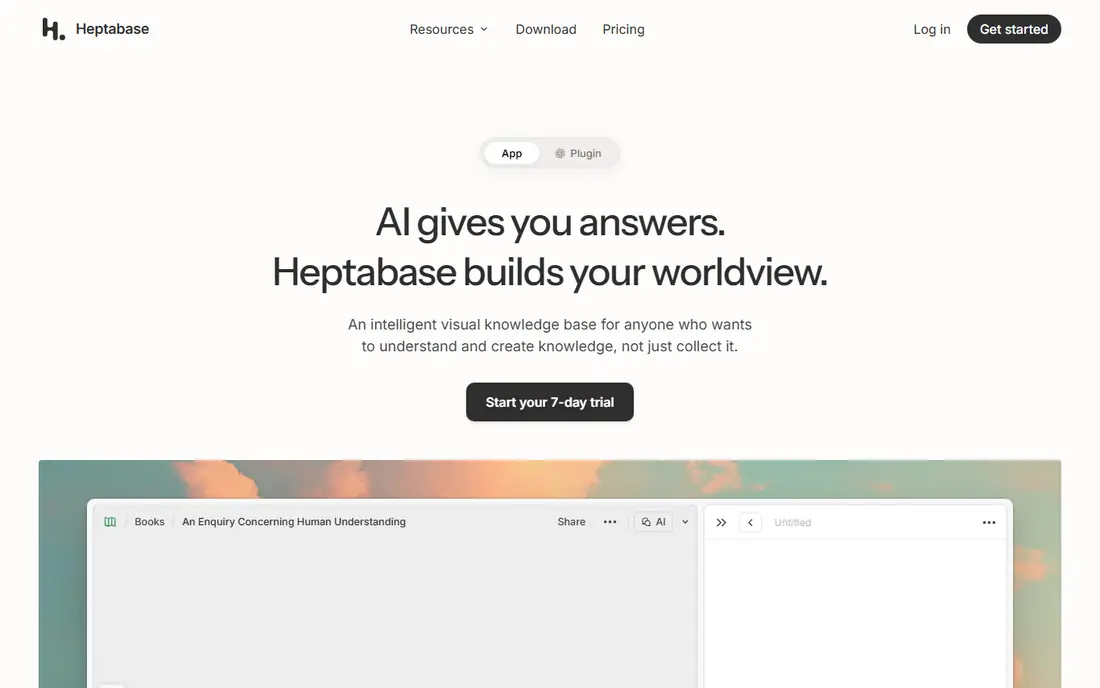
Heptabase is the closest visual match to Poppy AI's board approach. Notes live as cards on whiteboards, so researchers and learners can arrange ideas spatially, link cards, annotate PDFs and transcribe audio or video into notes. That layout helps when a topic is easier to see as a map than as a linear document.
There is no free plan, and pricing is $11.99 per month monthly or $8.99 per month billed annually in recent listings. Heptabase also lacks the broad AI chat and multi-model range of some rivals, focusing instead on visual organisation. For visual thinkers who want a board, not just a chat box, Heptabase is a strong pick.
- Visual card boards for spatial thinking
- PDF annotation
- Audio and video transcription for notes
- No free plan
- Higher cost than some note apps for solo users
Obsidian is for users who prioritise ownership and privacy. Notes are local Markdown files, the core app is free, and bidirectional links plus a graph view help connect ideas over time. Hundreds of community plugins add calendars, tasks, kanban boards and AI features, though setup takes more effort than a hosted tool.
AI is not built into the core, so users who want Poppy-style chat with sources need plugins or a companion tool. Optional Sync costs $4 per month and Publish costs $8 per month per site on annual pricing in recent listings. For a long-term personal knowledge base that survives vendor changes, Obsidian is hard to beat.
- Local Markdown files you own
- Offline use
- Bidirectional links and graph view
- Large plugin community
- No built-in AI in the core app
- Sync and publish are paid extras
ChatGPT is the general-purpose alternative that many Poppy AI users already know. It drafts, summarises, brainstorms and answers across topics, and Projects let users group chats and files by topic. That flexibility suits creators who move between research, scripting, planning and writing in one session.
Source grounding is weaker than NotebookLM by default. ChatGPT can browse and cite when asked, but it is easier to get a fluent answer without a clear source trail, so research claims still need checking. Plus pricing is $20 per month, with a free tier for limited use. For general creation plus research, ChatGPT is a practical all-rounder.
- Broad general knowledge and writing help
- Projects for grouped chats and files
- Strong multimodal input
- Answers can lack source citations unless asked for them
- Project organisation is lighter than a dedicated research tool
Perplexity works like AI search with sources attached. Ask a question, get a cited answer drawn from the web, then follow up to narrow the topic. That makes it useful for current events, product research and fact-checking, where Poppy AI's board approach can feel heavy for a quick question.
It is not a visual research board. Notes, boards and long-term project organisation are lighter than Heptabase or Notion, so Perplexity fits best as a research front end paired with a notes tool. Pricing is shown on the vendor site, with a free tier and a paid Pro plan. For fast, cited answers, Perplexity is a strong companion tool.
- Cited web answers for fast research
- Follow-up questions keep context
- Good for current topics and news
- Less of a visual workspace than Poppy AI
- Paid Pro features vary by plan and region
Elicit is built for literature research. It searches academic papers, summarises findings, extracts structured data such as methods and outcomes, and helps researchers compare studies. Students, academics and evidence-led writers will find its workflow closer to research than a general chatbot.
General creators may find Elicit narrow. It is not designed for video boards, brainstorming or content creation in the Poppy AI sense, and advanced credits sit on paid plans. Pricing is available on the vendor site, with a free tier for basic use. For academic work, Elicit is a focused and credible alternative.
- Academic paper search and summarisation
- Structured extraction from studies
- Citation-focused workflow
- Academic focus limits general creative use
- Advanced features require paid plans
Capacities organises notes as objects, such as people, books, projects and ideas, rather than as a pile of documents. That structure helps users who think in connected entities and want a tidy personal knowledge system without Notion's complexity. A generous free plan makes it easy to test, with Pro at $11.99 per month in recent listings.
The community and integration range are smaller than Notion or Obsidian, and API access is limited, so power users may hit edges. Capacities also lacks Poppy AI's visual board and multi-model chat depth. For a calm, structured personal knowledge base, it is a pleasant middle ground between Obsidian and Notion.
- Object-based notes for people, projects and topics
- Generous free plan
- Clean, calm interface
- Smaller community than Notion or Obsidian
- API access is limited on lower tiers
YouMind is an AI creation studio for content creators and researchers who want model choice. Users can switch between models such as GPT, Claude, Gemini and DeepSeek, work with boards and notes, and edit AI output with human review. A browser extension and mobile app help capture material on the move.
Gaps remain. Video overviews and flashcards are not yet available, and integrations are thinner than Notion's. Pricing is free with a monthly credit allowance, Pro at $20 per month and Max at $100 per month in recent listings. For creators who want to compare models on the same project, YouMind is the most flexible option here.
- Multiple AI models in one studio
- Human-in-the-loop editing
- Browser extension and mobile app
- No video overview or flashcard features yet
- App integrations are weaker than Notion
How we picked these
We compared official product pages, pricing pages and public AI note and research comparisons, and kept only live tools in October 2026 that cover a real part of Poppy AI's job: visual boards, source-grounded chat, team wikis, private notes or multi-model creation. Prices shown are entry prices from vendor or reputable comparison listings, and tools without a verified entry price are marked See website. Voice and video features are described only where the vendor documents them, and users should only upload material they own or have rights to use.
What to check before you switch AI workspaces
Start with your source material. If you work mainly with PDFs and documents, NotebookLM or Elicit will feel most useful. If you work visually, Heptabase or YouMind boards matter more. If your team already uses Notion, Notion AI avoids a second workspace, while Obsidian suits solo users who want local files.
Next, test AI accuracy on a topic you know well. Ask each tool a question with a verifiable answer, check its citations, and see how it handles a missing or ambiguous source. Finally, check export options before committing, since boards, notes and AI chats are painful to move if a vendor changes pricing or closes. A tool with clean Markdown or PDF export protects your work.
Frequently asked questions
Is NotebookLM free?
Yes, NotebookLM is free with a Google account, with limits on notebooks and sources. Higher limits come through Google AI Plus from $4.99 per month and Pro from $19.99 per month in recent listings.
Which Poppy AI alternative is best for visual thinking?
Heptabase, because notes live as cards on whiteboards that can be arranged spatially, linked and annotated. YouMind also offers boards, but Heptabase is more focused on visual learning and research organisation.
Can Obsidian replace Poppy AI's AI chat?
Not on its own, since the core Obsidian app has no built-in AI. Users can add AI through community plugins or pair Obsidian with NotebookLM, ChatGPT or Perplexity for chat, while keeping notes local in Obsidian.
Is Notion AI worth $20 per user per month?
It is worth it for teams already on Notion Business that need AI across wikis, docs and databases. Solo users who only need research chat will usually get better value from free NotebookLM plus Obsidian or Capacities.
Should I upload client videos or documents to AI tools?
Only upload material you own or have licensed rights to use, and check the tool's privacy and data use policy first. For sensitive client work, prefer local-first tools such as Obsidian, or vendor settings that limit training use, and remove material when a project ends.
Sources
- https://notebooklm.google.com
- https://www.notion.com
- https://heptabase.com
- https://obsidian.md
- https://chatgpt.com
- https://www.perplexity.ai
- https://elicit.com
- https://capacities.io
- https://youmind.com
- https://youmind.com/blog/best-notebooklm-alternatives
- https://dev.to/the_movie_9b1357e8c99cfaa/best-ai-note-taking-tools-compared-2026-5db2
See where you really rank - block by block
ProMapRanker scans Google Maps across a grid of your service area. Simple monthly plans from $19, white-label on every plan.
Start freeKeep reading
 zyte alternatives
Best Zyte Alternatives in 2026
These zyte alternatives cover managed scraping APIs, proxy networks and no code tools for lawful collection from your own or consented sources only in 2026.
Read → zerto alternatives
Best Zerto Alternatives in 2026
Compare the best zerto alternatives for disaster recovery and replication, with recovery targets, cloud options and honest trade-offs for teams in 2026.
Read → zerofox alternatives
Best ZeroFox Alternatives in 2026
We compared 9 zerofox alternatives for brand protection, phishing takedowns, dark web monitoring, and social impersonation, with clear coverage notes.
Read →