 ProMapRanker
Playwright Alternatives in 2026

Key takeaways
- Code-first teams usually choose Cypress, Selenium, Puppeteer, or WebDriverIO, while mixed teams may prefer Katalon or mabl.
- Browser coverage, language support, and CI integration matter more than a feature list alone.
- Open-source tools save licence fees but need engineering time for setup, reporting, and parallel runs.
- No-code tools speed up simple flows, but complex logic may still need code or a hybrid approach.
Quick comparison
| Pick | Great for | Pricing starts at | Free tier | |
|---|---|---|---|---|
 Cypress | JavaScript front-end testing | Free | Yes | Visit |
 Selenium | Multi-language automation | Free | Yes | Visit |
 Puppeteer | Chrome automation | Free | Yes | Visit |
 WebDriverIO | Node.js web and mobile testing | Free | Yes | Visit |
 TestCafe | Cross-browser testing without WebDriver | Free | Yes | Visit |
 Katalon Studio | Mixed-skill testing teams | See website | Yes | Visit |
 mabl | Continuous testing with self-healing | See website | Free trial | Visit |
 TestComplete | Desktop and web GUI testing | See website | Free trial | Visit |
 BugBug | No-code browser testing | See website | Yes | Visit |
The best Playwright alternatives
Playwright is an open-source framework from Microsoft for automating Chromium, Firefox, and WebKit with one API across several languages. Alternatives differ in language, browser support, coding style, and whether tests are written in code, recorded, or described in plain language. We compared official docs and pricing pages for tools that cover browser testing in a similar way.

Cypress is the most common Playwright alternative for JavaScript and TypeScript front-end teams. Tests run inside the browser, so developers see each step, use time-travel debugging, and get fast feedback during development. Component testing and end-to-end testing in one tool also help teams that build modern web apps.
The limits are browser coverage and paid cloud features. Cypress supports Chromium and Firefox, with WebKit support more limited, and it does not cover Safari as Playwright does with WebKit. Parallel execution, flaky test handling, and richer reporting sit in Cypress Cloud, which is paid. For JavaScript teams that prioritise developer experience, Cypress is still a strong pick.
- Runs in the browser with real-time reloading
- Automatic waiting reduces flaky tests
- Strong developer experience for front-end teams
- No Safari support in the same way as Playwright
- Parallel runs and advanced reporting need paid Cypress Cloud
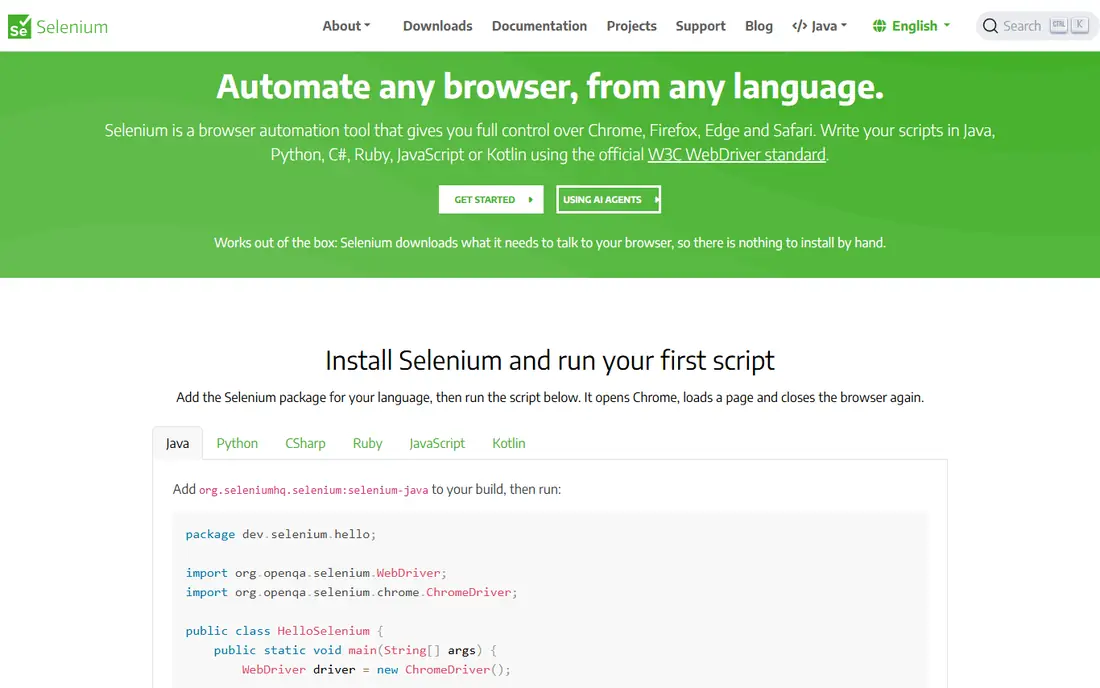
Selenium remains the standard for teams with existing Selenium code or multi-language needs. It drives all major browsers through WebDriver, works with Selenium Grid for parallel runs, and connects to Appium for mobile testing. That breadth and history make it a safe choice for large, long-lived automation suites.
The cost is maintenance. Selenium needs more explicit waiting and setup than Playwright or Cypress, and test suites can become flaky without disciplined patterns. Teams starting fresh in TypeScript often prefer Playwright or Cypress, while teams with Java or Python infrastructure and existing Selenium investment will find Selenium the lower-friction alternative.
- Supports Java, Python, C#, Ruby, JavaScript, and more
- Broad browser and grid support
- Huge community and history
- Manual waits and setup can increase flakiness
- No built-in parallel runner or modern auto-waiting like Playwright
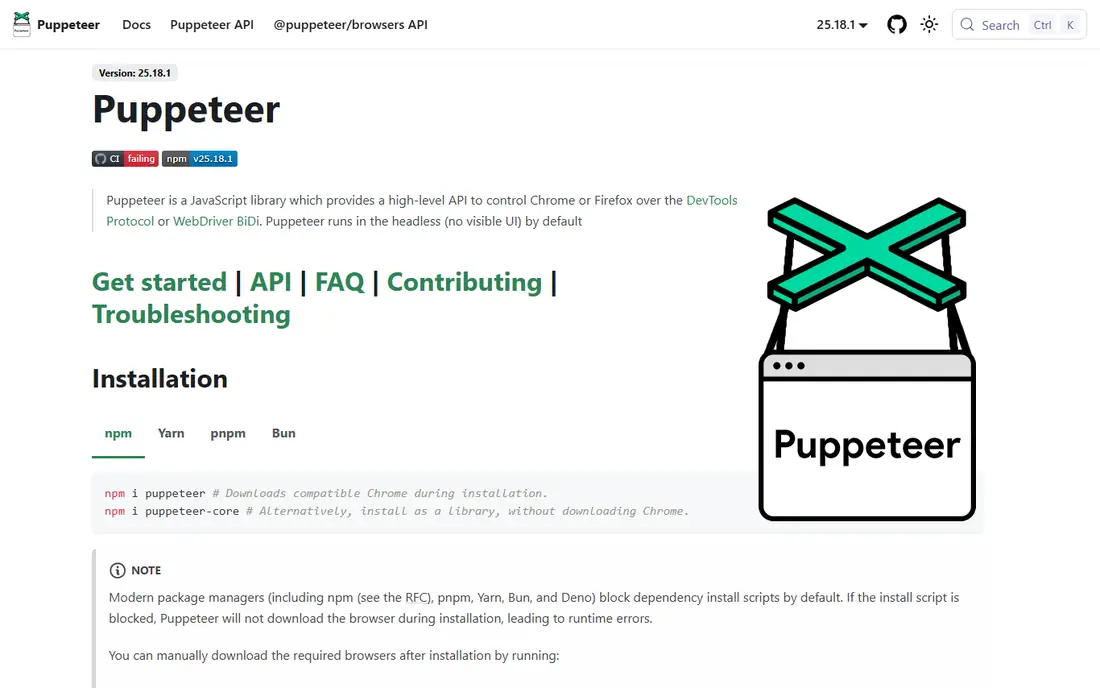
Puppeteer is a Node.js library for controlling Chrome, with Firefox support added, and it excels at browser automation tasks such as scraping, screenshot capture, PDF generation, and performance checks. Its API is direct and fast, and many teams use it for automation rather than formal test suites. For Chrome-centred work, it is hard to beat for simplicity.
As a Playwright replacement for cross-browser testing, Puppeteer is narrower. It lacks Playwright's unified multi-browser API, built-in test runner, and richer tracing in the same package. Choose Puppeteer when Chrome automation is the job, and choose a fuller framework when you need structured cross-browser test suites.
- Fast Chrome automation from Google
- Good for scraping, PDFs, and screenshots
- Simple Node.js API
- Chrome and Firefox focus, not a full multi-browser test framework
- Testing features are thinner than Playwright
WebDriverIO is a Node.js test framework that supports web testing through WebDriver and BiDi protocols and mobile testing through Appium. It offers test runners, reporters, and plugins, so teams can shape it to their CI setup. For Node.js teams that need both web and mobile coverage, that combination is practical.
The flexibility brings choices: protocols, runners, and services need decisions during setup, and newcomers may find the options confusing. WebDriver-based execution can also feel slower than Playwright's direct browser automation for some suites. For Node.js teams with mobile needs, WebDriverIO is still a versatile alternative.
- JavaScript and TypeScript support
- Web and mobile testing in one framework
- Plugin and reporter ecosystem
- Setup choices can confuse newcomers
- WebDriver-based runs can be slower than direct browser control
TestCafe runs tests without WebDriver, browser plugins, or complex setup, which makes first runs unusually simple. You write JavaScript or TypeScript tests, point TestCafe at a browser, and it handles execution across Chrome, Firefox, Safari, and Edge. That simplicity appeals to teams that want cross-browser coverage without infrastructure work.
The community and ecosystem are smaller than those around Cypress and Selenium, so examples and third-party integrations take more searching. Debugging and tracing are also less polished than Playwright's tools. For straightforward cross-browser suites with a small team, TestCafe offers a clean balance of coverage and simplicity.
- No WebDriver or browser plugins needed
- JavaScript and TypeScript tests
- Cross-browser support out of the box
- Smaller community than Cypress or Selenium
- Advanced debugging tools are less rich than Playwright
Katalon Studio blends record-and-playback, manual test design, and scripting, so QA staff and developers can share one tool. It covers web, API, and mobile testing, and it includes reporting and CI integrations that small teams often need without assembling many pieces. A free tier lets teams trial real projects before paying.
The trade-off is scale and cost clarity. Enterprise features are quoted, and very large code-first suites may feel less flexible than Playwright or Cypress. For mixed teams where some testers do not code full-time, Katalon lowers the barrier to automation while still allowing scripting when needed.
- Low-code recording plus scripting
- Web, API, and mobile testing in one product
- Free tier for getting started
- Enterprise pricing is quoted
- Heavy suites can feel slower and more complex to maintain
mabl is a SaaS testing platform built for continuous delivery. Tests can be created with low-code flows, and auto-healing adjusts to small UI changes to reduce maintenance. Built-in analytics, CI integrations, and test insights help teams spot flaky tests and failing flows quickly. That focus suits product teams that ship often and need tests to keep pace.
Pricing is quoted, so budget planning needs a sales conversation. Teams with complex programmatic logic, custom network handling, or deep data-driven generation may still need a code framework alongside mabl. For QA-owned continuous testing, mabl reduces maintenance in a way code tools often do not.
- Low-code test creation with auto-healing
- Continuous CI testing and analytics
- Good for fast-changing UIs
- SaaS pricing by quote
- Less control for deep programmatic test logic than code frameworks
TestComplete, from SmartBear, suits teams that test more than browsers. It supports desktop apps, web apps, and mobile apps with keyword-driven tests for non-coders and scripted tests for engineers. Object recognition and data-driven testing help with complex GUI workflows that browser-only tools cannot cover.
It is heavier and more expensive than a free browser framework, and pricing is quoted. Teams that only test web apps will usually prefer Playwright, Cypress, or Selenium. Teams with desktop software alongside web apps, however, may save effort by keeping GUI testing in one tool.
- Covers desktop, web, and mobile GUI testing
- Keyword and scripted tests
- Strong object recognition
- Windows-centred licensing and pricing by quote
- Heavier than a browser-only framework
BugBug lets non-developers create browser tests by recording actions and editing steps in a visual editor, without writing code. That makes it accessible for QA staff, product managers, and small teams that need end-to-end coverage but lack a dedicated automation engineer. A free tier covers small projects and trials.
Limits appear as suites grow. Complex branching, data-driven logic, and custom JavaScript handling are harder than in code frameworks, and team and CI features sit in paid plans. For straightforward web flows and small teams, BugBug is a fast alternative; for complex suites, pair it with a code framework or choose a code-first tool.
- No-code test creation in the browser
- Free tier for small suites
- Fast setup for non-developers
- Paid plans needed for larger suites and team features
- Complex logic is harder than in code frameworks
How we picked these
We compared official documentation and pricing pages for browser testing tools available in October 2026. We favoured tools with current releases, real browser automation, CI support, and a clear testing focus. We left out pure scraping libraries and generic RPA tools, since the topic is Playwright alternatives for browser testing, and we did not list Playwright itself.
How to choose a Playwright alternative
Start with who writes the tests. Developer-heavy teams usually do best with Cypress, Selenium, Puppeteer, or WebDriverIO, while mixed or QA-led teams may move faster with Katalon, mabl, or BugBug. Next, check browser coverage: Safari and WebKit needs, mobile emulation, and desktop app coverage can rule out several options quickly. Finally, run the same five real flows in two finalists and compare flakiness, debugging time, and CI run time, since those costs recur every release.
Also check reporting and parallel runs. Free local runs are not the same as fast CI runs, and paid cloud features can change total cost a lot. Confirm language support, test runner options, and how tests handle waits, network mocking, and screenshots. A tool that looks simple in a demo can still cost a lot of maintenance if its debugging and reporting are weak.
Frequently asked questions
What are the best alternatives to Playwright?
Cypress is best for JavaScript front-end teams, Selenium is best for multi-language teams, Puppeteer is best for Chrome automation, and Katalon or mabl suit mixed and QA-led teams. The right pick follows language, browser coverage, and who maintains the tests.
Is Cypress better than Playwright?
Cypress offers a strong in-browser developer experience for JavaScript teams, while Playwright offers broader browser coverage, including WebKit, and a built-in test runner across languages. Neither is better for every team; browser needs and language stack usually decide the winner.
Is there a free alternative to Playwright?
Yes, Cypress, Selenium, Puppeteer, WebDriverIO, and TestCafe are free open-source tools, and Katalon and BugBug offer free tiers. Paid cloud, parallel runs, and advanced reporting may still cost extra, so check total CI cost, not just licence price.
Can no-code tools replace Playwright?
They can replace Playwright for straightforward flows, especially when QA staff own testing. For complex logic, custom network handling, or large code-driven suites, a code framework remains more flexible, and many teams use a hybrid of no-code and code tests.
Which Playwright alternative supports Safari?
TestCafe and Selenium support Safari through their browser drivers, while Cypress has more limited WebKit support and Puppeteer focuses on Chrome and Firefox. Check current browser support in official docs before committing, since browser coverage changes with releases.
How do I migrate from Playwright to another tool?
Start by listing your tests by browser, language, and complexity, then migrate a small set of stable flows first. Keep Playwright running in parallel until the new suite matches coverage and flakiness, and budget time to rewrite locators, waits, and reporting rather than expecting a direct conversion.
Sources
See where you really rank - block by block
ProMapRanker scans Google Maps across a grid of your service area. Simple monthly plans from $19, white-label on every plan.
Start freeKeep reading
 zscaler alternatives
Best Zscaler Alternatives in 2026
Looking for zscaler alternatives? We compare 9 SASE and zero trust platforms on architecture, data protection, pricing, and fit for your network and team.
Read → zapier alternatives free
Best Zapier Alternatives Free in 2026
Nine automation tools for zapier alternatives free in 2026, all with genuinely free tiers, plus free plan limits, starting prices and upgrade paths explained.
Read → which platform is best for online reputation
Which Platform Is Best for Online Reputation in 2026
Wondering which platform is best for online reputation? We compare 8 review, listing, and response tools for small and multi-location businesses and agencies.
Read →