 ProMapRanker
Best Plaud Alternatives in 2026


Live transcription and search · Pricing starts at: $8.33 per user per month
Key takeaways
- If every meeting you care about is a video call, software like Otter, Fathom, Fireflies, or Granola may replace a recorder entirely.
- If conversations happen in rooms, cars, and clinics, a wearable or phone-back recorder like Bee, Pocket, or Fieldy will be there when a meeting bot is not.
- Otter suits live transcription and search, Fathom suits individuals who want a generous free plan, and Fireflies suits teams that need integrations.
- Granola suits people who want bot-free notes on a laptop, since it records from your device rather than joining as a participant.
- Recording other people without consent can break local law and workplace policy, so check consent rules before you record.
Quick comparison
| Pick | Great for | Pricing starts at | Free tier | |
|---|---|---|---|---|
| Otter.ai | Live transcription and search | $8.33 per user per month | Yes | Visit |
 Fireflies.ai | Team notes and integrations | $10 per seat per month | Yes | Visit |
 Fathom | Generous free meeting notes | $15 per user per month | Yes | Visit |
 Granola | Bot-free laptop notes | $14 per user per month | Yes | Visit |
 Notta | Bilingual notes and translation | $8.17 per month | Yes | Visit |
 Bee Pioneer | Wearable ambient capture | $49.99 | Yes | Visit |
 Omi | Open-source wearable notes | $179 | Yes | Visit |
 Pocket | Phone-back AI recorder | $129 | Free trial | Visit |
 Fieldy 3 | All-day wearable capture | $129 | Yes | Visit |
The best plaud alternatives
These alternatives to plaud cover both sides of the choice: a different recorder, or no recorder at all, with software that handles online meetings instead.

Otter.ai is the best-known software note taker, and its strength is live work. You can watch the transcript as a meeting runs, search past conversations by speaker or keyword, and share notes without hunting through audio files. For teams that live in Zoom, Meet, and Teams, that workflow is hard to beat.
The free plan caps transcription minutes, so heavy users need a paid plan. Otter also relies on your phone or laptop microphone for in-person talk, which is weaker than a dedicated recorder in a noisy room. It replaces Plaud best when meetings are already online.
- Live transcript during calls
- Searchable library
- Broad meeting platform support
- Free plan caps minutes
- In-person capture is weaker than hardware recorders
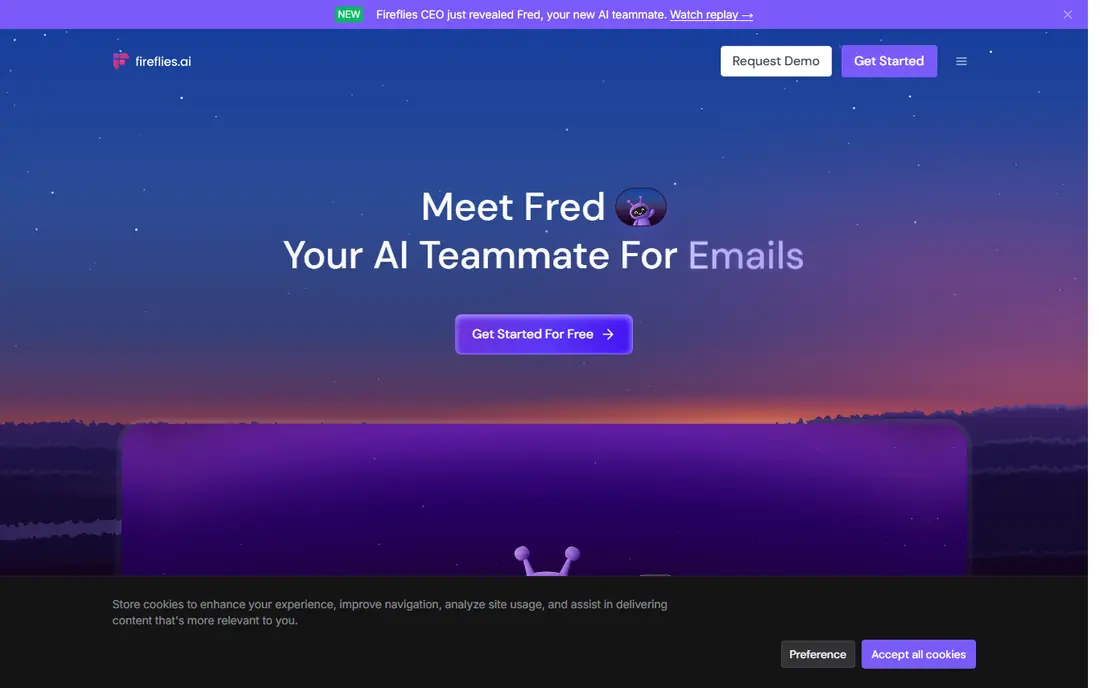
Fireflies.ai suits teams that want every meeting searchable and connected to their other tools. It transcribes calls, pulls out action items, and syncs with CRMs and project tools, so follow-up work lands where the team already works. Its integration library is broader than most rivals.
The trade is the bot itself. Fireflies joins the call as a participant, which some clients and colleagues dislike, and the free plan limits AI summaries. If your meetings are internal and your stack matters, it is a strong pick. If bot-free capture matters, look at Granola or a hardware recorder.
- Wide integration library
- Searchable transcripts
- Team sharing and analytics
- Meeting bot can feel intrusive
- Free plan limits AI summaries
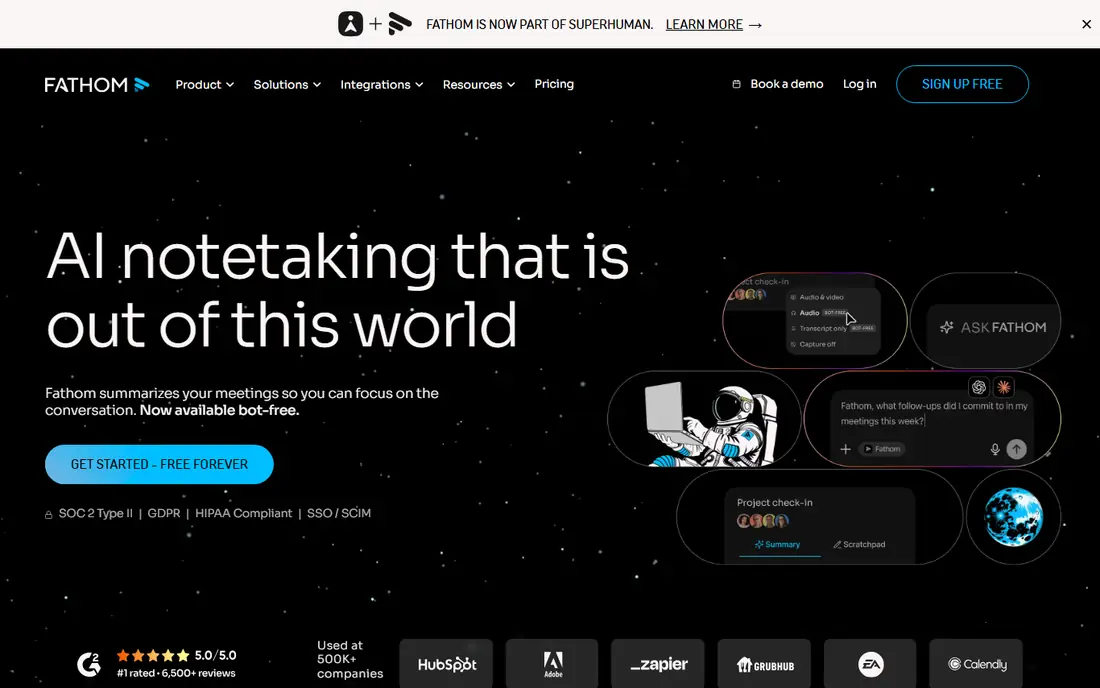
Fathom is the best free starting point for individuals. Its free plan includes unlimited recordings and transcriptions, with AI summaries for personal use, which is more generous than most rivals. Sharing a summary after a call takes seconds, and the interface stays simple.
Paid tiers add advanced AI features and team controls, and the team plan has a minimum seat count. For a solo user or a small team testing AI notes, Fathom is the lowest-risk way to start. For a large team, check the seat math before committing.
- Free plan includes unlimited recordings
- AI summaries
- Easy sharing
- Advanced AI features sit behind paid tiers
- Team plan has a seat minimum
Granola takes a different approach: it records audio from your own device rather than joining the call as a bot. That makes it feel more discreet on client calls, where a visible bot can change the tone of a meeting. Its notes-first summaries build on your own typed notes, which many founders and investors prefer.
The free plan limits meeting history, so long-term recall needs a paid plan. Granola is also a laptop tool first, so it is weaker than a wearable for hallway conversations and site visits. If your meetings are all on a laptop, it is a compelling Plaud replacement.
- Bot-free device capture
- Notes-first summaries
- Works on laptop calls
- Limited history on free plan
- Less suited to in-person room capture
Notta stands out for bilingual meetings and translation. It transcribes in many languages, translates notes, and offers both a meeting bot and a desktop app for bot-free capture. For teams that work across languages, that combination is hard to find elsewhere.
The free plan is limited in minutes and per-conversation length, so regular users will need a paid plan. The interface also packs in more options than simpler tools, which can slow a first-time user. If language support is the priority, those trades are worth it.
- Strong bilingual support
- Translation features
- Meeting bot or desktop capture
- Free plan caps minutes and conversation length
- Interface is busier than rivals
Bee Pioneer is the cheapest hardware route away from Plaud. It is a wearable that captures ambient conversation through the day and turns it into summaries and reminders. For people who want to try wearable capture without spending much, it is the easiest first step.
It does not match Plaud on structured meeting templates or formal minutes. Its summaries suit daily recall better than detailed action lists. Check privacy settings and consent rules before wearing it in shared spaces, since it listens more broadly than a press-to-record device.
- Low hardware price
- Simple wearable design
- Daily summaries
- Less structured than Plaud
- Cloud processing raises privacy questions
Omi is the open option in this list. Its hardware, firmware, and app are open source, and a plugin store lets developers add features, from summaries to task handling. For people who want to control their data and extend their device, that openness is a real advantage.
The cost is setup time. You may need to pick plugins and tune settings, while Plaud and other closed devices work well out of the box. If you like tuning tools, Omi rewards it. If you want a device that just works, a simpler recorder will suit you better.
- Open-source hardware and app
- Plugin store
- Flexible capture options
- More setup than closed rivals
- Summary quality varies by plugin
Pocket is a phone-back recorder that competes most directly with Plaud Note on form. It attaches to your phone, records calls and conversations where supported, and lets you choose which AI model writes your summaries. That model choice appeals to users who care about summary style and accuracy.
It is tied to your phone, so it suits phone-first users best. Check the plan for summary allowances, since the features you use most may sit behind a paid tier. As a smaller brand, it also has fewer tutorials and community guides than Plaud.
- Attaches to a phone
- Model choice for summaries
- Compact and easy to carry
- Needs a phone nearby
- Summary depth depends on plan
- Smaller brand
Fieldy 3 is a wearable note taker for conversations that do not happen on a video call. It captures talk in rooms, classes, clinics, and customer visits, and it can record online meetings without sending a bot into the call. Core use needs no required plan, with a free transcription allowance included.
As a newer brand, it has less history than Plaud or Otter. Its summaries suit daily recall and follow-up, while formal minutes may need editing. For field workers and clinicians, the ability to capture real-life talk is the reason to choose it over software alone.
- Wearable all-day capture
- Free transcription allowance
- No required plan for core use
- Newer brand
- Meeting structure varies
- Needs regular charging
How we picked these
We compared vendor pricing pages, feature pages, and recent AI note taker guides for tools that are live in October 2026. We kept only products that record and summarize conversations today, either as hardware or as meeting software, and we favored tools with a current free plan or a clear paid path. We left out discontinued wearables and tools that only transcribe uploaded files without live or in-person capture.
How to choose a Plaud replacement
The right replacement depends on where your conversations happen, not on which device looks best in a photo.
Start with where you talk
If your important conversations are scheduled video calls, software like Otter, Fathom, or Granola covers them without extra hardware. If they happen in rooms, cars, and site visits, you need a wearable or phone-back recorder. That single question narrows the list fast.
Decide how you feel about a meeting bot
Some teams accept a bot joining every call, while others find it awkward with clients. Bot-free tools like Granola, and hardware recorders like Bee, Pocket, and Fieldy, avoid that issue. If clients push back on bots, that factor alone can decide the pick.
Check consent, storage, and retention
Recording laws vary by state, and workplace policies vary by employer. Tell people when you record, check where recordings are stored, and set retention limits that fit your work. Tools with clear controls and export options are safer for professional use.
Count the first-year cost honestly
Add hardware plus twelve months of any required plan, and compare that total across hardware and software options. A software tool with a monthly fee can cost more in year one than a hardware recorder with free core features, and the reverse can also be true for heavy team use.
Frequently asked questions
What is the best alternative to plaud for meetings?
For online meetings, Otter, Fathom, and Granola are the strongest software picks, with Fathom offering the most generous free plan. For in-person meetings, Plaud-style hardware like Pocket, Bee, and Fieldy captures talk that software misses. Pick software if your meetings are online, and hardware if they happen in rooms.
Is there a free alternative to plaud?
Yes, Fathom, Otter, Fireflies, Granola, and Notta all offer free plans, though each caps minutes, history, or AI summaries in different ways. Fieldy and Bee also offer core capture without a required plan. Check the limit that binds your workflow, since a free plan that caps minutes will not suit a heavy meeting load.
Do I need hardware to replace plaud?
Not if your meetings are online. Meeting software records, transcribes, and summarizes video calls without a device. Hardware earns its place when conversations happen away from a laptop, in rooms, cars, clinics, or site visits, where a meeting bot cannot listen.
Are AI note takers safe for client calls?
They can be, if you get consent, follow workplace policy, and check storage and retention settings. Bot-free tools reduce the awkwardness of a visible participant, but they do not remove consent rules. Tell clients you are recording, and avoid recording sensitive calls on tools that lack clear security controls.
Can I export my notes from these tools?
Most tools here support exports to text, document, or task formats, though the exact formats and limits vary by plan. Check export options before you commit, especially if you need notes in a CRM or project tool. A tool that locks notes inside its app will cost you time later.
Sources
See where you really rank - block by block
ProMapRanker scans Google Maps across a grid of your service area. Simple monthly plans from $19, white-label on every plan.
Start freeKeep reading
 zscaler alternatives
Best Zscaler Alternatives in 2026
Looking for zscaler alternatives? We compare 9 SASE and zero trust platforms on architecture, data protection, pricing, and fit for your network and team.
Read → zapier alternatives free
Best Zapier Alternatives Free in 2026
Nine automation tools for zapier alternatives free in 2026, all with genuinely free tiers, plus free plan limits, starting prices and upgrade paths explained.
Read → which platform is best for online reputation
Which Platform Is Best for Online Reputation in 2026
Wondering which platform is best for online reputation? We compare 8 review, listing, and response tools for small and multi-location businesses and agencies.
Read →