 ProMapRanker
Plann That Alternatives in 2026

Key takeaways
- Later and Planoly are the closest visual replacements for Plann, with grid planning built around Instagram first.
- Buffer is the simplest and cheapest scheduling option, priced per channel, while Hootsuite and Sprout Social suit larger teams.
- Tailwind leads for Pinterest-first creators, and Metricool adds strong free analytics alongside scheduling.
- Count your profiles and monthly posts before choosing, since caps and per-channel pricing change the real cost fast.
Quick comparison
| Pick | Great for | Pricing starts at | Free tier | |
|---|---|---|---|---|
 Later | Visual Instagram grid planning | $25 per month | Free trial | Visit |
 Planoly | Instagram-first visual planning | See website | Yes | Visit |
 Buffer | Simple low-cost scheduling | $5 per channel per month | Yes | Visit |
 Hootsuite | Large team social management | $99 per user per month | Free trial | Visit |
 Tailwind | Pinterest and Instagram scheduling | See website | Yes | Visit |
 Sprout Social | Premium analytics and teams | See website | Free trial | Visit |
 Metricool | Scheduling plus free analytics | See website | Yes | Visit |
 SocialBee | Evergreen content recycling | $29 per month | Free trial | Visit |
The best Plann That alternatives
Plann, often written as Plann That, is known for visual Instagram planning: drag posts onto a grid, preview the feed, and schedule ahead. The alternatives below cover that same job, plus wider social scheduling, so creators and small teams can pick by platform, price, and planning style. Plann itself is not listed here, since this article covers replacements.

Later is the closest large-scale replacement for Plann. Its visual planner shows how a feed will look before posting, the media library keeps assets organized, and scheduling covers Instagram, TikTok, Pinterest, and other major networks. Creators who plan in batches will find the calendar and grid views familiar.
The catch is price structure. Later charges per social set and caps posts per profile on lower tiers, so a creator posting daily across many profiles needs a higher plan. Monthly billing costs more than annual billing, with the monthly Starter price at $25. Later fits creators and brands that plan visually and post mainly on Instagram and TikTok.
- Strong visual planner and media library
- Auto-publish for feed, carousel, and Reels on supported accounts
- Analytics on paid plans
- No permanent free plan on current pricing
- Post caps apply on lower tiers
- Cost rises with more social sets
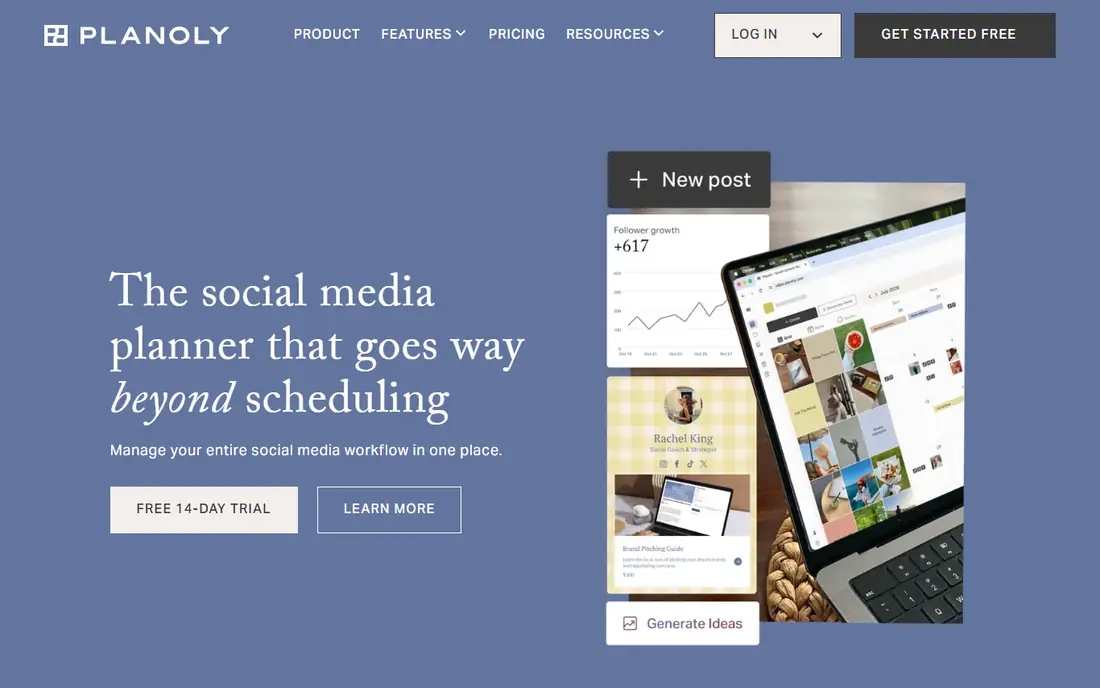
Planoly focuses on the same visual job as Plann: arrange posts on a grid, check the overall feed look, and schedule with less guesswork. It suits creators, photographers, and small brands whose Instagram feed is a portfolio as much as a marketing channel. Link-in-bio tools help turn profile visits into shop or content clicks.
The free plan limits monthly uploads, so active creators will need a paid plan. Planoly also covers fewer networks in depth than larger management tools, so teams posting across many platforms may pair it with another scheduler. Planoly fits Instagram-first creators who care most about feed appearance.
- Grid planner built for Instagram aesthetics
- Auto-publish on supported accounts
- Link-in-bio tools included
- Free plan limits uploads
- Paid pricing must be checked on the site
- Wider network support is thinner than Hootsuite
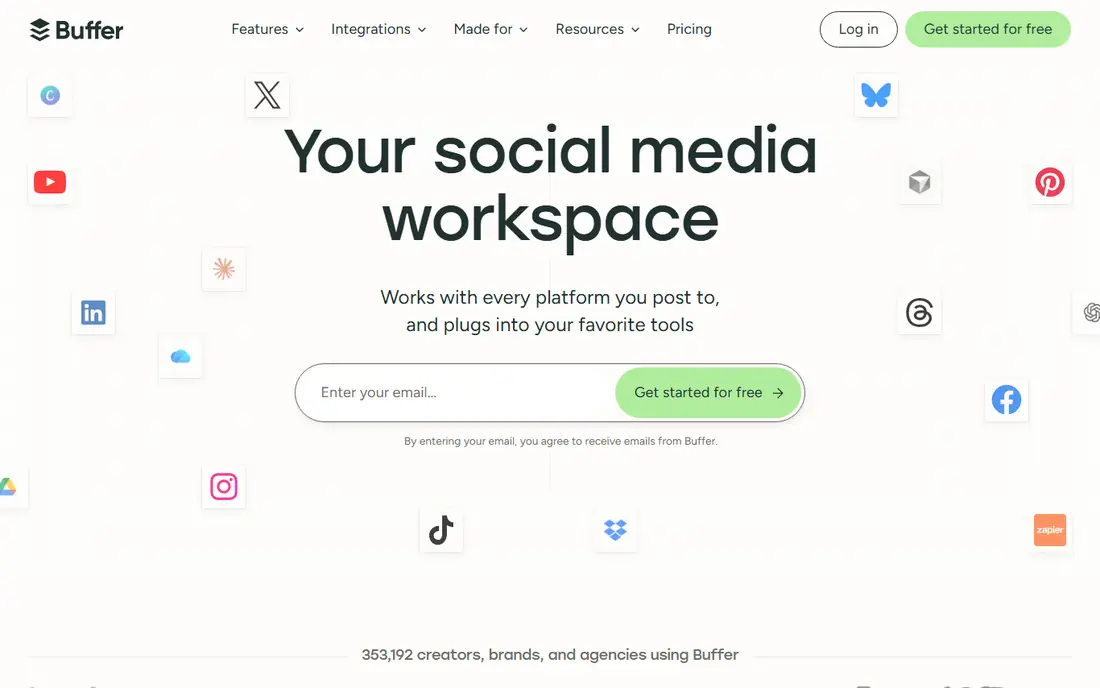
Buffer is the simplest scheduler on this list, and for many creators that is enough. Connect channels, queue posts, and publish across Instagram, Facebook, X, TikTok, LinkedIn, and more without learning a large platform. The free plan covers a small number of channels, which suits a solo creator starting out.
Per-channel pricing cuts both ways. Three channels cost little, but ten channels cost much more than a flat-plan tool. Buffer also lacks the deep visual grid planning of Later and Planoly, and its analytics are lighter than Sprout Social. Buffer fits creators who want fast, cheap scheduling and do not need heavy reporting.
- Clean, simple scheduling
- Free plan covers a few channels
- Per-channel pricing is transparent
- Analytics and engagement tools are lighter than premium rivals
- Cost grows with many channels
- Visual grid planning is basic
Hootsuite is the enterprise end of this list. It covers many networks, brings comments and messages into one inbox, and adds approval workflows, team roles, and reporting that small planners lack. Brands managing many accounts, regions, or team members benefit from that structure.
The $99 per user per month price makes Hootsuite a poor fit for a solo creator who only needs a grid planner. Setup and learning also take longer than Buffer or Planoly. Hootsuite fits agencies, brands, and teams that need approvals, inbox management, and reporting alongside scheduling.
- Wide network support
- Unified inbox and team workflows
- Strong reporting and listening tools
- High price for solo creators
- Per-user pricing adds up for teams
- More complex than a simple planner
Tailwind is the pick for creators whose traffic comes mainly from Pinterest. It schedules Pins at optimized times, helps organize boards, and includes design tools for Pin creation. Instagram scheduling sits alongside Pinterest, which suits bloggers, shops, and creators who use both platforms together.
Creators focused on TikTok, X, or LinkedIn will find Tailwind thinner than Buffer or Hootsuite. Pricing also varies by plan, with annual billing lower than monthly, so check the current Tailwind pricing page. Tailwind fits Pinterest-first bloggers, Etsy sellers, and food, home, and fashion creators.
- Strong Pinterest scheduling and optimization
- Instagram scheduling included
- Content creation tools for Pins
- Pinterest focus limits appeal for other networks
- Pricing varies by plan and billing term
- Free plan is limited
Sprout Social pairs scheduling with reporting that managers actually use. Post performance, audience trends, and team activity appear in clear reports, and the unified inbox helps teams answer comments and messages without switching apps. Approval workflows suit brands where posts need review before publishing.
Pricing sits at the premium end, with per-seat billing that grows with team size. A solo creator will not need most of what Sprout offers. Sprout fits marketing teams, agencies, and brands that report on social performance and manage approvals at scale.
- Strong analytics and reporting
- Unified inbox
- Approval workflows for teams
- Premium pricing
- No permanent free plan
- More tool than a solo creator needs
Metricool stands out for analytics on a free plan. Creators can schedule posts and see performance, follower growth, and best posting times without paying, which helps small brands learn what works. Paid plans add more brands, competitor analysis, and deeper reporting.
Grid planning exists but is not the star feature, so Instagram-first visual planners may prefer Later or Planoly. Pricing also depends on how many brands you manage, so agencies should count brands before budgeting. Metricool fits creators and small brands that want scheduling and analytics in one affordable tool.
- Free plan includes scheduling and analytics
- Competitor tracking on paid plans
- Clear performance dashboards
- Visual grid planning is less central than Later or Planoly
- Paid caps depend on brand count
- Interface takes learning
How we picked these
We compared official pricing pages, free plan limits, and published feature pages for social scheduling tools that are actively offered in October 2026. We favored tools that cover visual Instagram planning, simple scheduling, Pinterest, and team management, so readers can match a tool to their main platform. Where pricing varied by billing term or channel count, we noted the basis and wrote See website when a single figure would mislead.
How to choose without overpaying
Count three things before you subscribe: profiles, posts per month, and people. A per-channel tool like Buffer is cheap for three channels and costly for twelve. A per-set tool like Later is cheap until post caps force an upgrade. A per-user tool like Hootsuite is costly for a team but reasonable for one manager with many accounts.
Test the visual planner with your real photos, not demo images. A grid that looks good with stock photos can look uneven with your brand colors and product shots. Use the free plan or trial to schedule two weeks of real posts, check auto-publish behavior for Stories and Reels, and confirm analytics show the metrics you report on.
Frequently asked questions
What is the best Plann That alternative for Instagram planning?
Later and Planoly are the closest visual alternatives, with grid planning, media libraries, and auto-publish on supported accounts. Later covers more networks, while Planoly stays closer to Instagram-first planning.
What is the cheapest Plann That alternative?
Buffer is cheapest for a few channels, with a free plan and paid pricing per channel. Metricool also offers a useful free plan with scheduling and analytics for small creators.
Can I plan my Instagram grid for free?
Yes, with limits. Planoly, Buffer, Tailwind, and Metricool offer free plans, but upload caps, channel limits, and feature limits apply. Heavy posters will need a paid plan.
Does scheduling hurt Instagram reach?
Scheduling through official publishing tools should not by itself hurt reach, but post quality, timing, and engagement still matter. Test scheduled posts against manual posts with your own audience before judging.
Which tool is best for Pinterest scheduling?
Tailwind leads for Pinterest, with scheduling, board tools, and Pin creation features. Later and Metricool also schedule Pinterest posts, but Tailwind is built around Pinterest first.
Should a team choose Hootsuite or Sprout Social?
Hootsuite suits teams that need broad network coverage and listening tools, while Sprout Social suits teams that need strong reporting and inbox workflows. Both are premium, so trial each with real accounts before committing.
Sources
See where you really rank - block by block
ProMapRanker scans Google Maps across a grid of your service area. Simple monthly plans from $19, white-label on every plan.
Start freeKeep reading
 zoho inventory alternatives
6 Alternatives to Zoho Inventory, Compared on Price and Fit
Zoho Inventory alternatives: 6 tools compared on price, free plans and fit. Katana leads the list for manufacturers. Fit and flaws are laid out for each entry.
Read → zoho crm alternatives
Best Zoho CRM Alternatives (2026)
Need Zoho CRM alternatives? We compare 7 tools on cost, free access and who each suits. Every pick gets a straight assessment. Built for quick decisions.
Read → zelle alternatives
Best Zelle Alternatives in 2026
Compare the best Zelle alternatives for sending money to friends, paying sellers and moving funds abroad, with honest notes on fees, speed and safety in 2026.
Read →
SocialBee
Great for: Evergreen content recycling
SocialBee solves a different problem: keeping evergreen content alive. Posts sit in categories, such as tips, promotions, and behind-the-scenes content, and SocialBee recycles them on a schedule so a feed never goes quiet. That suits businesses with a library of useful posts and limited time to create new content daily.
Visual grid planning is less central than in Later or Planoly, and setting up categories takes initial effort. At $29 per month, SocialBee costs more than Buffer for a few channels, but it saves time for teams with large content libraries. SocialBee fits small businesses, coaches, and creators who reuse strong posts regularly.