 ProMapRanker
Pimeyes Alternatives Free in 2026

Key takeaways
- Free reverse image tools find copies of a photo, while face search tools find different photos of the same person, and that difference matters.
- Google Lens, TinEye, Bing Visual Search, and Yandex Images are free starting points for finding copies and similar images.
- Pixsy and Copytrack suit photographers and creators who want to track use of their own work and pursue takedowns.
- Lenso.ai offers a free search with paid access, and it should only be used for your own photos and lawful checks.
- Only upload photos you own or have permission to use, and never use these tools to identify strangers or follow someone without consent.
Quick comparison
| Pick | Great for | Pricing starts at | Free tier | |
|---|---|---|---|---|
 Google Lens | Broad free reverse image search | Free | Yes | Visit |
 TinEye | Tracing copies of the same photo | Free | Yes | Visit |
 Bing Visual Search | Second free visual search view | Free | Yes | Visit |
 Yandex Images | Similar image matching | Free | Yes | Visit |
 SauceNAO | Artwork and illustration matching | Free | Yes | Visit |
 Pixsy | Copyright tracking for photographers | Free | Yes | Visit |
 Copytrack | Image use tracking and licensing | Free | Yes | Visit |
 Lenso.ai | Free search with paid source access | Free | Yes | Visit |
The best free Pimeyes alternatives
This article covers legitimate uses only: finding your own photos, checking where a photo of yours has been copied, and doing copyright checks on your own work. It does not present face search of strangers as acceptable, and it does not list tools framed for identifying strangers, stalking, or non-consensual surveillance. Use these tools only for photos you own or have permission to check, and respect privacy and local laws.
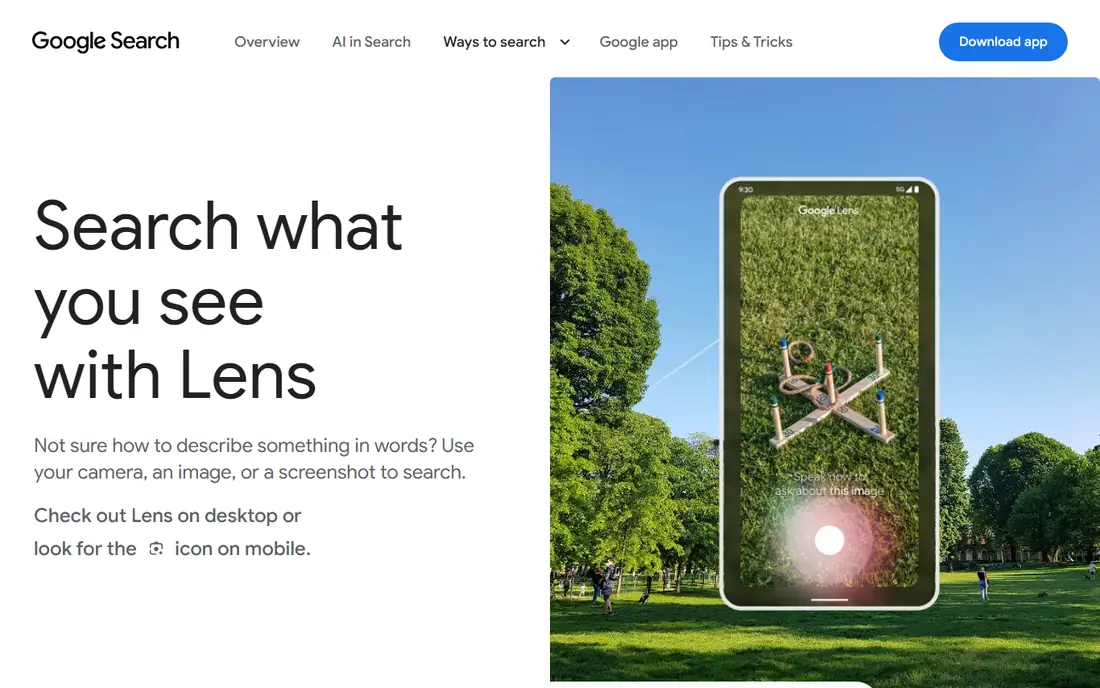
Google Lens is the best free starting point for most people. Upload a photo, or use Lens in Chrome or Google Photos, and it finds visually similar images and pages that contain the image. That makes it useful for finding where a photo of yours has been shared, or for identifying objects, landmarks, and products in a photo.
Lens does not prove identity, and a visual match is not the same as proof that a photo belongs to a particular person. Use it as a first check, then visit the source pages it returns to confirm context. For a free, everyday reverse image search, Lens is hard to beat.
- Free with no daily cap for basic use
- Large index for similar images
- Built into Chrome, Android, and Google Photos
- Matches images and visual similarity, not face identity
- Results need source review before acting on them
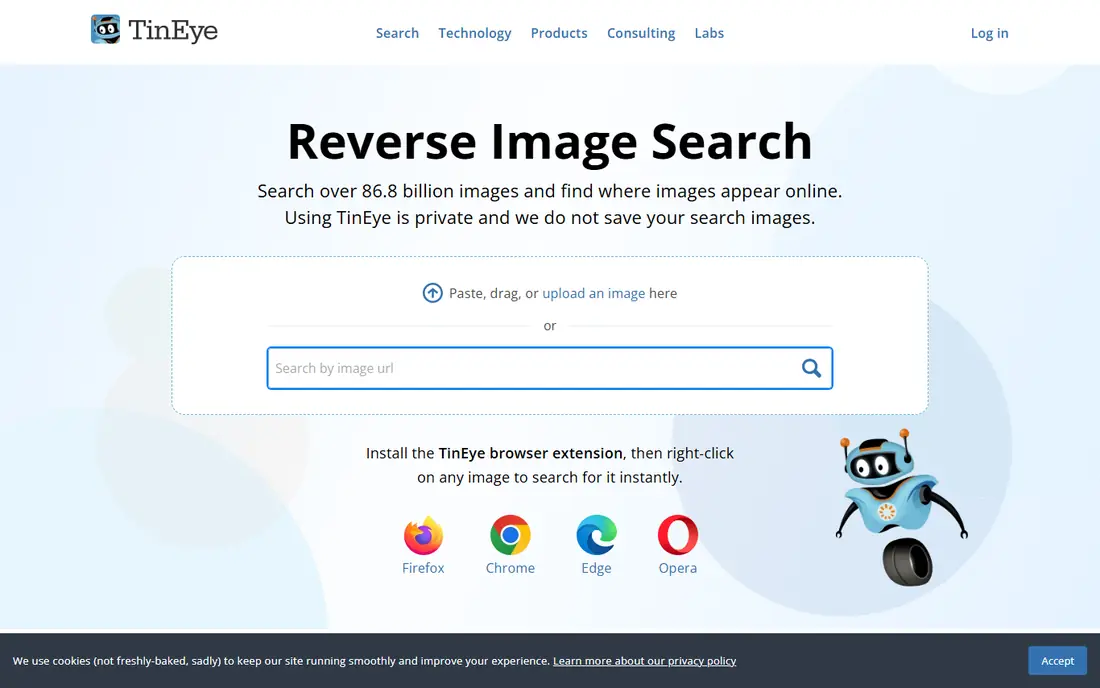
TinEye specializes in finding copies of the same photo, including edited versions, which makes it a strong tool for copyright checks. Upload your own photo and TinEye shows pages that use that image, with sorting by date and other options that help trace first use. For photographers and creators, that history is often the most useful evidence.
TinEye does not find different photos of the same person, so it is not a replacement for face search. For tracking copies of your own work, though, it is precise and free for non-commercial use. Pair it with Google Lens for broader coverage, since each index may surface different pages.
- Free for non-commercial web search
- Strong for exact and edited copies
- Shows where a photo appears and when it first appeared
- Not a face search for different photos of a person
- Commercial use needs a paid plan
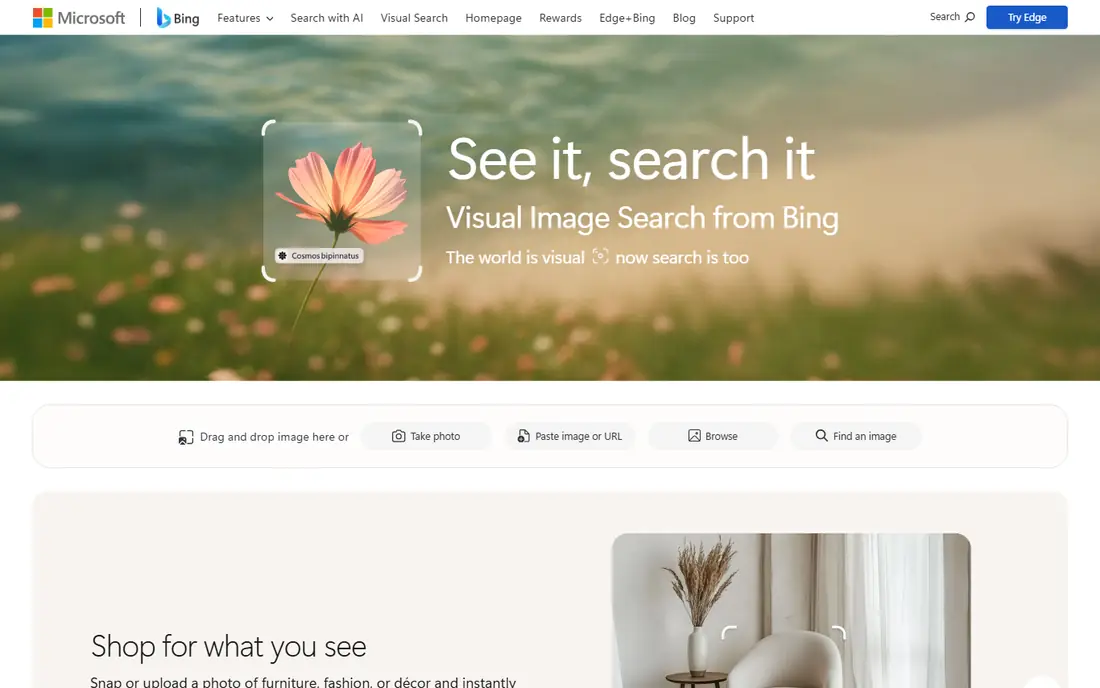
Bing Visual Search offers a second free perspective on the same photo, which is valuable because no single index covers the whole web. Upload an image and Bing returns similar images and pages that contain it, with options to search by part of an image. That second view often surfaces pages that Google Lens missed, or vice versa.
As with other general tools, Bing Visual Search matches images, not identity, so results need careful review. Use it after Lens and TinEye when you want broader coverage for your own photo, and check source pages before drawing conclusions about who posted a copy.
- Free visual search
- Different index from Google
- Useful as a second check after Lens
- Visual similarity only, not face identity
- Results vary by image and region
Yandex Images is a free reverse image search that often returns similar images beyond exact copies, which can help when a photo has been cropped, resized, or lightly edited. It is a useful third check after Google Lens and TinEye, especially for images that appear on sites outside the major US indexes. Basic use does not require an account.
Treat Yandex results the same way as other visual matches: a similar image is not proof of identity, and source pages must be checked. Only upload your own photos, and avoid uploading sensitive images to any reverse search service unless you have read its privacy terms and accept how uploads are handled.
- Free visual search
- Often surfaces similar images that other indexes miss
- No account needed for basic use
- Visual similarity only, not identity proof
- Results need source review and care with privacy
SauceNAO suits artists and illustrators who want to find reposts of their own artwork. Upload an image and SauceNAO searches art-focused sources, returning likely origins and similar works. For creators whose work is copied across art sites and social platforms, that niche index can surface matches that general search tools miss.
For general photos of people or places, SauceNAO is less useful, so use it alongside broader tools. For artwork copyright checks, though, it is a free and focused option, and it helps creators ask for credit or removal with a source link in hand.
- Free for basic searches
- Strong for artwork, anime, and illustration sources
- Helps creators find reposts of their art
- Niche focus, less useful for general photos
- Daily search limits may apply on free use
Pixsy is built for photographers who want to find unauthorized use of their own images and act on it. It monitors the web for matches to photos you register, reports where they appear, and supports takedown requests and licensing claims. That workflow goes beyond a simple reverse search, since it connects a match to a practical next step.
Free tier limits apply, and the scope of legal support depends on the plan and the case. For a professional photographer with a portfolio at risk, Pixsy is worth testing with a small set of images first. For a casual check of one photo, start with TinEye or Google Lens instead.
- Tracks use of your own photos
- Supports takedown and licensing claims
- Built for photographers and agencies
- Free tier limits apply
- Legal and licensing help varies by plan and case
Copytrack helps creators and publishers track where their own images are used online and pursue licensing or removal where use is unauthorized. It scans for matches, reports source pages, and offers workflows for contacting users or claiming a license fee. That structure suits publishers and photographers who manage many images.
The free scope is limited, so teams with large portfolios should check plan limits before relying on it for full coverage. For a creator who wants to move from finding a copy to resolving it, Copytrack offers a clearer path than a general search tool alone.
- Tracks image use across the web
- Supports licensing and takedown workflows
- Suits creators and publishers
- Free scope is limited
- Full enforcement features need paid plans
Lenso.ai is a reverse image search platform that includes face, person, and other image categories, with a free search and paid access for full source details. For the legitimate use in this article, that means checking your own photos: upload a photo of yourself, review matches, and use source access only to check where your own image appears. Do not use it to identify strangers or to follow someone without consent.
Region and eligibility limits apply, and pricing for access options should be checked on the current Lenso.ai pricing page, since we list the starting price as free rather than quoting a paid figure that may vary. If you only need copy detection, TinEye and Google Lens will usually be enough, and Lenso.ai is best kept for cases where a face-category search of your own photo is genuinely needed.
- Free search for image and face categories
- Source access and alerts on paid plans
- Useful for own-photo checks
- Paid access needed for full source access
- Region and eligibility limits apply
- Use only for your own photos
How we picked these
We compared official product pages and public descriptions for tools live in October 2026, favoring free or freemium tools with legitimate uses for own-photo checks and copyright tracking. We excluded tools framed for identifying strangers, stalking, or non-consensual surveillance, even when they appear in other PimEyes alternative lists. We did not invent prices, coverage claims, or accuracy figures, and we list paid details as See website where pricing varies.
How to use these tools safely and lawfully
Use only photos you own or have clear permission to check. That rule covers your own face, your own artwork, and photos you took. Do not upload photos of other people to find out who they are, where they live, or what accounts they use, and do not use results to contact, follow, or harass anyone. If a match involves someone else, stop and consider whether you have a lawful reason to act, such as a copyright claim on your own work.
Protect your own privacy too. Reverse search uploads can be stored or processed by the service, so read the privacy terms before uploading a sensitive photo, and avoid uploading identity documents or private images. When you find a copy of your own photo, save the source URL and a screenshot for your records, then use the site takedown process or a tool such as Pixsy or Copytrack if the use is unauthorized.
Finally, remember that a visual match is not proof of identity or ownership on its own. Check source pages, dates, and context before making a claim, and seek legal advice for serious copyright or privacy cases. A careful, lawful check will protect your work without harming someone else privacy.
Frequently asked questions
What are free alternatives to PimEyes?
Google Lens, TinEye, Bing Visual Search, and Yandex Images are free starting points for reverse image search. They find copies and similar images, rather than proving identity from a face, so they suit own-photo and copyright checks.
Are there free Pimeyes alternatives for finding my own photos?
Yes, Google Lens and TinEye are free for basic own-photo checks, and Lenso.ai offers a free search with paid source access. Use them only for photos you own, and check source pages before acting on a match.
Do free reverse image tools do face search?
Most free tools match images and visual similarity, not face identity across different photos. A face-category search, where offered, should only be used for your own photos and lawful checks, not for identifying strangers.
What is the best free alternative for copyright checks?
TinEye suits tracing copies of the same photo, while Pixsy and Copytrack suit photographers and publishers who want ongoing tracking plus takedown and licensing workflows. Start with TinEye for a single photo, and test Pixsy or Copytrack for a portfolio.
Is it lawful to use reverse image search on someone else photo?
Lawful use depends on purpose and local law, and identifying strangers or following someone without consent is not a legitimate use covered here. Only check photos you own or have permission to use, and seek legal advice for disputed cases.
How do I remove a copy of my photo from a website?
Save the source URL, then use the site own takedown or contact process, or a copyright tool such as Pixsy or Copytrack for unauthorized commercial use. Keep records of your request and any replies, and seek legal advice if the site does not respond.
Sources
See where you really rank - block by block
ProMapRanker scans Google Maps across a grid of your service area. Simple monthly plans from $19, white-label on every plan.
Start freeKeep reading
 zoho inventory alternatives
6 Alternatives to Zoho Inventory, Compared on Price and Fit
Zoho Inventory alternatives: 6 tools compared on price, free plans and fit. Katana leads the list for manufacturers. Fit and flaws are laid out for each entry.
Read → zoho crm alternatives
Best Zoho CRM Alternatives (2026)
Need Zoho CRM alternatives? We compare 7 tools on cost, free access and who each suits. Every pick gets a straight assessment. Built for quick decisions.
Read → zelle alternatives
Best Zelle Alternatives in 2026
Compare the best Zelle alternatives for sending money to friends, paying sellers and moving funds abroad, with honest notes on fees, speed and safety in 2026.
Read →