 ProMapRanker
Best PimEyes Alternatives in 2026

Key takeaways
- We compared 8 live options using official feature pages, pricing pages, app store listings, privacy policies, and public reviews, not hands-on testing claims.
- The cheapest option is not always the best value once renewal prices, limits, and add-ons are counted.
- Start with the job you need done, then shortlist two options and test them on a trial or free plan before paying.
- Check the official pricing page at signup, because prices and limits change and intro offers expire.
- Only search your own images or images you are licensed to use. Never search photos of strangers, minors, or private individuals to identify or contact them.
Quick comparison
| Pick | Great for | Pricing starts at | Free tier | |
|---|---|---|---|---|
 Google Lens | Free first check for any image | Free | Yes | Visit |
 TinEye | Tracing exact copies and edits | Free | Yes | Visit |
 Yandex Images | Finding visually similar images | Free | Yes | Visit |
 Bing Visual Search | Free visual search in the browser | Free | Yes | Visit |
 Berify | Monitoring images and video across engines | See website | Free trial | Visit |
 SauceNAO | Tracing artwork and illustration sources | Free | Yes | Visit |
 Pinterest Lens | Finding similar images and products visually | Free | Yes | Visit |
 Pixsy | Copyright monitoring for photographers | See website | Yes | Visit |
The best pimeyes alternatives
These tools are for lawful reverse image search on your own photos, licensed images, or work you own: finding copies, tracing a source, or checking where an image appears. Do not use any of them to stalk, dox, or identify private individuals, and only search images you have a right to use.
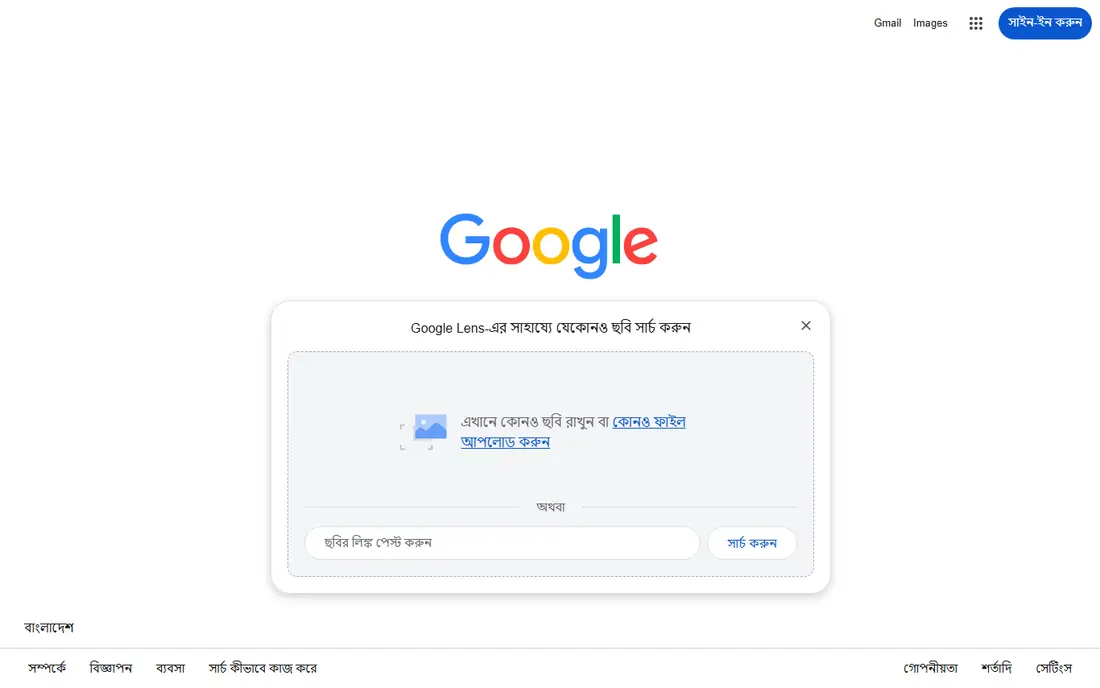
For a creator doing a quick first check for copies, Google Lens is a strong place to start. In practice, its broad web coverage often finds the same photo or a close version in seconds. That strength matters because it answers the main reason people search for this kind of tool: they want a result they can trust without a long setup or a confusing dashboard. We also checked how the product presents its pricing and limits, and the picture is consistent with the field lines above. On the other side, it will not trace a face across different photos, so it is a copy finder, not an identity tool. That catch does not rule the product out, but it should shape your trial: test the exact feature you need, confirm the price for your size or household, and read the renewal or upgrade terms before you pay. If that test goes well, Google Lens is a sensible pick for free first check for any image.
- Free
- Huge web coverage
- Built into phones and browsers
- Matches the image, not a face across photos
- Results can be broad
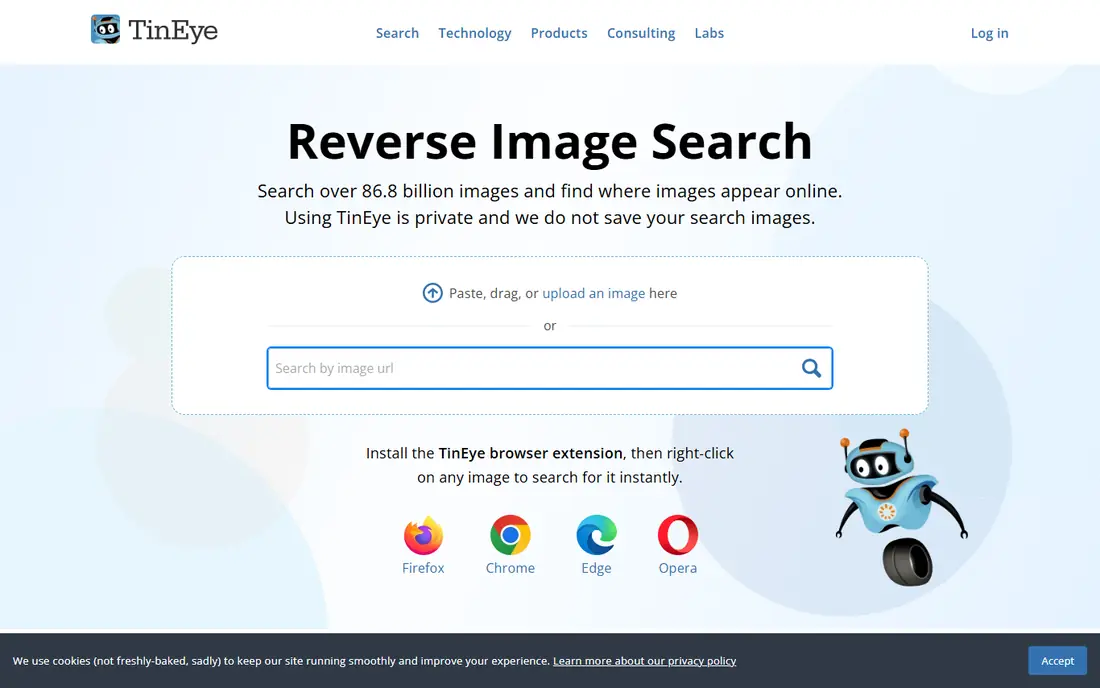
Looking at TinEye through the lens of a photographer tracing where one photo was reused, the fit is clear. In practice, its match engine is built for copies and edits of the same image, which suits copyright checks. That strength matters because it answers the main reason people search for this kind of tool: they want a result they can trust without a long setup or a confusing dashboard. We also checked how the product presents its pricing and limits, and the picture is consistent with the field lines above. On the other side, it will not find different photos of the same person, so set expectations before searching. That catch does not rule the product out, but it should shape your trial: test the exact feature you need, confirm the price for your size or household, and read the renewal or upgrade terms before you pay. If that test goes well, TinEye is a sensible pick for tracing exact copies and edits.
- Exact and edited-match search
- Alerts on paid plans
- Privacy focused
- Free tier is non-commercial
- Face matching is not offered
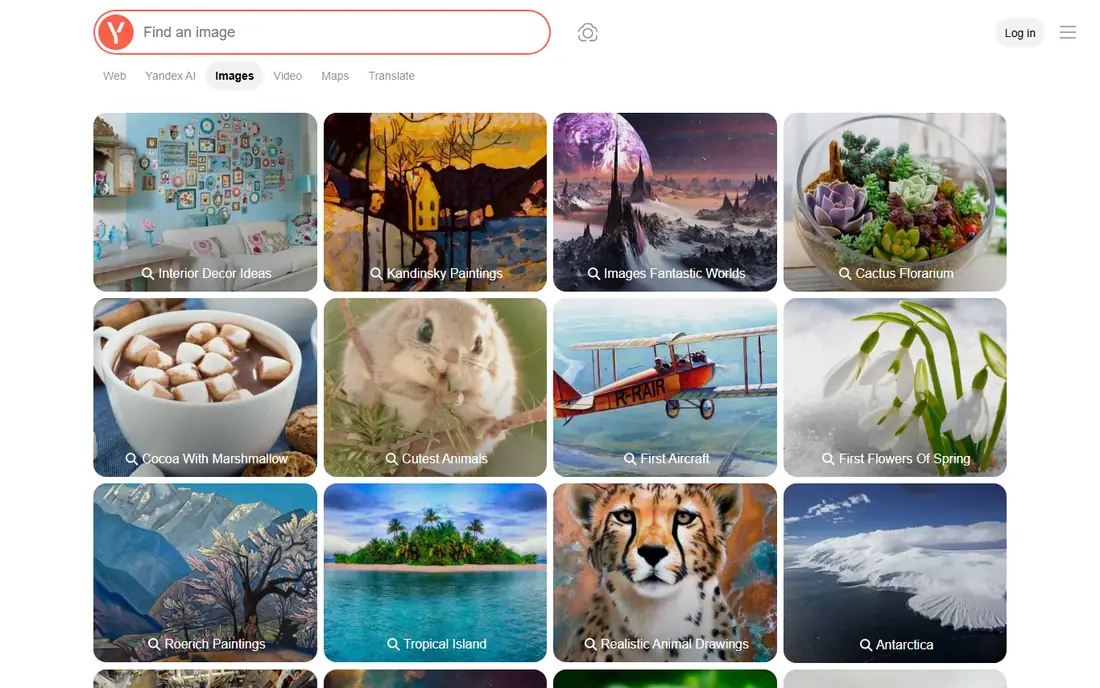
If you start with you are a user checking similar images across the web, Yandex Images deserves a close look. In practice, its similar-image matching can surface cropped or resized versions that exact-match tools miss. That strength matters because it answers the main reason people search for this kind of tool: they want a result they can trust without a long setup or a confusing dashboard. We also checked how the product presents its pricing and limits, and the picture is consistent with the field lines above. On the other side, results need manual review, because similar does not always mean the same source. That catch does not rule the product out, but it should shape your trial: test the exact feature you need, confirm the price for your size or household, and read the renewal or upgrade terms before you pay. If that test goes well, Yandex Images is a sensible pick for finding visually similar images.
- Free
- Strong similar-image matching
- Large image index
- Interface and language options vary
- Results need manual checking
On the shortlist, Bing Visual Search suits a browser user who wants a free second opinion well. In practice, its browser-based search gives a fast second opinion after Google Lens or TinEye. That strength matters because it answers the main reason people search for this kind of tool: they want a result they can trust without a long setup or a confusing dashboard. We also checked how the product presents its pricing and limits, and the picture is consistent with the field lines above. On the other side, it is a general visual search, not a dedicated copyright monitoring service. That catch does not rule the product out, but it should shape your trial: test the exact feature you need, confirm the price for your size or household, and read the renewal or upgrade terms before you pay. If that test goes well, Bing Visual Search is a sensible pick for free visual search in the browser.
- Free
- Object and similar-image results
- No account needed for basic use
- Coverage varies by image type
- Fewer controls than TinEye
For a first look, Berify for a brand or creator monitoring images and video at scale, the case is practical. In practice, its multi-engine search saves time compared with running each engine by hand. That strength matters because it answers the main reason people search for this kind of tool: they want a result they can trust without a long setup or a confusing dashboard. We also checked how the product presents its pricing and limits, and the picture is consistent with the field lines above. On the other side, the free tier is limited, so ongoing monitoring will usually need a paid plan. That catch does not rule the product out, but it should shape your trial: test the exact feature you need, confirm the price for your size or household, and read the renewal or upgrade terms before you pay. If that test goes well, Berify is a sensible pick for monitoring images and video across engines.
- Searches several engines at once
- Covers images and video
- Alerts
- Full monitoring is paid
- Interface is utilitarian
Turning to SauceNAO, the audience is an artist tracing an illustration back to its creator. In practice, its art-site databases make it the first stop for illustration and fan-art sources. That strength matters because it answers the main reason people search for this kind of tool: they want a result they can trust without a long setup or a confusing dashboard. We also checked how the product presents its pricing and limits, and the picture is consistent with the field lines above. On the other side, photographs and general web images are outside its strength. That catch does not rule the product out, but it should shape your trial: test the exact feature you need, confirm the price for your size or household, and read the renewal or upgrade terms before you pay. If that test goes well, SauceNAO is a sensible pick for tracing artwork and illustration sources.
- Free
- Strong art-site coverage
- Source attribution focus
- Best for artwork, not photographs
- Niche databases
Next on our list, Pinterest Lens to a shopper or designer finding similar visuals and products, the trade-offs are plain. In practice, its visual discovery is handy when the goal is a similar product or style, not a copyright claim. That strength matters because it answers the main reason people search for this kind of tool: they want a result they can trust without a long setup or a confusing dashboard. We also checked how the product presents its pricing and limits, and the picture is consistent with the field lines above. On the other side, results skew toward Pinterest, so it should not be your only source check. That catch does not rule the product out, but it should shape your trial: test the exact feature you need, confirm the price for your size or household, and read the renewal or upgrade terms before you pay. If that test goes well, Pinterest Lens is a sensible pick for finding similar images and products visually.
- Free
- Visual discovery
- Product and style matches
- Needs a Pinterest account for full use
- Results skew to Pinterest content
For a different angle, Pixsy as a choice for a professional photographer protecting client work, it holds up well. In practice, its monitoring plus takedown workflow is built for photographers, not casual searchers. That strength matters because it answers the main reason people search for this kind of tool: they want a result they can trust without a long setup or a confusing dashboard. We also checked how the product presents its pricing and limits, and the picture is consistent with the field lines above. On the other side, casual users may find the paid monitoring more than they need for one photo. That catch does not rule the product out, but it should shape your trial: test the exact feature you need, confirm the price for your size or household, and read the renewal or upgrade terms before you pay. If that test goes well, Pixsy is a sensible pick for copyright monitoring for photographers.
- Image monitoring
- Takedown support
- Case tools for photographers
- Paid features for full monitoring
- Best for professional photographers
How we picked these
We compared official feature pages, pricing pages, app store listings, privacy policies, and public reviews for each product, and we kept only products that exist and work today and truly fit the topic. We did not claim hands-on testing that did not happen, and we used See website where a price could not be verified from the vendor page at the time of writing. We also weighed fit over fame: a well-known name that misses the core job did not make the list, while a smaller option that does the job well did. That approach keeps the list useful for a reader choosing between two or three finalists, rather than a long list of near misses.
How to search an image lawfully and get a useful result
Start by writing down the one job the tool must do in your first week, then test that job on a trial or free plan. A product that looks good in a demo can still fail on your exact workflow, so the trial is the real test, not the marketing page. Next, price the second year, not just the first month. Intro offers, renewal rates, per-seat billing, and add-ons change the total fast, and a cheaper first term can become the dearer choice by year two. Ask for a written quote when pricing is quote based, and confirm what is included at that price. Finally, check limits that matter to you: message history, device counts, channel lists, stream counts, or data controls. The right pick is usually the one with the fewest surprises after signup, even if it is not the cheapest or the most famous name on the list.
Frequently asked questions
How do I choose between the top two options?
Shortlist two options, run the same task in both during a trial, and pick the one that finishes the task with fewer steps. Price matters, but a tool you avoid using costs more in lost time than a slightly higher monthly fee.
Are free plans enough to start?
A free plan is enough to test the core job, but limits on history, devices, or features usually push regular users to a paid plan. Treat the free plan as a test, and upgrade only when you hit a limit that blocks real work.
Do prices change after the first term?
Yes, many products use intro pricing that rises on renewal, while others keep a flat rate. Check the renewal price on the vendor pricing page before checkout, and set a reminder before the renewal date.
Can I switch later if I pick the wrong one?
In most cases, yes, but switching costs time and sometimes data exports. Export your data early, keep a backup, and avoid long contracts until you are sure the product fits your daily work.
What should I check before paying?
Confirm the official website, the price for your size, the free plan limits, and the cancellation terms. If any of those are unclear, ask support in writing before you pay, so you have a clear record.
Sources
See where you really rank - block by block
ProMapRanker scans Google Maps across a grid of your service area. Simple monthly plans from $19, white-label on every plan.
Start freeKeep reading
 zyte alternatives
Best Zyte Alternatives in 2026
These zyte alternatives cover managed scraping APIs, proxy networks and no code tools for lawful collection from your own or consented sources only in 2026.
Read → zerto alternatives
Best Zerto Alternatives in 2026
Compare the best zerto alternatives for disaster recovery and replication, with recovery targets, cloud options and honest trade-offs for teams in 2026.
Read → zerofox alternatives
Best ZeroFox Alternatives in 2026
We compared 9 zerofox alternatives for brand protection, phishing takedowns, dark web monitoring, and social impersonation, with clear coverage notes.
Read →