 ProMapRanker
Best Pi-hole Alternatives in 2026

Key takeaways
- AdGuard Home is the closest self-hosted replacement, with a polished web interface and built-in encrypted DNS support.
- Technitium DNS suits home labs that want a full DNS server, not just a blocklist filter.
- NextDNS is the easiest cloud option, with no hardware to run and protection that follows devices off the home network.
- Self-hosted tools keep query data local, while cloud tools trade some local control for easier setup and roaming protection.
Quick comparison
| Pick | Great for | Pricing starts at | Free tier | |
|---|---|---|---|---|
 AdGuard Home | Self-hosted network blocking | Free | Yes | Visit |
 Technitium DNS | Full DNS server for home labs | Free | Yes | Visit |
 NextDNS | Easy cloud filtering | Free | Yes | Visit |
 Control D | Custom cloud DNS rules | Free | Yes | Visit |
 AdGuard DNS | Simple cloud blocking | Free | Yes | Visit |
 Blocky | Lightweight self-hosted filter | Free | Yes | Visit |
 Cloudflare Gateway | Small-team DNS filtering | Free | Yes | Visit |
 CleanBrowsing | Family-safe filtering | Free | Yes | Visit |
 OpenDNS FamilyShield | Simple family preset | Free | Yes | Visit |
The best pihole alternatives
Pi-hole blocks ads and trackers at the DNS level for a whole network, using blocklists on a small local server. Alternatives split into self-hosted servers you run at home, cloud filters you configure in a browser, and preset family filters that need almost no setup. The right pick depends on whether you want local control, roaming protection, or the simplest possible setup.
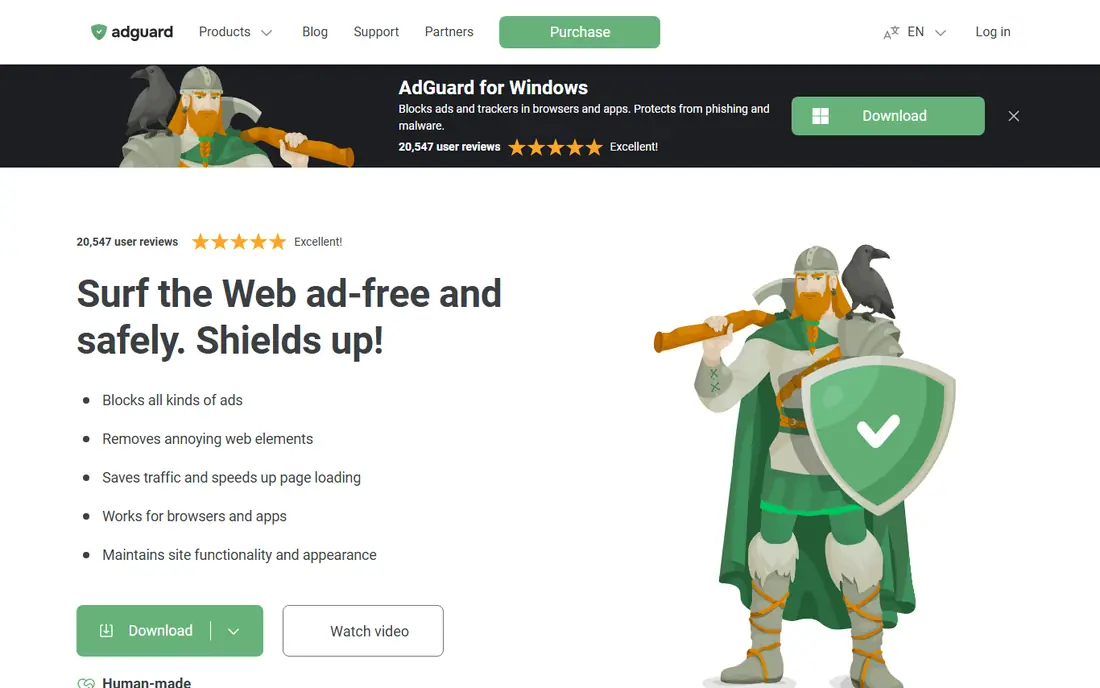
AdGuard Home is our pick for most Pi-hole users who want to stay self-hosted. Install it on a Raspberry Pi, mini PC, or Docker host, point your router at it, and it blocks ads and trackers for every device on the network, including TVs and smart devices that cannot run a browser extension. Per-client rules let you give kids stricter filtering than adults, without a second server.
It is easier to set up than Pi-hole in some ways, because encrypted DNS upstreams work out of the box and the interface guides setup step by step. The trade-off is that it is a filter and DNS proxy first, not a full authoritative DNS server, so home lab users who need zones and complex DNS design may prefer Technitium.
- Free open source server
- Polished web interface with per-client rules
- Built-in encrypted DNS upstream support
- Needs a device that stays on at home
- Advanced DNS features are thinner than Technitium
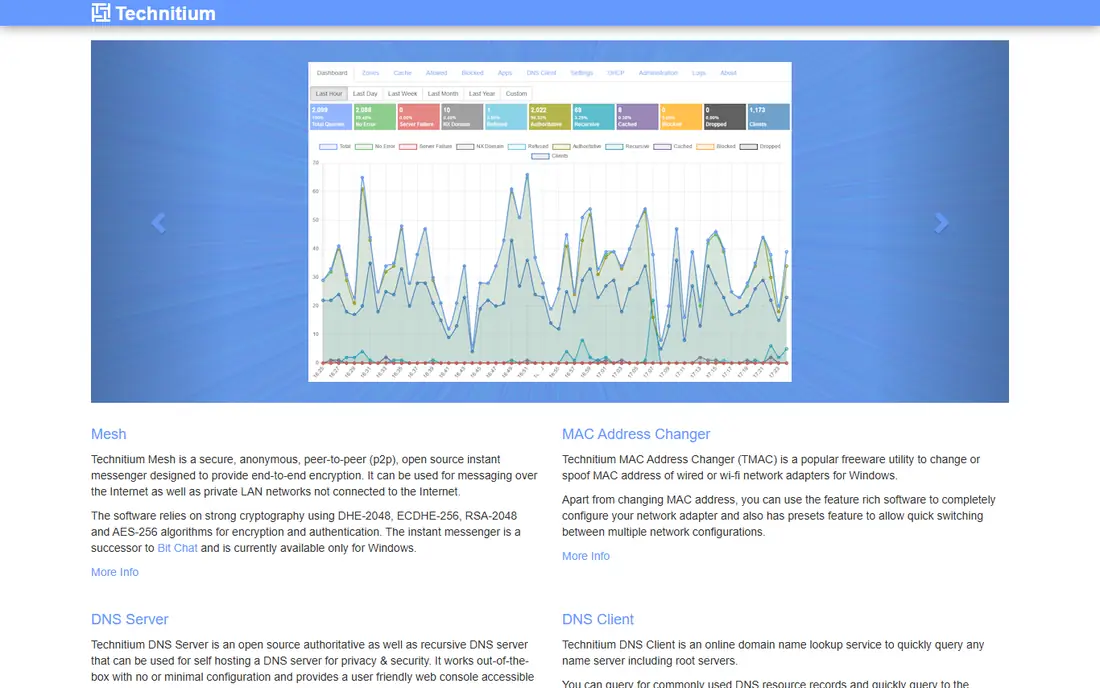
Technitium suits a home lab owner who wants real DNS control first and ad blocking second. You can run authoritative zones for a home domain, set up recursion and conditional forwarding, add blocklists, and manage everything from a web interface with an API for automation. That depth goes well beyond a simple sinkhole.
Beginners may find it heavier than AdGuard Home or Pi-hole. Concepts such as zones, forwarders, and DNSSEC matter here, and a wrong setting can break local name resolution. For a user who already runs a home server and enjoys DNS work, Technitium is the most capable free option in this list.
- Free open source DNS server
- Zones, recursion, forwarding, and blocking in one tool
- Strong API and plugin options
- Interface assumes DNS knowledge
- Blocking is one feature, not the whole product
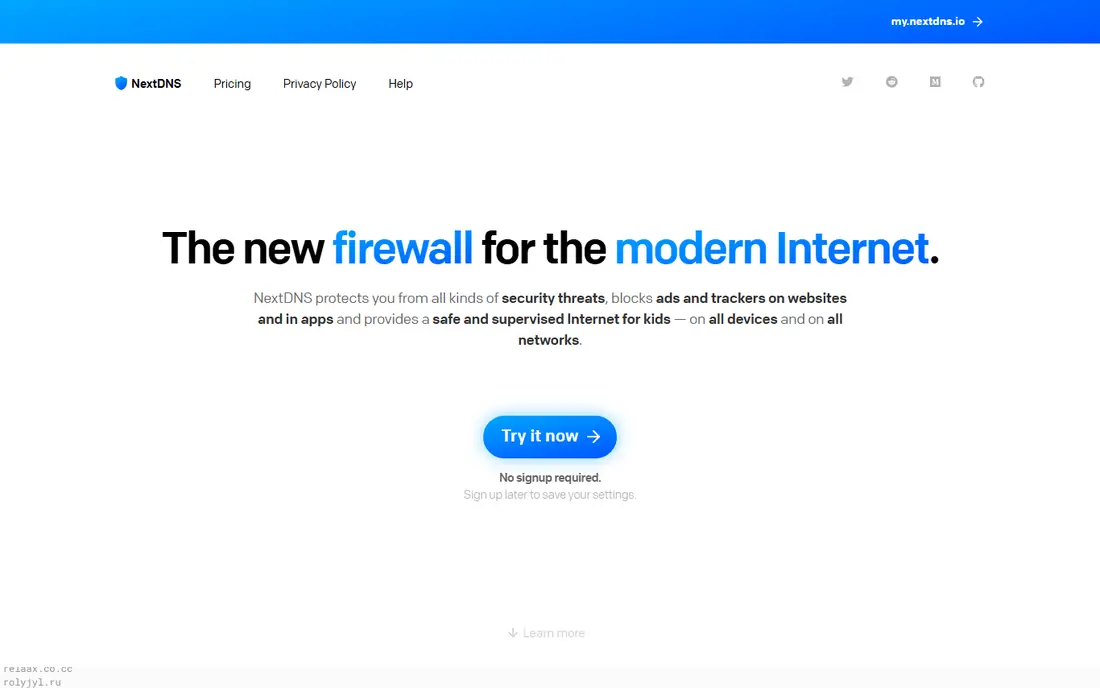
NextDNS is the easiest switch for a household that does not want to run a server. Create a profile in a browser, choose blocklists and categories, point your router or devices at it, and filtering works at home and on mobile data through system profiles. Parental controls, safe search, and analytics are built in, which Pi-hole only adds with extra work.
The trade-off is trust and limits. Queries pass through NextDNS servers, though logging can be turned off in settings, and heavy households may pass the free query limit and need the paid yearly plan. For non-technical households and travelers, that trade-off is usually worth it.
- Free up to 300,000 queries per month in its core offer
- No hardware to maintain
- Profiles follow devices on mobile and laptop
- Query data goes to a cloud provider
- Paid plan needed above the free query limit
Control D fits users who want cloud filtering with fine control over what is blocked, redirected, or allowed. Free presets cover family-safe and malware filtering with no account, while paid plans add custom rules, profiles per device, and detailed analytics. Encrypted DNS support covers modern protocols, which helps on mobile and public networks.
It is a managed service, not a local server, so query data leaves the home network by design. Users who want full local control should stay with AdGuard Home or Technitium, while users who want cloud convenience with strong rules will like Control D.
- Free preset resolvers with no account
- Custom rules and profiles on paid plans
- Strong support for encrypted DNS protocols
- Custom analytics and rules need a paid plan
- Less of a local server than AdGuard Home
AdGuard DNS is the cloud sibling of AdGuard Home. Public servers block ads and trackers with no setup beyond changing DNS settings, while private profiles add custom blocklists, parental controls, and per-device rules. That split makes it easy to start free and upgrade only if you need customization.
It does not replace a local server for users who want query data to stay at home. It also shares the same vendor ecosystem as AdGuard Home, so a household that already uses AdGuard products will find the settings familiar. For a quick, no-hardware start, it is one of the simplest options here.
- Free public servers with ad blocking
- Private DNS profiles on paid plans
- No hardware or install needed
- Free public servers offer less customization than a private profile
- Less local control than AdGuard Home
Blocky suits a home server user who prefers a small, fast DNS proxy with a config file over a full web dashboard. It blocks ads and trackers, supports encrypted upstreams, and runs well in Docker beside other services. Resource use is low, which helps on a small server that already runs many apps.
The lack of a polished web interface is the main limit. You edit a config file, restart the service, and check logs to confirm behavior, which suits technical users but not beginners. If you like config-driven tools and already run Docker, Blocky is a clean Pi-hole alternative.
- Free open source filter
- Very light on resources
- Good for Docker and home server setups
- Configuration is file-based, not a polished web UI
- Smaller community than AdGuard Home
Cloudflare Gateway fits a small team or family that already uses Cloudflare and wants DNS filtering with threat intelligence. Policies can block malware, phishing, and other risk categories, DNS locations cover an office network, and the WARP client extends protection to laptops off site. That team focus sets it apart from home-only tools.
Home users may find setup heavier than NextDNS or AdGuard DNS, because Gateway sits inside Cloudflare Zero Trust with locations, policies, and client setup to learn. For a small business with up to 50 users, the free tier is strong value, but for a single household, a simpler cloud filter will start faster.
- Free for up to 50 users in its core offer
- Strong threat categories for malware and phishing
- Works with the WARP client for roaming devices
- Setup assumes some Zero Trust knowledge
- Log retention is limited on the free plan
CleanBrowsing suits a family that wants a simple, preset filter for kids without running a server or managing blocklists. Change DNS settings to the family filter addresses, and adult content, malware, and phishing categories are blocked, with safe search enforced on major search engines. That simplicity is the whole point.
Customization is limited on the free tier. If you need per-device rules, custom allow lists, or detailed logs, you will need a paid plan or a tool such as NextDNS or AdGuard Home. For a set-and-forget family filter, CleanBrowsing is easy and reliable.
- Free family filter with no account
- Safe search enforcement
- Paid plans add custom controls and faster service
- Free tier is throttled in its core offer
- Custom rules need a paid plan
OpenDNS FamilyShield is the simplest option in this list. Set your router or device DNS to the FamilyShield addresses, and adult content is blocked with no account, dashboard, or server to maintain. That preset approach suits grandparents, schools with basic needs, and households that want one change and no upkeep.
It offers no custom blocklists, per-device profiles, or detailed reporting. A household that outgrows the preset should move to NextDNS, Control D, or AdGuard Home for custom rules. For a first step into network filtering, FamilyShield remains a useful, free starting point.
- Free preset with no account
- Very simple setup by changing DNS addresses
- Long-running, well-known service
- Filtering options are fixed, with no custom lists
- Safe search and category control are basic compared with NextDNS
How we picked these
We compared official documentation, pricing pages, and public guides, and kept tools that are live in October 2026 and that block ads, trackers, malware, or unwanted categories at the DNS level for a network or device. We favored tools with clear free or low-cost entry points, active development, and a realistic path for a Pi-hole user to migrate blocklists or settings. We left out browser-only ad blockers, VPN-only tools without DNS filtering, and tools with no clear current product page.
What to check before you switch
Decide first whether queries should stay local or can go to a cloud provider. Self-hosted tools such as AdGuard Home, Technitium, and Blocky keep data at home but need a device that stays on and someone to update it. Cloud tools such as NextDNS, Control D, and AdGuard DNS need no hardware and protect roaming devices, but they see your DNS queries by design, so check logging settings before you rely on them for privacy.
Test with one device first
Point one phone or laptop at the new filter before you change the whole router. Visit sites you use daily, check a streaming app and a smart TV app if you use them, and note any site that breaks. Keep an allow list ready, because aggressive blocklists can break shopping, video, and login pages, and a quick allow-list fix saves a household argument.
Keep a fallback DNS ready
Write down your old DNS settings before you change anything, and keep a second known-good DNS address handy. If the new server goes down or a config error breaks resolution, you can switch back in minutes instead of losing internet for the whole house. That fallback step matters most for self-hosted setups, where a failed update can take the network down.
Frequently asked questions
What is the closest self-hosted Pi-hole alternative?
AdGuard Home is the closest self-hosted alternative for most users, because it offers network-wide blocking, a polished web interface, per-client rules, and encrypted DNS support in a free open source package. Technitium is better only when you need a full DNS server with zones and advanced forwarding.
Can I use a Pi-hole alternative without a Raspberry Pi?
Yes. NextDNS, Control D, AdGuard DNS, CleanBrowsing, and OpenDNS FamilyShield all work without any home hardware, by changing DNS settings on a router or device. AdGuard Home and Technitium can also run on a mini PC, an old PC, or a Docker host if you prefer local control.
Will network ad blocking break streaming apps?
It can, because some apps fail when an ad or tracking domain is blocked, and some services detect DNS filtering. Use an allow list for the affected domain, test one app at a time, and keep a less strict profile for TVs and streaming devices if needed.
Is cloud DNS filtering private?
Cloud filtering is less private than a local server by design, because queries pass through the provider, though most providers offer logging controls and state that they do not sell query data. Check the privacy page, turn off logging if you want it off, and choose a self-hosted tool if local-only query handling is a hard requirement.
Do I still need a browser ad blocker with DNS filtering?
Often, yes for cosmetic blocking. DNS filtering blocks whole ad and tracker domains, but it cannot remove blank ad spaces or block first-party ads served from the same domain as content. Many users run both: DNS filtering for the whole network, plus a browser blocker for cleaner pages on laptops and phones.
Sources
- https://adguard.com/adguard-home
- https://technitium.com/dns
- https://nextdns.io/pricing
- https://controld.com/pricing
- https://adguard-dns.io/pricing
- https://0xerr0r.github.io/blocky
- https://www.cloudflare.com/zero-trust/products/gateway
- https://cleanbrowsing.org/pricing
- https://www.opendns.com/home-internet-security
See where you really rank - block by block
ProMapRanker scans Google Maps across a grid of your service area. Simple monthly plans from $19, white-label on every plan.
Start freeKeep reading
 zoro.to alternatives
Best Zoro.to Alternatives in 2026
We compare the best zoro.to alternatives in 2026, listing only legal licensed anime streaming services, from Crunchyroll to free options for fans today.
Read → zip alternatives
Best Zip Alternatives in 2026
We compare the best zip alternatives for buy now, pay later in 2026, covering pay-in-4 plans, fees, spending limits, and credit reporting options today.
Read → yesware alternatives
Best Yesware Alternatives in 2026
Compare the best yesware alternatives for sales email tracking, templates, and sequences, with current pricing and honest tradeoffs for small sales teams.
Read →