 ProMapRanker
Best Perplexity Alternatives in 2026

Key takeaways
- ChatGPT is the best all-round alternative, with search, files, images and analysis in one app.
- Claude suits careful writing and long documents, while Gemini suits users inside Google apps.
- Microsoft Copilot is the natural pick for Windows and Microsoft 365 users.
- You.com, Brave Search and Kagi suit users who want more model choice, privacy or a traditional search feel.
- Always check cited sources yourself, since AI answers can still be wrong even when they look confident.
Quick comparison
| Pick | Great for | Pricing starts at | Free tier | |
|---|---|---|---|---|
 ChatGPT | All-round AI search | Free | Yes | Visit |
 Google Gemini | Google apps and freshness | Free | Yes | Visit |
 Microsoft Copilot | Windows and Microsoft 365 | Free | Yes | Visit |
 Claude | Writing and long documents | Free | Yes | Visit |
 You.com | Model choice and privacy | Free | Yes | Visit |
 Brave Search | Private web search | Free | Yes | Visit |
 Kagi | Ad-free paid search | $10 per month | Free trial | Visit |
 DeepSeek | Free chat and coding | Free | Yes | Visit |
 Mistral Le Chat | Fast European chatbot | Free | Yes | Visit |
The best Perplexity alternatives
These nine tools cover AI chatbots with web search, plus search-first options for users who want links over chat. We compared official pricing pages and the search, citation and file features each vendor lists.
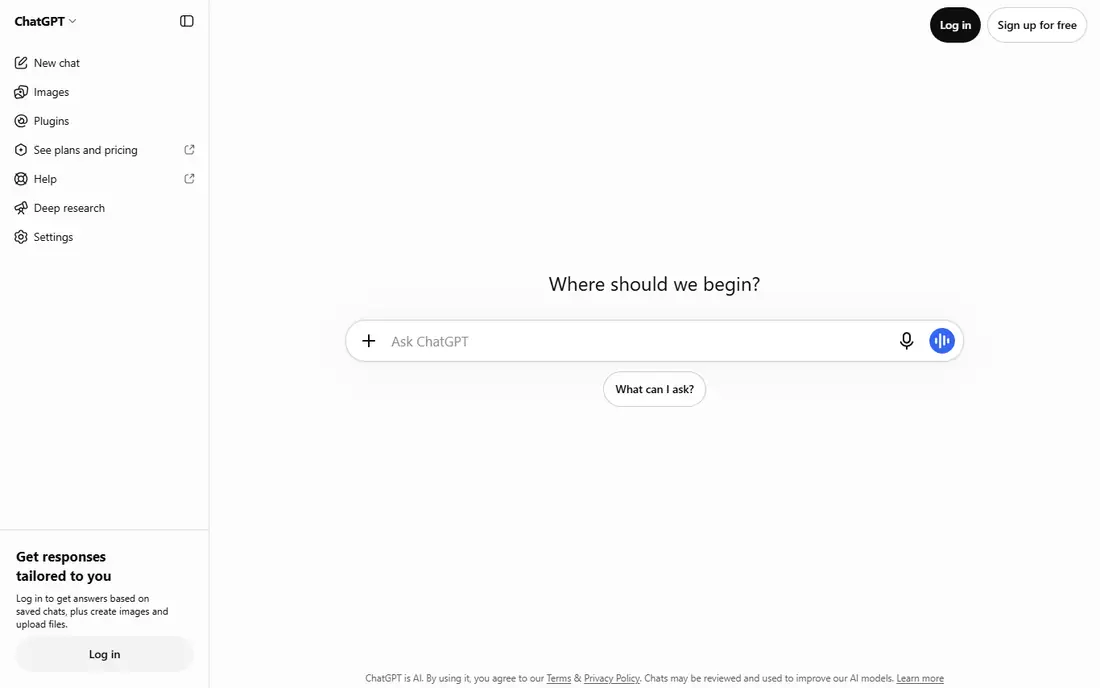
ChatGPT is the most complete Perplexity alternative for users who want an answer and the work around it. You can ask a question, get web search results with links, upload a file for analysis, and follow up in the same chat. That range makes it useful for research, writing, coding and planning, not just for quick facts.
The catch is that free limits apply, and citation quality varies. ChatGPT is strong on general questions, but for a factual claim that matters, open the linked source and check it yourself. Paid Plus, at $20 per month, raises limits and adds stronger models, which is worth it for daily research use.
- Web search with sources
- File, image and code help in one app
- Large model range on paid plans
- Free plan limits apply
- Citations vary by query
- Paid Plus plan costs $20 per month
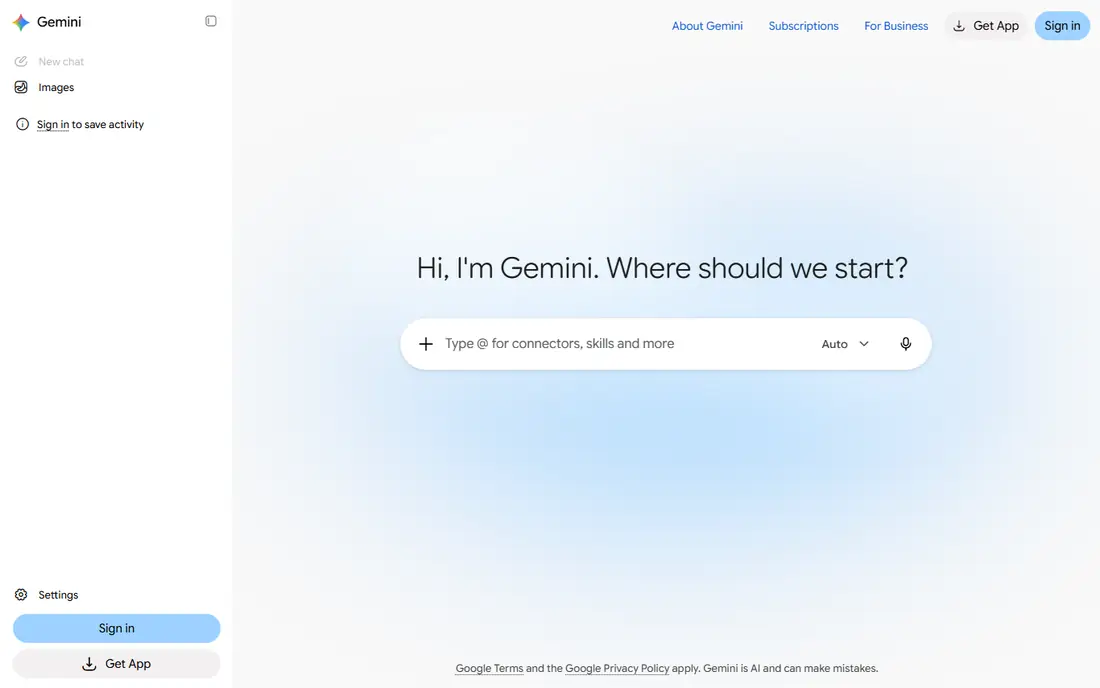
Gemini suits users who already live in Google apps. It can search the web, summarise documents and, on paid plans, work across Gmail, Docs and Drive. That integration saves time when a question starts from an email thread or a document, and Google-index freshness helps for recent news and events.
The free tier is generous, but the strongest models and deepest app integration sit on Google AI Pro at $19.99 per month. Gemini also changes models often, so a feature that works today may move plans later. For Google-centred users, though, it is the most natural Perplexity alternative.
- Fresh Google-indexed results
- Works with Gmail, Docs and Drive on paid plans
- Generous free tier
- Best features need Google AI Pro at $19.99 per month
- Quality varies by model
- Google account required
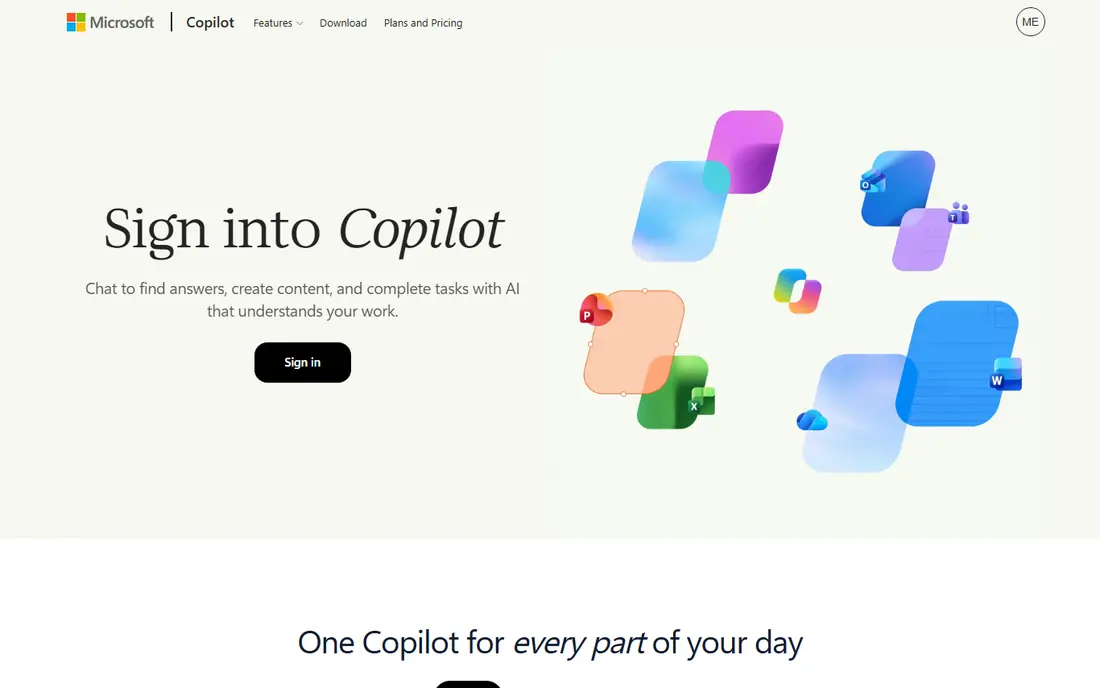
Copilot is the obvious pick for Windows users and for teams on Microsoft 365. The free version answers web questions with sources, works in Edge and Windows, and handles everyday writing and planning tasks. Paid Microsoft 365 plans add Copilot inside Word, Excel, Outlook and Teams, which is where the real productivity gain shows.
The free version is limited compared with paid plans, and the paid Microsoft 365 route costs more than a standalone chatbot subscription. For a user who only needs web answers, Copilot free is enough. For a team already paying for Microsoft 365, adding Copilot is a smaller step than switching to a new platform.
- Free web answers with sources
- Windows and Edge integration
- Microsoft 365 tie-in on paid plans
- Full Microsoft 365 Copilot needs a paid licence
- Free limits apply
- Best experience needs a Microsoft account
Claude is the best pick on this list for writing, editing and long-document work. Its answers tend to be careful and well structured, and it handles large files, code review and summarising better than many rivals. For a researcher who needs to digest a long report and then ask follow-up questions, Claude is a strong alternative to a search-first tool.
Claude is less of a pure search engine than Perplexity. Web search exists, but the strength is reasoning over material you provide, not breadth of web coverage. Free limits also tighten faster for heavy users, so daily researchers should expect to need Pro at $20 per month.
- Careful, readable answers
- Strong on long documents and code review
- Pro plan at $20 per month
- Free limits are tighter for heavy use
- Web search is not its main strength
- Some features need paid plans
You.com combines a search engine with an AI chat layer, and its standout feature is model choice. You can pick different models for different queries, which helps when one model suits writing and another suits coding or research. Privacy controls are also a stated focus, with options to limit data use that larger platforms handle differently.
The trade is scale and simplicity. You.com is smaller than ChatGPT or Gemini, and model choice adds a decision that new users may not want. Pro, at about $15 per month, gives more model access and higher limits. For users who want control over which model answers, You.com is the most flexible pick here.
- Choice of AI models per query
- Search results plus AI answers
- Privacy controls listed
- Pro plan costs about $15 per month
- Smaller community than major chatbots
- Model choice can confuse new users
Brave Search is the closest option here to a traditional search engine with AI added, rather than a chatbot with search added. It runs its own index, avoids building a tracking profile, and shows AI summaries with sources on many queries. Users who want links first and chat second will feel at home.
The limit is depth. Brave Search will not analyse a file, write a long report or plan a project the way ChatGPT or Claude can. It is a search tool, not a workspace. For privacy-minded users who want Perplexity-style cited answers without a chatbot subscription, Brave Search is a strong free starting point.
- Independent search index
- Privacy-focused with no tracking profile
- AI answers with sources on many queries
- AI features are lighter than chatbot rivals
- No deep file analysis
- Results differ from Google
Kagi takes a different business model: you pay for search, so the product does not need ads or sponsored results. Users can customise ranking, block domains and lens results by source type, which gives more control than a free search engine usually offers. AI answers with sources are included, making it a credible Perplexity alternative for users who value clean results.
The catch is that search is a habit most users expect to be free, so $10 per month needs to earn its place. There is a trial, but no long-term free tier. For users frustrated by ads, sponsored results and tracking, Kagi is worth a trial. For users who only search occasionally, a free chatbot or Brave Search will do.
- No ads or sponsored results
- User control over result ranking
- AI answers with sources
- Paid from $10 per month
- No generous free tier
- Smaller index feel than Google for some queries
DeepSeek is the budget surprise on this list: a free chat app with strong coding and reasoning help, plus a low-cost API for developers who want to build on it. For students, developers and casual researchers, the free app covers a great deal without a subscription, which is rare among frontier chatbots.
The limits are integration and search depth. DeepSeek has fewer app connections than ChatGPT, Gemini or Copilot, and its web search is not as polished as a search-first tool. It also changes quickly, so features and limits should be checked on the vendor site. For free chat and coding, though, it is hard to beat on price.
- Free chat app
- Strong coding help
- Low-cost API for developers
- Fewer app integrations than major rivals
- Web search depth varies
- Support and features change fast
Mistral Le Chat, from French AI company Mistral, is a fast, straightforward chatbot with a free tier and a Pro plan at about $14.99 per month. It suits users who want a capable general chatbot with a European data posture and a clean interface, without the sprawl of a larger platform. Speed is a genuine strength, especially for short questions and drafting.
The trade is ecosystem. Le Chat has fewer integrations and a smaller community than ChatGPT or Gemini, and its web search is less central than Perplexity search. For users who want a fast general chatbot and care about where the company is based, Le Chat is a good pick. For search-first research, pair it with Brave Search or Kagi.
- Fast responses
- Free tier for everyday chat
- European company with a clear data stance
- Pro plan at about $14.99 per month
- Smaller ecosystem than major rivals
- Web search is not the main focus
How we picked these
We compared official pricing pages and feature lists for AI chatbots and search tools that are live in October 2026 and that offer web search, cited answers or both. We kept only tools with a working free tier or trial and a clear product, and we left out tools that had closed or that only offered an API with no chat app. Prices are shown as listed by each vendor, since free limits and paid models change often in this category.
What to check before you switch
Start with how you actually use Perplexity. If you mainly want quick cited answers, a search-first tool like Brave Search or Kagi may be enough, and a full chatbot subscription would be wasted. If you want answers plus writing, files and planning, a chatbot like ChatGPT, Claude or Gemini is the better replacement.
Next, test citation quality on your own questions. Ask each tool a question where you already know the answer, and check whether the sources support the claim. Some tools cite well on news and general knowledge and poorly on niche or recent topics. Also check free limits over a full week, not just a single session, since daily caps matter more than a first-day impression.
Finally, check privacy and data use. AI tools differ on whether chats train models, how long data is kept, and what enterprise controls exist. If you paste work documents or client material into a chatbot, read the privacy page and use a paid or enterprise plan with clearer controls where needed. Never paste passwords, private keys or sensitive personal data into any AI chat tool.
Accuracy, sources and everyday use
Treat every AI answer as a draft, not a verdict. Open at least one source for any claim you will act on, publish or spend money on, and cross-check dates, prices and names, since AI tools can present outdated facts with confidence. For health, legal or financial questions, use the AI tool to gather background, then confirm with a qualified professional or an official source.
For everyday use, the best tool is often the one already in your workflow. Gemini inside Google apps, Copilot inside Microsoft 365, and ChatGPT as a standalone workspace each save time in different ways. Pick the one that fits where your documents and email already live, and keep a search-first tool as a second check for important facts.
Frequently asked questions
What is the best Perplexity alternative?
ChatGPT is the best all-round alternative, with search, files and analysis in one app. Claude is best for writing and long documents, Gemini is best inside Google apps, and Brave Search is best for a free, private search-first experience.
Is there a free alternative to Perplexity?
Yes. ChatGPT, Gemini, Copilot, Claude, You.com, Brave Search, DeepSeek and Mistral Le Chat all offer free tiers, although limits apply. Kagi is the exception here, since it is paid after a trial.
Which alternative gives the best citations?
Perplexity set a high bar for inline citations, and ChatGPT, Gemini, Copilot and You.com all offer sourced answers, but quality varies by query. Always open the source and check it yourself before relying on a claim.
Can I use these tools for research?
Yes, for background research, summarising and finding sources. For a final report, verify key facts against primary sources, since AI summaries can miss nuance or present outdated information with confidence.
Is DeepSeek really free?
The DeepSeek chat app is free to use, with a separate paid API for developers. Limits and features change, so check the vendor site for the current terms before building a workflow around it.
Sources
See where you really rank - block by block
ProMapRanker scans Google Maps across a grid of your service area. Simple monthly plans from $19, white-label on every plan.
Start freeKeep reading
 zscaler alternatives
Best Zscaler Alternatives in 2026
Looking for zscaler alternatives? We compare 9 SASE and zero trust platforms on architecture, data protection, pricing, and fit for your network and team.
Read → zapier alternatives free
Best Zapier Alternatives Free in 2026
Nine automation tools for zapier alternatives free in 2026, all with genuinely free tiers, plus free plan limits, starting prices and upgrade paths explained.
Read → which platform is best for online reputation
Which Platform Is Best for Online Reputation in 2026
Wondering which platform is best for online reputation? We compare 8 review, listing, and response tools for small and multi-location businesses and agencies.
Read →