 ProMapRanker
Perplexity AI Alternatives in 2026


All-round research and follow-up work · Pricing starts at: $20 per month
Key takeaways
- The closest alternatives to Perplexity AI are AI assistants with web search, plus search engines with AI answers built in.
- ChatGPT and Gemini suit users who want research that turns into drafts, files, and follow-up work in the same conversation.
- Brave Search, DuckDuckGo, and Kagi suit users who want search first, with privacy or ad-free results as the main benefit.
- Always open the cited sources before acting on an AI answer, because citation style does not guarantee accuracy.
Quick comparison
| Pick | Great for | Pricing starts at | Free tier | |
|---|---|---|---|---|
| ChatGPT | All-round research and follow-up work | $20 per month | Yes | Visit |
 Claude | Careful long-document research | $20 per month | Yes | Visit |
 Google Gemini | Google Workspace research | $19.99 per month | Yes | Visit |
 Microsoft Copilot | Microsoft 365 research | See website | Yes | Visit |
 Brave Search | Private search with AI answers | Free | Yes | Visit |
 You.com | Model choice and source controls | See website | Yes | Visit |
 Kagi | Ad-free paid search | $5 per month | Free trial | Visit |
 DuckDuckGo | Private everyday search | Free | Yes | Visit |
The best Perplexity AI alternatives
Perplexity AI is an answer engine: you ask a question, and it returns a cited summary drawn from the web. The alternatives below do not copy it exactly. Some are full AI assistants, and some are search engines with AI features. We compared official pricing pages and product descriptions to judge which fits each kind of research.
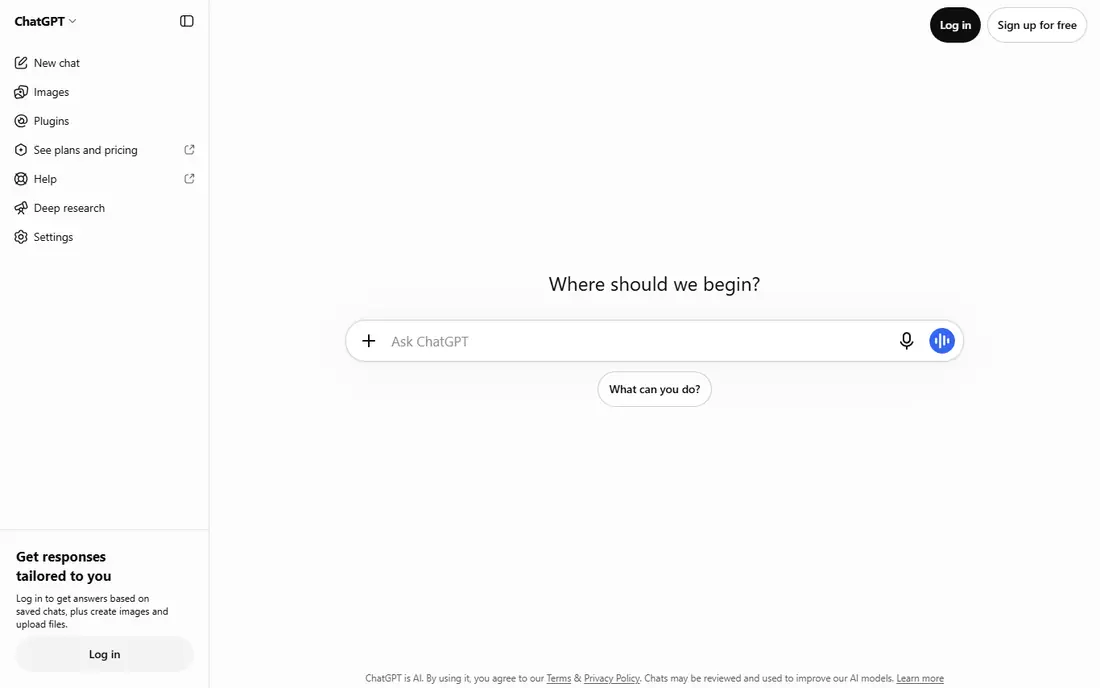
ChatGPT is the strongest all-round alternative for most users. It can search the web, cite sources, and then keep working in the same conversation, whether that means drafting a summary, building a table, or analyzing a file you upload. The Plus plan is listed at $20 per month, with a free tier that has limits.
The trade-off is that ChatGPT is a general assistant, not a pure answer engine. Its research mode is powerful, but answers can be longer and less focused than a short Perplexity summary. If you want a quick cited answer and nothing else, a search-first tool may feel faster.
- Web search with citations
- Deep Research mode
- Turns answers into drafts, code, and files
- Free tier has usage limits
- Citation depth varies by question
Claude suits researchers who work with long documents and want careful, well-scoped summaries. It handles large files and long source material with a steady tone, and its web search adds inline citations for checking. The Pro plan is listed at $20 per month, with a free tier for lighter use.
The catch is freshness. For hour-old news, a search-first engine or a tool with a larger live index may return newer results faster. Claude is best when the question needs reading and reasoning, rather than a race to the latest headline.
- Strong long-document analysis
- Careful citation style
- Clear reasoning in summaries
- Web search freshness can lag on breaking news
- Free tier has limits
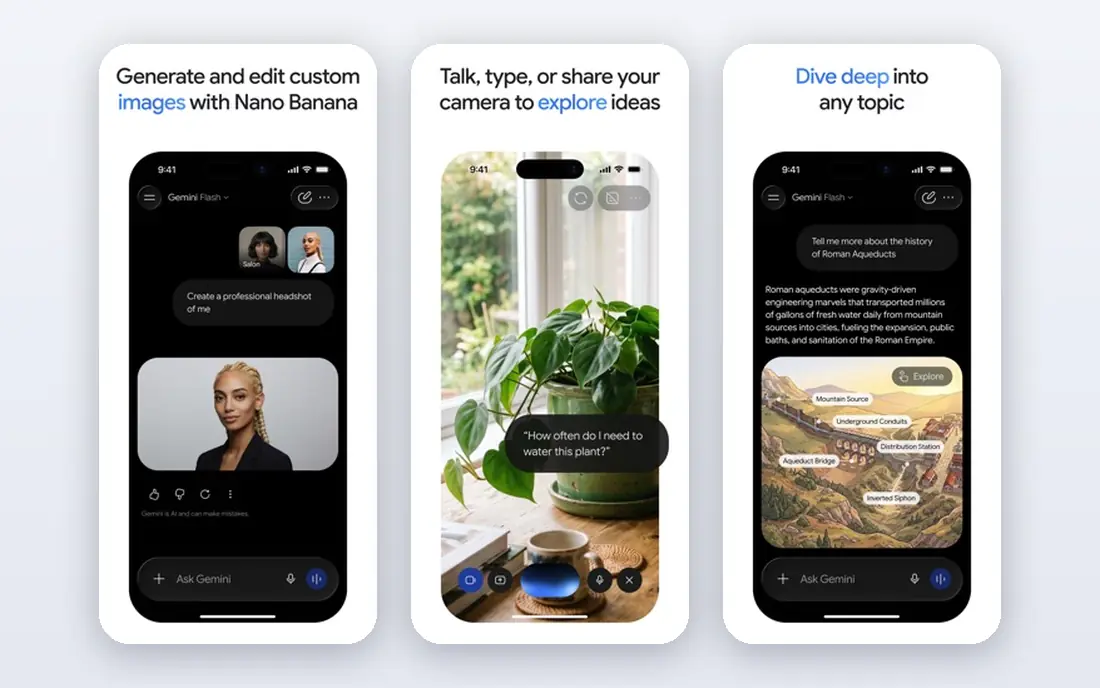
Gemini benefits from Google search depth and from its place inside Gmail, Docs, Sheets, and Drive. You can research a topic, then pull that work into a document or spreadsheet without switching tools. The paid AI plan is listed at $19.99 per month, with a free tier that many users find generous.
The weakness is consistency. On broad questions, Gemini is fast and current. On niche or technical questions, answers can be thinner than a dedicated research tool. Open the sources it cites, and use its Workspace strength for work that lives in Google apps.
- Google index freshness
- Workspace sidebar research
- Generous free tier
- Answers can feel generic on niche questions
- Citation quality varies
Microsoft Copilot gives web answers through Bing, with deeper features inside Microsoft 365 apps for users on paid business plans. If your work lives in Word, Excel, Outlook, and Teams, Copilot can research a topic and then help draft or summarize inside those apps. A free chat tier covers basic web questions.
Pricing is the part to check carefully, because Microsoft has changed how paid Copilot is bundled with Office plans. We list paid pricing as See website for that reason. If you do not use Microsoft 365 daily, a standalone assistant may give you more value for the same spend.
- Bing search answers
- Windows and Office integration
- Free chat tier
- Paid bundling has changed
- Value depends heavily on Microsoft 365 use
Brave Search is the closest search-first alternative for users who want privacy without paying. It runs its own index, does not require an account for basic search, and offers an AI answer feature for direct questions. That mix suits users who want a search engine first, with AI as a helper rather than the whole product.
The limit is depth. Brave AI answers are useful for quick questions, but they do not match a full Deep Research workflow for a long report. Use Brave for daily searching and quick checks, and keep an assistant tool for longer research projects.
- Independent index
- No account needed for basic search
- AI answer feature included
- AI answers are lighter than a full research mode
- Local results can be thinner than Google
You.com lets users pick among AI models for a query, which suits people who want to compare how different models answer the same question. It also offers source controls and privacy modes that appeal to users who want more say over where results come from. A free tier covers basic use.
Paid pricing has varied across 2026 summaries, so we list it as See website. Check the current Pro price and model list before you subscribe, because model access is the main reason to pay here. For general research, ChatGPT or Gemini may be simpler, but You.com wins on model flexibility.
- Choice of AI models per query
- Source controls
- Privacy-focused search modes
- Paid pricing has varied across 2026 summaries
- Smaller ecosystem than ChatGPT or Gemini
Kagi charges for search itself, and in return promises no ads and more control over ranking. The Starter plan is listed at $5 per month for 300 searches, with Professional at $10 per month for unlimited searches in recent pricing checks. A free trial of 100 searches lets you test whether paid search feels different enough to justify the cost.
The obvious drawback is that most search is free elsewhere. Kagi only makes sense if ads, sponsored results, or ranking noise bother you enough to pay. If you already pay for an AI assistant, check whether its search covers your needs before adding a second subscription.
- No ads
- Tunable ranking and lens controls
- AI assistant on higher plans
- Paid search is a hard sell if free search already works
- Trial needs an account
DuckDuckGo is the easiest private default for most users. It does not build personal search profiles, it works as a browser and search engine, and it offers AI-assisted features for quick answers. Switching takes a minute, and it is free, which makes it a low-risk first alternative to try.
The trade-off is index depth. DuckDuckGo draws heavily on Bing for traditional results, plus its own crawler, so it is not a fully independent index like Brave or Mojeek. For everyday searching and privacy, that matters little. For deep research, pair it with an assistant tool and open the original sources.
- No personal search profiles
- Easy private default
- AI chat and search assist features
- Traditional results rely heavily on Bing
- AI answers are thinner than dedicated research tools
How we picked these
We compared official pricing pages, product descriptions, and public feature lists for tools that answer questions with web sources or provide search with AI features. We kept only tools that are live in October 2026 and that work as a real alternative to Perplexity AI, either as an assistant or as a search engine. We left out Perplexity itself, and we marked pricing as See website where vendor bundling or 2026 summaries conflicted.
What to check before you switch
Start with the kind of question you ask most. If you ask for quick facts and links, a search engine like Brave or DuckDuckGo may be enough. If you ask for research that turns into a report, a draft, or a comparison table, an assistant like ChatGPT, Claude, or Gemini will save more time.
Next, test citation quality on your own topics. Ask each shortlisted tool the same three questions from your work, then open the sources it cites. Check whether the source actually supports the claim, and whether the answer notes uncertainty where sources disagree. That test matters more than any feature list.
Finally, check cost stacking. A paid assistant plus a paid search engine plus a paid research tool can quickly pass $50 per month. Start with free tiers, keep one paid tool that covers most of your work, and only add a second if it clearly covers a gap the first one misses.
Frequently asked questions
What are the best alternatives to Perplexity AI?
ChatGPT, Claude, and Google Gemini are the strongest assistant alternatives, while Brave Search, You.com, Kagi, and DuckDuckGo are the strongest search-first alternatives. The best alternative to Perplexity AI depends on whether you want research that turns into work, or search with quick AI answers.
What is the best Perplexity AI alternative for free?
Brave Search and DuckDuckGo are free and private for daily search, while ChatGPT, Claude, and Gemini all offer free tiers for assistant research. Free tiers have usage limits, so test them on your own questions before you pay.
Is ChatGPT a good alternative to Perplexity?
Yes, for most users. ChatGPT offers web search with citations, a Deep Research mode, and follow-up work in the same conversation. It is less focused than Perplexity for a single quick answer, but stronger when research turns into a draft or analysis.
What is the best alternative to Perplexity AI for privacy?
Brave Search, DuckDuckGo, and Kagi are the strongest privacy picks in this list. Brave runs its own index, DuckDuckGo avoids personal search profiles, and Kagi charges for search so it does not need ads. Check each privacy policy, because practices can change.
Does Microsoft Copilot replace Perplexity?
Copilot can replace Perplexity for Microsoft 365 users who want web answers inside Office apps, but it is less focused as a standalone answer engine. If you do not use Microsoft 365 daily, a standalone assistant or search engine may be a better fit.
Should I pay for an AI search tool?
Pay only if free tiers limit you in a way that matters, such as research depth, model choice, or ad-free results. Start free, track how often you hit a limit, and subscribe to the one tool that removes the limit you hit most.
Sources
See where you really rank - block by block
ProMapRanker scans Google Maps across a grid of your service area. Simple monthly plans from $19, white-label on every plan.
Start freeKeep reading
 zoho inventory alternatives
6 Alternatives to Zoho Inventory, Compared on Price and Fit
Zoho Inventory alternatives: 6 tools compared on price, free plans and fit. Katana leads the list for manufacturers. Fit and flaws are laid out for each entry.
Read → zoho crm alternatives
Best Zoho CRM Alternatives (2026)
Need Zoho CRM alternatives? We compare 7 tools on cost, free access and who each suits. Every pick gets a straight assessment. Built for quick decisions.
Read → zelle alternatives
Best Zelle Alternatives in 2026
Compare the best Zelle alternatives for sending money to friends, paying sellers and moving funds abroad, with honest notes on fees, speed and safety in 2026.
Read →