 ProMapRanker
Best Pendo io Alternatives in 2026

Key takeaways
- Pendo combines product analytics with in-app guides, onboarding, and feedback, so replacements often cover only one half.
- Userflow, Chameleon, and UserGuiding lead for guides and onboarding, while Amplitude and Mixpanel lead for analytics.
- PostHog suits engineering-led teams that want analytics, replay, and feature flags in one open-source platform.
- Pricing units differ, from monthly active users and events to sessions, so compare on your own usage, not on headline price.
Quick comparison
| Pick | Great for | Pricing starts at | Free tier | |
|---|---|---|---|---|
 Userflow | Product onboarding and guides | $240 per month | Free trial | Visit |
 Userpilot | Onboarding flows with basic analytics | See website | No | Visit |
 Amplitude | Deep product analytics and cohorts | Free | Yes | Visit |
 Mixpanel | Event-based analytics and funnels | Free | Yes | Visit |
 PostHog | Open-source analytics and replay | Free | Yes | Visit |
 Heap | Autocapture analytics without setup | See website | Yes | Visit |
 Chameleon | In-product guides and tours | $750 per month | Free trial | Visit |
 UserGuiding | Affordable guides for smaller teams | $249 per month | Free trial | Visit |
The best pendo io alternatives
Pendo is a product adoption platform that combines analytics, in-app guides, onboarding, feedback, and session replay for SaaS products. The tools below replace different parts of that mix, and we note which half each tool covers best, so a team can choose one tool or pair two tools together.
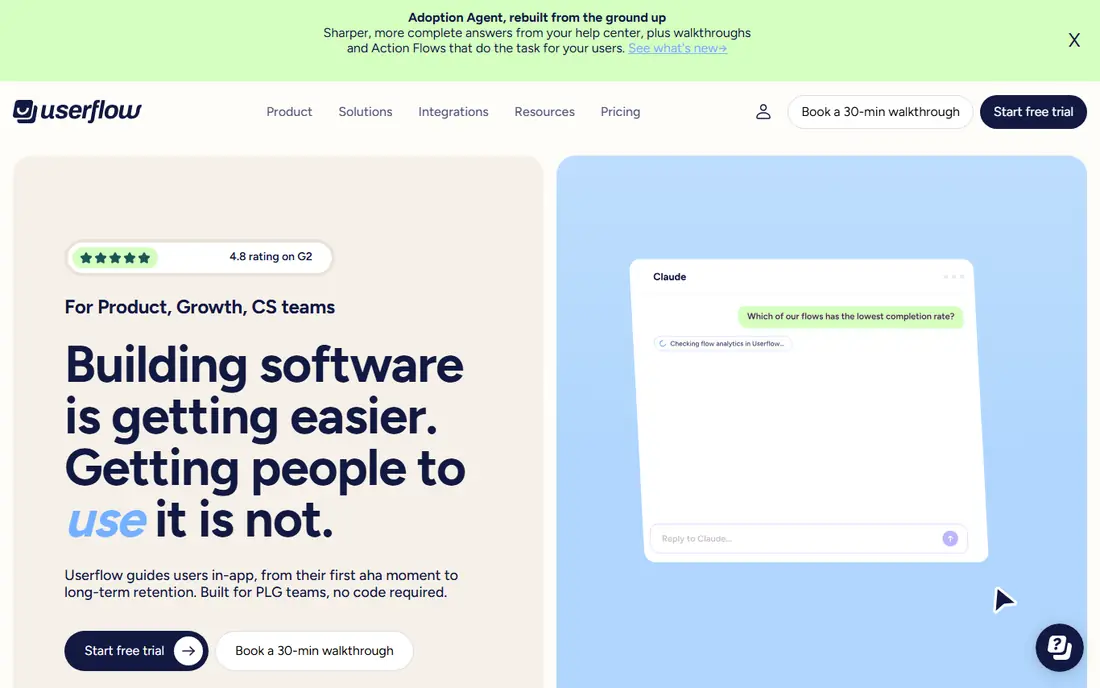
Userflow is our pick for teams that used Pendo mainly for onboarding and guides. Its flows, checklists, and in-app messages help new users reach value faster, and its pricing by monthly active users is published, starting at $240 per month on annual billing for 1,000 monthly active users. Unlimited team members on plans also helps a product team collaborate without seat counting.
The limit is analytics depth. Userflow tracks onboarding and guide performance well, but it does not replace a dedicated analytics platform for funnels, cohorts, and retention analysis. A team that needs both should pair Userflow with Amplitude, Mixpanel, or PostHog, rather than expecting one tool to cover everything.
- Strong onboarding flows and checklists
- Unlimited team members on plans
- Clear pricing by monthly active users
- Analytics are lighter than Amplitude or Mixpanel
- Higher plans needed for larger user counts
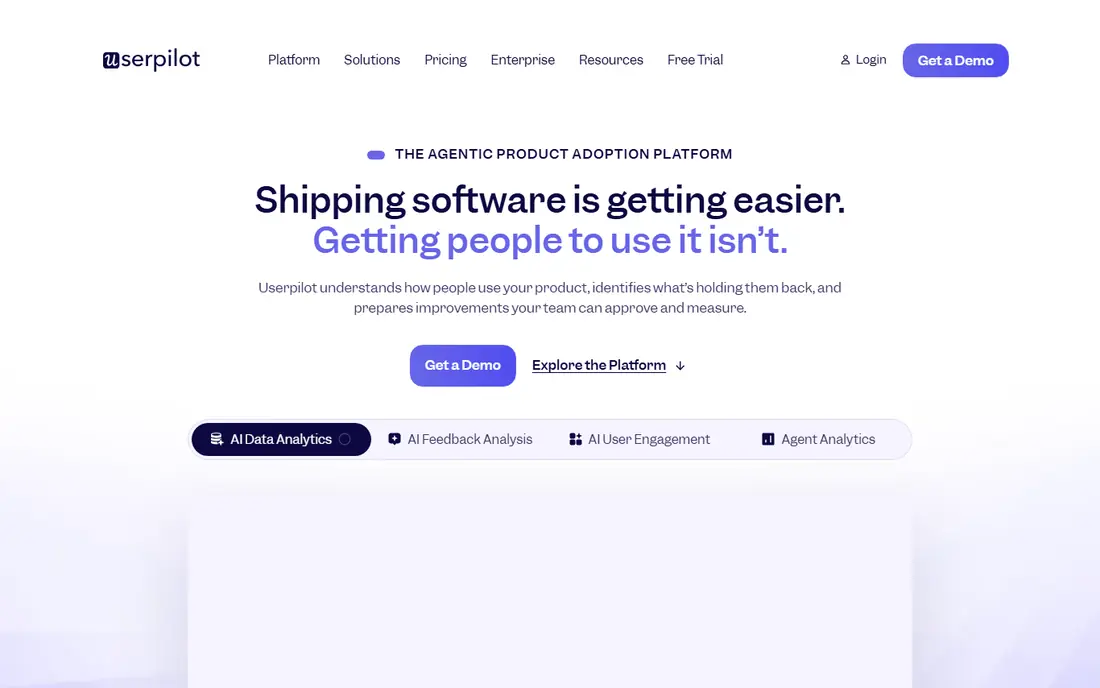
Userpilot suits product teams that want onboarding flows, segmentation, and surveys in one tool. Flows can target users by behaviour, plan, or segment, and surveys add feedback without a separate survey tool. That mix covers much of the engagement half of Pendo, for teams that do not need deep event analytics in the same tool.
Pricing is the watch point. Published figures for Userpilot have varied across sources, with growth plans quoted at different levels, so we list See website rather than a figure that may not match a current quote. A team should request a quote on its own monthly active user count and compare it with Userflow on the same count.
- Flexible onboarding flows
- Segmentation and targeting
- Feedback surveys included
- Pricing is not as transparent as Userflow
- Advanced analytics need a separate tool
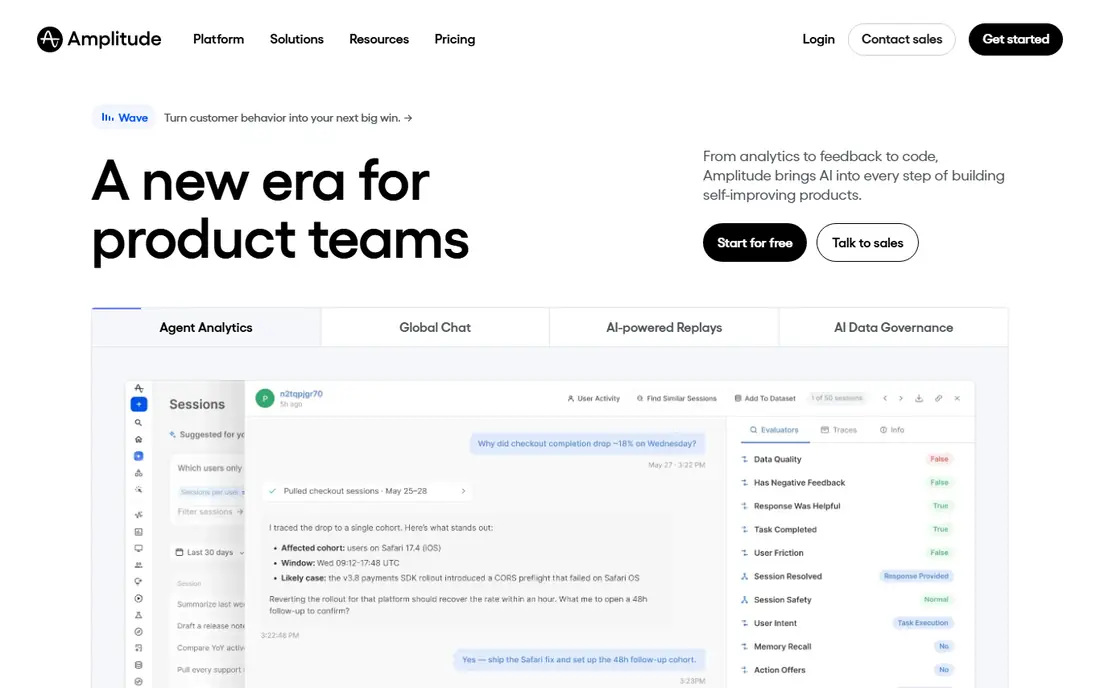
Amplitude is the analytics leader for teams that used Pendo mainly to understand behaviour. Its free plan covers up to 2 million events per month, which lets a small or mid-size product run real funnels, cohorts, and retention reports without paying. Paid plans add more volume, cohorts, and heatmaps, with guides and surveys available as add-ons.
The drawback is complexity and quote-based pricing at scale. Amplitude rewards a team that plans events carefully and names them consistently, while a team with messy events will get messy reports. Larger volumes move to quote-based plans, so a growing product should confirm pricing before building its whole reporting stack on Amplitude.
- Generous free tier with millions of events
- Strong cohorts, funnels, and retention reports
- Guides as an add-on
- Paid plans are quote-based at higher volumes
- Setup needs careful event planning
Mixpanel suits product and growth teams that ask event-based questions, such as which steps lose users in a funnel or which cohort retains best. Its free tier covers 1 million events per month with unlimited seats, and its querying feels fast for self-serve analysis. That combination makes it easy for a whole team to explore data without waiting for an analyst.
Mixpanel does not offer in-app guides, so it replaces only the analytics half of Pendo. A team that also needs onboarding flows should pair Mixpanel with Userflow, Userpilot, or Chameleon. Event volume also matters, since growth plans stop at 20 million events per month before enterprise terms apply.
- Free tier with 1 million events per month
- Fast self-serve querying
- Strong funnel and retention tools
- No in-app guides
- Growth plans cap at 20 million events per month before enterprise pricing
PostHog is the pick for engineering-led teams that want one open-source platform for analytics, session replay, feature flags, and more. Its free tier includes 1 million product analytics events and 5,000 recordings per month, and self-hosting gives a team control over data and deployment. That breadth replaces several separate tools at once.
The complexity is real. Each PostHog product has its own meter, so a team using analytics, replay, and flags must track several usage counts, not one. Setup also suits a team comfortable with code and deployment, while a non-technical product team may prefer the simpler setup of Amplitude or Mixpanel.
- Open source with self-hosting option
- Analytics, replay, and feature flags in one platform
- Generous free tier
- Many products in one platform can feel complex
- Separate meters for different products
Heap suits teams that want analytics without planning every event in advance. Its autocapture records clicks, form submissions, and page views automatically, so a team can ask new questions about past behaviour without re-instrumenting the product. A free tier covers up to 10,000 sessions per month for small products.
The limits are pricing and replay. Growth pricing is quote-based, so a team cannot compare Heap to Mixpanel on a published figure alone, and session replay sits as an add-on on higher plans. Heap also lacks in-app guides, so it replaces the analytics half of Pendo, not the engagement half.
- Autocapture records interactions without manual event setup
- Retroactive analysis of past behaviour
- Free tier for small volumes
- Pricing is quote-based for growth plans
- Session replay is an add-on on higher plans
Chameleon is a strong guides-first replacement for teams that used Pendo for tours and onboarding. Its tours, tooltips, and microsurveys help users learn features in context, and its targeting ensures the right users see the right guide. Pro pricing starts at $750 per month for 5,000 monthly tracked users on monthly billing, with a growth plan at a higher annual rate.
The price is the main barrier. Chameleon costs more than UserGuiding at the entry level, and its analytics focus on guide performance rather than full product analytics. A team with a clear onboarding problem and a budget for guides will get value, while a small team should compare UserGuiding first.
- Strong tours, tooltips, and microsurveys
- Good targeting and segmentation
- Clear guide analytics
- Higher entry price than UserGuiding
- Analytics are guide-focused, not product-wide
UserGuiding is the budget pick for guides and onboarding. Its starter plan starts at $249 per month on annual billing for 2,000 monthly active users, with a growth plan at $499 per month, which undercuts Chameleon and Userpilot for smaller teams. No-code flows, a resource centre, and surveys cover the core onboarding workload without engineering help.
The trade-off is depth. Complex tours, advanced targeting, and deep analytics are lighter than in Chameleon or Userflow, and product analytics remain basic. A small team that needs solid onboarding at a fair price will like UserGuiding, while a larger team with complex onboarding should test Chameleon or Userflow alongside it.
- Lower entry price for guides
- No-code onboarding flows
- Resource centre and surveys included
- Less depth than Chameleon for complex tours
- Product analytics are basic
How we picked these
We compared official pricing pages, feature pages, and recent comparison research for product adoption, analytics, and onboarding tools operating in October 2026. We kept only tools with a real, current product, and we wrote See website where pricing was quote-based or varied enough that a single figure would mislead. Where a free tier was stated in events, sessions, or users, we kept that unit, since mixing units would hide real cost differences.
We also split Pendo into its two halves, analytics and engagement, and judged each tool on the half it actually serves. A guide tool that lacks analytics is not a failure, and an analytics tool that lacks guides is not a failure, as long as the buyer knows which half it covers. That split is why pairing two tools is a valid outcome for many teams.
How to choose a Pendo replacement without paying twice
Start by listing which Pendo features your team actually uses each week. Count guide views, survey responses, funnel reports, and replay sessions separately, since a team that uses guides daily and analytics monthly needs a different replacement than a team that lives in funnels. That usage list decides whether one tool can replace Pendo or two tools are needed.
Next, convert pricing to a common unit. Pendo prices by monthly active users plus features, Amplitude and Mixpanel price by events, Heap prices by sessions, and guide tools price by monthly tracked users. Estimate your own monthly active users, events, and sessions from current data, then run each vendor model on those same numbers. A tool that looks cheap on one unit can be costly on another.
Finally, run a pilot on one product area before migrating everything. Move onboarding flows for one feature to Userflow or UserGuiding, or move one funnel to Amplitude or Mixpanel, and compare the result with Pendo for a month. A pilot reveals setup effort, report quality, and team adoption, which a pricing page cannot show, and it avoids a costly full migration to the wrong tool.
Frequently asked questions
Can one tool fully replace Pendo?
Sometimes, but often not. Userflow and Userpilot cover guides and onboarding well, while Amplitude, Mixpanel, and PostHog cover analytics well, and few tools cover both at Pendo depth. Many teams pair a guide tool with an analytics tool, which can cost less than Pendo while giving better depth in each area.
What is the cheapest Pendo alternative?
Amplitude, Mixpanel, and PostHog all offer free tiers for analytics, while UserGuiding offers the lowest paid entry price for guides in this list at $249 per month. The cheapest overall setup depends on whether you need guides, analytics, or both, since a free analytics tool plus a paid guide tool may still cost less than a single all-in-one platform.
Does Pendo offer a free plan?
Yes, Pendo offers a free plan for up to 500 monthly active users, with paid plans quoted based on users and features. That free plan suits a very small product, but most growing products will need a paid plan or a replacement. Compare the free plan limits with the free tiers from Amplitude, Mixpanel, and PostHog before deciding.
What is the difference between monthly active users and events?
Monthly active users count distinct people who use a product in a month, while events count actions those people take, such as clicks, page views, and sign-ups. Guide tools often price by users, while analytics tools often price by events, so one active user can generate hundreds of events. Convert your own usage to both units before comparing prices.
Do I need session replay as well as analytics?
Session replay helps diagnose why users drop off, by showing what they saw and clicked, while analytics shows where they drop off in numbers. Heap, PostHog, and Pendo all offer replay, though packaging varies. A team debugging a specific flow will value replay, while a team focused on funnel trends may not need it every month.
Can I migrate guides and data from Pendo?
Guide migration usually needs rebuilding, since guide formats differ by vendor, while analytics data rarely transfers cleanly between platforms. Plan to rebuild key guides in the new tool, keep Pendo running during the transition for historical reports, and export any data the new vendor supports before cancelling. A phased migration avoids losing both guides and history at once.
Sources
See where you really rank - block by block
ProMapRanker scans Google Maps across a grid of your service area. Simple monthly plans from $19, white-label on every plan.
Start freeKeep reading
 zoro.to alternatives
Best Zoro.to Alternatives in 2026
We compare the best zoro.to alternatives in 2026, listing only legal licensed anime streaming services, from Crunchyroll to free options for fans today.
Read → zip alternatives
Best Zip Alternatives in 2026
We compare the best zip alternatives for buy now, pay later in 2026, covering pay-in-4 plans, fees, spending limits, and credit reporting options today.
Read → yesware alternatives
Best Yesware Alternatives in 2026
Compare the best yesware alternatives for sales email tracking, templates, and sequences, with current pricing and honest tradeoffs for small sales teams.
Read →