 ProMapRanker
Pega Alternatives in 2026

Key takeaways
- Pega is an enterprise platform for low-code apps, workflow, and case management, so this list compares tools that cover the same enterprise job, not only simple form builders.
- Appian, Salesforce, and ServiceNow suit large organisations that need governance, while Mendix and OutSystems suit teams building custom apps faster.
- Microsoft Power Apps suits teams already on Microsoft 365, while Camunda and Bonita suit teams that want process automation with code control.
- Our pick for most enterprise teams is Appian, because it pairs low-code app building with process automation and case management in one platform.
- Check governance, integration depth, and total cost before you buy, because enterprise low-code pricing is often quoted and can rise with users and usage.
Quick comparison
| Pick | Great for | Pricing starts at | Free tier | |
|---|---|---|---|---|
 Appian | Enterprise low-code and process apps | See website | Free trial | Visit |
 Salesforce | CRM plus low-code app building | See website | Free trial | Visit |
 ServiceNow | Enterprise workflows and service delivery | See website | Free trial | Visit |
 Mendix | Custom business apps at speed | See website | Yes | Visit |
 OutSystems | Large scale low-code apps | See website | Free trial | Visit |
 Microsoft Power Apps | Microsoft 365 centred app building | See website | Free trial | Visit |
 Camunda | Process automation with code control | See website | Yes | Visit |
 Bonita | Open process automation | See website | Yes | Visit |
 Kissflow | Simple workflows for business teams | See website | Free trial | Visit |
The best Pega alternatives
Pega combines low-code development, business process management, case management, and decisioning for large organisations. That breadth is useful, but it also means enterprise pricing, implementation partners, and a learning curve that smaller teams may not want. The tools below cover that job from different angles, from full enterprise platforms to process engines that developers can shape with code.
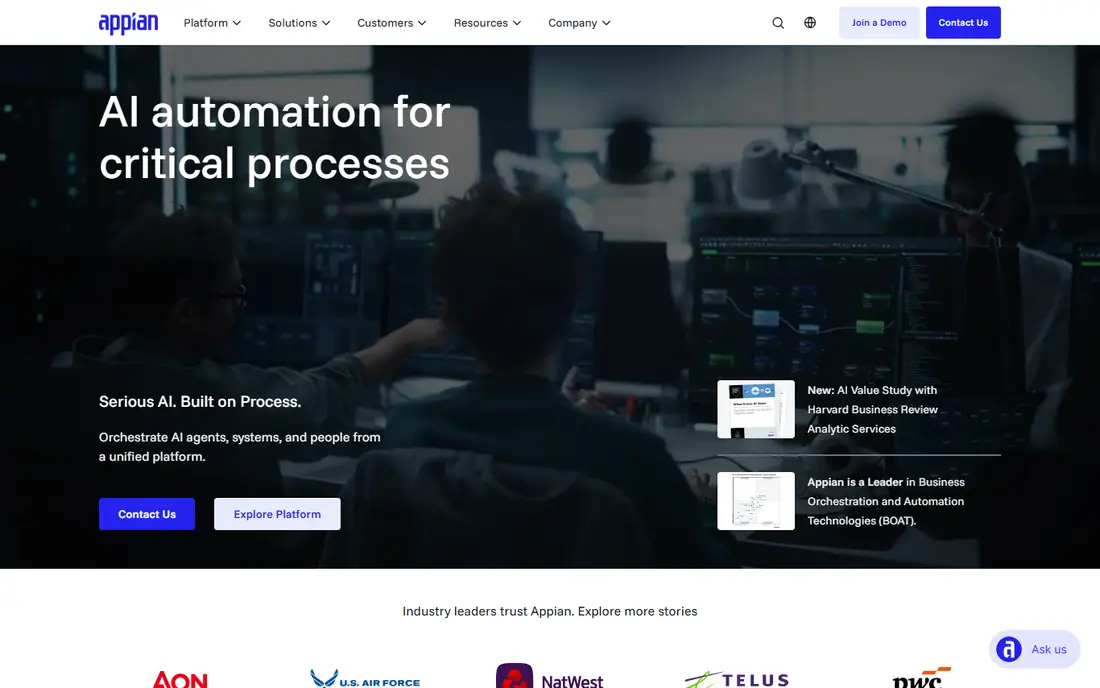
Appian is the closest enterprise match to Pega for many teams. It lets business and IT staff build apps with low-code tools, automate processes, manage cases, and integrate data from other systems, with governance for large organisations. That combination suits regulated industries, shared services, and operations teams that need audit trails and approval workflows.
The trade-off is cost and setup. Appian pricing is quoted, and a successful rollout needs process owners, data owners, and a clear app roadmap. Small teams will find it heavy compared with a simple workflow tool. Choose Appian when enterprise process apps, case management, and governance are the main requirements.
- Low-code apps plus process automation in one platform
- Strong case management
- Enterprise governance
- Pricing is quoted
- Implementation needs planning and owners
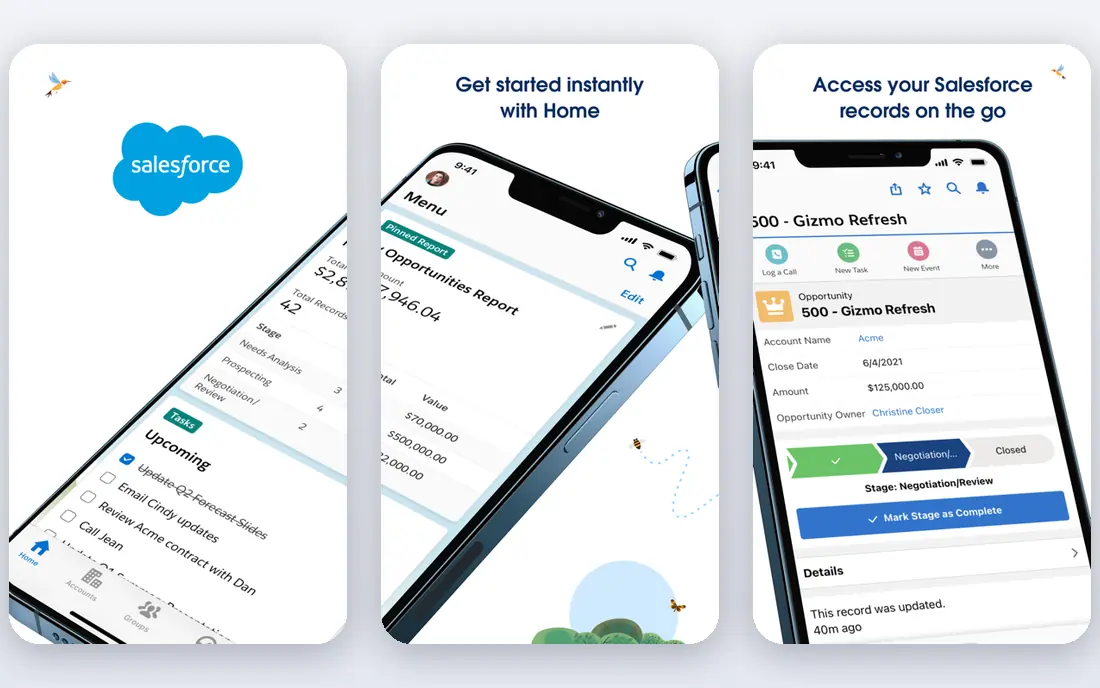
Salesforce suits organisations that already centre work on CRM and want low-code app building in the same platform. Its low-code tools, automation, and AI features let teams build custom apps, workflows, and customer processes without leaving the Salesforce ecosystem. The partner network and integration library also help teams connect Salesforce to finance, service, and marketing systems.
The limit is licensing complexity. Salesforce pricing varies by cloud, edition, and add-on, so total cost needs careful modelling. Teams that do not need CRM may also find Salesforce broader than necessary. Pick Salesforce when CRM is already central and low-code apps should live next to customer data.
- Very broad CRM and app platform
- Low-code tools plus code options
- Large partner and integration ecosystem
- Pricing and licensing can be complex
- Total cost rises with clouds and add-ons
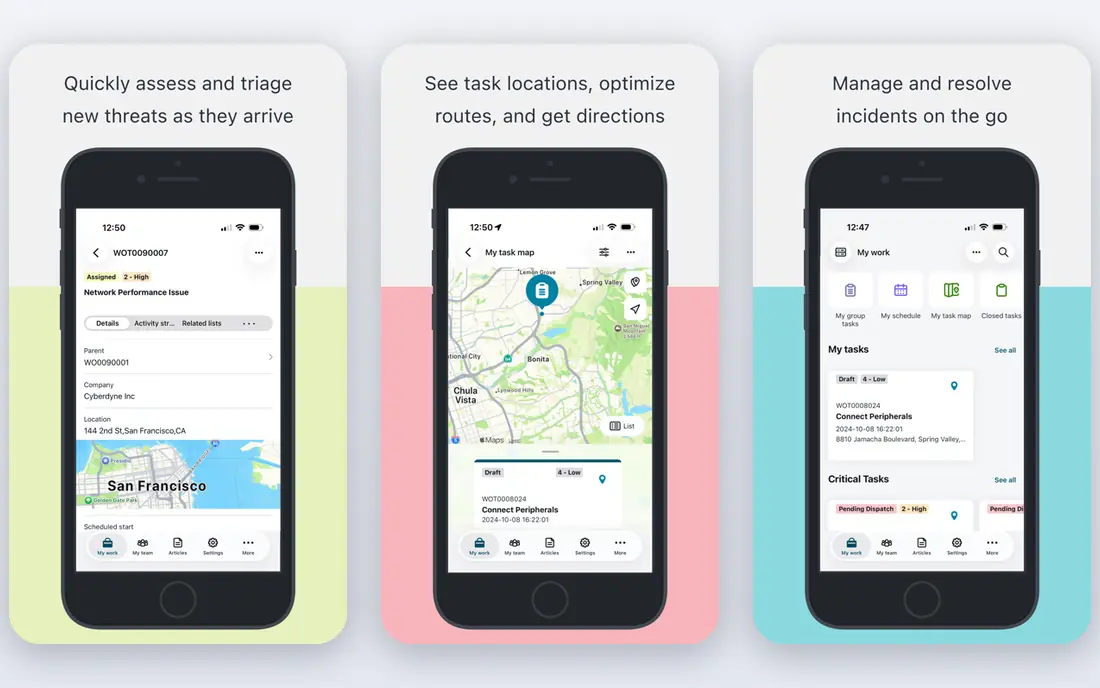
ServiceNow is built for enterprise service delivery, from IT service management to HR, customer service, and operations workflows. Its low-code app building, workflow engine, and data model help large organisations standardise processes across departments, with reporting and governance for leaders. That breadth makes it a strong Pega alternative for service focused enterprises.
The trade-off is scale. ServiceNow pricing is quoted, implementation takes planning, and small teams will find it too broad. It works best when an organisation commits to a workflow platform across departments, not when one team needs a single app. Choose ServiceNow when enterprise service workflows are the main job.
- Strong enterprise workflow and service management
- Low-code app building
- Governance and reporting
- Enterprise pricing is quoted
- Implementation is a programme, not a quick setup
Mendix, part of Siemens, helps teams build custom business apps with visual modelling plus code where needed. It suits organisations that want to move faster than traditional development without giving up control over data, logic, and integrations. A free tier lets developers learn and prototype before a paid plan, which helps teams test the platform on a real app idea.
The limit is that complex apps still need developer skills, and enterprise pricing is quoted once apps move to production at scale. Mendix is not a simple form builder, so teams should budget for design, testing, and governance. Pick Mendix when custom apps, not only workflows, are the priority.
- Visual app building with code options
- Free tier for learning and prototyping
- Good for custom business apps
- Enterprise pricing is quoted
- Complex apps still need developer skills
OutSystems is a full lifecycle low-code platform for building, deploying, and managing large apps. It covers visual development, integrations, deployment, and monitoring, which helps teams that need production apps at scale rather than simple prototypes. That lifecycle focus suits enterprises with many apps and strict release processes.
The trade-off is price and learning. OutSystems pricing is quoted, and enterprise features take time to learn, so small teams may find it heavy. It also works best when teams commit to the platform for several apps, not just one. Choose OutSystems when large scale, production low-code apps are the goal.
- Full lifecycle low-code platform
- Strong for large, complex apps
- Good performance and deployment tools
- Pricing is quoted
- Learning curve for enterprise features
Microsoft Power Apps suits teams already on Microsoft 365 that want to build apps without a separate platform. It connects to SharePoint, Teams, Dataverse, and many other Microsoft and third party sources, and it offers low-code building plus code options for developers. That fit makes it easy to start, especially for internal apps and departmental tools.
The limit is licensing. Power Apps pricing varies by per-app, per-user, and data source, and premium connectors can change the total, so check the current Microsoft pricing page for your exact mix. Teams outside Microsoft 365 may find a standalone platform simpler. Pick Power Apps when Microsoft apps and data are already central to work.
- Deep Microsoft 365 and Dataverse integration
- Low-code plus code options
- Familiar for Microsoft teams
- Licensing varies by plan and data source
- Best value inside Microsoft ecosystem
Camunda is a process automation platform built around BPMN, the standard for business process diagrams. Developers can model processes, automate decisions, and orchestrate services and human tasks, with code control where needed. An open source Community Edition exists, which helps teams test process automation without an enterprise purchase.
The trade-off is scope. Camunda focuses on processes and orchestration, not on building full low-code apps with screens and data models in the same way as Appian or Mendix. Teams that need both process and app building will pair Camunda with other tools. Choose Camunda when process automation and developer control are the priority.
- Strong process engine based on BPMN
- Developer friendly
- Open source Community Edition
- Process focus, not a full low-code app platform
- Needs developer skills for full value
Bonita, from Bonitasoft, is an open source platform for business process automation. Teams can design processes visually, connect systems, manage cases, and add code where needed, with a free Community Edition for testing. That openness suits organisations that want process automation without a large enterprise licence from day one.
The limit is ecosystem size. Bonita has a smaller partner and integration ecosystem than Appian, Salesforce, or Camunda, so teams should check connectors and support for their core systems. Enterprise features for governance, monitoring, and support sit on paid editions. Pick Bonita when open process automation and a lower entry cost matter most.
- Open source process platform
- Visual process design with code options
- Good for process led teams
- Smaller ecosystem than Appian or Camunda
- Enterprise features are paid
Kissflow suits business teams that need simple workflows, approvals, and departmental apps without enterprise complexity. Its builder is accessible to non-developers, and it covers forms, workflows, and basic apps in one place. A free trial lets teams test a real process before buying, which is useful for departmental pilots.
The trade-off is depth. Kissflow does not match Pega or Appian for complex case management, decisioning, and enterprise governance, so large regulated processes may need a stronger platform. For simple approvals, onboarding, and operations workflows, however, it is a fast and affordable choice. Pick Kissflow when business user simplicity matters more than enterprise depth.
- Simple workflow and app building for business users
- Easy to start
- Good for departmental processes
- Less enterprise depth than Pega or Appian
- Complex case management needs checking
How we picked these
We compared official product pages, pricing pages, and documentation for low-code, BPM, and workflow platforms available in October 2026. We kept tools that cover low-code app building, process automation, or case management in a way comparable to Pega, and we excluded simple form builders that do not handle enterprise processes. We weighed app building, process depth, case management, governance, integration, and pricing transparency.
What to check before you pay
Start with one process, not a platform migration. Map the process end to end, list the systems it touches, the approvals it needs, and the data it must show for audit. Then test that process in two shortlisted tools, because a demo that looks fast can hide integration, permission, or reporting gaps. Also check who owns the app after launch, because enterprise low-code apps fail when no one owns updates, data, and access.
Check total cost at your user and usage level. Enterprise low-code pricing is often quoted, and costs can rise with users, apps, environments, and AI features. Ask for a written quote that covers production, test, and support, and confirm what happens to apps and data if you leave. Finally, confirm security and compliance features for your industry, including single sign-on, audit logs, and data residency.
Frequently asked questions
What is Pega used for?
Pega is an enterprise platform for low-code app development, business process management, case management, and decisioning. Large organisations use it for customer service, operations, and regulated workflows that need governance and audit trails.
Which Pega alternative is closest overall?
Appian is the closest overall match for many teams because it combines low-code apps, process automation, and case management in one enterprise platform. Salesforce and ServiceNow are also close when CRM or service delivery is central.
Which alternative is best for Microsoft teams?
Microsoft Power Apps is the best fit for teams already on Microsoft 365, because it connects to SharePoint, Teams, and Dataverse and uses familiar Microsoft licensing. Check premium connector costs before budgeting.
Which alternative is best for developers who want process control?
Camunda is the best pick for developer led process automation, because it is built around BPMN and offers code control plus an open source Community Edition. Bonita is a good open alternative for process led teams.
Is there a free Pega alternative?
Mendix, Camunda, and Bonita offer free tiers or community editions for learning and prototyping, but production enterprise use usually requires a paid plan. Use the free tier to test, not as a production guarantee.
How long does an enterprise low-code rollout take?
It depends on process complexity, integrations, and governance, but enterprise rollouts are programmes, not quick setups. Start with one pilot process, prove value, and expand only after owners, data, and support are in place.
Sources
See where you really rank - block by block
ProMapRanker scans Google Maps across a grid of your service area. Simple monthly plans from $19, white-label on every plan.
Start freeKeep reading
 zyte alternatives
Best Zyte Alternatives in 2026
These zyte alternatives cover managed scraping APIs, proxy networks and no code tools for lawful collection from your own or consented sources only in 2026.
Read → zerto alternatives
Best Zerto Alternatives in 2026
Compare the best zerto alternatives for disaster recovery and replication, with recovery targets, cloud options and honest trade-offs for teams in 2026.
Read → zerofox alternatives
Best ZeroFox Alternatives in 2026
We compared 9 zerofox alternatives for brand protection, phishing takedowns, dark web monitoring, and social impersonation, with clear coverage notes.
Read →