 ProMapRanker
Best Paycom Alternatives in 2026


Simple payroll and HR for small teams · Pricing starts at: $49 per month plus $6 per person
Key takeaways
- Gusto and Rippling suit small and growing teams that want published pricing and a fast setup, while Workday and UKG suit large employers.
- Payroll alone is cheaper than payroll plus HR, benefits, and time tracking, so compare the same bundle across vendors, not just the headline rate.
- Employee self-service and time tools matter most to hourly teams, while global payroll and IT provisioning matter most to distributed teams.
- Quote-based vendors can still be the right pick, but they need a longer sales process, so start early if you need to switch before a payroll deadline.
Quick comparison
| Pick | Great for | Pricing starts at | Free tier | |
|---|---|---|---|---|
| Gusto | Simple payroll and HR for small teams | $49 per month plus $6 per person | Free trial | Visit |
 Rippling | HR, payroll, and IT in one system | $8 per user per month | Free trial | Visit |
 BambooHR | People-focused HR for mid-size teams | See website | Free trial | Visit |
 ADP Workforce Now | Payroll and compliance at scale | See website | Free trial | Visit |
 Paylocity | Payroll plus employee experience | See website | Free trial | Visit |
 Paychex Flex | Payroll with a PEO option | See website | Free trial | Visit |
 Workday | Enterprise HCM for large employers | See website | No | Visit |
 UKG Pro | Workforce-heavy HR and payroll | See website | Free trial | Visit |
 Deel | Global payroll and hiring | See website | Free trial | Visit |
The best paycom alternatives
Paycom combines payroll, HR, and employee self-service in one system, and the alternatives below cover the same ground from different angles. Some are simpler and cheaper for small teams, some add IT or global payroll, and some are built for large employers with complex compliance needs. We compared official pricing and product pages, and we left Paycom itself off this list. Pay figures here are starting points, because many vendors price by employee count, modules, and implementation, so ask for a full quote for your headcount before budgeting.
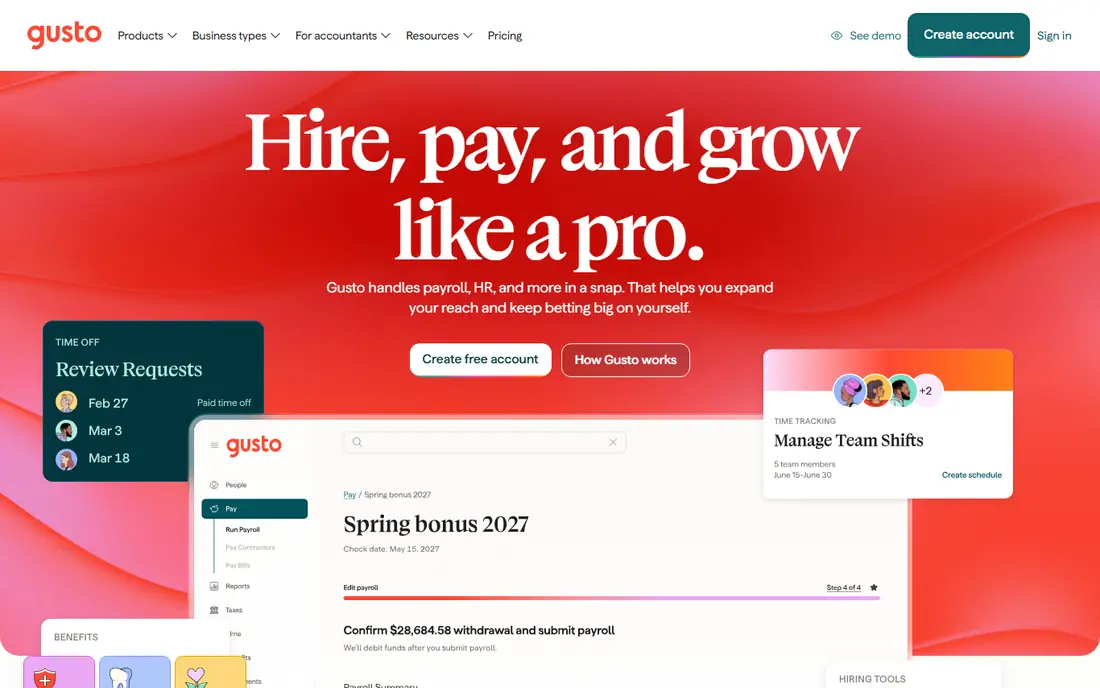
Gusto fits small businesses that want payroll and basic HR without a long sales process, and that value a price they can read before talking to sales. Its plans bundle payroll with onboarding, time tracking on higher tiers, and benefits administration, and employees get self-service access for pay, time off, and documents.
The catch is scale. The base fee plus a per-person charge is clear, but a growing team will move to higher tiers for performance and time tools, so a 50-person quote looks very different from a 10-person one. Gusto is a strong small-team pick and a weaker pick for complex enterprise needs.
- Published pricing
- Payroll, benefits, and time tools in one place
- Fast setup for small teams
- Per-person fees add up as headcount grows
- Advanced HR features sit on higher tiers
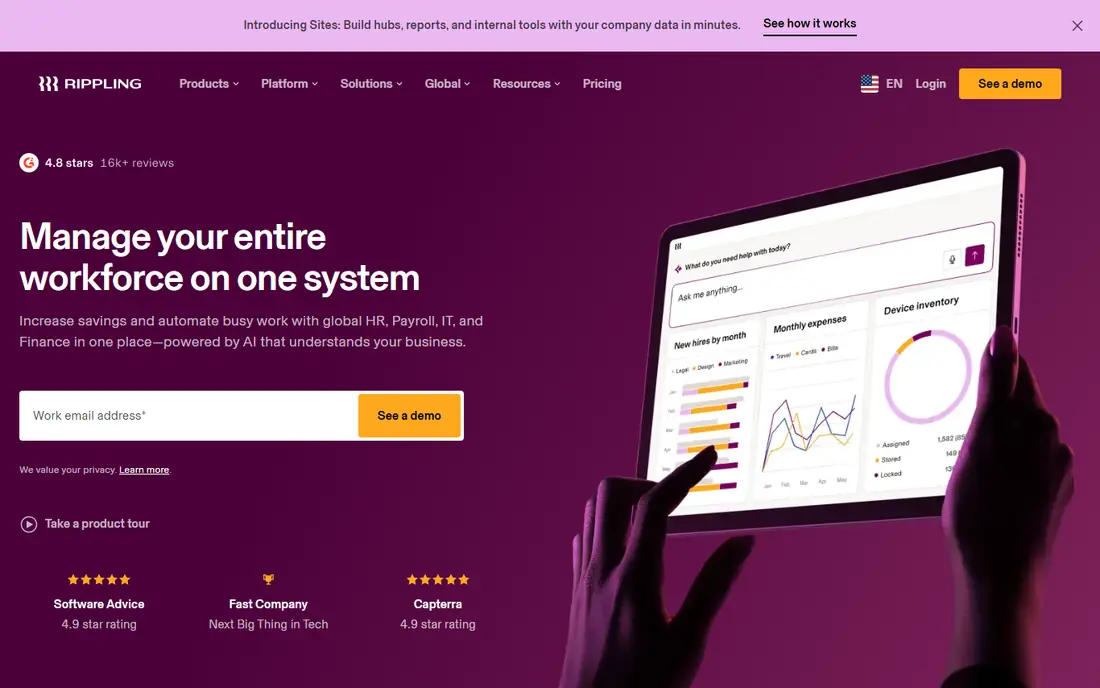
Rippling fits growing companies that want HR, payroll, and IT setup handled together, so a new hire gets payroll, benefits, apps, and a device from one workflow. When a person joins, moves teams, or leaves, Rippling can update payroll, access, and hardware in step, which cuts the manual work that usually sits between HR and IT.
The catch is module pricing. The starting per-user figure covers the core, and payroll, benefits, and IT modules add cost, so the invoice can grow well past the first quote. Ask for a full module list and a total for your headcount before comparing Rippling with a simpler payroll tool.
- HR, payroll, and device and app provisioning together
- Broad app integrations
- Automation for onboarding
- Per-module pricing can climb past the headline rate
- Implementation needs care for larger teams
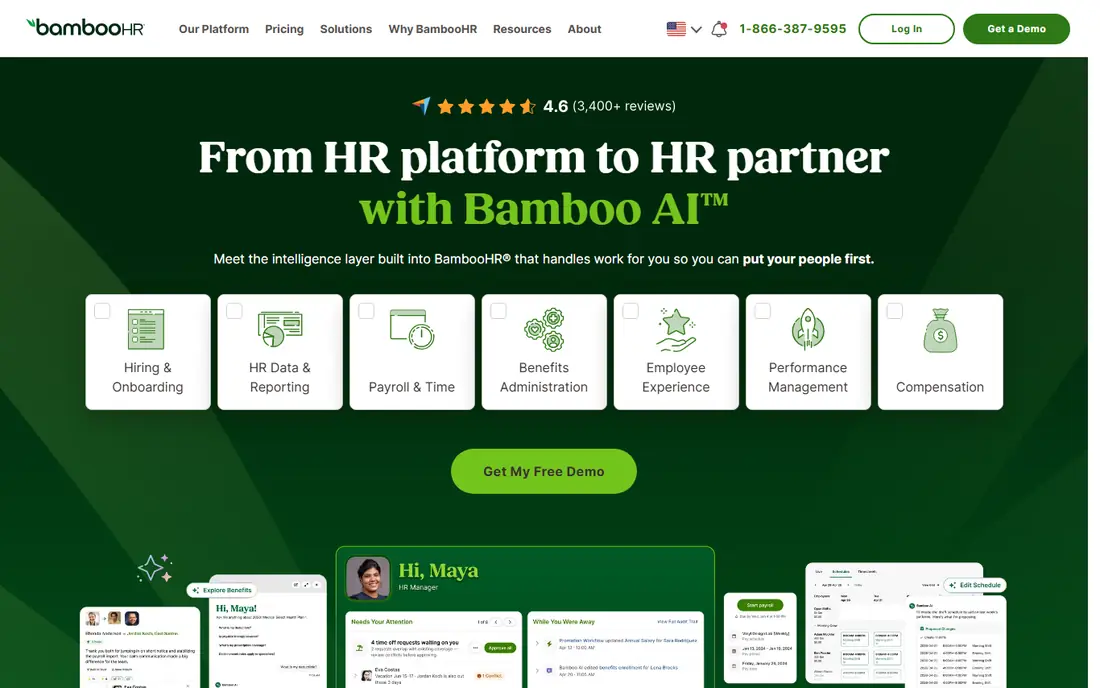
BambooHR fits mid-size teams that want HR records, hiring, onboarding, and time off done well, with payroll added where it fits their setup. Its strength is the employee record: one place for documents, time off, performance notes, and reporting, with an interface that HR teams and managers tend to learn quickly.
The catch is that BambooHR is an HR system first. If payroll is the main job, confirm exactly how payroll is sold and supported in your state and plan, and get a written quote, because published pricing is limited and the total depends on modules and headcount.
- Clean employee records and onboarding
- Time off and performance tools
- Strong reporting
- Payroll is an add-on or a separate purchase in some setups
- Pricing is quote-based
ADP Workforce Now fits mid-size and larger employers that need payroll, tax filing, benefits, and compliance handled with depth, especially across states. It covers payroll runs, tax, time, and benefits in one platform, with support structures built for employers that cannot afford a payroll error at scale.
The catch is process. Pricing is quoted, implementation takes planning, and a very small team may find the system more than it needs. For a larger employer, that depth is the point, and it is worth the longer setup if payroll accuracy and compliance are the top priorities.
- Deep payroll and tax compliance
- Benefits and time tools
- Broad support for larger employers
- Quote-based pricing
- Setup and admin can feel heavy for very small teams
Paylocity fits mid-market employers that want payroll and HR plus tools for engagement, recognition, and learning, rather than payroll alone. Employees can check pay, request time off, complete training, and take part in recognition from a mobile app, while HR teams manage payroll and people data in the same system.
The catch is pricing clarity. Without published per-employee rates, two employers can pay very different totals for similar headcounts, depending on modules. Ask for a line-by-line quote and check which engagement features are included, not just promised, on your plan.
- Payroll, HR, and engagement tools together
- Learning and performance features
- Mobile employee access
- Quote-based pricing
- Module choices affect the total cost in ways that need a full quote
Paychex Flex fits small and mid-size employers that want payroll plus the option to move toward a professional employer organisation model as they grow. It handles payroll, tax, time, and benefits, and employers that want more HR support can explore PEO services through the same vendor, which can simplify compliance and benefits buying.
The catch is that the range of plans makes comparison harder. A low entry figure may not include the HR or benefits features a growing team needs, so compare the same bundle and ask what changes if you switch to a PEO arrangement later.
- Payroll and HR with optional PEO services
- Benefits administration
- Support for small and mid-size firms
- Published entry pricing varies by quote and plan
- Advanced features sit on higher tiers
Workday fits large employers that need HR, payroll, finance, and workforce planning in one enterprise system, with controls and reporting to match. It is built for organisations with complex structures, global staff, and strict audit needs, where a single system of record matters more than a quick setup.
The catch is scale and cost. Workday is quoted, implementation is a project, and a small or mid-size team will pay for depth it does not use. It belongs on the shortlist only when enterprise scale, global payroll, and finance integration are genuine requirements.
- Unified HR, payroll, finance, and planning
- Strong reporting and global support
- Deep controls
- Enterprise pricing and implementation
- Far too heavy for small teams
UKG Pro fits employers with large hourly or shift-based workforces, where scheduling, time, and labour compliance matter as much as payroll itself. It pairs payroll and HR with workforce management tools, so schedules, time punches, and pay rules stay connected, which helps in retail, healthcare, hospitality, and manufacturing.
The catch is complexity. UKG Pro rewards careful setup of pay rules and schedules, and a team without that planning time will struggle. Get a full quote and a realistic implementation timeline, and check scheduling depth against your actual shift patterns before signing.
- Strong scheduling, time, and workforce management
- Payroll and HR together
- Industry depth
- Quote-based pricing
- Implementation and admin need planning for complex workforces
Deel fits companies hiring across borders, whether through contractors, employer-of-record services, or global payroll, where local compliance is the hard part. It handles contracts, payments, benefits, and tax forms by country, so a distributed team can hire without setting up a local entity in every market.
The catch is that Deel is a global tool first. A US-only team with simple payroll will find Gusto or Paychex simpler and cheaper. For a distributed team, the value is compliance and speed across countries, and pricing must be checked per worker type and location.
- Global payroll, contractor payments, and employer-of-record services
- Compliance support by country
- Pricing varies sharply by worker type and country
- US-only payroll is not its main strength
How we picked these
We compared official feature pages, pricing pages, and app store listings, and we checked public documentation for each product before including it. We kept only products that exist and work now, that fit the topic directly, and that a reader could sign up for or buy without guessing at the cost. Where a price was not published clearly, we wrote See website instead of filling in a number we could not confirm.
We also weighed the trade-offs that show up after signup, such as limits on the free plan, per-user or per-location billing, and how hard it is to move data out later. A product that looked cheap at first glance did not stay on the list if its limits made it a poor fit for ordinary use. We did not claim hands-on testing that did not happen, and we left out the named product itself from its own alternatives list.
How to choose a Paycom replacement
Start with the payroll job itself. List your states, pay types, worker types, and pay frequency, then check each vendor for that exact mix. A tool that handles salaried staff well may still struggle with tipped, hourly, or multi-state workers, and that gap only shows up on a real payroll run.
Then compare the same bundle. Payroll alone, payroll plus time, and payroll plus HR, benefits, and performance are three different prices. Ask every vendor for a total that includes base fees, per-person fees, modules, and implementation, for your current headcount and for headcount a year from now.
Finally, plan the switch around a payroll date. Run the new system in parallel for at least one cycle, check tax filings and direct deposits, and keep the old system open until the first live run is clean. A payroll switch is the wrong place to rush, and a vendor that cannot support a parallel run should lose points.
Frequently asked questions
What are the best alternatives to Paycom?
Gusto suits small teams, Rippling suits growing teams that also need IT setup, BambooHR suits people-focused HR, and ADP, Paylocity, and UKG suit larger or workforce-heavy employers. The best pick follows headcount, worker type, and whether global hiring matters.
Is Gusto cheaper than Paycom?
Gusto publishes a base fee plus a per-person charge, which makes small-team costs easy to compare, but Paycom pricing is quoted, so a direct comparison needs a written quote for the same bundle and headcount. Do not compare a headline rate with a full bundle.
Which Paycom alternative is best for small business?
Gusto is the usual small-business starting point because of published pricing and fast setup, with Paychex Flex as a close option when a PEO path may help later. Rippling becomes attractive once IT onboarding joins the HR workload.
Do these alternatives handle benefits?
Most do, but benefits depth varies by plan and state, so check medical, retirement, and time-off administration for your exact setup. A tool that lists benefits in marketing may still need a broker or a higher tier for full administration.
How hard is it to switch payroll providers?
Switching takes planning, not just data export. Expect a parallel payroll run, tax and bank checks, and employee re-enrolment for self-service, and allow several weeks around a payroll deadline rather than switching mid-cycle.
Sources
See where you really rank - block by block
ProMapRanker scans Google Maps across a grid of your service area. Simple monthly plans from $19, white-label on every plan.
Start freeKeep reading
 zscaler alternatives
Best Zscaler Alternatives in 2026
Looking for zscaler alternatives? We compare 9 SASE and zero trust platforms on architecture, data protection, pricing, and fit for your network and team.
Read → zapier alternatives free
Best Zapier Alternatives Free in 2026
Nine automation tools for zapier alternatives free in 2026, all with genuinely free tiers, plus free plan limits, starting prices and upgrade paths explained.
Read → which platform is best for online reputation
Which Platform Is Best for Online Reputation in 2026
Wondering which platform is best for online reputation? We compare 8 review, listing, and response tools for small and multi-location businesses and agencies.
Read →