 ProMapRanker
Best Patch Manager Plus Alternatives in 2026

Key takeaways
- ManageEngine Patch Manager Plus is a dedicated patching tool, so the best alternatives range from focused patchers to full endpoint platforms.
- Action1 and Automox suit distributed fleets that need cloud patching without on-premises servers.
- NinjaOne and Atera suit IT teams and managed service providers that also need monitoring, remote access, and ticketing.
- Ivanti and SolarWinds suit larger teams that need vulnerability-led patching and on-premises control.
- Price by endpoint count and operating system mix, because per-device, per-technician, and quote-based models are not directly comparable.
Quick comparison
| Pick | Great for | Pricing starts at | Free tier | |
|---|---|---|---|---|
 Automox | Cloud patching for remote fleets | See website | Free trial | Visit |
 NinjaOne | Endpoint management for IT and MSPs | See website | Free trial | Visit |
 PDQ Connect | Windows-heavy small IT teams | $12 per device per year | Free trial | Visit |
 Ivanti Neurons for Patch Management | Vulnerability-led enterprise patching | See website | No | Visit |
 SolarWinds Patch Manager | Windows patching with WSUS control | See website | Free trial | Visit |
 Atera | All-in-one IT for MSPs and internal teams | $129 per technician per month | Free trial | Visit |
 Action1 | Free patching for up to 100 endpoints | Free | Yes | Visit |
 Lansweeper | Asset discovery plus patching | See website | Free trial | Visit |
 Syxsense | Patching with vulnerability and device control | See website | Free trial | Visit |
The best alternatives to ManageEngine Patch Manager Plus
ManageEngine Patch Manager Plus is a dedicated tool for patching Windows, macOS, and Linux systems, with third-party application patching, compliance reports, and deployment control. The tools below replace that job, either as focused patchers or as broader endpoint platforms that include patching.
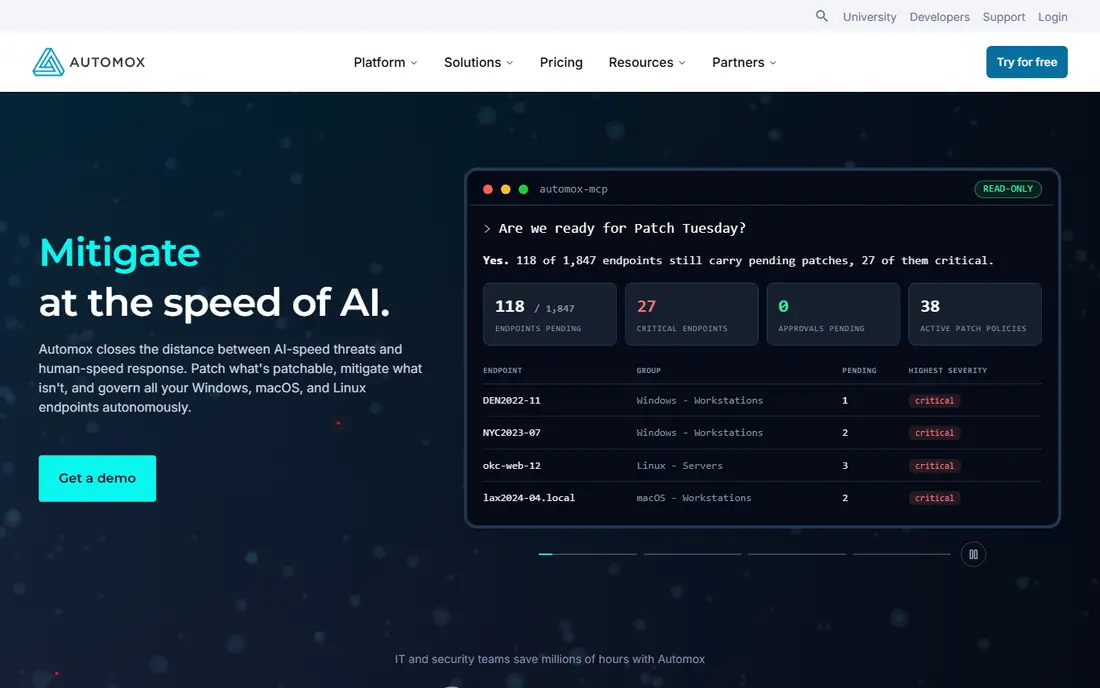
Automox suits IT teams whose devices rarely sit on a corporate network. Because it is cloud-native, policies apply wherever a device connects, and admins can automate operating system and third-party patching without maintaining patch servers. Worklets let teams script configuration and remediation tasks alongside patching, which helps small teams automate routine fixes.
Pricing is per endpoint and varies by tier, with entry patching reported around $1 to $3 per endpoint per month depending on volume and commitment. Check which tier covers the third-party applications you actually use, because that is where costs rise. For remote-first fleets, Automox is our pick for focused cloud patching.
- Cloud-native patching for Windows, macOS, and Linux
- Policy automation and configuration controls
- Works well for remote devices
- Pricing is tiered by endpoint and capability
- Advanced third-party patching sits on higher tiers
- Reporting depth varies by plan
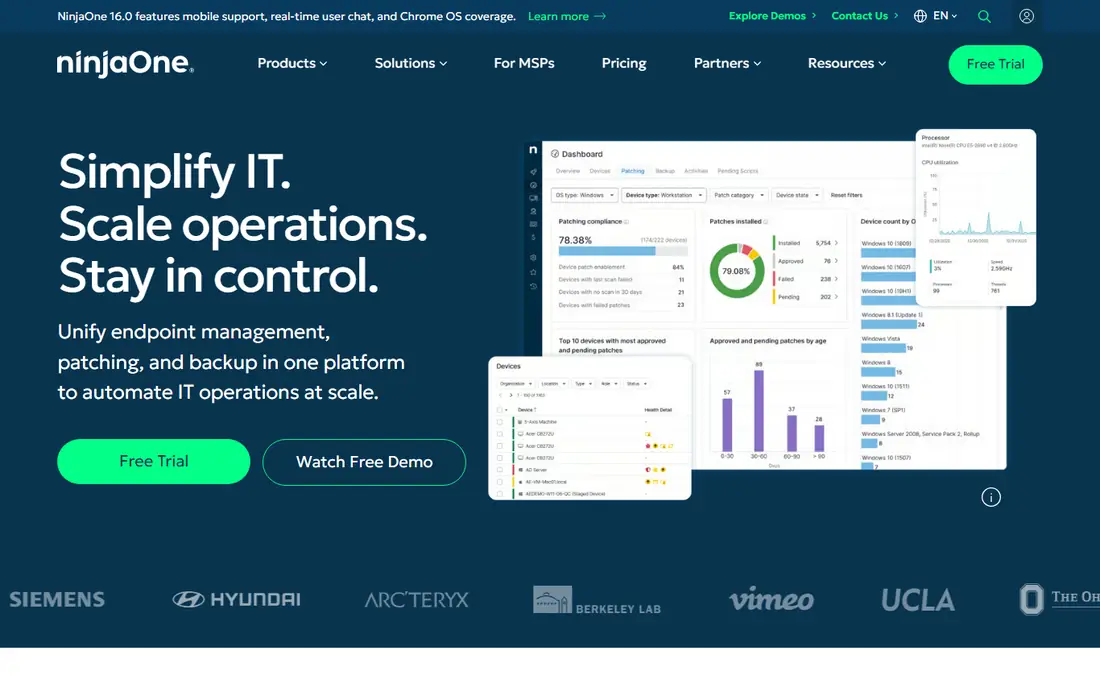
NinjaOne is the broader platform pick for teams that do more than patching. You get automated patching for operating systems and third-party apps, plus monitoring, alerting, remote access, backup, asset management, and ticketing in one console. That breadth helps internal IT teams and managed service providers support the full device lifecycle from one place.
Pricing is quoted by endpoint count and products chosen, with published volume ranges starting around $1.50 per device per month at large scale. Small teams that only need patching may find a focused tool cheaper. Teams that already juggle several endpoint tools will likely save time by consolidating on NinjaOne.
- Patching plus monitoring, remote access, backup, and ticketing
- Cross-platform support
- Strong for managed service providers
- Quote-based pricing
- Patching is part of a larger platform, so small patch-only teams may overbuy
- Feature set takes time to learn
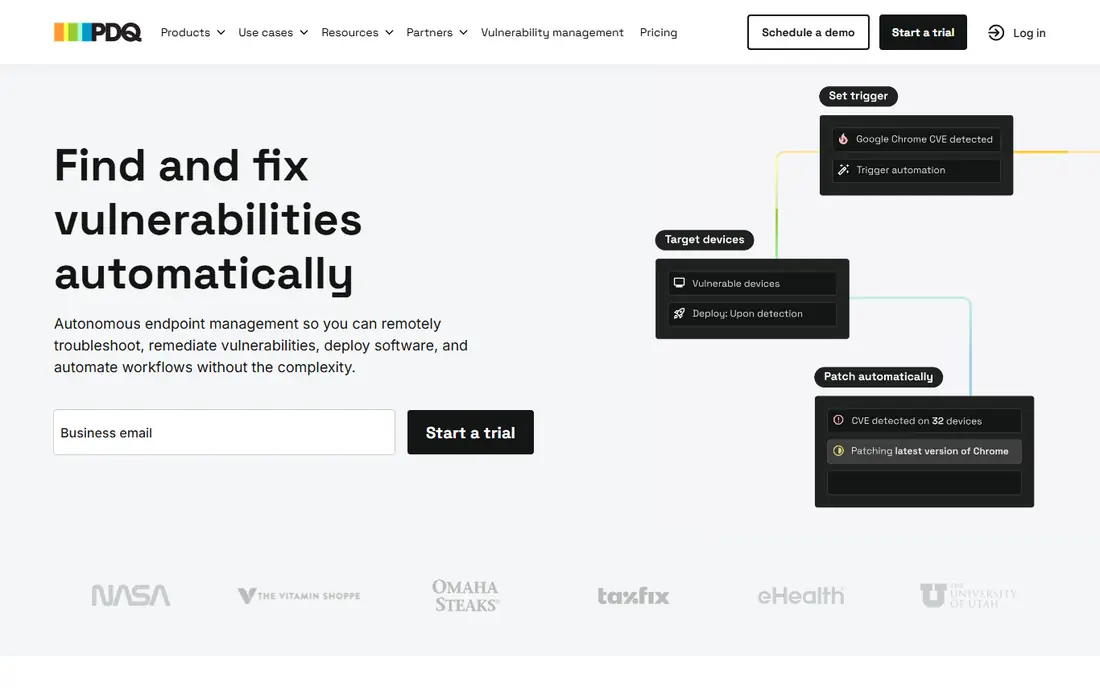
PDQ Connect suits small IT teams and managed service providers with Windows-heavy fleets. Basic pricing starts at $12 per device per year, with Plus at $18 and Premium at $28, which makes annual costs easy to forecast by device count. Patching and software deployment sit in one cloud console, so remote Windows devices stay patched without a VPN to an on-premises server.
The limits are operating system mix and minimum size. Mac and Linux coverage is thinner than Automox or NinjaOne, and current pricing carries a 100-device minimum. If your fleet is mostly Windows and you want predictable pricing, PDQ Connect is a strong value pick.
- Simple annual per-device pricing
- Strong Windows patching and software deployment
- Easy to estimate costs by device count
- Windows focus, with less depth for macOS and Linux
- 100-device minimum on current pricing
- Cloud features are newer than on-premises PDQ
Ivanti Neurons for Patch Management
Great for: Vulnerability-led enterprise patching
Ivanti Neurons for Patch Management fits mid-market and enterprise teams that want patching driven by risk, not just by schedule. It scans for vulnerabilities, ranks patches by exposure, and automates deployment across Windows, macOS, and Linux, with reporting for compliance audits. That risk-led view helps security teams prove which critical flaws are closed and which remain open.
Pricing is quoted and setup is heavier than cloud-first tools, so smaller teams may find it slow to deploy. Larger teams with security and IT working together will get more from its vulnerability workflow. If compliance reporting and risk ranking matter most, Ivanti is a serious alternative.
- Vulnerability data drives patch priority
- Broad operating system and third-party coverage
- Enterprise reporting and compliance tools
- Quote-only pricing
- Complex setup for smaller teams
- Best value at enterprise scale
SolarWinds Patch Manager suits Windows infrastructure teams already running WSUS. It adds third-party application patching, prebuilt patch packages, approval workflows, and reporting on top of the WSUS base, so admins keep familiar controls while closing gaps WSUS leaves. Scheduling and reboot controls help teams patch servers without unplanned downtime.
It is not the best pick for mixed macOS and Linux fleets, and deployment leans on-premises or hybrid rather than pure cloud. Pricing is licensed rather than a simple per-device subscription, so get a quote for your server and workstation counts. For Windows shops, it is a natural Patch Manager Plus alternative.
- Extends WSUS with third-party patching and reporting
- Familiar to Windows admins
- Scheduling and approval controls
- Mostly Windows-focused
- On-premises and hybrid deployment adds server work
- Pricing is licensed, not simple per-device
Atera suits managed service providers and internal IT teams with a high device-to-technician ratio. Instead of charging per device, it charges per technician, starting at $129 per month billed annually for Pro, so a small team supporting many endpoints can keep costs predictable. Patching, monitoring, remote access, automation, and ticketing sit in one platform.
Per-technician pricing cuts both ways: it is cheap when one tech supports hundreds of devices, and expensive when many techs support few devices each. Patching itself is solid but not as specialist as Ivanti. If you want one IT platform rather than a patch-only tool, Atera is worth pricing by technician count.
- Patching plus monitoring, remote access, and ticketing per technician
- Unlimited devices per technician on paid plans
- AI-assisted ticket tools
- Per-technician pricing can be costly for large support teams
- Patching depth is part of a suite, not a specialist
- Some advanced features need higher tiers
Action1 is the standout value pick for small Windows fleets. The full platform is free for up to 100 endpoints, with no functional limits stated for that tier, which lets a startup or small business run real patch management without a purchase. Setup is cloud-based, and patching, software deployment, and reporting are included.
Beyond the free tier, paid pricing is quoted, so growing teams should get a price before they pass 100 endpoints. Mac and Linux coverage is thinner than Automox or NinjaOne. If you have 100 or fewer Windows endpoints, start here before paying for anything else.
- Full platform free for the first 100 endpoints
- Cloud-native patching for Windows
- Simple setup for small teams
- Paid pricing beyond the free tier is quote-based
- Windows focus is stronger than macOS and Linux
- Free tier limits need checking as you grow
Lansweeper fits teams whose patching problem starts with not knowing what they own. It discovers devices, software, and network assets, then ties patch status to that inventory, so you can find unpatched machines that other tools missed. That asset-first view helps with audits, license checks, and security reviews as well as patching.
It is not a pure patch specialist, so teams that only need fast patch deployment may prefer Automox or Action1. Pricing is quoted, and scanning needs network access that some locked-down environments restrict. If asset visibility is your gap, Lansweeper pairs discovery with patching in a useful way.
- Discovers and inventories hardware and software across the network
- Patching tied to accurate asset data
- Useful for audits
- Patching is part of an asset platform, not a standalone specialist
- Pricing is quote-based
- Setup needs network scanning access
Syxsense suits teams that want patching, vulnerability data, and device controls without buying three tools. It scans for flaws, deploys patches, manages device settings, and automates remediation steps, with reporting for security and compliance teams. Cross-platform support covers Windows, macOS, and Linux fleets.
Pricing is quoted, and the breadth of features means setup takes effort. Smaller teams may find a focused patcher faster to deploy. Teams that want one console for patching and vulnerability remediation should put Syxsense on the shortlist beside Ivanti.
- Patching, vulnerability scanning, and device management in one console
- Automation for remediation
- Cross-platform support
- Pricing is quote-based
- Smaller brand footprint than Ivanti or NinjaOne
- Feature breadth takes time to configure
How we picked these
We compared official feature and pricing pages, plus public patch management comparisons, to check that each tool still offers patch deployment for operating systems or third-party apps in October 2026. We favored tools with a live patching product, a clear fleet size fit, and a distinct strength, from free small-fleet patching to enterprise vulnerability workflows. We noted where pricing is quote-based, because per-device, per-technician, and licensed models are not directly comparable.
What to check before you pay
Start by counting your fleet honestly: operating systems, servers versus workstations, remote versus office devices, and third-party applications that need patching. That count decides which pricing model wins. A per-device tool can be cheap for a small fleet and costly at scale, while a per-technician tool flips that math.
Next, test patching on a pilot group that includes your hardest cases: remote laptops, servers with reboot windows, and applications that break when updated. Check rollback, reboot control, approval workflows, and reporting for failed patches. A tool that patches desktops well but struggles with servers will leave your riskiest machines behind.
Finally, check compliance reporting before you sign. Ask for a sample report that shows patch status by device, application, and severity, and confirm it exports cleanly for audits. If your industry needs proof of patching on a schedule, reporting quality matters as much as deployment speed.
Frequently asked questions
What is the closest free alternative to Patch Manager Plus?
Action1 is the closest free option, with its full platform free for up to 100 endpoints. Patch Manager Plus itself also offers a free edition for up to 20 computers and 5 servers, so small teams should compare both free tiers on operating system mix before choosing.
Is cloud patching safe for remote devices?
Yes, when the vendor uses encrypted agent communication, role-based admin access, and signed patch packages. Cloud tools such as Automox and Action1 are built for devices that rarely connect to an office network, which is a common gap for on-premises patch servers.
How much does patch management cost per endpoint?
It varies by model. PDQ Connect starts at $12 per device per year, Automox entry patching is reported around $1 to $3 per endpoint per month, and Atera charges per technician rather than per device. Get a quote for your exact device count and application mix, because third-party patching and server coverage change totals.
Do I need a full endpoint platform just for patching?
No. If patching is your only gap, a focused tool such as Automox, PDQ Connect, or Action1 is cheaper and faster to deploy. A full platform such as NinjaOne or Atera makes sense when you also need monitoring, remote access, backup, and ticketing from the same console.
What happens if a patch breaks an application?
Good tools let you approve patches by group, set maintenance windows, test on a pilot group first, and roll back or uninstall a bad patch. Always pilot patches for critical applications, keep a rollback plan for servers, and check vendor reports for failed deployments after each cycle.
Sources
See where you really rank - block by block
ProMapRanker scans Google Maps across a grid of your service area. Simple monthly plans from $19, white-label on every plan.
Start freeKeep reading
 zoro.to alternatives
Best Zoro.to Alternatives in 2026
We compare the best zoro.to alternatives in 2026, listing only legal licensed anime streaming services, from Crunchyroll to free options for fans today.
Read → zip alternatives
Best Zip Alternatives in 2026
We compare the best zip alternatives for buy now, pay later in 2026, covering pay-in-4 plans, fees, spending limits, and credit reporting options today.
Read → yesware alternatives
Best Yesware Alternatives in 2026
Compare the best yesware alternatives for sales email tracking, templates, and sequences, with current pricing and honest tradeoffs for small sales teams.
Read →