 ProMapRanker
Best Pastebin Alternatives in 2026

Key takeaways
- GitHub Gist is our pick for most developers, because it adds version history and collaboration to a simple paste.
- PrivateBin is the privacy pick, because content is encrypted in the browser before it reaches the server.
- Hastebin and Rentry suit quick, anonymous shares, but neither is a good place for anything you must keep private for long.
- Never paste passwords, secret keys or personal data into a public paste, even on a tool that offers expiry.
Quick comparison
| Pick | Great for | Pricing starts at | Free tier | |
|---|---|---|---|---|
 GitHub Gist | Versioned code snippets | Free | Yes | Visit |
 Hastebin | Fast anonymous pastes | Free | Yes | Visit |
 PrivateBin | Encrypted private pastes | Free | Yes | Visit |
 Rentry | Markdown notes and pastes | Free | Yes | Visit |
 Paste.ee | Account-based pastes | Free | Yes | Visit |
 dpaste | Simple expiry pastes | Free | Yes | Visit |
 JustPaste.it | Quick text sharing | Free | Yes | Visit |
 MicroBin | Self-hosted pastes | Free | Yes | Visit |
 GitLab Snippets | Team code snippets | Free | Yes | Visit |
The best Pastebin alternatives
Pastebin still works, but many developers want better privacy, version history or a cleaner interface. The tools below cover that range, from public snippet libraries to encrypted, self-hosted pastes.
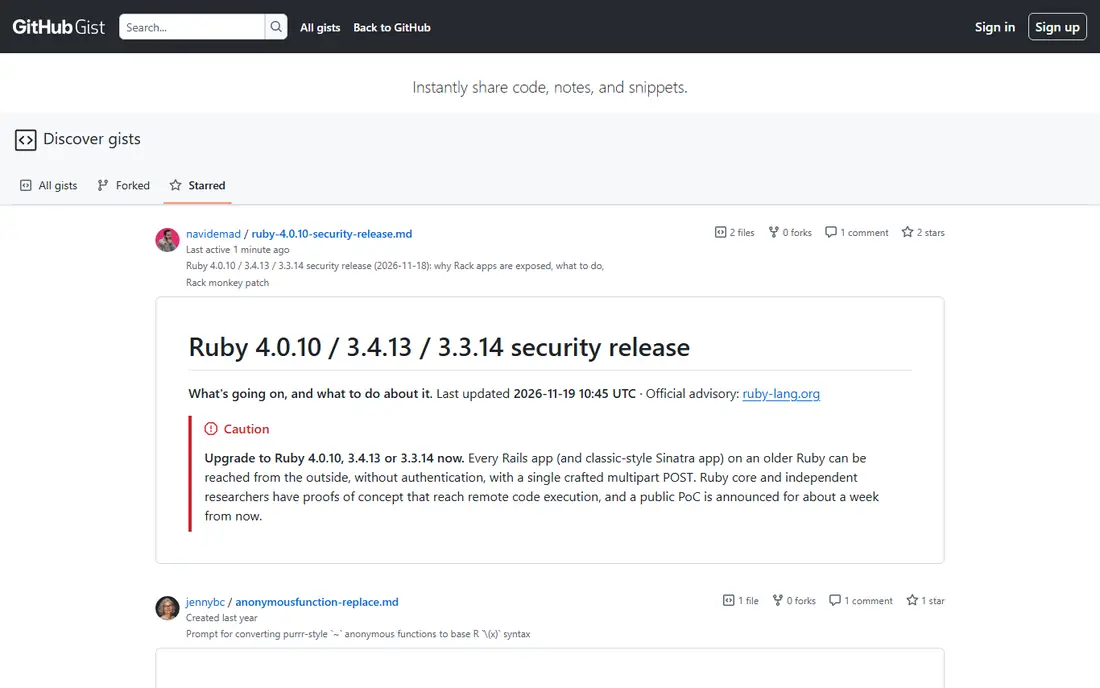
GitHub Gist is the most useful general replacement for Pastebin, because a gist is a small Git repository, not just a block of text. You can revise a snippet, see its history, fork someone else's version and embed it in a blog post or a support thread. For open source work and public examples, that workflow beats a plain paste every time.
The privacy limit matters. A secret gist is hidden from search but still readable by anyone with the link, so it is not a safe place for credentials or sensitive logs. Use Gist for code you are happy to share, and use an encrypted tool for anything that must stay secret.
- Free with a GitHub account
- Full version history
- Easy embedding and forking
- Needs a GitHub account
- Secret gists are unlisted, not truly private

Hastebin is the speed pick. Open the page, paste, share the link, and you are done, with no account and no clutter. That simplicity makes it a favourite for chat support, bug reports and quick code reviews, where the paste only needs to live long enough for someone else to read it.
Do not mistake simple for private. Hastebin does not encrypt your paste, and anyone with the link can read it. It also offers fewer controls than account-based tools, so treat it as a public noticeboard for code, not a vault.
- Very fast and minimal
- No account needed
- Syntax highlighting for code
- No built-in encryption
- Pastes are public by link
- Limited management tools
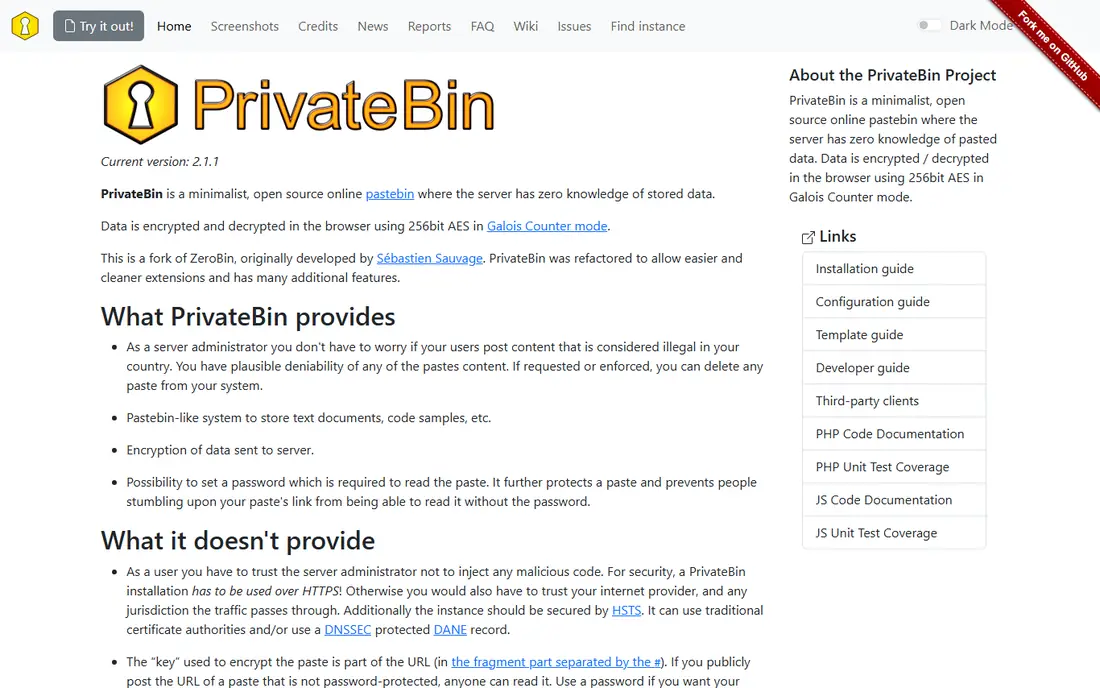
PrivateBin is the tool to reach for when the content matters. Your browser encrypts the paste before upload, the server only stores an unreadable blob, and the decryption key travels in the link fragment, which the server never sees. Expiry times and burn-after-read add a further layer for sensitive shares.
That security has a trade. There is no password reset for a lost key, and PrivateBin is not built for team editing or long-term snippet libraries. Use it for one-off sensitive shares, such as a log excerpt with care taken to redact secrets first, and keep your reusable code elsewhere.
- Client-side encryption with zero server knowledge
- Expiry and burn-after-read options
- Open source and self-hostable
- If you lose the link key, the paste cannot be recovered
- Fewer collaboration features
Rentry is a neat middle ground between a pastebin and a tiny publishing tool. It renders Markdown, so notes, guides and formatted text look good without extra work, and an edit code lets you return and update a paste after publishing. For quick documentation, release notes and formatted logs, it feels more polished than a plain text paste.
Privacy is limited, though. Rentry pastes are unlisted, not encrypted, so anyone with the URL can read them. Do not post personal data or secrets there, and treat it as a public-by-link publishing tool rather than a private store.
- Free and no account needed
- Markdown rendering
- Edit codes let you update a paste later
- Pastes are unlisted rather than private
- No encryption
- Limited code tooling
Paste.ee suits people who want Pastebin-style sharing with an account to manage their pastes. You can keep a list of what you have shared, set expiry, and choose visibility per paste, which is more control than an anonymous tool offers. The interface is straightforward, and the free tier covers casual use well.
Higher limits sit behind paid plans, and Paste.ee lacks the developer ecosystem that makes Gist so easy to embed and fork. It is a solid general paste tool, best for users who want simple account management without joining a code platform.
- Free tier with accounts
- Public, private and unlisted options
- Expiry controls
- Paid plans needed for higher limits
- Less known than Gist, so fewer integrations
dpaste is one of the oldest simple alternatives, and its appeal is that it does not try to do more than the job requires. Paste, pick an expiry, share the link. The open source code also means you can run your own instance if you want full control over where pastes live.
The plainness cuts both ways. There is no encryption, no version history and no team workspace, so dpaste suits throwaway shares and nothing more. For a log snippet in a support chat, it is fine; for a snippet you will reuse for months, Gist is the better home.
- Free and simple
- Auto-expiry options
- Open source and self-hostable
- Plain feature set
- Public or unlisted only
- No encryption by default
JustPaste.it is less of a developer tool and more of a general text-sharing site. It handles longer articles, notes and formatted text well, and it accepts images alongside text, which code-focused pastebins do not. For sharing a write-up, a guide or a long note with a non-technical reader, it is friendlier than a code pastebin.
Developers will miss syntax highlighting depth and version control, and the free experience carries advertising. Treat JustPaste.it as a text publishing shortcut, not as a code library, and keep sensitive material off it.
- Free and easy
- Handles longer text and images
- Account option for managing pastes
- Ad-supported free experience
- Not code-focused
- Privacy controls are basic
MicroBin is a modern, self-hosted pastebin written in Rust, and it combines a clean interface with privacy options that many older tools lack. You can enable client-side encryption, set expiry and allow burn-after-read, then run the whole thing on your own server. For a team or a hobbyist who wants control without building a tool from scratch, that package is appealing.
Self-hosting is the cost. You need a server, updates and backups, and the public demo instance is not a long-term home for important pastes. MicroBin is best for people who are happy to run a small service, or who join a trusted instance run by someone else.
- Free and open source
- Optional client-side encryption
- Expiry and burn-after-read
- Needs your own server to self-host
- Public instance limits may vary
- Smaller community
GitLab Snippets make sense if your team already lives in GitLab. Snippets sit alongside repositories, merge requests and issues, so a code example shared in a review stays close to the work it relates to. Access controls are stronger than a public pastebin, and version history is built in.
For a single anonymous paste, GitLab is more setup than you need, and a GitHub user will naturally prefer Gist. Within a GitLab team, though, Snippets remove the need for a separate paste tool entirely, and they keep shared code inside the same permissions system as the rest of the project.
- Free tier on GitLab
- Snippets live next to your projects
- Version history and access controls
- Needs a GitLab account
- Overkill if you only need one quick paste
- Interface is project-focused
How we picked these
We compared official project pages, documentation and public comparisons, and we chose tools that were live and actively maintained in October 2026. We weighted privacy honestly: tools that encrypt in the browser rank higher for sensitive shares, while unlisted-by-link tools are described as such, not as private. Where a tool is free and open source, we say so, and where self-hosting is the real route, we do not pretend a demo instance is a permanent home.
How to share code safely
First, redact before you paste. Remove passwords, API keys, tokens, personal email addresses and internal hostnames from logs and config files, because expiry does not undo a leak once someone has copied the text. Use a secrets manager for credentials, and rotate any secret that may have been exposed.
Second, match the tool to the sensitivity. Public code and examples belong on Gist or a similar public tool. Internal snippets belong inside your team's GitLab or GitHub workspace. Sensitive one-off shares belong on an encrypted tool such as PrivateBin, with the shortest expiry that still lets the reader act.
Third, check the link after you share it. Open it in a private browser window, confirm it shows only what you intended, and set a reminder to delete or expire pastes that no longer need to exist. A tidy paste habit prevents old links from becoming a quiet data leak months later.
Frequently asked questions
Is Pastebin itself still working?
Yes, Pastebin remains a live service, but many users move on for better privacy, version history or a cleaner interface. The alternatives here cover those gaps without losing the core job of sharing text fast.
Which pastebin is most private?
PrivateBin is the strongest privacy pick here, because it encrypts content in your browser and the server cannot read it. MicroBin with encryption enabled is a close self-hosted alternative. Remember that no paste tool protects content you paste in plain text on a public service.
Can I paste code without an account?
Yes, Hastebin, Rentry and dpaste all allow anonymous pasting, and several others allow it with limits. Anonymous pastes are usually public by link, so keep them free of personal data.
What is the difference between a gist and a paste?
A gist is a versioned snippet stored as a small repository, so it keeps history and can be forked. A paste is usually a single block of text with a link and an expiry, with no history. Gists suit reusable code, while pastes suit quick, throwaway shares.
Which tool is best for a team?
GitLab Snippets suit GitLab teams, and GitHub Gist suits GitHub teams, because both keep snippets inside the permissions and history of the code platform. For a team that wants its own service, a self-hosted PrivateBin or MicroBin instance gives control over data and access.
How long do pastes last?
It depends on the tool and the settings you choose. Some pastes have no expiry by default, while others let you set minutes, hours, days or burn-after-read. Check the expiry before you share anything time-sensitive, and do not rely on expiry as a substitute for redacting secrets.
Sources
See where you really rank - block by block
ProMapRanker scans Google Maps across a grid of your service area. Simple monthly plans from $19, white-label on every plan.
Start freeKeep reading
 zscaler alternatives
Best Zscaler Alternatives in 2026
Looking for zscaler alternatives? We compare 9 SASE and zero trust platforms on architecture, data protection, pricing, and fit for your network and team.
Read → zapier alternatives free
Best Zapier Alternatives Free in 2026
Nine automation tools for zapier alternatives free in 2026, all with genuinely free tiers, plus free plan limits, starting prices and upgrade paths explained.
Read → which platform is best for online reputation
Which Platform Is Best for Online Reputation in 2026
Wondering which platform is best for online reputation? We compare 8 review, listing, and response tools for small and multi-location businesses and agencies.
Read →