 ProMapRanker
Best Paperless Post Alternatives in 2026

Key takeaways
- Evite is the simplest free starting point for casual parties, with RSVP tracking included on its free tier.
- Greenvelope suits formal events where an ad-free guest page and a one-time per-mailing price matter more than a subscription.
- Punchbowl is the pick for family parties that need licensed character designs for children.
- RSVPify is the strongest choice for larger or professional events that need check-in, ticketing and custom questions.
- Minted is the best artist-designed wedding option in this list, with a free wedding website and matched print and digital suites.
Quick comparison
| Pick | Great for | Pricing starts at | Free tier | |
|---|---|---|---|---|
 Evite | Casual parties on a budget | Free | Yes | Visit |
 Greenvelope | Ad-free formal invitations | $19 per mailing | No | Visit |
 Punchbowl | Family parties and characters | See website | Free trial | Visit |
 RSVPify | Professional events | $39 per month | Yes | Visit |
 Partiful | Text-first party invites | Free | Yes | Visit |
 Canva | Designing your own artwork | Free | Yes | Visit |
 Minted | Artist-designed wedding suites | See website | Yes | Visit |
 Postable | Mailed paper cards | See website | Yes | Visit |
 Greetings Island | Free DIY cards and invites | Free | Yes | Visit |
The best paperless post alternatives
We compared invitation design, sending options, RSVP tools and pricing pages for platforms live in October 2026. Paperless Post itself is not listed here, since this article covers replacements for it, and each platform below is judged on the event it serves best, from a birthday to a wedding to a company gathering.
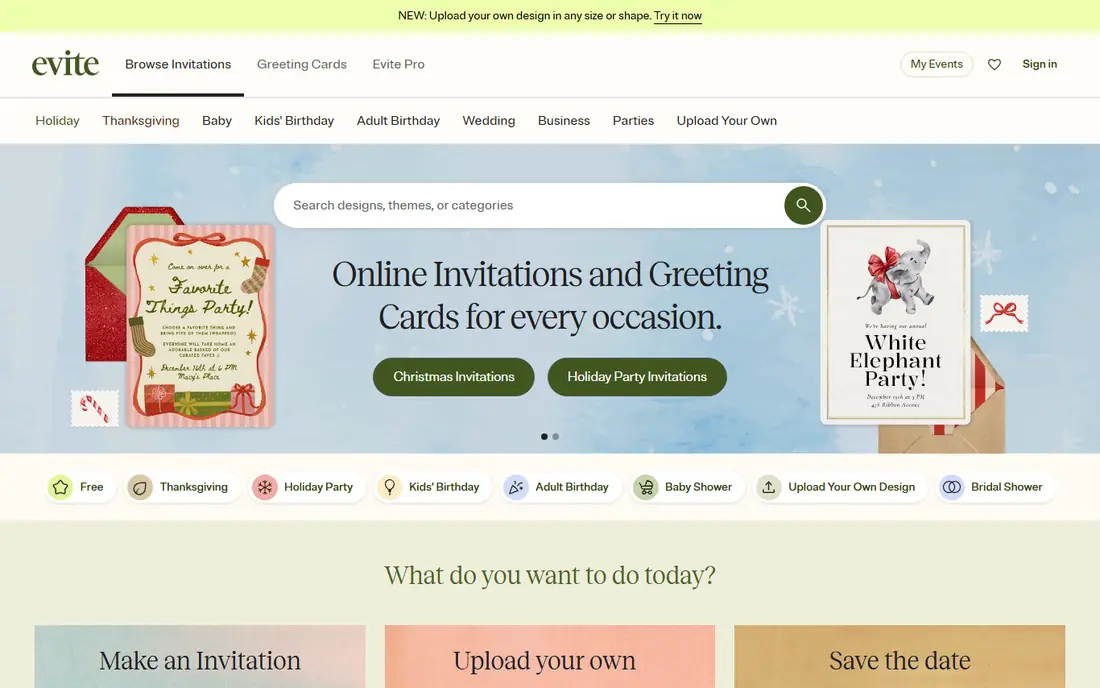
Evite is the easiest place to start when you need an invitation today and do not want to pay. The free tier lets you pick a design, add event details, send by email or text, and track RSVPs in one dashboard. Templates cover birthdays, holidays, baby showers, graduations and casual gatherings, and guests can reply without creating a complex account. For a backyard party or a dinner with friends, that simplicity is enough.
The catch is advertising and polish. Free invitations show ads to guests, and premium designs sit behind a paid Pro plan listed at 249.99 dollars per year in recent comparisons. Evite also feels less formal than a designer invitation service, so it is not our first pick for a black-tie wedding. Use Evite when speed, cost and RSVP tracking matter more than a luxury look.
- Free tier with RSVP tracking
- Large template range
- Easy text and email sending
- Ads on free invitations
- Premium designs and Pro features cost extra
- Less formal than Greenvelope
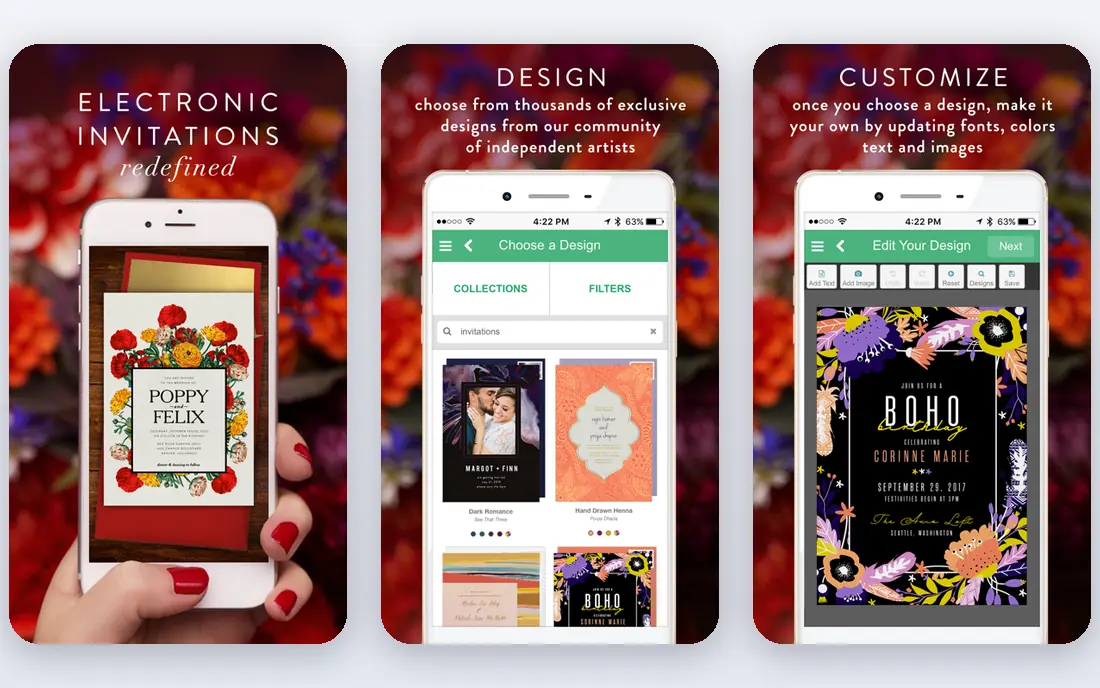
Greenvelope suits hosts who want the invitation itself to feel like an event. Guests open an animated envelope, see a designed invitation, and reply through a clean page with no ads. Pricing is a one-time charge per mailing set by guest count, starting at 19 dollars for up to 20 guests in published guides, with larger mailings priced by tier. That model is clear for a wedding or a formal party, where you pay once and do not need a monthly plan.
The limit is cost for small casual events. A free Evite or Partiful invite will do the same RSVP job for a pizza night, and Greenvelope only makes sense when presentation matters. It also needs a guest list and email or text details up front, which takes a little more setup. For weddings, galas and milestone celebrations, the ad-free result justifies the price.
- Ad-free guest experience
- Animated envelope opening
- One-time price per mailing, no subscription
- No lasting free tier
- Price rises with guest count
- Less suited to very casual text invites
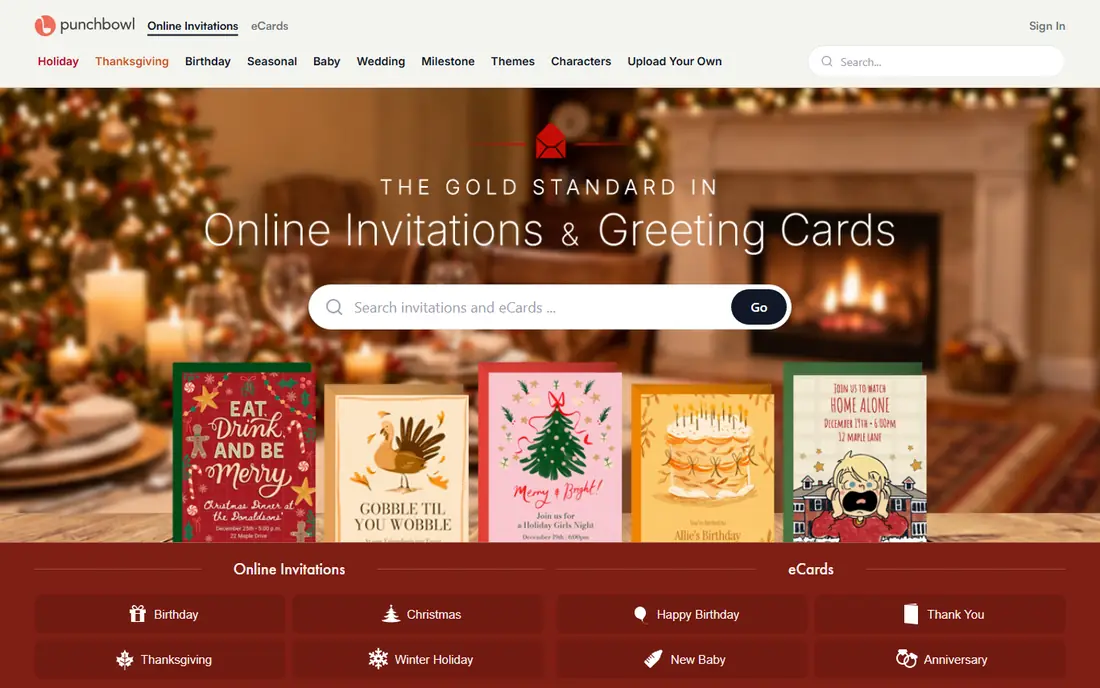
Punchbowl is the pick for children's parties and family celebrations. Its licensed character designs cover well-known brands that children recognise, and that artwork alone can make an invitation feel special to a young guest. RSVP tracking, reminders and gift registry links are built in, and sending by email or text keeps the process simple for parents. For a themed birthday, few platforms match its character range.
Pricing needs care. Punchbowl now works on a subscription after a free trial in recent comparisons, with tiers by guest count, and published guides note that ads are only removed on higher tiers. That makes it a weaker value choice for a one-off adult party. Use Punchbowl when the character theme is the point, and check the current plan and trial terms before you enter payment details.
- Licensed character designs for children
- RSVP tracking
- Gift registry links
- Subscription after a trial
- Ads remain on lower paid tiers in published guides
- Less formal design range
RSVPify is built for events that need control, not only a pretty invitation. It supports guest lists with plus-ones, custom questions, conditional logic, meal choices, ticket sales and QR code check-in, which suits corporate events, fundraisers, conferences and large weddings. A free tier covers up to 100 guests in published comparisons, and paid plans start around 39 dollars per month. For an organiser who needs accurate counts and smooth entry, those tools save real time on the day.
The trade-off is effort and cost. Setting up conditional questions and check-in takes longer than sending a simple Evite, and the design style is practical rather than luxurious. Casual hosts will find it more than they need. Choose RSVPify when guest data, ticketing or check-in matters, and use a design-led platform when the invitation art is the main goal.
- Advanced guest management
- Custom and conditional questions
- Check-in and ticketing tools
- Higher price for casual use
- More setup than Evite
- Design range is more functional than decorative
Partiful suits the way many friends actually plan parties now: a link shared by text, quick replies, and a shared photo album after the event. It is free to start, supports RSVP tracking, custom questions and group features, and it works well on phones without a heavy email workflow. For birthdays, house parties, dinners and casual gatherings, Partiful removes friction that stops guests replying.
It is not a formal invitation service. Design options are more playful than elegant, and it lacks the check-in, ticketing and advanced guest tools of RSVPify. Hosts planning a wedding or a corporate event should look elsewhere. For a casual party where most guests will reply from a phone, Partiful is one of the fastest options in this list.
- Free to start
- Text and link sharing
- Group chat and photo sharing features
- More casual in style
- Fewer formal templates
- Limited tools for large professional events
Canva is the design tool behind many invitations, rather than a sending platform itself. It offers thousands of invitation templates, fonts, photos and layout tools, with a free tier that covers most casual design work and a Pro plan for fuller asset access. You can create a striking invitation in an evening, export it as an image or PDF, and share it by text, email or social media. For hosts with a clear visual idea, Canva gives more creative control than any template-only service.
The limit is workflow. Canva does not send invitations, collect RSVPs or manage a guest list on its own, so you need to pair it with a sending tool such as Greenvelope, Evite or Partiful, or collect replies manually. That extra step is worth it when the design matters and you enjoy the creative work. If you want sending and tracking in one place, pick a platform from the top of this list instead.
- Huge template and design tool range
- Free tier is genuinely useful
- Easy export and sharing
- Does not send invitations or track RSVPs on its own
- Pro features cost extra
- Design quality depends on your skill
Minted suits couples who want a wedding invitation suite that looks designed, not templated. Designs come from independent artists through Minted's community, and the same design can run across save-the-dates, invitations, thank-you cards and a free wedding website. That matching suite is a real advantage for a wedding, where consistency across paper and web matters. Print quality and paper choices are also a step above a basic online template.
Costs are per item and rise with quantity, paper choice and finishes, so a 100-guest order needs a clear budget before you add foil or letterpress options. Digital invitations are part of the wedding website system rather than a standalone sending tool, which suits weddings better than a one-off party. Use Minted when design and a matched suite matter most, and check the per-card price for your quantity before you fall in love with a design.
- Independent artist designs
- Free wedding websites
- Print and digital options that match
- Print costs add up by quantity
- Digital features are tied to the wedding site
- Premium upgrades cost extra
Postable is the paper option in a digital list, and that is its point. It lets you design a card, collect addresses from guests, and have Postable print and mail cards for you, which suits thank-you notes, holiday cards, save-the-dates and invitations for guests who prefer paper. Address collection is a genuine time saver, since chasing postal addresses is often the slowest part of a mailing. For older relatives or formal events where paper still matters, Postable fills a gap that digital-only tools leave open.
It is not a replacement for RSVP tracking. Guests reply by other means, and each card plus postage costs money and takes days to arrive. Hosts who need fast replies and a live guest count should pair Postable with a digital RSVP tool, or use a digital platform for the main invitation and Postable for paper extras. For paper-first hosts, it is a clean and simple service.
- Sends real paper cards by mail
- Address collection tools
- Simple card design flow
- Not a digital RSVP platform
- Postage and card costs per send
- Slower than email invitations
Greetings Island suits hosts who want a free design they can download, print or share themselves. It offers templates for invitations, greeting cards, announcements and party items, with a free tier that covers many everyday designs and a premium membership for fuller access. The workflow is quick: pick a design, edit text and colours, then download the result. For a school party, a community event or a printed invitation on a tight budget, that simplicity works well.
RSVP tracking is limited compared with Evite, Partiful or RSVPify, since Greetings Island is mainly a design and download service. Guests may need to reply by text or email, and you will track responses yourself. Use it when you need a good-looking card fast and you are happy to handle replies manually, and use a sending platform when tracking matters.
- Free templates for cards and invitations
- Download and print options
- Quick design flow
- Limited RSVP tracking
- Paid upgrades for premium designs
- Download-first workflow suits printing more than sending
How we picked these
We compared vendor pricing pages, sending options, RSVP features and design ranges for invitation platforms live in October 2026. We kept platforms that let a host create an invitation and reach guests, whether by email, text, link, print or a wedding website, and we left out wedding-only registries and general design tools without invitation templates. Prices quoted here come from vendor pages and recent comparisons, and they can change, so check the current plan before you send.
How to choose the right invitation tool
Start with the event type. A casual birthday needs speed and free RSVPs, a wedding needs design and a matched suite, and a corporate event needs guest data and check-in. Next, decide how guests will reply: by text, by email, by link or on paper. That choice alone narrows this list to two or three platforms. Then check the total cost for your guest count, not only the starting price, since per-mailing, per-card and subscription models behave very differently at 20 guests versus 200 guests.
Also test the guest view before you send. Open the invitation on a phone, try the RSVP flow, and check whether ads, sign-up steps or confusing questions will stop guests replying. Send a test to yourself and one friend, fix any unclear wording, and only then send to the full list. A clear date, time, place, dress note and reply deadline in the invitation itself will do more for attendance than any design upgrade.
Frequently asked questions
What is the best alternative to Paperless Post?
Evite is the best free starting point, Greenvelope is the best ad-free formal option, and Minted is the best artist-designed wedding option. The right pick depends on whether you need design, RSVP tracking, a wedding website or professional event tools, and on how many guests you have.
Are Paperless Post alternatives free?
Several are free to start, including Evite, Partiful, Canva and Greetings Island, but premium designs, larger guest counts and advanced features usually cost extra. Greenvelope charges per mailing, Punchbowl uses a subscription, and RSVPify charges by plan, so compare the total for your guest count.
Which alternative is best for weddings?
Minted is best for artist-designed suites with a free wedding website, while Greenvelope is best for formal ad-free digital invitations. Couples who want paper as well should look at Minted or Postable for mailed pieces alongside a digital RSVP tool.
Can I track RSVPs without paying?
Yes, on several platforms. Evite and Partiful offer RSVP tracking on free tiers, and RSVPify offers a free tier for up to 100 guests in published comparisons. Check the guest limit and whether custom questions or reminders are included free, since those details vary.
Do these tools send invitations by text?
Evite, Punchbowl, Partiful and Greenvelope support text delivery or shareable links in addition to email, depending on the plan and guest country. Canva and Greetings Island do not send invitations themselves, so you share the finished design by text or email after you create it.
Sources
See where you really rank - block by block
ProMapRanker scans Google Maps across a grid of your service area. Simple monthly plans from $19, white-label on every plan.
Start freeKeep reading
 zoro.to alternatives
Best Zoro.to Alternatives in 2026
We compare the best zoro.to alternatives in 2026, listing only legal licensed anime streaming services, from Crunchyroll to free options for fans today.
Read → zip alternatives
Best Zip Alternatives in 2026
We compare the best zip alternatives for buy now, pay later in 2026, covering pay-in-4 plans, fees, spending limits, and credit reporting options today.
Read → yesware alternatives
Best Yesware Alternatives in 2026
Compare the best yesware alternatives for sales email tracking, templates, and sequences, with current pricing and honest tradeoffs for small sales teams.
Read →