 ProMapRanker
Best Paperform Alternatives in 2026

Key takeaways
- Tally and Google Forms are the strongest free starting points, with unlimited forms and responses under their free terms.
- Typeform suits teams that want a polished one-question-at-a-time flow and are willing to pay for responses and branding.
- Jotform suits teams that want many templates, payments, and workflow tools in one builder.
- Fillout, Cognito Forms, Formstack, Wufoo, and Zoho Forms suit specific needs such as Airtable links, calculations, compliance, simplicity, or low cost.
Quick comparison
| Pick | Great for | Pricing starts at | Free tier | |
|---|---|---|---|---|
 Tally | Free forms with payments and logic | Free | Yes | Visit |
 Typeform | Polished conversational forms | $39 per month | Yes | Visit |
 Jotform | Templates, payments, and workflows | $39 per month | Yes | Visit |
 Google Forms | Simple free surveys | Free | Yes | Visit |
 Fillout | Forms linked to Airtable and Notion | $19 per month | Yes | Visit |
 Cognito Forms | Forms with calculations and payments | $24 per month | Yes | Visit |
 Formstack | Workflows and compliance forms | See website | No | Visit |
 Zoho Forms | Low-cost forms in the Zoho suite | $10 per month | Yes | Visit |
The best Paperform alternatives
Count your monthly responses first, then check payments, branding, and workflow needs before you pick a plan.
Paperform is known for design-led forms that look like landing pages, so a good substitute should match that strength or beat it on price, payments, or logic. Some builders in this guide are free for unlimited responses, some are built for surveys and research, and some are built for workflows and approvals. The best pick depends on how many responses you collect, whether you take payments, and how much design control you need. We did not list Paperform itself. We compared free limits carefully, because a free plan that stops at 10 or 100 responses a month is very different from one that allows unlimited responses. Prices below are starting prices from vendor pricing pages checked in October 2026, and annual billing often lowers the monthly figure.
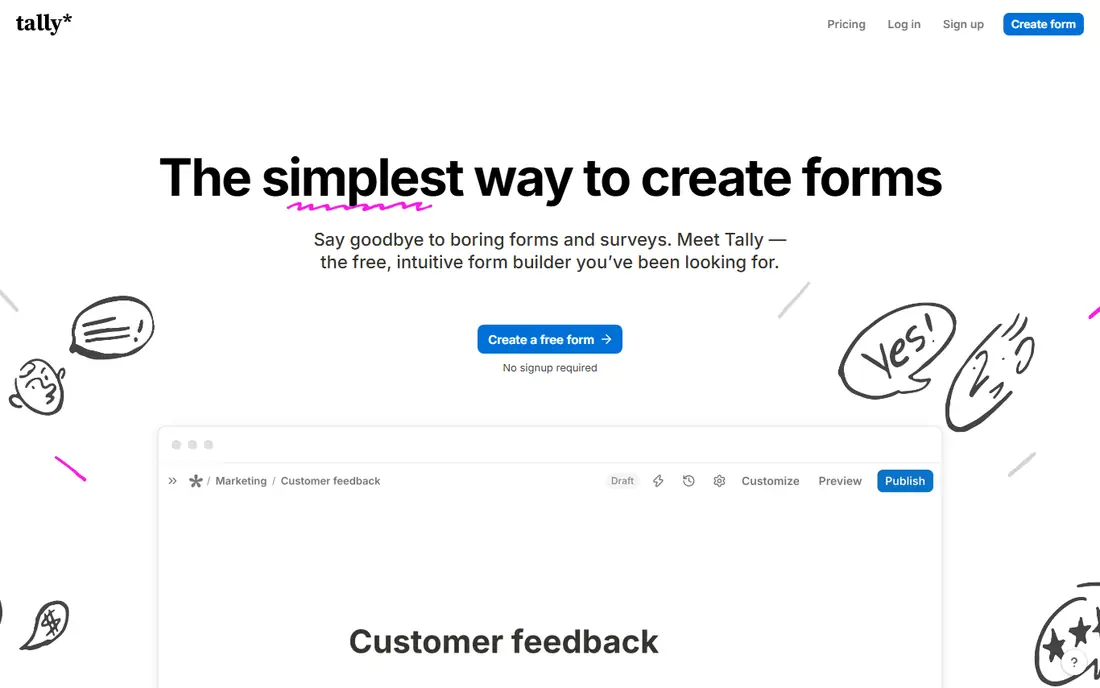
Tally is the closest free substitute for most Paperform users who do not need full landing-page design control. The free plan allows unlimited forms and submissions, with conditional logic, calculated fields, Stripe payments, file uploads, and e-signatures included. That combination is rare, and it means a small business can run order forms, lead forms, and feedback forms without paying a monthly fee at the start.
The main reason to upgrade is branding and team control. Removing Tally branding, using a custom domain, and using partial submissions sit on the Pro plan at $29 per month. Design is clean but less flexible than Paperform for a fully styled landing page, and the integration list is shorter than Jotform. If free volume matters more than pixel-level design, Tally is the first builder to try.
- Unlimited forms and responses on the free plan under fair use
- Stripe payments and logic included free
- File uploads included
- Branding removal needs Pro at $29 per month
- Fewer native integrations than Jotform
- Design options are simpler than Paperform
Typeform is the pick when form completion matters more than volume. Its one-question-at-a-time flow feels calm on mobile, and its templates, logic, and calculations help a team build a survey or lead form that people actually finish. Integrations cover CRM, email, and spreadsheet tools, so responses can flow into the tools a team already uses without manual copying.
The free plan is a trial in practice, with only 10 responses a month, and paid plans start at $39 per month. Payments, file uploads, and branding removal push the price higher, so a team that collects hundreds of responses a month should model the full plan cost before choosing Typeform. If design and completion rate justify that cost, it is a strong Paperform substitute. If volume is the priority, Tally or Jotform will be cheaper.
- One-question-at-a-time design
- Strong templates and logic
- Many integrations
- Free plan allows only 10 responses per month
- Payments and uploads need paid plans
- Branding removal is costly
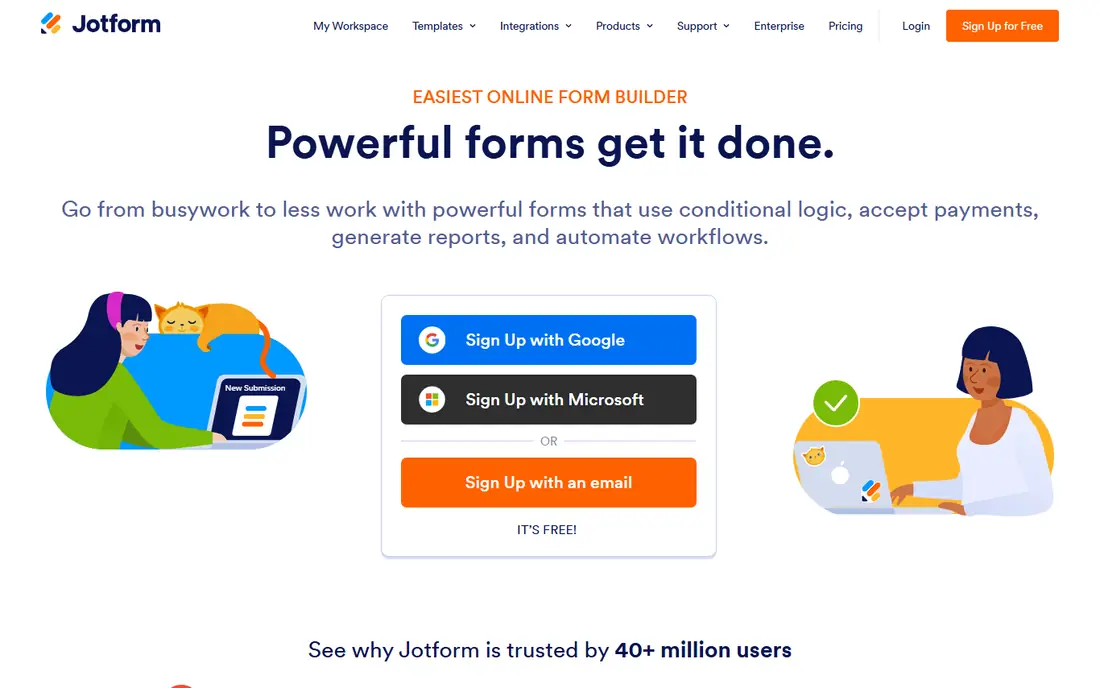
Jotform suits teams that want a large template library and a builder that can grow into approvals, apps, and AI agents. The free plan allows 5 forms and 100 submissions a month, with conditional logic included, and paid plans raise those limits and add branding removal, more storage, and workflow tools. Payment integrations are broad, which helps for order forms, bookings, and donations.
The free plan is tighter than Tally, so a team with steady volume will need a paid plan sooner. The interface packs in many features, which can feel busy for a user who only wants a simple contact form. Jotform still wins when the form is part of a larger process, such as an approval chain or a multi-step intake, because its Workflow Builder and app tools go further than a simple form builder.
- Thousands of templates
- Many payment integrations
- Workflow Builder for approvals
- Free plan limited to 5 forms and 100 submissions a month
- Paid plans start at $39 per month
- Interface can feel busy
Google Forms is the simplest free substitute, and for many schools, clubs, and small teams it is enough. Forms are unlimited, responses are unlimited in practical use, and answers land in Google Sheets for sorting and sharing. There is no monthly fee for a personal Google account, and the builder is fast to learn, which matters when several people need to create forms.
The limits are clear. Google Forms does not take payments, its logic is basic section branching, and design control is limited compared with Paperform or Typeform. File uploads require respondents to sign in to Google, which can reduce completion for public forms. If you need a free survey or sign-up form and you already use Google Workspace, start here. If you need payments or a branded landing page, pair it with another tool or pick Tally.
- Unlimited forms and responses with a Google account
- Responses go to Sheets
- No cost for basic use
- No payments
- Basic branching only
- Limited design and branding control
- File uploads need sign-in
Fillout is a strong pick for teams that already run work in Airtable or Notion. Forms can create or update records directly, and the free plan allows 1,000 responses a month, which is far more generous than Typeform or Jotform free plans. Unlimited seats on the free and starter tiers make it easy for a whole team to build forms without paying per user, which suits small operations and classrooms.
Fillout is less of a general template library than Jotform, and branding removal and custom domains sit on paid plans from $19 per month. Setup for Airtable or Notion links takes a little planning, especially if fields, views, and permissions need to match. If your forms feed a database, Fillout is often the best Paperform alternative. If you only need a standalone contact form, a simpler builder may be faster.
- 1,000 free responses a month
- Unlimited seats on some plans
- Strong Airtable and Notion links
- Paid plans needed for branding removal and higher limits
- Smaller template library than Jotform
- Some features need setup
Cognito Forms suits teams that need calculations inside a form, such as order totals, quotes, or registration fees with repeating sections for several attendees. The free plan allows 100 entries a month, and paid plans from $24 per month raise limits and add features such as document generation and stronger controls. Payment support covers common gateways, so a form can collect money as well as information.
The design is functional rather than landing-page stylish, so it will not match Paperform for visual impact without extra work. The free cap is also tighter than Tally or Fillout, so high-volume forms will need a paid plan. Cognito Forms wins on logic and calculations for practical business forms, especially where a total, a discount, or a multi-person entry must be right before submission.
- 100 free entries a month
- Strong calculations and repeating sections
- Payment support
- Free plan is capped
- Design is functional rather than stylish
- Advanced compliance needs higher plans
Formstack is built for organisations that need forms inside a workflow, with approvals, routing, and document generation. A form can trigger a review, generate a document from the answers, and route the result to the right team, which suits HR, operations, and healthcare-adjacent work where process matters. HIPAA compliance is available on suitable plans, which is a real difference from simple free builders.
Formstack has no free plan and its pricing is higher than the builders above, so it is not a good pick for a single contact form or a small survey. Setup also takes more planning, because workflows, permissions, and integrations need to match how a team already works. If your form must pass through approvals or feed a document, Formstack is worth the cost. If you only need responses in a spreadsheet, a cheaper builder will do the job.
- Workflow approvals
- Document generation
- HIPAA options on suitable plans
- Strong integrations
- No free plan
- Pricing is custom or higher tier
- More complex than a simple form builder
Zoho Forms is the low-cost pick for teams that already use Zoho CRM, Books, or other Zoho apps. The free plan allows 3 forms and 500 submissions a month, and paid plans start at $10 per month, which is lower than most builders on this list. Responses can flow into Zoho apps, and the builder covers logic, payments through supported gateways, and notifications without a steep learning curve.
The free plan limits form count, so a team with many forms will need a paid plan even if volume is low. Design is clean but simpler than Paperform, and the best value appears when Zoho Forms is part of a wider Zoho setup. If you use Zoho already, it is a natural and cheap substitute. If you do not use Zoho, compare Tally or Fillout first, because their free limits are broader for standalone forms.
- 3 forms and 500 submissions a month free
- Low starting price
- Works with Zoho apps
- Free plan is limited by form count
- Design is simpler than Paperform
- Best value inside Zoho
How we picked these
We compared official feature pages, pricing pages, app store listings, and public help pages for each product, and we checked that each one is still offered in October 2026. We gave weight to fit for the stated use, clear pricing, and limits that a new user would meet in the first month. We left out products that had closed, changed into a different kind of tool, or did not match the topic closely enough, even when they were well known in another category. We did not claim hands-on testing. Our notes come from what vendors publish and what their public documentation says about plans, features, and restrictions. Prices change often, so we used the vendor page or app store listing as the source and wrote See website where a current price was not published clearly.
How to choose a Paperform alternative
Start with volume, because free plans differ more on responses than on features. Tally and Google Forms allow unlimited responses in practical use, Fillout allows 1,000 a month, Jotform and Cognito Forms allow 100, and Typeform allows only 10. A builder that looks cheap at first can become costly if you must upgrade in the first month to collect the responses you already expect. Next, check payments and branding together. If you take orders or bookings, confirm which payment gateways are included on the plan you will actually pay for, and whether the provider adds a fee on top of the gateway fee. If the form is customer facing, check whether branding removal needs a paid plan and what that plan costs. Those two items often decide between Tally, Typeform, and Jotform more than the form editor does. Then check logic and workflow. Simple contact forms need only basic fields and notifications. Order forms need calculations, repeating sections, and totals. Intake forms may need approvals, document generation, or a link to Airtable, Notion, or a CRM. Match the builder to that job, and test a real form with a colleague before you publish it, because logic errors are easier to fix in a test than after responses arrive. Finally, check data handling and exports. Confirm where responses are stored, how you export them, and whether you can delete test data. If you collect health, financial, or other sensitive information, check compliance options and do not rely on a free plan that does not offer the controls you need. A short privacy note on the form itself also helps respondents trust the process.
Frequently asked questions
What is the best alternative to Paperform?
Tally is the best free substitute for most users, Typeform is best for polished conversational design, and Jotform is best for templates and workflows. The right pick depends on response volume, payments, and design needs, so start with those three factors.
Is there a free Paperform alternative?
Yes. Tally and Google Forms are free for unlimited responses in practical use, Fillout allows 1,000 responses a month free, and Zoho Forms allows 500 submissions a month on its free plan. Check the free limits for forms, storage, and branding before you rely on a free plan for a public form.
Can Paperform alternatives take payments?
Yes, many can. Tally takes Stripe payments on its free plan, Jotform supports many payment gateways, and Cognito Forms and Zoho Forms support payments through supported gateways. Typeform and Formstack include payments on paid plans, so confirm the plan and any added fees before you publish an order form.
Which alternative is best for surveys?
Typeform suits short, polished surveys where completion rate matters, Google Forms suits simple free surveys, and Jotform suits longer surveys with many question types. For research with cross-tabulation and benchmarking, a dedicated survey platform may still be a better fit than a general form builder.
Can I import forms from Paperform?
Most builders allow you to rebuild a form quickly from a template, but direct import from Paperform is not guaranteed. Plan to copy fields, logic, and payment settings by hand, test the new form, and keep the old form live until the new one has collected test responses correctly.
Sources
See where you really rank - block by block
ProMapRanker scans Google Maps across a grid of your service area. Simple monthly plans from $19, white-label on every plan.
Start freeKeep reading
 zscaler alternatives
Best Zscaler Alternatives in 2026
Looking for zscaler alternatives? We compare 9 SASE and zero trust platforms on architecture, data protection, pricing, and fit for your network and team.
Read → zapier alternatives free
Best Zapier Alternatives Free in 2026
Nine automation tools for zapier alternatives free in 2026, all with genuinely free tiers, plus free plan limits, starting prices and upgrade paths explained.
Read → which platform is best for online reputation
Which Platform Is Best for Online Reputation in 2026
Wondering which platform is best for online reputation? We compare 8 review, listing, and response tools for small and multi-location businesses and agencies.
Read →