 ProMapRanker
Best Panorama9 Alternatives in 2026


Endpoint management and automation · Pricing starts at: $1.50 per device per month
Key takeaways
- Panorama9 covers simple IT monitoring and remote management, so the best swaps are RMM tools with patching, remote access, and asset tracking in one console.
- Atera and Syncro suit teams that want per-technician pricing, while NinjaOne and SuperOps suit teams billed per endpoint.
- Action1 is the lowest-cost entry for patching, with a free tier for up to 200 endpoints.
- Quote-only tools such as N-able N-central and Datto RMM need a written quote before you can compare them fairly on price.
Quick comparison
| Pick | Great for | Pricing starts at | Free tier | |
|---|---|---|---|---|
| NinjaOne | Endpoint management and automation | $1.50 per device per month | Free trial (14 days) | Visit |
 Atera | Per-technician RMM and PSA | $129 per technician per month | Free trial (30 days) | Visit |
 Syncro | Small MSPs needing RMM plus PSA | $129 per user per month | Free trial (14 days) | Visit |
 N-able N-central | Large complex MSP environments | See website | Free trial | Visit |
 Datto RMM | MSP endpoint management and security | See website | Free trial (14 days) | Visit |
 ManageEngine Endpoint Central | Endpoint and patch management | See website | Free trial | Visit |
 SuperOps | Modern RMM plus PSA in one platform | $1.50 per endpoint per month | Free trial | Visit |
 Pulseway | Mobile-first IT management | See website | Free trial (14 days) | Visit |
 Action1 | Free patching up to 200 endpoints | Free | Yes | Visit |
The best panorama9 alternatives
Panorama9 users usually want simple deployment, device monitoring, and remote control without a heavy enterprise setup. These tools keep that core job while adding patching, scripting, and ticketing at different price points.
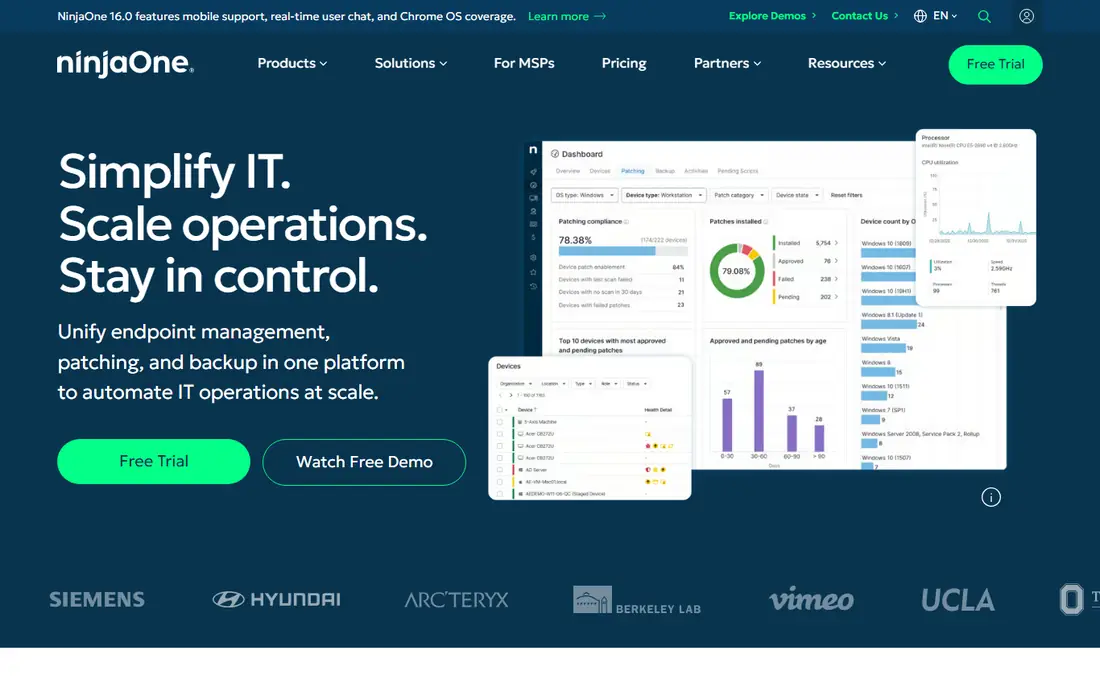
NinjaOne is our pick for most teams moving from Panorama9. It unifies endpoint management, patching, backup options, and remote access in one console, and its automation tools handle routine work such as patch schedules and script runs. The interface is clear enough that a small IT team can run it without a long training period.
The pricing model is the main thing to model carefully. Per-device pricing looks low at small volumes, but the total rises as endpoints grow, and add-ons can change the bill. Get a quote for your exact endpoint count and check which features sit in the base plan before you compare it with a per-technician tool.
- Single console for patching and remote access
- Strong automation
- Wide integrations
- Per-device pricing grows with endpoint count
- Minimum endpoint terms may apply
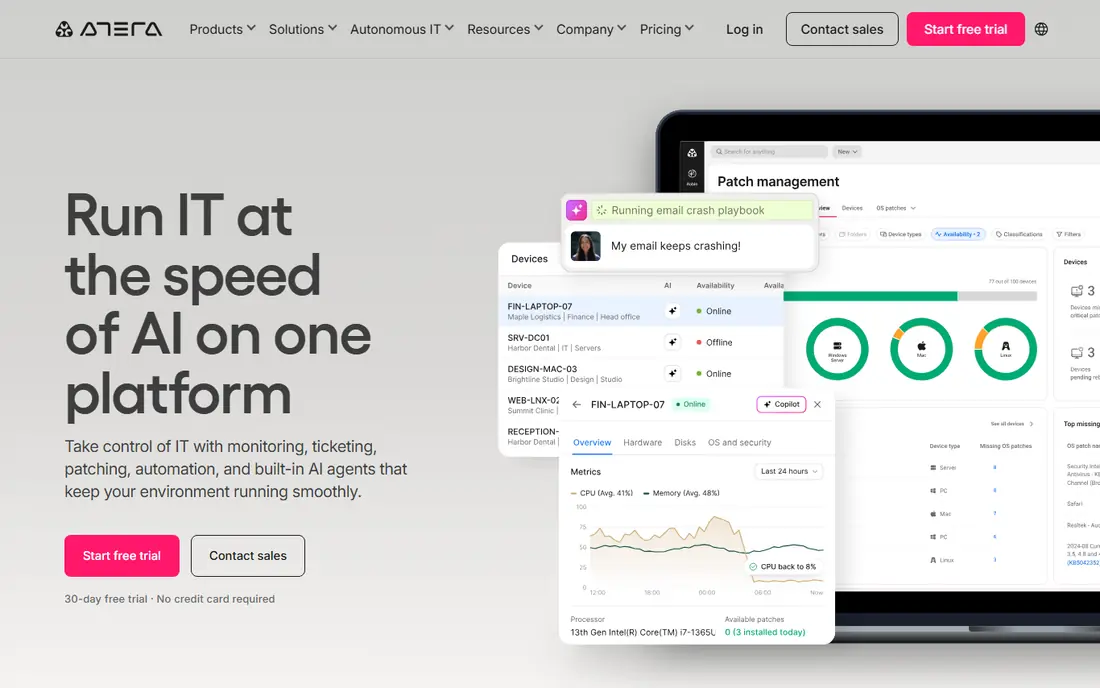
Atera suits IT teams and MSPs with many endpoints and few technicians, because pricing follows technicians rather than devices. It combines RMM, remote access, patching, ticketing, and a light PSA, so a small MSP can run service delivery without buying a separate ticketing system. Network discovery and asset tracking round out the daily workflow.
The catch is that the entry price is a real monthly commitment, even for a solo technician. Atera also bundles newer AI-assisted workflows that some teams will value and others will ignore. If your endpoint count is high and your technician count is low, the maths usually favors Atera over per-device tools.
- Per-technician pricing with unlimited endpoints
- Built-in PSA
- Remote access included
- Cost is high for a one-person shop
- Some advanced features need higher tiers
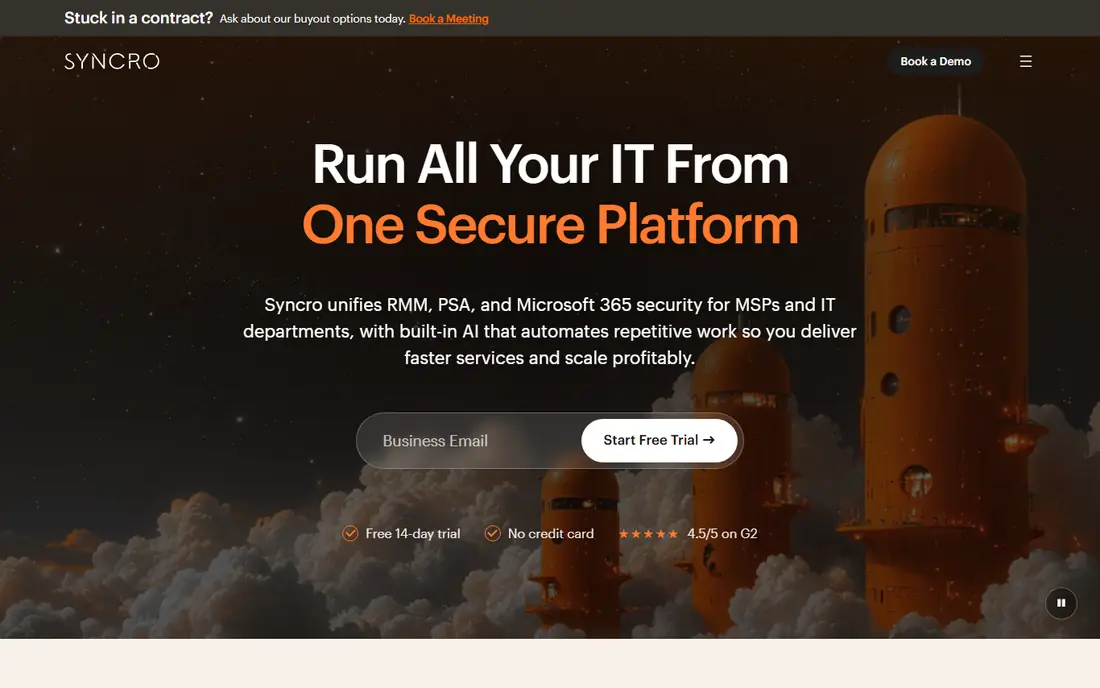
Syncro is built for small MSPs that want one system for monitoring, tickets, billing, and client communication. Remote access, patching, scripting, and asset details sit beside invoicing and ticket tracking, which reduces the number of tools a small provider must maintain. That all-in-one shape is its main appeal over a monitoring-only tool.
Syncro is not the prettiest console here, and new staff may need time to learn where billing, tickets, and device work meet. Its per-user price also means a growing team should model costs at next year's headcount, not just today's. For a small MSP that wants RMM plus PSA without enterprise pricing, it remains a strong pick.
- RMM and PSA in one system
- Billing and ticketing included
- Scripting and remote access
- Interface can feel dense
- Per-user cost rises as the team grows
N-able N-central is the enterprise-grade option for MSPs managing many clients with varied needs. It offers detailed monitoring, patch management, backup options, and automation rules that can be tuned per client. Its integration set also helps larger providers connect security and backup tools into one workflow.
The trade-off is effort. Pricing requires a quote, deployment takes planning, and staff need training to use its depth well. Smaller teams may find NinjaOne or Atera faster to run. Larger MSPs that need granular control across many clients will get more from N-central than from a simpler tool.
- Deep monitoring and automation
- Strong for multi-client MSPs
- Broad security integrations
- Quote-only pricing
- Setup and learning curve are heavier
Datto RMM focuses on policy-driven endpoint management for MSPs. Monitoring, patching, and automation follow policies that can be applied across clients, and its security features include ransomware detection that alerts teams to suspicious activity. That policy model saves time once the base policies are set correctly.
Datto pricing is quote-only, so you cannot compare it on headline price alone. It also fits best when a provider already uses Datto backup or networking products, since the shared ecosystem adds value. Teams outside that ecosystem should weigh the quote against NinjaOne and Atera, which publish clearer starting prices.
- Policy-based monitoring
- Ransomware detection features
- Strong automation
- Quote-only pricing
- Best value inside the wider Datto ecosystem
ManageEngine Endpoint Central is a solid choice for internal IT teams that need patching, software deployment, and asset tracking across Windows, macOS, and Linux devices. It also offers mobile device management in the same console, which helps teams that manage phones beside laptops and desktops. An on-premises option suits organisations with strict hosting rules.
The console packs in many features, and that breadth can make first setup feel crowded. Pricing also depends on edition and device count, so request a quote for your exact mix. For a team that wants depth in patching and asset control rather than MSP billing, Endpoint Central is a practical Panorama9 replacement.
- Broad patch coverage across systems
- Asset and software tracking
- On-premises option
- Interface can feel crowded
- Pricing varies by edition and device count
SuperOps aims to replace a stack of separate tools with one platform for RMM, PSA, helpdesk, and documentation. Its interface feels modern, and bundled remote access removes a separate remote tool bill for many teams. Patch management, asset tracking, and ticket workflows sit in the same workspace, which helps a growing MSP keep service work tidy.
As a younger platform, SuperOps does not have the same long track record as N-able or Datto, and some teams may miss a niche integration. Check the integration list for your security and backup tools before migrating. For a modern MSP that wants RMM plus PSA without stitching tools together, SuperOps is worth a trial.
- RMM and PSA built together
- Modern interface
- Remote access bundled
- Younger platform than N-able or Datto
- Endpoint minimum may apply
Pulseway stands out for technicians who work away from a desk. Its mobile app lets staff see alerts, run remote commands, and restart services from a phone, which suits on-call work and small teams covering many sites. Real-time monitoring and patching cover the core RMM job, and the desktop console handles deeper configuration.
Pricing is quote-based and tiered by device, so the entry cost is hard to judge without a sales conversation. Its PSA side is also lighter than Syncro or SuperOps, so teams that need full billing and contracts may need another tool. Pick Pulseway when mobile control is the deciding factor.
- Strong mobile app for alerts and actions
- Real-time monitoring
- Remote commands
- Quote-based pricing
- PSA features are lighter than Syncro or SuperOps
Action1 is the best low-cost entry on this list, and the right pick when patching is the main gap. It is free for up to 200 endpoints with no feature limits on that tier, and it covers patch management, software deployment, and endpoint reporting from the cloud. Small businesses and schools with modest estates can run it without a monthly bill.
Action1 is not a full RMM plus PSA platform, so teams that need ticketing, billing, and deep remote management should pair it with another tool or choose Atera or Syncro instead. Used for what it does well, patching and endpoint visibility, it is hard to beat on price.
- Free for the first 200 endpoints
- Cloud-native patching
- Software deployment
- Not a full RMM and PSA replacement
- Larger estates need a paid quote
How we picked these
We compared official feature pages, pricing pages, and public RMM comparisons for tools that cover monitoring, patching, remote access, and asset tracking. We kept only live tools that serve MSPs or internal IT teams, and we favoured tools with a clear trial or free tier so a Panorama9 user can test before migrating. Where a vendor publishes no price, we wrote See website rather than repeating an unverified third-party figure.
What to check before you switch
Start with your pricing model, since per-technician and per-device bills diverge as you grow. Model the cost at your current endpoint and technician counts, and again at the counts you expect in a year. Check whether remote access, backup, and PSA features are included or sold as add-ons, since add-ons are where RMM bills often grow.
Run a pilot on a small group of devices first. Test agent deployment, patch schedules, alert noise, and remote sessions, and confirm that policies apply cleanly across operating systems. Keep Panorama9 running during the pilot, and export device and asset records before you move, since a clean migration depends on having that inventory in hand.
Frequently asked questions
What is the best Panorama9 alternative for small MSPs?
Atera and Syncro are strong for small MSPs because per-technician pricing keeps costs predictable when endpoint counts are high. NinjaOne is also strong when ease of use and automation matter more than PSA features.
Is there a free Panorama9 alternative?
Action1 is free for the first 200 endpoints and covers patching and endpoint reporting. It is not a full RMM and PSA replacement, so larger teams or teams needing ticketing and billing should look at paid tools.
How is Panorama9 pricing different from NinjaOne pricing?
Panorama9 has been listed at a low per-agent monthly price, while NinjaOne uses volume-based per-device pricing. The right comparison is your total monthly bill at your endpoint count, including any add-ons, not the lowest per-device figure.
Do I need a PSA as well as an RMM tool?
Not always. Internal IT teams can often run on RMM alone, while MSPs that bill clients and track service agreements usually benefit from a PSA. Syncro, SuperOps, and Atera bundle PSA features, while NinjaOne, Datto RMM, and N-able focus more on RMM depth.
How hard is it to migrate from Panorama9?
Migration effort depends on how many policies, scripts, and device records you have. Export device data first, pilot the new tool on a small group, and keep Panorama9 as a backup until alerts, patching, and remote access are proven in the new console.
Sources
- https://www.ninjaone.com/pricing/
- https://www.atera.com/pricing/
- https://www.syncromsp.com/pricing/
- https://www.n-able.com/products/n-central
- https://www.datto.com/products/rmm/
- https://www.manageengine.com/endpoint-central/pricing.html
- https://www.superops.com/pricing
- https://www.pulseway.com/pricing
- https://www.action1.com/pricing/
See where you really rank - block by block
ProMapRanker scans Google Maps across a grid of your service area. Simple monthly plans from $19, white-label on every plan.
Start freeKeep reading
 zscaler alternatives
Best Zscaler Alternatives in 2026
Looking for zscaler alternatives? We compare 9 SASE and zero trust platforms on architecture, data protection, pricing, and fit for your network and team.
Read → zapier alternatives free
Best Zapier Alternatives Free in 2026
Nine automation tools for zapier alternatives free in 2026, all with genuinely free tiers, plus free plan limits, starting prices and upgrade paths explained.
Read → which platform is best for online reputation
Which Platform Is Best for Online Reputation in 2026
Wondering which platform is best for online reputation? We compare 8 review, listing, and response tools for small and multi-location businesses and agencies.
Read →