 ProMapRanker
Best Panopto Alternatives in 2026


Large education and enterprise video · Pricing starts at: $19 per month
Key takeaways
- Kaltura, YuJa, and Echo360 are the closest education-focused replacements for Panopto lecture capture.
- Brightcove and JW Player suit larger media teams that need streaming scale more than classroom tools.
- Vimeo and Wistia work well for smaller course libraries and public-facing training videos.
- Captioning, search inside video, and LMS links matter more than raw storage when you pick a learning video platform.
Quick comparison
| Pick | Great for | Pricing starts at | Free tier | |
|---|---|---|---|---|
| Kaltura | Large education and enterprise video | $19 per month | Free trial | Visit |
 YuJa | Education video management | See website | Free trial | Visit |
 Echo360 | Lecture capture and active learning | See website | Free trial | Visit |
 Brightcove | Large-scale streaming | See website | Free trial | Visit |
 Vimeo | Professional course hosting | $7 per month | Free trial | Visit |
 TechSmith Knowmia | Simple campus video | See website | Free trial | Visit |
 Mediasite | Lecture capture and campus events | See website | Free trial | Visit |
 Wistia | Marketing and training video | Free | Yes | Visit |
 JW Player | Developer-friendly streaming | See website | Free trial | Visit |
The best Panopto alternatives
Panopto is used for lecture capture, searchable video libraries, and training content. The tools below cover that same ground, with different strengths in education, streaming scale, and ease of use. We compared official feature pages and pricing details.
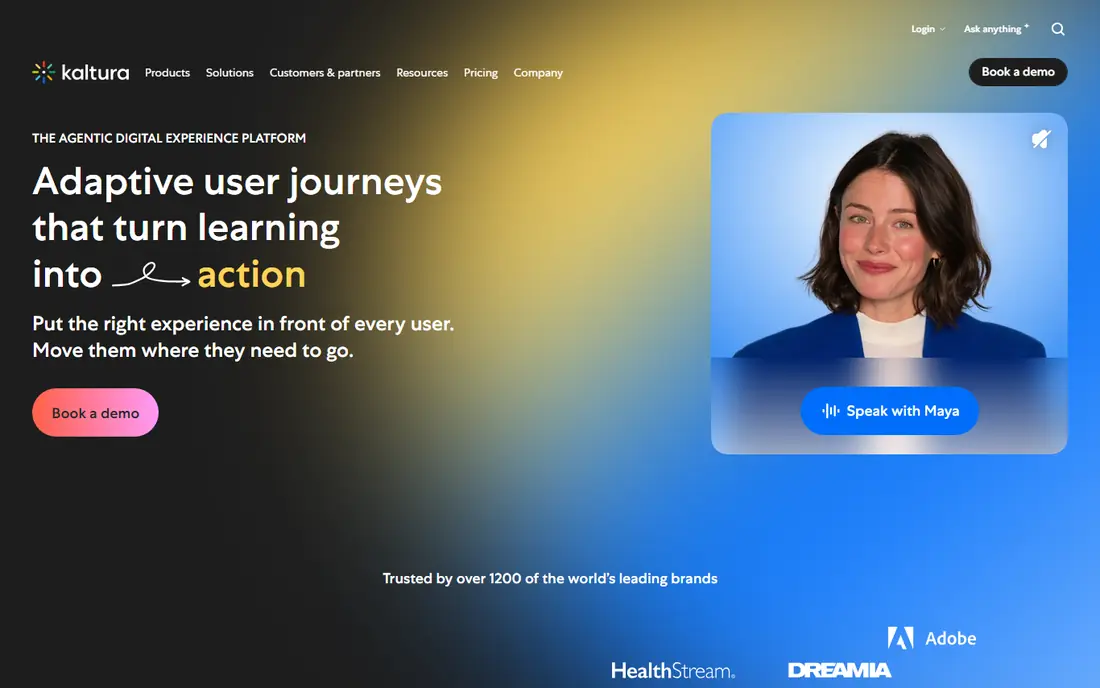
Kaltura is the most flexible large-scale option on this list. It covers lecture capture, live events, webinars, and managed video libraries, with integrations for major learning management systems. Captioning, quizzing, and analytics help teachers and trainers see how students use video, not just whether they opened it. That breadth is also the learning curve. Small teams may find the admin options larger than they need, and the entry price shown by review sites does not cover every enterprise deployment. For universities and large training teams, Kaltura is a strong, proven Panopto replacement.
- Broad LMS and CMS integrations
- Live and on-demand video
- Captioning and interactive tools
- Platform breadth can feel complex
- Enterprise pricing needs a quote for larger deployments
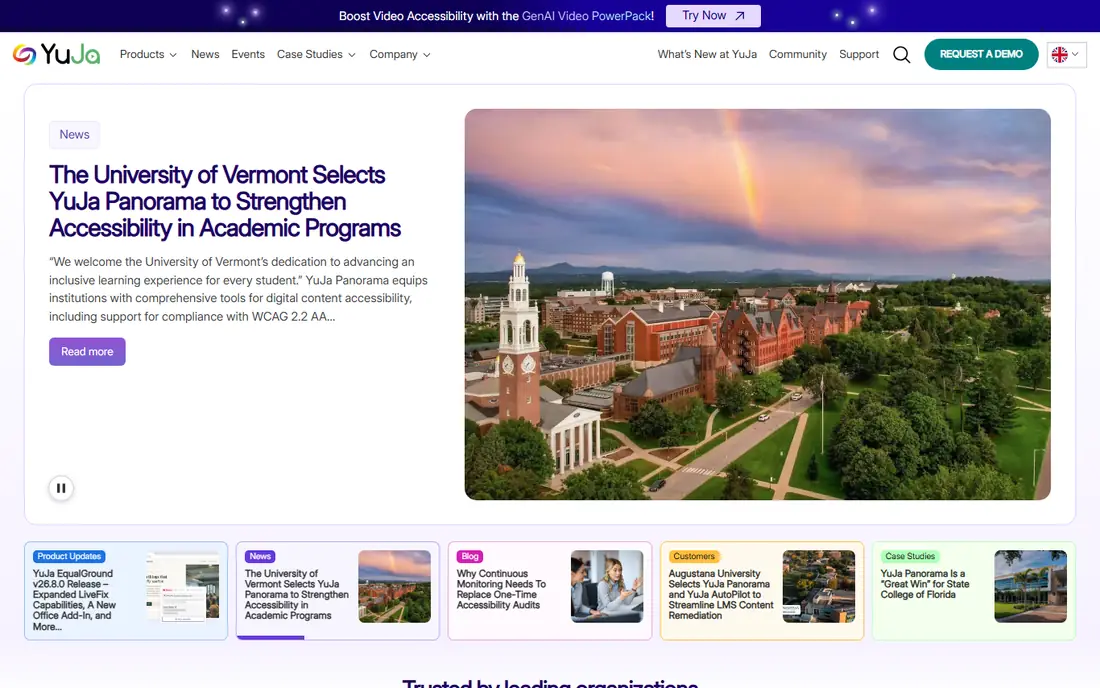
YuJa is built for colleges and universities, and that focus shows in its workflow. Teachers can record lectures, upload video, add captions and quizzes, and share content inside a course without leaving the learning system. Students can search, take notes, and review sections, which supports revision better than a plain video host. Pricing is quote-based, so budget planning needs a sales conversation and a clear count of users and storage. For an institution that wants a classroom-first platform, YuJa is one of the closest matches to Panopto in daily use.
- Education-focused capture and management
- LMS integration
- Captioning and quizzing tools
- Quote-based pricing
- Less suited to public marketing video than Vimeo or Wistia
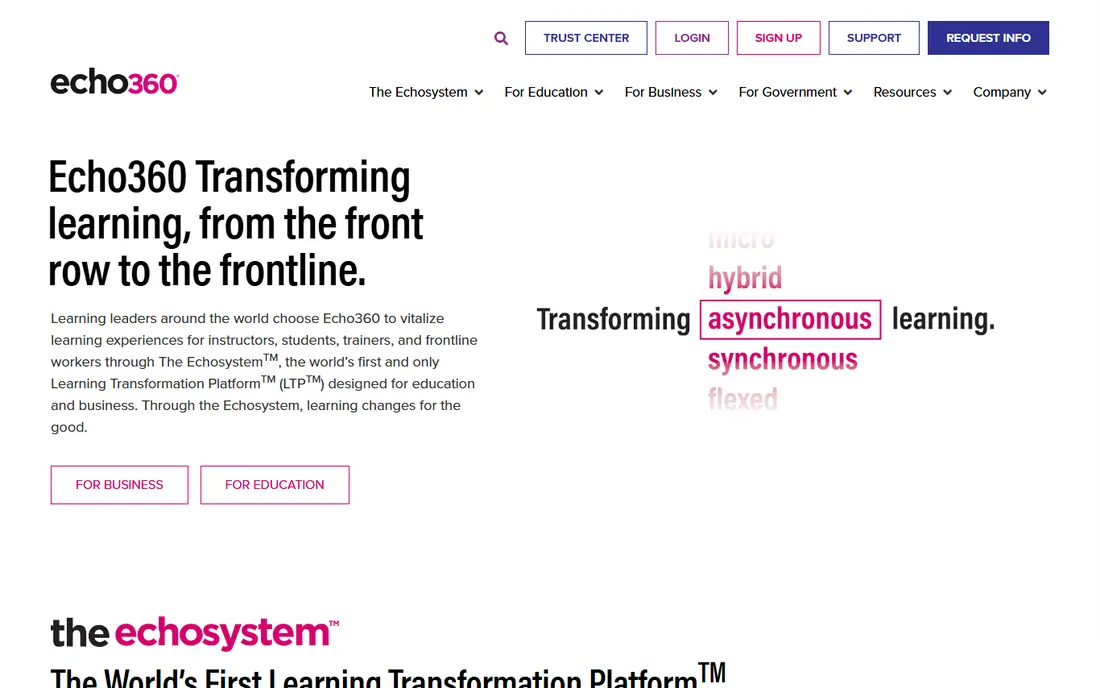
Echo360, also known as EchoVideo, focuses on capturing lectures on a schedule and turning them into active learning material. Teachers can record in a room or from a desktop, students can add notes and answer polls, and the platform links to major learning systems. That classroom loop is its main strength against a general video host. Individual teachers may find access harder, because Echo360 is usually bought by an institution. If your college already uses Echo360, it is a natural Panopto alternative. If you work alone, a simpler host such as Vimeo or Wistia may fit better.
- Scheduled lecture capture
- Active learning tools such as polls and notes
- LMS links
- Quote-based pricing
- Access often runs through an institution, not a solo account
Brightcove suits organisations that stream video to large audiences and need reliable playback, analytics, and monetisation options. Media teams, large training providers, and enterprises use it for on-demand libraries and live events where quality and scale matter most. For a single classroom, Brightcove may be more platform than you need. Lecture capture, student notes, and course quizzes are not its centre, so education teams should compare it carefully with YuJa or Kaltura. Where streaming quality and audience size lead, Brightcove is a strong pick.
- High-quality streaming at scale
- Strong analytics
- Good for public and internal audiences
- Enterprise pricing
- Classroom capture tools are thinner than education-first platforms
Vimeo is a practical choice for smaller course libraries and independent trainers. Videos look clean, embedding is simple, and privacy controls let you limit who can watch a lesson. For a trainer selling a course or sharing lessons with a small group, Vimeo is fast to set up and easy to maintain. Its limits are learning-specific. Vimeo does not match Panopto or YuJa for in-video quizzes, searchable transcripts across a whole course library, or deep LMS grade links. If your main need is polished hosting rather than classroom interaction, Vimeo fits well.
- Clean playback and privacy controls
- Easy embedding
- Good for paid courses and portfolios
- Learning tools such as quizzes are limited
- Large education deployments need higher plans
Knowmia, from the makers of Camtasia and Snagit, focuses on simple campus video. Teachers can record a screen and webcam, add captions, and share video inside a course. Teams that already use TechSmith editing tools will find the workflow familiar, and students get a straightforward player without extra clutter. Knowmia does not try to match every enterprise feature of larger platforms. Large libraries, complex permissions, and deep analytics may need a bigger tool. For departments that want simple, dependable lecture video, Knowmia is a good fit.
- Simple recording and sharing
- Captioning support
- Familiar TechSmith editing links
- Smaller platform scope than Kaltura or YuJa
- Pricing needs a quote for institutions
Mediasite has a long history in lecture capture and campus events. It records from lecture rooms and desktops, streams events, and builds searchable libraries that students can review by slide or chapter. For universities with equipped rooms, that hardware link matters. Mediasite is usually an institutional purchase, so solo teachers will find it harder to adopt alone. Room setup and IT involvement also add time compared with a browser-based recorder. For a campus that wants room capture at scale, Mediasite remains a credible Panopto alternative.
- Room and desktop capture
- Event streaming
- Searchable video libraries
- Institutional pricing
- Setup often involves campus IT and room hardware
Wistia works well for training videos and public-facing lessons where presentation matters. The player is clean, branding is easy to control, and analytics show watch behaviour in a way that helps trainers improve a lesson. A free plan lets a small team test hosting before paying. Classroom tools are thinner here than in YuJa or Echo360. Wistia does not centre on lecture capture schedules or student interaction inside a course. Use Wistia when your videos are training or marketing content first, and use an education platform when course interaction is the main job.
- Free plan to start
- Clean player and branding
- Useful analytics for training and marketing
- Education-specific tools are limited
- Free plan has usage limits
JW Player suits teams that build their own video experience. The player and APIs give developers control over playback, advertising, and analytics, and the platform handles streaming at scale. Product and engineering teams that want a custom front end will value that flexibility. A teaching team without developers may find JW Player less direct than Kaltura or YuJa. There is no classroom-first workflow out of the box, so you must build or buy the learning layer around it. For custom video products, JW Player is a strong foundation.
- Flexible player and APIs
- Good streaming quality
- Useful for custom video apps
- Needs developer time for custom setups
- Classroom tools are not the focus
How we picked these
We compared official feature pages, pricing pages, and education use cases for video platforms that work in October 2026. We kept platforms that support recording, hosting, search, or streaming for learning and training, and we left out general meeting tools that only record calls. We also left out Panopto itself, because this list is for alternatives to it.
What to check before you buy
Start with capture. Confirm how lectures are recorded, whether room capture is scheduled automatically, and whether desktop and mobile recording work for your teachers. A platform that looks good for hosting but makes capture hard will see low use. Next, check the student experience. Search inside video, captions, playback speed, and notes matter for revision, and LMS links matter for grading and access control. Test these with a real course, not just a demo video, because transcript search and caption quality vary. Finally, check storage, retention, and accessibility. Ask how long recordings are kept, what happens when storage limits are reached, and whether captions meet your institution's accessibility needs. Those answers affect cost and compliance more than a headline price.
Frequently asked questions
Which Panopto alternative is best for universities?
Kaltura, YuJa, and Echo360 are the strongest university picks, because they centre on lecture capture, LMS links, and student interaction. Kaltura suits the largest deployments, YuJa suits education-first workflows, and Echo360 suits scheduled lecture capture with active learning tools.
Can I use Vimeo or Wistia instead of Panopto?
Yes, for smaller libraries and training videos. Vimeo and Wistia give polished hosting and privacy controls, but they offer fewer classroom tools such as in-video quizzes and deep LMS links. They fit independent trainers and small teams better than large universities.
Do these platforms support captions?
Most do, including Kaltura, YuJa, Echo360, and Knowmia, but caption quality, languages, and editing tools differ. Test captions on a real lecture with accents and technical terms before you commit, and confirm whether human caption review is available when you need it.
Is Kaltura really $19 per month?
Review sites list a $19 per month starting figure for Kaltura, but larger education and enterprise deployments are usually quoted. Treat that figure as an entry point, not a full institutional price, and ask for a quote based on users, storage, and features.
How do I move a Panopto library to a new platform?
Plan the move in stages. Export or migrate videos with their captions and permissions, check that links inside courses still work, and keep the old library available during the change. Test search and playback on migrated videos before you turn off the old platform.
Sources
See where you really rank - block by block
ProMapRanker scans Google Maps across a grid of your service area. Simple monthly plans from $19, white-label on every plan.
Start freeKeep reading
 zoro.to alternatives
Best Zoro.to Alternatives in 2026
We compare the best zoro.to alternatives in 2026, listing only legal licensed anime streaming services, from Crunchyroll to free options for fans today.
Read → zip alternatives
Best Zip Alternatives in 2026
We compare the best zip alternatives for buy now, pay later in 2026, covering pay-in-4 plans, fees, spending limits, and credit reporting options today.
Read → yesware alternatives
Best Yesware Alternatives in 2026
Compare the best yesware alternatives for sales email tracking, templates, and sequences, with current pricing and honest tradeoffs for small sales teams.
Read →