 ProMapRanker
Best OpenWebUI Alternatives in 2026

Key takeaways
- LibreChat is the closest self-hosted replacement for Open WebUI, with a familiar chat interface and multi-provider support.
- AnythingLLM suits document question answering first, while Open WebUI suits general chat first.
- LobeChat, Msty, Jan, and LM Studio suit individual desktop users who want less server setup.
- Text Generation WebUI suits power users who want direct control over local models and sampling settings.
- Dify suits teams building apps and workflows, not just chatting with a model.
Quick comparison
| Pick | Great for | Pricing starts at | Free tier | |
|---|---|---|---|---|
 LibreChat | Self-hosted team chat | Free | Yes | Visit |
 AnythingLLM | Document question answering | Free | Yes | Visit |
 LobeChat | Modern multi-provider chat | Free | Yes | Visit |
 Chatbot UI | Simple self-hosted chat | Free | Yes | Visit |
 Msty | Desktop hub for many models | Free | Yes | Visit |
 Jan | Private desktop local chat | Free | Yes | Visit |
 LM Studio | Desktop local model runner | Free | Yes | Visit |
 Text Generation WebUI | Power-user local chat | Free | Yes | Visit |
 Dify | Team app and workflow building | Free | Yes | Visit |
The best openwebui alternatives
These alternatives to openwebui cover the same core job, a chat interface for AI models you control, whether those models run locally, on your server, or through an API.
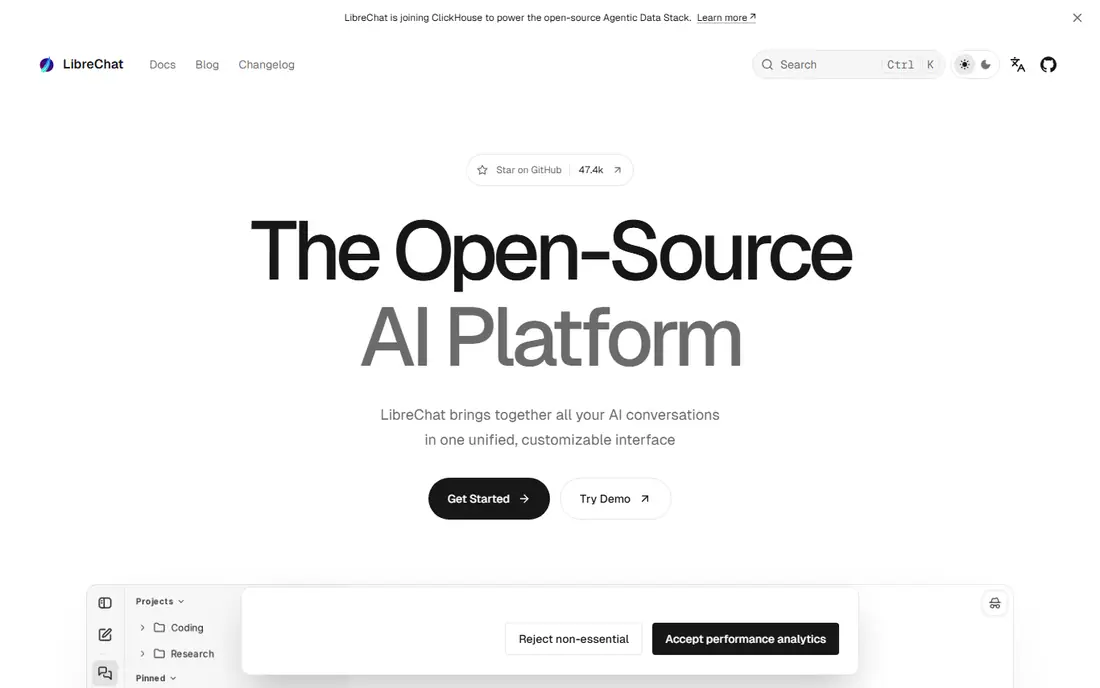
LibreChat is the closest match for teams that want Open WebUI-style chat on their own server. It looks like a standard chat app, connects to OpenAI, Anthropic, Gemini, local models, and other providers, and supports multiple users with sign-in and admin controls. For a small team, that combination is hard to beat.
Setup is heavier than a desktop app, since you need a server, a database, and updates. If you have someone comfortable with Docker and basic server care, that cost is modest. If you do not, a desktop tool will be easier to live with.
- Familiar chat interface
- Many providers
- Multi-user and auth support
- Needs a database and server setup
- Heavier than a desktop app
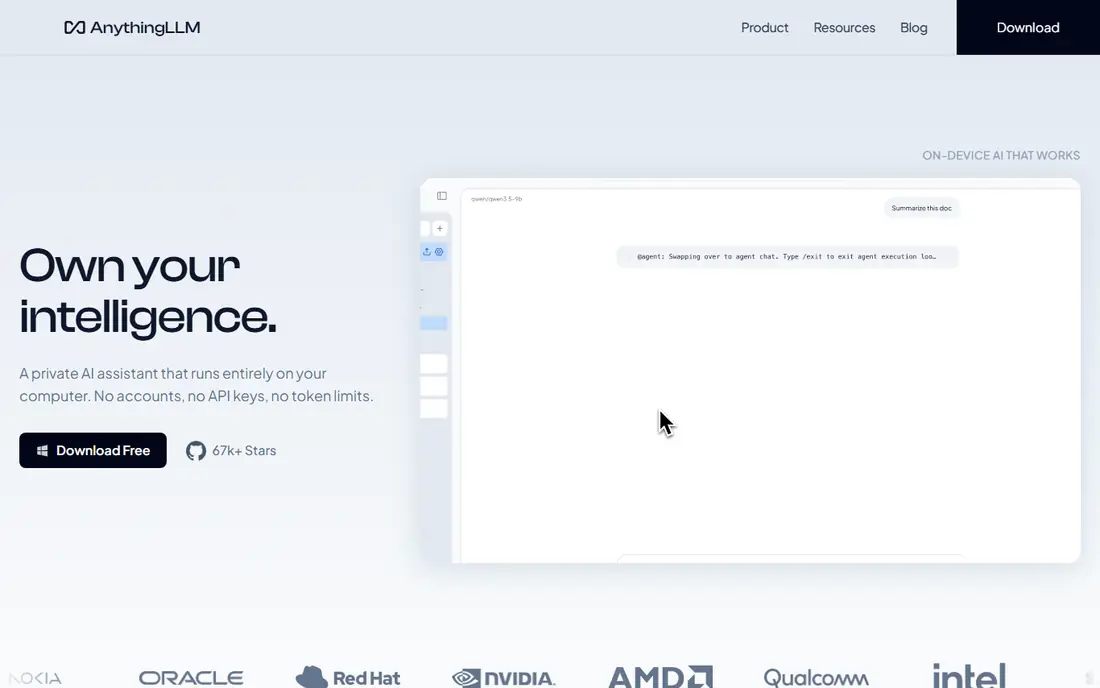
AnythingLLM is built around documents first. You can load PDFs, text files, and other documents into workspaces, ask questions about them, and keep different document sets separate. That focus makes it the best pick when your main job is answering questions from your own files.
General chat is simpler here than in LibreChat or Open WebUI, and agent features take time to learn. If document question answering is the job, that trade is worth it. If you mainly chat with models and rarely upload files, a chat-first tool fits better.
- Built-in document ingestion
- Workspaces
- Desktop and server options
- Chat features are simpler than LibreChat
- Agent setup takes learning
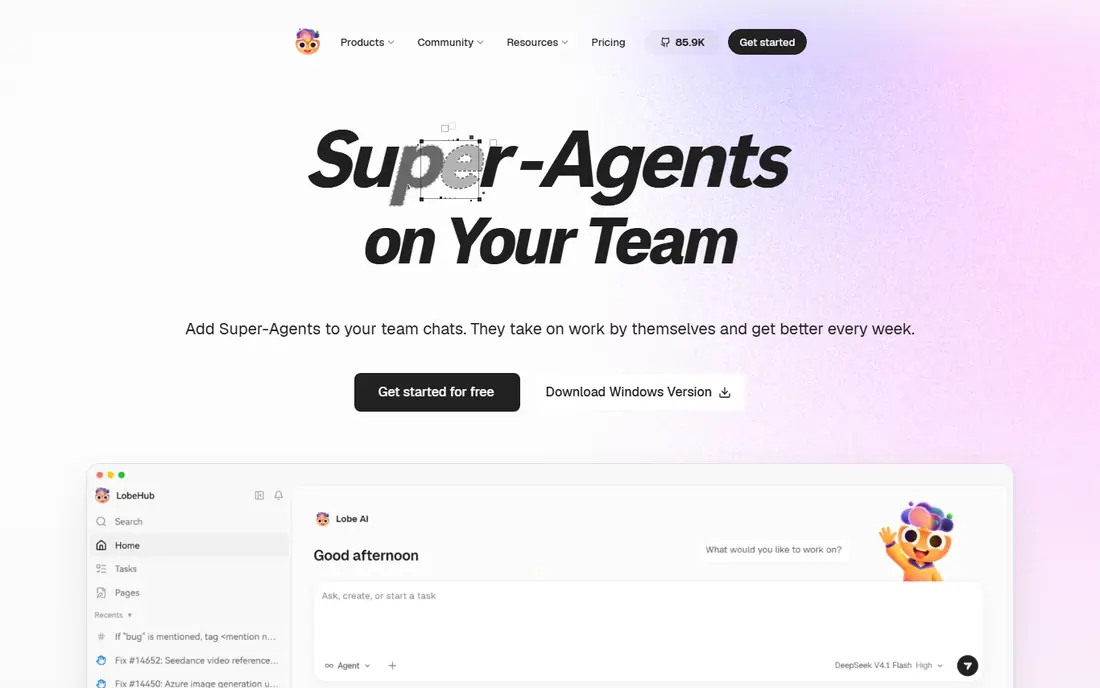
LobeChat offers a modern, polished chat interface that works with many providers, including local models through Ollama and cloud models through APIs. It supports plugins, voice chat, and mobile use through a web app, which makes it feel closer to a consumer product than a server tool.
Self-hosting still needs care around sign-in and database setup, especially for a team. For an individual or a small group that values design and flexibility, LobeChat is a strong alternative. For strict enterprise controls, LibreChat or Dify may fit better.
- Clean modern interface
- Plugin support
- Voice and multimodal features
- Self-hosting needs auth setup
- Some features suit cloud use better
Chatbot UI is the simplest self-hosted chat option here. It gives you a clean chat layout, persistent conversations, and support for common providers, without the wider feature set that makes larger tools harder to run. Teams that want chat and little else often prefer that focus.
Full setup needs Supabase for auth and storage, which adds a step compared with a desktop app. Advanced features like document workspaces and agents are also thinner here. If simple, private chat is the job, that simplicity is a strength.
- Simple setup
- Persistent chats
- Familiar layout
- Needs Supabase for full setup
- Fewer advanced features than rivals
Msty is a desktop hub for working across local and cloud models without running a server. You can compare models side by side in split chats, build knowledge stacks from documents, and switch providers quickly. For an individual researcher or writer, that workflow is efficient.
It is not a team server, so it suits personal use better than shared deployments. Some advanced features sit behind paid tiers, though core chat is free. If you work alone on a laptop, Msty removes most of the setup pain of self-hosting.
- Easy desktop setup
- Split chats
- Knowledge stacks for documents
- Desktop-first, not a team server
- Some features sit behind paid tiers
Jan is an open-source desktop app for chatting with local models in private. You download models, run them on your own machine, and chat without sending prompts to a cloud provider. That privacy-first design appeals to people handling sensitive notes or code.
Local models need disk space and a capable machine, and downloads can take a while on a slow connection. Jan also lacks team features, so it suits individuals best. If privacy and simplicity matter more than team sharing, it is a solid pick.
- Open-source desktop app
- Local model focus
- No server needed
- Fewer team features
- Model downloads take time and disk space
LM Studio makes local models approachable. You can browse, download, and run models from a clean desktop app, and its local server mode lets other tools connect to the model you have loaded. For people new to local AI, that guided path removes much of the usual friction.
Its chat interface is simpler than LibreChat or Open WebUI, and it is not built as a team server. Pair it with a chat tool if you need workspaces, sharing, or multi-user controls. On its own, it is best as a model runner and personal chat app.
- Easy model discovery and download
- Local server mode
- Clean desktop app
- Desktop-first
- Chat features are simpler than full web tools
Text Generation WebUI, often called oobabooga, is the power-user choice for local models. It loads models directly in formats like GGUF, gives fine control over sampling settings, and supports extensions, tools, and character cards. Users who tune models for writing, roleplay, or research value that control.
The interface is less polished than newer tools, and setup is hands-on. Beginners may find the options overwhelming, while experienced users will see them as the point. If you want control over every generation setting, this is the tool to learn.
- Direct model loading
- Fine sampling controls
- Extensions and tools
- Steeper learning curve
- Setup is hands-on
- Interface is less polished
Dify is a step beyond chat. It lets teams build AI apps and workflows visually, connect knowledge bases, and publish apps for colleagues or customers. That makes it the right alternative when Open WebUI feels too limited for building, rather than just chatting.
For casual chat, Dify is heavier than needed, with more setup and concepts to learn. If your goal is to ship a small internal tool, a support bot, or a document workflow, that extra structure pays off. If you only want to chat, pick a chat-first tool instead.
- Visual workflow builder
- App publishing
- Team workspaces
- Heavier than a chat tool
- Best for builders, not casual chat
How we picked these
We compared official project pages, documentation, and recent self-hosting guides for chat interfaces that are live in October 2026. We kept only tools that can chat with local or API models, are actively maintained, and offer a real self-hosted or desktop path. We left out tools that had reached end of life, tools that only run models without a chat interface, and cloud-only chat products with no local or self-hosted option.
How to choose an Open WebUI replacement
The right tool depends on who will use it and where the models will run.
Decide between server, desktop, and team use
A server tool like LibreChat suits a team that shares one deployment. A desktop tool like Jan, LM Studio, or Msty suits an individual. Dify suits a team building apps. Pick the deployment shape first, since it rules out half the list.
Check model support before you commit
Confirm that the tool connects to the models you actually use, whether that is Ollama, a local server, OpenAI, Anthropic, or another provider. A beautiful interface that cannot reach your model is useless, so test that connection in the first hour.
Weigh document work against chat work
AnythingLLM and Dify lead on document question answering and workflows. LibreChat, LobeChat, and Chatbot UI lead on general chat. If both matter, run two tools for a week and see which one you open more often.
Budget setup and upkeep time
Self-hosted tools need updates, backups, and occasional fixes. Desktop tools need model downloads and disk space. Choose the upkeep level you will actually maintain, since an unpatched server or an un-updated desktop app becomes a security and reliability risk.
Frequently asked questions
What is the best alternative to openwebui for a team?
LibreChat is the best team replacement for most groups, since it offers a familiar chat interface, multi-provider support, and multi-user controls on your own server. AnythingLLM suits teams focused on documents, while Dify suits teams building apps. Test LibreChat first if general team chat is the job.
Can I run these alternatives without a server?
Yes, Jan, LM Studio, and Msty run on a desktop without a server, and AnythingLLM also offers a desktop app. Server tools like LibreChat and Chatbot UI need a machine that stays on, which can be a small VPS or a home server. Pick desktop tools if you work alone and do not want server upkeep.
Do openwebui alternatives work with Ollama?
Yes, most tools here connect to Ollama, including LibreChat, LobeChat, AnythingLLM, Jan, and LM Studio through its server mode. Check the tool's provider settings for Ollama support and the base URL it expects. A quick test chat with a small local model confirms the connection.
Are these alternatives free?
Yes, all nine tools here are free to use at their core, with open-source or free tiers. You still pay for the server, computer, or API usage behind them, and some tools offer paid tiers for advanced features. The software itself does not require a license fee for basic use.
Is Open WebUI still worth using?
Yes, Open WebUI remains a strong default for Ollama users who want a polished, feature-complete interface. Switch only if you need a different workflow, stronger team auth, better document handling, or a simpler desktop setup. Many users keep Open WebUI and add one of these tools for a specific job.
Sources
See where you really rank - block by block
ProMapRanker scans Google Maps across a grid of your service area. Simple monthly plans from $19, white-label on every plan.
Start freeKeep reading
 zscaler alternatives
Best Zscaler Alternatives in 2026
Looking for zscaler alternatives? We compare 9 SASE and zero trust platforms on architecture, data protection, pricing, and fit for your network and team.
Read → zapier alternatives free
Best Zapier Alternatives Free in 2026
Nine automation tools for zapier alternatives free in 2026, all with genuinely free tiers, plus free plan limits, starting prices and upgrade paths explained.
Read → which platform is best for online reputation
Which Platform Is Best for Online Reputation in 2026
Wondering which platform is best for online reputation? We compare 8 review, listing, and response tools for small and multi-location businesses and agencies.
Read →