 ProMapRanker
Best OpenText Alternatives in 2026


Teams already using Microsoft 365 · Pricing starts at: See website
Key takeaways
- Microsoft SharePoint is the most practical switch for teams already using Microsoft 365, since content, permissions and Office files stay in one place.
- M-Files and Laserfiche suit regulated work best, with metadata search, retention and workflow controls that go beyond a shared drive.
- Box and Egnyte give smaller teams a faster start, with clear business pricing and simpler administration than a full enterprise platform.
- Most enterprise options in this list are quote based, so ask for total implementation, migration and training costs before you sign.
Quick comparison
| Pick | Great for | Pricing starts at | Free tier | |
|---|---|---|---|---|
| Microsoft SharePoint | Teams already using Microsoft 365 | See website | No | Visit |
 M-Files | Finding files by what they are, not where they sit | See website | Free trial | Visit |
 Laserfiche | Regulated records and process automation | $73 per month | Free trial | Visit |
 Box | Secure sharing across teams and partners | $5 per month | Yes | Visit |
 DocuWare | Automating invoices and approvals | See website | Free trial | Visit |
 Hyland OnBase | Large enterprise content services | See website | No | Visit |
 Alfresco | Open and customisable content services | See website | Free trial | Visit |
 Egnyte | Regulated mid-market teams | $10 per month | No | Visit |
The best opentext alternatives
OpenText covers a wide range, from document management to records, capture and customer communications. The options below match different parts of that range, so pick by the job you need most, not by brand size alone.
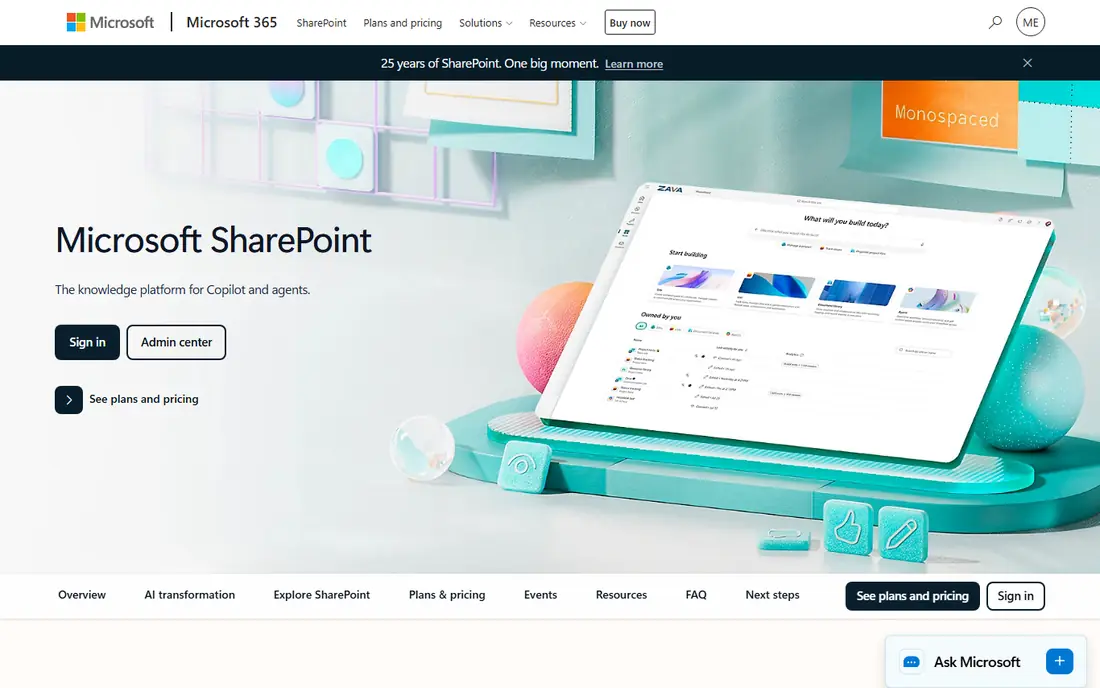
SharePoint is the obvious first check for many OpenText users because it is already inside Microsoft 365 for a large number of businesses. Sites, libraries, lists and search work with Word, Excel, Teams and Outlook without a separate login, and admins can set permissions, retention and version rules at a detailed level. For day to day document work, that familiarity shortens training and reduces the number of tools a team must maintain.
The catch is that SharePoint is a platform, not a finished records system out of the box. Teams with strict retention, capture or case management needs may still need add-ons, careful site design or partner help. If your current OpenText setup is heavily customised, budget time for migration planning and for cleaning up old libraries before you move content across.
- Deep Office and Teams integration
- Granular permissions and version history
- Wide admin and compliance controls
- Setup can feel complex for small teams
- Best value depends on a Microsoft 365 plan
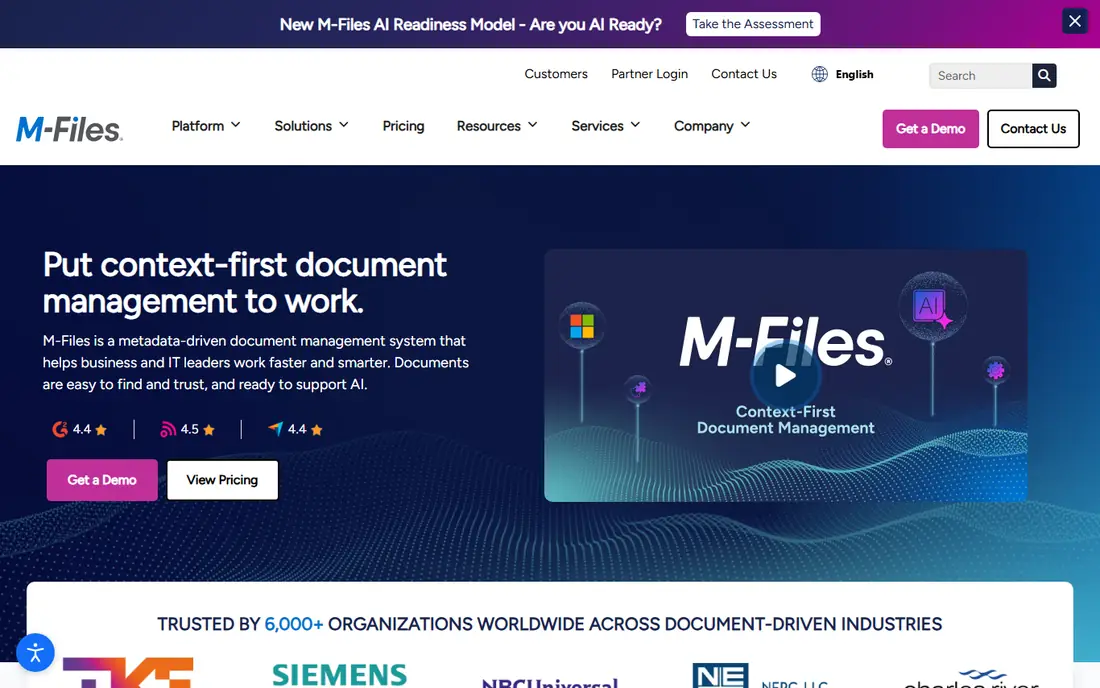
M-Files organises content by metadata, such as client, project, document type and status, rather than by folder alone. That approach helps when the same document belongs in several places, since staff can find it from any of those angles without duplicating files. Workflows can route approvals, send reminders and apply permissions automatically, which suits finance, legal and engineering teams with repeatable processes.
The trade off is that good metadata design matters a great deal. A rushed setup with too many fields, or fields that no one fills in consistently, will frustrate users and weaken search. Plan a short pilot with one department, agree on a small set of required fields, and test search and approvals with real documents before a wider rollout.
- Metadata driven search and views
- Workflow automation
- Flexible cloud or on premises deployment
- Configuration takes planning
- Enterprise pricing is quote based

Laserfiche is a strong match for organisations that need full lifecycle control, from scanning and capture through approval, retention and disposal. Its workflow tools handle forms, routing and approvals, while records controls help teams meet retention rules and show an audit trail. Published pricing for Professional and Business plans makes early budgeting easier than with quote only rivals, although minimum user counts still matter for very small teams.
For a small office with simple storage needs, Laserfiche may offer more structure than you need, and setup will take longer than a basic cloud drive. For a council, insurer, university or health related office with compliance duties, that structure is the point. Ask the vendor to map your most common process, such as invoice approval or permit handling, in a demo before you commit.
- Strong capture, records and workflow tools
- Published business plans
- Audit and retention controls
- Minimum user counts apply on some plans
- Implementation can be involved
Box is best understood as a secure content cloud with strong sharing controls, rather than a traditional on premises records vault. Teams can share large files with partners, set link expiry and permissions, and work from Office, Google Workspace and many other tools. A free individual plan lets a small team test the basics, while business plans add admin controls, retention and workflow features.
The honest limit is depth. If you need complex capture, case management or long term archival rules, Box alone may not replace every OpenText module, and you should check which features sit in each tier. For many mid-size teams, though, the combination of simple sharing, good search and clear pricing makes Box a practical and lower friction switch.
- Simple sharing and external collaboration
- Broad integrations
- Published business pricing
- Deep records features may need higher tiers or add-ons
- Per user pricing adds up at scale
DocuWare focuses on the daily grind of business documents: capture, storage, search and approval. Accounting teams use it for invoices and expense documents, while legal and HR teams use it for contracts and personnel files. Workflows can move a document to the right approver, flag missing information and keep a clear history, which cuts the email chasing that slows many offices down.
Pricing is not published as a single list price, so you will need a quote based on users and bundles. That makes a careful demo important. Bring a real invoice or contract workflow to the demo, ask which bundle covers each step, and confirm what is included for capture, e-signature integration and support before comparing it with Laserfiche or M-Files.
- Cloud first document management
- Strong workflow automation
- Good fit for accounting and legal teams
- Pricing is quote based
- Advanced features vary by bundle
OnBase, from Hyland, is a long established enterprise content platform used in healthcare, higher education, government and financial services. It covers document management, capture, workflow, case management and records, and it connects with core business systems such as ERP and CRM tools. For a large organisation replacing a broad OpenText deployment, that breadth is attractive.
The scale cuts both ways. OnBase is an enterprise purchase, with quote based pricing, implementation services and admin effort to match. Smaller teams will find it heavy and costly for simple document storage. It belongs on a shortlist when you have multiple departments, high volumes and compliance needs that a lighter cloud drive cannot meet.
- Broad enterprise content services
- Strong capture and case management
- Deep integrations
- Quote based enterprise pricing
- Best suited to larger organisations
Alfresco, now part of Hyland, offers content services that developers and IT teams can shape around specific needs. It supports document management, search, workflow and records, and it can run in the cloud or on your own infrastructure. Teams that want control over data location, custom integrations or a tailored interface often prefer this route over a fixed cloud product.
That flexibility comes with responsibility. You will need technical staff or a partner for setup, upgrades and maintenance, and the total cost depends on edition and support. Alfresco fits best when you have in house skills and a clear reason to customise. If you want a ready to use product with minimal admin, Box, Egnyte or SharePoint will be easier.
- Flexible content services platform
- Open source heritage
- Strong developer options
- Needs technical skill to run well
- Support and pricing depend on edition
Egnyte combines cloud file sharing with governance, ransomware detection and compliance controls, which makes it a sensible middle ground between a simple drive and a full enterprise suite. Teams get shared folders, permissions, version history and audit tools, plus controls for sensitive content and regulated data. Published pricing, starting with a small team plan, helps smaller businesses budget without a sales call for every detail.
Check tier limits carefully, since the strongest governance and compliance features sit on higher plans. Egnyte is a good fit for professional services, construction, life sciences and financial firms that need control without the weight of OnBase. It is less suited to teams that need deep case management or complex capture workflows.
- Published team and business pricing
- Governance and compliance tools
- Hybrid file access
- No free plan
- Higher tiers needed for full governance features
How we picked these
We compared official product pages, pricing pages and app listings, plus public reviews and comparison guides, against the main jobs OpenText covers: storage, search, capture, workflow, records and secure sharing. We kept only products that are live in October 2026 and that offer a real content management or content services product, not a generic drive with no admin controls. Where a vendor does not publish a price, we wrote See website rather than guessing from older third party lists.
What to check before you switch
Start with the work, not the feature list. List your top five document processes, such as invoice approval, contract review or permit handling, and score each option on those processes alone. Then check migration: how content, metadata, permissions and version history will move, and what will be left behind. Ask about retention, audit logs, data location and export, since those controls are hard to add later.
Next, test search with your own files. Upload a messy sample set, with duplicate names and incomplete metadata, and see how each system surfaces the right version. Finally, price the whole first year, including implementation, migration, training and any add-ons for capture or e-signature. A lower licence price can hide a costly rollout, while a quote based platform can become good value if it replaces several separate tools.
A short migration checklist
Confirm who owns each content type, clean up duplicates and empty folders, and freeze major changes during the move. Run a pilot with one team, train on real tasks rather than generic demos, and keep the old system read only for a set period so staff can check anything that did not migrate cleanly.
Frequently asked questions
What is the best alternative to OpenText?
There is no single winner, since OpenText covers several jobs. SharePoint suits Microsoft 365 teams, M-Files and Laserfiche suit regulated and metadata heavy work, and Box or Egnyte suit teams that want faster, simpler sharing with governance controls.
Are there free alternatives to OpenText?
Box offers a free individual plan, and Alfresco has open source roots, but a full business deployment is rarely free. Free plans help you test sharing and basic storage, while workflow, retention and admin controls usually sit on paid plans.
How much do OpenText alternatives cost?
Prices range from $5 per user per month for Box business plans and $10 per user per month for Egnyte team plans to quote based enterprise pricing for OnBase, M-Files and DocuWare. Laserfiche publishes Professional pricing from $73 per user per month billed annually, subject to minimum users.
Which alternative is best for records management?
Laserfiche and Hyland OnBase are the strongest records choices in this list, with retention, audit and lifecycle controls built for regulated work. M-Files also works well when records are found by metadata and routed through defined workflows.
Is SharePoint a good replacement for OpenText?
SharePoint can replace much of OpenText for document storage, collaboration and permissions, especially inside Microsoft 365. It is less of a direct match for complex capture or case management unless you add those capabilities or use a partner solution.
Should a small business use an enterprise content platform?
Most small businesses should start with Box, Egnyte or SharePoint and add workflow tools only where needed. A full enterprise platform makes sense when you have high volumes, strict compliance duties or several departments sharing the same content rules.
Sources
- https://www.microsoft.com/en-us/microsoft-365/sharepoint
- https://www.m-files.com
- https://www.laserfiche.com
- https://www.box.com
- https://www.docuware.com
- https://www.hyland.com/en/products/onbase
- https://www.alfresco.com
- https://www.egnyte.com
- https://www.flozic.ai/blog/best-document-management-software
- https://www.outrank.so/blog/enterprise-content-management-solutions
See where you really rank - block by block
ProMapRanker scans Google Maps across a grid of your service area. Simple monthly plans from $19, white-label on every plan.
Start freeKeep reading
 zscaler alternatives
Best Zscaler Alternatives in 2026
Looking for zscaler alternatives? We compare 9 SASE and zero trust platforms on architecture, data protection, pricing, and fit for your network and team.
Read → zapier alternatives free
Best Zapier Alternatives Free in 2026
Nine automation tools for zapier alternatives free in 2026, all with genuinely free tiers, plus free plan limits, starting prices and upgrade paths explained.
Read → which platform is best for online reputation
Which Platform Is Best for Online Reputation in 2026
Wondering which platform is best for online reputation? We compare 8 review, listing, and response tools for small and multi-location businesses and agencies.
Read →