 ProMapRanker
OpenPhone Alternatives in 2026


AI transcripts for small teams · Pricing starts at: $15 per user per month
Key takeaways
- Dialpad and Nextiva offer strong value for small teams that want AI transcripts and messaging without a high entry price.
- Grasshopper and Google Voice suit solo users, while Aircall and RingCentral suit larger teams that need integrations and scale.
- Check minimum seat counts before you buy: Aircall requires a minimum, while several rivals allow a single user.
- Business texting, call routing, and CRM integrations vary widely, so confirm the features your team uses daily are on the plan you would buy.
Quick comparison
| Pick | Great for | Pricing starts at | Free tier | |
|---|---|---|---|---|
| Dialpad | AI transcripts for small teams | $15 per user per month | Free trial | Visit |
 RingCentral | Larger and hybrid teams | $20 per user per month | Free trial | Visit |
 Aircall | CRM-heavy sales and support | $30 per user per month | Free trial | Visit |
 Nextiva | Growing businesses | $15 per user per month | Free trial | Visit |
 Grasshopper | Solopreneurs and tiny teams | $14 per month | Free trial | Visit |
 Google Voice | Google Workspace solo users | $10 per user per month | No | Visit |
 Vonage | Flexible teams and developers | See website | No | Visit |
 CloudTalk | Small call centers | $25 per user per month | Free trial | Visit |
 JustCall | Growth-stage sales and support | $29 per user per month | Free trial | Visit |
The best OpenPhone alternatives
OpenPhone rebranded to Quo in late 2025, with the same core phone system carried over under the new name. The systems below are separate alternatives to that product, not Quo itself, and they cover different needs: solo lines, small team inboxes, sales dialers, and full contact centers. We compared entry pricing, messaging, integrations, and trial terms so you can match a system to your team size.
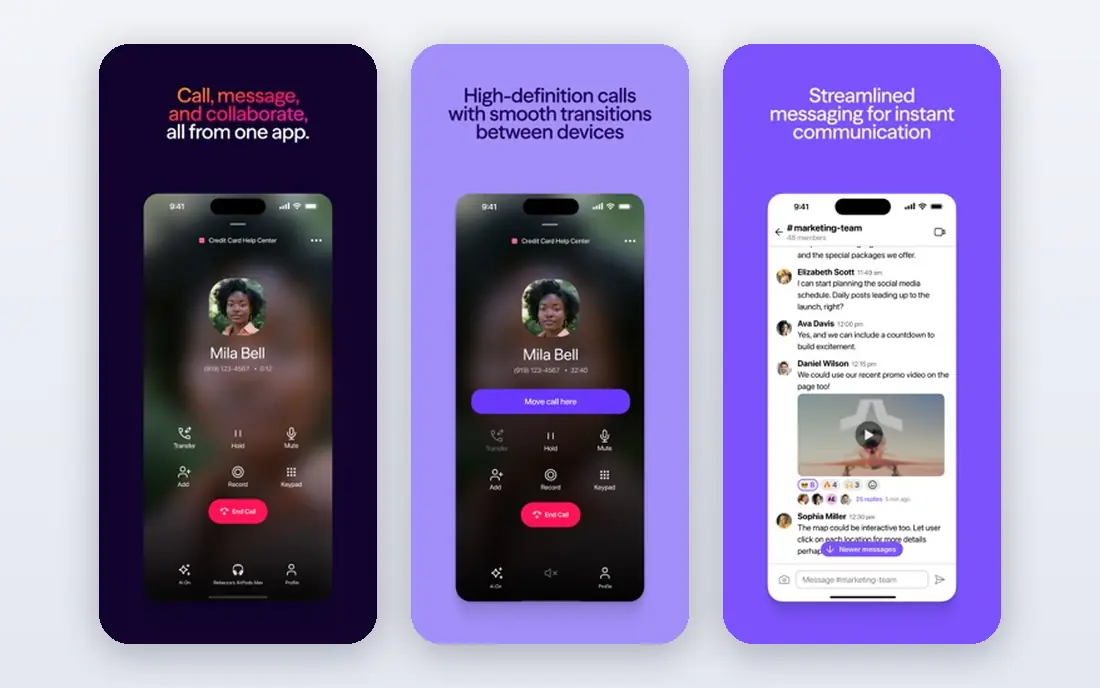
Dialpad is a strong pick for a small team that wants AI help on every call without a high entry price. Its plans include AI transcripts and summaries, business messaging, and call routing, with video and deeper coaching on higher tiers. The interface is clean, and setup is faster than a full enterprise system.
Some AI coaching and analytics features require a higher plan, so check the tier that includes the features your managers actually use. Pricing also varies by billing term, so compare monthly and annual rates. For a team that values transcripts and a modern app, Dialpad offers good value at the entry level.
- AI call transcripts and summaries
- Business messaging
- Video on higher plans
- Advanced AI coaching needs higher plans
- Pricing varies by billing term
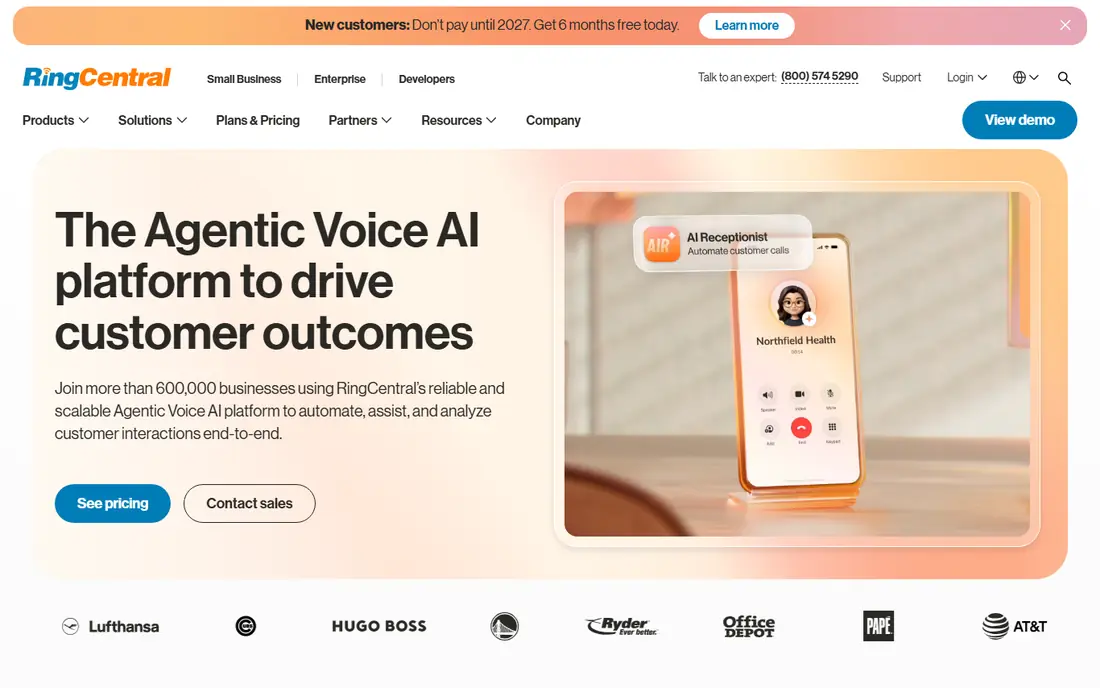
RingCentral suits a larger or hybrid team that needs phone, video, and messaging in one platform. Its integration library is among the largest here, covering CRMs, helpdesks, and productivity tools. Desk phone support also matters for offices that still use physical handsets alongside apps.
Setup can take longer than a simple virtual number app, and the full feature set requires higher tiers. For a solo user or a two-person team, that depth may be more than needed. For a growing company that wants one communications platform to scale with it, RingCentral is a safe long-term choice.
- Phone, video, and messaging in one platform
- Large integration library
- Desk phone support
- Setup can take longer
- Full features need higher tiers
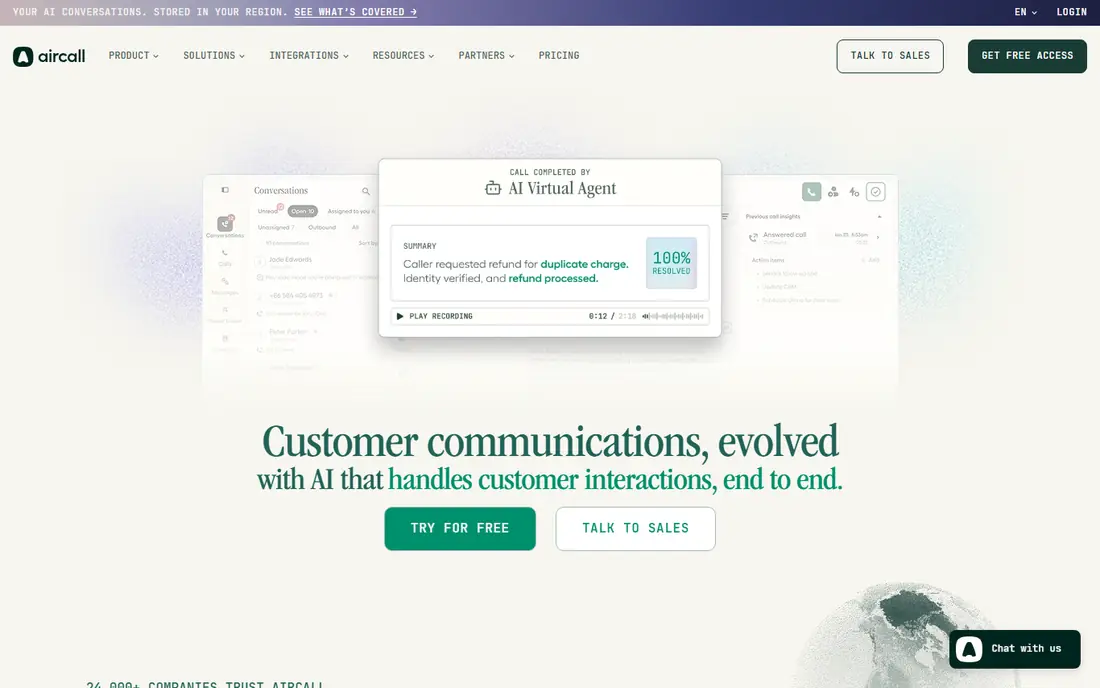
Aircall is built for sales and support teams that live in a CRM. It syncs calls, notes, and outcomes to common CRMs, offers a shared inbox for team calls, and includes queues and live monitoring for managers. Setup is fast for a cloud system, and the interface is easy for new agents to learn.
A minimum seat count applies, so a solo user cannot buy a single licence at the headline price. Cost also rises quickly as seats are added, since the per-user price is higher than Dialpad or Nextiva. Choose Aircall when CRM sync and team call handling are central to your workflow.
- Deep CRM integrations
- Shared inbox
- Call queues and live monitoring
- Minimum seat requirement applies
- Cost rises quickly as the team grows
Nextiva suits a growing business that wants phone, video, SMS, and chat in one platform with CRM connections. Its entry price is competitive, and its support reputation is stronger than several rivals. For a team moving from a simple virtual number to a fuller system, Nextiva offers a clear upgrade path.
Advanced contact center features, including deeper analytics and outbound tools, sit on higher plans. As with any per-user system, total cost grows with headcount, so model the price for your team in a year, not just today. For most small and mid-size teams, the entry and mid tiers cover daily needs well.
- Unified phone, video, and messaging
- CRM integrations
- Strong support reputation
- Higher tiers needed for advanced contact center features
- Price grows with seats
Grasshopper is the simplest pick for a solopreneur who needs a business number without per-user pricing. The flat monthly rate covers call forwarding, voicemail transcription, and a virtual number, and setup takes minutes. For a freelancer or a one-person business, that simplicity is the point.
It is not built for a larger team. There is no dialer, integrations are limited, and shared inbox features are thinner than Dialpad or Aircall. If you hire staff or need CRM logging, you will outgrow Grasshopper. Until then, its flat price and easy setup are hard to beat.
- Flat-rate pricing with no per-user cost
- Voicemail transcription
- Call forwarding
- Not built for larger teams
- Integrations and dialer features are limited
Google Voice suits a solo user or a small team already on Google Workspace. The interface is familiar, setup is quick, and the entry price is low. For a user who mainly needs a second business line, voicemail transcription, and call forwarding, Google Voice covers the basics without a complex admin console.
Routing, advanced queues, and integrations are limited compared with Dialpad or RingCentral. It is not a contact center, and teams that need detailed analytics or a shared inbox will feel the limits quickly. Choose Google Voice for simplicity and low cost, not for scale.
- Simple familiar interface
- Works inside Google Workspace
- Low entry price
- Routing and integrations are limited
- Not a full contact center
Vonage offers a flexible business phone system plus APIs for teams that want to build custom calling or messaging into their own product. Its core plans cover phone, messaging, and video, while the API side suits developers who need programmable voice and SMS. That range makes Vonage useful for both standard teams and product builders.
Pricing varies by plan and add-on, so the headline rate does not tell the whole story. Advanced contact center features and some integrations require higher tiers. If you need a standard team phone system, compare the total plan cost against Dialpad or Nextiva. If you need APIs, Vonage has a clear edge.
- Phone, messaging, and video
- API options for custom builds
- Flexible plans
- Core plan pricing varies
- Advanced features need higher tiers or add-ons
CloudTalk is built for call-centric teams, including small support and sales centers. It offers call queues, routing, and a wide set of CRM integrations, plus AI and automation add-ons for teams that want smarter call handling. The interface focuses on calls first, which suits agents who spend most of the day on the phone.
The entry price is higher than Dialpad or Nextiva, and advanced automation sits on higher tiers. For a team that mainly needs a simple business line, that cost may not be justified. For a team that runs a call queue all day, the call-first design and integration depth can be worth it.
- Call-centric features
- Wide CRM integrations
- AI and automation add-ons
- Entry tier is higher than some rivals
- Advanced automation needs higher plans
JustCall suits a growth-stage sales or support team that wants AI, a dialer, and CRM sync in one plan. Its AI voice agent can qualify and book leads, the auto-dialer speeds up outbound work, and integrations cover HubSpot, Salesforce, and messaging channels including WhatsApp. Support on every plan is also a plus for a growing team.
The entry price is higher than Dialpad or Grasshopper, so a solo user will pay more than needed. The feature set also fits teams of five or more better than a two-person team. If your team makes many outbound calls and needs CRM logging, JustCall earns its price. If you need only a business line, a simpler tool is cheaper.
- AI voice agent
- Auto-dialer
- CRM sync
- Messaging including WhatsApp
- Higher entry price than simpler rivals
- Best fit is teams of five or more
How we picked these
We compared official pricing pages, feature lists, and plan terms for each product, and we checked which apps and services are still offered in October 2026. We kept only products that fit the topic directly and that a US buyer can sign up for today. Where a price or a feature differed across sources, we used the vendor page figure where we could confirm it and wrote See website where we could not. We did not claim hands-on testing, and we judged each product on who it fits, one clear strength, and one honest weakness.
How to choose an OpenPhone alternative
Start with team size and call volume. A solo user needs a simple second line and voicemail transcription, while a team needs a shared inbox, routing, and a way to see who answered each call. Next, check messaging: business texting matters for appointment reminders and customer replies, but limits and included messages vary by plan. Then check integrations with your CRM and helpdesk, since a phone system that does not log calls will create manual work. Finally, test number porting and call quality on your actual devices before you move a published business number, and confirm trial length and whether a card is required.
Frequently asked questions
What are the best alternatives to OpenPhone?
Dialpad, RingCentral, Aircall, Nextiva, and Grasshopper are the most common alternatives, each with a different strength. Dialpad suits AI transcripts, RingCentral suits scale, Aircall suits CRM-heavy sales teams, and Grasshopper suits solo users. The best pick depends on team size and whether you need video, messaging, or a dialer.
What is the cheapest OpenPhone alternative?
Google Voice and Grasshopper sit at the low end for solo users, with simple plans and flat or low per-user pricing. Both have limits on routing and integrations compared with full team systems. For a team, Dialpad and Nextiva offer lower entry prices than Aircall or RingCentral.
Can I keep my business number when switching?
Most providers support number porting from a previous carrier, including a virtual number. Porting time varies, and you should not cancel the old service until the port completes. Confirm porting support and any fees with the new provider before you start.
Do these alternatives include business texting?
Most team systems here include business SMS, but message limits and included counts vary by plan. Solo tools include texting with simpler limits. Check whether texting is included on the entry plan or requires a higher tier, and whether international texting is covered.
Which alternative is best for a sales team?
Aircall and JustCall suit sales teams that need CRM sync, dialers, and call coaching. Dialpad also offers AI coaching and analytics on its plans. Choose based on your CRM, since native sync saves manual logging and keeps call history tied to deals.
Sources
See where you really rank - block by block
ProMapRanker scans Google Maps across a grid of your service area. Simple monthly plans from $19, white-label on every plan.
Start freeKeep reading
 zscaler alternatives
Best Zscaler Alternatives in 2026
Looking for zscaler alternatives? We compare 9 SASE and zero trust platforms on architecture, data protection, pricing, and fit for your network and team.
Read → zapier alternatives free
Best Zapier Alternatives Free in 2026
Nine automation tools for zapier alternatives free in 2026, all with genuinely free tiers, plus free plan limits, starting prices and upgrade paths explained.
Read → which platform is best for online reputation
Which Platform Is Best for Online Reputation in 2026
Wondering which platform is best for online reputation? We compare 8 review, listing, and response tools for small and multi-location businesses and agencies.
Read →