 ProMapRanker
OpenClaw Alternatives in 2026

Key takeaways
- OpenClaw is an open source personal AI assistant that can run agents, use tools and work through messaging apps, so the best alternative depends on whether you want a runnable agent or a framework to build one.
- CrewAI and Microsoft AutoGen suit teams of agents that divide a job into roles and talk to each other.
- LangGraph suits developers who want explicit control over state, steps and approvals in a long running agent workflow.
- OpenHands, Goose and Open Interpreter suit people who want a ready to run agent for coding or local tasks, rather than a library to code against.
- n8n and Dify suit people who prefer a visual builder, with n8n leaning toward automation and Dify leaning toward chatbots and knowledge based apps.
Quick comparison
| Pick | Great for | Pricing starts at | Free tier | |
|---|---|---|---|---|
 CrewAI CrewAI | Role based agent teams | Free | Yes | Visit |
 LangGraph LangGraph | Stateful workflows with approval steps | Free | Yes | Visit |
 Microsoft AutoGen Microsoft AutoGen | Multi-agent conversations and research | Free | Yes | Visit |
 OpenHands OpenHands | Delegated software tasks | Free | Yes | Visit |
 n8n n8n | Visual automation with AI agents | Free | Yes | Visit |
 Dify Dify | Visual LLM apps, chatbots and agents | Free | Yes | Visit |
 Goose Goose | Local desktop agent work | Free | Yes | Visit |
 Open Interpreter Open Interpreter | Local code running from chat | Free | Yes | Visit |
The best OpenClaw alternatives
OpenClaw is best understood as a personal agent platform that you run yourself, connect to messaging apps, and give tools to act on your behalf. Some alternatives below are close matches in that sense, while others are frameworks you build with. We kept both kinds in the list, but we label the difference clearly in each write up, so you can skip the frameworks if you only want something to install and run.
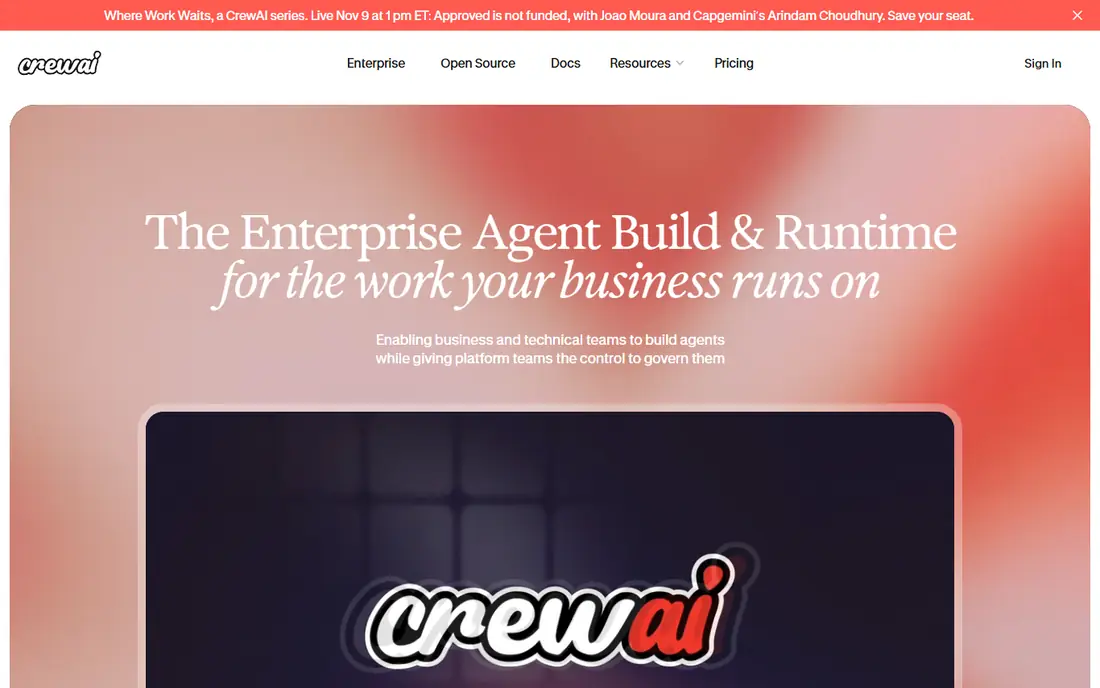
CrewAI is a popular choice when a job is too big for one agent prompt and you want to split it into roles. You might give one agent the job of researcher, another the job of writer, and a third the job of editor, then let them pass work along in order. That role based shape is easy to explain to a team, and it maps well to content, research and business workflows where different skills matter at different stages. Flows add a more predictable path when you do not want every step to be decided by the model.
The catch is that CrewAI is a framework, not a finished personal assistant. You write code, you choose models, and you test how agents behave when a step fails or a tool returns bad data. That is a strength for developers, but it is not a drop in replacement for someone who just wants to install OpenClaw and start chatting. If you enjoy building, CrewAI gives you a fast path to a working crew.
- Clear roles, goals and tasks for each agent
- Flows for deterministic steps
- Open source core
- Still needs coding skill
- Agent behavior needs testing and guardrails
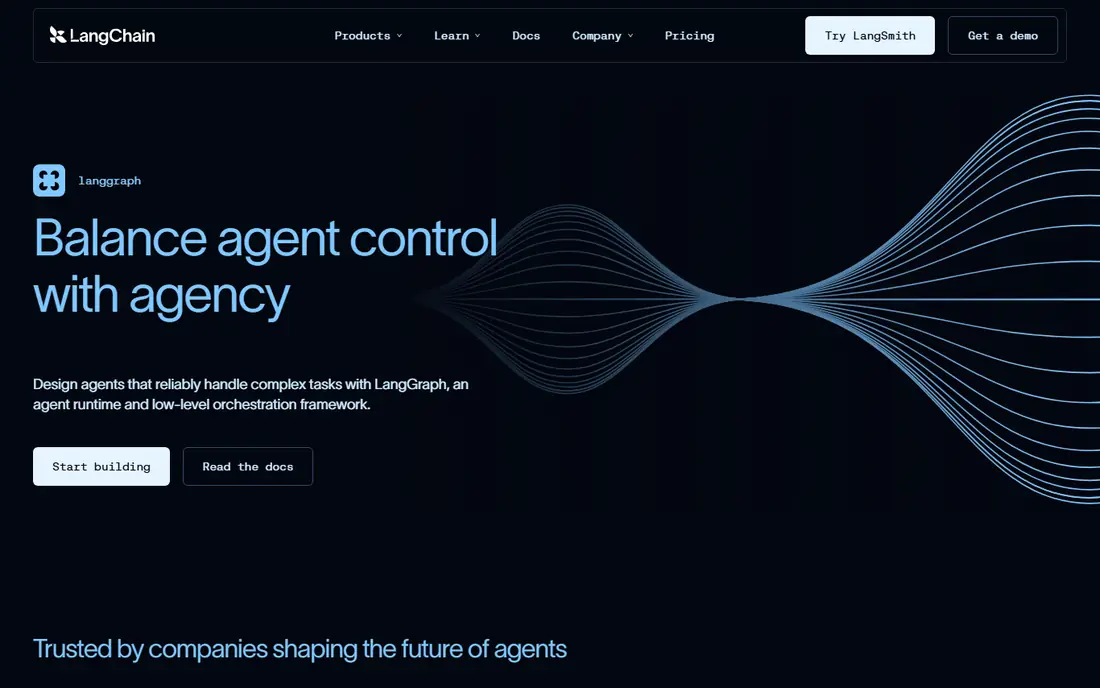
LangGraph treats an agent as a graph of steps, with state that persists across steps and checkpoints you can return to. That design helps when an agent must pause for a human approval, retry a failed tool call, or resume after an interruption. For production work, that control matters more than clever prompts, since you can see exactly where a run stopped and why. It also pairs well with LangChain tools and integrations, which is useful if you already build with that ecosystem.
The trade off is complexity. You need to think in nodes, edges and state, and you will write more code than with a visual tool or a ready made agent. Beginners may find the first graph slow to build, even if later graphs reuse the same patterns. Choose LangGraph when the workflow must be inspectable, resumable and safe to run for a long time, not when you want a quick experiment.
- Explicit graphs, checkpoints and human review
- Good for long running agents
- Python and JavaScript support
- Steeper learning curve
- More code to write than a visual builder
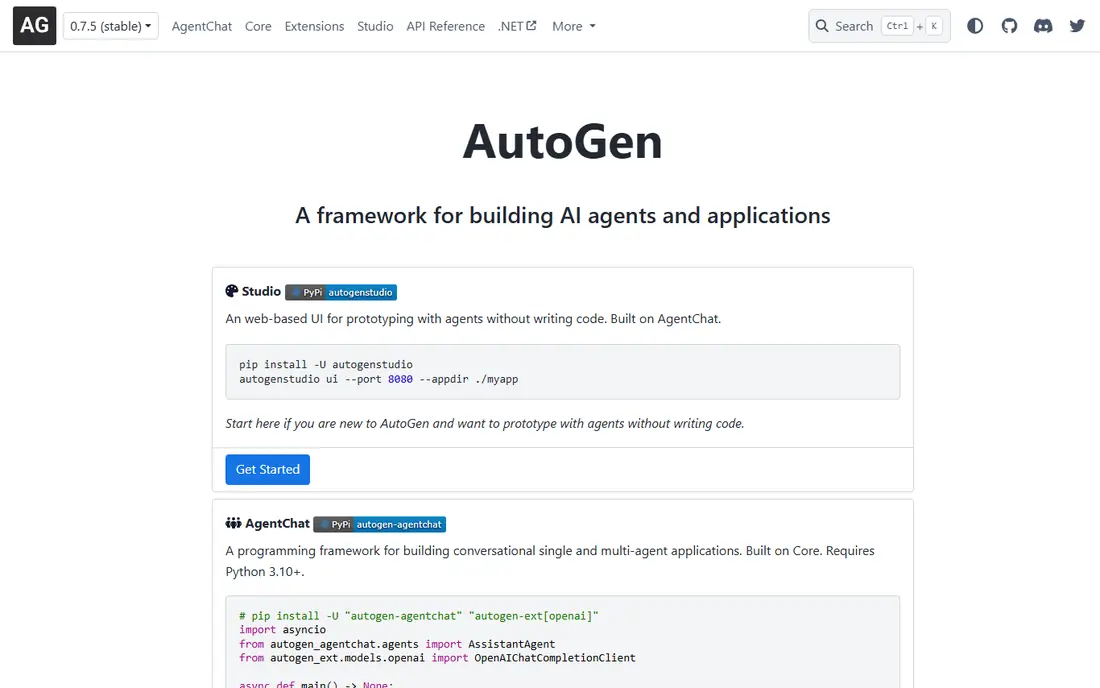
Microsoft AutoGen focuses on agents that solve problems by talking to each other, with each agent contributing a view, a critique or a tool result. That conversation model suits research, complex reasoning and tasks where an answer improves after several rounds of review. AutoGen Studio adds a visual canvas for building agent pipelines, which helps teams sketch a workflow before they write the full code. The project is open source, so you can run it yourself and choose your models.
The honest limit is predictability. Multi-agent conversations can wander, repeat work or disagree, and you need guardrails, limits and testing to keep them useful. Setup also takes effort, since you manage model keys, tools and conversation rules yourself. AutoGen is a strong pick for developers and researchers who want to experiment with agent teams, rather than a simple install and chat replacement for OpenClaw.
- Conversation driven multi-agent design
- AutoGen Studio for visual building
- Backed by Microsoft research
- Requires coding and model setup
- Behavior can be hard to predict at scale
OpenHands is an open source agent built for software work, and it feels closer to a runnable product than a bare framework. You give it a coding task, and it works in a workspace, edits files, runs commands and reports back. That makes it a useful alternative if your main OpenClaw use case was helping with code, rather than messaging or daily personal tasks. The interface and runtime are packaged, so you spend less time wiring up the agent loop itself.
The catch is scope. OpenHands is designed for software tasks, not for managing your calendar, messages or home automation in the way a personal assistant might. You also need to connect a model provider and pay for model use, since the open source code itself does not include free model access. For developers who want an agent that actually changes code, OpenHands is one of the clearest picks here.
- Packaged coding agent runtime
- Handles real code tasks in a workspace
- Open source
- Needs a model provider and setup
- Not a general personal assistant
n8n takes a different route to the same goal. Instead of chatting with one personal agent, you build workflows that connect apps, data and AI models, and you can add AI agent nodes inside those workflows. That suits people who already use tools such as Slack, email, sheets and databases, and want an agent to act across them on a schedule or a trigger. The visual builder makes the flow easy to see, and self hosting gives you control over where data runs.
The limit is that n8n is automation first. It is excellent at repeatable jobs, such as triaging messages, updating records or summarizing content, but it is not a chat companion out of the box. You design the workflow, so a poorly designed flow gives poor results. If your OpenClaw use case was mostly automation across apps, n8n is a strong and practical alternative.
- Visual workflow builder
- Self hosting option
- Many integrations for existing tools
- Agent behavior depends on workflow design
- Cloud pricing adds up for heavy use
Dify is a platform for building LLM apps, chatbots and agents through a visual interface, with support for knowledge bases, retrieval and workflows. That makes it a good fit if you want to turn documents into a chatbot, build an internal assistant, or prototype an agent without writing a full framework from scratch. The self hosted option appeals to teams that want to keep data on their own infrastructure, while the cloud option removes setup work.
The trade off is depth. Dify is stronger for app building and question answering than for long running, multi-agent software work. Complex agent logic may still need custom code or a framework such as LangGraph. For product teams, support teams and solo builders who want a working agent app quickly, Dify offers a faster path than starting from code alone.
- Drag and drop app building
- Knowledge base and retrieval tools
- Self hosting option
- Less suited to deep multi-agent coding
- Advanced setups still need technical skill
Goose, from Block, is an open source agent that runs on your own machine and can use local tools, files and commands. That local focus is close to the OpenClaw idea of a personal agent that works for you, rather than only in a cloud dashboard. You can run it from a desktop app or a terminal, choose a model provider, and give it tasks that touch your own environment. For developers and power users who like local control, that is an appealing shape.
The catch is maturity and setup. Goose is newer than some frameworks here, and you still need to configure models and permissions carefully, since a local agent with tool access can change files. Test it on non critical tasks first, and keep backups. If you want a personal agent you can run yourself, Goose deserves a trial alongside OpenHands and Open Interpreter.
- Open source desktop agent
- Runs locally with your tools
- Terminal and desktop options
- Needs model setup
- Newer project with a smaller ecosystem than older frameworks
Open Interpreter lets you chat with a language model that can run code on your own computer, which makes it useful for file work, data tasks and automation that a normal chatbot cannot do. You can point it at local models or a provider model, and it will write and run code to carry out your request. That direct code execution is what makes it feel like an agent rather than a chat window, and it pairs well with a local first setup.
The honest warning is safety. An agent that can run code can also delete files or change settings if a prompt is misunderstood, so you should run it in a safe environment, review commands, and avoid giving it broad access to sensitive folders. With those guardrails, Open Interpreter is a simple and powerful alternative for solo users who want local agent help without building a framework.
- Lets a language model run code on your computer
- Open source
- Works with local models
- Powerful tool access needs careful safety checks
- Interface is minimal
How we picked these
We compared official project pages, documentation and public comparisons for tools that exist and work in October 2026, and that fit the personal agent or agent framework space around OpenClaw. We favored open source projects with active development, plus visual platforms that let non developers build agents. We labeled frameworks separately from runnable agents, since that distinction decides whether a pick is useful to you. Where a price could not be verified on the vendor site, we wrote See website rather than guessing. We did not claim hands on testing, and we based the trade offs on published features and project documentation.
How to choose an OpenClaw alternative
Start by deciding what you want to run. If you want a finished assistant to install and chat with, start with OpenHands, Goose or Open Interpreter, and test each on a safe task. If you want to build an agent product, start with CrewAI for role based teams, LangGraph for controlled workflows, or AutoGen for conversation driven research. If you want automation across apps or a chatbot over your documents, start with n8n or Dify.
Next, check safety and cost before you give an agent real access. An agent with tool, file or messaging access can act in ways a chatbot cannot, so set permissions narrowly, use a test account or a test folder, and keep a human approval step for anything that sends messages, moves money or changes production data. Model costs also matter, since open source code is free but model use is not. Estimate your monthly model spend from a small trial before you scale.
Finally, expect to iterate. Agent behavior improves with clear instructions, good tools and limits on steps and retries. Start with one job, measure whether the agent completes it reliably, and only then add more tools or more agents. A simple agent that finishes one job well beats a complex crew that fails in interesting ways.
Frequently asked questions
What is the best OpenClaw alternative?
There is no single best pick, since OpenClaw covers both personal assistance and agent building. For a runnable coding agent, OpenHands is a strong start. For role based agent teams, CrewAI is a strong start. For controlled workflows, LangGraph is a strong start. For visual building, n8n and Dify are strong starts. Pick based on whether you want to run, build or automate.
Are there free OpenClaw alternatives?
Yes. CrewAI, LangGraph, AutoGen, OpenHands, Goose and Open Interpreter are open source, so the code is free to use and self host. You still pay for model use, hosting and any paid managed services, so free code does not mean zero total cost. n8n and Dify also offer free self hosted options alongside paid cloud plans.
What is the best alternative to OpenClaw for beginners?
For beginners who do not code, Dify and n8n are the friendliest starting points, since both offer visual builders. For beginners who code a little, CrewAI offers a relatively gentle path into multi-agent work. Open Interpreter is also simple to start with for local tasks, as long as you follow safety precautions for code execution.
Can I run an OpenClaw alternative locally?
Yes. OpenHands, Goose, Open Interpreter, CrewAI, LangGraph and AutoGen can all be run on your own machine or server, depending on your setup. Local running still needs a model, which can be a local model or a provider model accessed over the internet. Check each project docs for hardware and model requirements before you install.
Is OpenClaw itself still available?
OpenClaw is an open source project, and its availability and setup can change as the project evolves. Check the official project repository and docs for the current install steps and status before you compare alternatives. The tools here remain useful even if you keep OpenClaw, since they cover different strengths in coding, teams and automation.
What is the difference between an agent and an agent framework?
An agent is a runnable program that plans, uses tools and acts on your behalf. A framework is a library you write code against to build an agent. OpenHands, Goose and Open Interpreter are closer to runnable agents, while CrewAI, LangGraph and AutoGen are frameworks. That distinction matters, since a framework needs more building work before it does anything useful.
Sources
See where you really rank - block by block
ProMapRanker scans Google Maps across a grid of your service area. Simple monthly plans from $19, white-label on every plan.
Start freeKeep reading
 zendesk alternatives
Best Zendesk Alternatives in 2026
Compare the best Zendesk alternatives in 2026, from budget help desks to AI-first support tools, with current pricing, free plans, and honest trade-offs.
Read → wordpress alternatives
Best WordPress Alternatives in 2026
Looking for the best WordPress alternatives? We compare 8 free and paid options for blogs, business sites, stores, and developer-led projects in 2026.
Read → which real estate company has the best training
Best Real Estate Company Training in 2026
Compare which real estate company has the best training, from Keller Williams and eXp to Compass and Coldwell Banker, by program, mentor, and fit in 2026.
Read →