 ProMapRanker
Best OneLogin Alternatives in 2026

Key takeaways
- Okta suits vendor-neutral workforce identity at scale, while Entra ID suits Microsoft 365 organizations.
- JumpCloud suits small teams that need a cloud directory plus device management in one console.
- Auth0 suits customer-facing login, not workforce SSO, so match the product to the user type first.
- Duo suits fast MFA rollout, while Ping Identity suits large, complex federation needs.
- Keycloak suits self-hosted teams, while Rippling and Google Cloud Identity suit HR-driven and Google-centered teams.
Quick comparison
| Pick | Great for | Pricing starts at | Free tier | |
|---|---|---|---|---|
 Okta | Vendor-neutral workforce identity | $6 per user per month | Free trial | Visit |
 Microsoft Entra ID | Microsoft 365 organizations | $7 per user per month | Yes | Visit |
 JumpCloud | Cloud directory and devices | $9 per user per month | Yes | Visit |
 Auth0 | Customer-facing login | $35 per month | Yes | Visit |
 Ping Identity | Large complex federation | $3 per user per month | Free trial | Visit |
 Duo by Cisco | Fast MFA rollout | $3 per user per month | Yes | Visit |
 Keycloak | Self-hosted identity | Free | Yes | Visit |
 Rippling | HR-driven identity | $8 per user per month | No | Visit |
 Google Cloud Identity | Google Workspace organizations | See website | Yes | Visit |
The best OneLogin alternatives
OneLogin is workforce identity software for single sign-on, multi-factor authentication, and user lifecycle management, so a good alternative must cover the same workforce needs without forcing a customer-login tool into a workforce role. We compared official feature pages, pricing pages, documentation, and public reviews, and we focused on SSO coverage, MFA, directory features, device management, and total cost. Pricing often depends on modules and minimums, so check the full quote.
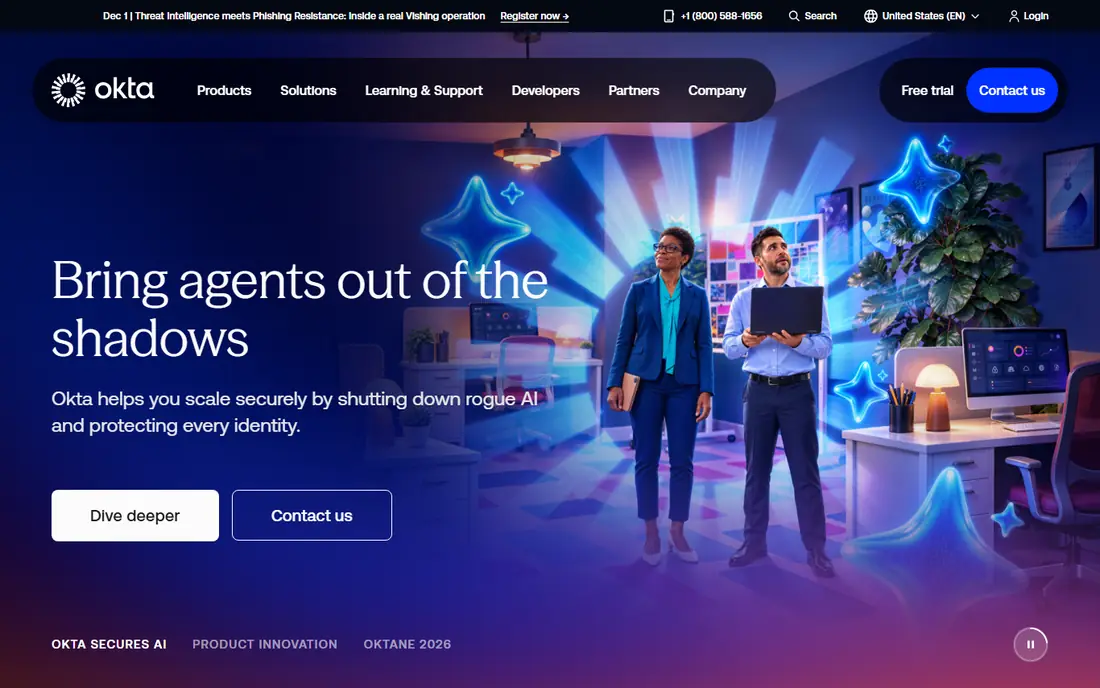
Okta is the best-known vendor-neutral workforce identity platform, and it suits companies with a long list of SaaS apps to connect. Single sign-on, lifecycle management, and governance tools help IT teams onboard and offboard people consistently, rather than managing access app by app. The integration catalog is a practical advantage when your stack includes many niche tools.
The catch is total cost. The Starter suite starts at $6 per user per month on annual billing, with a minimum annual contract reported in public guides, and advanced modules add further cost. Small teams under about 25 people may find that minimum hard to justify. For mid-size and larger companies that need vendor-neutral identity at scale, Okta remains the benchmark.
- Broad independent app integration network
- SSO and lifecycle tools at scale
- Vendor-neutral, so it works across stacks
- Per-module pricing adds up
- Annual minimum makes it costly for very small teams
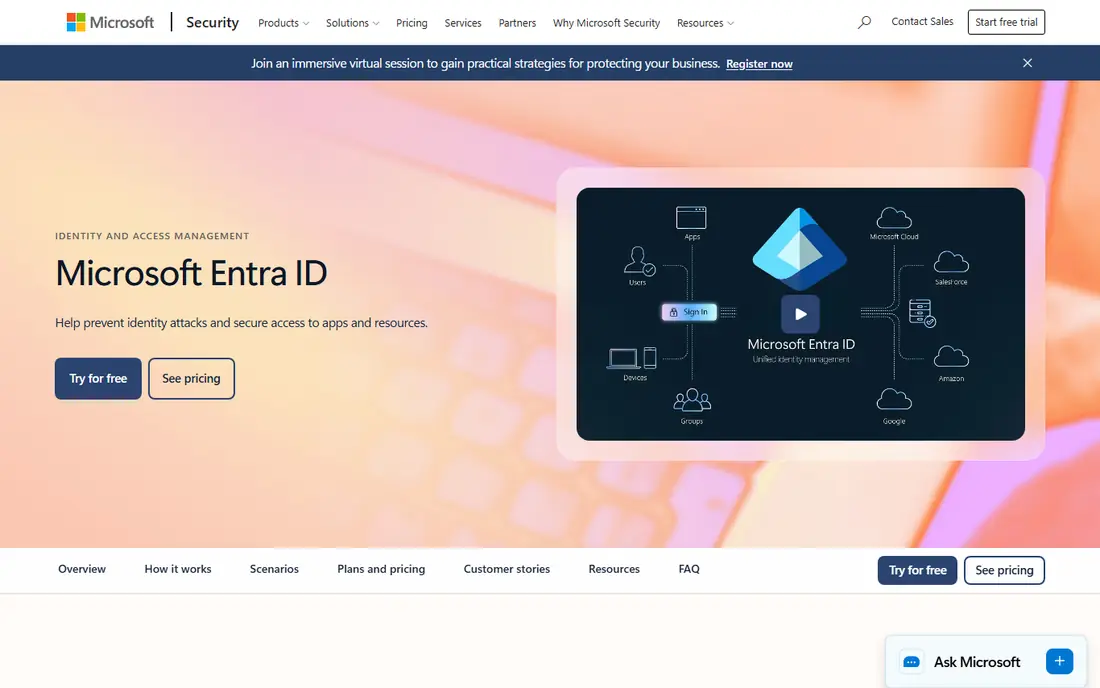
Microsoft Entra ID, formerly Azure Active Directory, is the obvious pick for organizations already running Microsoft 365. Users sign in with the same identity across Outlook, Teams, SharePoint, and Azure apps, and Conditional Access lets admins set risk-based rules for sign-in. The free tier covers basic single sign-on and multi-factor authentication, which is enough for some small teams.
The limit is stack fit. Entra ID shines inside Microsoft, and its value drops if your core apps live elsewhere. The P1 plan at $7 per user per month on annual commitment adds Conditional Access and richer controls, while P2 adds governance features at a higher price. If Microsoft is your center of gravity, Entra ID avoids paying twice for identity you already own.
- Deep Microsoft 365 and Azure integration
- Conditional Access for risk-based sign-in
- Free tier for basic SSO and MFA
- Best value only inside the Microsoft stack
- Higher tiers needed for full governance features
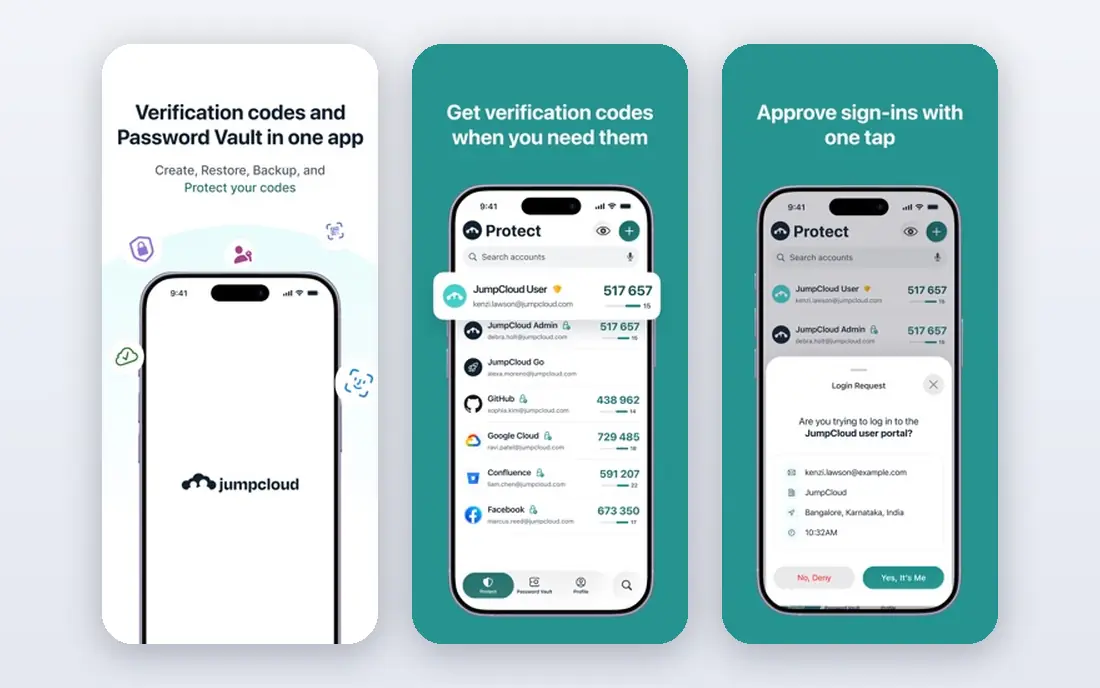
JumpCloud suits small and mid-size teams that want to replace an on-premises directory without buying several separate tools. It combines a cloud directory, single sign-on, and device management, so one console covers user accounts, app access, and laptop policies. Support for Windows, Mac, and Linux helps mixed fleets that do not fit a single-vendor directory.
Pricing needs a careful read. Device management starts around $9 per user per month on annual billing, while SSO alone is listed higher in public comparisons, and the free tier covers up to 10 users and 10 devices. That free tier is genuinely useful for a tiny team testing the platform. For a growing mixed fleet, JumpCloud often replaces two purchases with one, which is its main selling point.
- Cloud directory plus device management in one console
- Free tier for up to 10 users and devices
- Supports Windows, Mac, and Linux
- SSO pricing is higher than the device plan alone
- Larger fleets need careful device-count planning
Auth0, owned by Okta, is the developer choice for login inside your own product, rather than for employee access to SaaS apps. It handles sign-up, social login, passwordless options, and multi-factor authentication for customers, with SDKs and rules that developers can shape. The free tier up to 25,000 monthly active users makes it easy to launch a consumer app without an identity bill on day one.
The honest limit is scope. Auth0 does not replace a workforce directory, device management, or employee lifecycle tool, so it is the wrong pick if your main problem is staff access to internal apps. Paid plans start at $35 per month for the Essentials tier, and costs rise with active users and features. Use Auth0 when the users are your customers, and use Okta or Entra ID when the users are your staff.
- Developer-friendly customer login
- Free tier up to 25,000 monthly active users
- Social and passwordless login options
- Built for customer identity, not workforce directory and device management
- Costs rise with active users
Ping Identity, including PingOne, suits large organizations with complex identity needs. It supports federation across cloud, on-premises, and hybrid estates, which matters when a company runs legacy systems alongside modern SaaS apps. Workforce and customer identity products sit in the same family, so enterprises with both needs can standardize on one vendor.
The barrier is scale and buying process. Public guides list workforce pricing from $3 per user per month with a 5,000-user minimum, which puts Ping out of reach for small teams. Implementation can also be heavier than a self-serve tool. For a large, regulated, or multi-brand estate, that depth is worth it. For a small team, a simpler tool will move faster.
- Deep federation and hybrid deployment options
- Workforce and customer identity in one family
- Strong enterprise controls
- Workforce plans carry a large minimum user count in public guides
- Sales-led buying process
Duo by Cisco is the pick when the urgent problem is multi-factor authentication, not a full identity rebuild. It deploys quickly across many apps, supports push approvals and device trust checks, and offers a free tier for up to 10 users. That makes it a practical first step for a team that needs stronger sign-in security this week.
The limit is scope. Duo does not replace a full cloud directory or lifecycle management tool on its own, although it now includes directory features in newer plans. Essentials starts at $3 per user per month on annual billing, with higher tiers adding more controls. Pair Duo with a directory tool when you need both, or use it alone when MFA is the main gap.
- Very fast MFA deployment
- Free tier for up to 10 users
- Device trust checks during sign-in
- Mainly MFA and access control, not a full directory replacement
- Advanced features need higher tiers
Keycloak is the open-source answer for teams that want full control over identity. It provides single sign-on, multi-factor authentication, user federation, and social login, and it can serve both workforce and customer users. Because it is free software, there is no per-user license bill, and you decide where data lives and how long it is kept.
The cost is engineering time. You host Keycloak, apply upgrades, monitor it, and handle security patches yourself, which needs staff who understand identity protocols. That trade-off suits regulated teams, privacy-focused teams, and companies with existing infrastructure skills. If you want a managed service with vendor support, a commercial tool will save time, even though it costs more per user.
- Free and open source
- SSO, MFA, and federation for workforce and customer use
- Full control over data and hosting
- You host, upgrade, and secure it yourself
- Setup and maintenance need identity expertise
Rippling suits companies that want access to follow employment status automatically. When HR records a hire, a role change, or a departure, Rippling can drive app access, device setup, and payroll workflows from that same event. That HR-driven model reduces the manual tickets that pile up when identity and HR live in separate systems.
The catch is breadth. Rippling is a wider HR and IT platform, and identity is one module within it, with IAM pricing from $8 per user per month in public comparisons. Teams that only need SSO may find a focused tool cheaper and simpler. Teams already using Rippling for HR, or planning to, get the most value from its identity features.
- Access follows HR employment data
- Combines HR, IT, and identity workflows
- Automates onboarding and offboarding
- Identity is part of a broader platform, so standalone IAM buyers may pay for more than they need
- Pricing is modular
Google Cloud Identity is the natural identity layer for organizations centered on Google Workspace. It manages users, groups, single sign-on, and multi-factor authentication for Google apps and many third-party apps, with a free tier for core features. Teams already paying for Workspace often own more identity capability than they use, so checking Cloud Identity first can avoid a duplicate purchase.
The limit is stack fit, as with Entra ID. Higher security and governance features sit in higher Workspace tiers, so the total cost depends on your Workspace plan. We list pricing as See website because it varies by tier and commitment. For Google-centered teams, Cloud Identity is a practical, low-friction alternative. For mixed stacks with many non-Google apps, Okta may connect more cleanly.
- Native identity for Google Workspace
- SSO and MFA for Google and third-party apps
- Free tier for core features
- Full value depends on Google Workspace tiers
- Less vendor-neutral than Okta for mixed stacks
How we picked these
We compared official feature pages, pricing pages, documentation, and public reviews for identity tools that are live in October 2026. We required a real workforce or customer identity path, and we weighed SSO coverage, MFA, directory and device features, minimums, and free tiers. We did not claim hands-on testing, and we used See website where pricing depended on Workspace tiers, modules, or a sales quote.
What to check before you switch
Start by naming your user type. Workforce users need SSO, lifecycle, and directory features, while customer users need login inside your product. Mixing those two needs in one tool leads to the most common buying mistake in this category.
Next, map your app list and your device fleet. Count SaaS apps, legacy apps, Windows, Mac, and Linux devices, and check which tools support each one natively. Then price the full bundle, including MFA, lifecycle, governance, and any minimum annual contract, not just the headline per-user figure. Finally, run a pilot with one department, test onboarding and offboarding end to end, and confirm how access is removed when someone leaves, since that is the security test that matters most.
Frequently asked questions
What is the best OneLogin alternative for small businesses?
JumpCloud and Duo are the most small-business-friendly picks, thanks to free tiers for up to 10 users and clear per-user pricing. Entra ID and Google Cloud Identity are also strong if you already pay for Microsoft 365 or Google Workspace. Avoid tools with large minimums until your headcount justifies them.
Is Okta better than Microsoft Entra ID?
Okta is better for vendor-neutral stacks with many different SaaS apps, while Entra ID is better for Microsoft 365 organizations. Okta starts at $6 per user per month on annual billing, and Entra ID P1 costs $7 per user per month on annual commitment. Choose based on where your core apps live, not on brand alone.
Can Auth0 replace OneLogin for employees?
Not directly. Auth0 is built for customer login inside your own apps, while OneLogin is built for employee access to SaaS apps. You can use both in one company, with Auth0 for customers and Okta, Entra ID, or JumpCloud for staff. Using Auth0 alone for staff access leaves directory and device gaps.
Is there a free OneLogin alternative?
Keycloak is free as software, although you pay for hosting and maintenance time. Entra ID, JumpCloud, Duo, Auth0, and Google Cloud Identity all offer free tiers with limits, usually for small teams or small active-user counts. Free tiers suit testing and tiny teams, while larger teams should budget for a paid plan.
How do I migrate from OneLogin safely?
Export users, groups, and app assignments first, then map each app to the new tool and test sign-in with a pilot group. Keep OneLogin live until the pilot passes, then migrate in batches by department. Pay special attention to MFA enrollment and offboarding, since a missed MFA step can lock users out on day one.
Which alternative handles devices as well as identity?
JumpCloud is the strongest pick here for combined directory and device management, covering Windows, Mac, and Linux. Rippling also links identity to device workflows through HR data. Okta and Entra ID cover identity deeply, but device management usually needs a separate tool or add-on alongside them.
Sources
- https://rankite.com/blog/best-identity-and-access-management-tools
- https://supertokens.com/blog/okta-alternatives
- https://www.okta.com
- https://www.microsoft.com/en-us/security/business/identity-access/microsoft-entra-id
- https://jumpcloud.com
- https://auth0.com
- https://www.pingidentity.com
- https://duo.com
- https://www.keycloak.org
- https://www.rippling.com
- https://cloud.google.com/identity
See where you really rank - block by block
ProMapRanker scans Google Maps across a grid of your service area. Simple monthly plans from $19, white-label on every plan.
Start freeKeep reading
 zyte alternatives
Best Zyte Alternatives in 2026
These zyte alternatives cover managed scraping APIs, proxy networks and no code tools for lawful collection from your own or consented sources only in 2026.
Read → zerto alternatives
Best Zerto Alternatives in 2026
Compare the best zerto alternatives for disaster recovery and replication, with recovery targets, cloud options and honest trade-offs for teams in 2026.
Read → zerofox alternatives
Best ZeroFox Alternatives in 2026
We compared 9 zerofox alternatives for brand protection, phishing takedowns, dark web monitoring, and social impersonation, with clear coverage notes.
Read →