 ProMapRanker
Best Nylas Alternatives in 2026

Key takeaways
- Aurinko is the closest technical replacement for a unified email, calendar, contacts, and tasks API, with CRM sync logic built in.
- Cronofy is the best calendar-only pick for scheduling products that need real-time availability across Google, Microsoft, and Apple.
- Merge, Unified.to, and Apideck suit teams that need many integration categories beyond email and calendar, not just one API.
- Nango and Cal.com offer free or open-source starting points, which help small teams test an integration before committing to a paid platform.
Quick comparison
| Pick | Great for | Pricing starts at | Free tier | |
|---|---|---|---|---|
 Aurinko | Unified email and calendar API | See website | Yes | Visit |
 Cronofy | Calendar sync and scheduling | See website | Yes | Visit |
 Merge | Broad B2B integrations | $650 per month | No | Visit |
 Unified.to | Multi-category unified API | $750 per month | No | Visit |
 Apideck | Customer-facing integrations | $599 per month | No | Visit |
 Nango | Code-first custom integrations | Free | Yes | Visit |
 Cal.com | Scheduling with an API | Free | Yes | Visit |
 Calendly | Booking pages with API access | Free | Yes | Visit |
 Google Calendar API | Google-only calendar apps | Free | Yes | Visit |
The best nylas alternatives
Nylas offers a unified API for email, calendar, contacts, and scheduling, so these alternatives range from direct unified API rivals to calendar-only and broad integration platforms.
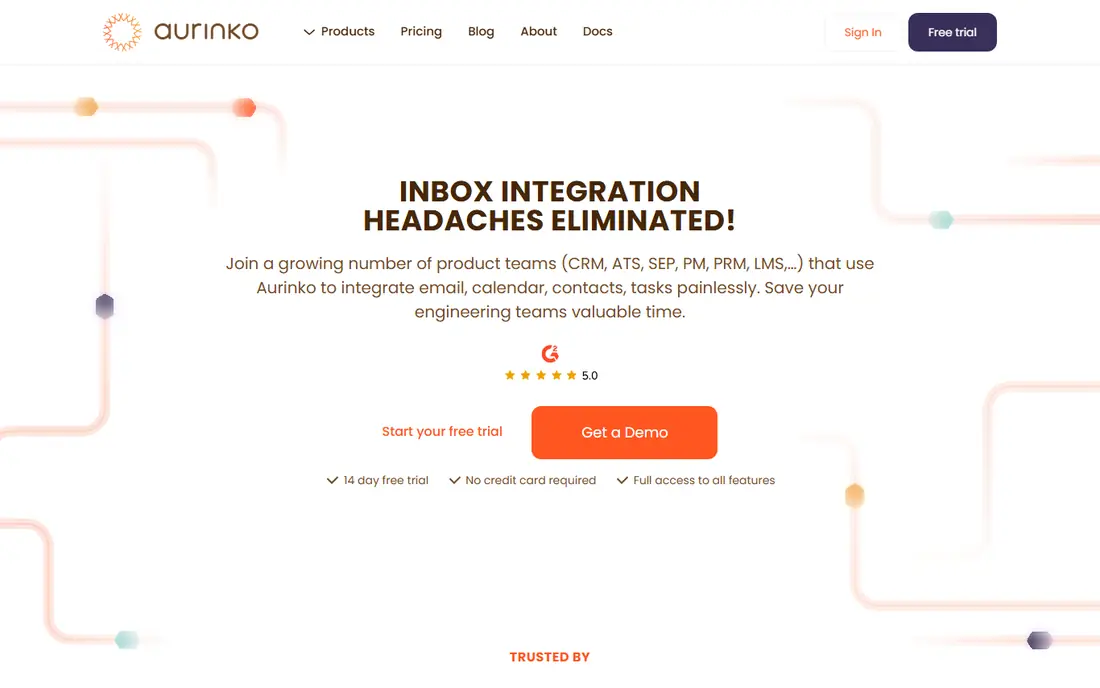
Aurinko is the closest direct replacement for teams building on a Nylas-style unified API. It covers Gmail, Outlook, Office 365, iCloud, and Exchange through one API for email, calendar, contacts, and tasks, and its BrightSync engine adds pre-built CRM sync logic that Nylas leaves to the developer. Its gateway approach passes data through rather than storing it heavily, which can lower latency and simplify data handling.
The trade-offs are that Aurinko is strictly a developer tool, with no out-of-the-box interface for end users, and pricing is usage based, starting near $1 per account per month in published comparisons, so a team should estimate accounts and data transfer before budgeting. For a team building CRM integrations or a communications feature, Aurinko is the most technically aligned alternative here.
- One API for email, calendar, contacts, and tasks
- CRM sync logic built in
- Gateway model with low latency
- Developer tool only, no end-user interface
- Pricing is usage based and needs estimating
- Smaller brand than Nylas
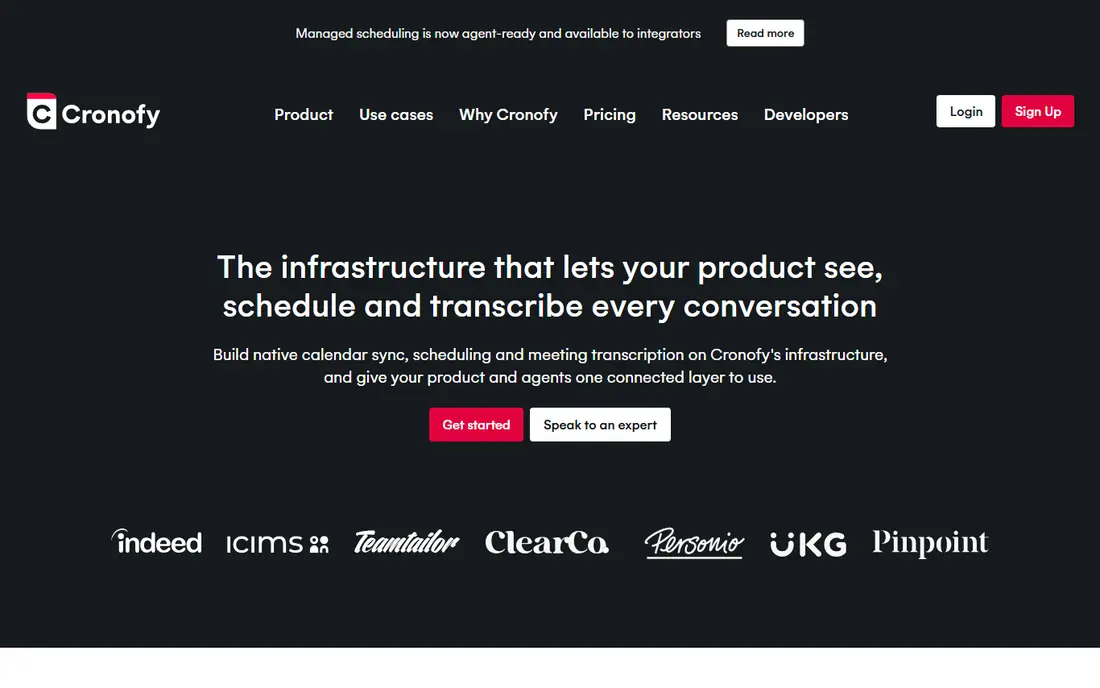
Cronofy is the best pick if calendar is the whole job. It syncs calendars in real time across Google, Microsoft 365, Apple, and Exchange, and its availability APIs power scheduling products, applicant tracking systems, and booking tools. Enterprise privacy controls and a sandbox for testing make it a trusted choice for larger SaaS teams.
What it does not do is email. A team that needs both email and calendar in one API should look at Aurinko or a unified platform instead. Cronofy paid API pricing is also quote-based for larger tiers, with a sandbox for evaluation, so budgeting needs a sales conversation at scale. For calendar-first products, Cronofy is a focused and proven platform.
- Real-time calendar sync across Google, Microsoft, and Apple
- Availability and scheduling APIs
- Strong enterprise privacy controls
- Calendar only, no email API
- Paid API pricing is quote-based for larger tiers
- Setup is heavier than a booking page tool
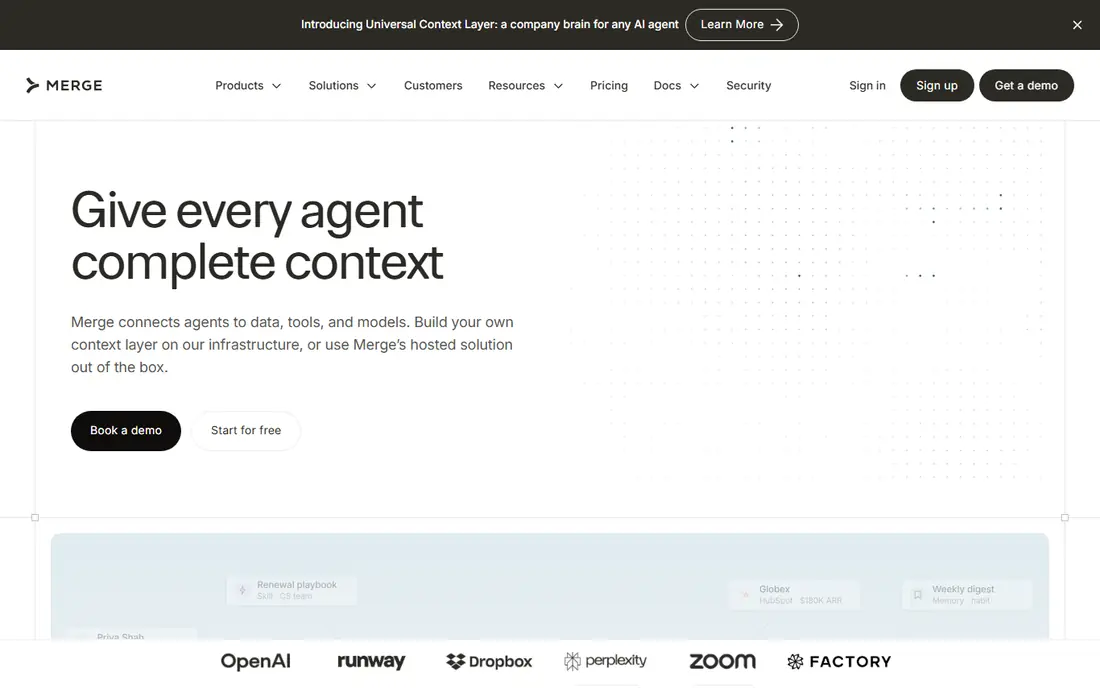
Merge suits a B2B SaaS team that needs many integration categories, not just email and calendar. Its normalized APIs cover HRIS, applicant tracking, CRM, ticketing, and accounting, so one integration layer can serve several product features. Documentation and reliability are strong, which matters when customer integrations are part of the product.
The entry price, from $650 a month in published comparisons, makes Merge a poor pick for a small team that only needs calendar sync. Email and calendar depth is also one category among many, rather than the whole product focus. For a team building a broad integration strategy, Merge is a solid platform; for a single calendar feature, Cronofy or Aurinko will be cheaper.
- Normalized APIs across HRIS, ATS, CRM, ticketing, and accounting
- Strong for B2B SaaS
- Good documentation
- Expensive entry price
- Email and calendar are one category among many
- Overkill for a single calendar feature
Unified.to is another broad unified API platform, covering 34 categories with native and virtual webhooks and support for AI agent workflows. That breadth suits a SaaS product that wants to add many customer-facing integrations quickly, from CRM to messaging to calendar, without building each provider connection by hand.
Its entry price, from $750 a month in published comparisons, puts it out of reach for a small team with one integration need. The broad focus also means email and calendar are not the sole specialty, so a team that needs deep email threading or calendar edge cases should test those paths carefully. For a multi-category roadmap, Unified.to is a capable and modern platform.
- Wide category coverage with 34 categories
- Native and virtual webhooks
- AI agent workflow support
- High entry price
- Broad focus means less email-specific depth
- Setup needs integration planning
Apideck fits SaaS teams that let their own customers connect third-party tools inside the product. Its proxy API and unified categories cover many providers, and the white-label Vault gives customers a familiar connection flow without leaving your app. Real-time sync helps when customer data needs to stay current.
Entry pricing from $599 a month in published comparisons means Apideck is an enterprise or growth-stage choice, not a starter tool. It is also a broad platform, so a team that only needs email and calendar may find a focused API simpler and cheaper. For customer-facing integrations at scale, Apideck is a polished and well-documented option.
- Proxy API plus unified categories
- White-label Vault for customer connections
- Real-time integrations
- High entry price
- Broad platform, not email-only
- Needs planning for customer onboarding flow
Nango is the pick for a developer team that wants control and a low starting cost. Its free tier and self-hosted option let a small team build custom integrations without a large upfront bill, and its code-first approach gives fine control over sync logic and provider-specific quirks. That flexibility suits teams with engineering time and unusual integration needs.
The cost is effort. Nango needs more developer work than a fully managed unified API, and running it well takes engineering time for sync, retries, and monitoring. Teams without that capacity may prefer Aurinko or Cronofy, which handle more of the plumbing. For a code-first team on a budget, Nango is a strong and flexible starting point.
- Free tier and self-hosted option
- Code-first control over sync logic
- Provider-specific access handling
- More developer work than a fully managed API
- Smaller managed feature set
- Needs engineering time to run well
Cal.com is an open-source scheduling platform with an API, which makes it a good alternative for teams whose main Nylas use is scheduling. You can host it yourself or use the cloud, embed booking pages, and use webhooks to connect bookings to your product. The free tier and self-hosted option keep starting costs low.
It is not a full email and contacts API, so a team that needs email sync should pair it with another tool or pick Aurinko. Self-hosting also adds operations work, and some team features sit on paid cloud plans starting near $15 per user per month in published comparisons. For scheduling-led products, Cal.com is a flexible and open option.
- Open-source scheduling platform
- Self-hosting option
- API and webhooks for booking workflows
- Scheduling focused, not a full email API
- Self-hosting needs operations work
- Team features sit on paid plans
Calendly is the simplest scheduling alternative for teams that mainly need booking pages, not a full communications API. Its booking pages, embeds, and integrations are proven, and API access on Standard and Teams plans lets developers build around bookings. A free plan covers one event type and one-on-one meetings, which is enough to test the flow.
The limits are clear. Calendly does not offer an email API, API access needs a paid plan starting near $10 per user per month, and new iCloud connections are limited. A team that needs email, calendar, and contacts in one API should not pick Calendly alone. For booking-led workflows, it remains the easiest and most familiar choice.
- Proven booking pages and embeds
- API access on paid plans
- Strong integrations with CRMs and video tools
- Scheduling only, no email API
- API access needs a paid plan
- ICloud connections are limited for new users
Google Calendar API is the right pick if your users are exclusively on Google Workspace or Gmail. It is free, well documented, and supports full event creation, updates, recurring events, and push notifications. For a small product with a Google-only audience, it avoids paying for a unified API altogether.
The limit is provider coverage. Google Calendar API does not cover Microsoft 365, Exchange, or iCloud, so a mixed audience needs a second integration or a unified API like Aurinko or Cronofy. You also handle OAuth, sync, and error handling yourself, which is more work than a managed API. For a Google-only calendar feature, it is the cheapest and most direct path.
- Free with generous quotas for most apps
- Full event CRUD and push notifications
- Excellent documentation
- Google accounts only
- Microsoft and Exchange support needs a separate integration
- You handle auth and sync yourself
How we picked these
We compared official API documentation, pricing pages, and public reviews for email, calendar, and unified API platforms that are still sold in October 2026. We kept tools that cover email, calendar, scheduling, or broad unified integrations, and we noted where a tool is calendar-only, scheduling-only, or broad rather than a direct unified API replacement. Prices are the lowest verified paid plan, or See website where pricing is quote-based or usage based, and free plans are labeled clearly.
How to choose the right one
Start with the providers your customers actually use. If they are all on Google, the Google Calendar API may be enough. If they mix Google, Microsoft, and Apple, a unified API like Aurinko or a calendar platform like Cronofy will save months of provider-by-provider work. If you need many categories beyond email and calendar, a broad platform like Merge, Unified.to, or Apideck may be worth its higher price.
Next, estimate the billing unit before you commit. Some tools charge per account, some per seat, and some by a monthly platform fee, so the same customer count can produce very different bills. Build a small proof of concept with real accounts, test edge cases like recurring events, time zones, and revoked access, and check webhook reliability before you migrate production traffic.
Frequently asked questions
What is the closest Nylas alternative?
Aurinko is the closest direct replacement for a unified email, calendar, contacts, and tasks API, with CRM sync logic built in. Cronofy is the closest calendar-only replacement, while Merge and Unified.to suit broader integration needs.
Is there a free Nylas alternative?
Aurinko, Cronofy, Nango, Cal.com, Calendly, and Google Calendar API all offer free tiers or free self-hosted options with limits. Broad unified platforms like Merge, Unified.to, and Apideck start at several hundred dollars a month and do not offer a free plan.
How much do unified APIs cost?
Pricing varies by billing unit. Aurinko starts near $1 per account per month in published comparisons, Cronofy is quote-based for larger API tiers, and broad platforms start near $599 to $750 a month. Always estimate accounts, seats, and usage before comparing headline prices.
Do these APIs support Microsoft 365 and Google?
Aurinko, Cronofy, Merge, Unified.to, and Apideck all support Google and Microsoft providers, while Google Calendar API covers Google only. Check Exchange and iCloud coverage separately, since support for those providers varies by tool.
Can I use Calendly instead of Nylas?
Calendly can replace the scheduling part of Nylas, with booking pages, embeds, and API access on paid plans. It cannot replace email or contacts APIs, so a team that needs those should pair Calendly with another tool or pick a unified API.
How hard is it to migrate from Nylas?
Migration difficulty depends on how much of the Nylas API you use. Calendar-only migrations to Cronofy or Cal.com are usually simpler than full email, calendar, and contacts migrations to Aurinko, which need testing for threading, time zones, and webhook handling. Run both APIs in parallel for a test group before switching all traffic.
Sources
See where you really rank - block by block
ProMapRanker scans Google Maps across a grid of your service area. Simple monthly plans from $19, white-label on every plan.
Start freeKeep reading
 zyte alternatives
Best Zyte Alternatives in 2026
These zyte alternatives cover managed scraping APIs, proxy networks and no code tools for lawful collection from your own or consented sources only in 2026.
Read → zerto alternatives
Best Zerto Alternatives in 2026
Compare the best zerto alternatives for disaster recovery and replication, with recovery targets, cloud options and honest trade-offs for teams in 2026.
Read → zerofox alternatives
Best ZeroFox Alternatives in 2026
We compared 9 zerofox alternatives for brand protection, phishing takedowns, dark web monitoring, and social impersonation, with clear coverage notes.
Read →