 ProMapRanker
Best NumberBarn Alternatives in 2026


Google Workspace teams · Pricing starts at: $10 per user per month
Key takeaways
- Google Voice is the simplest add-on for Google Workspace teams, at $10 per user per month for Starter.
- Grasshopper gives a flat-rate business number for solos, starting at $14 per month rather than per user.
- Quo, formerly OpenPhone, is the strongest text-first option for small teams that share numbers.
- RingCentral and Nextiva suit growing teams that need a full phone system, video, and integrations.
- Check number porting, SMS coverage, and call minutes before switching, since those limits vary more than the headline price.
Quick comparison
| Pick | Great for | Pricing starts at | Free tier | |
|---|---|---|---|---|
| Google Voice | Google Workspace teams | $10 per user per month | No | Visit |
 Quo | Text-first small teams | $15 per user per month | No | Visit |
 Grasshopper | Flat-rate number for solos | $14 per month | No | Visit |
 RingCentral | Full phone system for growing teams | $20 per user per month | No | Visit |
 Nextiva | Reliable all-in-one communications | $15 per user per month | No | Visit |
 Ooma | Simple office phone with desk phones | $19.95 per user per month | No | Visit |
 Phone.com | Flexible numbers for micro businesses | $15 per user per month | No | Visit |
 Dialpad | AI features on every plan | $15 per user per month | No | Visit |
 Vonage | Flexible plans with API options | $13.99 per line per month | No | Visit |
The best numberbarn alternatives
NumberBarn is known for buying and parking phone numbers, including local, toll-free, and vanity numbers. The services below go further: they give you a working business number with calling, texting, voicemail, and routing in an app. We compared official pricing pages, product documentation, and public reviews, and we did not claim hands-on testing we did not do. If you only need to park a number without service, check parking fees and porting rules before choosing a full phone system.
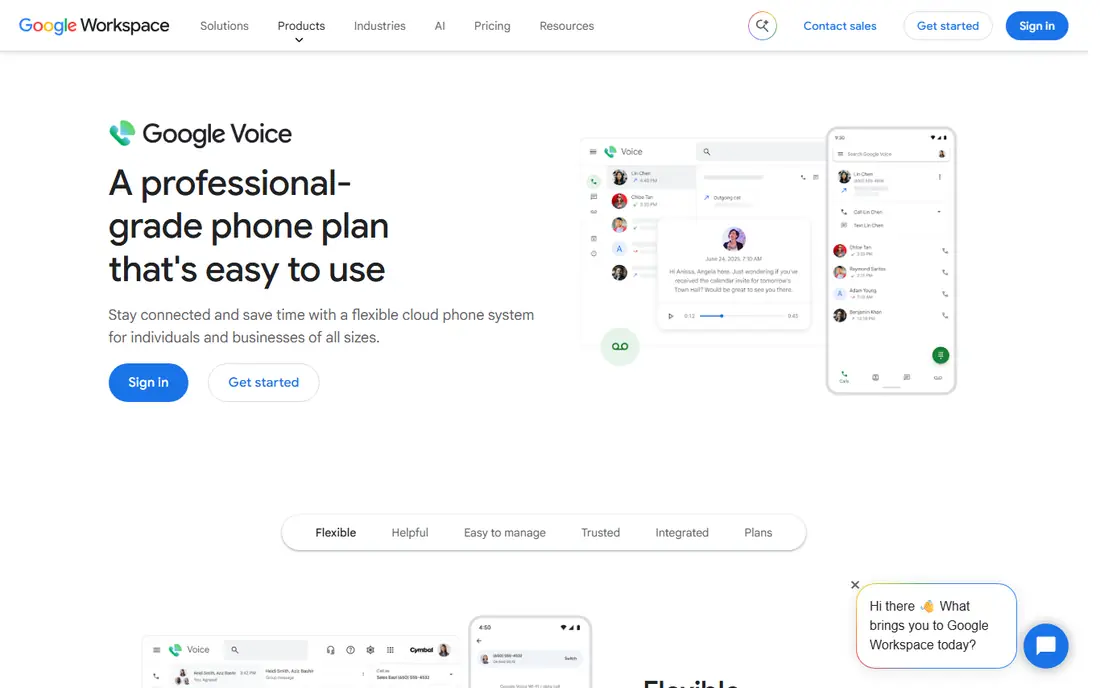
Google Voice for business is the least disruptive option for a team already on Google Workspace. Starter costs $10 per user per month, with Standard at $20 and Premier at $30, and the apps feel like Gmail and Calendar rather than a separate phone system. Voicemail transcription, call forwarding, and basic routing cover a small team without new software to learn.
The limits show up as the team grows. Google Voice has no deep CRM integration, shared inbox features are thinner than Quo or Dialpad, and support is largely community-based. The real cost is also Voice plus Workspace, not Voice alone. For a Workspace shop that needs a simple business number, Google Voice is still the easiest start.
- Familiar Google interface
- Voicemail transcription included
- Low Starter price
- Requires a paid Workspace plan for business use
- Fewer team features than rivals
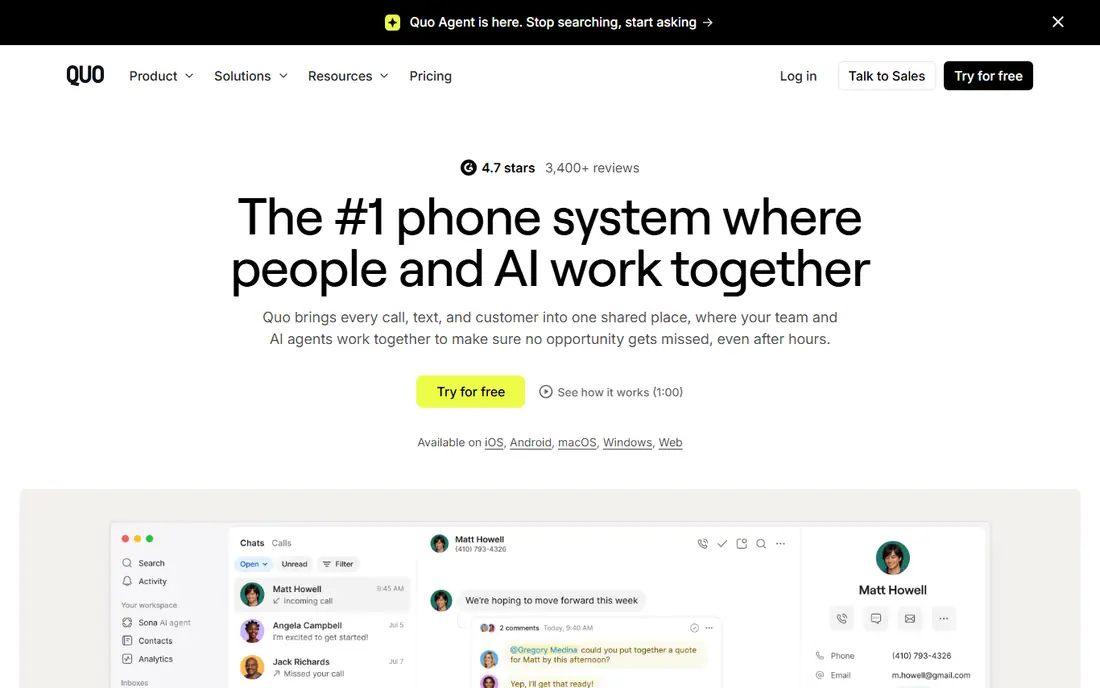
Quo, formerly OpenPhone, is built for teams that text customers as much as they call them. A shared number lets several staff see the same conversation, reply from a shared inbox, and keep a clear record of who said what. Starter costs $15 per user per month on annual billing, with Business at $23 and Scale at $35, and higher plans add HubSpot and Salesforce integrations.
The catch is that the most useful AI features, such as call summaries, sit on Business and above, so the entry price does not buy the full experience. Quo also lacks the deep PBX features of RingCentral or Nextiva, such as complex call queues. For a startup or sales team that lives in text threads, Quo is the most modern fit here.
- Shared numbers and shared inboxes
- Strong texting and AI summaries on higher plans
- Modern apps
- AI summaries are gated to Business plans and above
- No free plan
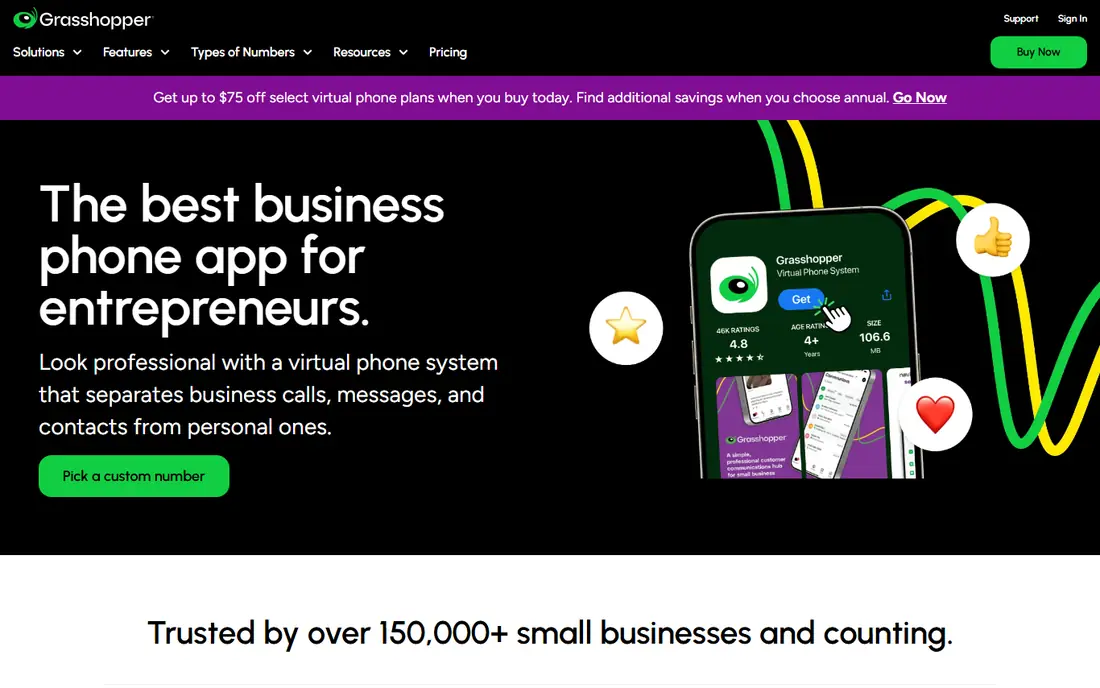
Grasshopper is priced per account rather than per user, which makes it cheap for a solo founder or a two-person business. True Solo starts at $14 per month on annual billing, Solo Plus at $25, and Small Business at $55, and each plan includes a business number, call forwarding, voicemail transcription, and extensions. Setup takes minutes, with no hardware to buy.
Grasshopper is a call-forwarding service at heart, not a full phone system. It lacks the video meetings, team chat, and deep CRM integrations of larger platforms, and a team of ten will outgrow its flat model. For a solo operator who wants a professional number that rings a personal phone, Grasshopper is the simplest value in this list.
- Flat per-account pricing, not per user
- Simple setup
- Voicemail transcription included
- No true PBX depth
- Costs rise less gracefully as a team grows
RingCentral Core costs $20 per user per month on annual billing and gives a team phone, video meetings, and messaging in one place. Integrations cover Salesforce, HubSpot, Google Workspace, and Microsoft 365, and desk phones work alongside the apps. That breadth makes RingCentral a safe long-term pick for a company that expects to grow past a simple business number.
The Core plan is not unlimited in every way. SMS is capped at 25 messages per user per month on Core in published comparisons, and additional numbers cost extra. Setup also takes more care than Grasshopper or Google Voice, since you are buying a PBX rather than a single number. For a growing team that wants one system for years, RingCentral justifies the higher price.
- Phone, video, and messaging in one platform
- Wide integration catalog
- Desk phone support
- Entry plan limits SMS
- Setup can feel heavy for a tiny team
Nextiva Core costs $15 per user per month on annual billing and covers voice, SMS, video meetings, and team chat. Its support reputation is a major selling point, with 24/7 phone help that smaller providers do not match. AI call summaries and CRM integrations arrive on higher plans, which makes the upgrade path clear for a team that starts small.
Core still has limits. SMS is capped at 100 messages per user per month in published comparisons, and true call centre features sit on the Engage plan at $25 per user per month. Nextiva is heavier than a simple number app, so a solo user will pay for features they never open. For a small business that values human support and reliability, Nextiva is a solid middle ground.
- Strong uptime reputation and 24/7 phone support
- Phone, video, SMS, and team chat
- AI summaries on higher plans
- SMS allowance is limited on Core
- Engage plan needed for call centre features
Ooma Office Essentials costs $19.95 per user per month and suits a small office that still wants physical desk phones. The system includes a virtual receptionist, call forwarding, voicemail, and mobile apps, with a setup that feels less technical than a full enterprise PBX. A 30-day trial gives a team time to test call quality before committing.
The entry price is higher than Google Voice, Quo, or Grasshopper, and SMS features require an upgrade on some plans in published comparisons. Ooma also lacks the AI and CRM depth of Dialpad or RingCentral. For a traditional office that wants desk phones and a simple admin panel, Ooma is a dependable choice.
- Clear pricing for small offices
- Good desk phone support
- 30-day trial
- Higher entry price than rivals
- Texting needs an upgrade on some plans
Phone.com starts at $15 per user per month and gives a micro business a flexible set of numbers, extensions, and routing rules. Video conferencing is built in, and HIPAA-compliant calling is available for health-related businesses that need it. That combination suits a tiny clinic, consultancy, or service business that needs more than a single mobile number.
Phone.com is less polished than Quo or Dialpad, and shared number setups can require buying an extra seat in published comparisons. Support and app design also feel more traditional. For a micro business that wants flexible numbers and video in one bill, Phone.com remains a practical, low-cost option.
- Built-in video conferencing
- HIPAA-compliant calling option
- Flexible number options
- Shared numbers need an extra seat in some setups
- Interface feels older than Quo
Dialpad Standard costs $15 per user per month on annual billing and includes AI transcription and summaries on every plan, which rivals gate behind higher tiers. Calls, video, and messaging live in one app, and integrations cover Google Workspace, Microsoft 365, Salesforce, and HubSpot. That makes Dialpad attractive for a team that wants AI help without paying for a premium tier.
The limits are geographic and tiered. SMS on some plans is limited to US and Canadian customers, and deeper AI coaching and analytics sit on higher plans. Dialpad is also a full unified communications system, so a solo user may find it more than they need. For a team that wants AI notes on every call, Dialpad is the best value here.
- AI transcription and summaries on Standard
- Phone, video, and messaging together
- Strong integrations
- SMS limited to US and Canadian customers on some plans
- Higher plans needed for advanced AI
Vonage Mobile starts at $13.99 per line per month on annual billing, making it one of the cheapest entry points for a business line. The platform offers a la carte add-ons and a strong API set, so a developer-led team can build custom call flows, SMS workflows, or CRM integrations on top of Vonage. That flexibility suits businesses that may later build their own phone features.
Vonage can feel fragmented, since features that rivals bundle are sold as add-ons here. A buyer needs to read the plan table carefully to see what is included at $13.99 and what costs extra. For a small business that wants a low entry price and room to build later, Vonage is a flexible starting point.
- Low entry price per line
- Strong APIs for custom builds
- A la carte add-ons
- Features vary by plan and add-on
- Support can feel less personal than Nextiva
How we picked these
We compared official pricing pages, product documentation, and public reviews for business phone services that offer a working US business number, calling, texting, and voicemail in October 2026. We kept services that are actively sold, that support small teams, and that publish a starting price. We left out personal second-number apps with no business routing, and pure API platforms with no ready-made phone app, since they do not replace a business number service for most readers. Prices are annual-billing entry rates where stated, and taxes and number fees may add to the total.
What to check before you port a number
Porting is the step most buyers underestimate. Confirm that your current number can be ported, how long the port takes, and whether you can keep the old service running until the port completes. A failed or delayed port can mean missed calls, so do not cancel the old service until the new number is tested. Also check whether toll-free, vanity, or local numbers cost extra, and whether additional numbers are $5 to $10 per month each.
Next, test SMS coverage for your customers. Some plans limit SMS to US numbers, cap monthly messages, or require an upgrade for shared texting. If customers text you from Canada or abroad, or if you send appointment reminders by text, those limits matter more than the voice price. Test a real call and a real text on the trial or in the first week, and check voicemail transcription quality with your actual callers.
Number types explained
A local number builds trust in one city, a toll-free number suits a national business, and a vanity number spells a word customers remember. Most services here offer all three, but availability and price vary by area code and by toll-free prefix. If a specific number matters for branding, search for it before signing, and ask whether the number is owned by the provider or can be ported away later.
Frequently asked questions
Can I keep my existing business number?
In most cases, yes, if the number is portable and you provide the right account details to the new provider. Porting usually takes a few days to a few weeks, depending on the carriers involved. Do not cancel the old service until the port is confirmed, and test inbound calls and texts on the new service before announcing the change.
Do I need hardware to use these services?
No. All nine services work with mobile and desktop apps, and most also support desk phones if you want them. A solo user can run the whole business number from a personal phone, with the business number shown on outbound calls. Desk phones help in an office with shared lines, but they are optional for most small teams.
What is the cheapest business phone service here?
Vonage at $13.99 per line per month and Grasshopper at $14 per month are the lowest entry prices here, followed by Google Voice, Quo, Nextiva, Phone.com, and Dialpad at $15 per user per month. Grasshopper is flat-rate per account, so it can be cheaper for a solo user, while per-user services cost more as staff are added. Compare the total for your actual team size, not just the entry rate.
Can these services replace NumberBarn for parking numbers?
They can replace NumberBarn for a working business number, but they are not identical to a parking service. If you only want to hold a number without calls or texts, a full phone plan may cost more than parking. Check whether the provider offers a low-cost parking or forwarding option, and confirm port-out rules before you move a valuable number.
Do business phone services include texting?
Most do, but limits vary. Quo and Dialpad are strongest for team texting, while RingCentral Core and Nextiva Core cap SMS messages per user per month. Google Voice texting is limited to US customers on some plans, and Phone.com may need an upgrade for full texting. Check SMS allowances and international coverage against your actual message volume.
How many numbers do I need for a small business?
One main number is enough for most small businesses, with extensions or a shared inbox for staff. Add a second number only for a distinct purpose, such as a separate location, a marketing campaign you want to track, or a toll-free line for national customers. Each extra number adds a monthly fee, so start with one and add numbers when a clear need appears.
Sources
- https://voice.google.com/about/
- https://www.quo.com/pricing
- https://grasshopper.com/pricing/
- https://www.ringcentral.com/us/en/office/plans/
- https://www.nextiva.com/pricing.html
- https://www.ooma.com/small-business-phone-systems/pricing/
- https://www.phone.com/pricing/
- https://www.dialpad.com/pricing/
- https://www.vonage.com/business-phone-systems/pricing/
See where you really rank - block by block
ProMapRanker scans Google Maps across a grid of your service area. Simple monthly plans from $19, white-label on every plan.
Start freeKeep reading
 zyte alternatives
Best Zyte Alternatives in 2026
These zyte alternatives cover managed scraping APIs, proxy networks and no code tools for lawful collection from your own or consented sources only in 2026.
Read → zerto alternatives
Best Zerto Alternatives in 2026
Compare the best zerto alternatives for disaster recovery and replication, with recovery targets, cloud options and honest trade-offs for teams in 2026.
Read → zerofox alternatives
Best ZeroFox Alternatives in 2026
We compared 9 zerofox alternatives for brand protection, phishing takedowns, dark web monitoring, and social impersonation, with clear coverage notes.
Read →