 ProMapRanker
Best Notion Alternatives in 2026

Key takeaways
- Obsidian is our pick for solo users who want local files, fast offline notes, and full control over their data.
- ClickUp and Coda suit teams that need projects, docs, and databases in one workspace, with ClickUp leaning to tasks and Coda leaning to docs that act like apps.
- Anytype, AppFlowy, and AFFiNE suit users who want local-first or open source tools and are willing to accept a smaller integration library.
- Craft and Capacities suit Apple users and visual thinkers who want a calmer, more focused workspace than Notion.
Quick comparison
| Pick | Great for | Pricing starts at | Free tier | |
|---|---|---|---|---|
 Obsidian Obsidian | Local notes and knowledge | Free | Yes | Visit |
 ClickUp ClickUp | Tasks and projects | $7 per user per month | Yes | Visit |
 Coda Coda | Docs that act like apps | See website | Yes | Visit |
 Anytype Anytype | Private local-first notes | Free | Yes | Visit |
 AppFlowy AppFlowy | Open source workspace | Free | Yes | Visit |
 AFFiNE AFFiNE | Whiteboards and docs together | See website | Yes | Visit |
 Craft Craft | Apple native documents | See website | Yes | Visit |
 Capacities Capacities | Visual personal knowledge | $9.99 per month | Yes | Visit |
 Evernote Evernote | Simple capture and search | See website | Yes | Visit |
 Airtable Airtable | Structured databases | $20 per user per month | Yes | Visit |
The best Notion alternatives
Notion tries to be notes, docs, wikis, and projects in one place. The alternatives below split that job in different ways. Some focus on personal knowledge, some on team projects, and some on databases. We compared free plans, pricing, offline access, and how easy it is to move your notes out later.
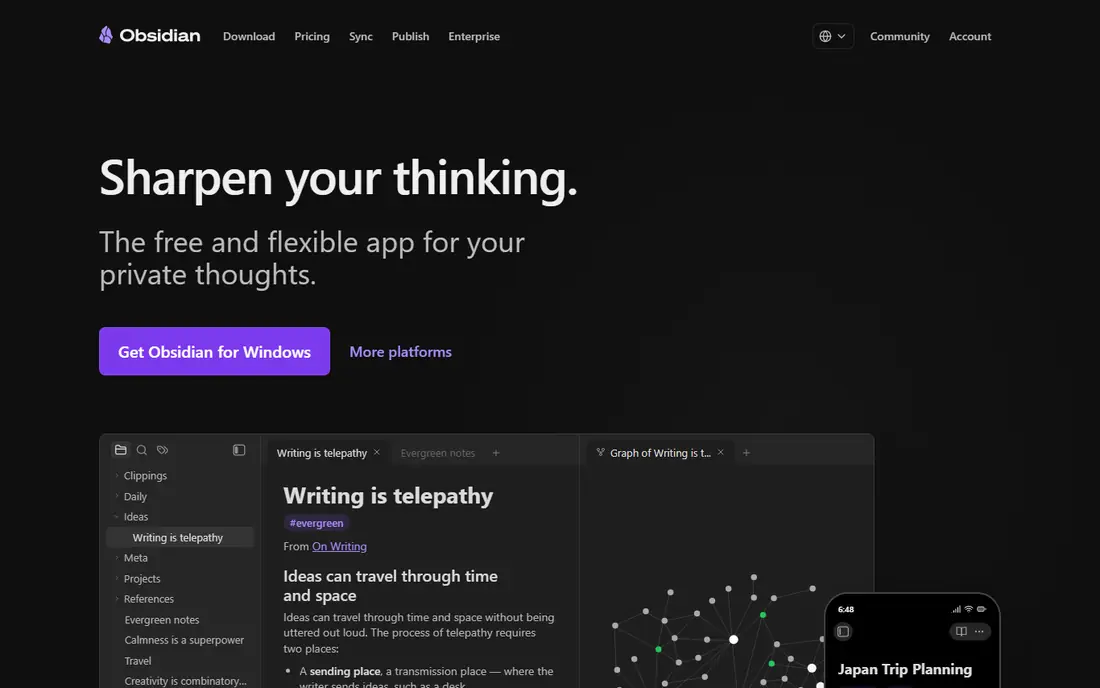
Obsidian stores your notes as plain Markdown files on your own device, so you own the files and can open them in other apps. Links between notes build a graph view of how ideas connect, and a large plugin community adds calendars, tasks, canvases, and many other features. The core app is free for personal use, with paid sync and a commercial licence for business use.
The limit is collaboration and structure. Obsidian is a personal knowledge tool first, not a team wiki with shared databases, permissions, and real-time editing at Notion scale. If you work alone and value speed, offline access, and file ownership, Obsidian is hard to beat. If your team needs shared databases and approvals, look at ClickUp, Coda, or Airtable instead.
- Notes stored as local Markdown files
- Fast offline use
- Large plugin community
- No built-in team databases like Notion
- Sync and commercial use cost extra
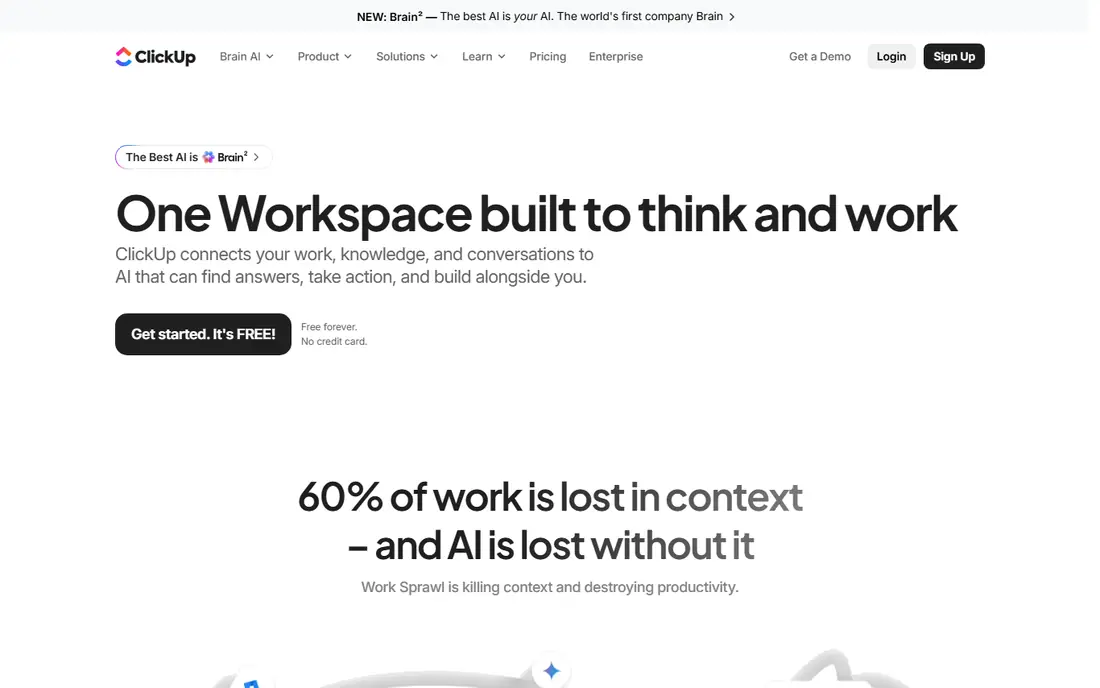
ClickUp leans toward getting work done rather than writing long notes. You get tasks, lists, boards, calendars, goals, docs, and whiteboards in one workspace, with many views for the same work. Paid plans start at $7 per user per month when billed annually, and the free tier covers basic tasks and docs for small teams. For a team leaving Notion because projects felt messy, ClickUp gives clearer ownership and deadlines.
That power comes with clutter. Menus, settings, and view options can feel busy, and a simple note can get lost inside a project workspace if you do not set up a clear structure. Start with one space, one list, and one doc template, then add views only when a real need appears. For pure note taking, Obsidian or Craft will feel calmer.
- Strong task, goal, and project views
- Docs and whiteboards included
- Generous free tier
- Can feel busy for simple notes
- Setup takes time for a large workspace
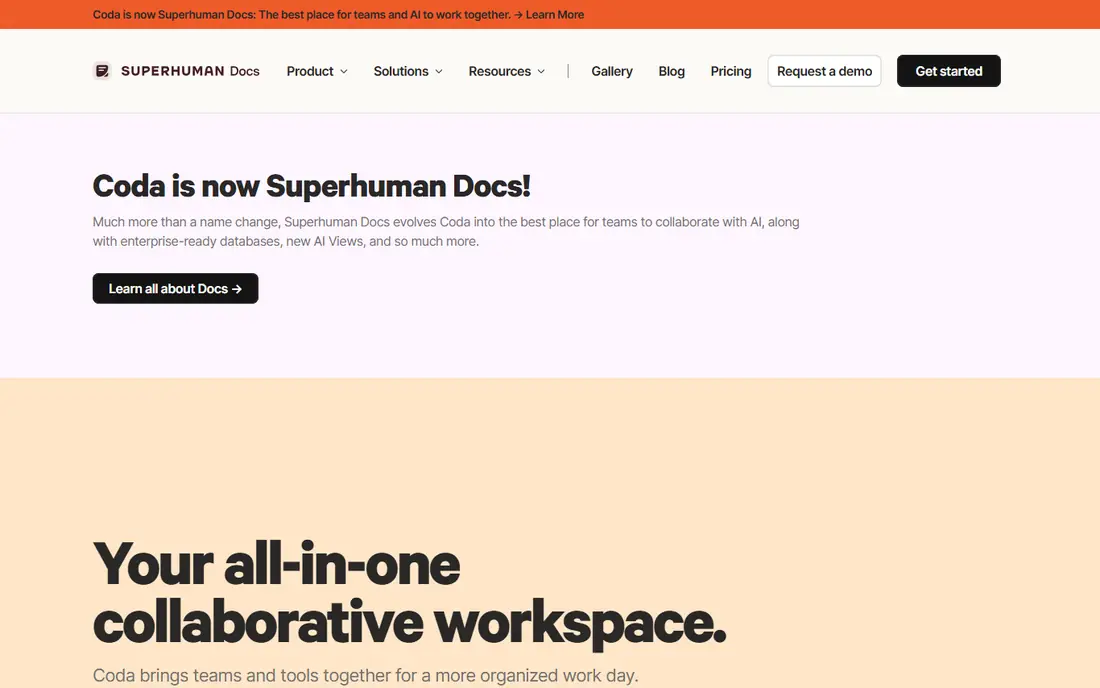
Coda is the closest like-for-like alternative for users who like Notion databases but want more power. Docs hold tables, formulas, buttons, and automations, so a doc can track a project, approve a request, or update another tool without leaving the page. Packs connect Coda to other apps, and pricing is based on Doc Makers rather than every viewer, which can help teams with many readers.
The trade-off is that Coda is not simpler than Notion. If your problem with Notion was a steep learning curve, Coda may repeat it with different menus. It fits teams that want a doc to do more work, not users who want fewer options. Check the current pricing page before you commit, because plan names and Doc Maker rules have changed over time.
- Powerful tables, formulas, and automations
- Packs connect other tools
- Free tier for trying it
- Learning curve similar to Notion
- Pricing is based on Doc Makers, so check the terms
Anytype takes a privacy-first path. Your notes live locally first, with encryption and sync that does not require trusting a cloud provider with plain text copies. Notes are built from objects, such as tasks, people, and projects, which you can link and reuse across pages. The app is free to start, with paid plans for extra storage and features, and it suits users who want Notion style structure without a cloud-first model.
The cost is maturity and integrations. You will find fewer ready-made connections than in Notion, ClickUp, or Airtable, and some workflows need manual setup. For personal knowledge, journaling, and small team notes where privacy matters, Anytype is a strong choice. For a large team that needs deep integrations on day one, a more established tool may be safer.
- Local-first and encrypted
- Object based notes for people, tasks, and projects
- Open sync protocol
- Smaller integration library than Notion
- Some features still feel new
AppFlowy is an open source workspace that covers docs, kanban boards, calendars, and databases, with the option to self-host. That matters for users and teams who want to control where data lives, audit the code, or avoid vendor lock-in. The desktop and mobile apps are free to use, with hosted cloud plans for sync and collaboration, priced per user when billed annually in recent guides.
Being open source does not mean being equal to Notion on day one. Templates, integrations, and polished team features are still growing, and self-hosting needs technical skill to maintain. If you value control and are willing to accept a smaller ecosystem, AppFlowy is a credible alternative. If you need a large template library and many integrations now, ClickUp or Coda will feel more complete.
- Open source and self-hostable
- Docs, boards, and calendars
- Local data control
- Ecosystem is smaller than Notion
- Hosted paid plans add cost
AFFiNE blends documents, whiteboards, and databases on a single canvas, which suits visual planning. You can sketch a plan, write the notes beside it, and track tasks in the same workspace, rather than switching between a notes app and a whiteboard app. It offers a free tier and self-hosting options, with paid plans for cloud collaboration and extra AI features, so check the current pricing page for the latest terms.
Because AFFiNE is newer than Notion, some team workflows, templates, and integrations are still maturing. That is not a reason to avoid it, but it is a reason to trial it with a real project, not only a demo page. If visual work is central to how you plan, AFFiNE is worth testing. If you need a mature, heavily integrated team wiki today, Airtable or Coda may be a safer pick.
- Docs, whiteboards, and databases in one canvas
- Open source option
- Collaboration features
- Newer product, so some workflows are still maturing
- Pricing has changed over time
Craft is built for people who want beautiful, fast documents, especially on Apple devices. Pages feel calm, links and backlinks work well, and the apps run natively on Mac, iPad, and iPhone, with web access too. It offers a free tier, with paid plans for sync and collaboration, and exports to Markdown, PDF, and other formats, which helps if you later move your notes elsewhere.
The limit is platform focus and team depth. Craft is strongest in the Apple world, and its team databases and automations are lighter than those in Notion, Coda, or ClickUp. For a solo writer, student, or small team on Apple devices who wants a pleasant place to write and organise, Craft is a strong fit. For a large team that needs complex databases, look at Airtable or Coda.
- Clean design and fast Apple apps
- Offline access
- Good export to Markdown and PDF
- Best on Apple devices
- Team features are lighter than Notion or ClickUp
Capacities organises notes around objects, such as people, books, places, and ideas, with visual collections that make browsing feel more like a gallery than a file list. It is offline-first, so you can work without a connection, and it suits personal knowledge, research, and creative projects. The free tier lets you try the core system, with Pro at $9.99 per month when billed annually in recent guides.
Capacities is a personal tool first. It does not aim to replace a team project system, so shared databases, approvals, and large team permissions are not its strength. If you want a visual second brain for your own notes, media, and research, Capacities is a pleasure to use. If you need team project tracking, pair it with ClickUp or use a team tool instead.
- Object based notes with visual collections
- Offline-first design
- Calendar and media objects
- Personal focus, not a team project tool
- Paid plan needed for full features
Evernote is the old hand in this list. It excels at capture: clip a web page, save a PDF, scan a note, and find it later with search that covers text inside images and documents. Notebooks and tags keep things organised without the complexity of a database, and the app has a long track record across desktop and mobile. A free tier exists, with paid plans for more devices, storage, and features.
The weakness is structure. Evernote does not match Notion for linked databases, team wikis, or project views, and its paid plans have changed several times, so check the current pricing page. If your main need is to capture and find information quickly, Evernote still works well. If you need databases and team projects, ClickUp, Coda, or Airtable will serve you better.
- Fast capture from web, email, and phone
- Strong search, including in images and PDFs
- Long track record
- Databases and team wikis are weaker than Notion
- Paid plans needed for full device sync
Airtable is the database specialist in this list. You can build tables for projects, content, inventory, or clients, link records across tables, and view the same data as a grid, calendar, kanban board, or gallery. Automations and integrations connect Airtable to other tools, which makes it useful for operations teams that need structured data, not just notes. Paid Team plans start at $20 per user per month when billed annually, with a free tier for basic use.
Long-form writing is not its strength. Docs and notes feel secondary to tables, so writers may prefer Craft or Obsidian for drafting and use Airtable for tracking. Costs also rise as you add collaborators, so check who needs a paid seat and who can view for free on the current pricing page. For teams that live in structured data, Airtable is a strong Notion alternative.
- Powerful relational databases and views
- Automations and integrations
- Strong for operations
- Less suited to long-form writing
- Paid plans rise quickly with collaborators
How we picked these
We looked for tools that are actively maintained in October 2026 and that cover at least one core Notion job: notes, docs, wikis, projects, or databases. We checked vendor pricing pages, free tiers, and recent pricing guides, and we wrote See website where vendor pricing was unclear or had changed across sources. We favoured a mix of personal, team, local-first, and open source options, so readers can match a tool to their reason for leaving Notion, not just to a feature count.
How to choose a Notion alternative
Start with why you are leaving. If Notion feels slow or you want to own your files, try Obsidian or Anytype. If projects feel messy, try ClickUp. If databases feel weak, try Coda or Airtable. If you want a calmer writing space, try Craft or Capacities. If privacy or self-hosting matters most, try AppFlowy or AFFiNE. Naming the problem first prevents a move that only swaps one complex tool for another.
Test migration before you commit
Export a small set of Notion pages and import them into your top two choices. Check how links, images, tables, and tags survive the move, and whether you can export back out again. A tool that traps your notes is a poor replacement, even if it looks good on day one. Keep Notion read-only during the trial, so you do not lose work while you compare.
Check collaboration and cost at your team size
Free tiers often cover solo use well but limit guests, history, or storage for teams. Count paid seats honestly, including viewers who may need a paid seat on some plans, and check whether AI features cost extra. A $7 plan that needs paid AI and paid seats for every viewer can cost more than a $20 plan with a clearer seat model, so compare totals, not headlines.
Frequently asked questions
What are the best free alternatives to Notion?
Obsidian, Anytype, and AppFlowy offer strong free starting points, each with a different strength. Obsidian gives local Markdown files, Anytype gives local-first encrypted objects, and AppFlowy gives an open source workspace you can self-host. ClickUp, Coda, Craft, Capacities, Evernote, and Airtable also offer free tiers, with limits on storage, history, or collaborators.
What is the best alternative to Notion for teams?
ClickUp suits teams that need tasks and projects, Coda suits teams that need docs with powerful tables and automations, and Airtable suits teams that need structured databases. The right choice depends on whether your team lives in tasks, documents, or data. Trial all three with a real project and check seat pricing before you choose.
Are there alternatives to Notion that work offline?
Yes. Obsidian, Anytype, Capacities, and Craft all support offline use, with sync options for multiple devices. AppFlowy and AFFiNE also offer local and self-hosted options. Cloud-first tools such as Coda and Airtable need a connection for full use, so pick a local-first tool if offline access is a must.
What is the best Notion alternative for personal notes?
Obsidian is our pick for most personal note users, because files are local, the app is fast offline, and plugins add many features. Capacities suits visual thinkers, Craft suits Apple users who want a calm writing space, and Anytype suits users who want encryption and local-first storage. Try two of them with the same set of notes and see which one you open daily.
Can I move my notes from Notion to another app?
In most cases, yes, but the quality of the move varies. Obsidian, AppFlowy, and AFFiNE support Markdown import, while ClickUp, Coda, and Airtable offer import tools with their own limits. Test a small export first, check links and tables, and keep a backup of your Notion export until you are sure the new workspace is complete.
Sources
- https://www.obsidian.md/pricing
- https://www.clickup.com/pricing
- https://www.coda.io/pricing
- https://www.anytype.io/pricing
- https://www.appflowy.io/pricing
- https://www.affine.pro/pricing
- https://www.craft.do/pricing
- https://www.capacities.io/pricing
- https://www.evernote.com/pricing
- https://www.airtable.com/pricing
See where you really rank - block by block
ProMapRanker scans Google Maps across a grid of your service area. Simple monthly plans from $19, white-label on every plan.
Start freeKeep reading
 youtube alternatives
Best YouTube Alternatives in 2026
Looking for youtube alternatives in 2026? We compare Vimeo, Dailymotion, Twitch, Rumble, and more on price, audience, monetization, control and privacy.
Read → what's the best ai tool for photo editing
What Is the Best AI Tool for Photo Editing in 2026
What is the best AI tool for photo editing? We compare ten tools for 2026, from Photoshop and Lightroom to Luminar, Topaz, Canva and mobile editors today.
Read → twitter alternatives
Best Twitter Alternatives in 2026
Compare the best twitter alternatives for 2026, from Bluesky, Threads, and Mastodon to Reddit, Tumblr, and Micro.blog, with free plans and audience notes.
Read →