 ProMapRanker
NordPass Alternatives in 2026

Key takeaways
- Bitwarden is our pick for most people because its free plan covers unlimited passwords and devices.
- 1Password is the polished choice, with Travel Mode and Watchtower, but it has no free tier.
- Proton Pass is the strongest privacy-first option, with email aliases built in and a useful free plan.
- Families should compare Bitwarden and 1Password first, since both handle shared vaults cleanly.
Quick comparison
| Pick | Great for | Pricing starts at | Free tier | |
|---|---|---|---|---|
 Bitwarden Bitwarden | Best free plan and value | $1.65 per month | Yes | Visit |
 1Password 1Password | Polished apps and Travel Mode | $3.99 per month | No | Visit |
 Dashlane Dashlane | Bundled monitoring and VPN | $4.99 per month | No | Visit |
 Proton Pass Proton Pass | Privacy and email aliases | $2.99 per month | Yes | Visit |
 Keeper Keeper | Business-grade admin controls | $2.92 per month | No | Visit |
 LastPass LastPass | Familiar interface, one-device free tier | $3 per month | Yes | Visit |
 RoboForm RoboForm | Strong form filling | $2.49 per month | Yes | Visit |
 Enpass Enpass | Offline-first vaults you control | $1.99 per month | Yes | Visit |
The best NordPass alternatives
If you are leaving NordPass, you do not need to relearn password management from scratch. Every manager below stores logins, generates strong passwords, and fills them in your browser and on your phone. The differences sit in price, free plans, sharing, passkey support, and how much control you want over your data.
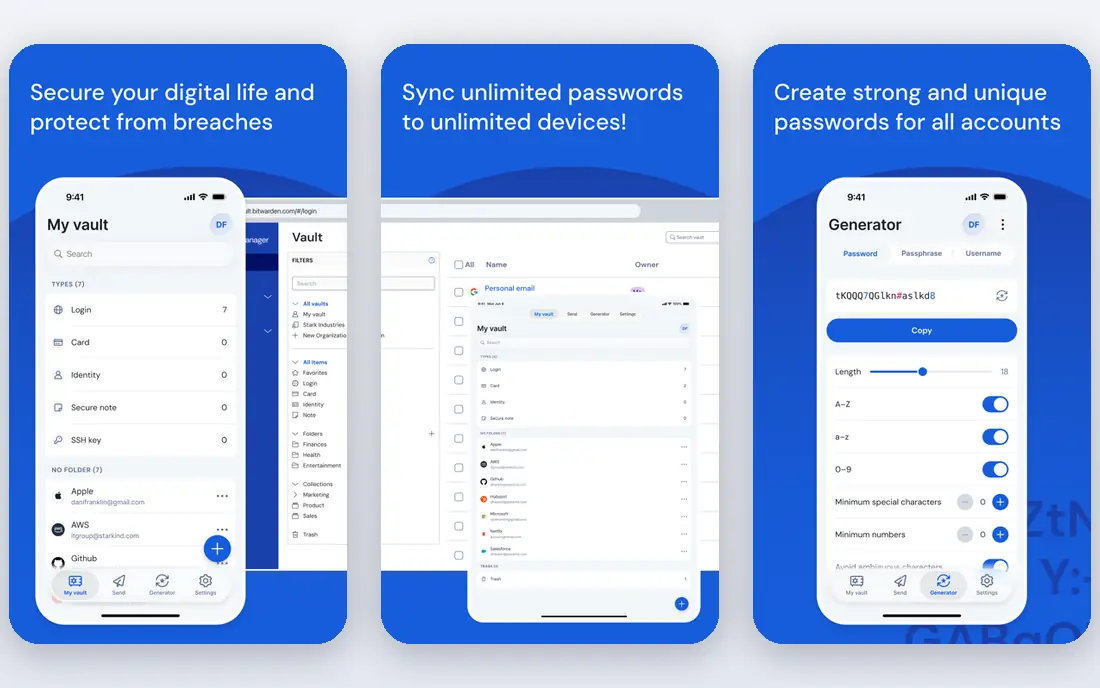
Bitwarden is the easiest recommendation on this list for anyone watching cost. Its free plan covers unlimited passwords and devices, plus passkey support and a password generator, which is more than most paid plans offered a few years ago. Premium, at $1.65 per month billed annually, adds a built-in authenticator, file attachments, and vault health reports.
The trade-off is polish. The apps look plain next to 1Password, and autofill sometimes needs a manual nudge on complex login forms. If you can live with that, Bitwarden gives you the best value in the category, and the option to self-host if you want full control over your vault data.
- Unlimited passwords and devices on free plan
- Open source
- Self-hosting option
- Interface is functional rather than polished
- Autofill can miss some fields
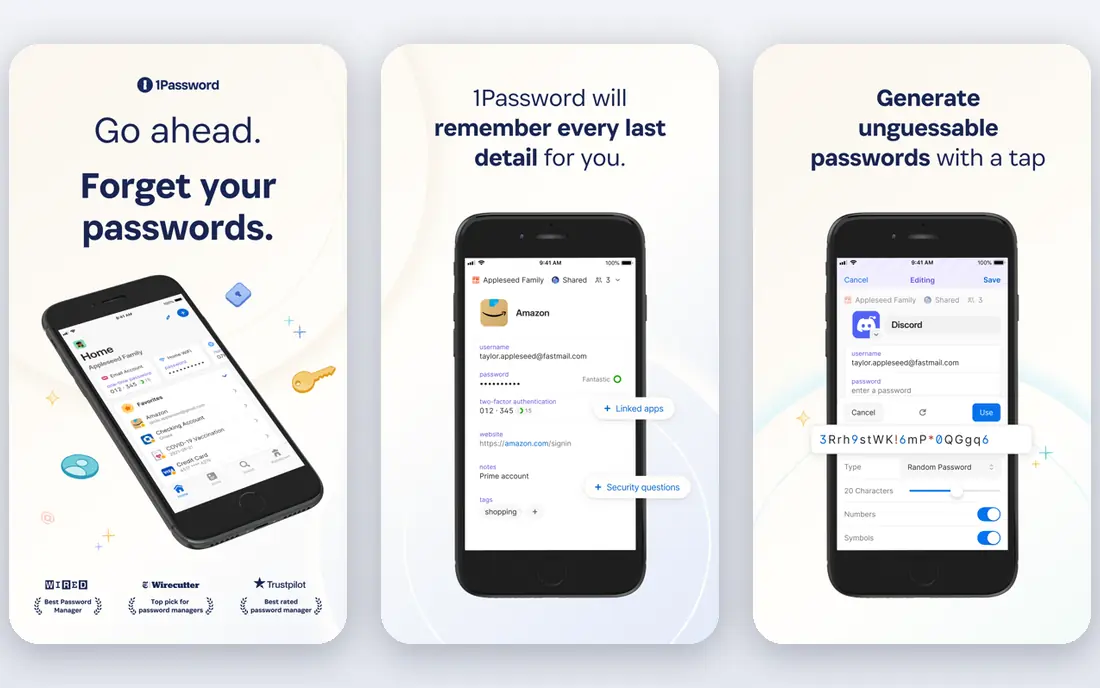
1Password feels like the finished product. Its apps are consistent across devices, Watchtower flags weak, reused, and breached passwords, and Travel Mode removes selected vaults from your devices when you travel. Families get five seats and guest sharing, which makes it a strong household choice as well as a personal one.
You pay for that polish. There is no free tier, only a 14-day trial, and individual pricing rose to $3.99 per month billed annually in 2026. If you use a password manager every day and value a smooth experience, the cost is easy to justify. If price is the main driver, Bitwarden or Proton Pass will serve you better.
- Best interface in the category
- Travel Mode
- Watchtower breach alerts
- No free tier
- Price rose in 2026
- Most expensive option here
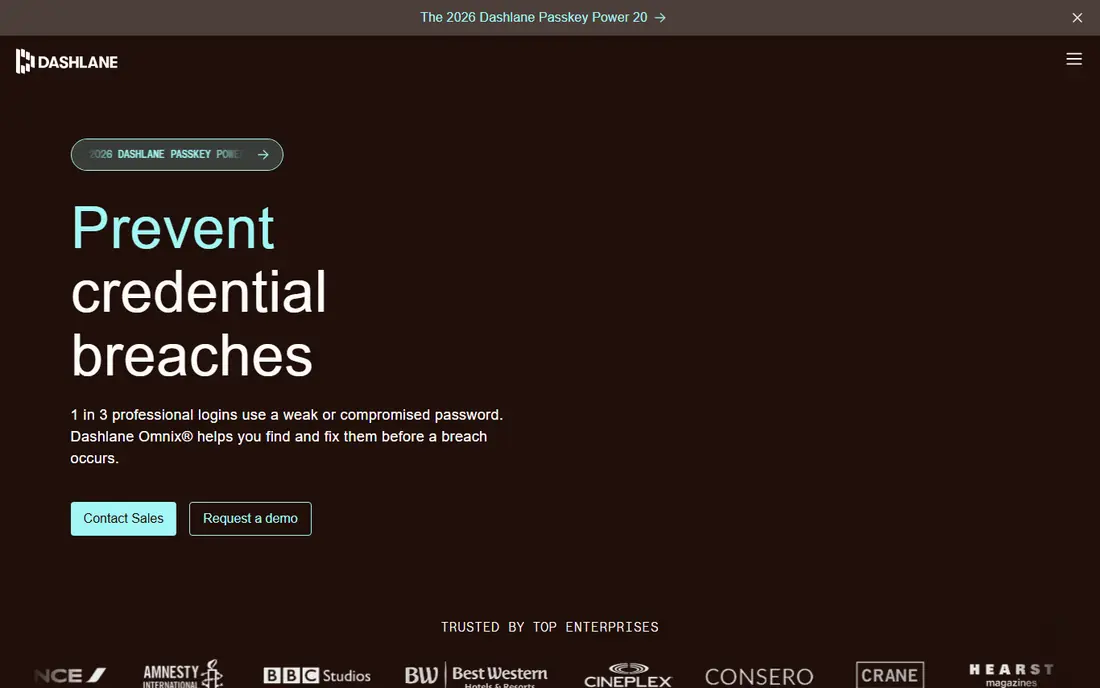
Dashlane targets people who want security extras in one subscription. Paid plans include dark web monitoring and a VPN, alongside the core vault, passkeys, and autofill. The apps are clean and easy to learn, which helps if you are switching and want the move to feel painless.
The price is the problem. At $4.99 per month billed annually, Dashlane sits at the expensive end, and its free plan was discontinued in 2025. It only earns that price if you will actually use the VPN and monitoring. Otherwise, a cheaper vault plus a separate VPN usually costs less.
- Dark web monitoring included
- VPN bundled on paid plans
- Clean apps
- No free plan since 2025
- Higher price than rivals
- Desktop app retired in favour of extension and mobile
Proton Pass is the natural pick if privacy is your main reason for switching. It comes from the team behind Proton Mail, uses end-to-end encryption, and builds email aliases into the vault, so you can give each site a different address and cut off spam at the source. The free plan covers unlimited logins, which makes it a genuine daily driver rather than a trial in disguise.
It is still a younger product than 1Password or Bitwarden, and some business features live in higher tiers. For personal use, though, the combination of a real free plan, aliases, and a clear privacy model is hard to beat, especially if you already use other Proton services.
- Built-in hide-my-email aliases
- Strong privacy stance
- Useful free plan
- Smaller ecosystem than 1Password
- Some advanced features sit in higher tiers
Keeper shines in teams and families that need control. Admins get detailed sharing, audit, and policy controls, and the personal plan includes secure file storage alongside passwords and passkeys. It is a solid choice if one person manages vaults for a household or a small business.
For a single user on a budget, Keeper is less compelling. The free tier is limited, and the interface packs in a lot of options that a casual user may never touch. Shortlist it when admin controls matter; otherwise, start with Bitwarden or Proton Pass.
- Strong admin and sharing controls
- Secure file storage
- Good business plans
- Personal free tier is very limited
- Interface can feel busy
LastPass remains familiar to millions of users, and its interface is easy to pick up. Paid plans cover unlimited devices, sharing, and security monitoring, and the family plan suits households that want one account to manage. If you already know LastPass, switching back to it from NordPass takes almost no learning.
Two honest caveats belong here. The free plan only covers one device type, so phone plus computer use requires a paid plan. LastPass also suffered well-publicised security incidents in recent years, and some users moved away for that reason alone. Check its current security disclosures before you decide.
- Widely recognised interface
- Family plan available
- Password sharing
- Free plan limited to one device type
- Past security incidents dent trust
RoboForm has been around for years, and it shows in its form filling. It handles long checkout and registration forms better than most rivals, which matters if you fill in addresses and payment details often. The price is reasonable, and the free plan covers one device, which is enough to test it properly.
The interface is the weak point. It looks dated next to 1Password and Proton Pass, and its passkey story is less prominent in its marketing. If form filling is your daily pain, RoboForm is worth a look. If modern design matters more, look elsewhere first.
- Excellent form filling
- Good value
- Works on older browsers
- Interface looks dated
- Passkey support is less prominent
Enpass takes a different approach to storage. Instead of keeping your vault only on its servers, it lets you sync through your own iCloud, Dropbox, or WebDAV storage. That appeals to people who want to control where their encrypted vault lives, and the desktop version is free for core use.
The cost is convenience. Setting up sync takes more steps than a standard cloud vault, and the mobile experience can feel less smooth. Enpass suits technical users who value control over a fully managed service. For most switchers, a standard cloud manager will feel simpler.
- Sync through your own cloud storage
- Desktop free tier
- One-time options in some stores
- Sync setup needs more manual work
- Mobile experience varies
How we picked these
We compared official pricing pages, feature pages, app store listings, privacy policies, and public reviews for password managers that work in October 2026. We included free and paid options, open source and closed source, and managers suited to individuals, families, and small teams. We did not claim hands-on testing, and we did not list NordPass itself, since this guide is about alternatives to it.
How to switch without getting locked out
Export from NordPass first, then import into your new manager and check that the count matches. Keep NordPass installed until you have logged in to your most important accounts with the new manager at least once. Turn on two-factor authentication for the new vault itself, save its recovery codes somewhere safe offline, and only then cancel the old subscription.
Before you pay, test the new manager on the devices you actually use. Check autofill in your main browser, check passkey support for your bank and email, and check sharing if you share logins with family. A manager that works well on desktop but frustrates you on your phone will not get used, and an unused manager protects nothing.
What to check in a password manager
Look for end-to-end encryption, a zero-knowledge model, published third-party audits, and clear breach disclosure history. Check whether passkeys are supported for both storage and sign-in, whether the free plan covers all your devices, and whether family sharing is included or costs extra. Price matters, but a manager you trust and actually use matters more.
Frequently asked questions
Is Bitwarden a good NordPass alternative?
Yes, for most people it is the strongest alternative. Its free plan covers unlimited passwords and devices, it is open source, and premium costs $1.65 per month billed annually. The interface is plainer than 1Password, but the value is hard to match.
Can I switch from NordPass without losing passwords?
Yes. Export your vault from NordPass, import the file into your new manager, and verify the item count before you delete anything. Keep both managers installed until you have tested logins for your bank, email, and other key accounts.
Which password manager alternative is best for families?
Bitwarden and 1Password are the strongest family options here. Bitwarden Families covers six users at a low annual cost, while 1Password Families covers five users with guest sharing. Compare the per-user cost and check that sharing and permissions work the way your household needs.
Do these alternatives support passkeys?
Yes, the major managers on this list support passkeys, including Bitwarden, 1Password, Dashlane, and Proton Pass. Support varies by platform and browser, so test passkey sign-in on your main sites during the trial or free period before you commit.
Is a free password manager safe to use?
A reputable free plan from Bitwarden, Proton Pass, or Enpass uses the same encryption as its paid plan, with limits on features rather than security. Avoid unknown free managers with no audit history, no clear company behind them, and no published privacy policy.
Sources
See where you really rank - block by block
ProMapRanker scans Google Maps across a grid of your service area. Simple monthly plans from $19, white-label on every plan.
Start freeKeep reading
 youtube alternatives
Best YouTube Alternatives in 2026
Looking for youtube alternatives in 2026? We compare Vimeo, Dailymotion, Twitch, Rumble, and more on price, audience, monetization, control and privacy.
Read → what's the best ai tool for photo editing
What Is the Best AI Tool for Photo Editing in 2026
What is the best AI tool for photo editing? We compare ten tools for 2026, from Photoshop and Lightroom to Luminar, Topaz, Canva and mobile editors today.
Read → twitter alternatives
Best Twitter Alternatives in 2026
Compare the best twitter alternatives for 2026, from Bluesky, Threads, and Mastodon to Reddit, Tumblr, and Micro.blog, with free plans and audience notes.
Read →