 ProMapRanker
Best Nimble Alternatives in 2026

Key takeaways
- HubSpot CRM is the best free starting point, with a free plan that covers contacts, deals, and basic sales tools.
- Pipedrive is the cleanest pipeline CRM for teams that live in their deal list and want fast setup.
- Zoho CRM and Freshsales offer the most features per dollar at the low end, with free plans for small teams.
- Capsule and Copper suit teams that want a simple CRM that lives close to email, with Capsule for general small business use and Copper for Google Workspace teams.
- Watch seat counts and add-ons, since a low starting price can rise quickly as your team and contact list grow.
Quick comparison
| Pick | Great for | Pricing starts at | Free tier | |
|---|---|---|---|---|
 HubSpot CRM | Free all-in-one CRM | Free | Yes | Visit |
 Pipedrive | Visual sales pipelines | $14 per user per month | Free trial | Visit |
 Zoho CRM | Value and depth | Free | Yes | Visit |
 Capsule | Simple small team CRM | $18 per user per month | Yes | Visit |
 Insightly | CRM plus projects | $29 per user per month | Free trial | Visit |
 Close | Inside sales and calling | $35 per user per month | Free trial | Visit |
 Copper | Google Workspace teams | $9 per user per month | Free trial | Visit |
 Freshsales | AI-assisted selling on a budget | $9 per user per month | Yes | Visit |
 monday sales CRM | Visual boards and workflows | $12 per user per month | Free trial | Visit |
The best nimble alternatives
Nimble is known as a simple, relationship-focused CRM for small businesses, with social and contact enrichment at its core. The tools below cover the same small-business ground in different ways: some are free to start, some focus on pipelines, and some add projects or calling. All are current, general small-business CRMs, not enterprise-only platforms.
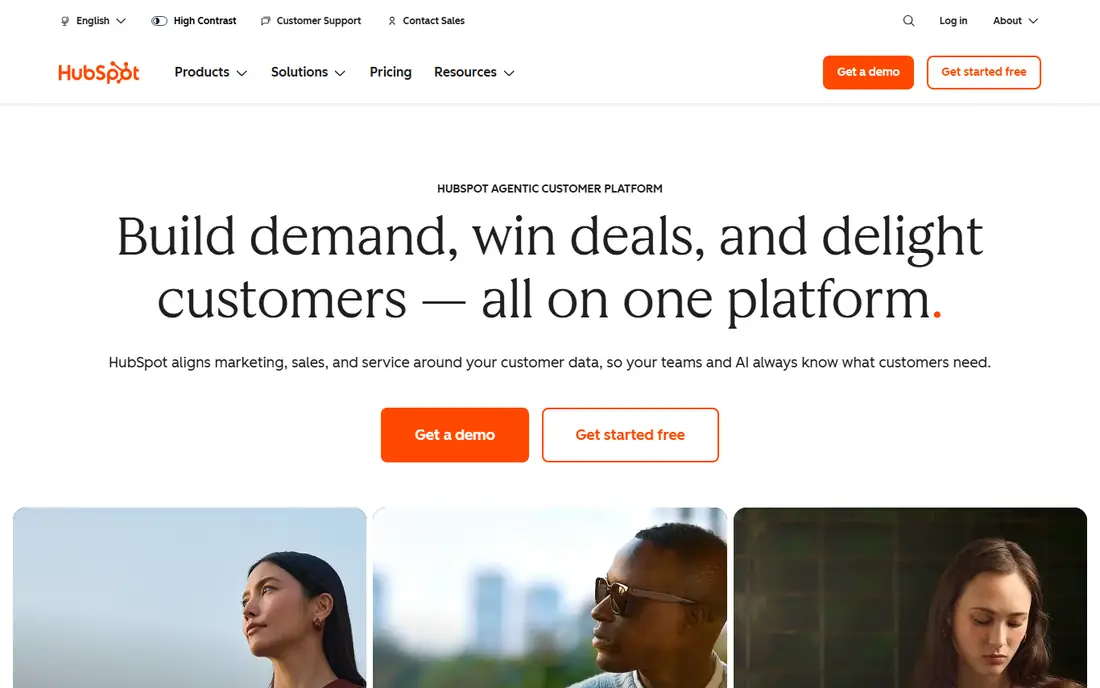
HubSpot CRM is the safest default for a small business that is not sure what it needs yet. The free plan covers contacts, companies, deals, email tracking, meeting scheduling, and basic reporting, with no hard time limit. That lets a team run on HubSpot for months before paying anything, and the same platform can grow into marketing and service tools later.
The catch is the middle of the pricing ladder. Sales Hub Starter starts at $15 per seat per month billed annually, but Professional tiers cost far more, and features such as sequences and deeper automation sit there. If you stay on the free or Starter plan, HubSpot is excellent value. If you need heavy automation, compare the full Professional cost before you commit.
- Free plan with contacts, deals, and email tools
- Grows into marketing and service tools
- Large integration library
- Paid Professional tiers jump sharply in price
- Advanced automation sits on higher plans

Pipedrive is built around one idea: a deal pipeline you can read at a glance. Deals move across stages with a drag, activities sit on each deal, and the interface stays simple even as the pipeline grows. For a small sales team that lives in its deal list, that focus is a real advantage over a CRM that tries to do everything.
Pricing starts at $14 per user per month billed annually for the Lite or Essential tier in recent listings, with Growth and higher tiers adding automation and reporting. There is no permanent free plan, only a trial, so budget for seats from the start. If your team needs marketing automation as well as sales, HubSpot or Zoho may be a better single purchase.
- Clear drag-and-drop pipeline
- Fast setup
- Good mobile app for field sales
- No permanent free plan
- Add-ons and higher tiers add cost for automation and reporting
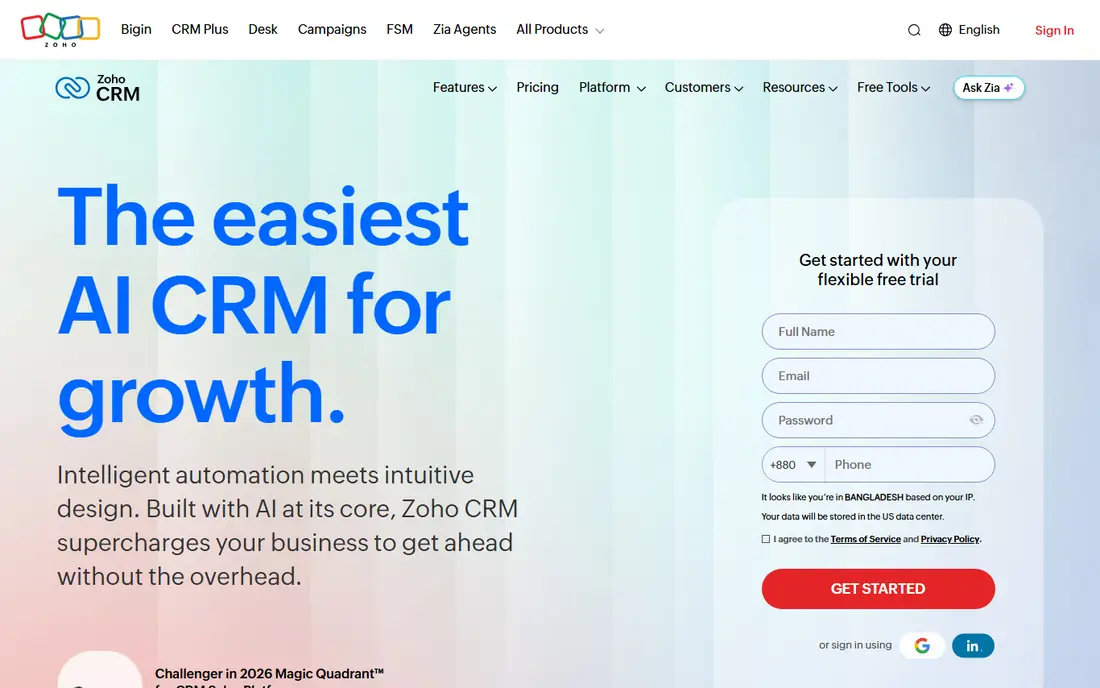
Zoho CRM offers the most depth per dollar in this list. The free plan covers up to three users, and paid plans start at $14 per user per month for Standard, with Professional at $23 and Enterprise at $40 in recent listings. Features include automation, forecasting, and the Zia AI assistant on higher plans, plus links to the wider Zoho suite for email, books, and projects.
The trade is polish. The interface has more menus and options than Pipedrive, and a new team should allow time to set up pipelines, fields, and automation properly. For a budget-conscious team that wants room to grow without switching CRMs, Zoho is a strong choice. For a team that wants the simplest possible setup, Pipedrive or Capsule may feel faster on day one.
- Free plan for up to three users
- Deep features at a low paid price
- Wide Zoho app ecosystem
- Interface feels busier than Pipedrive
- Setup takes more time to get right
Capsule is a good match for the Nimble audience that wants simplicity first. It stores contacts, tracks conversations, and manages tasks and pipelines without a long setup process. The free plan covers up to 250 contacts, which is enough for a solo operator or a very small team to test the workflow.
Paid plans start at $18 per user per month for Starter in recent listings, with higher tiers adding more contacts and features. Capsule will not match Zoho or HubSpot for deep automation, but that is the point for many small teams. If you want a CRM that your whole team will actually use, rather than one with every feature, Capsule is worth a trial.
- Simple and easy to learn
- Free plan for up to 250 contacts
- Tracks and tasks built in
- Less depth for large sales teams
- Advanced reporting needs higher plans
Insightly suits service businesses that sell a project and then deliver it. It links contacts and opportunities to projects, tasks, and milestones, so the handoff from sales to delivery stays in one system. That reduces the need for a separate project tool and keeps client history in one place.
Pricing starts at $29 per user per month billed annually for Plus, with Professional at $49. That is higher than Pipedrive or Zoho, so Insightly makes sense when project work is central to your business. If you only need contacts and deals, a cheaper CRM will do the same job with less cost and less setup.
- CRM and project delivery in one tool
- Good for service businesses
- Workflow automation
- Higher starting price than simpler CRMs
- Interface takes time to learn
Close is built for teams that sell by phone and email. It combines a CRM with built-in calling, email sequences, and SMS, so a rep can work a list without switching tools. Transcription and follow-up prompts help a small outbound team keep pace without a separate dialer.
Pricing starts with a Solo plan in some listings and Essentials at $35 per user per month, with higher tiers for larger teams. Call and SMS credits are billed on top of the subscription, so check those rates if calling is your main channel. For an inbound or relationship-focused team, Pipedrive or Capsule will be simpler. For outbound sales, Close is a strong specialist pick.
- Built-in calling, email, and SMS
- Fast outreach workflow
- Transcription and next-step tracking
- Call and SMS credits cost extra on top of seats
- Less suited to teams that do not do outbound sales
Copper is the CRM for teams that live in Gmail. It sits inside Google Workspace, captures contacts and activity from email and calendar, and keeps deals visible without leaving the inbox. That tight fit saves time for small teams that already run on Google tools.
Pricing starts at $9 per user per month for Starter in recent listings, with Professional at $49 for deeper features. The trade is clear: if your team uses Outlook or a mix of tools, Copper loses much of its advantage. For a Google-first small business, Copper is one of the easiest CRMs to adopt, since much of the data capture happens automatically.
- Lives inside Gmail and Google Workspace
- Automatic contact and activity capture
- Simple setup for Google teams
- Less useful outside Google Workspace
- Higher tiers are needed for deeper automation and reporting
Freshsales, from Freshworks, is a budget-friendly CRM with AI help built in. The free plan covers up to three users, and Growth starts at $9 per user per month billed annually, with Pro at $39 and Enterprise at $59 in recent listings. Features include lead scoring, forecasting, and the Freddy AI assistant on higher plans, plus built-in telephony for teams that call customers.
The ecosystem is smaller than HubSpot, so check whether Freshsales connects to the tools you already use. For a cost-sensitive team that wants AI-assisted selling without a large bill, Freshsales is a strong value pick. For a team that needs a huge app marketplace, HubSpot or Zoho may be a better long-term home.
- Free plan for up to three users
- Built-in phone and AI features
- Low Growth plan price
- Smaller integration ecosystem than HubSpot
- Advanced features need higher tiers
monday sales CRM turns the monday.com board system into a CRM. You can build pipelines, track leads, and manage post-sale work on visual boards that the whole team can see. That flexibility suits teams that want CRM and project work in one place, and that like to shape the tool to their own process.
Pricing starts at $12 per user per month for Basic in recent listings, with Standard at $17 and Pro at $28, and some plans have a three-seat minimum. The trade is setup time: monday.com is a platform first and a CRM second, so you will need to build or choose a CRM template before it feels like a sales tool. For a visual team that already uses boards, it is a natural fit.
- Flexible visual boards
- Combines CRM with work management
- Good automations on higher plans
- Needs setup to work as a CRM
- Pricing is per seat with minimums on some plans
How we picked these
We compared official feature pages, pricing pages, and public reviews for small-business CRMs. We kept tools that are still offered in October 2026, that suit small teams rather than enterprise-only buyers, and that cover different strengths: free entry, pipeline focus, value, simplicity, projects, calling, Google Workspace fit, AI help, and visual boards. We did not include Nimble itself, since this list is for alternatives to it.
Prices are starting prices from vendor pages or recent pricing coverage of those pages, and they can change. Where a vendor lists monthly and annual rates, we show the annual rate and note the difference in the text. Free plans are noted separately from free trials, since a trial ends and a free plan does not.
How to choose a small business CRM
Start with how your team actually works. A team that sells by phone needs calling built in, while a team that sells through relationships needs contact history and reminders more than a complex pipeline. A team that delivers projects needs project tracking linked to deals. Pick the workflow first, then the tool that supports it with the least setup.
Next, count seats and contacts honestly. A low per-user price can still be expensive for a ten-person team, and a contact-based price can rise as your list grows. Test the free plan or trial with your real contacts, not a demo set, and see how the tool handles duplicates, imports, and daily tasks.
Finally, check the exit path. Can you export contacts, deals, and notes in a usable format if you switch later? A CRM should hold your business relationships, not hold them hostage. Choose a tool with a clear export option, and keep a regular export as part of your routine.
Frequently asked questions
What is the best free Nimble alternative?
HubSpot CRM is the best free option for most small businesses, with unlimited contacts on the free plan and a wide set of sales tools. Zoho CRM and Freshsales also offer free plans for up to three users, which suit very small teams. Capsule offers a free plan for up to 250 contacts.
Which CRM is simplest for a small team?
Capsule and Pipedrive are the simplest options here. Capsule is best for a team that wants contacts, tasks, and a light pipeline, while Pipedrive is best for a team that wants a clear visual deal pipeline. Both can be set up in a day, where Zoho and monday.com need more setup time.
Is Nimble still a good CRM?
Nimble remains a relationship-focused CRM for small businesses, but this list covers alternatives for teams that want a different price, a free plan, a stronger pipeline, or tighter links to email and projects. The right choice depends on your workflow, not on which tool is newest.
How much should a small business pay for a CRM?
Many small teams can start free with HubSpot, Zoho, or Freshsales. Paid plans on this list start from $9 to $35 per user per month for entry tiers, with higher tiers for automation and reporting. Budget for seats, add-ons, and any calling credits, not just the headline price.
Can I migrate contacts from Nimble to a new CRM?
Yes, through CSV export and import in most cases. Clean duplicates and standardize fields before you import, and test with a small sample first. Most vendors offer import help, and a trial is the right time to check that tags, notes, and deal history carry over correctly.
Sources
See where you really rank - block by block
ProMapRanker scans Google Maps across a grid of your service area. Simple monthly plans from $19, white-label on every plan.
Start freeKeep reading
 zyte alternatives
Best Zyte Alternatives in 2026
These zyte alternatives cover managed scraping APIs, proxy networks and no code tools for lawful collection from your own or consented sources only in 2026.
Read → zerto alternatives
Best Zerto Alternatives in 2026
Compare the best zerto alternatives for disaster recovery and replication, with recovery targets, cloud options and honest trade-offs for teams in 2026.
Read → zerofox alternatives
Best ZeroFox Alternatives in 2026
We compared 9 zerofox alternatives for brand protection, phishing takedowns, dark web monitoring, and social impersonation, with clear coverage notes.
Read →