 ProMapRanker
Best NGINX Alternatives in 2026

Key takeaways
- Caddy is the easiest pick for small sites because HTTPS works with very little manual setup.
- Traefik fits container and Kubernetes work best because it learns about new services on its own.
- HAProxy is the strongest choice when raw load balancing and steady latency matter most.
- Apache and LiteSpeed suit teams that already run PHP sites or need broad module support.
Quick comparison
| Pick | Great for | Pricing starts at | Free tier | |
|---|---|---|---|---|
 Caddy | Simple sites with automatic HTTPS | Free | Yes | Visit |
 Apache HTTP Server | Flexible module-based hosting | Free | Yes | Visit |
 HAProxy | High-volume load balancing | Free | Yes | Visit |
 Traefik | Containers and Kubernetes | Free | Yes | Visit |
 Envoy | Service meshes and microservices | Free | Yes | Visit |
 Lighttpd | Low-resource servers | Free | Yes | Visit |
 LiteSpeed Web Server | Fast PHP and WordPress hosting | See website | Free trial | Visit |
 Nginx Proxy Manager | Click-based proxy setup | Free | Yes | Visit |
The best nginx alternatives
We compared official feature pages, pricing pages, documentation, and public reviews for tools that can serve sites, proxy traffic, or balance load. Each pick below can replace at least one common NGINX job, though none matches it in every area at once.

Caddy stands out first for how little work it asks of you. A short Caddyfile can serve a site, proxy to an app, and turn on HTTPS without a separate certificate tool or renewal schedule. That makes it a strong pick for solo developers, small teams, and self-hosted projects where time matters more than squeezing out every request per second.
The trade-off is that Caddy is written in Go, so it can use more memory than NGINX for the same job. Teams running very large fleets or tight edge boxes should test it under their own traffic before switching. For most small and mid-size sites, though, the simpler setup is worth that cost.
Caddy also ships with HTTP/3 support, an API for dynamic config, and a plugin system for extra features. If your current NGINX setup is mostly static files plus a few proxy rules, Caddy will feel like a lighter daily routine. Keep NGINX if you depend on a rare module that has no Caddy plugin yet.
- Automatic HTTPS
- Short readable config files
- Built-in reverse proxy and load balancing
- Higher memory use than NGINX in some tests
- Smaller module catalog than Apache
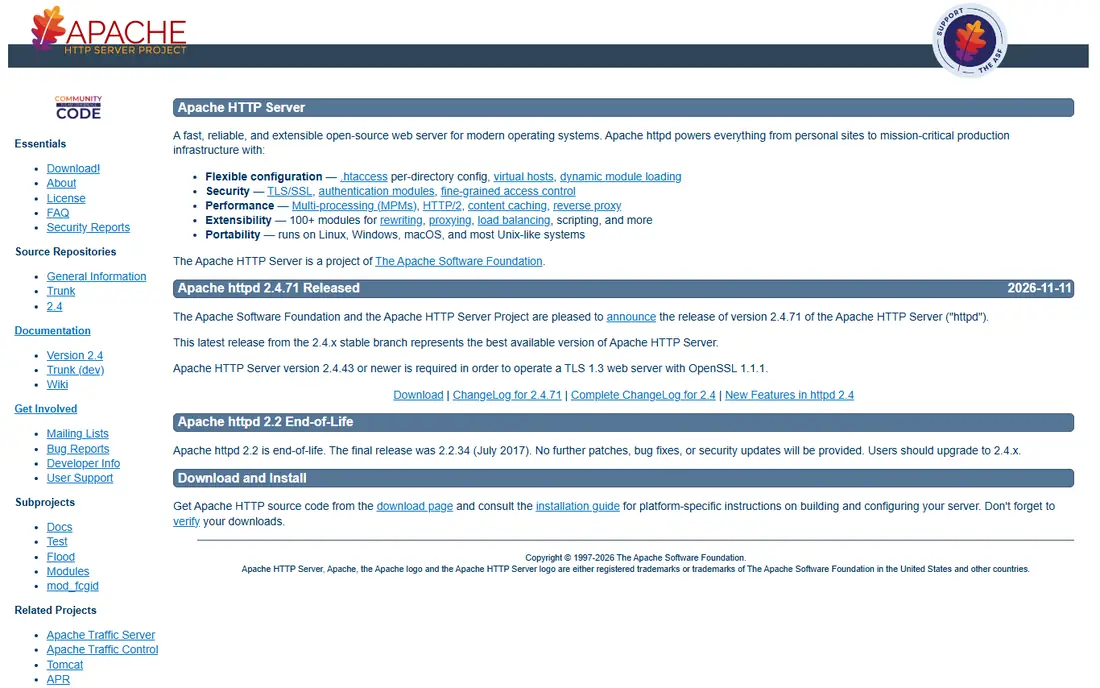
Apache has been around longer than most tools on this list, and that history shows up in its module library. You can add authentication, rewriting, caching, proxying, and language support in small steps, and shared hosts have supported it for decades. That depth is why many PHP and WordPress workflows still start here.
Apache does not handle tens of thousands of idle connections as lightly as NGINX or HAProxy, though its event processing mode closes much of that gap. The honest catch is config sprawl: .htaccess files and stacked modules can make a large site hard to audit. For a single site or a familiar PHP stack, Apache remains a safe and capable choice.
Migration is usually simple because Apache documentation and hosting support are everywhere. Check which modules your current setup uses, then match them before you move. If you need a proxy-first design rather than a general web server, one of the proxy-focused tools below may fit better.
- Huge module library
- Per-directory config with .htaccess
- Long track record
- Heavier under very high concurrency than event-driven servers
- Config can grow messy
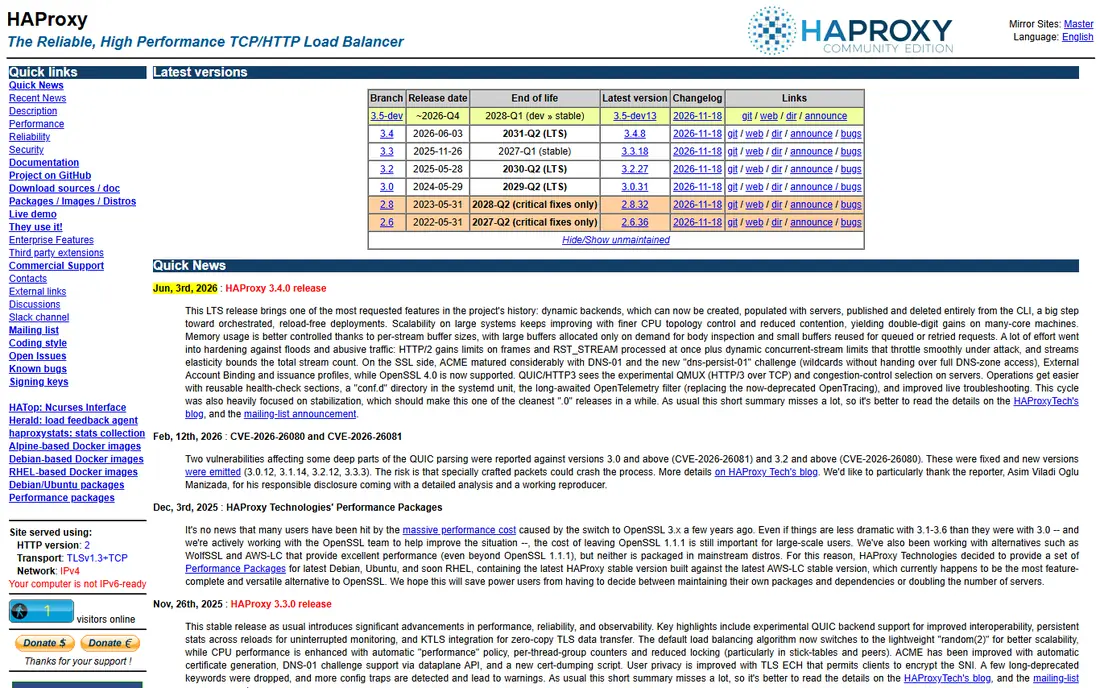
HAProxy is built for one job above all else: moving traffic to the right backend, fast and predictably. It offers many balancing methods, health checks, sticky sessions, and clear stats, which is why large sites place it in front of app servers. If your pain point is traffic distribution rather than serving files, start here.
The catch is scope. HAProxy is not meant to replace a full web server for static content, and its config language rewards careful reading. You will also need a separate step for certificate handling unless you pair it with another tool. That extra work pays off when latency and uptime are the main goals.
We like HAProxy for teams that already run several app servers and want tight control over failover. Put Caddy or Apache at the edge for TLS and static files if you want, then let HAProxy do the balancing behind them. That split plays to each tool's strength.
- Very steady latency under load
- Detailed health checks
- Strong TCP and HTTP balancing
- Not a general file server
- Config takes more study than Caddy
Traefik watches your containers or cluster and updates routes as services start and stop. That removes the manual step of editing a proxy config each time you deploy, which is the main reason container teams pick it over NGINX. Labels on a container can define its domain, TLS, and middleware in one place.
The learning curve shows up once you move past basic routing. Middleware chains, entry points, and provider settings take time to learn, and the dashboard should never be left open to the public. Teams that run only one or two static sites will not gain much here. Teams that deploy often will feel the difference within a week.
Traefik's open-source core is free, with paid tiers for API management and larger deployments. For Docker Compose and Kubernetes users, it is our pick for most people. Pair it with a separate static file server only if you have heavy file-serving needs.
- Automatic service discovery
- Built-in Let's Encrypt support
- Native Kubernetes ingress
- Learning curve for advanced routing
- Dashboard and API need careful access control
Envoy is the proxy that powers many service meshes, and its feature set reflects that role. It handles advanced routing, retries, circuit breaking, rate limiting, and detailed metrics across many services. If you run dozens of microservices and need clear visibility into traffic between them, Envoy is hard to beat.
That power comes with complexity. Envoy config is long, and most teams use it through a control plane such as Istio rather than writing raw config by hand. For a simple site, this is far more tool than you need. For a platform team, it is the standard choice for a reason.
We would not pick Envoy as a first replacement for a small NGINX setup. We would pick it when service-to-service traffic, observability, and fine-grained policy become daily concerns. Budget time for learning, and test upgrades in staging first.
- Advanced routing and observability
- Strong gRPC support
- Service mesh standard
- Complex config
- Overkill for a single website
Lighttpd, often called Lighty, is a good fit when the server itself is small. It runs well on old hardware, single-board computers, and edge boxes where memory is tight. Its config is short, and static file serving is fast for the resources it uses.
The catch is ecosystem size. You will find fewer tutorials, modules, and hosting presets than you would for Apache or NGINX. Some modern features arrive later here, and troubleshooting can take more digging. That matters less if your workload is simple and stable.
Pick Lighttpd for embedded systems, home servers, and low-traffic sites on limited hardware. Pick something else if you need a large plugin library or commercial support. For the right job, its lightness is a real advantage, not just a spec line.
- Very light on CPU and memory
- Simple config
- Good static file speed
- Smaller community than Apache or NGINX
- Fewer modules and guides
LiteSpeed is a commercial server that aims to drop into Apache-style setups with little change. It reads Apache config files in many cases, which eases migration for hosts and agencies. Its caching plugin for WordPress is a major draw, since page caching can cut load times without extra layers.
Pricing is the honest catch. The full server needs a paid license, and the free starter edition caps workers and domains. Check the current license page for your traffic level before you commit, because costs rise with scale. Hosts that resell LiteSpeed often bundle the license, so compare that route too.
We like LiteSpeed for shared hosts and WordPress agencies that want speed without rebuilding their stack. If your budget is zero and your stack is simple, an open-source pick above will serve you better. If page speed is a business metric, LiteSpeed earns a serious look.
- Strong WordPress caching plugin
- Apache-compatible config
- High static performance
- Paid licenses for full use
- Free starter edition has limits
Nginx Proxy Manager wraps NGINX in a web interface, so you can add proxy hosts, redirects, and certificates by filling in forms. That makes it popular for home labs and small teams that want NGINX power without editing config files by hand. Setup through Docker is quick, and the dashboard shows hosts at a glance.
The honest catch is in the name: this is still NGINX underneath, so it is a different way to run NGINX rather than a full break from it. Teams that need config as code, version control, or complex routing rules will find the database-backed setup limiting. It also needs care with access control, since the admin panel must stay private.
Pick this tool when ease of use beats full control, such as a home server or a small internal stack. Pick raw NGINX, Caddy, or Traefik when you want text config you can review in git. For its niche, Nginx Proxy Manager is genuinely pleasant to use.
- Web interface for proxy hosts
- Built-in Let's Encrypt
- Easy SSL for home labs
- Still uses NGINX under the hood
- Not suited to complex config-as-code workflows
How we picked these
We compared official feature pages, pricing pages, and documentation, plus public reviews and community guides, for tools that are actively maintained in October 2026. We kept only tools that can serve web traffic, proxy to apps, or balance load, and we left out dead or unmaintained projects. We did not claim hands-on testing that did not happen; our comparison rests on vendor docs, pricing pages, and public reports.
What to check before you switch
Start by listing what NGINX does for you today. A static site, a reverse proxy, a load balancer, and a cache are different jobs, and the best replacement depends on which one dominates. Write down your domains, TLS setup, redirect rules, and any modules you rely on before you test a new tool.
Next, test with real traffic patterns, not just a hello page. Check TLS renewal, header handling, websocket support, and behavior when a backend fails. Run the new proxy beside the old one for a short period if you can, and watch logs for missed routes. That staging step catches most migration surprises early.
Finally, weigh who will maintain the new setup. A tool with a short config is a win only if your team can debug it at 2 a.m. Pick the tool your team can read, back up, and restore with confidence. Cost matters, but a free tool that no one on your team understands is not truly cheap.
Frequently asked questions
Can I replace NGINX with Caddy for a WordPress site?
Yes, in many cases, since Caddy can proxy to PHP-FPM and serve static files with automatic HTTPS. Check your current rewrite rules and caching setup first, because some plugins assume Apache or NGINX rules. Test on staging, then move traffic over once redirects and certificates check out.
Is HAProxy a web server?
HAProxy is mainly a load balancer and proxy, not a general-purpose file server. It can serve small responses and error pages, but most teams pair it with a web server or app backend for content. Use it when traffic distribution is the main job.
Do I need to pay for Traefik?
No, the open-source core is free and covers Docker, Kubernetes, and file-based routing for most teams. Paid tiers add API management, multi-cluster features, and support. Start with the free core and only pay if those extras solve a clear problem.
Is Apache still a good choice in 2026?
Yes, Apache remains a solid choice for PHP hosting, shared hosting, and module-heavy setups. It is heavier than NGINX under extreme concurrency, but its event mode and broad support keep it practical for most sites. Pick it when module depth matters more than raw proxy speed.
What is the easiest NGINX alternative for a home server?
Nginx Proxy Manager is often the easiest path because its web interface handles proxy hosts and certificates with clicks. Caddy is the next step up if you prefer text config and automatic HTTPS. Keep the admin interface private in both cases.
Sources
See where you really rank - block by block
ProMapRanker scans Google Maps across a grid of your service area. Simple monthly plans from $19, white-label on every plan.
Start freeKeep reading
 zyte alternatives
Best Zyte Alternatives in 2026
These zyte alternatives cover managed scraping APIs, proxy networks and no code tools for lawful collection from your own or consented sources only in 2026.
Read → zerto alternatives
Best Zerto Alternatives in 2026
Compare the best zerto alternatives for disaster recovery and replication, with recovery targets, cloud options and honest trade-offs for teams in 2026.
Read → zerofox alternatives
Best ZeroFox Alternatives in 2026
We compared 9 zerofox alternatives for brand protection, phishing takedowns, dark web monitoring, and social impersonation, with clear coverage notes.
Read →