 ProMapRanker
Nextiva Alternatives in 2026


All-round phone, video, and chat · Pricing starts at: $20 per user/month
Key takeaways
- RingCentral at $20 per user per month is the safest all-round alternative, with the broadest integrations and routing depth.
- Zoom Phone at $10 per user per month is the cheapest way to add voice for teams already using Zoom for meetings.
- Dialpad at $15 per user per month puts AI transcription and summaries on every plan, which suits sales and support teams.
- Vonage at $13.99 per line per month is the lowest entry price among full phone systems here, with API options for later building.
- Ooma Office at $19.95 per user per month suits very small teams that want simple pricing with no annual contract requirement.
Quick comparison
| Pick | Great for | Pricing starts at | Free tier | |
|---|---|---|---|---|
| RingCentral | All-round phone, video, and chat | $20 per user/month | Free trial | Visit |
 Zoom Phone | Teams already using Zoom | $10 per user/month | No | Visit |
 Dialpad | AI features on every plan | $15 per user/month | Free trial | Visit |
 Vonage | Low entry price with API options | $13.99 per user/month | No | Visit |
 Ooma Office | Simple pricing for small teams | $19.95 per user/month | Free trial | Visit |
 8x8 | Global teams with international calling | See website | No | Visit |
 Grasshopper | Solo owners needing a business line | See website | Free trial | Visit |
 GoTo Connect | Custom call flows for growing teams | See website | No | Visit |
The best Nextiva alternatives
Teams looking for an alternative usually want one of three things: lower cost, stronger AI features, or a system that fits tools they already use. This list covers all three, with alternatives only and no listing of the product being replaced. Our pick for most businesses is RingCentral for breadth, with Zoom Phone as the budget pick for Zoom shops.
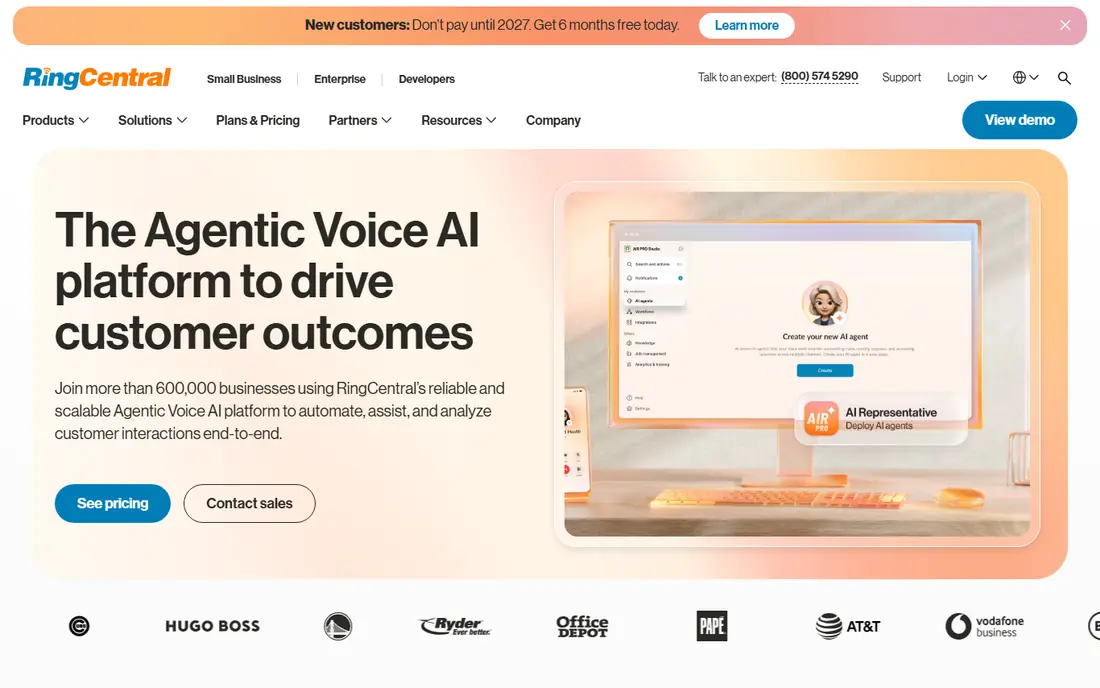
RingCentral is the alternative most teams can adopt without regret. The Core plan at $20 per user per month billed annually covers calling, video meetings, and team messaging, with routing, queues, and integrations that scale from five seats to hundreds. Support for common CRMs and helpdesk tools means calls and texts can land on customer records without custom work.
The downside is scope. Small teams pay for enterprise controls they may never open, and some AI features sit in add-ons rather than the entry plan. A 14-day trial helps test whether that breadth matters for your team. If you want one vendor that covers phone, video, and chat as you grow, RingCentral is the default shortlist pick.
- Very broad integrations
- Deep call routing and queues
- Video meetings and team chat included
- Enterprise depth a small team may not use
- AI features can add cost on top
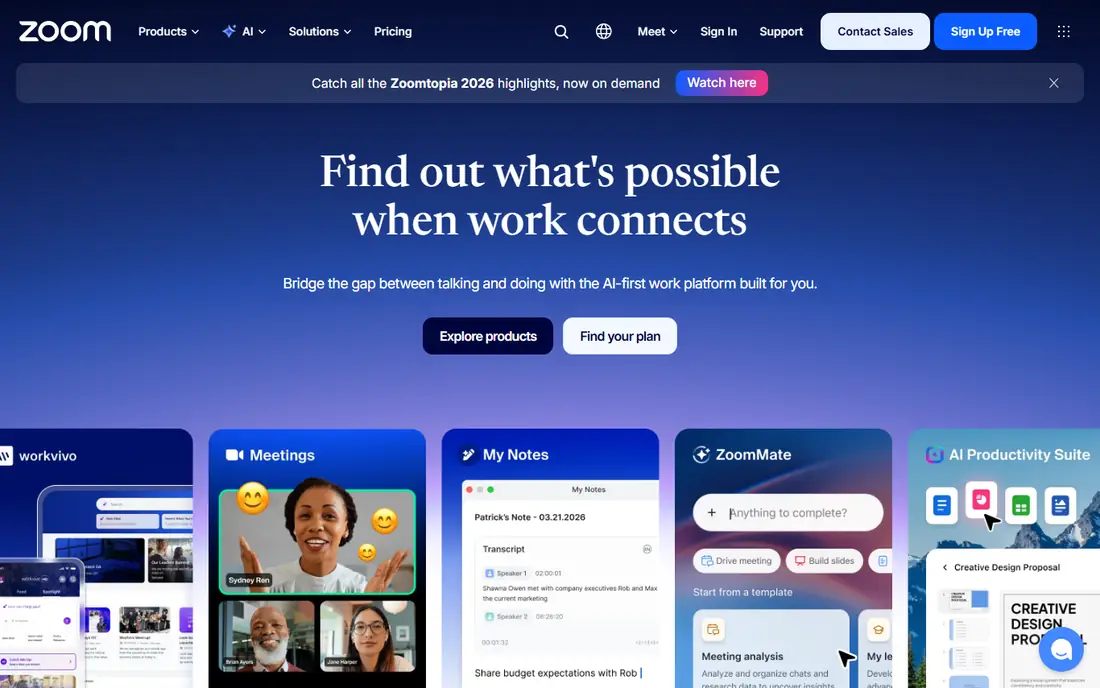
Zoom Phone is the obvious alternative for any team that already meets on Zoom. Adding voice to the same app means no new interface to learn and no second vendor to manage, and the metered US and Canada plan at $10 per user per month billed annually is the cheapest entry point in this list. Admin is straightforward, and most teams can deploy in days.
Routing and supervisor tools are thinner than RingCentral or Dialpad, so large support teams may miss depth. AI features also vary by bundle, so check which plan includes the transcription or summaries you expect. For small and midsize teams already standardized on Zoom, the price and simplicity are hard to argue against.
- Lowest entry price here
- Single app for meetings and calling
- Simple admin for small teams
- Routing depth is thinner than dedicated platforms
- AI features vary by plan and bundle
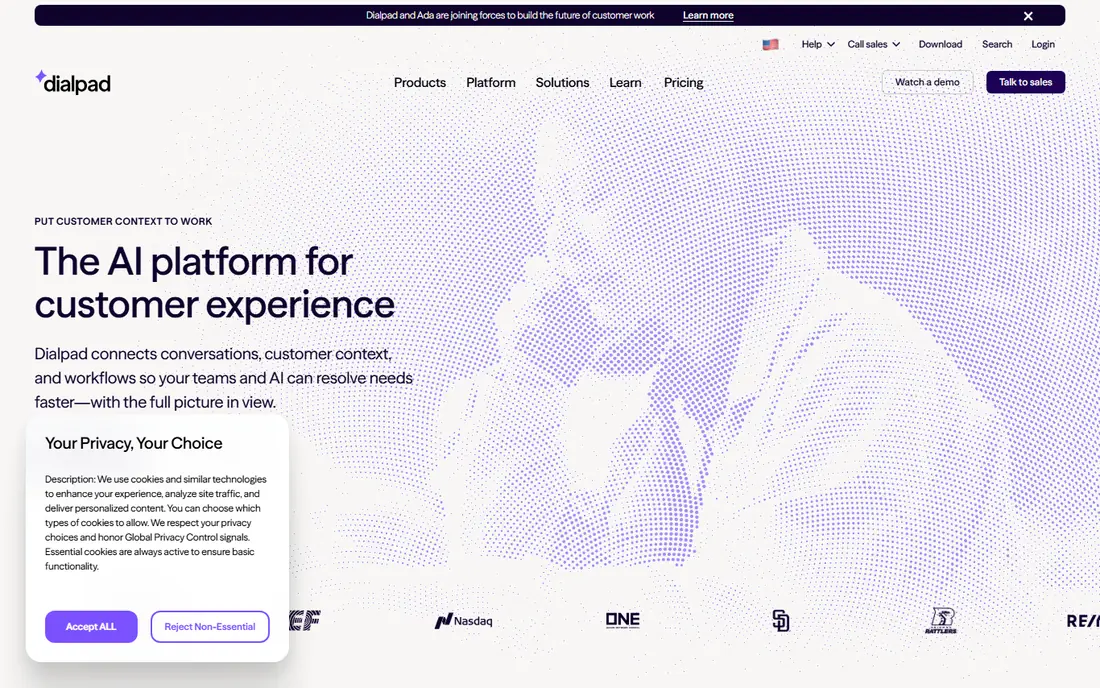
Dialpad stands out because its AI features are not gated behind the top tier. Every plan includes transcription and call summaries, which helps sales teams review calls and support teams follow up without manual notes. Real-time coaching prompts can guide newer reps during live calls, and the interface feels modern on desktop and mobile.
Pricing needs attention. The $15 annual rate jumps sharply on monthly billing, so budget for an annual commitment if you want that price. Some CRM integrations also require higher plans, which matters for teams that live in Salesforce or HubSpot. For AI-first sales and support teams, Dialpad is the most distinctive alternative here.
- AI transcription and summaries on all plans
- Real-time coaching for sales teams
- Clean modern interface
- Monthly price is far higher than annual
- Some CRM integrations need higher plans
Vonage appeals to businesses that want a low starting price today and flexibility tomorrow. The Mobile plan at $13.99 per line per month billed annually covers core calling with a mobile-first experience, and higher plans add CRM integration and call recording. The separate Vonage API platform also lets technical teams build custom voice and messaging later.
Feature gating is the catch. Call recording, advanced routing, and some integrations sit above the entry plan, so the real cost for a sales team may be higher. There is also no free trial published, so rely on a demo and a careful plan comparison. For budget-conscious teams that may build on APIs later, Vonage is a practical pick.
- Lowest entry price among full systems here
- API platform for later custom building
- Mobile app for remote teams
- Some features need higher plans
- No free trial published
Ooma Office suits very small teams moving off landlines or a shared mobile plan. Essentials at $19.95 per user per month is a flat monthly price with no annual contract, which keeps budgeting simple. Desk phones work well, North American calling is included, and setup is straightforward for an owner without IT staff.
Advanced features are tiered. Call recording, CRM integration, and deeper analytics need Pro or Pro Plus plans, and AI tools are thinner than Dialpad. Teams that grow into contact-center needs may eventually outgrow Ooma. For a small office that wants a reliable phone system without contract complexity, Ooma is a calm and honest choice.
- Flat monthly pricing with no annual contract
- Desk-phone friendly
- North American calling included
- Call recording and CRM integration need higher tiers
- Fewer advanced AI tools
8x8 is the pick for teams with international calling needs. Mid-tier plans include unlimited calling to up to 48 countries, which can replace a patchwork of international add-ons. Global numbers, video meetings, and chat sit in the same platform, and a contact-center upgrade path exists for support teams that scale.
Transparency is the weakness. Pricing is quote-based, so comparing 8x8 with a published-price rival takes a sales conversation. There is also no free trial published. If your team calls abroad often, request a quote early and compare the all-in monthly total, including taxes and fees, against RingCentral and Vonage.
- Unlimited calling to many countries on mid plans
- Global numbers
- Contact-center path as you grow
- No public pricing, so quotes take time
- No free trial published
Grasshopper fits solo owners who need a professional front door without a full phone system. You pick a local, toll-free, or vanity number, set up a menu with extensions, and answer on your mobile. Voicemail transcription and call screening help one person sound organized, and the trial lets you test the setup before paying.
Team depth is limited. Shared inboxes, advanced queues, and supervisor tools are thinner than RingCentral or Dialpad, so growing teams will outgrow Grasshopper. Texting allowances also vary by plan, so check them if clients text you often. For a one-person business, Grasshopper remains a simple and effective alternative.
- Local, toll-free, or vanity numbers
- Call menus and extensions
- Works on your existing mobile
- Not a full team phone system
- Texting allowances vary by plan
GoTo Connect suits teams that want to design their own call flows without a complex admin console. A visual builder handles menus, queues, and routing rules, and the platform includes video meetings and messaging alongside voice. Some plans include free calls to many countries, which helps teams with international customers.
Pricing opacity is the main drawback. GoTo Connect is quote-based, so you cannot compare it at a glance with published-price rivals. Request a written quote that includes taxes and any per-seat fees before deciding. For teams that value custom call flows and a single vendor for voice and video, GoTo Connect is worth that quote request.
- Flexible call flow builder
- Free calls to many countries on some plans
- Video and messaging included
- Quote-based pricing
- Fewer published plan details than rivals
How we picked these
We compared official pricing pages and recent business phone roundups for systems that are still offered in October 2026. We required a full business phone service with calling, routing, and voicemail, not just a second-number app, and we favored systems with published pricing where available. Where pricing is quote-based, we listed See website rather than repeating an old or estimated figure.
We did not claim hands-on testing of call quality on every network, since that varies by location and internet connection. Trials and demos, where offered, are the best way to test voice quality, texting deliverability, and admin ease before porting your main business number.
Switching without losing calls or customers
First, do not cancel your old service until the new one is live and tested. Porting a number takes time, and a gap in service costs more than a month of overlap. Run the new system in parallel, test inbound and outbound calls, and confirm voicemail and texting work on the ported number.
Second, audit the features you actually use. List your call menu, queues, greetings, and integrations, then confirm each one exists on the plan you intend to buy, not just on the vendor homepage. AI transcription, call recording, and CRM sync are the features most often gated behind higher tiers.
Third, model the all-in cost. Add taxes and regulatory fees, which typically add a few dollars per seat, and check texting allowances and international rates. A system that looks cheapest on the pricing page can cost more once fees and add-ons are included, so compare checkout totals, not headlines.
Frequently asked questions
What are the best alternatives to Nextiva?
RingCentral is the best all-round alternative, Zoom Phone is the cheapest for Zoom teams, and Dialpad leads on AI features. Vonage offers the lowest entry price among full systems, while Ooma suits very small teams. The right pick depends on team size, existing tools, and international needs.
What is the cheapest Nextiva alternative?
Zoom Phone at $10 per user per month billed annually is the cheapest entry price in this list for teams using Zoom. Vonage at $13.99 per line per month is the next lowest among full systems. Confirm taxes and fees, since they raise the real monthly total for every vendor.
Which alternative is best for a small business?
RingCentral suits growing small businesses that want room to scale, while Ooma and Grasshopper suit very small teams and solo owners. Zoom Phone is best when a team already meets on Zoom. Test the admin console during a trial, since ease of use matters daily for a small team.
Do these alternatives include business texting?
Yes, but allowances vary widely by plan. Some entry plans include only a small monthly text allowance, while others include more generous texting or require an add-on. Check texting limits and US registration requirements before you rely on texting for customer outreach.
Can I keep my business number when switching?
Yes, in most cases you can port your existing business number to a new provider. Keep the old service active until the port completes, and test calls and texts on the new system before cancelling. Porting time varies, so start the process before your old contract renews.
Sources
See where you really rank - block by block
ProMapRanker scans Google Maps across a grid of your service area. Simple monthly plans from $19, white-label on every plan.
Start freeKeep reading
 zoho inventory alternatives
6 Alternatives to Zoho Inventory, Compared on Price and Fit
Zoho Inventory alternatives: 6 tools compared on price, free plans and fit. Katana leads the list for manufacturers. Fit and flaws are laid out for each entry.
Read → zoho crm alternatives
Best Zoho CRM Alternatives (2026)
Need Zoho CRM alternatives? We compare 7 tools on cost, free access and who each suits. Every pick gets a straight assessment. Built for quick decisions.
Read → zelle alternatives
Best Zelle Alternatives in 2026
Compare the best Zelle alternatives for sending money to friends, paying sellers and moving funds abroad, with honest notes on fees, speed and safety in 2026.
Read →