 ProMapRanker
Nextcloud Alternatives in 2026

Key takeaways
- ownCloud and Seafile are the closest self-hosted replacements, with different strengths on features and speed.
- Syncthing suits users who want device-to-device sync without a central server at all.
- FileCloud and Pydio Cells suit firms that need governance, audit trails, and access controls.
- OpenCloud is a newer, simpler self-hosted option worth testing alongside the established names.
Quick comparison
| Pick | Great for | Pricing starts at | Free tier | |
|---|---|---|---|---|
 ownCloud | Focused enterprise file sharing | Free | Yes | Visit |
 Seafile | Fast sync for large files | Free | Yes | Visit |
 Syncthing | Server-free device sync | Free | Yes | Visit |
 FileCloud | Enterprise governance and DLP | $10 per user per month | Free trial | Visit |
 Pydio Cells | Compliance-heavy teams | Free | Yes | Visit |
 OpenCloud | Modern simple self-hosting | Free | Yes | Visit |
 Resilio Sync | Fast peer-to-peer sync | See website | Free trial | Visit |
 Proton Drive | Hosted private cloud storage | See website | Yes | Visit |
The best nextcloud alternatives
Nextcloud is a full collaboration platform, but some users want faster sync, a simpler server, or stronger governance. We compared official feature pages, pricing pages, and hosting models for file tools live in October 2026, and we kept only tools that sync, share, or store files in a way that can replace a personal or team cloud.
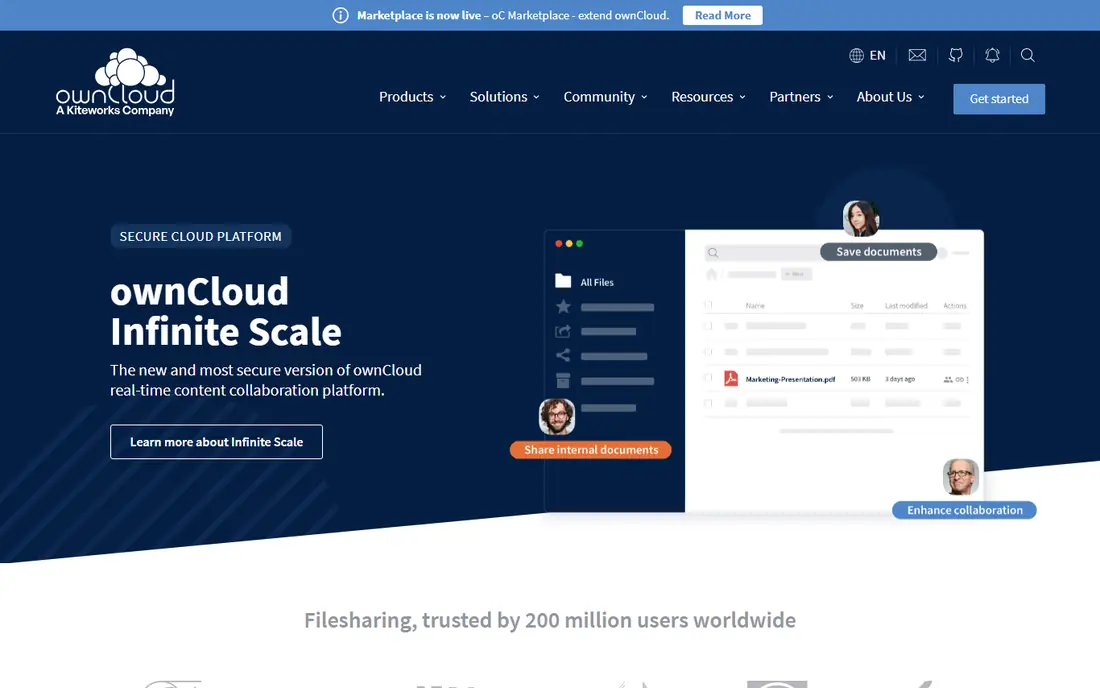
ownCloud is the closest relative to Nextcloud, with a focus on file sync and sharing rather than a large app ecosystem. Its newer Infinite Scale architecture is built for scale and simpler deployment, while the classic server remains familiar to long-term users. Office integrations help teams edit documents alongside files.
The trade-off is breadth. If you want calendars, mail, and dozens of apps in one platform, Nextcloud still leads. If you want stable, focused file sharing with enterprise controls, ownCloud is a strong and proven alternative.
- Stable file sync and sharing
- Modern Infinite Scale option
- Office integrations
- Smaller community than Nextcloud
- Enterprise features need paid plans
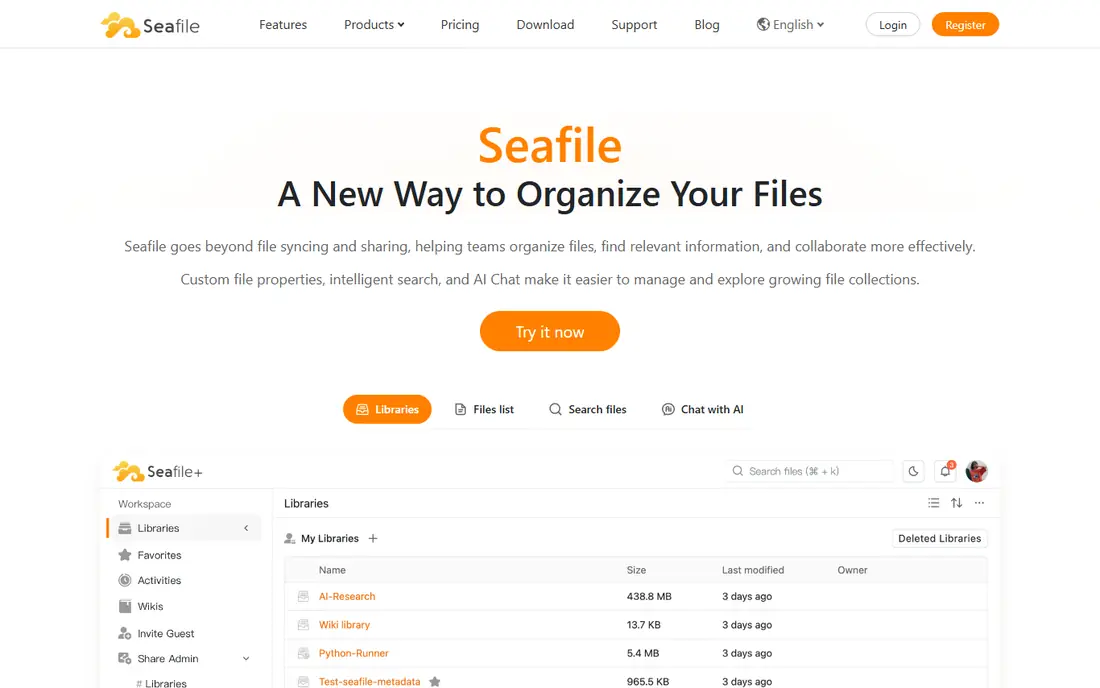
Seafile is known for sync speed, especially with large files. Its delta sync transfers only changed parts of a file, which saves time and bandwidth for video, design, and data work. Versioning and library sharing cover team use well, and the community edition is free to self-host.
Advanced enterprise features sit in the professional edition, so check which edition matches your needs. Seafile is less of a full collaboration suite than Nextcloud, but for pure file sync performance, it is one of the best options here.
- Fast delta sync
- Strong versioning
- Free community edition
- Collaboration features differ by edition
- Professional features cost extra
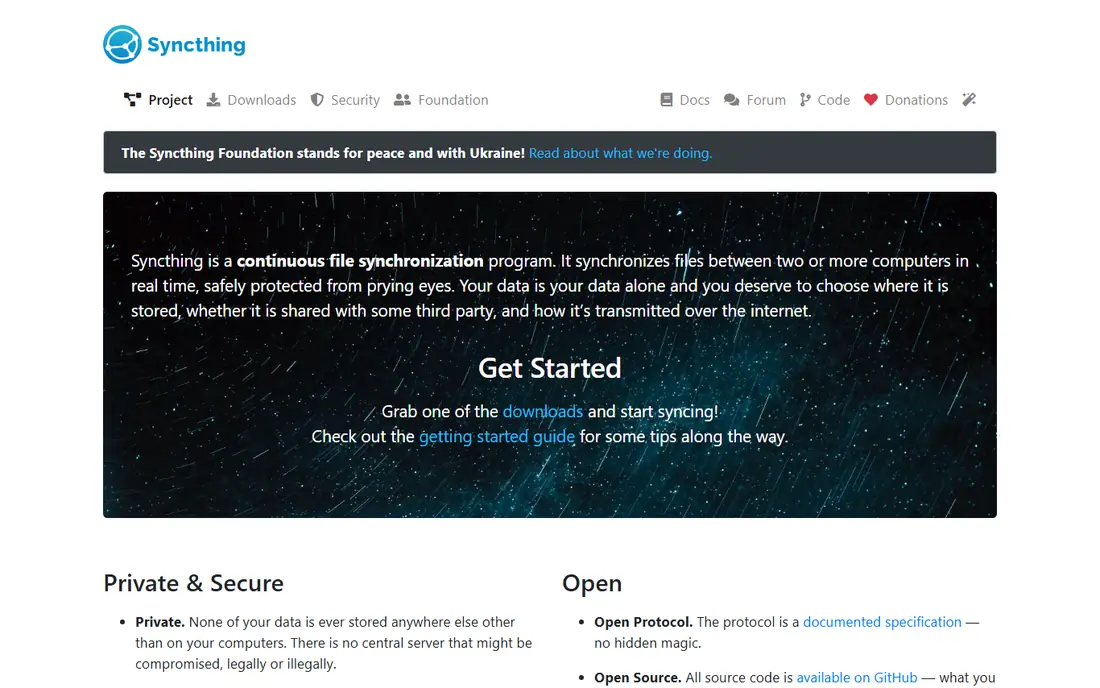
Syncthing takes a different approach: it syncs folders directly between devices, with no central cloud server. That means your files stay on your own machines, and there is no subscription or hosted account to manage. For personal use and small teams, that privacy and simplicity are appealing.
The limit is that Syncthing is not a traditional cloud drive. There is no central web file browser by default, and sharing with outside users is less straightforward. If you want peer-to-peer sync between your own devices, Syncthing is excellent. If you need a central team drive, pair it with another tool or choose a server option.
- Free and open source
- No central server
- Direct device sync
- No central web drive by default
- Setup is more technical
FileCloud suits firms that need control over files, not just storage. Data loss prevention, audit trails, access policies, and integration with existing identity systems help IT teams meet compliance needs. It can run on your own servers or in a managed setup, which gives firms flexibility on hosting.
It is not a free community tool, and smaller teams may find the enterprise pricing and minimums heavy. For regulated firms, law offices, and mid-sized companies with strict file policies, FileCloud is a strong Nextcloud alternative.
- Strong governance and DLP
- Windows and Active Directory integration
- Audit controls
- Paid enterprise focus
- Minimum user counts may apply
Pydio Cells is built for teams where permissions and audit trails matter. Administrators can set detailed access rules, track activity, and automate file workflows, which helps healthcare, finance, and legal teams. The open-source core lets technical teams self-host and test before committing.
Setup and administration are more involved than with a simple sync tool. Smaller teams that only need basic sharing may find it heavy. For compliance-heavy work, though, Pydio Cells offers governance depth that simpler tools lack.
- Granular permissions
- Audit trails
- Workflow automation
- Setup is more complex
- Enterprise pricing is quote-based
OpenCloud is a newer self-hosted file platform that aims for simpler deployment and a modern codebase. It covers file storage, sharing, and collaboration basics without the complexity of a large app platform. For teams that want a clean, sovereign file cloud, that simplicity is attractive.
The ecosystem is younger, so app choice and community resources are smaller than Nextcloud. Test integrations, mobile apps, and office editing against your workflow before migrating. OpenCloud is a promising option, especially for teams starting fresh rather than migrating a large app setup.
- Modern architecture
- Simpler deployment
- Free community edition
- Newer ecosystem
- Fewer apps and integrations than Nextcloud
Resilio Sync uses peer-to-peer technology to move files quickly between devices and offices. It suits distributed teams, media firms, and anyone syncing large folders across locations, because devices can share directly without waiting on a central server. Selective sync helps laptops with limited storage.
It is proprietary, and it is not a central cloud drive with a full web office suite. For speed and distributed sync, it is excellent. For a central team portal with document editing, a server-based tool such as ownCloud or Seafile may fit better.
- Very fast peer-to-peer sync
- Good for distributed offices
- Selective sync
- Proprietary software
- No central web drive by default
Proton Drive suits users who want private cloud storage without running a server. Files are encrypted, the service is hosted, and a free plan covers basic use. That makes it a good choice for individuals and small teams who want privacy but do not want server administration.
The trade-off is control. You do not host Proton Drive yourself, and its collaboration tools are narrower than a full Nextcloud install. If self-hosting is the main goal, choose a server tool. If hosted privacy is the goal, Proton Drive is a strong, low-effort alternative.
- End-to-end encryption
- Hosted, no server to run
- Privacy-focused design
- Less self-hosting control
- Collaboration features are narrower than Nextcloud
How we picked these
We compared official feature pages, pricing pages, and hosting models for file sync and sharing tools live in October 2026. We excluded Nextcloud itself, as this list is for alternatives only. We covered self-hosted servers, peer-to-peer sync, enterprise governance tools, and one hosted privacy option, so readers with different hosting needs can find a fit. Where pricing was quote-based or varied by users, we wrote See website rather than guessing.
What to check before you switch
Start with hosting. Self-hosted tools need a server, backups, updates, and security care, while hosted tools remove that work but reduce control. Peer-to-peer tools remove the server entirely, but change how sharing and access work. Choose the hosting model first, then compare features inside it.
Next, test migration with real files. Move a sample of folders, check sharing links, permissions, and version history, and confirm mobile and desktop apps work on your devices. File tools differ in how they handle large files, conflicts, and offline edits, and those differences only show up with real data.
Security and compliance
Check encryption, access controls, audit logs, and data location against your needs. Open-source software alone does not guarantee compliance, and hosted location matters for regulated work. Ask how backups, deletion, and user offboarding work before you commit.
Collaboration needs
If your team co-edits documents, check office integration and real-time editing. Some file tools focus on sync and sharing, while others add full document collaboration. A fast sync tool that cannot co-edit may still need a separate office suite.
Frequently asked questions
What are the best alternatives to Nextcloud?
ownCloud is the closest enterprise file-sharing alternative, Seafile leads on sync speed, and Syncthing suits server-free personal sync. FileCloud and Pydio Cells suit governance-heavy firms, while OpenCloud offers a simpler modern self-hosted option.
What is the best free Nextcloud alternative?
ownCloud, Seafile, Syncthing, Pydio Cells, and OpenCloud all offer free community or open-source editions for self-hosting. Syncthing is free with no server, while server tools need hosting costs. Choose based on whether you want a central drive or device-to-device sync.
Can I self-host these alternatives?
Yes, ownCloud, Seafile, Pydio Cells, and OpenCloud are designed for self-hosting, while Syncthing and Resilio Sync use peer-to-peer sync without a central server. FileCloud also supports self-hosted deployment for enterprise users. Proton Drive is hosted, not self-hosted.
Is Syncthing a full Nextcloud replacement?
Not for everyone. Syncthing excels at syncing folders between your own devices, but it lacks a central web drive and full collaboration suite by default. It is a full replacement for personal sync, and a partial replacement for team drives that need central sharing.
Which alternative is fastest for large files?
Seafile and Resilio Sync lead on large-file performance, thanks to delta sync and peer-to-peer transfer. Test with your own large files and network conditions, because speed also depends on server hardware, bandwidth, and client settings.
How hard is it to migrate from Nextcloud?
Migration effort varies. File content moves easily, but users, shares, calendars, and app data need rebuilding, especially when moving to a sync-only tool. Start with a pilot folder set, rebuild shares and permissions, and keep Nextcloud live until the new system is proven.
Sources
See where you really rank - block by block
ProMapRanker scans Google Maps across a grid of your service area. Simple monthly plans from $19, white-label on every plan.
Start freeKeep reading
 zscaler alternatives
Best Zscaler Alternatives in 2026
Looking for zscaler alternatives? We compare 9 SASE and zero trust platforms on architecture, data protection, pricing, and fit for your network and team.
Read → zapier alternatives free
Best Zapier Alternatives Free in 2026
Nine automation tools for zapier alternatives free in 2026, all with genuinely free tiers, plus free plan limits, starting prices and upgrade paths explained.
Read → which platform is best for online reputation
Which Platform Is Best for Online Reputation in 2026
Wondering which platform is best for online reputation? We compare 8 review, listing, and response tools for small and multi-location businesses and agencies.
Read →