 ProMapRanker
New Best CRM for My Company in 2026


All-round sales and marketing · Pricing starts at: $20 per user per month
Key takeaways
- HubSpot is the safest default for most small and growing companies, with a usable free plan and paid Starter pricing.
- Zoho CRM gives the most features per dollar, especially if you already use other Zoho tools.
- Pipedrive suits sales-led teams that live in their pipeline and want a clear visual deal board.
- Salesforce suits companies planning to scale into complex, multi-department processes, but it needs more setup time.
Quick comparison
| Pick | Great for | Pricing starts at | Free tier | |
|---|---|---|---|---|
| HubSpot | All-round sales and marketing | $20 per user per month | Yes | Visit |
 Zoho CRM | Best value and customization | $14 per user per month | Yes | Visit |
 Pipedrive | Visual sales pipeline | $14 per user per month | No | Visit |
 Salesforce | Scaling and customization | $25 per user per month | Yes | Visit |
 Freshsales | Budget AI and built-in phone | $9 per user per month | Yes | Visit |
 monday CRM | Visual workflows | $12 per user per month | No | Visit |
 Capsule | Simple contact management | $18 per user per month | Yes | Visit |
 Less Annoying CRM | Simplest small-team CRM | $15 per user per month | No | Visit |
The best new CRMs for my company
We compared these CRMs on free plan limits, paid pricing, pipeline design, automation, integrations, reporting, and ease of setup. Prices are per user per month on annual billing unless noted, and vendors change plan limits often, so confirm the final price on the vendor's own pricing page before you sign.
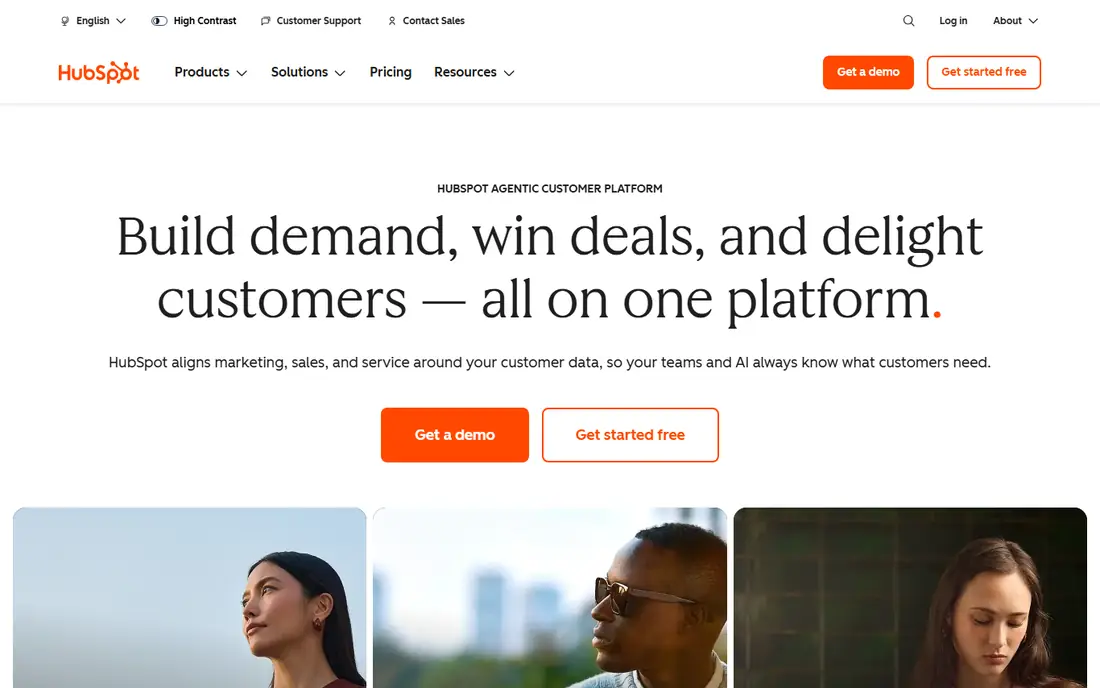
HubSpot suits a company where sales and marketing overlap, which covers most small and growing businesses. Its free CRM includes contacts, deal pipelines, email tracking, meeting scheduling, and basic reporting, which is enough for a small team to start without paying. Paid Starter adds automation and more seats, while the wider HubSpot platform can grow with marketing, service, and content needs as the company scales.
The price jump is the main warning. Starter is affordable for a small team, but Professional costs far more per seat and is where many useful automation and reporting features live. Watch seat counts and marketing hub costs separately, since those can add up faster than the CRM price alone suggests. For a team that will actually use the platform daily, HubSpot is still the default we would pick first.
- Strong free CRM for up to two users in listings
- Sales, marketing, and service in one platform
- Large integration range
- Price jumps sharply from Starter to Professional
- Some features sit behind higher tiers
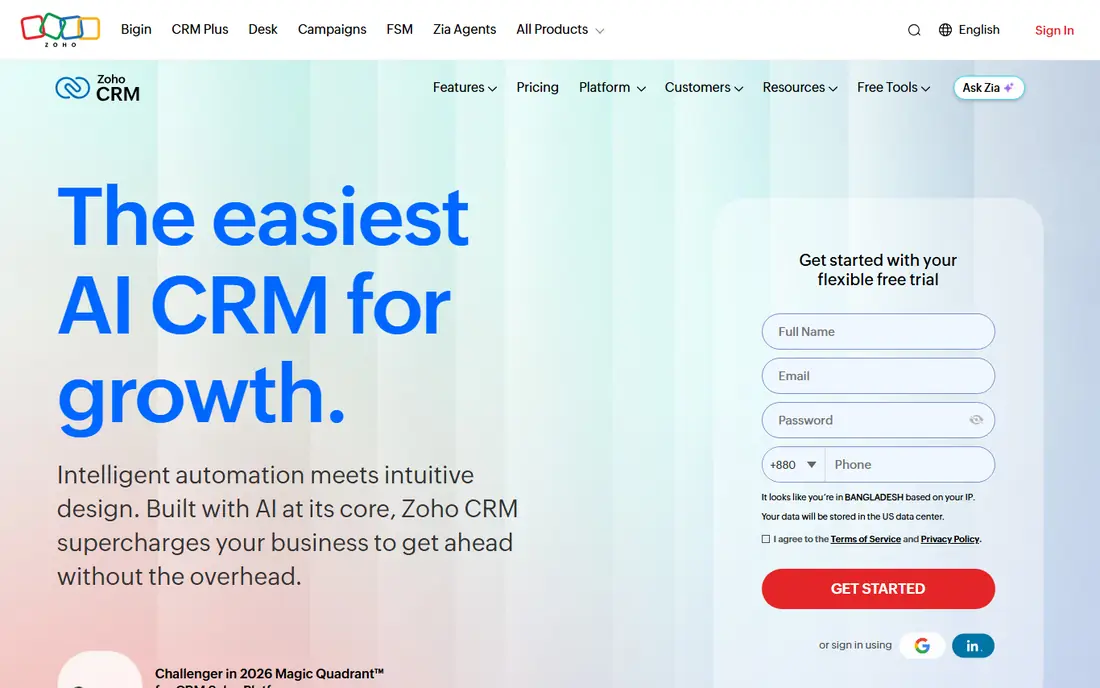
Zoho CRM suits a budget-conscious company that wants a lot of features without paying a premium price. Its free plan covers up to three users, and paid plans from $14 per user per month add automation, customization, and AI features that cost more elsewhere. If you already use Zoho Books, Zoho Mail, or other Zoho apps, the shared data and single sign-on make the value even stronger.
The interface is the trade-off. Zoho packs many features into one screen, and a new user can feel lost until the team sets up custom views, pipelines, and automations. Spend time on setup, hide fields you do not need, and train the team on one pipeline first. For a company that wants value and is willing to invest a day in setup, Zoho is hard to beat.
- Free plan for up to three users
- Strong customization and automation for the price
- Wide Zoho app ecosystem
- Interface can feel busy for new users
- Setup takes longer than Pipedrive or Less Annoying CRM
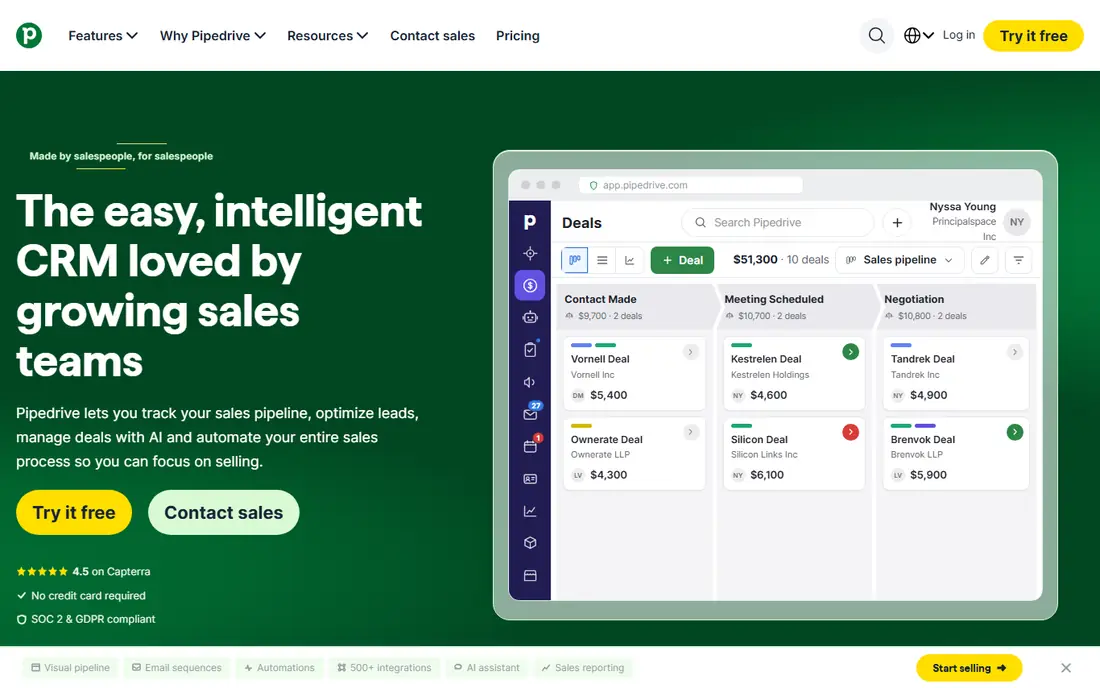
Pipedrive suits a sales-led team that thinks in deal stages and wants to see every deal on one board. Its pipeline view makes it easy to spot stalled deals, overdue activities, and next steps, and its activity reminders help reps follow up without a separate task tool. That focus is why many small sales teams adopt Pipedrive quickly and keep using it daily.
It is less strong as an all-in-one platform. Marketing automation, service ticketing, and deep reporting are thinner than at HubSpot or Zoho, so a company that needs those functions may need extra tools. If your main need is a clean, reliable sales pipeline that reps will actually update, Pipedrive is the best pick on this list for that job.
- Clearest visual pipeline board on this list
- Easy deal and activity management
- 14-day trial to test it
- No free plan
- Marketing automation and service ticketing are weaker than HubSpot or Zoho
Salesforce suits a company that plans to scale into complex processes across sales, service, and operations, and that wants a platform it will not outgrow. Its Starter Suite gives small teams a simpler entry point, while the full platform offers custom objects, workflows, reporting, and a huge app marketplace. That depth is why large companies and fast-growing firms often standardize on Salesforce even when a simpler CRM would work today.
Depth brings setup cost. A small team without an admin or a partner can spend weeks configuring Salesforce, and add-ons can push the total well above the Starter price. If your team is under ten people and your process is a simple pipeline, a simpler CRM will serve you better now. Choose Salesforce when you can see a clear path to complex processes, multiple departments, and a need for deep customization.
- Deepest customization and ecosystem
- Starter Suite from $25 per user per month
- Room to grow into enterprise processes
- Setup and admin time are higher than simpler CRMs
- Costs rise with add-ons and higher editions
Freshsales suits a budget-conscious sales team that wants built-in calling and email without buying a separate phone tool. Its Growth plan, listed from $9 per user per month in several 2026 comparisons, gives a small team a working CRM with communication tools and AI features at a price that undercuts most rivals. That combination is strong for inside sales teams that live on the phone and in email.
Check the exact plan limits before you commit, since free and low-tier limits on contacts, automation, and AI credits can vary. If you already use other Freshworks tools, such as Freshdesk, the shared data helps, but a company outside that ecosystem should compare Freshsales against Zoho on total features per dollar. For a small, phone-heavy team on a tight budget, Freshsales is a smart pick.
- Low starting price for a paid plan
- Built-in phone and email
- AI features included on paid plans in listings
- Free plan limits need checking
- Higher tiers and Freshworks add-ons can raise the total
monday CRM suits a team that already likes visual work management and wants its CRM to look and feel like a workflow board. Its boards, automations, and dashboards are flexible, and a team can build pipelines, project tracking, and client work in one place. That flexibility helps service, agency, and project-based companies where a deal does not end at the sale, but continues into delivery.
The flexibility can also blur the line between a CRM and a project tool. A pure sales team may find Pipedrive or HubSpot more focused, with clearer deal, contact, and activity models. Check the three-seat minimum and the total cost for your team size, since monday pricing is per seat with a minimum. If your team already uses monday for work, adding its CRM is a natural step.
- Highly visual boards and workflows
- Flexible customization
- 14-day trial with a three-seat minimum on paid plans
- No free plan
- Can feel like a project tool first and a CRM second
- Pricing rises with seats and features
Capsule suits a small team that wants a simple, clean CRM without a long setup or a steep learning curve. Its free plan covers two users and 250 contacts, which is enough for a very small business or a solo operator to test a real CRM. Paid tiers add more contacts, pipelines, and integrations, while keeping the interface simple and focused on contacts, deals, and tasks.
Capsule is not the pick for a company that needs deep automation, AI scoring, or complex reporting. Its strength is simplicity, and that simplicity becomes a limit as a team grows into multi-stage processes and marketing automation. For a small team that wants to stop losing leads in spreadsheets and inboxes, Capsule is an easy and low-risk start.
- Free plan for two users and 250 contacts
- Simple setup
- Paid tiers from about $18 per user per month
- Less automation and AI than HubSpot or Zoho
- Not built for complex enterprise processes
Less Annoying CRM suits a very small team or a solo business owner who wants one price, one simple CRM, and no learning curve. At $15 per user per month, with a 30-day trial, it avoids the tier maze that affects larger CRMs, where a needed feature sits two tiers above the plan you bought. Setup takes minutes, and the team can start logging contacts, deals, and follow-ups on day one.
The limit is scale and depth. Less Annoying CRM does not offer the automation, AI, marketing, or reporting depth of larger platforms, and a growing team may outgrow it. That is a fair trade for a team that values simplicity over power. If your team is small, your process is simple, and you want a CRM that everyone will actually use, this is the least annoying choice on the list.
- One flat price of $15 per user per month
- Very simple setup
- 30-day trial
- No tier confusion
- No free plan
- Fewer advanced features than HubSpot, Zoho, or Salesforce
How we picked these
We compared official pricing pages, free plan limits, and current 2026 CRM comparisons that checked vendor pricing pages directly. We favored CRMs that are still operating, that state their free plan limits and starting paid price clearly, and that offer a trial or free plan where claimed. We left out CRMs with only a thin current offering, unclear pricing, or no verifiable operating site.
How to choose a CRM your team will actually use
Start with the team, not the feature list. List who will use the CRM daily, what they do now in spreadsheets or inboxes, and what a good week looks like for them. A CRM that matches that daily work will be used, while a powerful CRM that adds extra steps will be ignored, no matter how good its feature list looks. Run a trial with real deals and real contacts, not sample data, and watch whether reps update it without being reminded.
Next, check total cost over a year, not just the starting price. Add seats, higher tiers for automation or reporting, marketing or service add-ons, and any onboarding fees. A CRM that starts at $14 per seat can cost far more once you add the features your team actually needs. Also check data import, email and calendar integration, and mobile app quality, since those decide whether the CRM fits into daily work or sits apart from it.
Finally, plan the first month. Import clean contact data, set up one pipeline with clear stages, define who owns each stage, and set a simple rule for follow-up times. Train the team on that one pipeline first, then add automation and reporting in later weeks. A CRM succeeds when the data inside it is trusted, and trust comes from consistent use in the first month, not from a long feature list.
Frequently asked questions
What is the best CRM for a small company?
HubSpot is the safest default for most small companies, with a usable free plan and a clear upgrade path. Zoho CRM gives more features per dollar, and Pipedrive suits sales-led teams that want a visual pipeline. Choose based on your team size, your budget, and whether sales, marketing, or service matters most to you.
Is there a free CRM that is actually usable?
Yes. HubSpot offers a free CRM for small teams, Zoho CRM offers a free plan for up to three users, and Capsule offers a free plan for two users and 250 contacts. Free plans have limits on users, contacts, automation, and reporting, so check those limits against your team size before you rely on a free tier long term.
How much does a CRM cost per user?
Starting paid prices on this list range from $9 to $25 per user per month on annual billing, depending on the CRM and plan. Higher tiers, add-ons, and onboarding can raise the total well above the starting price. Always check the vendor's own pricing page and add seats and needed features to get a realistic annual total.
Should a small company choose Salesforce?
Salesforce suits a small company that plans to scale fast into complex, multi-department processes and can invest time in setup. For a team under ten people with a simple pipeline, a simpler CRM like HubSpot, Zoho, or Pipedrive will be faster to set up and cheaper to run. Choose Salesforce when you can see a clear need for its depth in the next year or two.
How long does it take to set up a CRM?
A simple CRM like Less Annoying CRM or Capsule can be set up in a day, while HubSpot or Pipedrive usually take a few days to import data and set up pipelines. Zoho and Salesforce take longer, from a week to several weeks, depending on customization. Start with one pipeline and clean data, then add automation and reporting over the following weeks.
Sources
See where you really rank - block by block
ProMapRanker scans Google Maps across a grid of your service area. Simple monthly plans from $19, white-label on every plan.
Start freeKeep reading
 zoro.to alternatives
Best Zoro.to Alternatives in 2026
We compare the best zoro.to alternatives in 2026, listing only legal licensed anime streaming services, from Crunchyroll to free options for fans today.
Read → zip alternatives
Best Zip Alternatives in 2026
We compare the best zip alternatives for buy now, pay later in 2026, covering pay-in-4 plans, fees, spending limits, and credit reporting options today.
Read → yesware alternatives
Best Yesware Alternatives in 2026
Compare the best yesware alternatives for sales email tracking, templates, and sequences, with current pricing and honest tradeoffs for small sales teams.
Read →