 ProMapRanker
Best Netsparker Alternatives in 2026

Key takeaways
- Acunetix and Burp Suite suit teams that want deep web scanning, while OWASP ZAP gives a capable free starting point for smaller teams.
- API-heavy teams should shortlist StackHawk and Detectify, since both were built around modern web services and continuous scanning.
- Enterprise buyers who need broad coverage and reporting should compare Qualys, Rapid7 and Tenable before choosing a single platform.
- Pricing is often quoted per target or per seat, so ask vendors for a total based on your real site count before you sign.
Quick comparison
| Pick | Great for | Pricing starts at | Free tier | |
|---|---|---|---|---|
 Acunetix | Large web estates | See website | Free trial | Visit |
 Burp Suite | Hands-on web testing | See website | Yes | Visit |
 OWASP ZAP | Free open source scanning | Free | Yes | Visit |
 Qualys Web App Scanning | Platform-wide coverage | See website | Free trial | Visit |
 Rapid7 InsightAppSec | Security operations teams | See website | Free trial | Visit |
 Detectify | External attack surface checks | See website | Free trial | Visit |
 StackHawk | API and pipeline scanning | See website | Free trial | Visit |
 Intruder | Continuous external scanning | See website | Free trial | Visit |
 Tenable Web App Scanning | Tenable-based estates | See website | Free trial | Visit |
The best netsparker alternatives
These tools scan websites, web applications and APIs for flaws that an attacker could use, and they cover a wide range of budgets and team sizes. We compared official feature pages, pricing pages and public documentation, and we did not claim hands-on testing that did not happen.
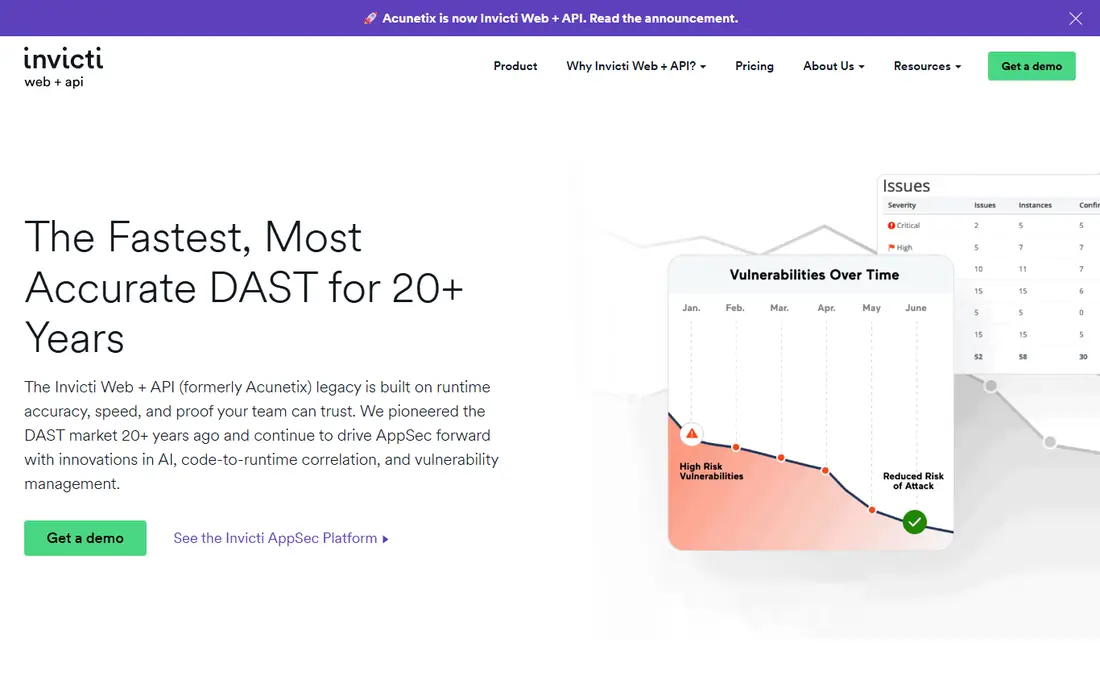
Acunetix is the closest like-for-like swap for many Netsparker users, since both tools focus on automated scanning of websites and APIs at scale. It crawls modern sites, checks for common web flaws such as injection and cross-site scripting, and groups results so a team can work through fixes in order. For a business with many sites, that central view matters more than any single scan result, because it shows which properties still need attention. The tool also supports API scanning, which is now a routine part of web work rather than a side project.
The catch is cost and scope. Acunetix pricing is not published as a simple monthly figure, so a small team with one site may pay for capacity it never uses. It is also an automated scanner first, so it will not replace a skilled tester for complex logic flaws or chained attacks. Our pick for most mid-size teams is to trial it against a real staging site, compare its false positives with a free tool, and only then ask for a quote based on the number of targets you actually own.
- Automated web and API crawling
- Broad vulnerability checks
- Reporting built for larger teams
- Pricing is quote based
- Smaller teams may find the full feature set more than they need
Burp Suite, from PortSwigger, is the tool many web security testers open first, and that familiarity is a real advantage. The Community Edition is free and gives you a proxy, repeater and intruder tools for manual work, while the paid editions add automated scanning and scheduled checks. That split makes it easy to start free, learn how your application behaves, and then pay only when automated scanning becomes a regular need. Its extension library also lets teams add checks for specific frameworks and workflows.
The honest trade-off is skill. Burp Suite rewards people who understand HTTP, sessions and authentication, and it can feel slow for a team that only wants a weekly report with no manual follow-up. Enterprise scheduling and governance are handled in separate editions, so pricing takes a conversation with the vendor. If your team already does manual testing, Burp Suite is a strong choice. If nobody on staff wants to touch a proxy, a fully managed scanner may fit better.
- Strong manual testing tools
- Large extension library
- Well documented scanner
- Full value needs skilled users
- Enterprise pricing is quote based
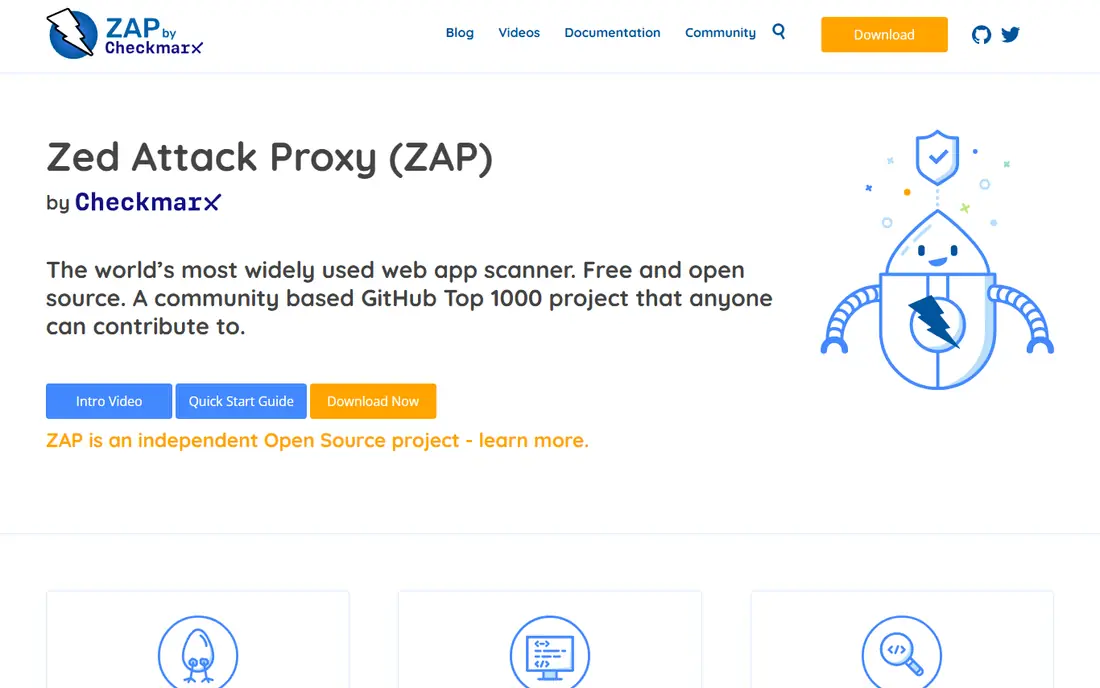
OWASP ZAP, often called ZAP, is a free open source web application scanner maintained by a large community under the OWASP umbrella. It works as a proxy, can spider sites, run active scans, and plug into build pipelines, which makes it a solid choice for teams with no security budget. For a small business or a solo developer, ZAP answers the first question well: are there obvious, fixable flaws in this site before it goes live. It also supports API scanning through imported definitions, so it is not limited to simple HTML pages.
The cost is time rather than money. ZAP needs configuration, especially for authenticated areas and single-page applications, and its findings need a human to sort real issues from noise. There is no vendor support desk in the usual sense, so teams rely on documentation and community help. We still recommend it as a first step for almost any small team, because a free scan that finds a serious flaw is worth more than a paid tool that sits unused.
- Free and open source
- Active community
- Good automation and API support
- Needs setup and tuning
- Reports need more manual review than paid tools
Qualys Web App Scanning, usually shortened to Qualys WAS, fits teams that already track servers, cloud assets and endpoints in one place. It scans web applications and APIs, maps findings to known vulnerability data, and reports them inside the wider Qualys platform, so web flaws sit beside infrastructure flaws instead of in a separate silo. That matters when one team owns remediation for both, because it avoids two queues and two sets of priorities.
The downside is scale of purchase. Qualys is priced for organisations, not for a single brochure site, and its full platform can feel heavy if you only need web checks. Trial it with a clear list of your web assets and ask how web findings appear in the main dashboard, since that view is the main reason to pick Qualys over a standalone scanner. For a team already paying for Qualys elsewhere, adding web scanning is a natural step.
- Wide asset and vulnerability coverage
- Central reporting
- Cloud delivery
- Pricing is quote based
- Platform depth can feel heavy for one-site teams
Rapid7 InsightAppSec is a cloud dynamic testing tool aimed at teams that run security as an ongoing operation, not as a yearly check. It scans web applications and APIs, replays attacks to confirm findings, and links results into remediation workflows, which helps a busy team move from report to fix without copying data between tools. If your organisation already uses Rapid7 for vulnerability management or detection, the shared console and shared asset data are a genuine plus.
For a small team, the main drawback is that InsightAppSec is sold as part of a larger security story, and its price reflects that. A one-site business may find a simpler scanner cheaper and faster to run. Our advice is to judge it on workflow: can your developers receive, fix and retest findings inside the tools they already use. If the answer is yes, the quote is easier to justify. If the answer is no, a lighter tool may deliver the same scan results with less overhead.
- Cloud scanning with attack replay
- Workflow and ticketing links
- API coverage
- Pricing is quote based
- Best value comes with other Rapid7 products
Detectify takes a different angle from a traditional scanner. It monitors your external attack surface, meaning the domains, subdomains and services that are visible from the internet, and it runs checks drawn from a research community as new techniques appear. That model suits teams whose risk is a forgotten subdomain, an exposed test server or a misconfigured service rather than a single main website.
The limit is scope. Detectify is strongest on what attackers can see from outside, and it is not a replacement for authenticated scanning of internal business logic. Pricing is also quote based, so smaller teams should trial it and count how many external assets it actually finds that they did not know about. If that number is high, the tool earns its place. If your estate is one well-known site, a standard web scanner may cover you for less.
- Continuous external monitoring
- Crowd-sourced checks
- Clear asset inventory
- Focus is external facing assets
- Internal apps need a different approach
StackHawk is built for teams that ship code often and want security checks inside the same pipeline that builds and deploys it. It scans running applications and APIs, reads API definitions to cover endpoints, and reports findings in a form developers can act on without a security specialist translating every item. That pipeline-first design is its main strength, and it is why API-heavy product teams tend to shortlist it early. It also offers a free trial, so a team can run it against a staging API before committing.
The trade-off is fit. StackHawk is less attractive if you scan once a quarter and want a managed report with no pipeline work, since its value grows with frequent runs. Teams also need a running test environment, which takes setup if you currently only have a live site. If you release weekly or daily, that setup pays off quickly. If you release twice a year, a scheduled scanner with a simple report may be simpler.
- Built for build pipelines
- API and modern app focus
- Developer friendly output
- Less suited to infrequent manual scans
- Pricing scales with use
Intruder is a continuous vulnerability scanning platform for internet-facing systems, covering websites, servers and cloud services. Its appeal is simplicity: connect your assets, set a scan schedule, and receive prioritised findings as new issues appear. For a small or mid-size business without a dedicated security team, that low-friction model matters, because a tool that runs on its own is more likely to keep running. Intruder also explains findings in plain terms, which helps non-specialists pass fixes to a developer or host.
The honest limit is depth. Intruder is a broad scanner, not a manual testing replacement, so complex application logic flaws may still need a specialist review. Pricing depends on how many targets and services you scan, so count subdomains and cloud assets before you compare quotes. Our pick for lean teams is to use Intruder for steady coverage and keep a manual review for major releases, rather than expecting one tool to do both jobs perfectly.
- Continuous scanning
- Simple setup
- Clear prioritised reporting
- Depth is lower than specialist manual tools
- Pricing is per target range
Tenable Web App Scanning fits organisations that already use Tenable for infrastructure scanning and want web results in the same view. It scans web applications and APIs, schedules repeat checks, and ties findings to Tenable vulnerability data, so a team can compare web risk with server risk without learning a new console. That shared context is useful when one manager owns the whole remediation list and needs a single priority order.
The catch is that Tenable is a large platform, and a team that only needs web scanning may find a specialist scanner simpler to buy and run. Ask for a quote that separates web scanning from the wider platform, and test how API authentication works on your own services, since that step decides how much of your application actually gets covered. If you already run Tenable, this is an easy addition. If you do not, compare it directly with Acunetix and Detectify on the same targets before deciding.
- Web and API scanning in a familiar console
- Broad vulnerability data
- Scheduled scans
- Pricing is quote based
- Standalone web teams may prefer a specialist tool
How we picked these
We compared official feature pages, pricing pages and public documentation for web and API scanners that are live and supported in October 2026. We favoured tools with clear web and API coverage, scheduled or continuous scanning, and reporting that a real team can act on, and we kept a mix of free, mid-market and enterprise options. We did not include Netsparker itself, and we did not include its successor Invicti, since listing a renamed version of the named product would not be a genuine alternative. We also did not claim hands-on testing, and prices marked as See website are those where the vendor does not publish a simple starting figure.
What to check before you buy a web scanner
Start with scope, not price. List every public site, API and subdomain you own, then check which tools can scan authenticated areas and API endpoints, since an unauthenticated scan of a login page tells you very little. Run a trial against a staging copy first, and compare the findings side by side, because two scanners can report the same flaw in very different words.
Match the tool to your release rhythm
If you ship daily, a pipeline tool such as StackHawk earns its keep. If you ship rarely, a scheduled scanner with clear reports may be enough, and a free tool such as ZAP may cover the gap between releases. Do not buy pipeline features you will not wire up, and do not buy a manual tool nobody on staff will open.
Read the pricing basis carefully
Some vendors price per target, some per seat and some per scan volume, and those bases change the total fast. Ask for a written quote for your exact asset list, including staging sites and APIs, and check whether retests after a fix cost extra. A low headline price can become a high annual bill once every subdomain is counted.
Frequently asked questions
What is the best free Netsparker alternative?
OWASP ZAP is the strongest free option for most teams, since it is open source, actively maintained and covers web and API scanning. It needs more setup than a paid tool, and its reports need manual review, but it finds real flaws without a licence fee.
Do I still need manual testing if I buy a scanner?
Yes, for anything important. Scanners are strong on known flaw classes and configuration errors, but they struggle with business logic, chained flaws and access control issues that need human judgement. Use a scanner for steady coverage and a manual review for major releases or sensitive features.
Can these tools scan APIs as well as websites?
Most tools on this list can scan APIs, but the method varies. Some read API definitions, some crawl traffic, and some need a running test environment with valid credentials. Test API coverage during a trial, since a tool that only scans your marketing site will miss the endpoints that handle real data.
How often should I scan a website?
Scan after every significant release, and run continuous or weekly checks for public-facing sites and APIs. New vulnerabilities and configuration changes appear between releases, so a yearly scan leaves long gaps. Continuous tools suit public estates, while pipeline tools suit teams that deploy often.
Is Netsparker still available under a different name?
Netsparker was brought under the Invicti brand, which is why we did not list Invicti here as an alternative. If you are a current Netsparker user, check your licence and migration terms directly with the vendor before switching, since your history and settings may not move cleanly to a new tool.
Sources
- https://www.cryptika.com/top-10-best-dast-tools-in-2026-ranked-scored/
- https://gbhackers.com/best-dast-compared/
- https://www.acunetix.com
- https://portswigger.net
- https://www.zaproxy.org
- https://www.qualys.com
- https://www.rapid7.com
- https://detectify.com
- https://www.stackhawk.com
- https://intruder.io
- https://www.tenable.com
See where you really rank - block by block
ProMapRanker scans Google Maps across a grid of your service area. Simple monthly plans from $19, white-label on every plan.
Start freeKeep reading
 zoro.to alternatives
Best Zoro.to Alternatives in 2026
We compare the best zoro.to alternatives in 2026, listing only legal licensed anime streaming services, from Crunchyroll to free options for fans today.
Read → zip alternatives
Best Zip Alternatives in 2026
We compare the best zip alternatives for buy now, pay later in 2026, covering pay-in-4 plans, fees, spending limits, and credit reporting options today.
Read → yesware alternatives
Best Yesware Alternatives in 2026
Compare the best yesware alternatives for sales email tracking, templates, and sequences, with current pricing and honest tradeoffs for small sales teams.
Read →