 ProMapRanker
Neofetch Alternatives in 2026

Key takeaways
- Neofetch itself is discontinued and its repository is archived, so new setups should pick a maintained tool.
- Fastfetch is our pick for most people, thanks to speed, active development, and wide platform support.
- HyFetch suits users who want the classic Neofetch look with added themes and ongoing maintenance.
- Lightweight scripts such as Pfetch and Screenfetch still fit minimal systems and older machines.
Quick comparison
| Pick | Great for | Pricing starts at | Free tier | |
|---|---|---|---|---|
 Fastfetch | Most users moving from Neofetch | Free | Yes | Visit |
 HyFetch | Classic Neofetch style with themes | Free | Yes | Visit |
 Screenfetch | Simple Bash system info | Free | Yes | Visit |
 Archey4 | Clean Python system info | Free | Yes | Visit |
 Macchina | Minimal Rust system info | Free | Yes | Visit |
 Pfetch | Tiny POSIX shell fetch tool | Free | Yes | Visit |
 Inxi | Detailed hardware and system reports | Free | Yes | Visit |
 Winfetch | Windows terminal system info | Free | Yes | Visit |
The best neofetch alternatives
Neofetch was a popular Bash tool that showed system information beside ASCII art, and it became a staple of desktop screenshots. Its original repository was archived in April 2024, and it has not received ongoing maintenance since then. The tools below are live alternatives that do the same job, with different strengths in speed, customization, and detail.
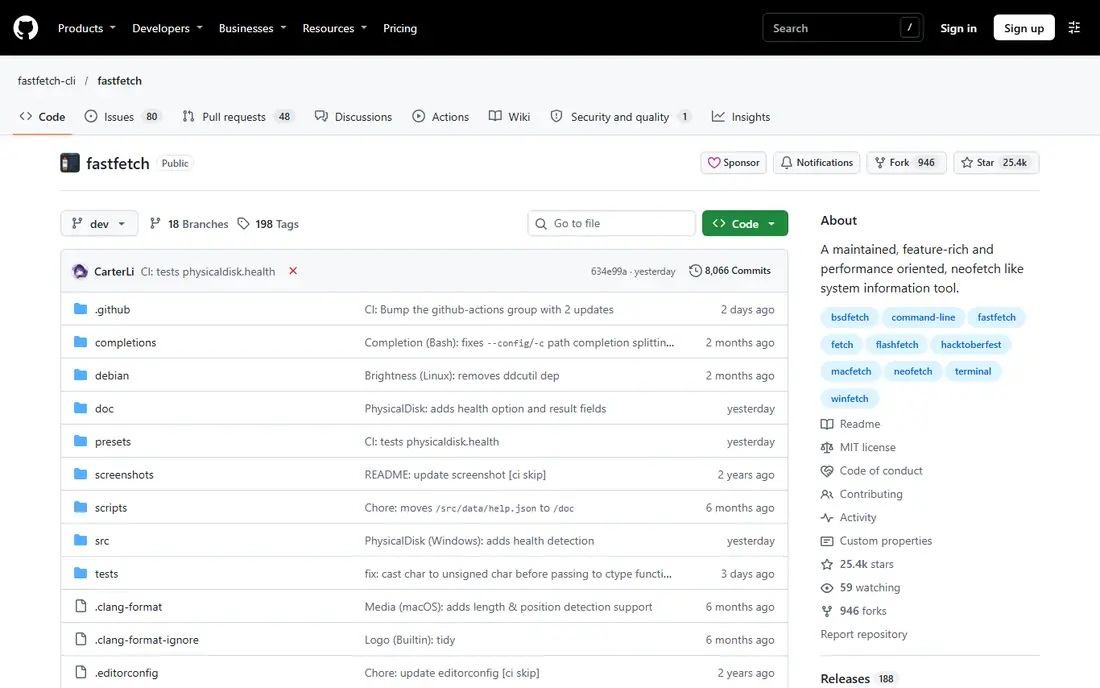
Fastfetch is the clearest successor for most users. It is written in C, so it starts quickly and feels instant even on modest hardware. It supports a wide range of systems, including Linux, macOS, Windows, BSD systems, and Android through Termux, and it offers image backends for terminals that support them.
The main adjustment is configuration. Fastfetch uses JSONC modules, presets, and logo settings, which are powerful but different from Neofetch Bash configuration. A user with a complex old setup should plan a short migration, using a bundled preset as a starting point. For a fresh setup, Fastfetch is the tool we would install first.
- Very fast, written in C
- Highly customizable with JSONC configuration
- Supports Linux, macOS, Windows, BSD, and Android
- JSONC configuration takes time to learn
- Neofetch configs do not import unchanged
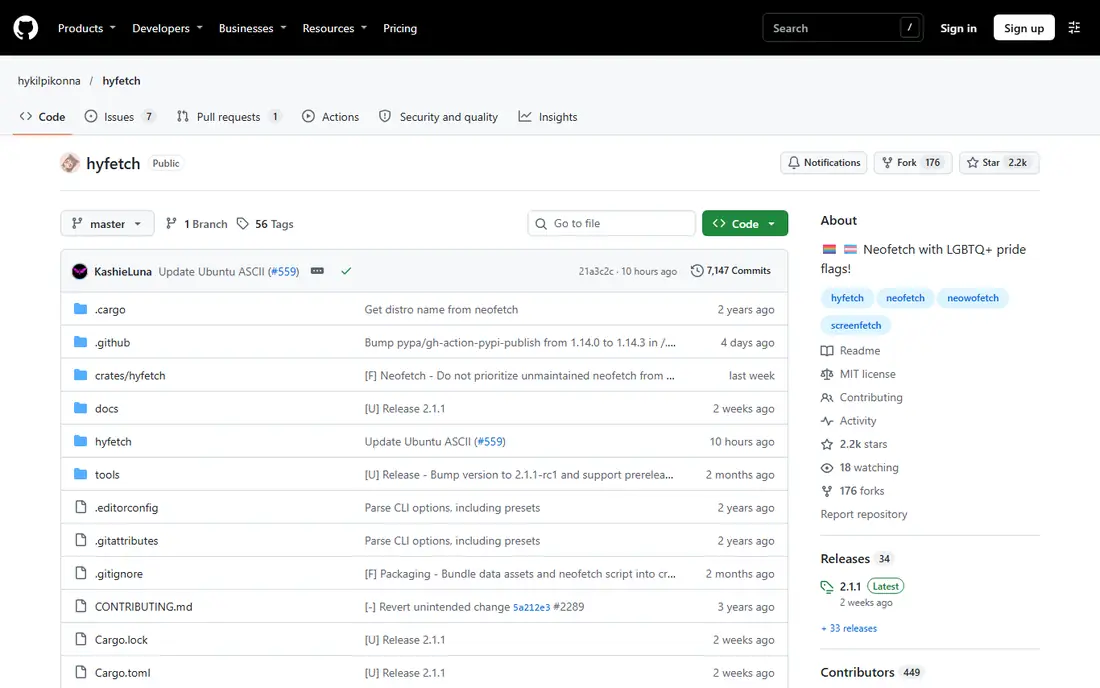
HyFetch is best for users who liked Neofetch and want to keep that feel. It builds on the classic tool while adding color themes, including pride flag themes, and it remains maintained. For desktop screenshots and a familiar terminal greeting, HyFetch is an easy and friendly switch.
Speed is the trade-off. As a Python-based tool built around the older design, it will not match Fastfetch for startup time. That rarely matters for a tool that runs once at login or for a screenshot, but it is worth noting for users who run a fetch tool in every new shell. If style and familiarity matter most, HyFetch wins on comfort.
- Keeps the familiar Neofetch experience
- Adds pride flag color themes
- Actively maintained by its community
- Built on Neofetch ideas, so it is less fast than Fastfetch
- Python dependency adds startup overhead
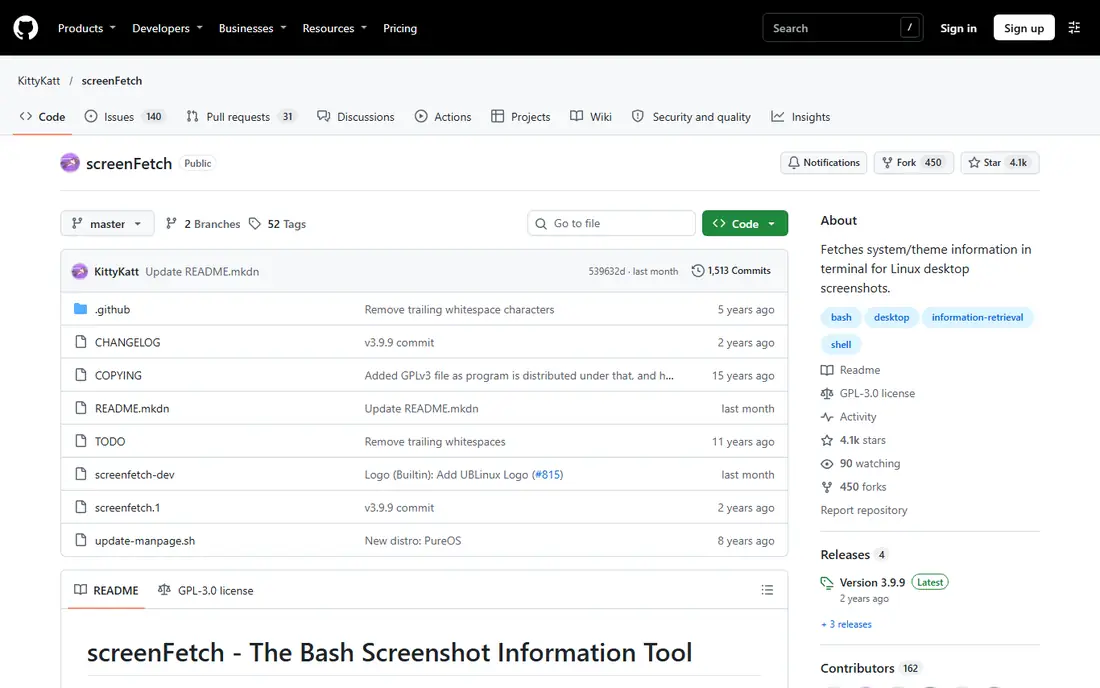
Screenfetch was one of the original screenshot information tools, and it still works for a simple, attractive system summary. It detects many distributions, shows ASCII art beside key details, and can take a screenshot of its own output. That simplicity makes it easy to understand and to add to a shell startup file.
It does not offer the same modern features as Fastfetch, such as advanced image backends or deep module customization. A user who wants the latest display options should look elsewhere. A user who wants a plain Bash tool that just works on a familiar system will find Screenfetch a comfortable choice.
- Simple Bash script with wide distro support
- Built-in screenshot option
- Easy to add to shell startup files
- Older design with fewer modern display features
- Less active feature development than Fastfetch
Archey4 takes a quieter approach. It shows system details in a clear layout, with options for JSON output that make it useful in scripts as well as screenshots. It also detects local and public IP addresses and temperature where supported, which can help when documenting a machine.
Theming is more limited than in Fastfetch or HyFetch, so users who love heavy customization may find it plain. That plainness is also a strength for servers and work machines, where a short, readable summary matters more than art. We would pick Archey4 for a clean daily summary and for script-friendly output.
- Clean, readable output
- JSON output for scripts
- Runs on Linux, BSD, and macOS
- Python dependency
- Fewer logo and theming options than Fastfetch
Macchina focuses on performance and minimalism. Written in Rust, it starts quickly and shows core details such as hostname, kernel, uptime, desktop environment, processor, memory, and battery status. Themes let a user adjust color, separator style, and bars without a large configuration file.
It does not try to match Fastfetch on module depth or logo coverage. A user who wants every possible field and image backend should choose Fastfetch instead. A user who wants a fast, tidy fetch tool with a small footprint will like Macchina, especially on a laptop where startup speed is noticeable.
- Fast Rust implementation
- Minimal, tidy output
- Theme options for color and layout
- Smaller feature set than Fastfetch
- Fewer distribution logos in some setups
Pfetch is the minimalist pick. It is a small POSIX shell script that runs on many Unix-like systems with almost no dependencies, which makes it handy for containers, embedded systems, and very light setups. It still gives a neat ASCII logo beside core system details.
Detail is limited by design. Pfetch will not match Fastfetch or Inxi for hardware depth, and users may need to update the script by hand for newer software. That trade is fair for a tool whose whole point is small size. If the goal is a light terminal greeting on a minimal system, Pfetch is hard to beat.
- Single small POSIX shell script
- Almost no dependencies
- Ideal for minimal systems and containers
- Shows fewer details than larger tools
- Manual updates may be needed for newer systems
Inxi is different from the other tools here, and that is why it belongs on the list. It focuses on detailed, accurate system information rather than art. Hardware, drivers, partitions, network, and sensors can all be reported in a structured way, which helps when asking for support or documenting a machine.
For a pretty screenshot, Inxi is not the first pick, since art is not its focus. For troubleshooting, it is often more useful than any fetch tool, because the detail is precise and easy to copy into a forum post or ticket. We would keep Inxi installed alongside a visual tool such as Fastfetch, using each for its own job.
- Deep hardware, driver, and system detail
- Useful for troubleshooting and support requests
- Flexible output options
- No ASCII art focus like Neofetch
- Output can feel dense for screenshots
Winfetch brings the Neofetch idea to Windows in a native way. It runs in PowerShell and shows Windows system details beside ASCII art, which makes it a natural pick for Windows users who share terminal screenshots or want a quick system summary at startup. It fits modern Windows terminals without needing a Linux layer.
Its scope is narrow by design. Windows-only tools do not help a user who also works on Linux or macOS, and its community is smaller than Fastfetch. For a Windows-only setup, Winfetch is a clean fit. For a cross-platform setup, Fastfetch remains the better single choice.
- Native PowerShell tool for Windows
- Neofetch-style output on Windows terminals
- Simple to run in modern terminals
- Windows-only, so it does not help Linux or macOS users
- Smaller community than Fastfetch
How we picked these
We compared official project pages and documentation for each tool, and we included only tools that are live and usable in October 2026. We treated Neofetch itself as out of scope, since its repository is archived, and we favored maintained tools with clear install paths. We mixed fast modern tools, classic-style tools, minimal scripts, and one detail-focused tool, so readers can match a tool to their system and taste.
We did not claim hands-on testing that did not happen. We compared what each project documents: language, platforms, configuration style, and output focus. Where a project is older or smaller, we said so plainly rather than overstating its current activity.
How to choose a Neofetch alternative
Start with the system you use every day. A cross-platform user needs a different tool from a Windows-only user or a minimal Linux container user. Speed, art, and detail pull in different directions, so pick the balance that fits how you actually use the tool.
If you want a direct replacement
Install Fastfetch first. It is fast, maintained, and widely available, and its presets give a good starting point. Use HyFetch if you want the classic Neofetch look and themes, and accept a slower start. Both are safe defaults for a desktop screenshot setup.
If you want light or detailed output
Pfetch and Macchina suit light systems and fast startups. Archey4 suits a clean, script-friendly summary. Inxi suits troubleshooting and support, where accuracy matters more than art. Keeping two tools, one visual and one detailed, often works better than forcing one tool to do both jobs.
A note on privacy
Fetch tools can show hostnames, usernames, local IP addresses, and other details. Before sharing a screenshot, check the output and hide anything private. Fastfetch, HyFetch, and similar tools let you disable fields, and that small step is worth taking every time you post a setup online.
Frequently asked questions
Is Neofetch discontinued?
Yes, in practical terms. The original Neofetch repository was archived in April 2024, and it has not received ongoing maintenance since then. It may still run on many systems, but new setups should use a maintained alternative such as Fastfetch or HyFetch.
What is the best Neofetch alternative?
Fastfetch is the best alternative for most people, thanks to speed, active development, and support for Linux, macOS, Windows, and BSD systems. HyFetch is a strong second choice for users who want the classic Neofetch style with added themes.
Can I use my old Neofetch config with Fastfetch?
Not directly. Fastfetch uses JSONC configuration, while Neofetch used Bash configuration, so old settings do not import unchanged. Fastfetch includes presets, including Neofetch-style presets, that make migration easier. Plan a short setup session rather than expecting a one-click import.
Are Neofetch alternatives free?
Yes, all the tools in this guide are free and open source. They are distributed through package managers, GitHub releases, or project pages. There is no paid tier for the core tools listed here.
Which alternative works on Windows?
Fastfetch and Winfetch both work on Windows. Fastfetch is the cross-platform pick, while Winfetch is a native PowerShell option for Windows-only users. HyFetch and Macchina also support Windows in their documented platform lists, so check the project page for your terminal setup.
Which alternative is best for screenshots?
Fastfetch and HyFetch are both strong for screenshots, thanks to logo support, color themes, and image backends in supported terminals. Screenfetch also works well for simple screenshots with its built-in screenshot option. Choose based on whether you prefer deep customization or a classic look.
Sources
See where you really rank - block by block
ProMapRanker scans Google Maps across a grid of your service area. Simple monthly plans from $19, white-label on every plan.
Start freeKeep reading
 zoho inventory alternatives
6 Alternatives to Zoho Inventory, Compared on Price and Fit
Zoho Inventory alternatives: 6 tools compared on price, free plans and fit. Katana leads the list for manufacturers. Fit and flaws are laid out for each entry.
Read → zoho crm alternatives
Best Zoho CRM Alternatives (2026)
Need Zoho CRM alternatives? We compare 7 tools on cost, free access and who each suits. Every pick gets a straight assessment. Built for quick decisions.
Read → zelle alternatives
Best Zelle Alternatives in 2026
Compare the best Zelle alternatives for sending money to friends, paying sellers and moving funds abroad, with honest notes on fees, speed and safety in 2026.
Read →