 ProMapRanker
Best Neocities Alternatives in 2026

Key takeaways
- GitHub Pages and Cloudflare Pages are the best free replacements for hand-coded static sites, with free custom domains and SSL.
- Netlify and Vercel suit framework-built sites with previews and functions, while Render suits full-stack projects.
- Google Sites and Carrd suit non-technical users who want a builder rather than Git and code.
- Free tiers differ on bandwidth, builds and commercial use, so check those limits before publishing a busy site.
Quick comparison
| Pick | Great for | Pricing starts at | Free tier | |
|---|---|---|---|---|
 GitHub Pages | Simple Git-hosted static sites | Free | Yes | Visit |
 Cloudflare Pages | High-traffic static sites | Free | Yes | Visit |
 Netlify | Git deploys with previews | Free | Yes | Visit |
 Vercel | Framework front-end sites | Free | Yes | Visit |
 Render | Static sites beside backends | Free | Yes | Visit |
 Firebase Hosting | Google ecosystem web apps | Free | Yes | Visit |
 Google Sites | No-code simple sites | Free | Yes | Visit |
 Carrd | One-page personal sites | Free | Yes | Visit |
The best Neocities alternatives
Neocities is known for free, creative, hand-coded personal sites. These eight cover the same spirit in different ways, from Git hosting to simple builders.
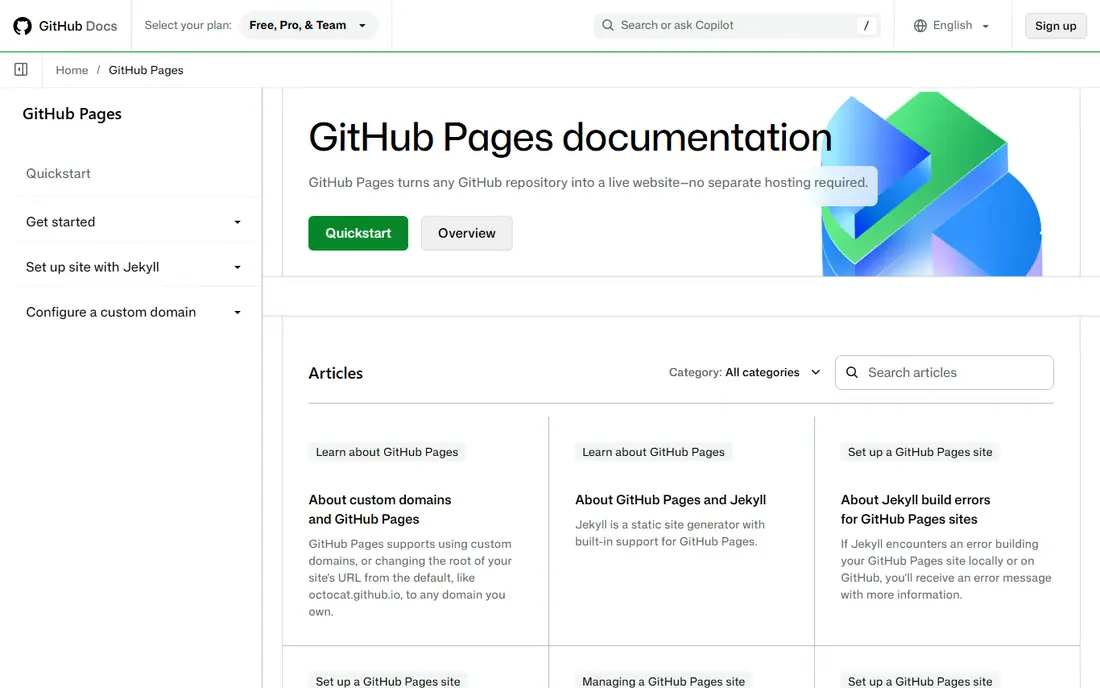
GitHub Pages is the simplest free host for a developer with a repo. Push HTML, CSS and JavaScript, or a Jekyll site, enable Pages, and the site is live on a subdomain or a custom domain with free SSL. It suits portfolios, docs and project sites that rarely change by the hour.
The limits are clear. There is no drag-and-drop editor, no serverless functions, and no preview per pull request in the basic flow. Commercial use is also restricted, and private repo hosting needs a paid GitHub plan.
We would pick GitHub Pages for a personal site, portfolio or docs project already in GitHub. Non-developers will find a builder such as Google Sites or Carrd easier.
- Free for public repos
- Free custom domains and SSL
- Jekyll and GitHub Actions builds
- Needs Git
- No server functions or previews
- Commercial use has limits
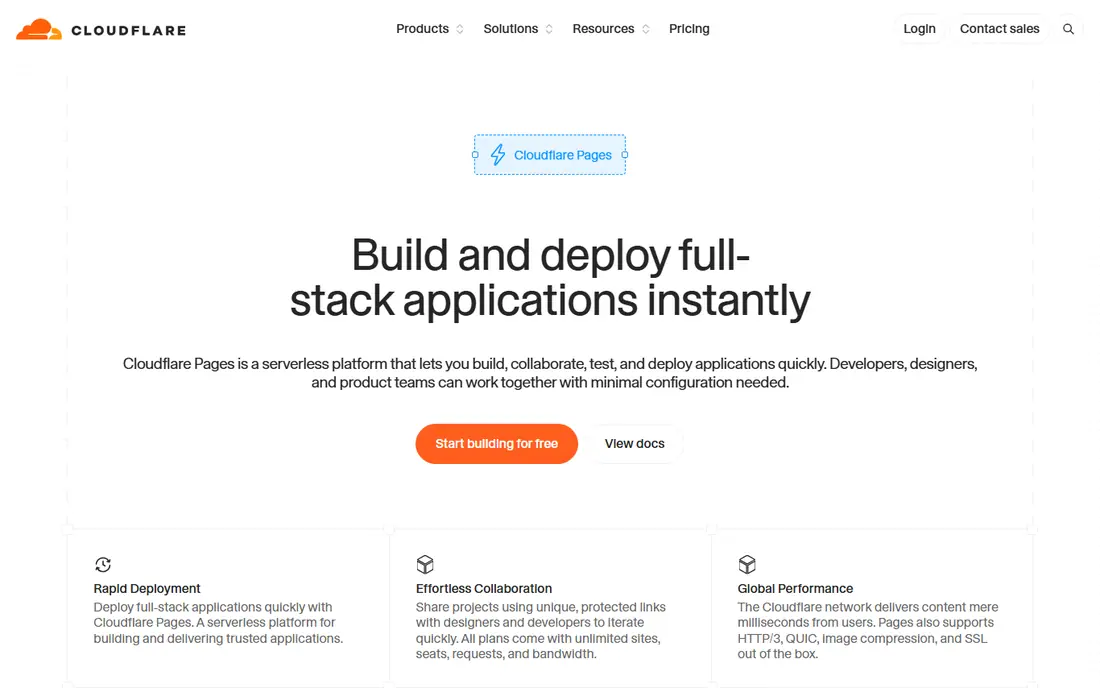
Cloudflare Pages is the best free deal for a static site that might get busy. Static asset requests are unmetered on the free plan, builds are generous, and custom domains with SSL are included. It deploys from Git and supports popular static frameworks as well as plain HTML projects.
The trade-off is workflow. The smoothest path uses Git, so a pure drag-and-drop user will need to learn a little version control. Adding Pages Functions also brings Workers quotas into play, which changes the cost picture for dynamic features.
We would pick Cloudflare Pages for a static site where bandwidth worry should be zero. It is our pick for a Neocities-style personal site that could go viral.
- Free unlimited static requests on the free plan
- Many builds per month
- Custom domains and SSL
- Needs Git for the smoothest flow
- Functions use separate Workers limits

Netlify shaped modern static hosting with Git deploys, preview links for pull requests, and a drag-and-drop option for a folder of files. Forms, redirects and serverless functions cover many small-site needs without a backend, and custom domains with SSL are straightforward.
The change to watch is credits. The free plan now shares credits across bandwidth, builds and functions, so a busy site or a build-heavy project can use its allowance sooner than older fixed limits suggested. Paid plans start low, but the free tier needs monitoring for active sites.
We would pick Netlify for a front-end site that benefits from previews and forms. For a purely static personal site with unpredictable traffic, Cloudflare Pages may be cheaper.
- Git deploys and preview links
- Drag-and-drop deploy option
- Forms and functions built in
- Free plan now uses credits
- High-traffic sites can use the allowance faster
Vercel is the smoothest host for a framework-built front-end site, especially Next.js, Astro and similar tools. It detects the framework, builds from Git, and gives every pull request a preview link. Static output deploys quickly to a global edge network with free SSL.
The limit is the Hobby plan's scope. It is meant for personal, non-commercial use, so a business site needs a paid plan. Vercel also has no hand-coded site editor in the Neocities sense, so creative HTML writers will work in code and Git.
We would pick Vercel for a modern framework site by a solo developer. For a simple hand-coded personal page, GitHub Pages or Cloudflare Pages is closer to Neocities.
- Excellent framework detection and previews
- Fast edge delivery
- Free custom domains
- Hobby plan is for personal, non-commercial use
- Not a Neocities-style editor
Render lets a static site live beside the backend that powers it. A personal site, a docs site or a front-end app can deploy from Git with free managed TLS, while an API and database run on the same platform if the project grows. That consolidation saves a second hosting account.
The trade-off is that Render's free tier is best for small, low-traffic sites, and team workspaces move to paid plans. It is also less focused on creative, hand-edited personal sites than Neocities, with a developer workflow at its core.
We would pick Render for a project that starts static but may add a backend later. Pure personal sites will find GitHub Pages or Cloudflare Pages simpler.
- Free static sites with managed TLS
- Same platform for backends and databases
- Simple Git flow
- Free tier suits small sites
- Paid workspaces add cost for teams
Firebase Hosting suits web apps already in the Google ecosystem. Static files deploy to a global network with SSL and custom domains, and the same project can add authentication, databases and functions as the app grows. That path is useful for a personal app that starts as a static site.
The catch is setup. You create a Firebase project, install its tools, and learn its deploy flow, which is more work than a simple drag-and-drop host. Free storage and transfer limits also apply, so a media-heavy site needs checking against those caps.
We would pick Firebase Hosting for a Google-based web app with a static front end. For a simple personal page, a lighter host will be faster to launch.
- Fast global hosting with SSL
- Custom domains
- Pairs with Firebase auth and databases
- Setup assumes a Google and Firebase project
- Free storage and transfer limits apply
Google Sites is the no-code answer in this list. Anyone with a Google account can build pages with text, images and embeds, share the site with collaborators, and publish without touching code or Git. It suits class projects, club pages, simple portfolios and internal docs.
The limit is creative control. Google Sites templates and layouts are simple, and you cannot hand-write HTML and CSS in the Neocities style. Custom domains and advanced design also need more work than on a code host.
We would pick Google Sites for a non-technical user who wants a clean site fast. Creative coders should stay with a Git host instead.
- Free with a Google account
- No code needed
- Easy sharing and collaboration
- Design options are limited
- Not suited to hand-coded creative sites
Carrd is built for one page done well: a profile, a link page, a landing page or a tiny portfolio. The builder is fast, templates look clean, and a free plan covers a simple site. That focus makes it ideal for a personal page that does not need many sections or a blog.
The limit is scope. Carrd is not a multi-page site builder or a code host, so a larger creative site with many pages will outgrow it. Custom domains, forms and extra features sit on low-cost paid plans, which are still cheap compared with full hosting.
We would pick Carrd for a single-page personal site or link hub. For a multi-page creative site, pair it with a Git host, or choose a builder with more pages.
- Very easy one-page builder
- Free plan for simple sites
- Good templates for profiles and links
- One-page focus limits larger sites
- Custom domains and more features need a paid plan
How we picked these
We compared official pricing, docs and free tier pages, plus current static hosting roundups that list bandwidth, build and domain limits. We kept only hosts and builders that are live in October 2026 and that can publish a real public site. We used free starting prices where a free tier is confirmed, and we noted commercial-use and credit limits where they change the value of a free plan.
What to check before you choose
Start with how you build. Hand-coded HTML suits Git hosts, framework sites suit Vercel or Netlify, and no-code users suit Google Sites or Carrd. Picking a Git host for a no-code project, or a builder for a code project, creates friction from day one.
Next, check the free limits that matter: bandwidth, build minutes, file size, custom domains and commercial use. A personal site that goes viral needs unmetered bandwidth more than preview features, while a team site needs previews and collaboration more than raw bandwidth.
Finally, test the custom domain and SSL flow before you announce the site. Add your domain, confirm HTTPS works, and check the site on a phone. A site that looks right on a laptop but breaks on mobile will lose visitors fast.
Frequently asked questions
What is the closest alternative to Neocities?
GitHub Pages and Cloudflare Pages are the closest free hosts for hand-coded static sites, with free custom domains and SSL. Neocities itself remains a creative community host, but these two give more bandwidth and Git workflow for a personal site.
Can I host a website for free in 2026?
Yes. GitHub Pages, Cloudflare Pages, Netlify, Vercel, Render, Firebase Hosting, Google Sites and Carrd all offer free tiers. Free tiers limit bandwidth, builds, storage or commercial use, so check the limit for your site type.
Do I need to know code to use these alternatives?
No for Google Sites and Carrd, which are visual builders. Git hosts such as GitHub Pages and Cloudflare Pages need basic HTML and Git knowledge, while Netlify's drag-and-drop option can publish a folder without a repo.
Can I use my own domain name for free?
Yes on most hosts here, including GitHub Pages, Cloudflare Pages, Netlify and Vercel, with free SSL. Carrd needs a paid plan for a custom domain, so check that detail if a custom domain is essential.
Which free host is best for a portfolio?
GitHub Pages suits a developer portfolio beside code, Cloudflare Pages suits a high-traffic portfolio, and Carrd suits a one-page portfolio or link page. Choose by page count and whether you want Git workflow or a visual builder.
What happens if my free site gets a lot of traffic?
Cloudflare Pages handles static traffic without a bandwidth meter on its free plan, which helps for viral spikes. Other free tiers may throttle, charge for overuse or require an upgrade, so keep a second host in mind for a traffic surge.
Sources
See where you really rank - block by block
ProMapRanker scans Google Maps across a grid of your service area. Simple monthly plans from $19, white-label on every plan.
Start freeKeep reading
 zyte alternatives
Best Zyte Alternatives in 2026
These zyte alternatives cover managed scraping APIs, proxy networks and no code tools for lawful collection from your own or consented sources only in 2026.
Read → zerto alternatives
Best Zerto Alternatives in 2026
Compare the best zerto alternatives for disaster recovery and replication, with recovery targets, cloud options and honest trade-offs for teams in 2026.
Read → zerofox alternatives
Best ZeroFox Alternatives in 2026
We compared 9 zerofox alternatives for brand protection, phishing takedowns, dark web monitoring, and social impersonation, with clear coverage notes.
Read →