 ProMapRanker
Best Multilogin Alternatives in 2026

Key takeaways
- GoLogin and AdsPower offer the lowest entry prices here, while Dolphin Anty and Octo Browser suit teams that need more profiles.
- Every tool in this list should be used only for lawful work, such as managing your own accounts, client accounts with consent, or testing.
- Do not use any multi-account browser for fraud, fake accounts, ban evasion, or breaking a platform's rules, since that risks account loss and legal trouble.
- Profile count, automation, and team seats drive the real cost more than the headline monthly price.
- A free plan or trial with a few real profiles will show fingerprint quality and speed better than a sales page.
Quick comparison
| Pick | Great for | Pricing starts at | Free tier | |
|---|---|---|---|---|
 GoLogin | Low-cost team profiles | $9 per month | Yes | Visit |
 AdsPower | No-code automation | $9 per month | Yes | Visit |
 Dolphin Anty | Media buying teams | $10 per month | Yes | Visit |
 Incogniton | Developer-friendly profiles | $13.99 per month | Yes | Visit |
 Kameleo | Mobile and multi-engine use | 59 euros per month | Yes | Visit |
 Hidemyacc | Balanced automation | $49 per month | Free trial | Visit |
 Octo Browser | Fingerprint quality | 10 euros per month | Free trial | Visit |
 MoreLogin | Budget profile volume | $9 per month | Yes | Visit |
The best multilogin alternatives
These tools keep separate browser profiles with their own cookies, storage, and fingerprint settings, so different accounts do not share the same browser identity. We list them only for lawful uses: managing accounts you own, managing client accounts with their clear consent, software testing, and agency work that follows each platform's rules. We compared official pricing and feature pages and public reviews, and we did not claim hands-on testing. We deliberately left out tools marketed mainly for evading bans or for fraud.
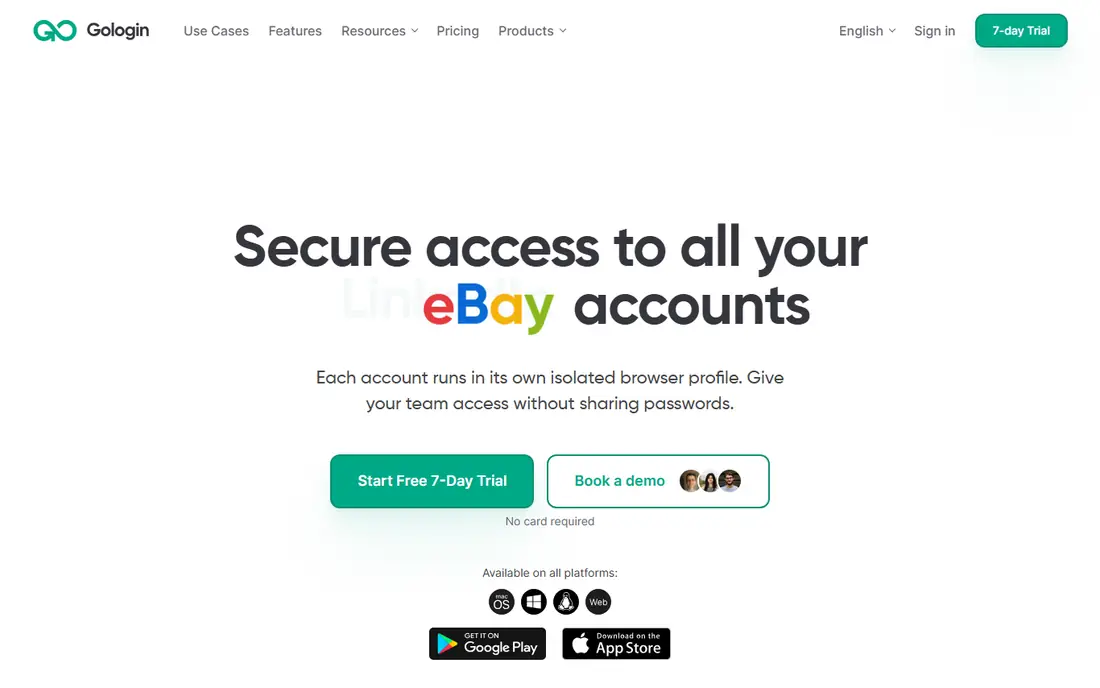
GoLogin is the budget pick for small teams that need separate, consistent profiles without a large monthly bill. Profiles keep their own cookies and fingerprint settings, and cloud sync lets a team member pick up work on another machine. Mobile apps and cloud Android options help teams that test or manage accounts across devices.
The low entry price covers only a small number of profiles, so a team with hundreds of accounts will pay considerably more. Proxies also sit outside the subscription in most setups, which adds a second cost to model. For a small agency or testing team with consent-based accounts, GoLogin gives a clean start at a price that is easy to justify.
- Low entry price with a free plan
- Cloud profiles and mobile apps
- Automation through API and common frameworks
- Higher profile counts raise the price quickly
- Proxy traffic is usually bought separately
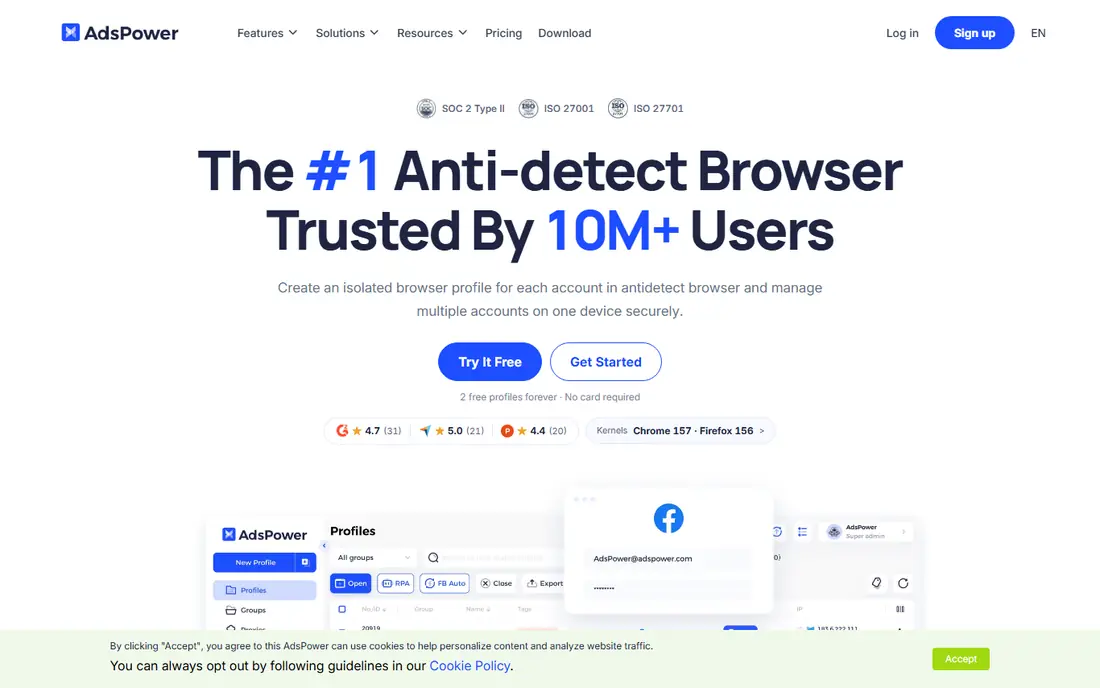
AdsPower suits teams that repeat the same browser tasks across many profiles, such as checking listings, filling forms, or running routine checks on accounts they manage lawfully. Its no-code automation lets staff build task flows without writing code, and the synchronizer can repeat an action across several profiles at once. Two browser engines give teams more choice in how profiles present themselves.
New users should expect a learning curve, since the interface packs in many settings for fingerprints, proxies, and automation. The free plan covers only two profiles, so it works as a test rather than a production setup. Teams that value automation over a simple interface will get the most from AdsPower, provided every automated task follows the rules of the sites involved.
- No-code automation and synchronizer on all plans including free
- Chromium and Firefox engines
- Local API from paid plans
- Interface can feel technical for new users
- No built-in proxy traffic included
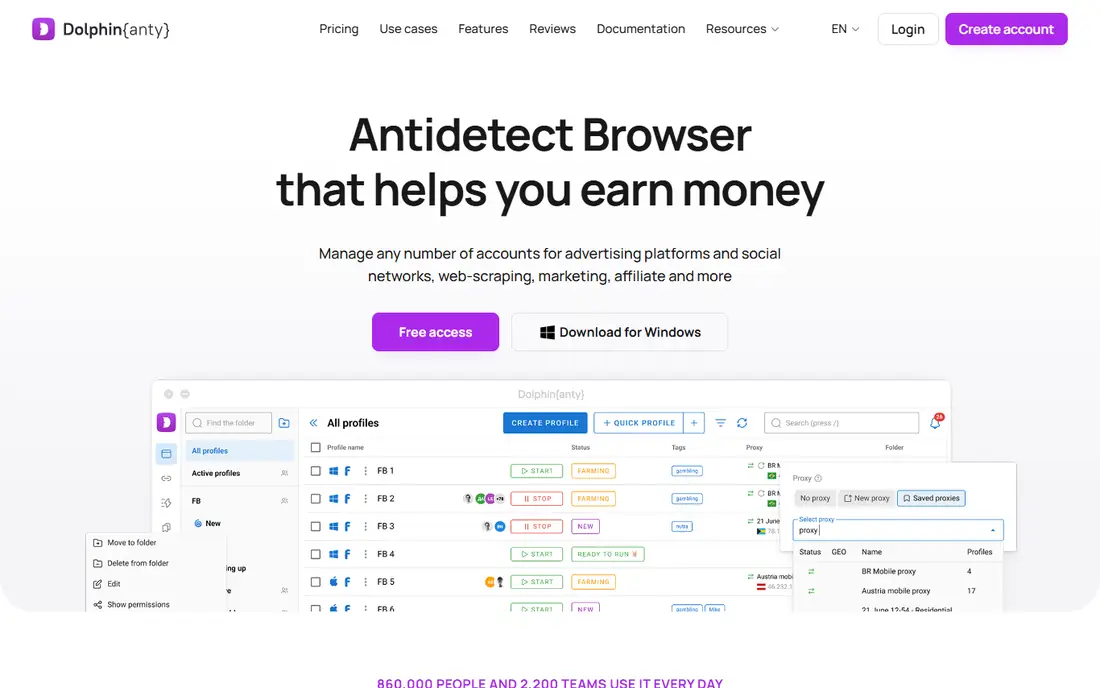
Dolphin Anty is popular with media buying and agency teams that manage many advertising accounts for clients, with each client's work kept in a separate profile. The scenario builder helps teams repeat routine steps without manual clicking, and team seats let managers control who can open which profiles. That structure suits agencies where several staff touch client accounts.
Costs climb as profile counts grow, and the base plan for around 100 profiles sits well above the entry price, so budget for the tier you will actually use. Fingerprint results also depend on proxy and profile settings, so test with your real setup before moving client work over. Used with client consent and within ad platform rules, Dolphin Anty is a practical agency tool.
- Free plan for a small profile set
- Scenario builder for repeated tasks
- Team seats on paid plans
- Profile pricing rises steeply at higher counts
- Fingerprint test results vary by setup
Incogniton appeals to developers and testers who want to drive profiles through code. Selenium and Puppeteer support lets a testing team script browser actions across profiles, which helps with quality checks across regions, logins, and account states. Bulk creation tools save time when a test suite needs many similar profiles.
The trade is polish. The interface focuses on function over looks, and mobile fingerprint options are thinner than in tools built around mobile emulation. Teams that do not write automation code may find simpler tools easier to use day to day. For a technical team running lawful tests on its own systems or with client permission, Incogniton is a solid, affordable choice.
- Free plan for testing
- Selenium and Puppeteer support for developers
- Bulk profile creation tools
- Mobile fingerprint support is limited
- Interface is more functional than polished
Kameleo takes a different pricing approach, charging by browsers running at once rather than by total profile count. That can suit teams that store many profiles but only open a few at a time. Mobile emulation and support for several browser engines help testers check how sites behave across devices and browsers, which is useful for quality work.
The paid entry price is high compared with GoLogin or AdsPower, so small teams should use the free plan to confirm the fit first. Planning around concurrent browsers also takes thought, since opening too many at once can push you into a higher tier. For a testing or agency team that needs mobile emulation and flexible seats, Kameleo offers depth that cheaper tools lack.
- Mobile browser emulation and multiple engines
- Unlimited seats on paid plans
- Automation SDKs for developers
- High entry price for paid use
- Pricing is per concurrent browser, which needs careful planning
Hidemyacc tries to balance the main needs of a multi-account team in one tool: profiles, automation, mobile fingerprints, and proxy handling. That breadth helps teams that do not want to stitch together several tools, and sub-accounts help managers share work without sharing logins. The trial gives a week to test profile creation and automation with real tasks.
Smaller teams should read the tier details closely, since the headline price here reflects a plan with around 100 profiles rather than a starter tier. A solo user with ten profiles may find cheaper options a better fit. For a growing team that wants automation and mobile support together, Hidemyacc is worth a trial week.
- Automation plus mobile fingerprinting and proxy management
- Sub-accounts on larger plans
- 7-day trial
- Entry pricing in this list reflects a larger profile tier
- Smaller teams may pay for capacity they do not use
Octo Browser is often cited for fingerprint quality, meaning each profile presents a consistent set of browser signals that match each other. That consistency matters for lawful agency work, since mismatched signals can trigger extra checks on accounts even when the use itself is legitimate. Fast engine updates also help profiles stay current as browsers change.
The drawbacks are access and cost structure. There is no permanent free plan, only a trial, and API automation sits on higher tiers, so developers should check the tier that includes it. Teams that only need a few profiles may find cheaper tools enough. Teams that prioritize clean, consistent profiles for client work will appreciate what Octo Browser focuses on.
- Strong focus on fingerprint consistency
- Fast updates to new browser versions
- Profile transfer tools
- No permanent free plan
- API access needs a higher tier
MoreLogin is the budget option for teams that need many profiles without a large bill. The entry plan is cheap, a free plan covers a couple of profiles for testing, and cloud phones add a mobile option for teams that manage accounts across devices. Profile management stays simple, which helps new staff get started quickly.
Automation is lighter than in AdsPower or Hidemyacc, so teams with heavy scripting needs should test those workflows first. As with every tool here, results depend on correct proxy and profile setup, and no tool can make an unlawful use lawful. For a small team doing consent-based account work on a tight budget, MoreLogin is a sensible place to start.
- Low entry price with a free plan
- Cloud phone options
- Simple profile management
- Automation is more basic than AdsPower
- Fingerprint test results vary by setup
How we picked these
We compared official pricing and feature pages and public comparisons for multi-account browsers, and we kept only tools that are live and actively sold in October 2026. We required a lawful use case for each tool, such as agency work with consent, testing, or managing accounts a user owns, and we excluded tools whose marketing centers on evading bans, creating fake accounts, or fraud. We did not claim hands-on testing, and where prices conflicted across sources we used the figure that appeared most consistently or wrote See website in earlier drafts, then kept the published entry price shown here.
What to check before you buy
Start with permission and platform rules, not features. Confirm that you own each account or have clear written consent from the client who does, and read the rules of every platform you will use, since some platforms limit or forbid multiple accounts even for legitimate businesses. A browser tool does not override those rules, and accounts can still be restricted if the underlying use breaks them. If a planned use would need deception, do not do it.
Next, model the full cost. Count profiles, concurrent browsers, team seats, and proxy traffic, since each vendor prices those pieces differently. A cheap plan with expensive seats or proxy add-ons can cost more than a pricier plan that includes them. Test fingerprint consistency, profile sync, and automation with a few real profiles during a trial, and check how quickly the vendor updates its browser engines.
Finally, set team controls before you scale. Decide who can create, edit, and delete profiles, keep client credentials in a proper password manager rather than in shared notes, and log which staff member uses which profile. Good controls protect clients and make it easy to hand work over when staff change. Review access regularly, and remove profiles and seats you no longer need.
Frequently asked questions
Are multi-account browsers legal?
The software itself is a browser tool, but legality depends on how you use it. Managing your own accounts, client accounts with consent, and testing your own systems are lawful uses in most cases. Fraud, fake accounts, impersonation, and breaking platform rules are not made lawful by using a separate browser profile.
Can these tools hide my identity completely?
No tool can promise that. Profiles separate cookies and fingerprint signals, but proxies, account behavior, payment details, and platform checks still matter. Anyone who promises total anonymity for account work should not be trusted. Use these tools for separation and organization, not for concealment of wrongdoing.
Do I need a proxy for each profile?
In most setups, yes, each profile should use its own proxy address so accounts do not share the same network signal. Proxies are usually bought separately, so include that cost in your budget. A shared proxy across many profiles defeats much of the separation these tools provide.
Which alternative is cheapest for a small team?
GoLogin, AdsPower, and MoreLogin all start at $9 per month for small profile counts, with free plans for testing. The cheapest fit depends on how many profiles, seats, and automation features you need. Compare the tier you will actually use, not the entry tier alone.
Can agencies use these tools for client ad accounts?
Yes, when the client has given clear consent and the work follows the ad platform's rules. Keep each client's accounts in separate profiles, limit staff access to the clients they serve, and keep records of consent. If a platform forbids the account structure you plan, follow the platform rule.
What happens if a platform detects my profiles?
Platforms may ask for extra verification, limit features, or restrict accounts, even for legitimate users, if signals look inconsistent. Keep profiles consistent, use clean proxies, and avoid rapid, bot-like actions. If an account is restricted, appeal through the platform's own process rather than trying to work around it.
Sources
See where you really rank - block by block
ProMapRanker scans Google Maps across a grid of your service area. Simple monthly plans from $19, white-label on every plan.
Start freeKeep reading
 zoro.to alternatives
Best Zoro.to Alternatives in 2026
We compare the best zoro.to alternatives in 2026, listing only legal licensed anime streaming services, from Crunchyroll to free options for fans today.
Read → zip alternatives
Best Zip Alternatives in 2026
We compare the best zip alternatives for buy now, pay later in 2026, covering pay-in-4 plans, fees, spending limits, and credit reporting options today.
Read → yesware alternatives
Best Yesware Alternatives in 2026
Compare the best yesware alternatives for sales email tracking, templates, and sequences, with current pricing and honest tradeoffs for small sales teams.
Read →