 ProMapRanker
Mobile App Security Best Practices in 2026

Key takeaways
- This guide is angled as tools that help teams apply mobile app security practices, not as a checklist alone.
- Testing finds flaws before release, while shielding and runtime protection raise the cost of attacking a shipped app.
- MobSF and Guardsquare AppSweep give teams a free starting point for scanning and analysis.
- NowSecure, Veracode, Checkmarx and Snyk suit teams that want testing inside their normal release pipeline.
- Appdome, Zimperium, Promon and Approov focus on protecting apps on devices teams do not control.
Quick comparison
| Pick | Great for | Pricing starts at | Free tier | |
|---|---|---|---|---|
 MobSF | Free static and dynamic analysis | Free | Yes | Visit |
 Guardsquare | App shielding and free scanning | See website | Yes | Visit |
 NowSecure | Mobile testing and standards mapping | See website | No | Visit |
 Veracode | Enterprise application security | See website | No | Visit |
 Checkmarx | Source code analysis | See website | No | Visit |
 Snyk | Developer-first code and dependency checks | See website | Yes | Visit |
 Appdome | No-code mobile protection | See website | No | Visit |
 Zimperium | Runtime protection on devices | See website | No | Visit |
 Approov | API and app attestation | See website | No | Visit |
The best mobile app security tools
Good mobile security is a set of habits, applied with tools. Secure coding, dependency checks, encrypted storage, safe network use, proper authentication and regular testing all matter, and no single tool covers them all. We compared tools that help teams put those practices into a release pipeline, focusing on what each tool actually does, who it suits and how it is priced. Our pick for a free start is MobSF, while Guardsquare is a strong next step for shielding.
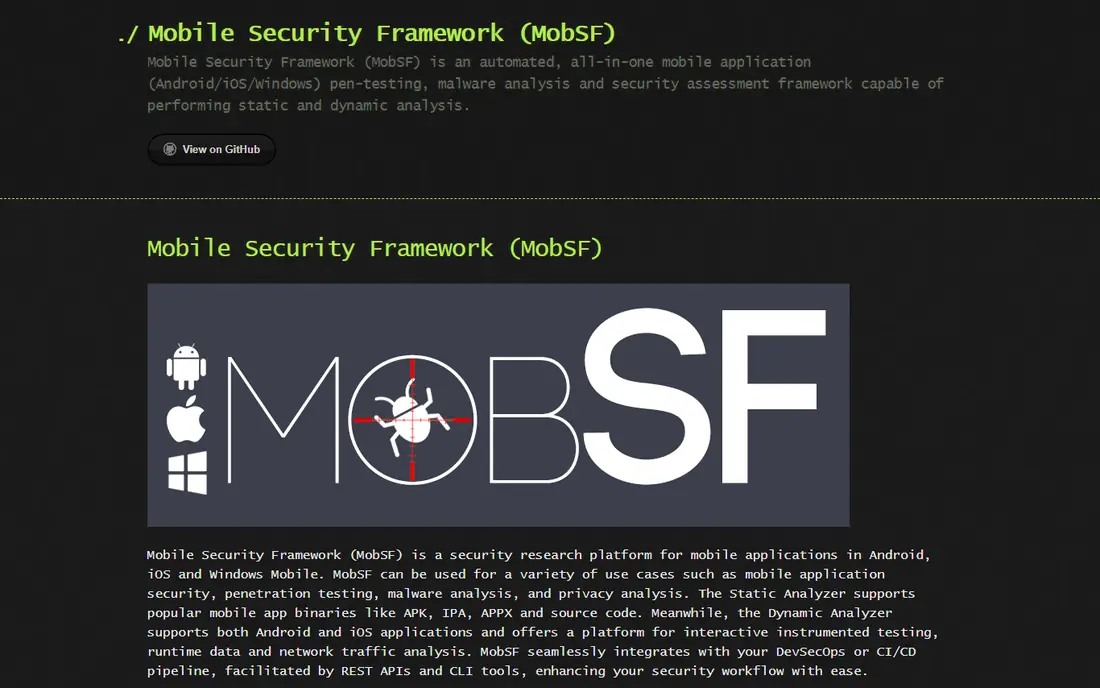
Mobile Security Framework, known as MobSF, is the free baseline for mobile testing. It analyses Android APK and iOS IPA packages, checks code, permissions, certificates, network endpoints and common misconfigurations, and supports dynamic analysis for runtime behaviour. Researchers and small teams use it to find real flaws before release without a procurement cycle.
Because it is open source, you host it, update it and interpret findings yourself. That is a strength for skilled teams and a limit for teams that want a vendor to triage results. Use MobSF early, on every build if you can, and treat its output as a starting point for fixes, not as proof that an app is safe. Paired with a paid tester for high-risk apps, it gives a strong, low-cost foundation.
- Free and open source
- Static and dynamic analysis for Android and iOS packages
- API support for pipeline use
- You operate and interpret results yourself
- No vendor support contract included

Guardsquare focuses on protecting a shipped app. Its shielding tools obfuscate code, detect tampering and root or jailbreak states, and protect keys and data on devices you do not control. That matters for banking, payment and health apps, where an attacker may run the app on a hostile device. AppSweep, its free scanning tool, helps teams find mobile issues before they add shielding.
Shielding is not a substitute for fixing code flaws. It raises the cost of reverse engineering and tampering, but it must be tested with each release, since protection can interact with app features, performance and store review. Guardsquare pricing is tiered and quoted for larger use, so ask for a quote based on app count and platforms. Start with AppSweep, fix what it finds, then evaluate shielding for apps that face real abuse.
- App shielding for Android and iOS
- AppSweep offers free mobile scanning
- Runtime protection options
- Enterprise pricing is quoted
- Shielding needs careful testing with each release
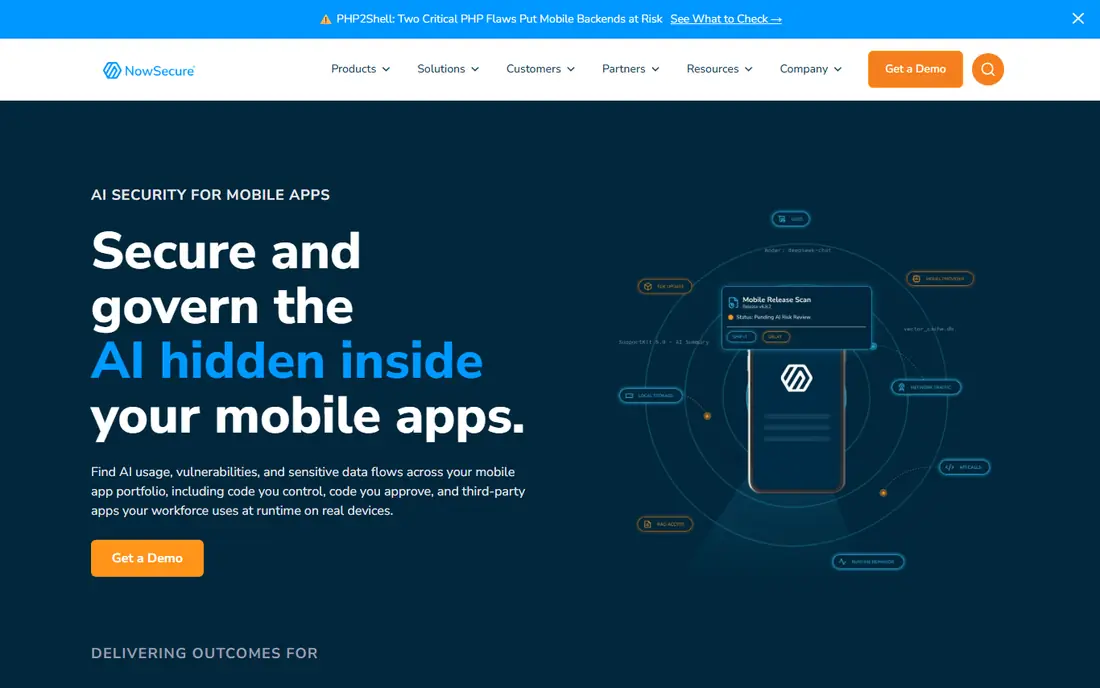
NowSecure is built for continuous mobile testing. It automates checks across the app binary, its backend connections and related APIs, and maps findings to mobile security standards, which helps teams prioritise fixes and show progress to auditors. That mapping is useful when a team must explain why a finding matters and what good looks like.
The product is sold in tiers rather than a single published price, so budget planning needs a vendor conversation. NowSecure suits mid-size and larger teams that release often and want testing in the pipeline rather than a one-off audit. Smaller teams can start with MobSF and AppSweep, then move to NowSecure when testing volume and reporting needs grow.
- Automated mobile testing with standards mapping
- Covers app, backend and API paths
- Reporting for security and product teams
- Pricing is tiered and not published as a simple list
- Smaller teams may need help scoping a plan
Veracode suits organisations that already manage web, API and mobile security in one place. Its platform covers static and dynamic testing, software composition analysis and policy reporting, with mobile testing as one lane inside that wider system. Central reporting helps security leaders track risk across many apps and teams.
That breadth is also the trade-off. A team that only needs deep mobile testing may find a mobile-first tool such as NowSecure more focused. Veracode pricing is quote-based and has been estimated in older guides at a high annual figure for enterprise use, so treat any old number as a guide only and ask for a current quote. Choose Veracode when governance, scale and platform consistency matter most.
- Broad application security platform
- Mobile testing alongside web and API testing
- Governance and reporting for large teams
- Mobile depth is one part of a wider platform
- Pricing is quote-based
Checkmarx helps teams find flaws in source code before an app is built. It scans mobile project code, flags insecure patterns, and fits into developer tools and pipelines so fixes happen near the code that caused them. That early position is valuable, since a flaw fixed in code is cheaper than one fixed after release.
Checkmarx is less focused on testing a finished binary on a device, so teams with high-risk consumer apps should pair it with binary testing or shielding. Pricing is quote-based, based on users, code volume and modules. If your main risk is insecure code and open source dependencies in a large mobile codebase, Checkmarx is a strong platform choice.
- Strong source code analysis for mobile projects
- Works inside developer workflows
- Covers code and dependency risks
- Dedicated mobile binary testing is thinner
- Pricing is quote-based
Snyk is popular with developers because it speaks their language. It finds vulnerable dependencies, insecure code patterns and container issues, explains the fix, and often offers a pull request to apply it. A free tier lets small teams and solo developers start without a sales call, which makes it a good entry point for dependency hygiene in mobile projects.
Snyk does not replace mobile binary testing or runtime shielding. It checks code and dependencies, not how a finished app behaves on a rooted phone. Use it alongside MobSF or a mobile tester, and treat its free tier as a starting point, with paid plans for larger teams and private projects. For teams that want security to feel like part of coding, not a separate audit, Snyk fits well.
- Developer-friendly findings with fix guidance
- Dependency and container checks
- Free tier for small use
- Mobile binary and runtime protection need other tools
- Free tier limits apply
Appdome lets teams add protection without changing source code. You upload a built app, choose protections such as anti-tampering, jailbreak detection, data protection and fraud controls, and Appdome builds a protected version. That no-code path helps teams that cannot easily change code, or that need to protect apps from several vendors quickly.
Breadth needs scoping. Appdome offers many features, and choosing the right set for your threat model matters more than turning everything on, which can affect performance and user experience. Pricing is tiered and quoted, so ask for a plan based on app count and features. Appdome suits teams that need fast, repeatable protection across a portfolio of apps.
- No-code protection built into the app build
- Wide set of security, anti-fraud and compliance features
- Fusion model for fast integration
- Pricing is tiered and quoted
- Feature breadth needs careful scoping
Zimperium focuses on what happens after an app is installed. Its runtime protection watches for device compromise, malicious apps, network attacks and tampering, and gives security teams context to respond. That is valuable for apps used on employee and customer devices, where the team cannot control the phone or network.
Runtime defence does not fix insecure code or leaky APIs. It should sit alongside testing, secure coding and backend controls, not instead of them. Pricing is quote-based, based on devices and features. Choose Zimperium when your main worry is the hostile device itself, such as banking apps, enterprise apps and apps handling sensitive customer data.
- On-device runtime defence
- Threat context for device and network risks
- Enterprise reporting and integrations
- Pricing is quote-based
- Runtime protection complements, not replaces, secure coding
Approov tackles a specific and common problem: a backend API cannot tell a real app from a clone, a script or a tampered copy. Approov attests that requests come from a genuine, unmodified app, and issues short-lived tokens that backends can check. That helps teams block API abuse, credential stuffing and data scraping that bypass the app entirely.
Integration takes backend work, since your API must check Approov tokens and handle failures gracefully. It is not a general scanner or shield, so pair it with testing and shielding for full coverage. Approov suits teams whose APIs carry real value, such as fintech, health and marketplace apps, where fake clients are a direct business risk.
- App attestation helps backends trust real apps
- Protects APIs from cloned or tampered apps
- Works alongside other mobile tools
- Needs backend integration work
- Smaller teams may find setup heavy
How we picked these
We compared vendor pages and recent mobile security guides, and we kept only tools that are live in October 2026 and that help teams apply a recognised mobile practice, such as testing, shielding, runtime defence or API attestation. We favoured a mix of free, mobile-first and platform tools, and we wrote See website where pricing is quote-based rather than inventing a figure. We did not include tools that only scan websites, since this guide is about mobile apps and their backends. Check each vendor for current platform support and pricing before you buy.
Building the habits behind the tools
Tools work best when they sit inside habits. Scan every build, not just release candidates, so a new dependency flaw is caught the week it appears. Store secrets outside the app, encrypt sensitive data at rest, use certificate pinning where it fits, and validate input on the server as well as in the app. Require authentication with short-lived tokens, limit permissions to what the app truly needs, and log security events without logging passwords or tokens.
Also plan for the device you do not control. Test on rooted and jailbroken devices, check what happens when network calls fail or are intercepted, and decide how the app should behave when it detects tampering. A clear incident plan, with a way to revoke tokens and push a fix fast, matters more than any single tool. Start with MobSF and AppSweep, add one pipeline tester, then add shielding or runtime defence for apps that face real attack.
Frequently asked questions
What are the most important mobile app security best practices?
Secure coding, dependency checks, encrypted storage, safe network use, strong authentication, least-privilege permissions and regular testing are the core practices. Tools in this guide help teams apply them, but habits such as scanning every build and fixing server-side validation matter just as much.
Is MobSF enough to secure a mobile app?
MobSF is a strong free starting point for static and dynamic analysis, but it is not enough alone for high-risk apps. Pair it with secure coding, backend testing, and shielding or runtime protection where the app faces hostile devices. Treat any scanner output as a list to fix and retest, not as a guarantee.
What is the difference between mobile testing and app shielding?
Testing finds flaws in code, binaries and backends so developers can fix them. Shielding protects a shipped app against reverse engineering, tampering and hostile devices. Most consumer and financial apps need both, since testing removes flaws and shielding raises the cost of attacking what remains.
How much do mobile app security tools cost?
Free tools such as MobSF cost nothing except hosting and staff time, while AppSweep offers free scanning. Most enterprise tools in this guide are tiered or quote-based, so costs depend on app count, users and features. Ask vendors for a quote based on your actual portfolio rather than relying on old price guides.
Should small teams use enterprise mobile security tools?
Small teams should start with free tools, secure coding habits and dependency checks, then add paid testing when release volume or risk grows. A small app with sensitive data still benefits from shielding or attestation, but scope the purchase to that app rather than buying a platform for a whole portfolio.
How often should a mobile app be security tested?
Test every build with automated checks, and run deeper testing before major releases and after significant changes to authentication, payments or data handling. Continuous testing catches new dependency flaws and regressions faster than an annual audit alone.
Sources
See where you really rank - block by block
ProMapRanker scans Google Maps across a grid of your service area. Simple monthly plans from $19, white-label on every plan.
Start freeKeep reading
 zscaler alternatives
Best Zscaler Alternatives in 2026
Looking for zscaler alternatives? We compare 9 SASE and zero trust platforms on architecture, data protection, pricing, and fit for your network and team.
Read → zapier alternatives free
Best Zapier Alternatives Free in 2026
Nine automation tools for zapier alternatives free in 2026, all with genuinely free tiers, plus free plan limits, starting prices and upgrade paths explained.
Read → which platform is best for online reputation
Which Platform Is Best for Online Reputation in 2026
Wondering which platform is best for online reputation? We compare 8 review, listing, and response tools for small and multi-location businesses and agencies.
Read →