 ProMapRanker
Mobile App Marketing Best Practices in 2026

Key takeaways
- This article covers the tools and services that put mobile app marketing best practices into action, not a single product category.
- Strong app marketing combines store visibility, measurement, messaging, paid growth, and onboarding, rather than relying on one channel.
- ASO tools help with keywords and store pages, while attribution tools show which campaigns lead to installs and paying users.
- Push and in-app messaging only work when they are timed, personal, and easy to opt out of, so retention tools need clear consent controls.
Quick comparison
| Pick | Great for | Pricing starts at | Free tier | |
|---|---|---|---|---|
 AppTweak | ASO keyword and store research | See website | No | Visit |
 Sensor Tower | Market and competitor intelligence | See website | No | Visit |
 AppFollow | Reviews and ASO tracking | See website | Yes | Visit |
 AppsFlyer | Attribution and fraud checks | See website | Yes | Visit |
 Adjust | Privacy-aware attribution | See website | Yes | Visit |
 Braze | Push and in-app campaigns | See website | No | Visit |
 OneSignal | Simple push messaging | Free | Yes | Visit |
 CleverTap | Retention and segmentation | See website | Yes | Visit |
 SplitMetrics | Store page testing | See website | No | Visit |
 RevenueCat | Subscription paywalls and testing | Free | Yes | Visit |
The best tools for mobile app marketing best practices
Read this list as a toolkit for the practices themselves. ASO, analytics, push and in-app messaging, paid user acquisition, and onboarding each get at least one strong tool below, so you can match the tool to the practice you need to improve first.
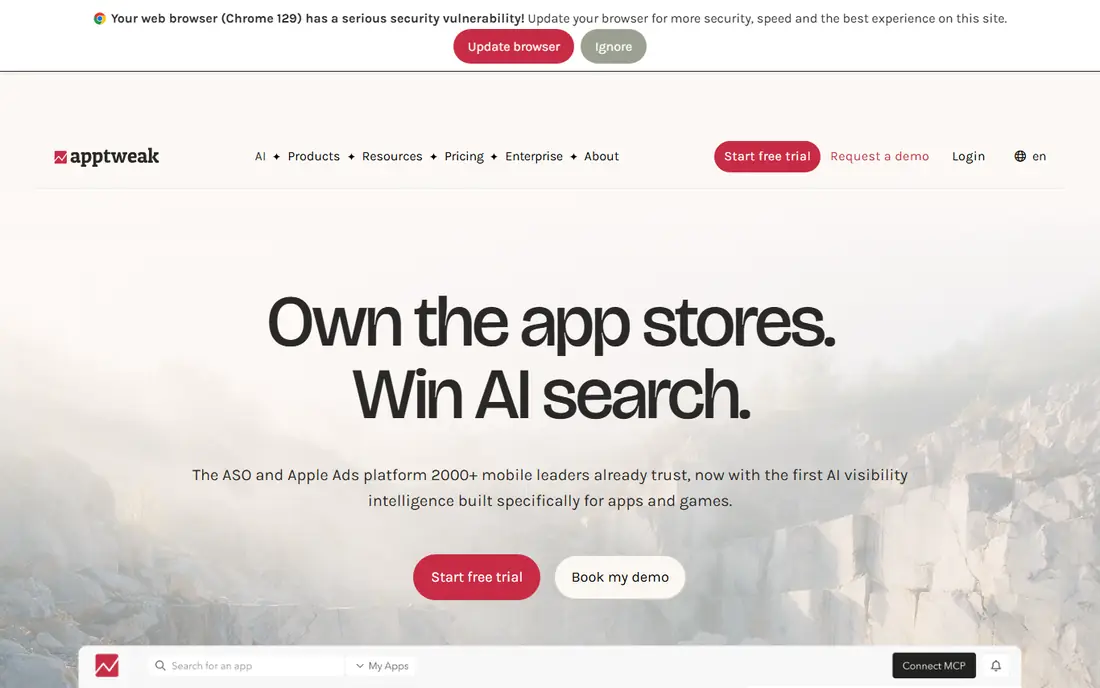
AppTweak is a practical starting point for app store optimisation, because it ties keyword research to real store rankings and competitor listings. You can find terms users actually search for, check which terms rivals rank for, and track how a listing moves after a metadata change. That evidence beats guessing at keywords from app descriptions alone.
The drawback is cost and scope. Full access needs a paid plan, and smaller teams may use only part of the data. AppTweak works best when one person owns ASO and reviews rankings on a regular cycle, rather than as a tool opened once a year.
- Keyword research and tracking
- Competitor metadata insight
- Localisation support
- Paid plans only for full access
- Data depth varies by store and country
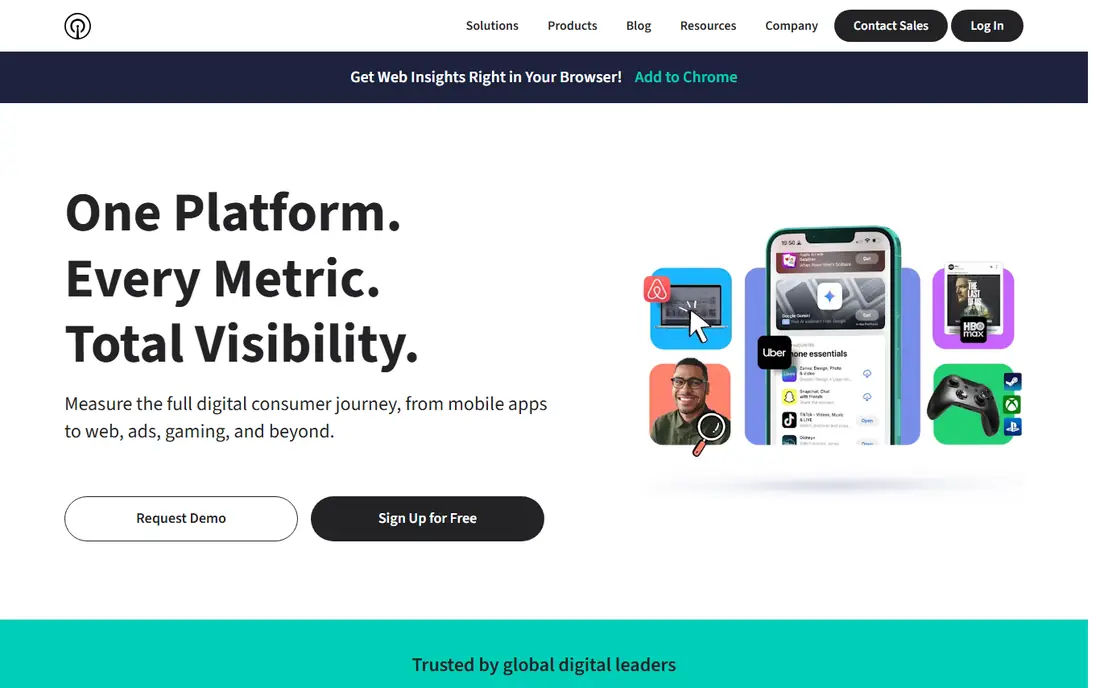
Sensor Tower suits teams that need market context before they spend. It shows category trends, competitor downloads and revenue estimates, and advertising patterns, which helps a team decide where an app can compete and where it cannot. For paid user acquisition, that context prevents spending on a crowded category without a clear angle.
The honest limit is precision. Download and revenue figures are estimates, not figures from the stores themselves, so they should guide direction rather than settle a budget. Sensor Tower also prices for larger teams, so indie developers may get more value from a focused ASO tool first.
- Broad store and market data
- Download and revenue estimates
- Advertising insight
- Enterprise pricing
- Estimates are not exact store figures
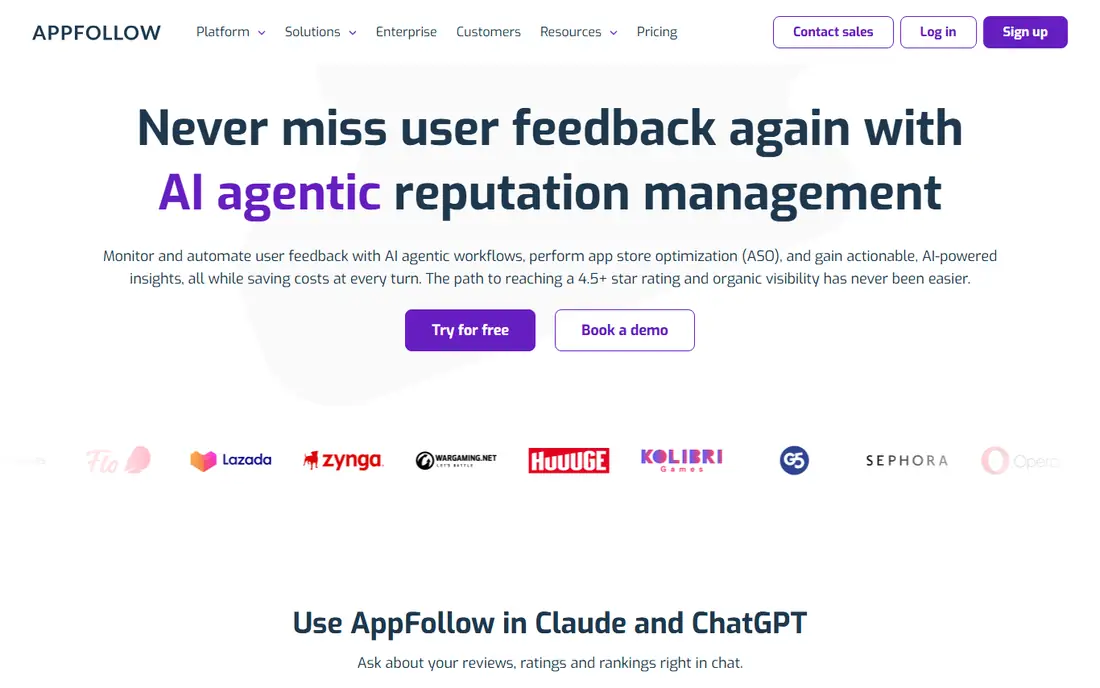
AppFollow covers a best practice many teams skip, which is answering reviews and watching ratings as part of marketing. A store page with recent, helpful replies looks more trustworthy than a page with silence, and rating drops often signal a bug or a confusing update. AppFollow collects reviews in one place and tracks keyword ranks alongside them.
The free tier is useful for a first look, but deeper ASO work needs a paid plan. Teams should also set a reply routine, since a review tool alone does not improve ratings unless someone acts on what users report.
- Review monitoring and replies
- ASO rank tracking
- Alerts for rating changes
- Full ASO depth needs a paid plan
- Review volume can overwhelm small teams
AppsFlyer answers the core analytics question in mobile marketing, which is which campaign led to an install and, later, to a paying user. It attributes installs across paid, organic, and owned channels, and its fraud checks help teams avoid paying for fake installs. That measurement is the basis for honest paid growth, since it stops a team from judging a campaign by clicks alone.
Setup is the catch. Events, SDK integration, and privacy settings need care, and a rushed setup can produce misleading attribution. AppsFlyer is best for teams ready to define what counts as a valuable user before they scale spend.
- Campaign attribution across channels
- Fraud protection
- Privacy-focused measurement options
- Setup needs care with SDKs and events
- Advanced features need a paid plan
Adjust covers a similar job to AppsFlyer, with a strong focus on privacy-aware measurement in a world where device-level tracking is limited. It helps teams measure campaigns, check for fraud, and view cohorts and retention without relying on old tracking methods. That focus matters for apps that must respect store privacy rules and user consent.
Like other attribution tools, Adjust rewards careful setup. Teams need to agree on events, naming, and reporting views before launch, or the dashboard will show activity without clear meaning. Its basic access can be a good start, with paid features added as measurement needs grow.
- Attribution with privacy controls
- Fraud prevention
- Cohort and retention views
- Pricing and feature access vary by plan
- Reporting depth needs configuration
Braze is the retention engine in this list, bringing push, in-app messages, and email into one customer engagement system. Teams can segment users by behaviour, send a message at the right moment in a journey, and test variants before a full send. That control supports best practice in messaging, since a message tied to real behaviour beats a blast sent to everyone.
Braze is priced and built for larger teams, and it can harm retention if used without restraint. Over-messaging, poor timing, or messages without a clear opt-out will push users to turn notifications off. Braze works best when messaging has an owner, a frequency cap, and a clear purpose for each flow.
- Push, in-app, and email in one system
- Segmentation and personalisation
- Journey flows
- Enterprise pricing
- Needs a clear messaging strategy to avoid over-messaging
OneSignal is the accessible entry point for push notifications, with a free plan that covers basic push for many small apps. Setup is simpler than an enterprise platform, and segmentation plus scheduling let a small team send useful alerts instead of generic blasts. For an indie app, that is often enough to improve retention without a large contract.
The limit is depth. Complex journeys, richer in-app flows, and advanced testing sit on paid plans, and teams that outgrow basic push may need to move. OneSignal still teaches the core practice well, which is to send fewer, better-timed messages that users can control.
- Free plan for basic push
- Simple setup
- Segmentation and scheduling
- Advanced journeys need paid plans
- In-app depth is less than Braze
CleverTap links analytics to retention, so a team can segment users by what they actually do in the app and then message that segment with a relevant next step. Its lifecycle view helps teams spot where users drop off, whether that is after install, after sign-up, or before a first purchase. That link between data and message is a core mobile marketing practice.
The platform takes time to set up well, and a team without a retention owner may use only its basic features. CleverTap suits apps with enough users to segment in a useful way, rather than a brand-new app with only a handful of installs.
- Behavioural segmentation
- Lifecycle campaigns
- Analytics tied to messaging
- Learning curve for full lifecycle setup
- Pricing varies by scale
SplitMetrics supports a best practice that many teams skip, which is testing a store page before spending on traffic. Teams can test icons, screenshots, and copy, and learn which version converts store views into installs. That testing protects paid budgets, since a weak store page wastes even good ads.
Testing has limits. A small app may not get enough store traffic for a fast, clear result, and SplitMetrics is a paid service. It fits best when an app already has steady traffic or a paid campaign that needs a stronger landing page.
- Store page A/B testing
- Creative testing before launch
- Paid campaign insight
- Paid service
- Testing needs enough traffic to give clear results
RevenueCat covers the onboarding and monetisation practice of testing paywalls, trials, and subscription offers. It handles subscription status across app stores, lets teams test paywall variants, and reports revenue in one place. For subscription apps, a clear paywall test often matters more than another ad campaign.
RevenueCat is less central for apps that sell only one-time purchases, and paywall tests need enough users to reach a clear result. It still belongs here because onboarding, trial clarity, and pricing are part of marketing, not just product design.
- Subscription handling across stores
- Paywall testing
- Revenue analytics
- Focused on subscriptions, not one-time purchases alone
- Testing needs traffic
How we picked these
We compared official product pages, pricing, and public documentation, and we chose tools that cover ASO, analytics and attribution, push and in-app messaging, paid user acquisition, and onboarding. We left out tools that only design creatives, only send email, or only track web traffic, since this list is about mobile app marketing in practice. Prices are shown as See website where plans are quoted or vary by scale, and free plans are noted only where a vendor publishes one.
Putting the practices together
Start with the store. Fix the title, subtitle, keywords, screenshots, and first lines of description, then test one change at a time and watch ranks and conversion. A store page that converts well makes every later channel cheaper, while a weak page wastes paid traffic.
Measure, message, and onboard in order
Set up attribution before you scale paid spend, so you can tell which campaigns bring users who stay and pay. Then add messaging with consent and frequency caps, and use in-app guidance to reach the first moment of value fast. Onboarding should teach one core action, not every feature, and a paywall should state price, trial length, and cancellation terms in plain language.
Paid growth without waste
For paid user acquisition, start with a small budget, a clear target audience, and a landing page in the store that matches the ad promise. Watch cost per install alongside retention and revenue, not clicks alone, and pause campaigns that bring installs but no engaged users. Creative testing, honest tracking, and a strong store page do more for growth than a larger budget spent on a weak funnel.
Frequently asked questions
What are mobile app marketing best practices?
They include ASO, clear store pages, attribution, push and in-app messaging with consent, paid growth measured by retention and revenue, and onboarding that reaches value fast. Tools help, but the practices themselves are the work, and each one needs an owner and a regular review.
Which tool should a new app start with?
Start with an ASO tool such as AppTweak or AppFollow, plus basic analytics and push through a free tier such as OneSignal. Add attribution and retention tools once the app has steady installs and a clear monetisation model.
How do ASO and paid ads work together?
ASO improves organic visibility and store conversion, while paid ads bring traffic that also tests which store page converts best. A strong store page lowers paid costs, and paid data can reveal keywords and messages worth adding to the organic listing.
How often should an app send push notifications?
There is no single number, since it depends on the app and the user. Best practice is to send fewer, behaviour-based messages, respect frequency caps, and let users control topics and timing, then watch opt-outs and retention after each change.
What is the best way to test a store page?
Test one element at a time, such as the icon, first screenshot, or headline, and give the test enough traffic to show a clear difference. SplitMetrics and store-native experiments both support this, and results should be judged by installs, not views alone.
Do small apps need enterprise tools?
No, small apps can start with free tiers and focused tools, then move to enterprise platforms when volume, segmentation, or multi-channel journeys demand it. The right tool is the one the team will actually use on a regular cycle.
Sources
See where you really rank - block by block
ProMapRanker scans Google Maps across a grid of your service area. Simple monthly plans from $19, white-label on every plan.
Start freeKeep reading
 worlds best local seo company
8 Worlds Best Local SEO Companies for Map Pack Growth in 2026
Compare the worlds best local seo company options for Google Business Profile work, citations, reviews, and multi-location rankings and reporting in 2026.
Read → world's best web hosting company
World's Best Web Hosting Company in 2026
Searching for the world's best web hosting company? We compared 10 hosts on price, renewal rates, speed, and support to help you choose well today in 2026.
Read → who's got the best nanny tax services
Who's Got the Best Nanny Tax Services in 2026
We answer who's got the best nanny tax services, comparing full filing, back taxes, software, and pricing so families can handle nanny taxes correctly.
Read →