 ProMapRanker
Best Mobbin Alternatives in 2026

Key takeaways
- Refero is the closest all round match, with a large library of real web and mobile screens plus flows and AI search.
- Page Flows is the best pick when you need annotated video journeys that show each step of a flow in order.
- NicelyDone and SaaSFrame suit web and SaaS research, while ScreensDesign focuses on top iOS apps and paywalls.
- Gummble, Lapa Ninja, Dribbble, and Behance are strong for browsing and early ideas at low or no cost.
- Screenlane merged into Page Flows and the old UX Archive library is no longer a reliable separate product, so older lists can mislead.
Quick comparison
| Pick | Great for | Pricing starts at | Free tier | |
|---|---|---|---|---|
 Refero | All round UI research | $10 per month | Yes | Visit |
 Page Flows | Annotated video flows | $8.25 per month | Free trial | Visit |
 NicelyDone | SaaS web screens | $15 per seat per month | Yes | Visit |
 ScreensDesign | iOS apps and paywalls | $24.92 per month | No | Visit |
 Gummble | Low cost browsing | $9.99 per month | Yes | Visit |
 SaaSFrame | SaaS screens and flows | $15 per month | No | Visit |
 Lapa Ninja | Landing page ideas | Free | Yes | Visit |
 Dribbble | Visual inspiration and portfolios | Free | Yes | Visit |
 Behance | Case studies and portfolios | Free | Yes | Visit |
The best mobbin alternatives
These nine libraries show real shipped products, portfolios, or landing pages that designers can study before a redesign. We compared official pricing pages and product descriptions, and we checked whether each library is still a separate live product in October 2026.
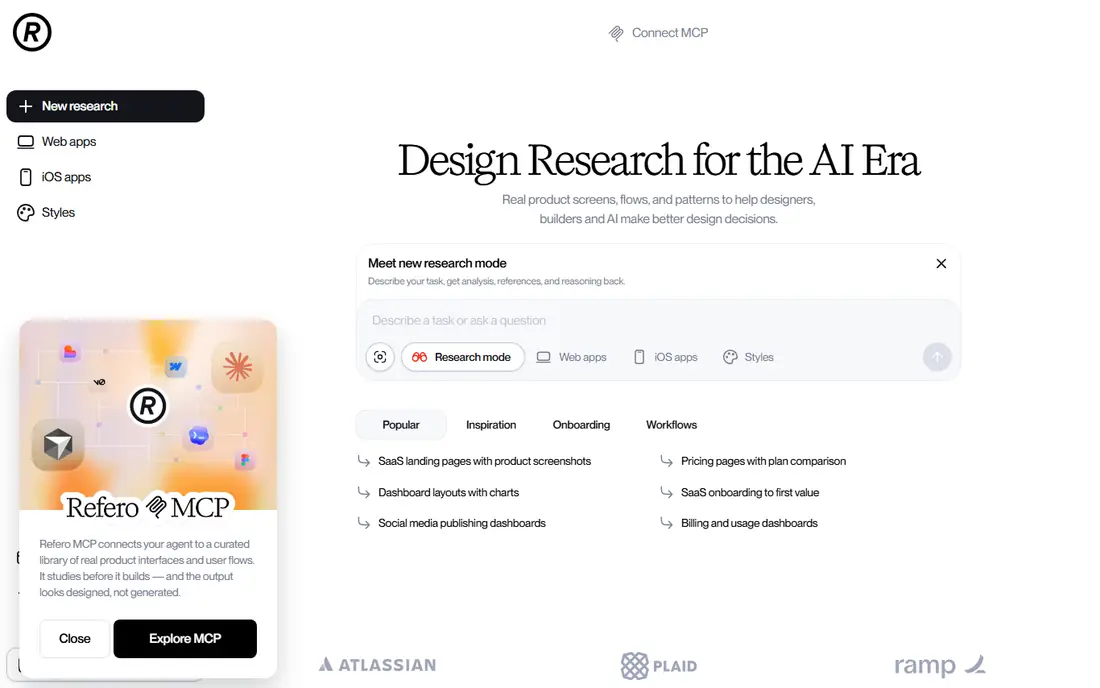
Refero is the most direct replacement for a team that wants breadth in one place. Its library covers web and iOS products, with screens grouped into flows and tagged by pattern, so you can move from a single onboarding screen to the full journey around it. Plain language search helps when you know the pattern but not the app that uses it.
The free tier is limited, so serious research will need the paid plan, billed yearly at $10 per month. That price is close to other paid libraries, and the Figma plugin helps teams bring references into a working file. If you need one library for both web and mobile work, Refero is our pick for most people.
- Large library of web and mobile screens
- Flows with metadata
- AI search and Figma plugin
- Free tier covers only a small share of the library
- Screen quality varies by product
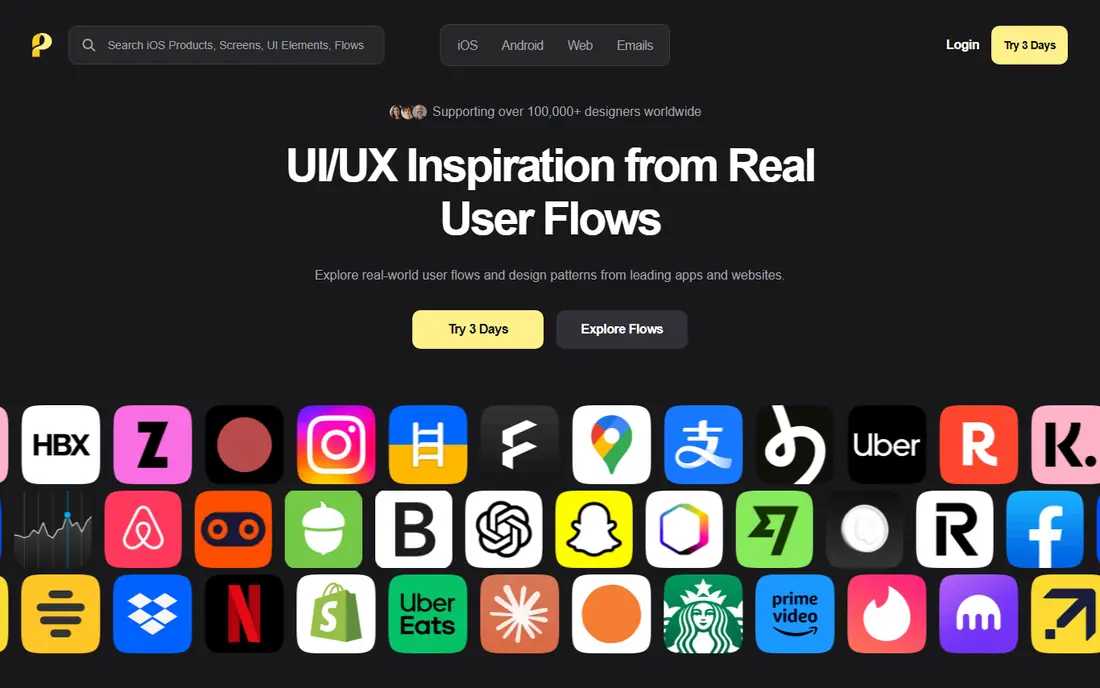
Page Flows takes a different angle from a screen gallery. It records user journeys as annotated videos, so you can watch onboarding, checkout, or settings changes step by step with notes on each screen. That format helps when the order of steps and the wording on each screen matter more than a single pretty layout.
Pricing is $99 per year, which works out to $8.25 per month, after a short trial. Teams that do flow audits, teardown decks, or onboarding redesigns will get the most value here. Designers who mainly want to browse single screens for visual ideas may prefer Refero or NicelyDone alongside it.
- Video journeys with step notes
- IOS, Android, web, and email coverage
- Focused flow research
- Trial is short
- Screen browsing is less central than flow viewing
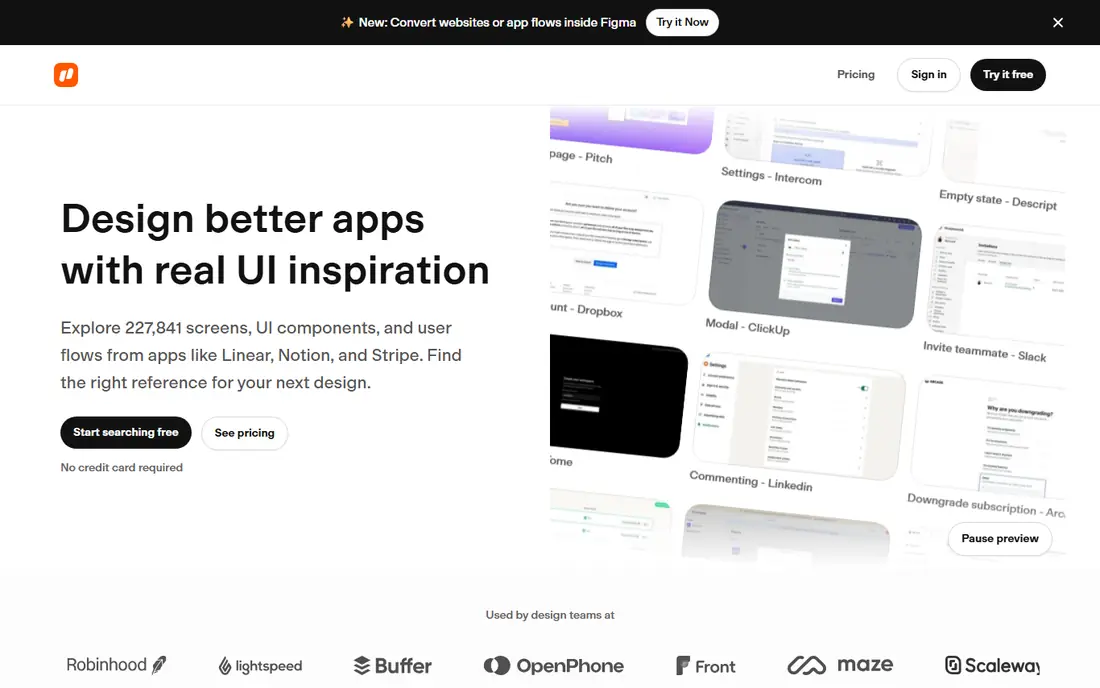
NicelyDone focuses on SaaS web products, which makes it useful for dashboard, pricing, and settings work that mobile libraries cover thinly. Screens are organized by product and flow, and search inside screenshots helps find a specific pattern such as a billing table or an empty state. The library size is large enough for benchmarking against real competitors.
The catch is platform scope. If your work is mostly mobile apps, NicelyDone will not replace a mobile library. The free plan gives a small number of screen previews, so teams should budget for Solo at $15 per seat per month billed yearly. For web product teams, it is a focused and practical choice.
- Large SaaS web library
- Flows for web products
- Text search inside screenshots
- Web only
- Free plan allows only a small number of previews
ScreensDesign is built around top chart iOS apps, with session recordings that follow a user from first open through paywall and purchase. That makes it valuable for growth and monetization work, where the paywall copy, pricing layout, and purchase steps decide revenue. Revenue estimates sit alongside each app for context.
Pricing is $299 billed annually, or $39 monthly, which puts it above general libraries. Teams that do not work on iOS monetization will not get full value from it. For app teams that live and die by subscription screens, the recordings and paywall coverage justify a closer look.
- Session recordings of top iOS apps
- Paywall and purchase flows
- Revenue estimates
- IOS first
- Higher price than most libraries
- No free tier listed
Gummble suits designers who want a paid library without a yearly commitment. The monthly plan costs $9.99 and can be cancelled at any time, which helps freelancers and teams testing whether a reference library earns its place in a tight budget. Free browsing gives a read only taste of the catalog before paying.
The library is still growing, so it may not match the depth of the largest catalogs for every niche. That matters less for early stage research, mood boards, and pattern checks. If you want to try a paid library for one project without a yearly bill, Gummble is a sensible test.
- Monthly billing with no yearly lock in
- Free browsing tier
- Cross-platform screens and flows
- Smaller profile than larger libraries
- Paid features vary by plan
SaaSFrame is another web first library, with screens and flows from SaaS products sorted by industry and pattern. Search inside screenshots helps when you need a specific element, such as a pricing toggle or an onboarding checklist, rather than a whole product teardown. Figma access on paid plans helps teams reuse structure in their own files.
Pricing is $15 per month billed yearly, with monthly and quarterly options at higher monthly rates. The lack of a free tier means you should use the trial or demo content to judge fit before paying. For SaaS designers who want a clean, focused catalog, SaaSFrame is a solid option.
- Curated SaaS screens
- Search inside screenshots
- Figma files for some screens
- No free tier listed
- Web SaaS focus only
Lapa Ninja does one job well. It collects landing pages from real products, with filters that help you find layouts by category and style. That makes it useful at the start of a marketing site project, when you need to compare hero sections, pricing blocks, and feature grids before wireframes.
It is not a replacement for a full UI library. You will not find onboarding flows, settings screens, or app dashboards here in the same depth. As a free companion to a paid library, though, it is hard to beat for landing page work. Keep it in your bookmarks for marketing projects.
- Free landing page gallery
- Filters by style and category
- Quick browsing
- Landing pages only
- No full app flows
Dribbble is a different kind of reference. It shows portfolios and concept shots from designers around the world, which makes it great for color, type, and visual style. Browsing is free, and the community angle helps when you want to find a designer whose style fits a project.
The limit is that much of the work is concept rather than shipped product, and screens are rarely grouped into full flows. Use Dribbble for visual direction and mood boards, then check a real product library for how a pattern behaves across a full journey. Together, the two sources cover style and function.
- Huge community of designers
- Free browsing
- Useful for style and hiring research
- Concept work mixed with shipped products
- No structured flows
Behance, run by Adobe, hosts portfolios and case studies across design disciplines, including UI and UX work. Long form projects can show research, wireframes, and final screens together, which helps when you want the reasoning behind a design, not just the final layout. Browsing is free with an Adobe account.
Like Dribbble, Behance is not a structured library of shipped app flows. Search is by project and designer, not by pattern or flow step. It works best as a source of case studies and visual ideas, paired with Refero or Page Flows for pattern level research.
- Free browsing
- Long form case studies
- Broad creative disciplines
- Case studies vary in depth
- Not a structured screen library
How we picked these
We compared official pricing pages and product descriptions, and we checked that each product is still live as a separate service in October 2026. We favored libraries that show real products or clear portfolios, with search, filters, or flows that help a designer find a pattern quickly. We left out Screenlane, which merged into Page Flows, and the old UX Archive library, which is no longer a reliable separate product.
How to use a reference library well
Start with the question, not the gallery. Write down the pattern you need, such as onboarding for a paid app or a pricing page for a SaaS tool, and the platform it must work on. Search that pattern first, then compare three to five examples side by side instead of collecting dozens of screenshots.
Next, note what each example does at each step. For a flow, record the screen order, the main action, and the copy that moves the user forward. For a single screen, note hierarchy, spacing, and the one action that matters most. That short note turns browsing into research you can share with a team.
Finally, do not copy a layout outright. Use references to test your own idea against real products, then adapt the pattern to your brand, content, and users. Check the live product when you can, since libraries can lag behind redesigns, and keep a note of the date you checked a reference.
Frequently asked questions
What is the best free mobbin alternative?
For free browsing, Lapa Ninja, Dribbble, and Behance all work without a paid plan, and Refero and Gummble offer limited free tiers. Free options suit early ideas and style research. For full flows and large libraries, a paid plan on Refero or Page Flows gives far more depth.
Is Refero better than Page Flows?
It depends on the job. Refero is better for browsing many screens and patterns across web and mobile. Page Flows is better for watching a full journey step by step in video form. Many teams use Refero for pattern research and Page Flows for flow audits, rather than choosing only one.
Do these libraries show real shipped apps?
Refero, Page Flows, NicelyDone, ScreensDesign, and SaaSFrame focus on real shipped products. Dribbble and Behance mix shipped work with concept work and portfolios, so check whether a shot is a real product before treating it as a pattern benchmark.
Can I use screenshots from these libraries in client work?
You can use them for internal research and reference, but you should not present another product's screens as your own design or reuse their branding and copy in a shipped product. Use references to inform your work, then create original layouts, copy, and visuals for the client.
Why do older lists mention Screenlane and UX Archive?
Screenlane merged into Page Flows in July 2024, and the older UX Archive library is no longer available as a separate reliable product. Older articles still list them, so check the current site before paying or planning research around a tool that may have changed.
How much should I pay for a UI reference library?
Most paid libraries in this list cost $10 to $25 per month on yearly billing, with monthly options higher. Start with a free tier or a monthly plan, track how often you actually open the library during a project, and only move to yearly billing once the habit is proven.
Sources
See where you really rank - block by block
ProMapRanker scans Google Maps across a grid of your service area. Simple monthly plans from $19, white-label on every plan.
Start freeKeep reading
 zscaler alternatives
Best Zscaler Alternatives in 2026
Looking for zscaler alternatives? We compare 9 SASE and zero trust platforms on architecture, data protection, pricing, and fit for your network and team.
Read → zapier alternatives free
Best Zapier Alternatives Free in 2026
Nine automation tools for zapier alternatives free in 2026, all with genuinely free tiers, plus free plan limits, starting prices and upgrade paths explained.
Read → which platform is best for online reputation
Which Platform Is Best for Online Reputation in 2026
Wondering which platform is best for online reputation? We compare 8 review, listing, and response tools for small and multi-location businesses and agencies.
Read →