 ProMapRanker
Best Mintlify Alternatives in 2026


Friendly editor with Git sync · Pricing starts at: $65 per site per month
Key takeaways
- GitBook is our pick for mixed teams that want a friendly editor plus Git sync for product and developer docs.
- ReadMe and Redocly suit API-first products that need interactive references, try-it features and governance.
- Docusaurus and MkDocs suit teams that want full control and no licence cost, in exchange for hosting and maintenance work.
- Document360 and Archbee suit larger or support-led teams that need approvals, roles and knowledge base structure.
- Docus and Stoplight suit teams that care about design-led API docs and OpenAPI workflows respectively.
Quick comparison
| Pick | Great for | Pricing starts at | Free tier | |
|---|---|---|---|---|
| GitBook | Friendly editor with Git sync | $65 per site per month | Yes | Visit |
 ReadMe | Interactive API docs | $250 per month | Yes | Visit |
 Docusaurus | Open source docs sites | Free | Yes | Visit |
 Redocly | OpenAPI governance and docs | See website | Yes | Visit |
 Stoplight | API design and docs | See website | Yes | Visit |
 Document360 | Knowledge bases at scale | See website | Free trial | Visit |
 Archbee | Product docs for small teams | $50 per month | No | Visit |
 MkDocs | Lightweight Markdown docs | Free | Yes | Visit |
 Docus | Design-led docs sites | See website | Yes | Visit |
The best Mintlify alternatives
Mintlify is popular for docs-as-code teams that want polished documentation from Markdown files in Git, with API references and AI search. People look for alternatives when pricing grows, when non-developers need a friendlier editor, or when API governance matters more than design polish. These nine tools cover hosted, open source and API-first options, and we compared their official pricing pages, docs and feature notes.
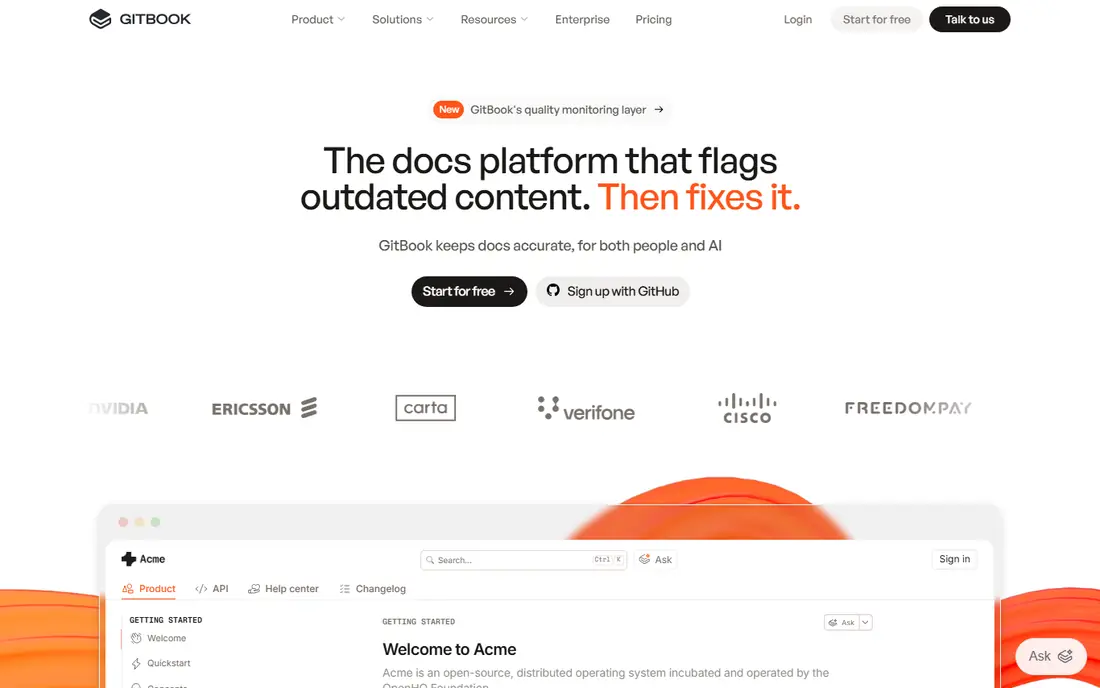
GitBook is the most balanced hosted alternative for teams where writers and engineers both edit docs. Non-developers get a block editor that feels like a modern document tool, while engineers can keep content in Git and review changes in pull requests. That mix reduces the bottleneck where only developers can publish a docs change.
The price is the main watch point. GitBook charges per site plus per user on higher tiers, so a team with several sites can see costs rise quickly. AI search and assistant features also sit higher up the plan ladder. If your team is mixed and you want a polished hosted site, GitBook is still a strong first choice.
- Polished editor that non-developers can use
- Git sync for code review
- Good search and site structure
- Costs grow with sites and users
- AI features sit on higher plans
- Customisation is less open than a self hosted site
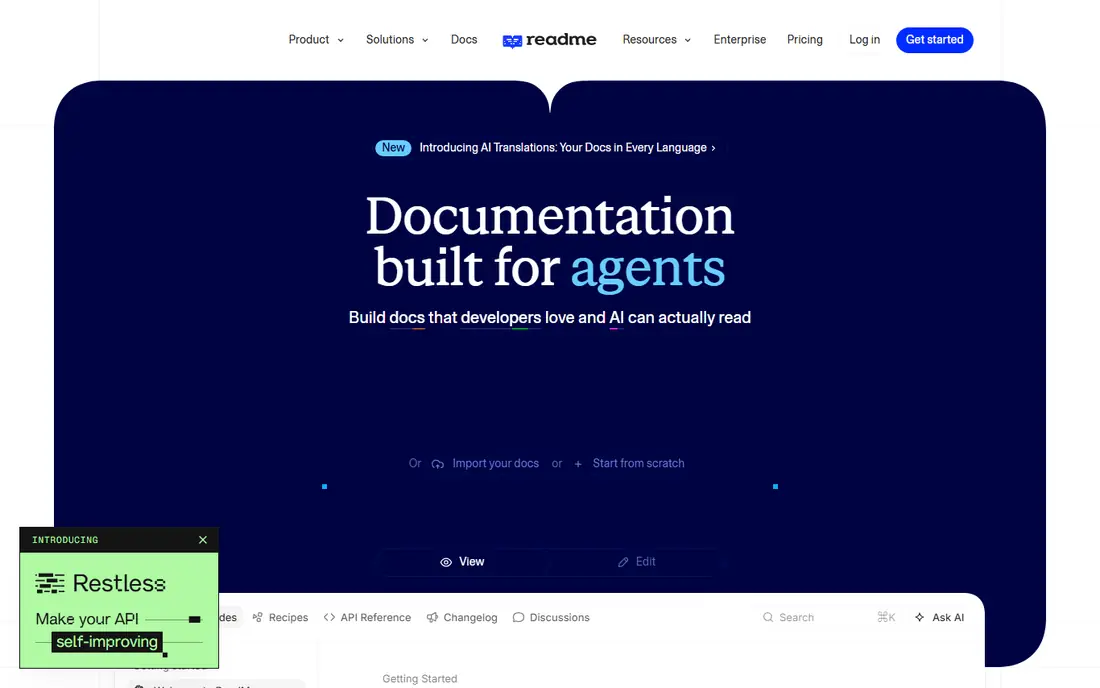
ReadMe is built for API-first companies that want developers to try an API from the docs, not just read about it. Its interactive reference, code samples and developer hub features help adoption, and its analytics show which endpoints get used. For a company whose API is the product, that focus is worth paying for.
For a small team, the starting price is steep, and extra teammates add cost. ReadMe is also less compelling if you mainly need general product guides without a large API surface. Choose it when API adoption is a business goal, not when you only need a simple help site.
- Strong interactive API reference
- Developer hub features
- Usage data for API adoption
- High starting price for small teams
- Team seats add cost
- Less suited to general product docs alone

Docusaurus is the open source standard for docs sites built from Markdown in a repository. You control the theme, the hosting and the build, and versioning lets you keep docs for older releases alongside current docs. Many open source projects and developer teams use it because there is no licence cost and no vendor lock-in for content.
The trade-off is effort. You need to set up hosting, search, analytics and updates, and there is no built-in reader AI unless you add it. For a team with developer time, that control is a benefit. For a team without developers, a hosted tool will save more time than Docusaurus saves in fees.
- Free open source software
- Full control over design and hosting
- Strong Markdown and versioning support
- You own hosting, search and maintenance
- No built-in AI search
- Setup needs developer time
Redocly suits teams that treat an OpenAPI specification as the source of truth. It can generate polished reference docs from a spec, lint specs for style and breaking changes, and govern many APIs in one place. That governance matters when several teams publish APIs and consistency becomes hard to maintain by hand.
If your docs are mainly guides, tutorials and product notes, Redocly alone may feel narrow. It works best alongside a guides tool or as part of an API platform. For API-heavy teams that need control over specs, it is one of the strongest Mintlify alternatives.
- OpenAPI native docs and linting
- Strong governance for API specs
- Good for large API portfolios
- Less suited to general product guides
- Pricing depends on seats and features
- Setup needs API spec discipline
Stoplight covers the full API lifecycle, from design and mocking to documentation. A team can design an API, mock it for front end work, and publish docs from the same spec, which reduces drift between what is documented and what is built. Style guides help keep naming and structure consistent across teams.
That breadth comes with a learning curve, especially for teams that only need docs and do not design APIs in Stoplight. General product documentation is also thinner than in a dedicated docs platform. Choose Stoplight when API design and governance are part of the job, not just publishing a reference.
- API design, mocking and docs in one place
- OpenAPI and Git workflows
- Style guides for consistency
- Learning curve for design workflows
- Hosted pricing varies
- General docs features are thinner than GitBook
Document360 fits larger teams and support-led organisations that need control over who can publish what. Approval workflows, roles, versioning and a structured knowledge base help when many authors contribute and content must be reviewed before it goes live. It is also a good fit when the same platform must serve customer help content and internal guides.
For a small developer docs site, Document360 can feel heavy and expensive, and its pricing is often quote based. API reference features are present but not the core strength compared with ReadMe or Redocly. Choose it when governance and scale matter more than docs-as-code polish.
- Approval workflows and roles
- Strong knowledge base structure
- AI search on paid plans
- Pricing is quote based for many teams
- Can feel heavy for a small docs site
- API docs are not the main focus
Archbee is a straightforward product documentation tool for small and mid sized teams that want a clean site without a large platform. It supports Git sync, team editing and a pleasant reading experience, and its price is easier to predict than per-user models that grow quickly. For a team moving from a simple wiki, Archbee feels like a step up without a steep learning curve.
The limits are scale and ecosystem. There is no free plan, only a trial, and the integration and template ecosystem is smaller than GitBook. AI features also sit on paid tiers. If you want a simple, affordable hosted docs site and do not need enterprise governance, Archbee is worth testing.
- Simple product docs workflow
- GitHub and GitLab sync
- AI assistant on paid plans
- No free plan, trial only
- Smaller ecosystem than GitBook
- Advanced features need higher tiers
MkDocs is the lightest open source option on this list, ideal for a small project, an internal guide or a simple product site. It builds a clean site from Markdown files, and themes and plugins cover search, navigation and code highlighting. A developer can have a working site in an afternoon.
Like Docusaurus, MkDocs gives you no hosted service, editor or AI search out of the box. API reference support depends on plugins and spec tooling, so API-heavy teams may need extra work. For a small, fast, low cost docs site, MkDocs is hard to beat.
- Free and very light
- Fast to set up for small sites
- Large theme and plugin community
- You own hosting and maintenance
- API reference features need plugins
- No hosted editor for non-developers
Docus is a documentation theme and framework for Nuxt, aimed at teams that want a modern, design-led docs site. It handles Markdown content, navigation and search in a clean package, and it suits product sites where design and reading experience matter. If your team already uses Nuxt, Docus fits naturally into that stack.
If your team does not use Nuxt, or if non-developers need to edit docs without code, Docus is less convenient than GitBook or Document360. It also needs hosting and developer setup. Choose Docus when design and a Nuxt workflow are priorities, not when you need a general hosted editor.
- Polished design for Nuxt based sites
- Markdown content with modern components
- Good for product sites
- Nuxt ecosystem focus
- Hosting and setup need developer skill
- Less suited to non-technical writing teams
How we picked these
We compared official pricing pages, documentation and feature notes for documentation platforms that are live in October 2026. We kept only tools that offer a clear Mintlify alternative in editor experience, Git workflow, API reference or governance, and we used See website where pricing is quote based or depends on seats. We used Free where an open source tool or a published free tier is available.
We did not claim hands-on testing. Our judgement comes from published plans, workflows and feature scope, not from building a full docs site in each tool. Check the current pricing page and trial limits before migrating, because docs pricing changes often.
How to choose a docs platform without a painful migration
Start with who writes the docs. If non-developers write most content, choose a friendly editor such as GitBook or Document360. If developers write in Git and review in pull requests, choose a docs-as-code tool such as Docusaurus, MkDocs or a hosted tool with strong Git sync. That single choice will shape daily work more than any feature list.
Next, check API needs, search and pricing at your team size. An API-first product needs an interactive reference and spec governance, while a general product needs good search and structure. Price the tool for your real team size and site count, not for a single user, and test migration with a small section of docs first. A trial that imports your real content will reveal editing, search and navigation problems before you move everything.
Frequently asked questions
What is the best Mintlify alternative for a small team?
GitBook is a strong hosted choice for mixed teams, while Docusaurus or MkDocs suit developer-led teams that want no licence cost. Archbee is a simpler paid option for small product teams. The best pick depends on who writes, how much you want to host yourself, and whether you need API references.
Is there a free Mintlify alternative?
Yes, Docusaurus and MkDocs are free open source tools, and GitBook, ReadMe, Redocly, Stoplight and Docus offer free plans or tiers. Free plans usually limit sites, users or AI features, so check limits before you rely on one for a production site. Hosting costs still apply to self hosted tools.
Which Mintlify alternative is best for API documentation?
ReadMe is best for interactive, adoption focused API docs, while Redocly and Stoplight are best for OpenAPI governance and design. GitBook also handles API references well for general product docs. Choose ReadMe for developer adoption, and Redocly or Stoplight for spec control across many APIs.
Can I keep my docs in Git with these alternatives?
Yes, in most cases. Docusaurus and MkDocs are Git native, GitBook and Archbee offer Git sync, and Redocly and Stoplight work from OpenAPI specs in Git. Document360 and ReadMe offer import and sync options, but the workflow differs. Check whether sync is two-way, because one-way import can create extra work.
How hard is it to migrate from Mintlify?
Migration is usually straightforward for Markdown content, but navigation, components, API references and AI search may need rework. Export your content, test a small section in the new tool, and check links, images and code samples before moving the full site. Allow time for search setup and redirect planning if your URLs change.
Sources
See where you really rank - block by block
ProMapRanker scans Google Maps across a grid of your service area. Simple monthly plans from $19, white-label on every plan.
Start freeKeep reading
 zoro.to alternatives
Best Zoro.to Alternatives in 2026
We compare the best zoro.to alternatives in 2026, listing only legal licensed anime streaming services, from Crunchyroll to free options for fans today.
Read → zip alternatives
Best Zip Alternatives in 2026
We compare the best zip alternatives for buy now, pay later in 2026, covering pay-in-4 plans, fees, spending limits, and credit reporting options today.
Read → yesware alternatives
Best Yesware Alternatives in 2026
Compare the best yesware alternatives for sales email tracking, templates, and sequences, with current pricing and honest tradeoffs for small sales teams.
Read →